
Excel library
Excel Lookup Formulas
Lookup formulas find a value in one place and bring back a related value from somewhere else: a price for a product code, a name for an employee ID, a rate for a date. Most spreadsheets that pull data together depend on one.
Start with VLOOKUP if you are on an older version of Excel or sharing files with people who are. Use XLOOKUP in Microsoft 365 and Excel 2021 or later: it looks left as well as right, returns a default instead of #N/A, and handles exact and approximate matches without a sorted table. INDEX MATCH works in every version and is the usual choice when you need two-way or multi-criteria lookups.
The tutorials below cover multiple criteria, partial and wildcard matches, closest matches, returning several results, and fixing the errors lookups most often throw.
Start here
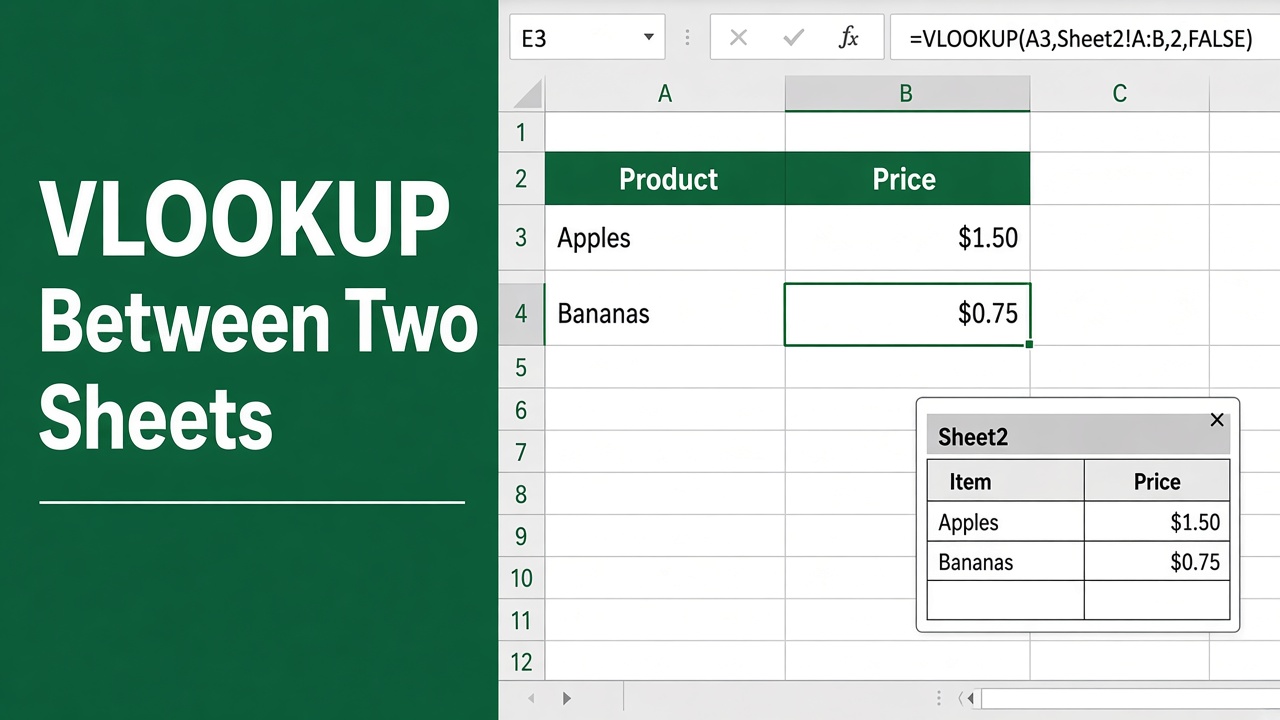
How to Use VLOOKUP Formula in Excel? (Example Between Two Sheets Included!)
Master the VLOOKUP formula in Excel with a step-by-step guide on linking data across two sheets. Elevate your spreadsheet skills today!
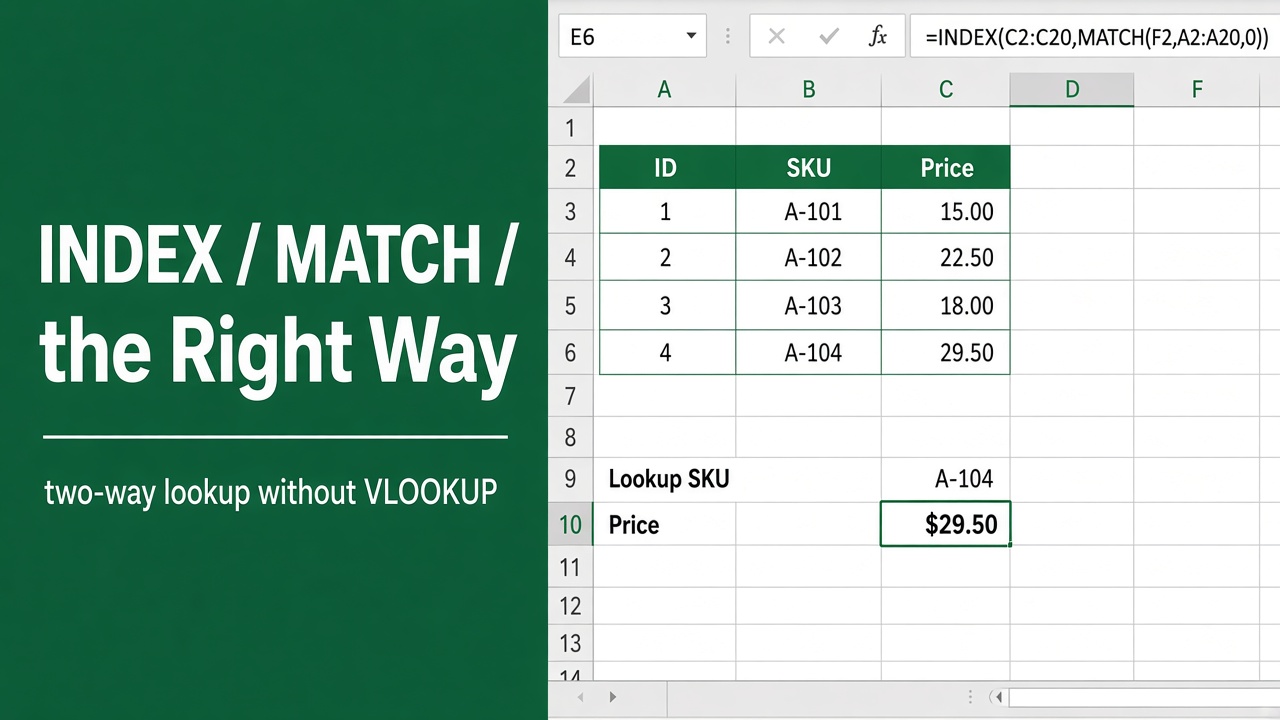
How to Use the Index Match Excel Formula (The Right Way)
Master Excel’s INDEX MATCH formula for efficient data lookup and retrieval. Learn syntax, examples, and pro tips in this comprehensive guide.
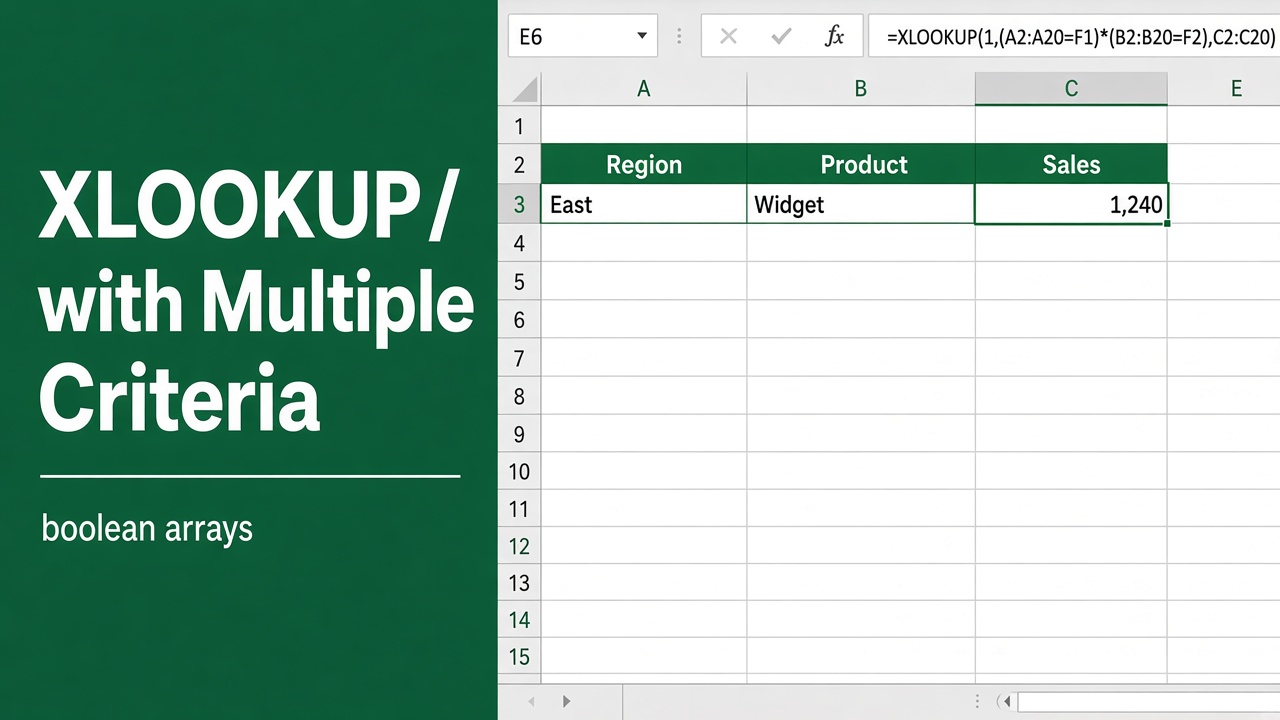
Use XLOOKUP with Multiple Criteria in Excel: Easy Guide
Learn how to use XLOOKUP with multiple criteria in Excel. This detailed guide includes examples, formulas, and tips to simplify complex lookups.
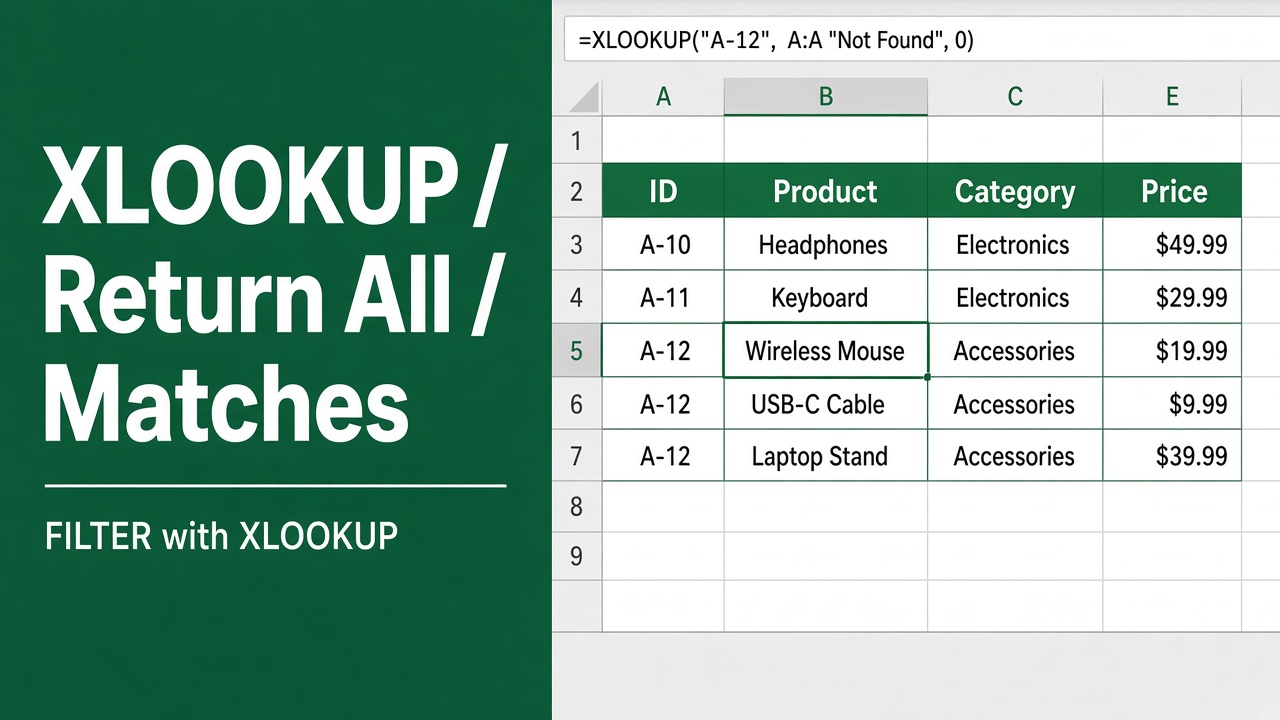
How to Make XLOOKUP Return All Matches? (5 Easy Methods)
Learn how to make XLOOKUP return all matches in Excel using FILTER, SEQUENCE, TEXTJOIN, INDEX-SMALL, and Power Query with step-by-step examples.
More in Lookup
- How to Use XLOOKUP in Excel With Two Workbooks: Easy Guide
- How to Use XLOOKUP to Find the Closest Match in Excel?
- How to Fix a #VALUE! Error in the VLOOKUP Function?
- How to Return a Value in Excel Based on Multiple Criteria?
- How to Return a Cell Reference in Excel: Easy Guide
- How to XLOOKUP Partial Match in Excel: Easy Guide
- How to use XLOOKUP on Filtered Data: A Comprehensive Guide
- How to Use VLOOKUP with Multiple Columns in Excel?
- How to VLOOKUP Part of a Cell Text in Excel?
- How to Use IFERROR with XLOOKUP: A Complete Guide
- How to Copy Source Formatting When Using VLOOKUP in Excel?
- HLOOKUP Formula in Excel: How to Use and Master It
- Excel FILTER Function with Formula Examples: Detailed Guide
- How to Use Excel Formula to Find First Value Besides 0?
- How to Use XLOOKUP to Return Multiple Values in One Cell?
- Use VLOOKUP with Multiple Table Arrays: A Complete Guide
- How to Use Wildcard with XLOOKUP: A Comprehensive Guide
- How to Use Excel VLOOKUP with CHOOSE Function: Expert Guide
- How to Use Excel’s CHOOSE Function with Filter?
- How to Use VLOOKUP to Find the Closest Match: Expert Guide
- How to Fix VLOOKUP Showing Formula Instead of Result in Excel?
- How to XLOOKUP Multiple Columns at Once: Easy Guide
- Excel Formula with Wildcard: How to Use Wildcards in Excel Formulas
- Excel Formula: How to Use VLOOKUP With Multiple Criteria
- How to Use Excel Formulas to List Values Based on Criteria?
- Excel Formula to Return Cell Value Based on Criteria
- How to Insert VLOOKUP Formula into a Cell Using Excel VBA?
- How to Copy VLOOKUP Formula in Excel Without Changing Range?
- Easy Formula to Get Value from a Merged Cell in Excel