
Excel library
Excel Formulas
Excel formula tutorials with worked examples: XLOOKUP, VLOOKUP, SUMIFS, IF, dates, text and more. See what each formula does and how to adapt it.
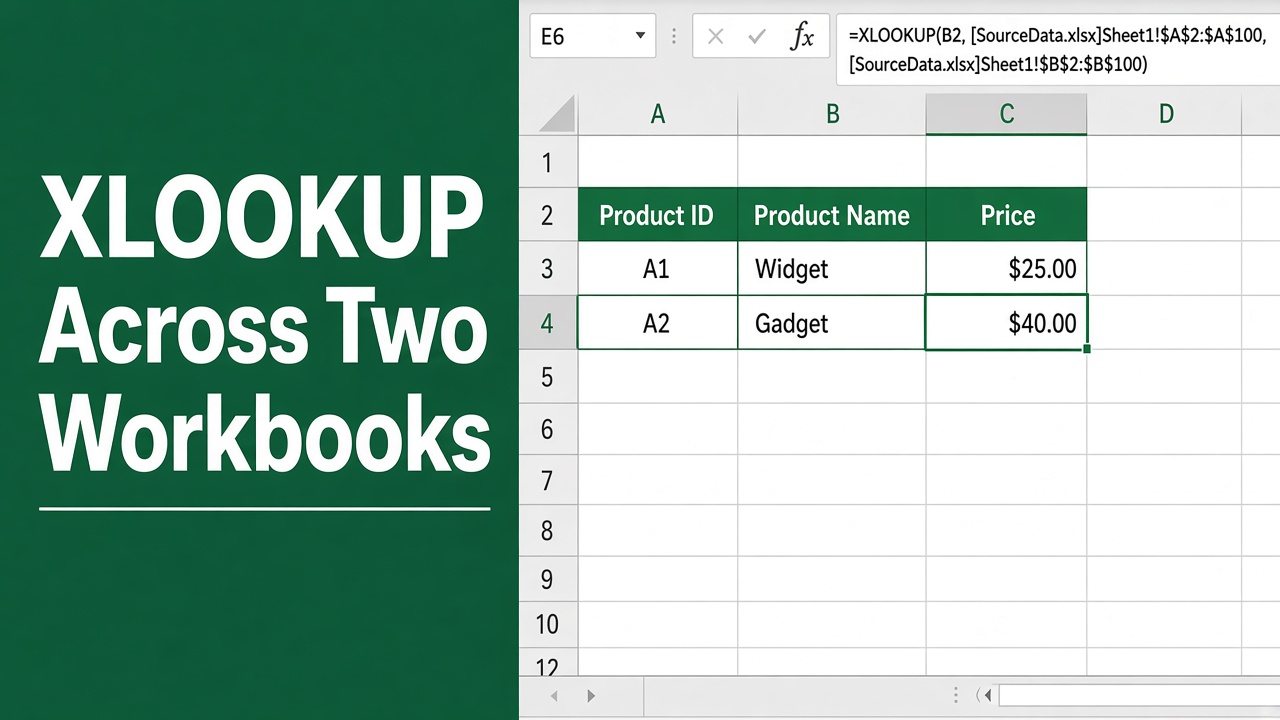
How to Use XLOOKUP in Excel With Two Workbooks: Easy Guide
Learn how to use XLOOKUP in Excel with two workbooks to find and return matching data across separate Excel files quickly and accurately.
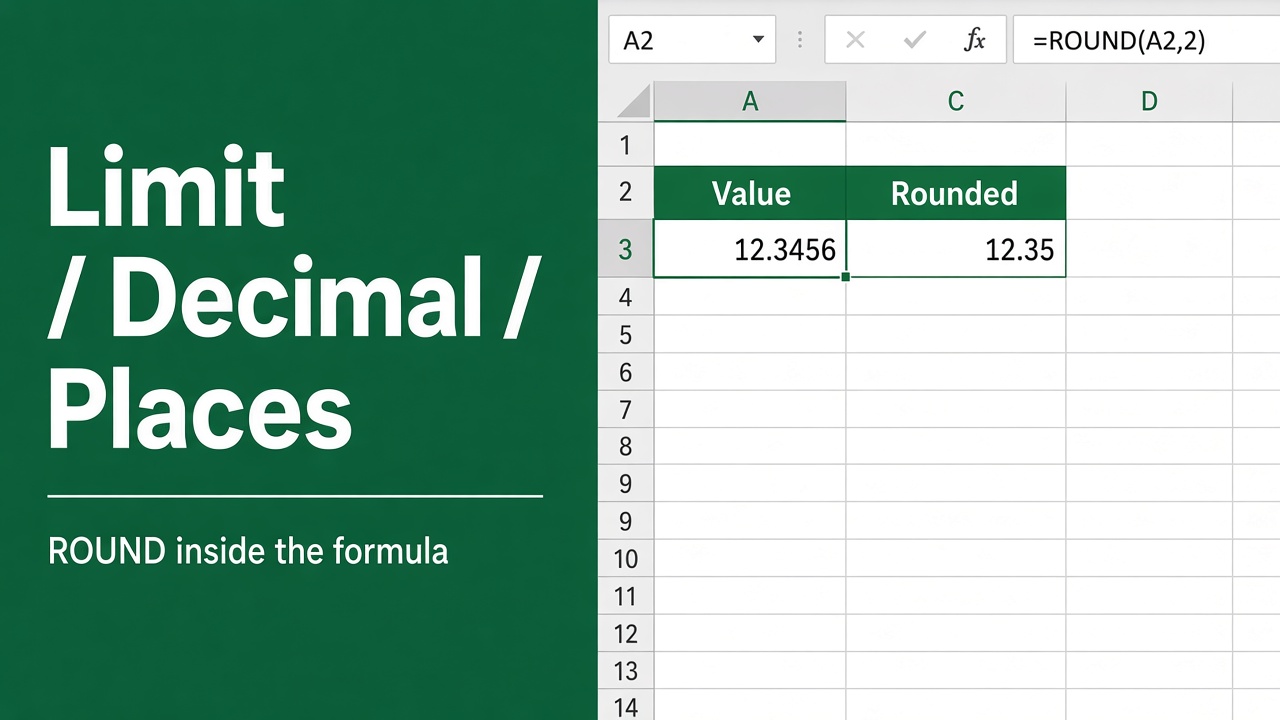
How to Limit Number of Decimal Places in Formula in Excel?
Learn how to limit decimal places in Excel formulas using ROUND, TRUNC, ROUNDUP, and ROUNDDOWN for accurate and clean calculation results.
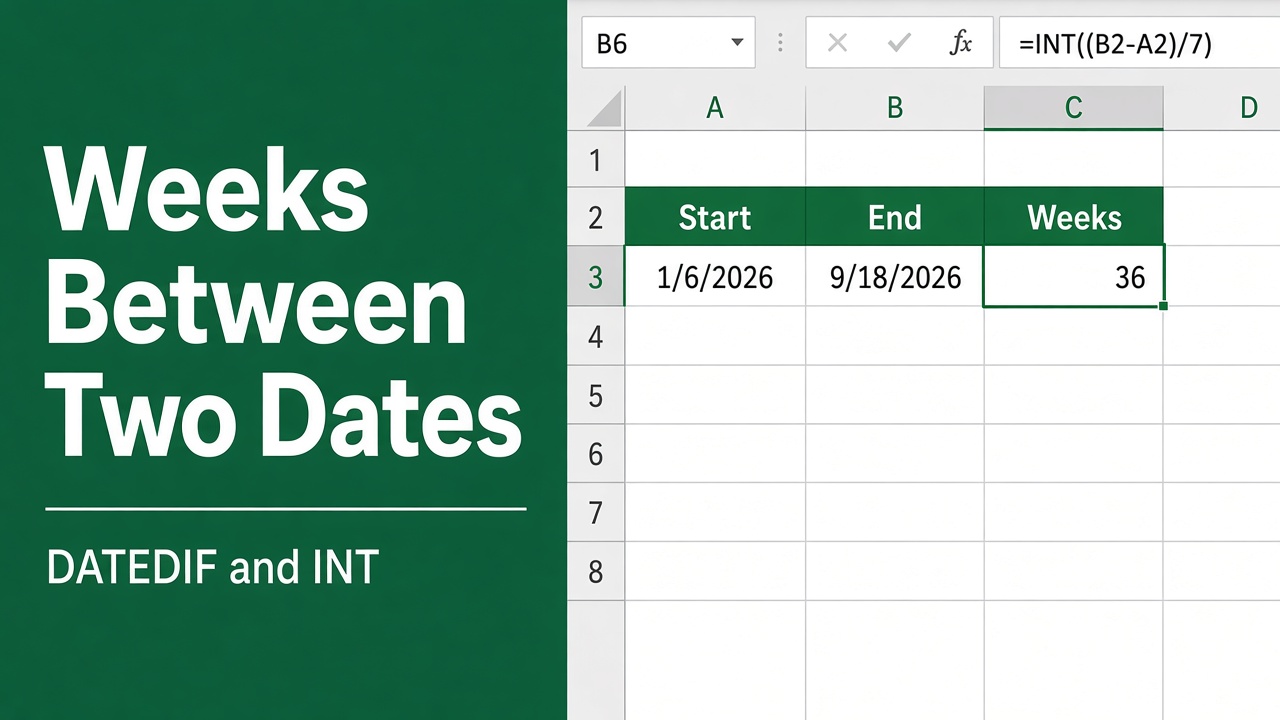
How to Calculate Number of Weeks Between Two Dates in Excel?
Learn how to calculate the number of weeks between two dates in Excel using simple formulas, full weeks, working weeks, and rounding methods.
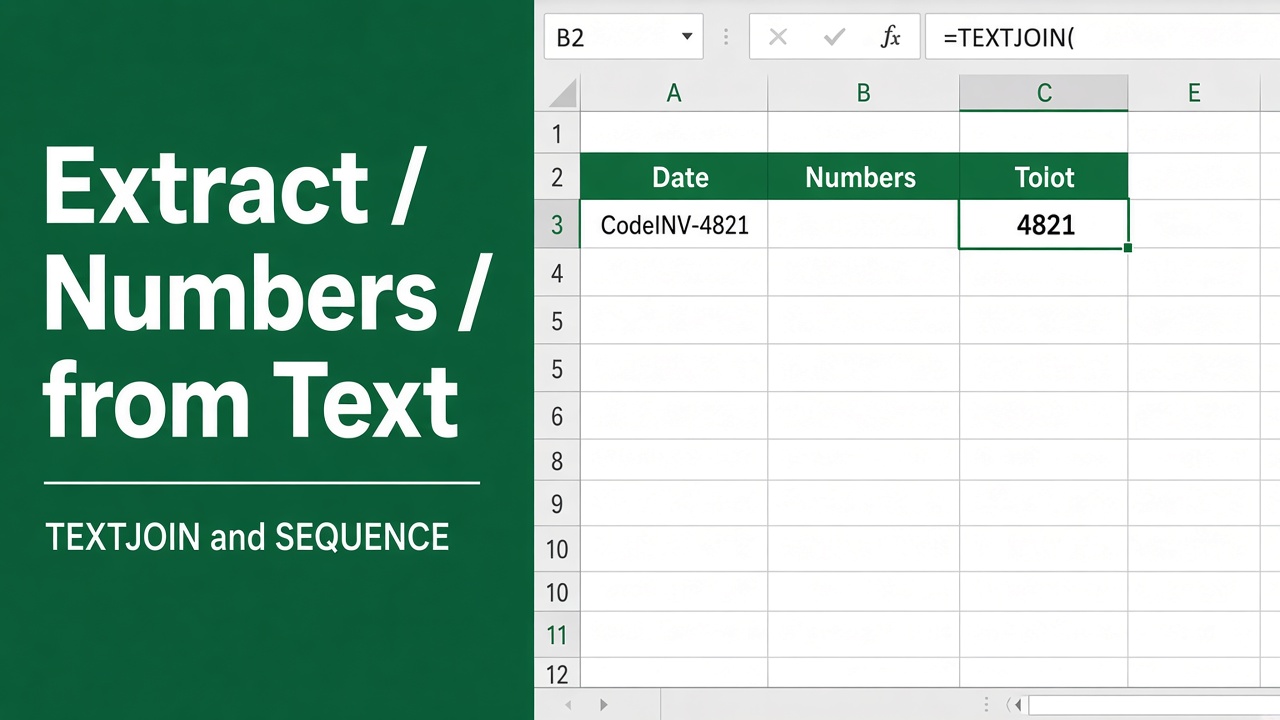
Easy Excel Formula to Extract Number from Text
Learn the best Excel formulas to extract numbers from text. Simple to advanced methods for cleaning data quickly. Fix messy spreadsheets.
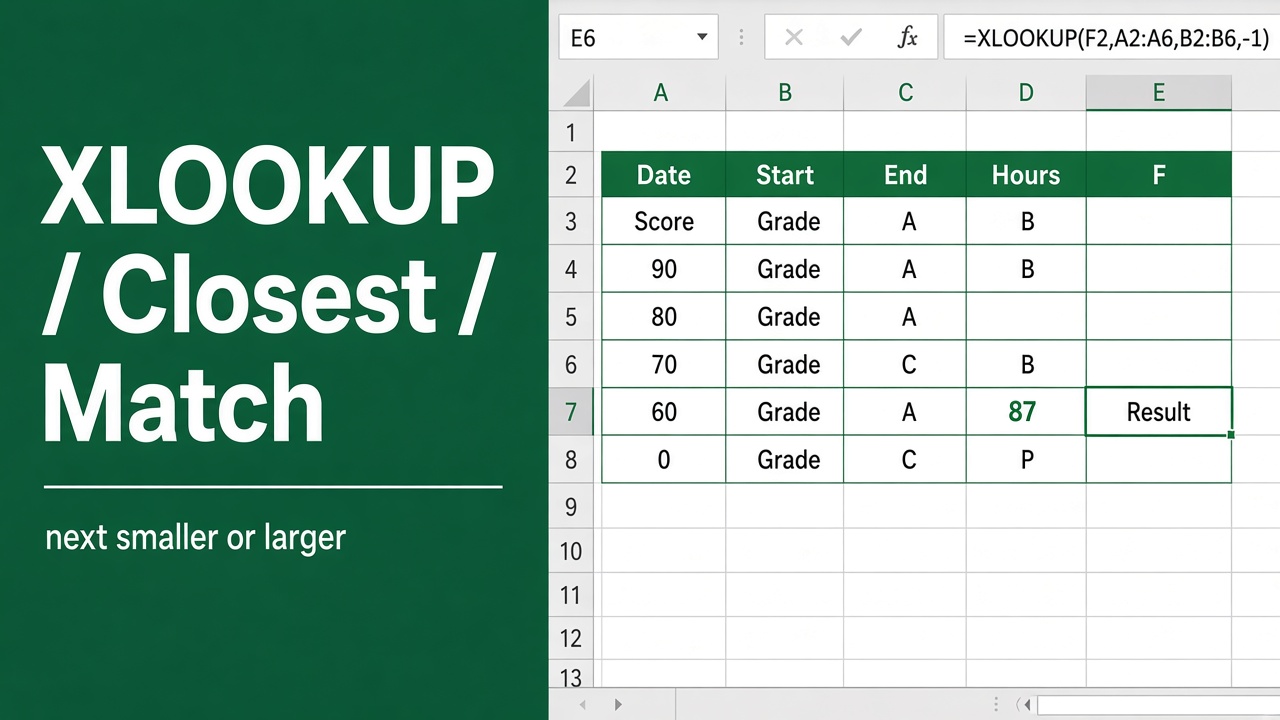
How to Use XLOOKUP to Find the Closest Match in Excel?
Learn how to use XLOOKUP to find the closest match in Excel. Step-by-step examples for next smaller and next larger values.
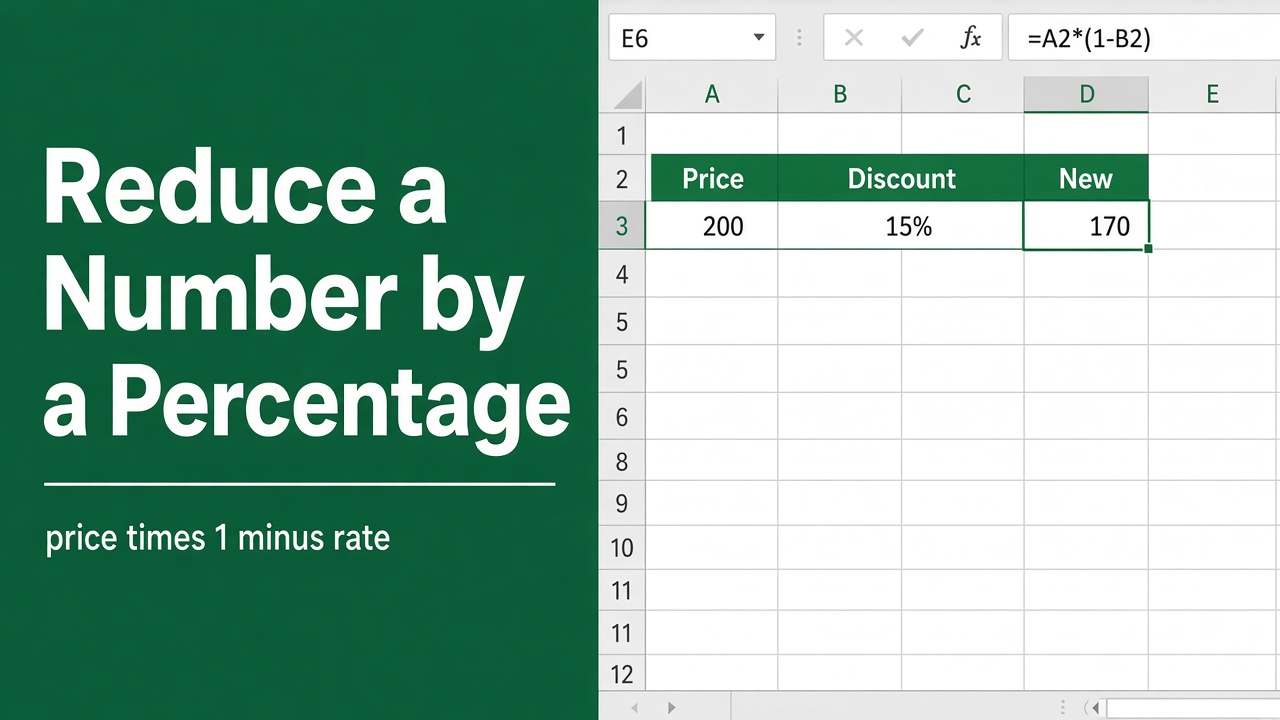
Easy Formula to Reduce a Number by a Percentage in Excel
Learn the simple Excel formula to reduce a number by a percentage. Step-by-step guide with examples for discounts, sale prices, and bulk calculations.
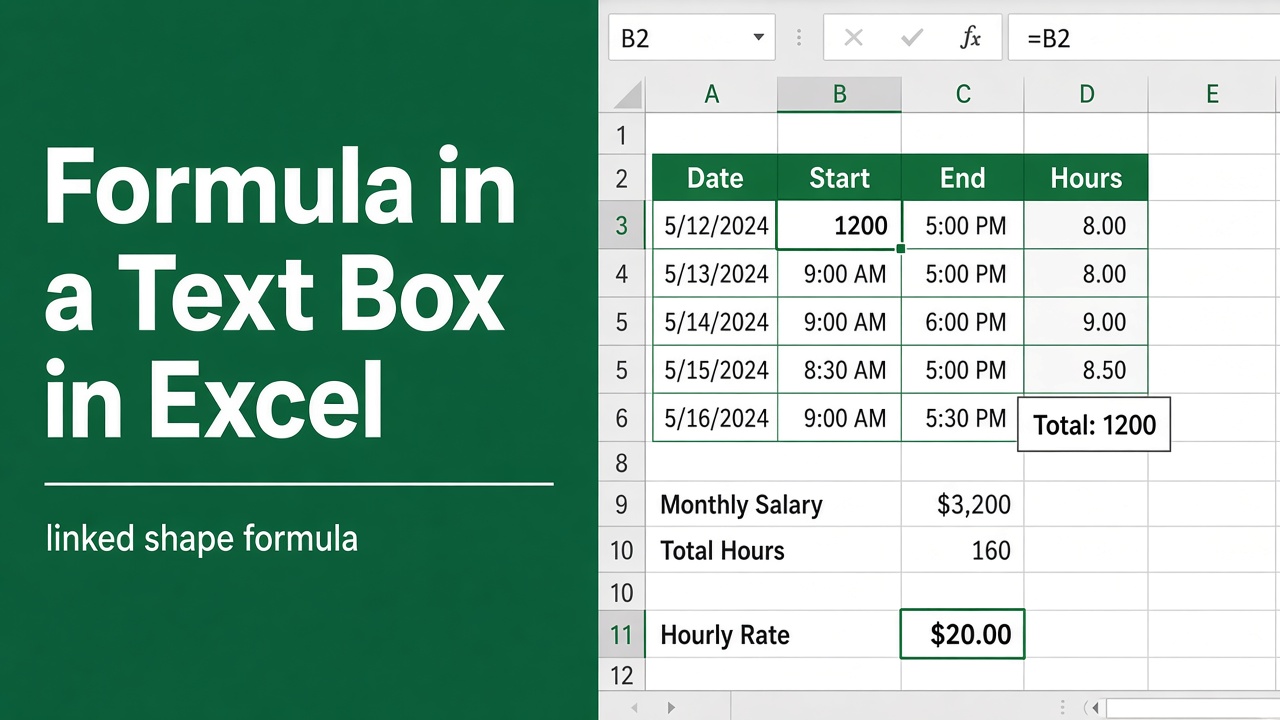
How to Create Formula in Text Box in Microsoft Excel?
Learn how to add live formulas in text boxes in Excel using cell linking, VBA, and Camera tool. Create dynamic dashboards that update automatically!
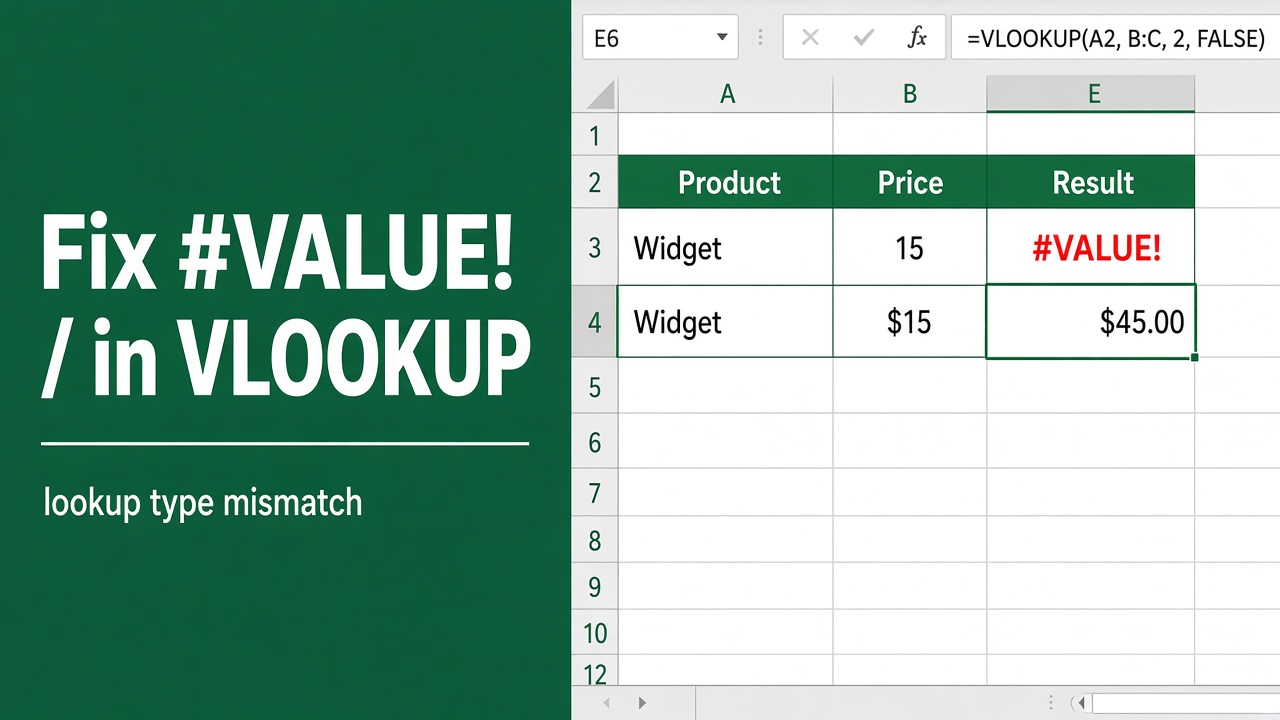
How to Fix a #VALUE! Error in the VLOOKUP Function?
Fix the #VALUE! error in Excel VLOOKUP with simple steps. Learn causes, data type fixes, cleanup tips, and formula corrections for smooth, accurate lookups.
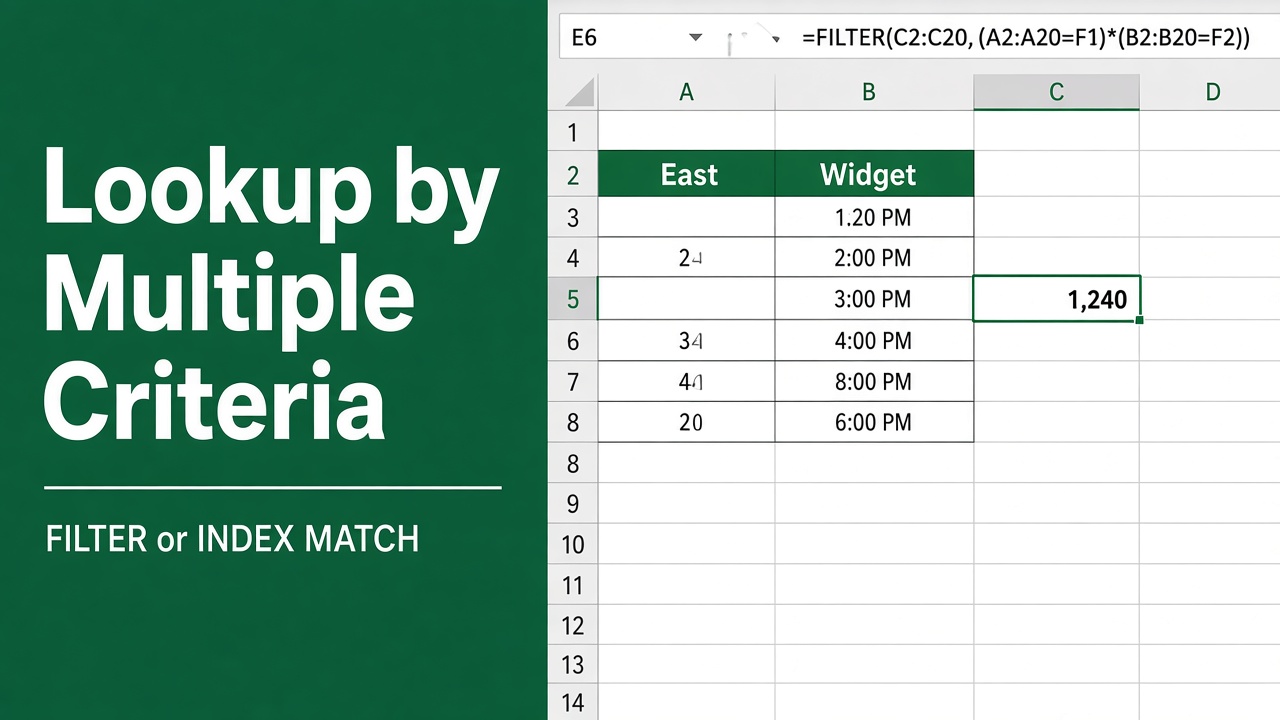
How to Return a Value in Excel Based on Multiple Criteria?
Return a value in Excel based on multiple criteria using INDEX MATCH, XLOOKUP, FILTER, and SUMIFS. Easy examples and formulas for accurate data lookup.
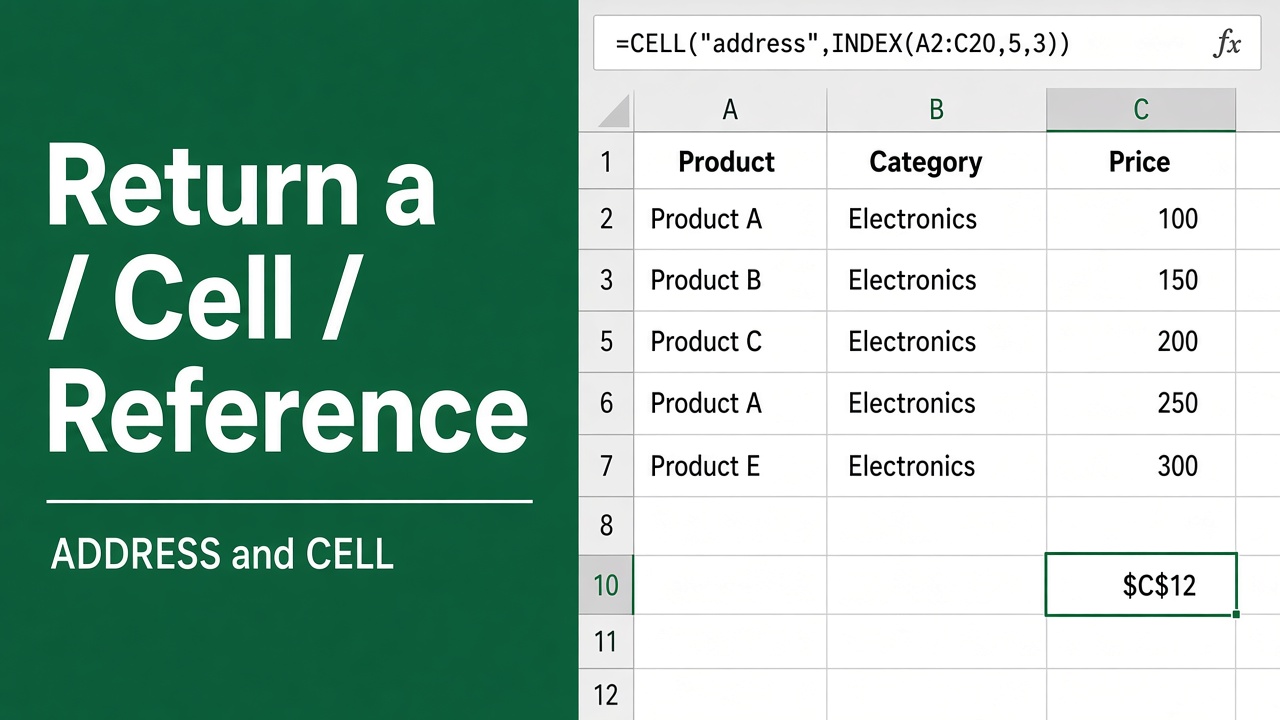
How to Return a Cell Reference in Excel: Easy Guide
Learn how to return a cell reference in Excel using ADDRESS, INDIRECT, INDEX, MATCH, and OFFSET. Simple explanations with examples for dynamic references.