
Excel library
Excel IF and Logical Formulas
Logical formulas let a cell decide what to show: pass or fail, a grade, a bonus rate, a warning when a value is out of range. IF is the core of almost all of them, and AND, OR and NOT let one IF test several things at once.
When you need more than two outcomes, nest IFs or use IFS in Excel 2019 and later. For long lists of bands, a lookup table is usually easier to maintain than a deep nest.
These tutorials cover multiple conditions, else-if chains, blank and not-equal tests, categorising values into ranges, and pairing IF with conditional formatting.
Start here
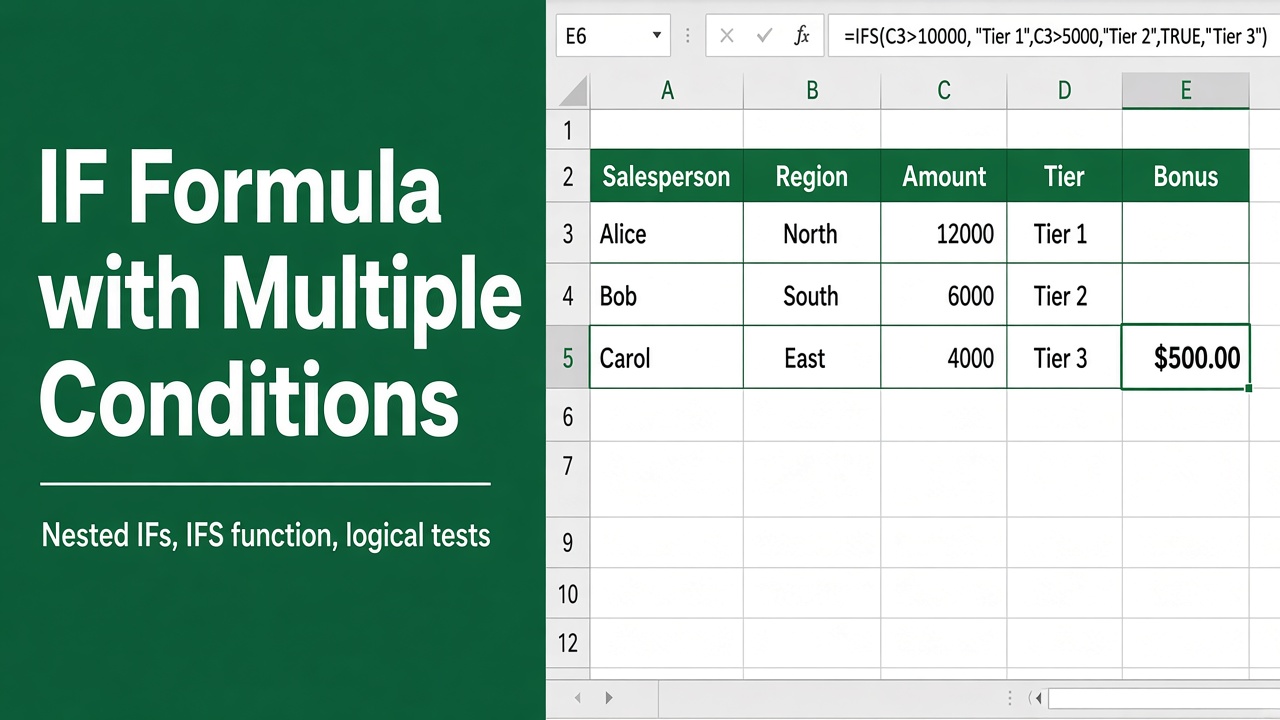
How to Use IF Formula in Excel with Multiple Conditions?
Learn how to use the IF formula in Excel with multiple conditions using AND, OR, and NOT functions. Simple examples and clear syntax explained.
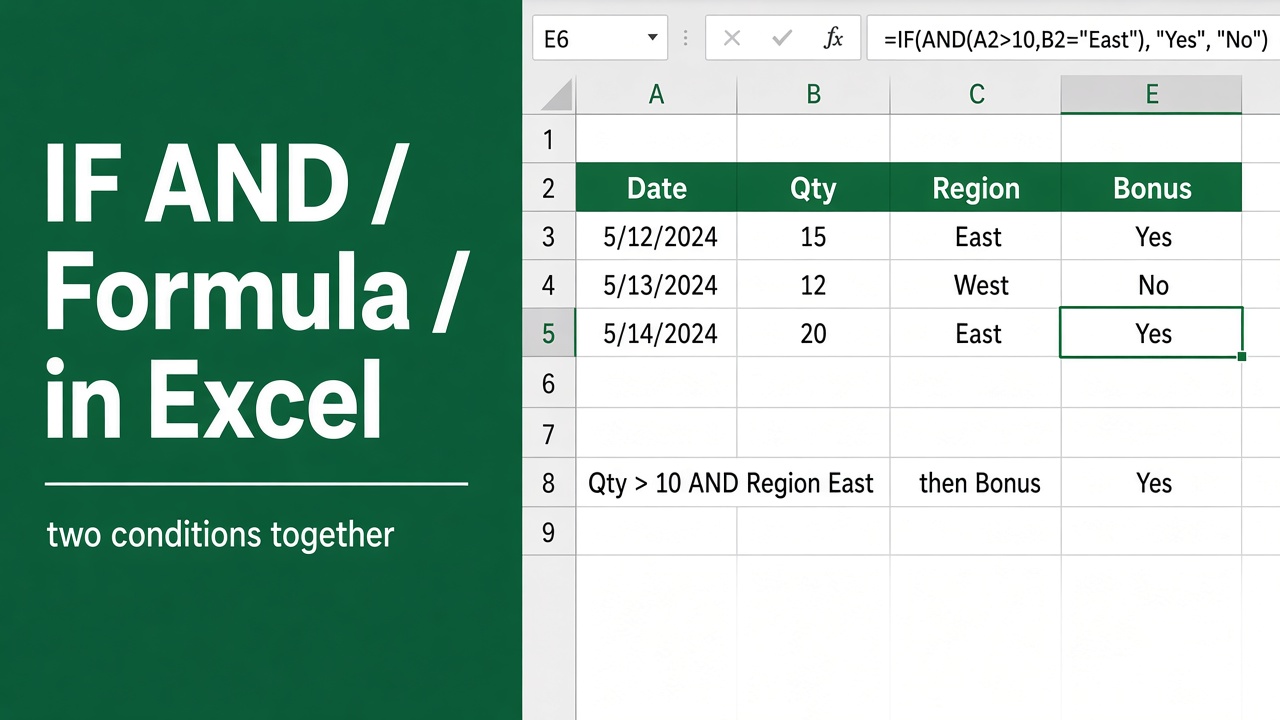
Excel Formula for IF AND: A Comprehensive Guide
Learn how to use the powerful IF AND formula in Excel to create conditional statements that check multiple conditions. Examples, tips & best practices included.
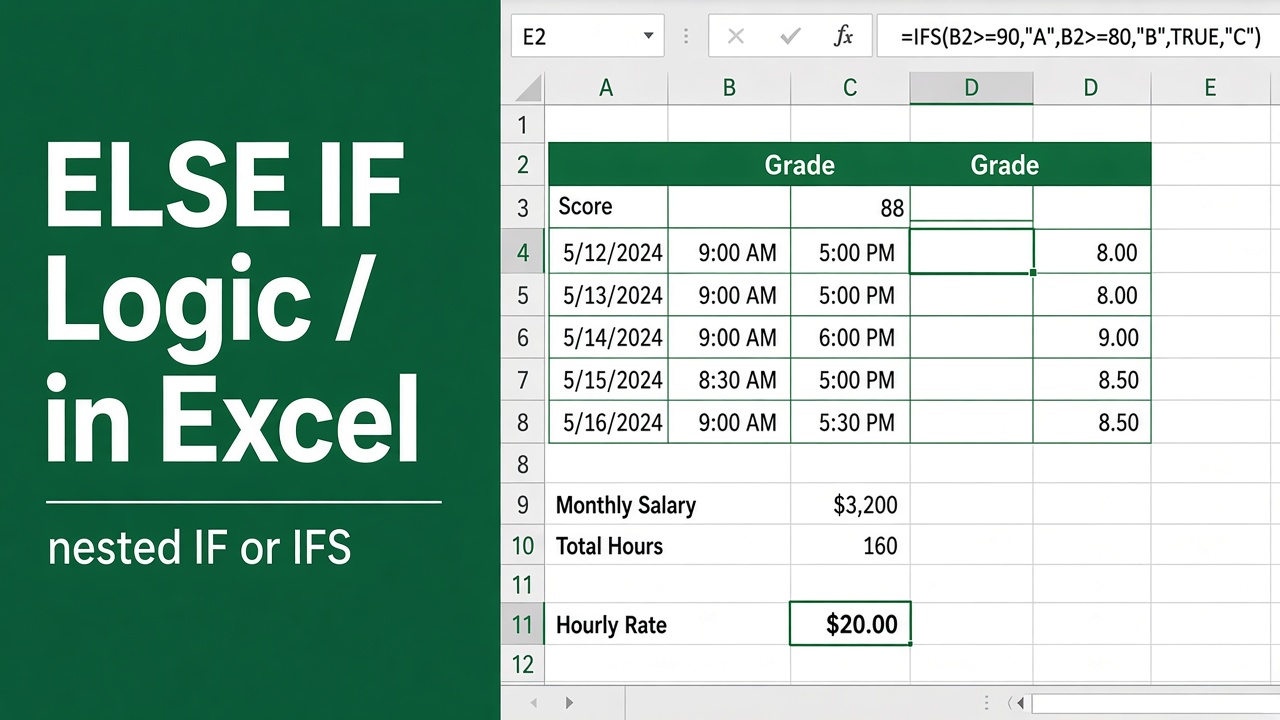
How to Use ELSE IF in an Excel Formula: A Complete Guide
Learn how to use ELSE IF in Excel with nested IF & IFS functions. Step-by-step examples, common mistakes, and best practices explained simply.
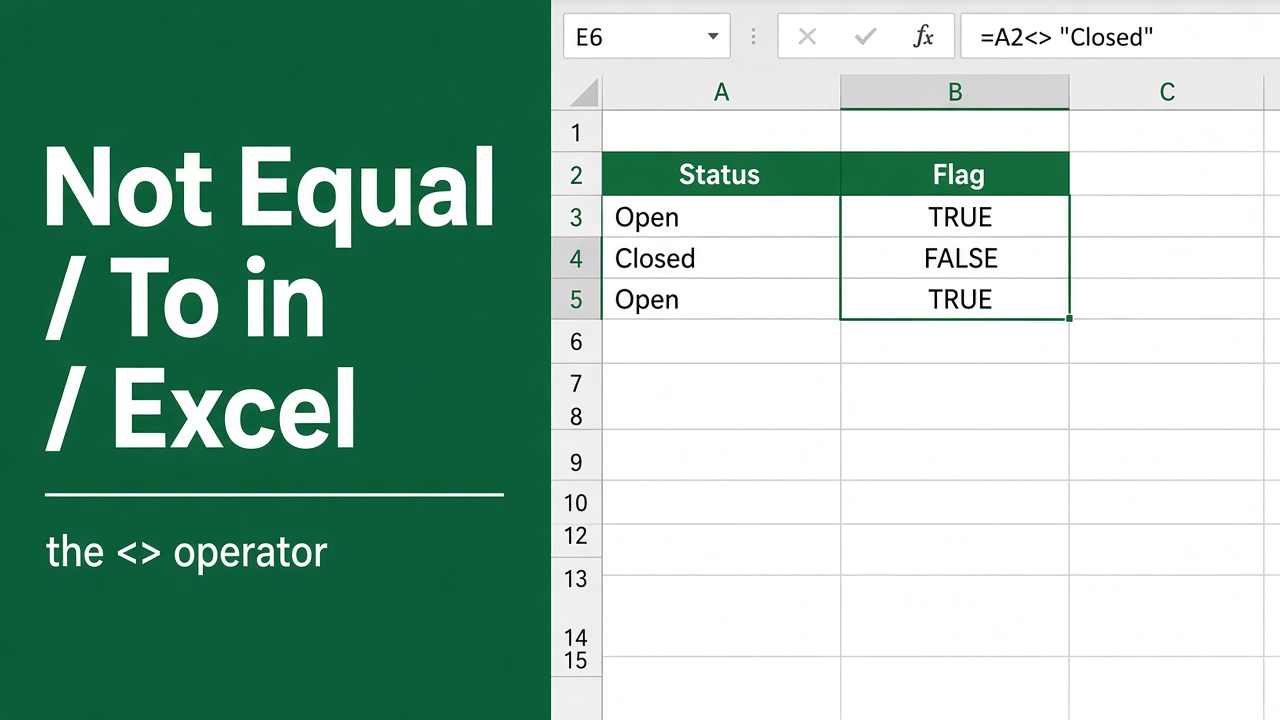
Excel Formula: How to Use “Not Equal To” in Your Spreadsheets
Learn how to use the Excel “not equal to” formula to filter and analyze data effectively. Discover tips, examples & powerful combinations with other functions.
More in IF & logic
- How to Use IF Function in Excel with 3 Conditions?
- Excel Formula for Pass or Fail: Simplify Your Grading Process
- Easy Excel Formula to Categorize Text with Keywords
- How to Use the Excel Yes or No Formula with Color?
- How to Calculate Grades in Excel Using Formulas?
- How to Use the Excel Formula for Not Equal to Blank?
- Easy Excel Formula for Pass or Fail with Color
- How to Use Excel Formula to Set a Maximum Value Limit?
- How to Use Excel Formulas to Get Values Based on Cell Color?
- How to Find Gender by Name in Excel Using Formula?
- How to Apply Formulas Based on Cell Values in Excel?
- How to Use Conditional Formatting in Excel with IF Formula?
- How to Change Font Color in Excel Without Using Conditional Formatting?
- How to Use the Excel IF Formula Without an ELSE Clause?
- Easy Excel Formula to Categorize Numbers by Range
- Create Excel Formula Based on Cell Color Without VBA
- How to Stop an Excel Formula Calculation After a Condition Is Met?