
Excel library
Excel How-To Guides
Practical Excel how-tos: charts, printing, data validation, importing and converting files, and fixes for errors that stop a workbook working.
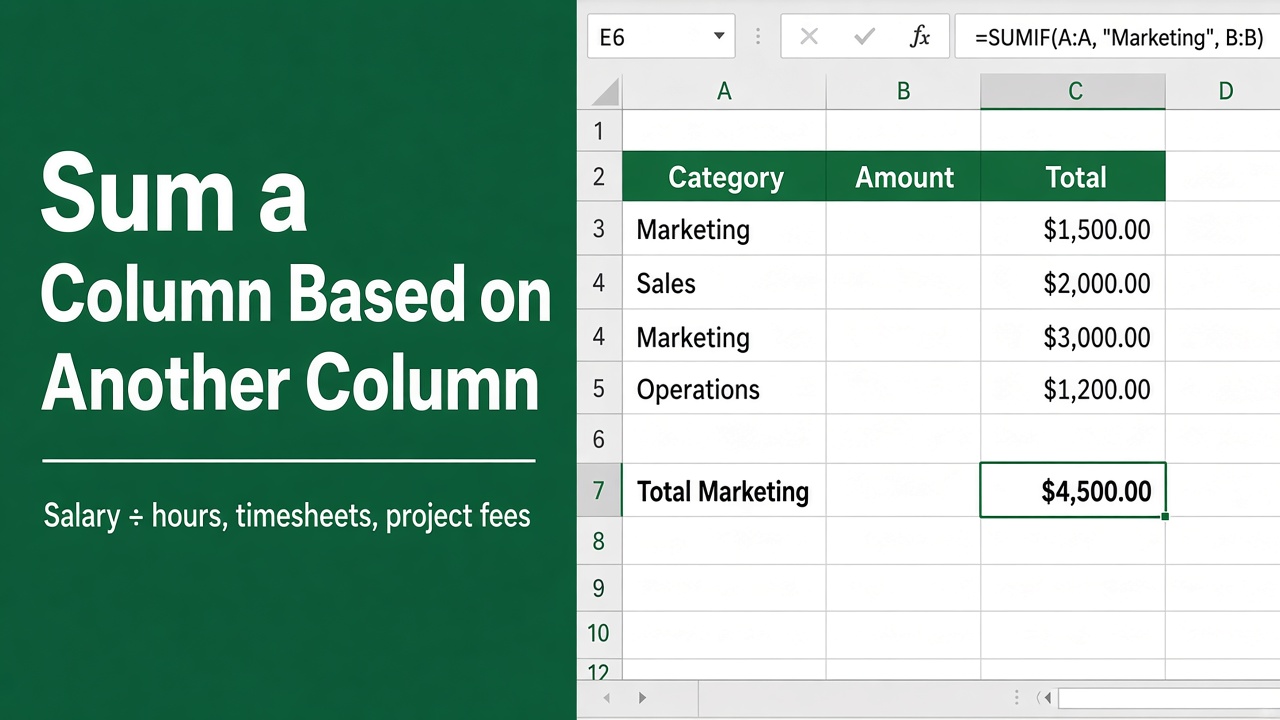
How to Sum a Column Based on Another Column Value in Excel?
Learn how to sum a column based on another column value in Excel using SUMIF, SUMIFS, and simple formulas with clear, practical examples.
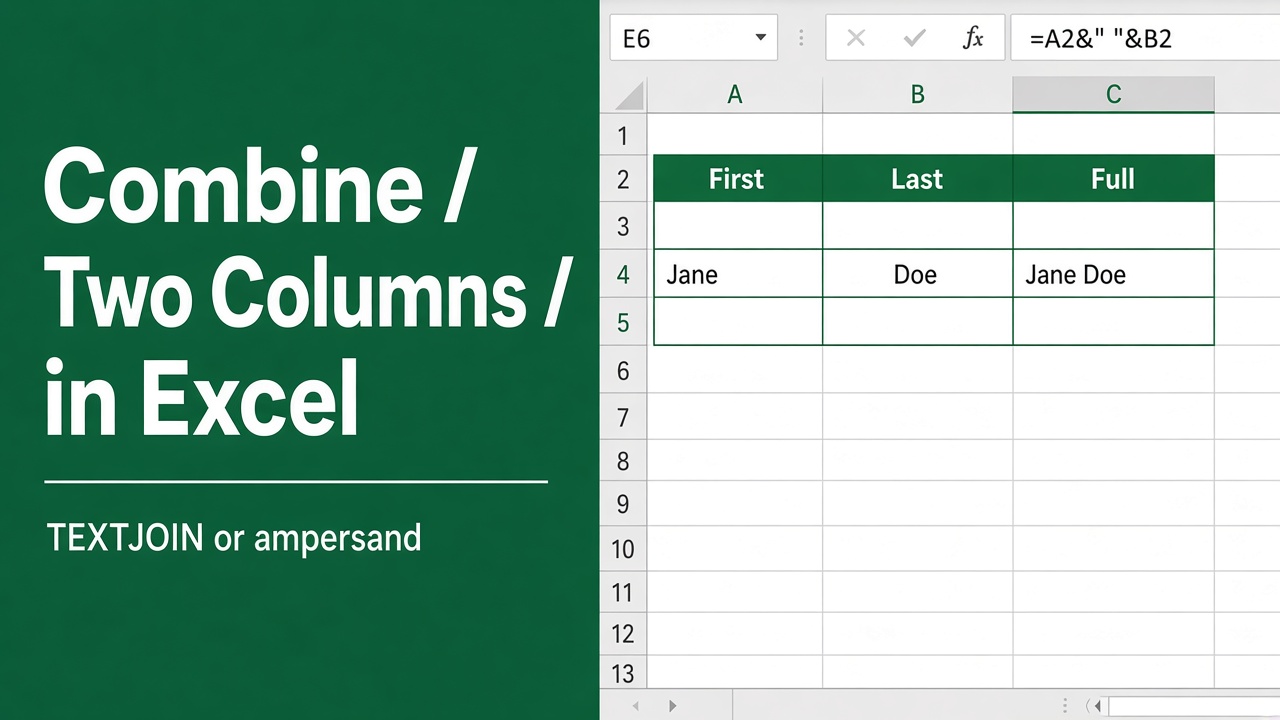
How to Combine Two Columns in Excel?
Learn how to combine two columns in Excel using &, CONCAT, TEXTJOIN, and Flash Fill. Follow simple step by step methods to merge data quickly and accurately.
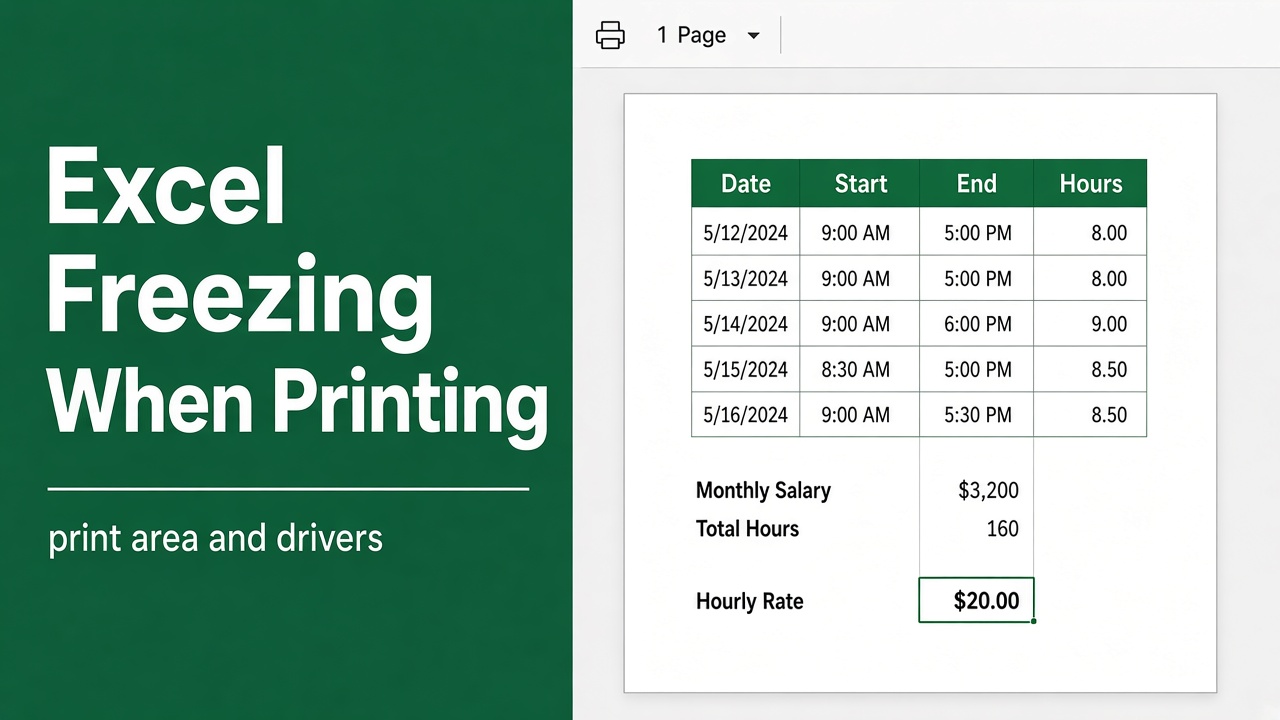
How to Fix Excel Freezing When Printing: Easy Guide
Fix Excel freezing when printing with these easy steps. Update drivers, disable add-ins, repair Office, and more. Get your spreadsheets printing again fast.
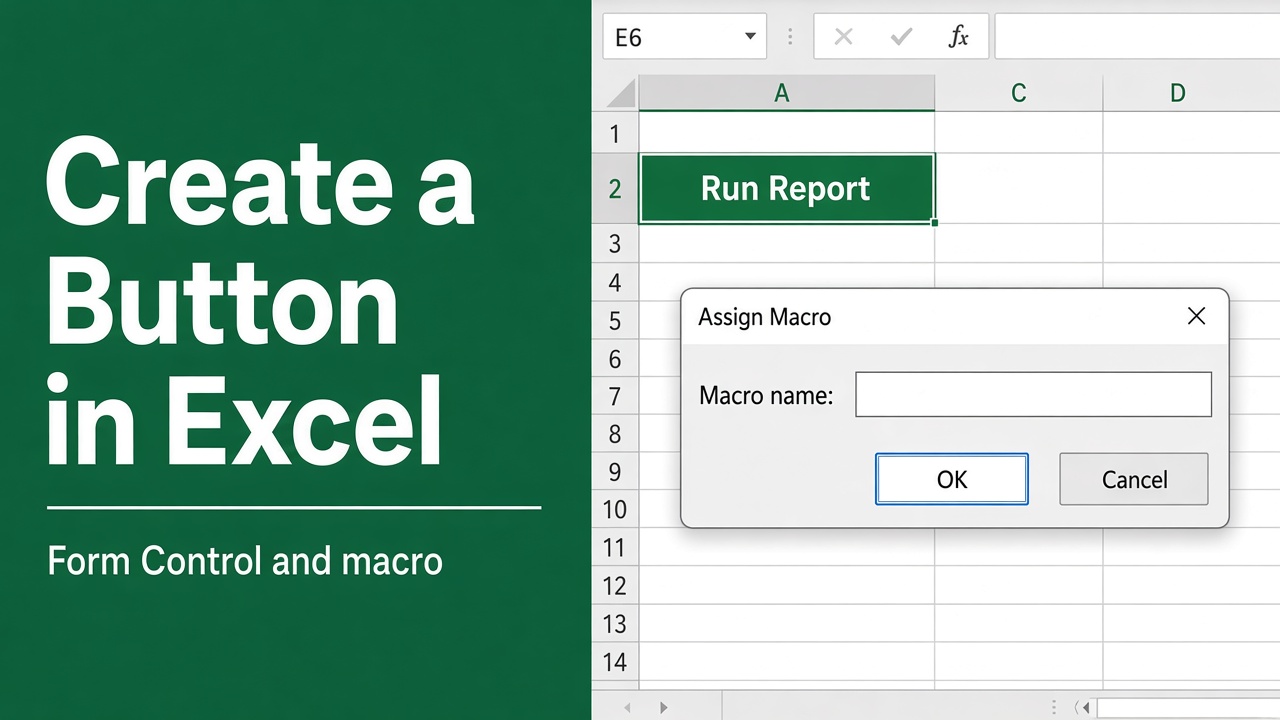
How to Create a Button in Excel? (Easy Guide)
Learn how to create a button in Excel with step-by-step instructions, macros, Form Controls, shapes, and VBA automation tips.
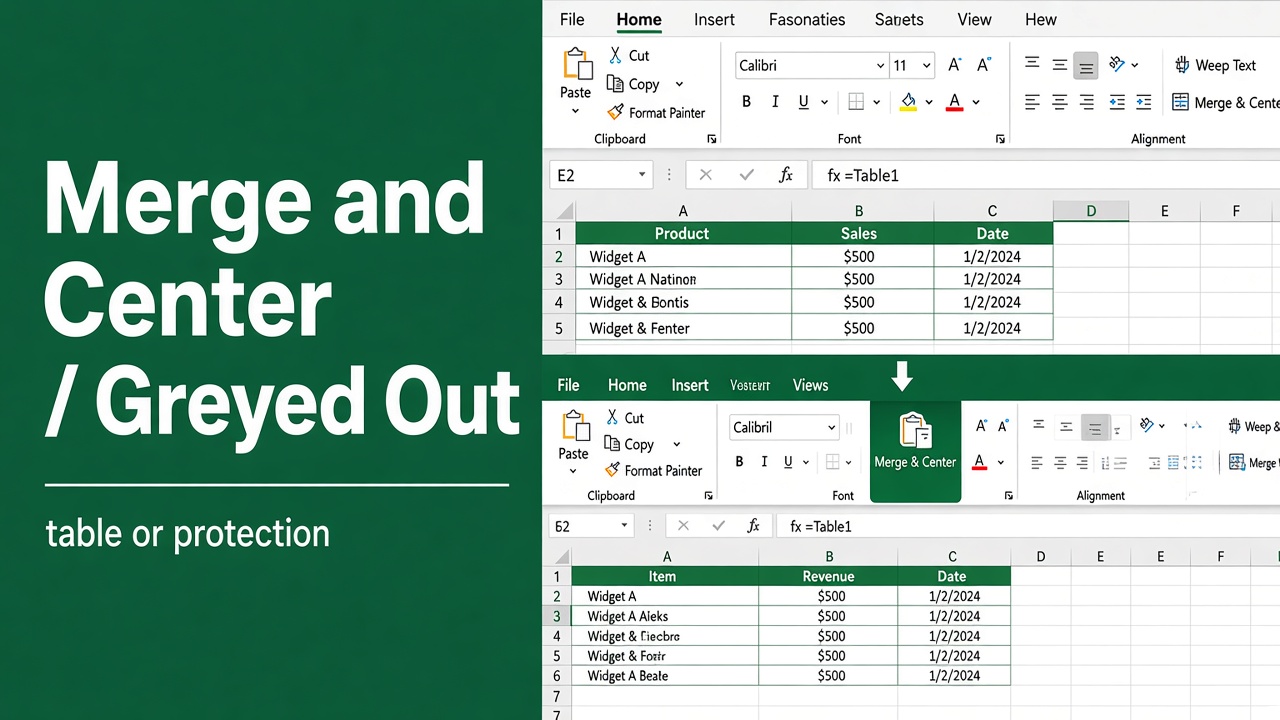
Merge and Center Greyed Out in Excel? Here’s How to Fix It
Fix the “Merge and Center is greyed out in Excel” error with easy solutions for protected sheets, tables, shared workbooks, and more.
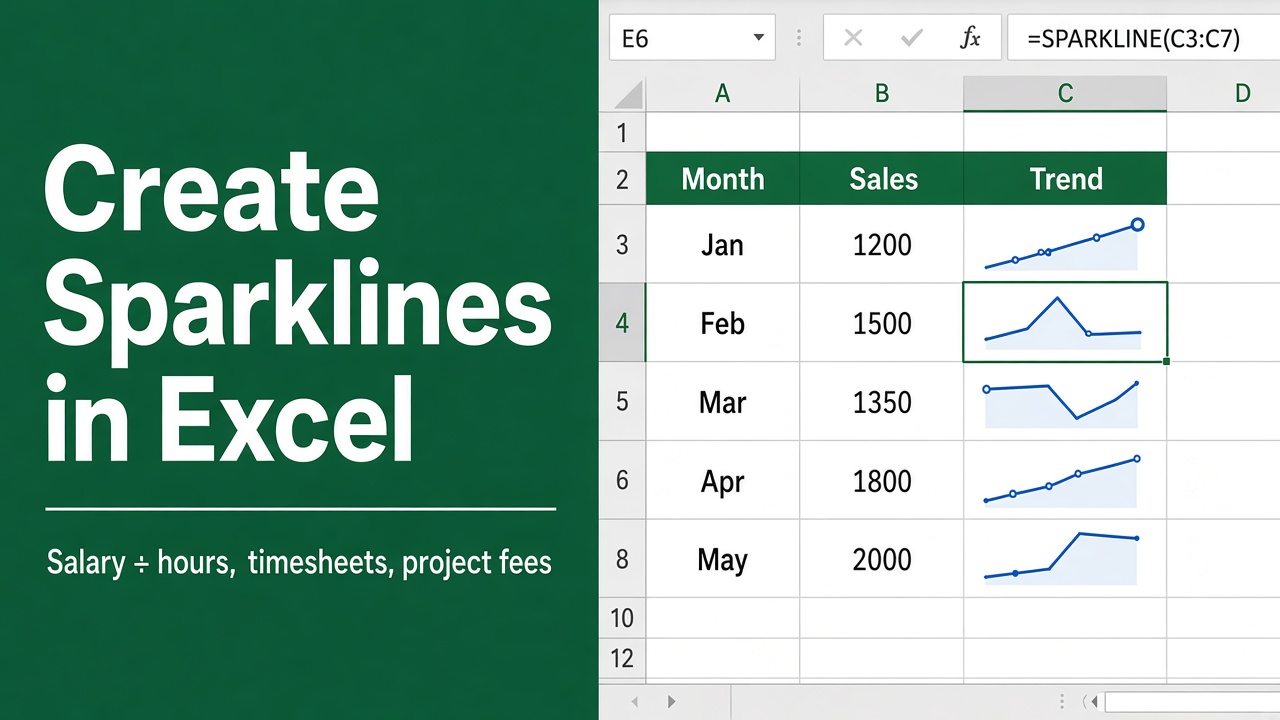
How to Create Sparklines in Excel: Easy Guide
Learn how to create sparklines in Excel to visualize trends, track performance, and build cleaner dashboards with step-by-step formatting tips.
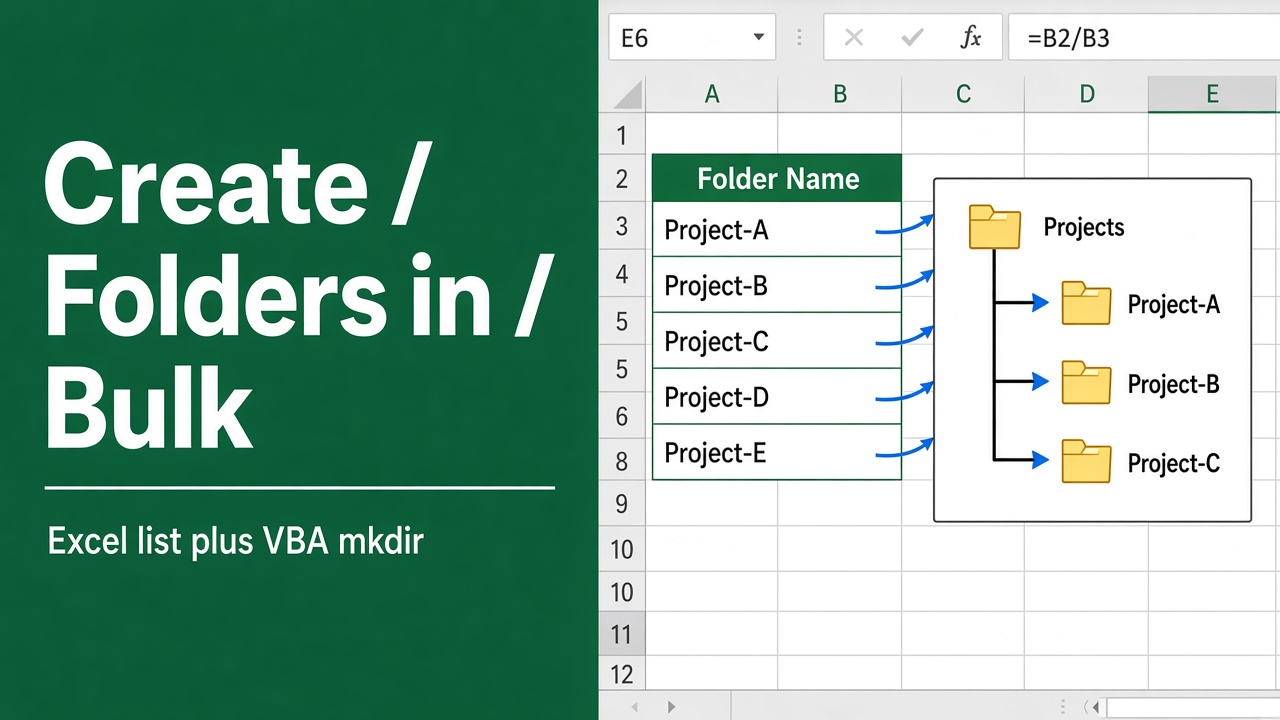
How to Create Folders in Bulk from Excel List? (4 Easy Methods)
Learn how to create folders in bulk from an Excel list using batch files, Command Prompt, or PowerShell. A simple step-by-step guide for Windows users.
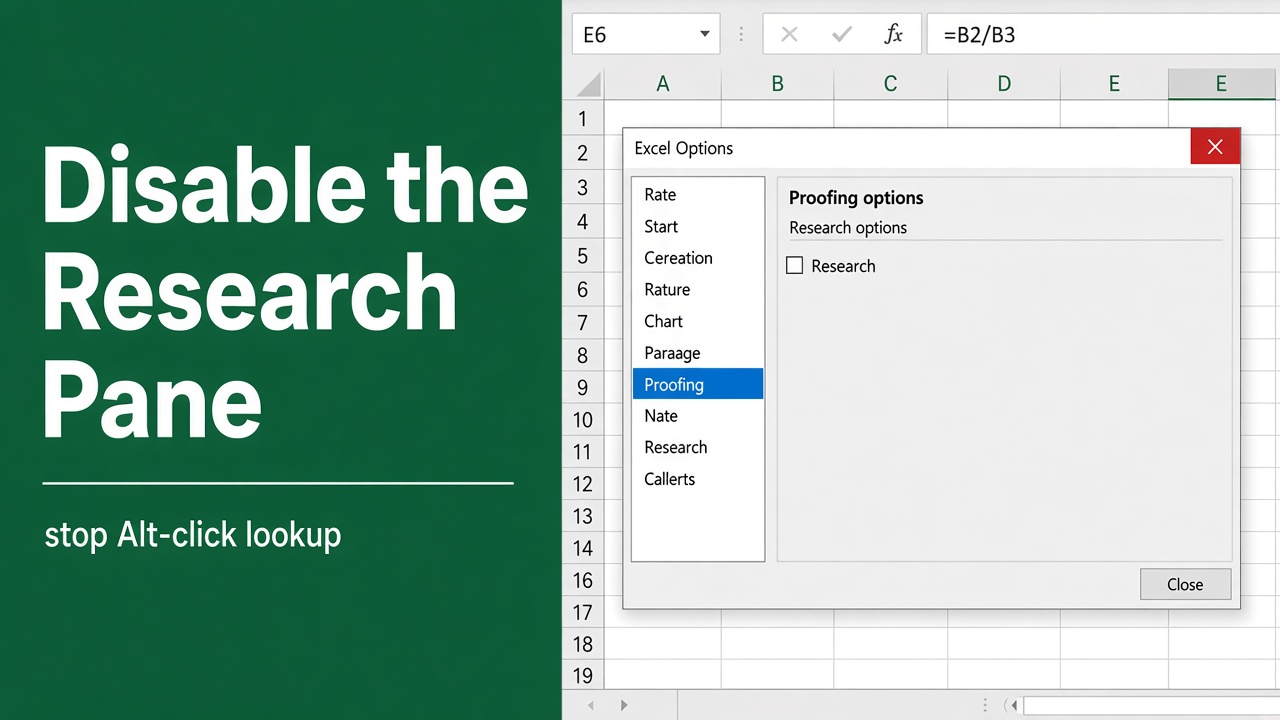
How to Disable the Research Pane in Excel: Easy Guide
Learn how to disable the Research pane in Excel, stop Smart Lookup popups, and prevent Alt+Click from opening it in Excel 365, 2019, and 2016.
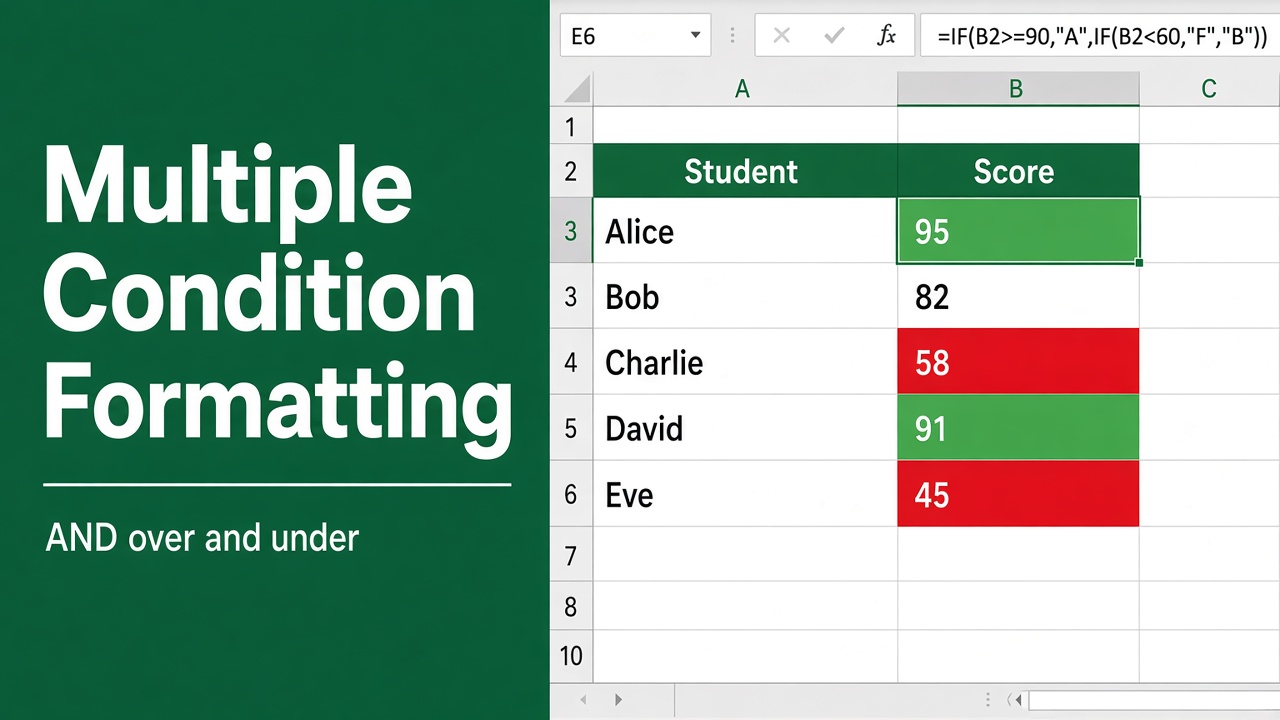
How to Use Conditional Formatting With Multiple Conditions in Excel?
Learn how to use conditional formatting with multiple conditions in Excel to highlight data, apply rules, and improve reports using simple steps and formulas.
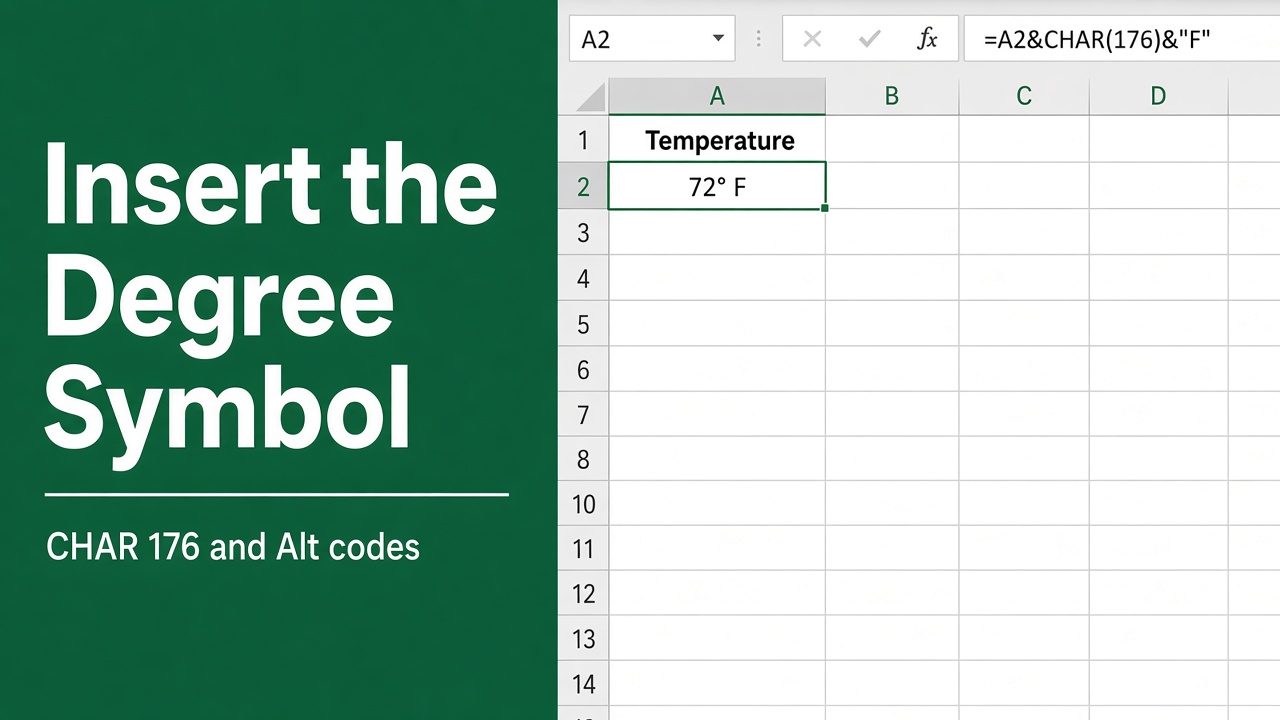
How to Insert Degree Symbol in Excel? (6 Easy Methods)
Learn 6 easy ways to insert the degree symbol (°) in Excel using shortcuts, formulas, and formatting for temperatures and angles.