
Excel library
Excel Date and Time Formulas
Excel stores dates as numbers (days since 1 January 1900) and times as fractions of a day. Once that clicks, most date problems become simple arithmetic: subtract two dates for days between them, add 7 for next week, multiply a time by 24 for hours.
Functions such as DATEDIF, EDATE, EOMONTH, WORKDAY and NETWORKDAYS handle the awkward cases: whole months and years, month ends, and skipping weekends and holidays.
These tutorials cover date differences, ages and service length, adding days, months and years, quarters and week numbers, converting text to dates, and calculating hours worked.
Start here
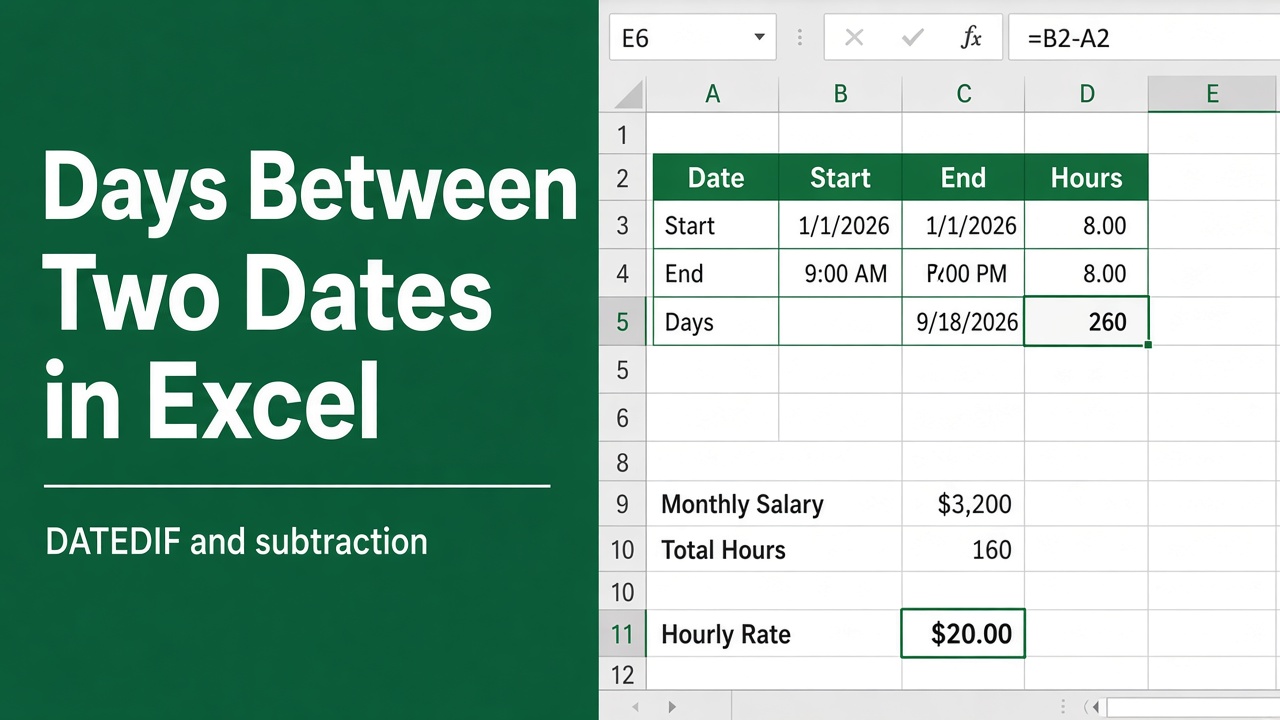
Excel Formula for Difference Between Two Dates
Learn how to calculate the difference between two dates in Excel using the DATEDIF function. Get step-by-step instructions and practical examples.
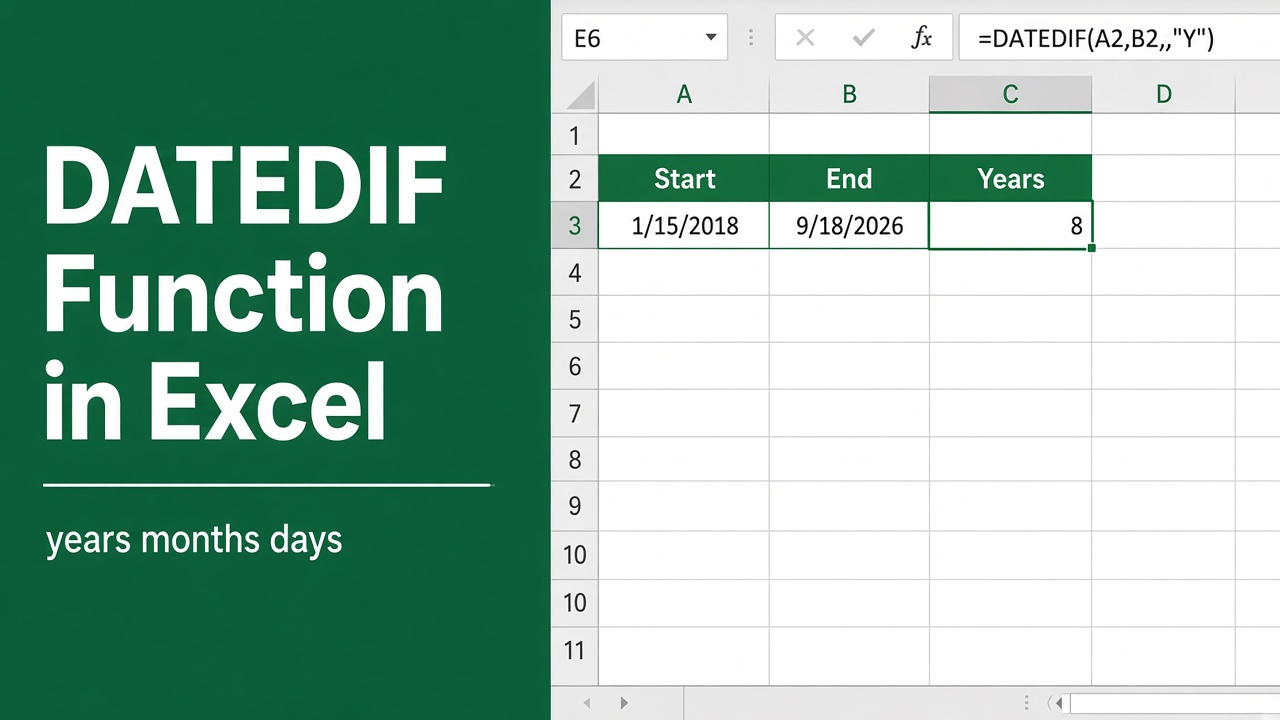
How to Use the DATEDIF Function in Excel: Expert Tips!
Learn how to calculate the difference between two dates using Excel’s DATEDIF function. Find out how to use it for years, months, and days calculation.
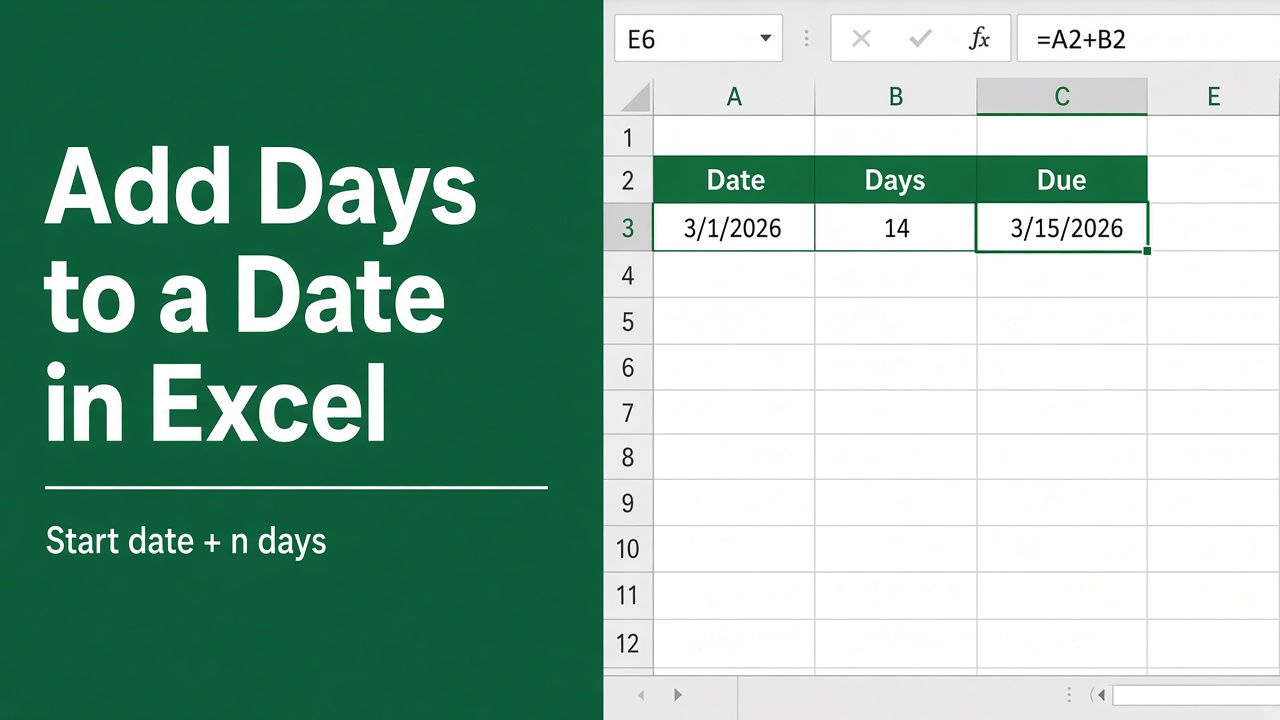
How to Add Days to a Date in Excel Using Formulas?
Learn how to add days to a date in Excel using various formulas, including simple arithmetic, DATE, WORKDAY, and more. Excel date management made easy!
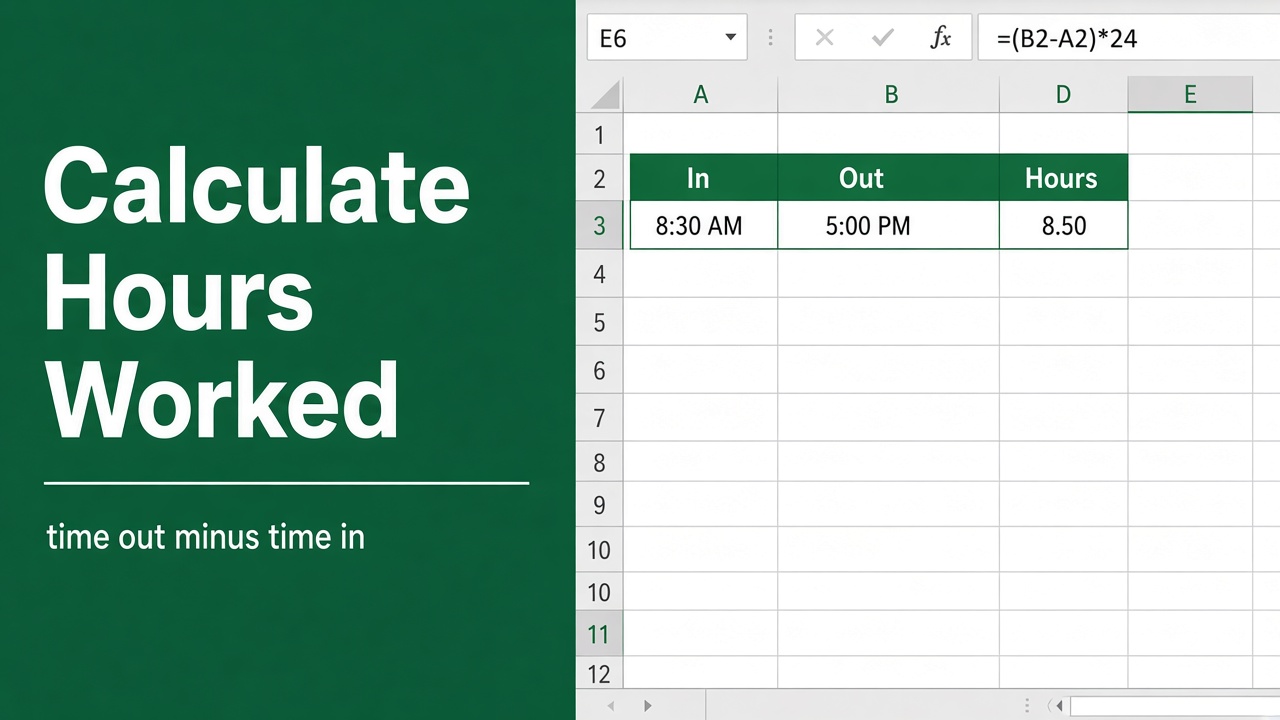
How to Calculate Hours Worked in Excel: Easy Guide
Learn how to calculate hours worked in Excel, including overnight shifts, breaks, and decimal time, using simple formulas and formatting tips.
More in Dates & time
- How to Calculate Number of Weeks Between Two Dates in Excel?
- Easy Excel Formula to Highlight Dates Before Today
- Easy Excel Formula to Get Day from Date
- Excel Formula for Today’s Date: How to Use the TODAY() Function?
- How to Use Excel Formula to Calculate Time Worked?
- Excel Formula to Group Dates into Quarters: Expert Guide
- How to Use Excel Formula to Group Dates by Week?
- Easy Excel Formula for Years Between Dates
- How to Add Days Excluding Weekends with an Excel Formula?
- How to Convert a Number to a Date in Excel Using Formulas?
- How to Extract Month and Year from Date in Excel: Easy Formula Guide
- How to Remove Time from Date in Excel Using Formulas?
- How to Increment Date by 1 Day in Excel Using a Formula?
- Excel Formula for Date Range: A Comprehensive Guide
- How to Calculate Age in Excel Using a Formula?
- Guide: Using an Excel Formula to Convert Days into Months
- Converting Date to Quarter and Year in Excel: A Formula Guide
- Excel Guide: Converting Seconds to Minutes Using a Formula
- Easy Excel Formula to Change Date Format from YYYYMMDD
- How to Filter by Date with Excel Formula: Easy Guide
- Excel Formula to Calculate the Monday After a Specific Date
- Easy Excel Formula to Allocate an Amount into Monthly Columns
- How to Add Years to a Date in Excel Using a Formula?
- Calculate Years of Service with Excel Formula | Quick Guide
- Create Monthly Attendance Sheet in Excel with Formula (File Included!)
- Excel Formula 101: Extracting Quarter from Dates Effortlessly
- Calculating Juneteenth Dates in Excel: Formula Revealed
- Convert Dates from US to UK Format in Excel: Formula Revealed
- Discover the Excel Formula for the End of the Quarter
- Excel Formula to Convert Months into Years: The Easy Way
- Discover the Excel Formula for the First Friday After a Date
- Excel Formula for First Day of Month After 60 Days
- Simple Excel Formula to Get Previous Quarter from Date