
Excel library
Fix Excel Formula Errors
When a formula stops working, the cause is usually one of a few things: calculation set to Manual, a cell formatted as Text before the formula was typed, references that shifted when rows were sorted or copied, or a function the current version of Excel does not support.
Check those first. Press F9 to recalculate, look at Formulas > Calculation Options, and use Formulas > Evaluate Formula to step through the calculation and see where the result goes wrong.
The fixes below are grouped by symptom: formulas that do not update, show as text, return 0, break after saving, dragging or sorting, or show errors such as #NAME?.
Start here
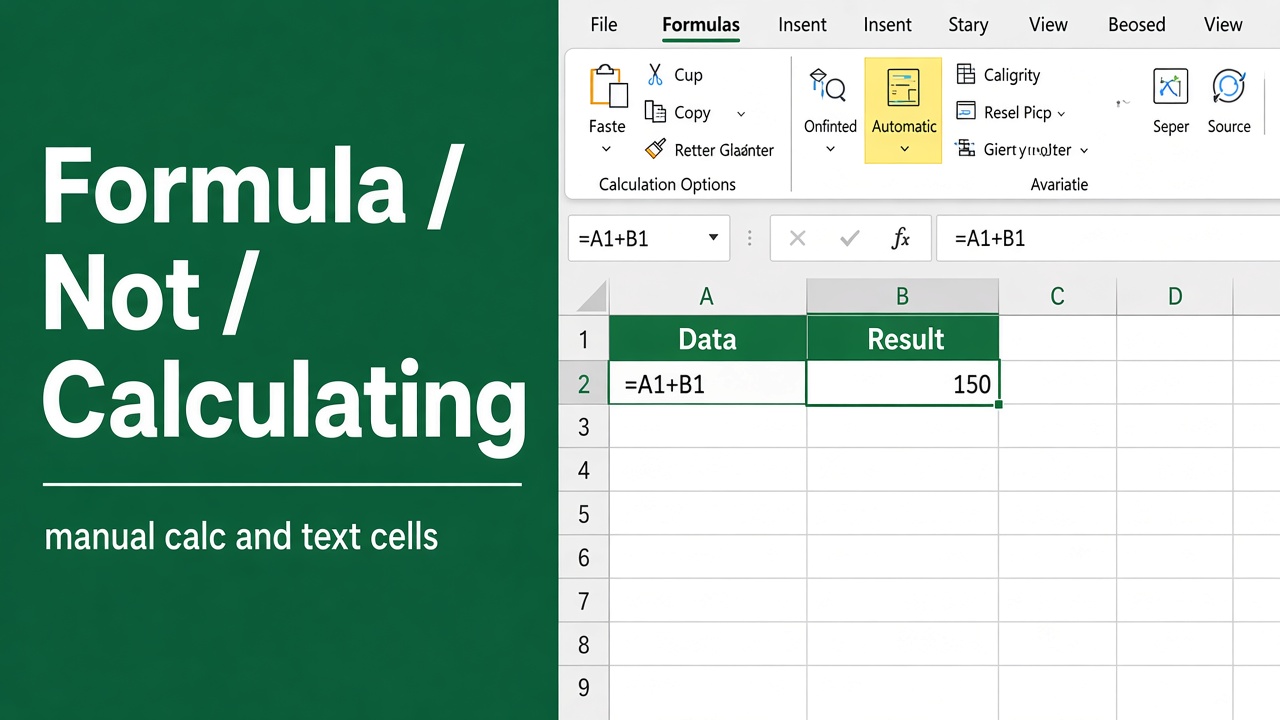
Fixing a Non-Calculating Excel Formula: A Troubleshooting Guide
Struggling with an excel formula not calculating? Our guide offers step-by-step solutions to get your spreadsheets working smoothly again.
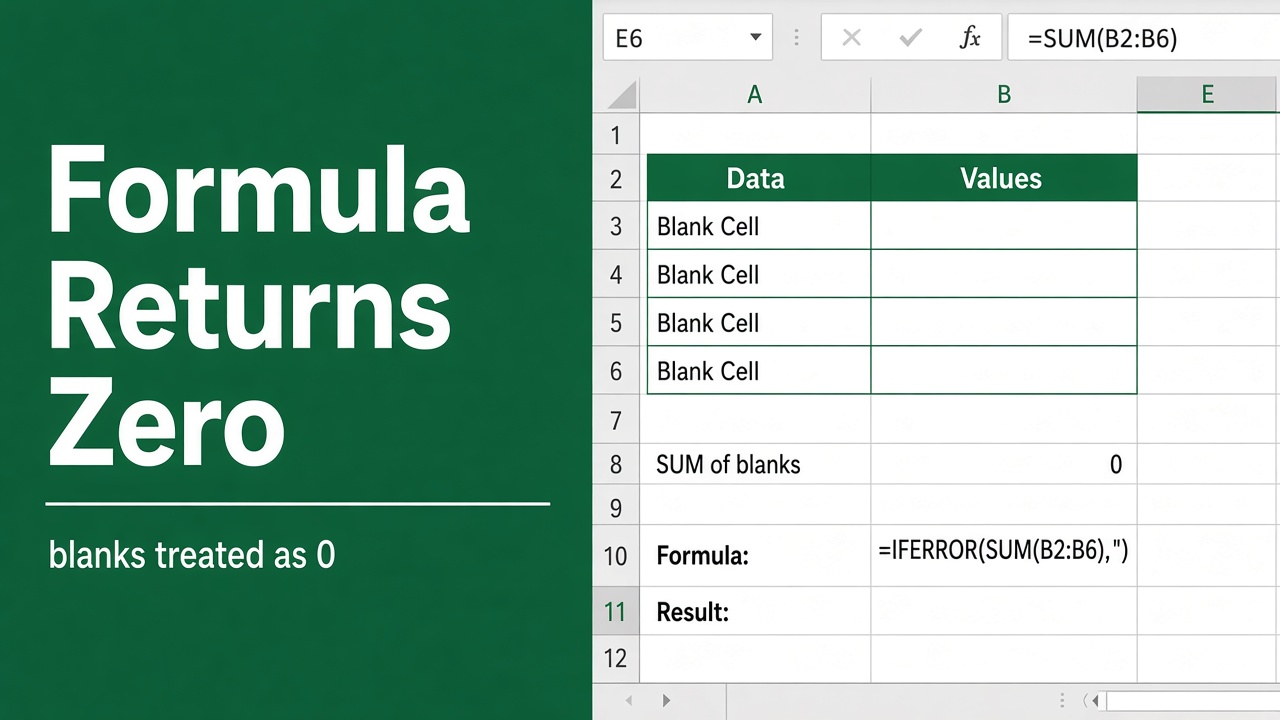
Excel Formula Not Working, Returns 0: Troubleshooting Guide
Troubleshoot with ease as we guide you through fixing the issue when your excel formula does not work and returns 0. Get your spreadsheet on track!
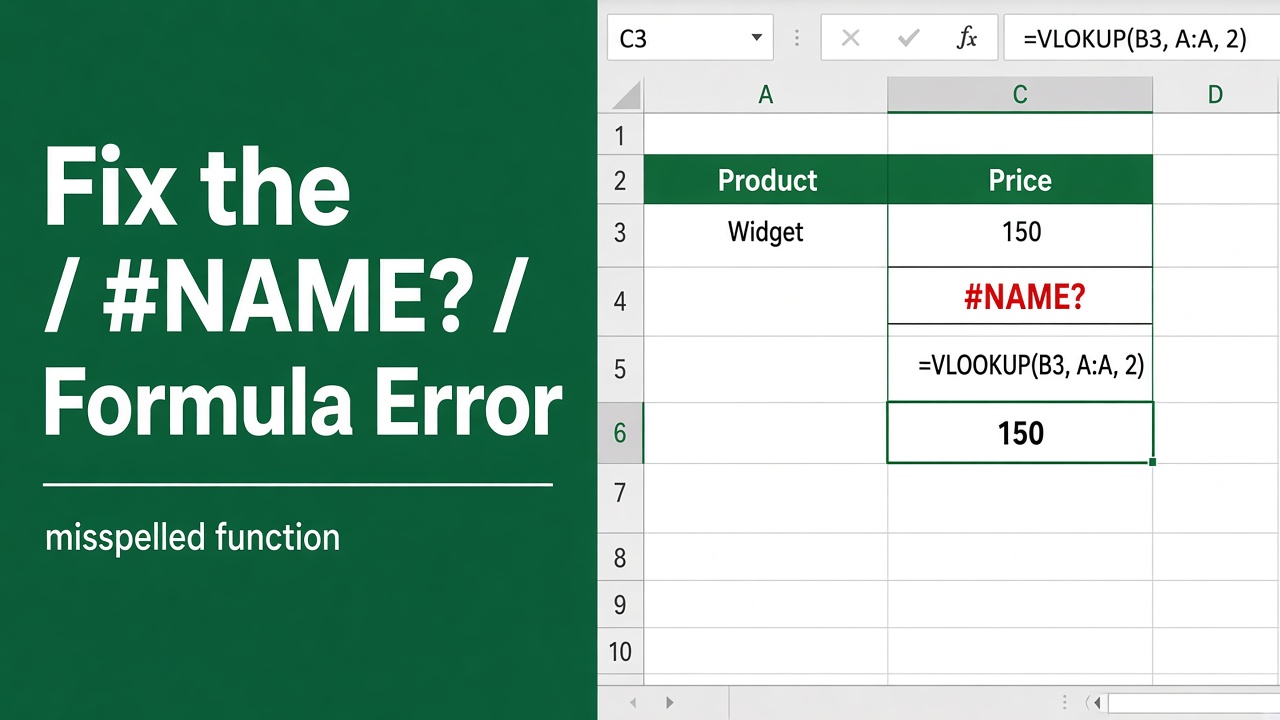
How to Fix #NAME? Error in Excel Formula? (9 Easy Methods)
Learn how to fix the #NAME? error in Excel formulas with troubleshooting tips to identify and resolve common causes like typos and missing functions.
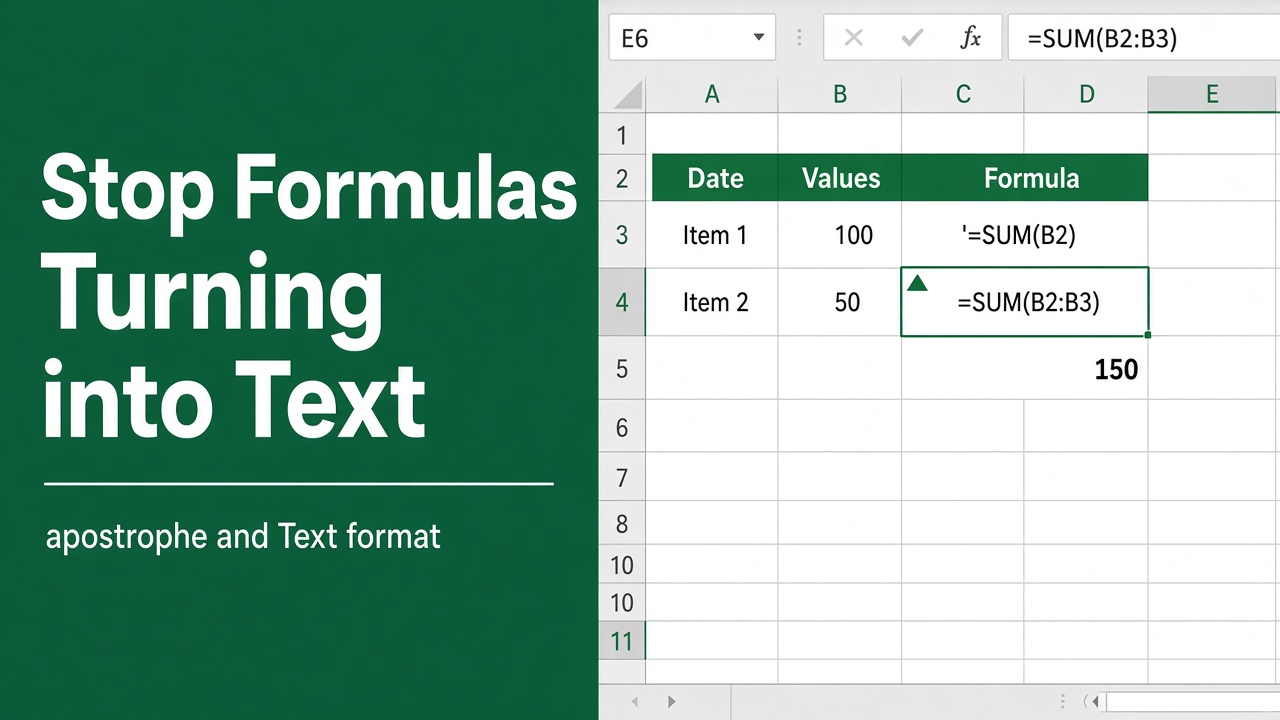
Stop Excel Formulas from Changing to Text: Here’s How
Fix and prevent Excel formulas from changing to text with our comprehensive guide. Learn practical solutions and best practices for accurate spreadsheets.
More in Errors & fixes
- Excel Found a Problem with Formula References: How to Fix It?
- Excel Keeps Saying There is a Problem with the Formula: Fixes for Common Issues
- Resolving the “There Is a Problem with This Formula” Error in Excel
- How to Fix the Large Space Under the Formula Bar in Excel?
- Compatibility Alert: This Excel Formula Won’t Work in Older Versions
- Why is My Excel Formula Not Working After Copy and Paste?
- Why is My Excel Formula Not Working After Saving?
- Foolproof Ways to Stop Excel from Changing Numbers in Formulas
- How to Stop Excel from Converting Dates to Numbers in Formulas
- Excel Formula Not Working After Dragging? Here’s How to Fix It
- Excel Formula Keeps Trying to Open a File: How to Fix This Error
- Why is there an ‘@’ in Your Excel Formula?
- Is Your Excel Formula Wrong After Sorting? Fix It Now!
- Solving Excel Formula Doesn’t Update Unless You Hit Enter
- Excel Formula Disappears After Saving? Here’s the Fix!
- Fix Excel Formula Only Works After Double Click: Easy Guide