
Excel library
Excel Pivot Tables
Pivot Table tutorials from a first build to calculated fields, grouping dates, sorting and filtering, plus fixes for tables that won't refresh.
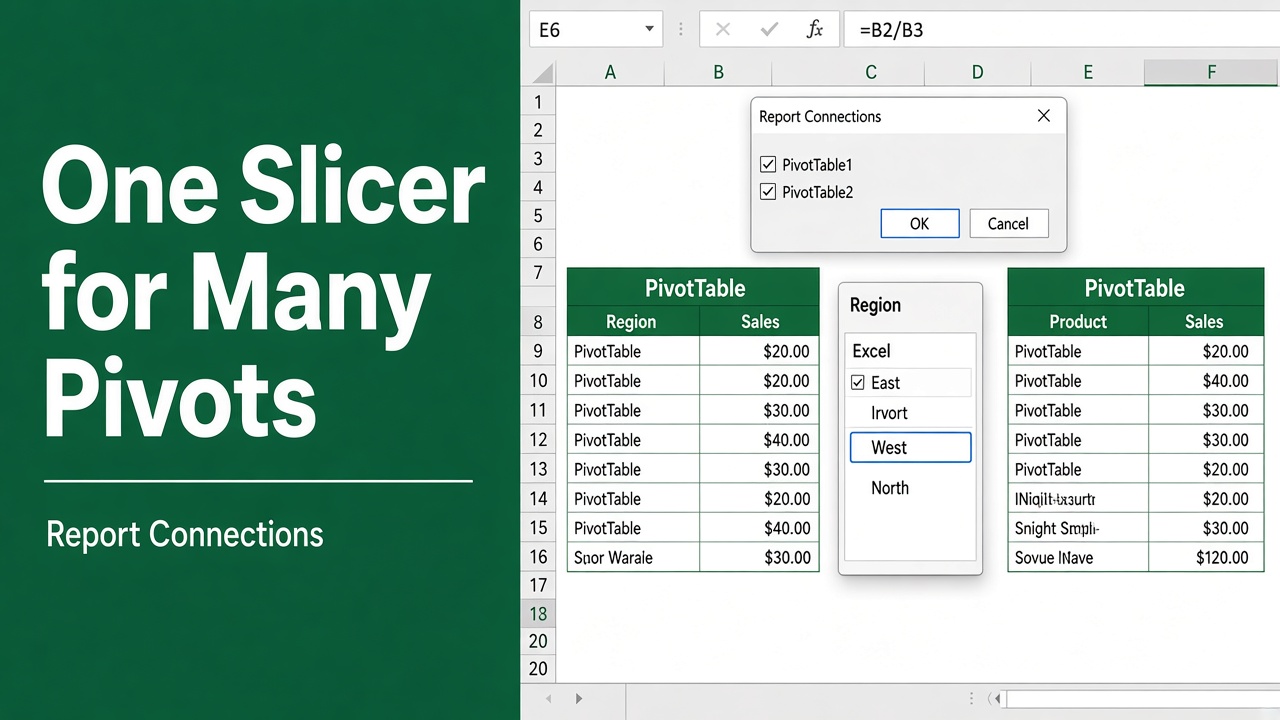
Use One Slicer for Multiple Pivot Tables from Different Data Sources
Learn how to use one slicer for multiple pivot tables from different data sources in Excel using Data Model and helper tables for dynamic dashboards.
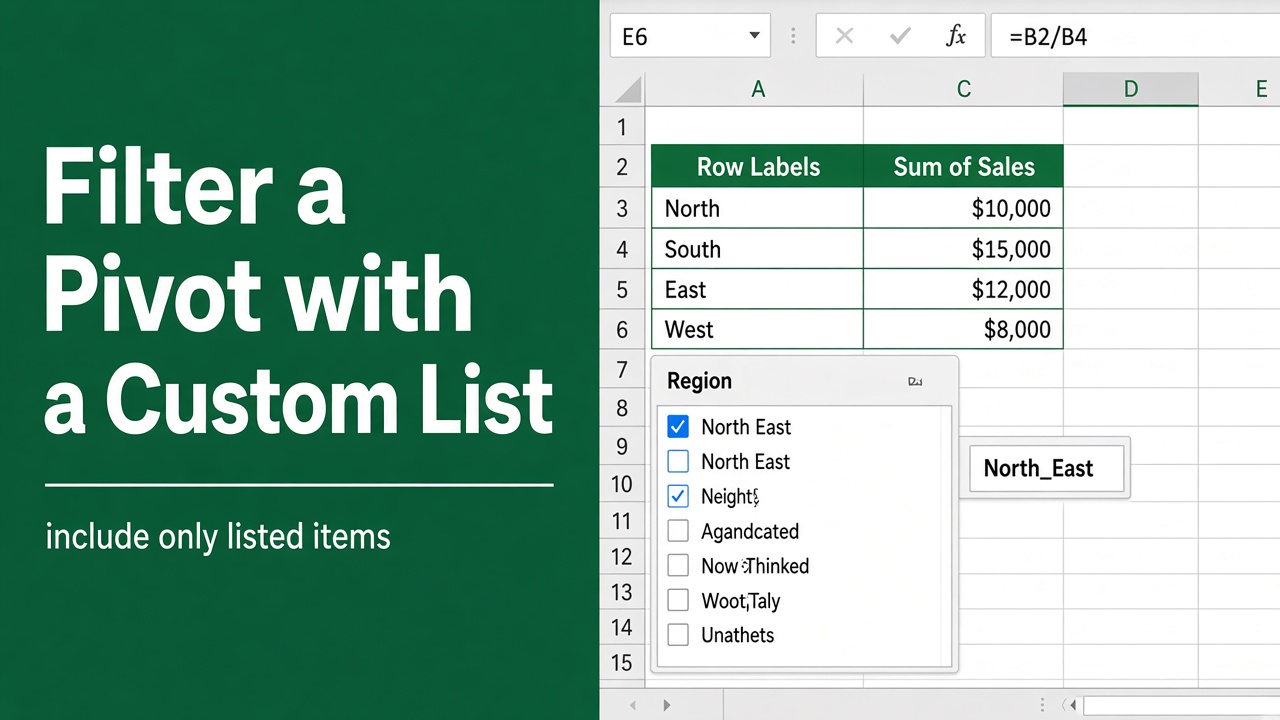
How to Filter a Pivot Table with a Custom List in Excel?
Learn how to filter a pivot table in Excel using a custom list with simple helper column methods, formulas, and slicers.
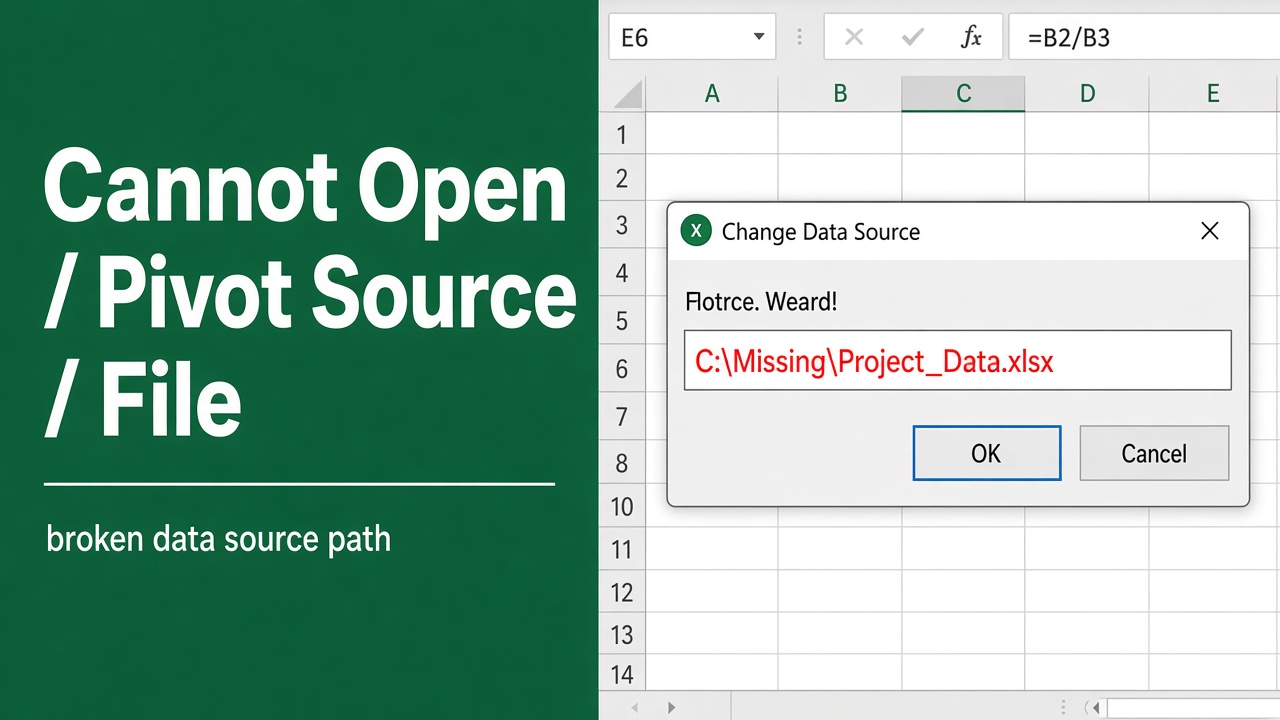
How to Fix “Cannot Open Pivot Table Source File” Error in Excel?
Fix the “Cannot open PivotTable source file” error in Excel with simple, step-by-step solutions. Learn causes, fixes, and prevention tips easily.
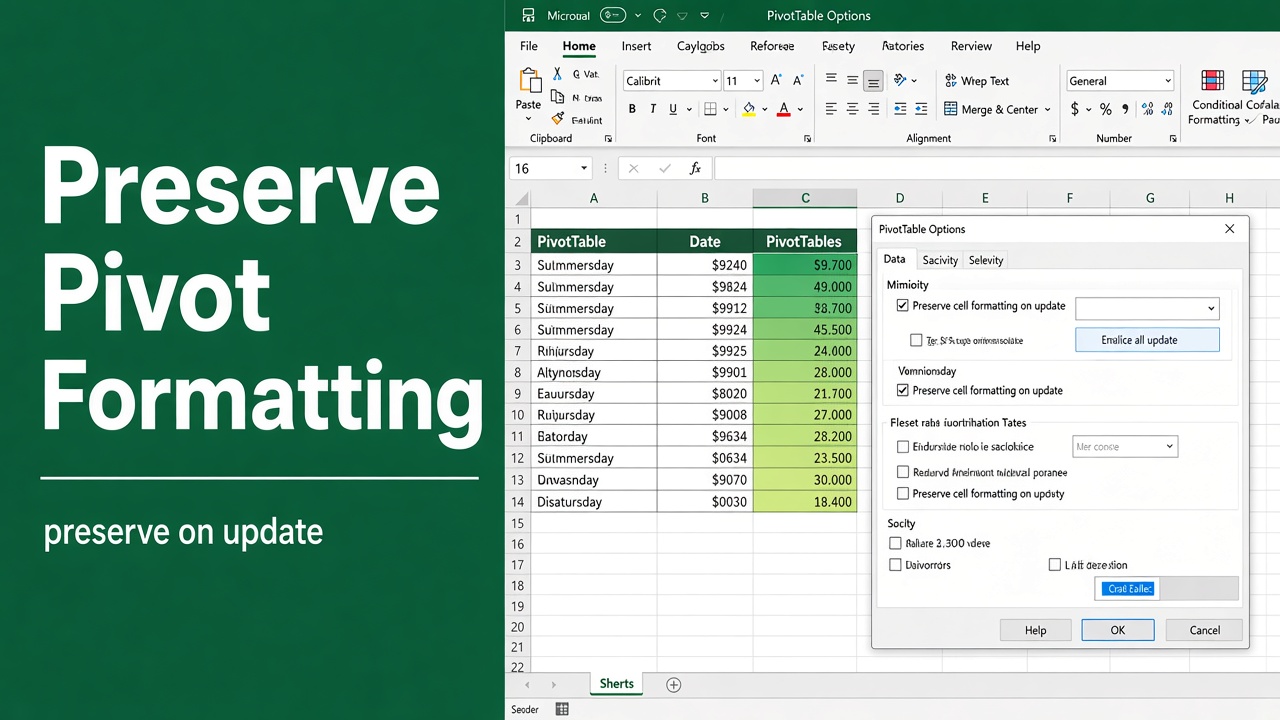
How to Preserve Conditional Formatting in Pivot Table?
Learn how to preserve conditional formatting in Excel pivot tables. Step-by-step guide with four proven methods to maintain formatting after data refresh.
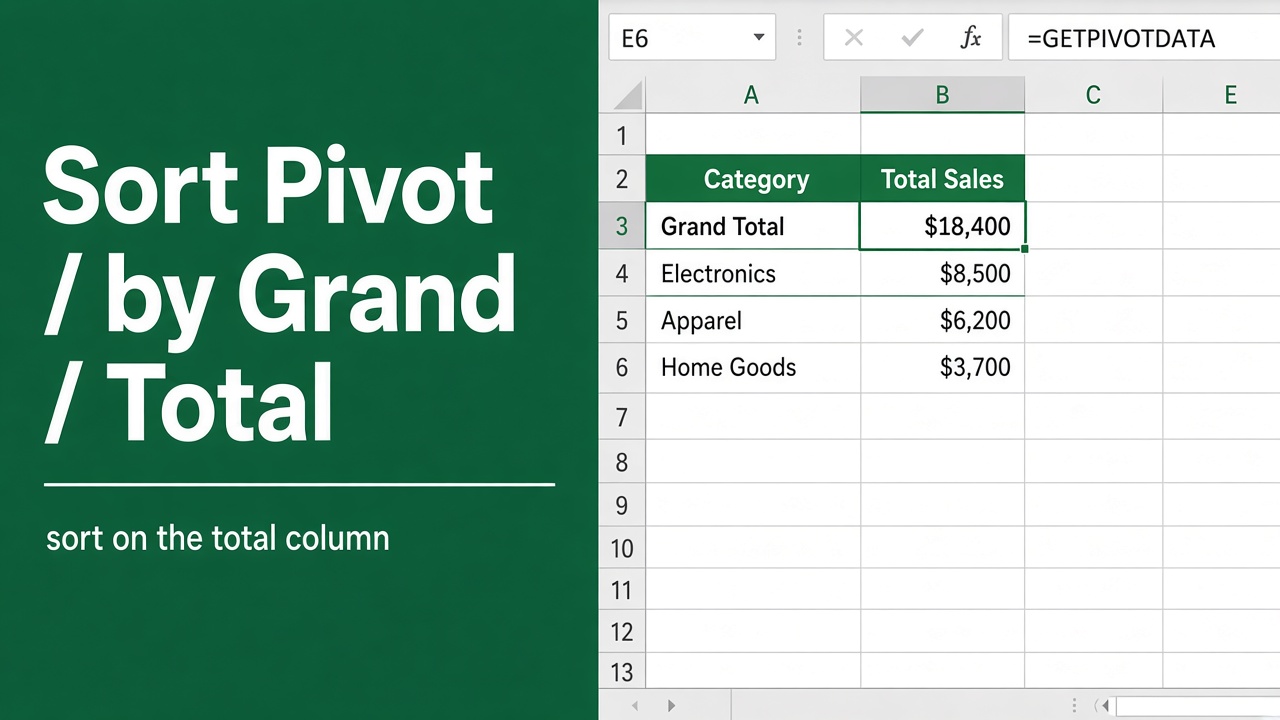
How to Sort Pivot Table by Grand Total in Excel: Easy Guide
Learn how to sort a Pivot Table by Grand Total in Excel to highlight top values. Quick steps, tips, and examples for better data analysis.
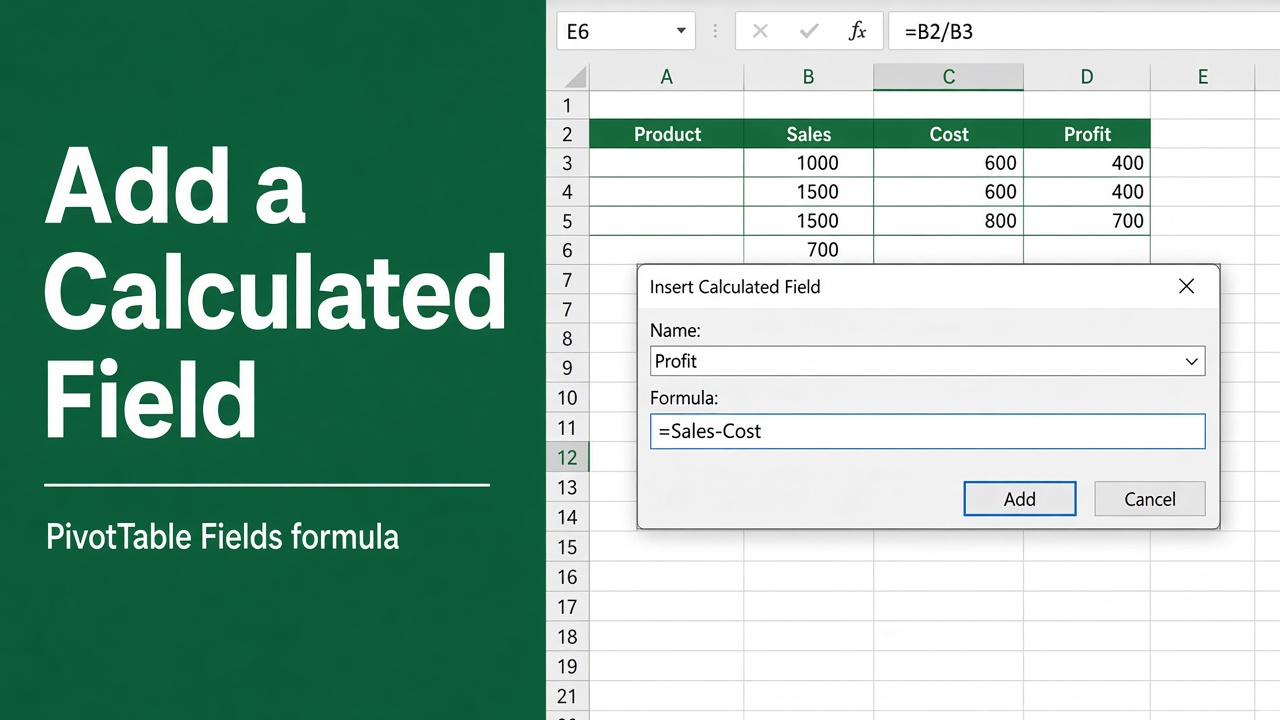
How to Add a Calculated Field in a Pivot Table: Easy Guide
Learn how to add a calculated field in an Excel pivot table to create custom formulas, automate reports, and analyze data efficiently.
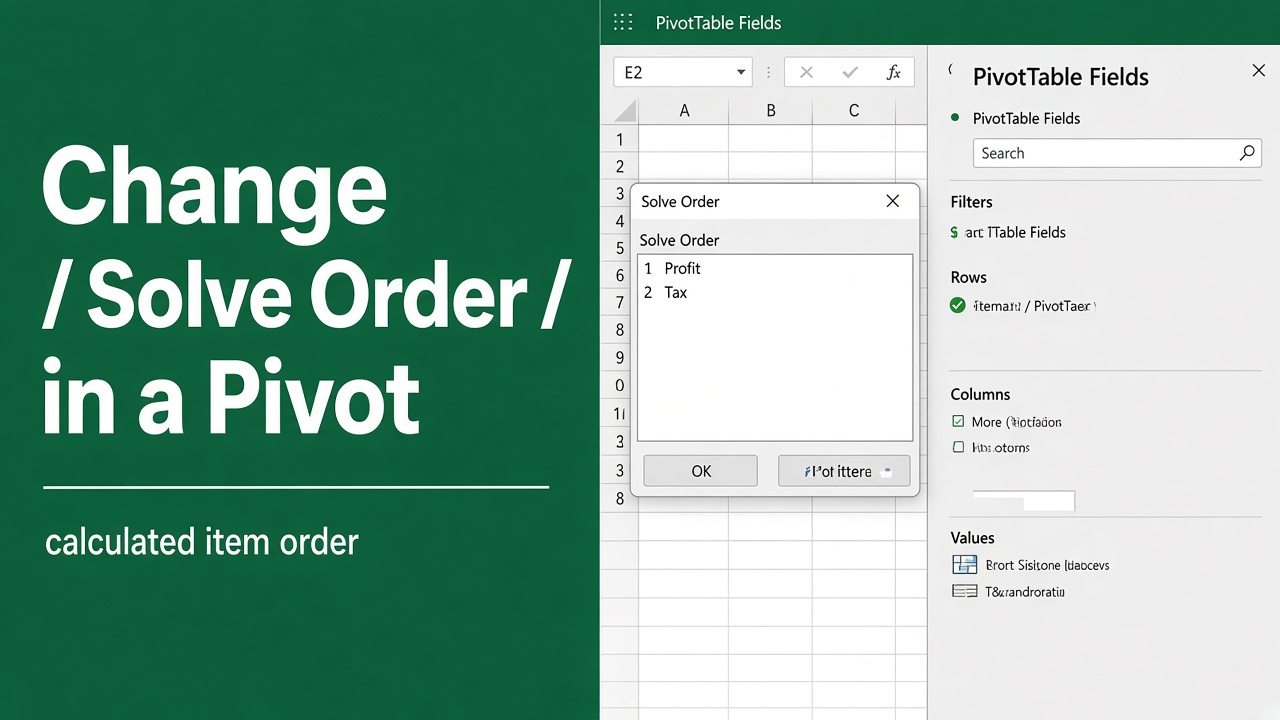
How to Change Solve Order in Pivot Table: Easy Guide
Learn how to change the solve order in Excel Pivot Tables to ensure accurate calculated item results and avoid formula errors in your reports.
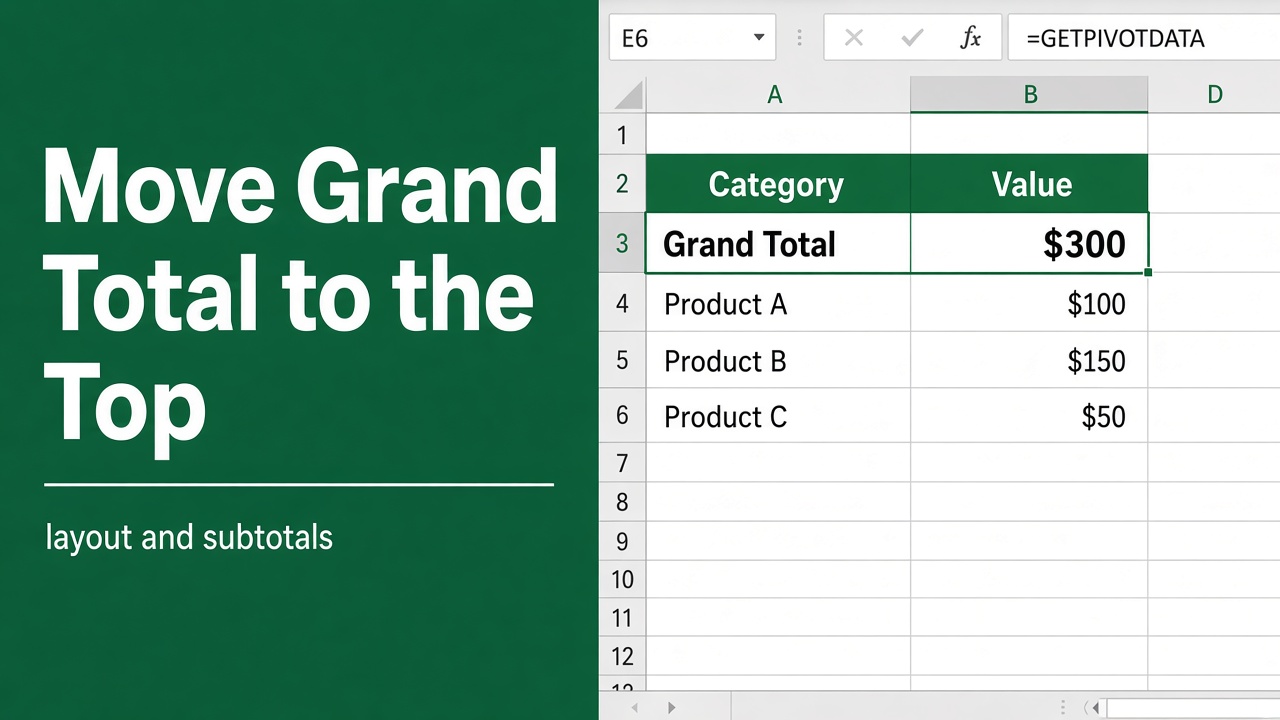
How to Move Grand Total to Top of Pivot Table?
Learn how to move the Grand Total to the top of a pivot table in Excel using simple methods like helper rows, Power Pivot, and custom sorting.
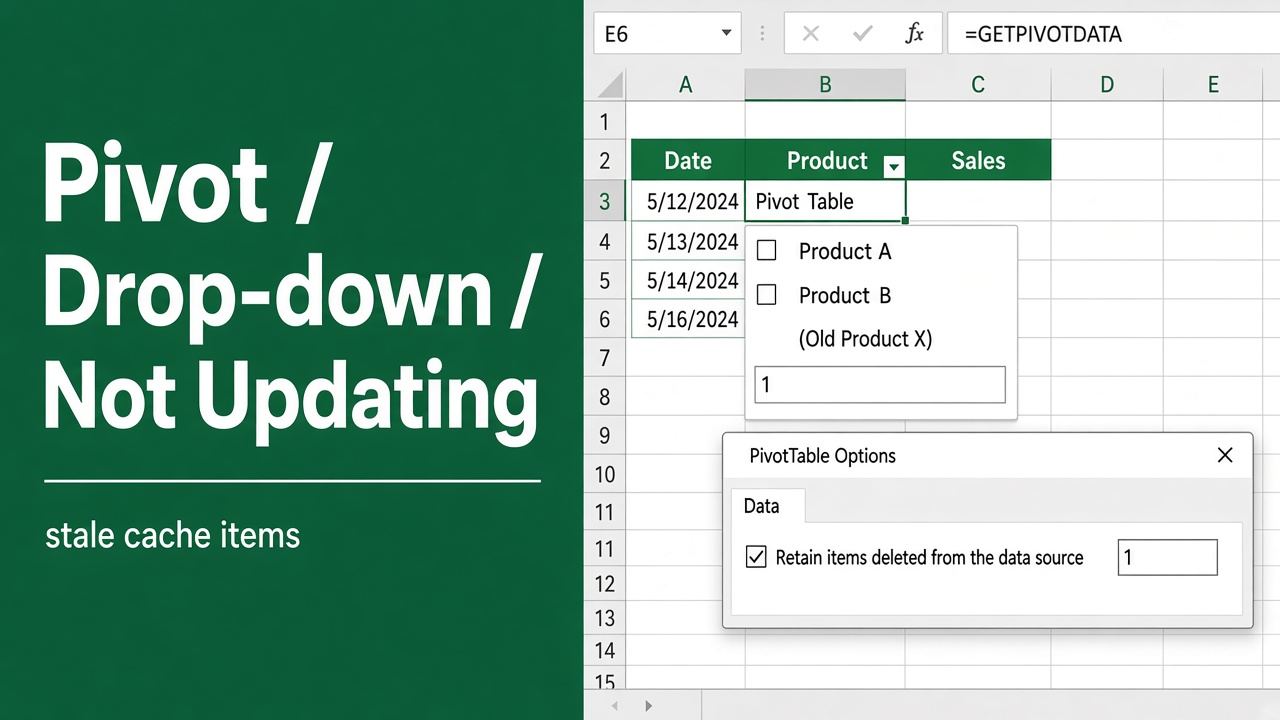
How to Fix Pivot Table Drop Down List Not Updating?
Fix Pivot Table drop-down list not updating in Excel with easy steps. Learn how to refresh, update data source, and clear old items quickly.
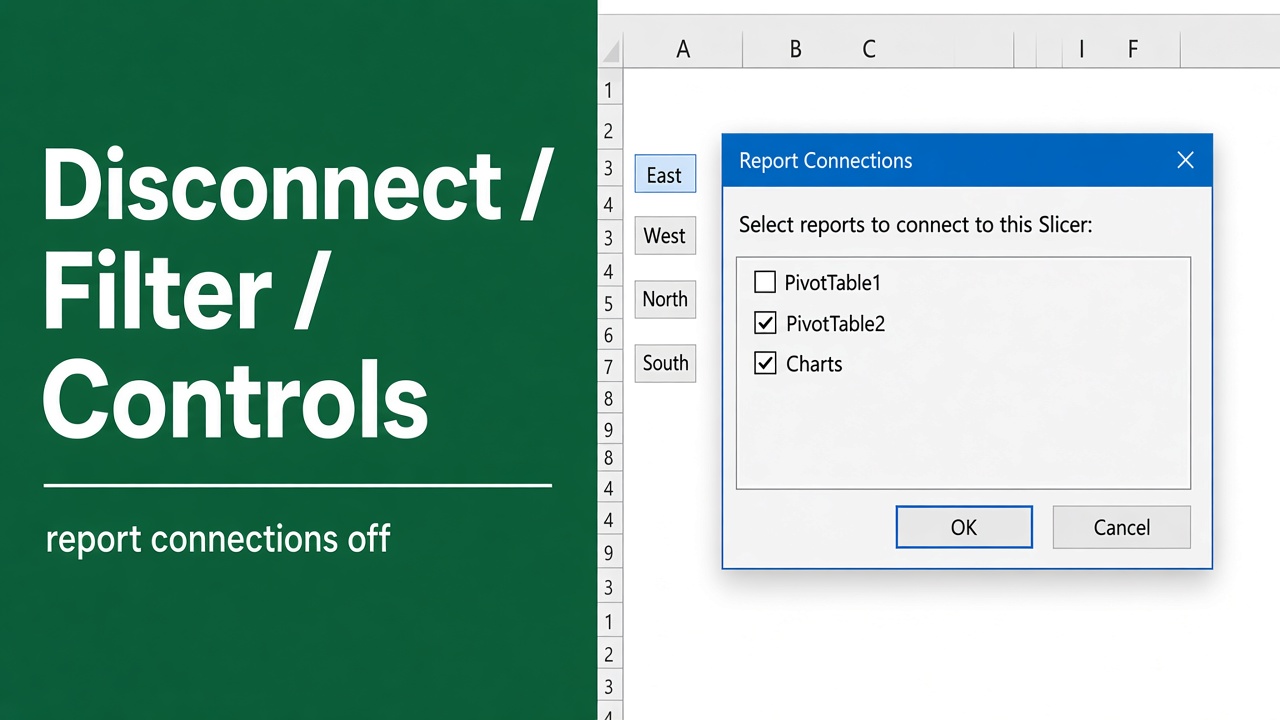
How to Disconnect Filter Controls from Pivot Table in Excel?
Learn how to disconnect slicers and filter controls from PivotTables in Excel for better data control, independent filtering, and smooth data source changes.