
Excel library
Excel Text Formulas
Text formulas clean up and reshape data that arrives in the wrong form: names in one cell that belong in two, codes with extra characters, numbers stored as text, stray spaces that break lookups.
LEFT, RIGHT and MID pull out parts of a string; FIND and SEARCH tell them where to cut. SUBSTITUTE, TRIM and CLEAN tidy things up, and TEXTJOIN or CONCAT put pieces back together. In Microsoft 365, TEXTSPLIT, TEXTBEFORE and TEXTAFTER do in one step what used to take a nested formula.
The tutorials below cover extracting text and numbers, splitting and combining cells, removing characters and spaces, replacing values and blanks, and changing case.
Start here
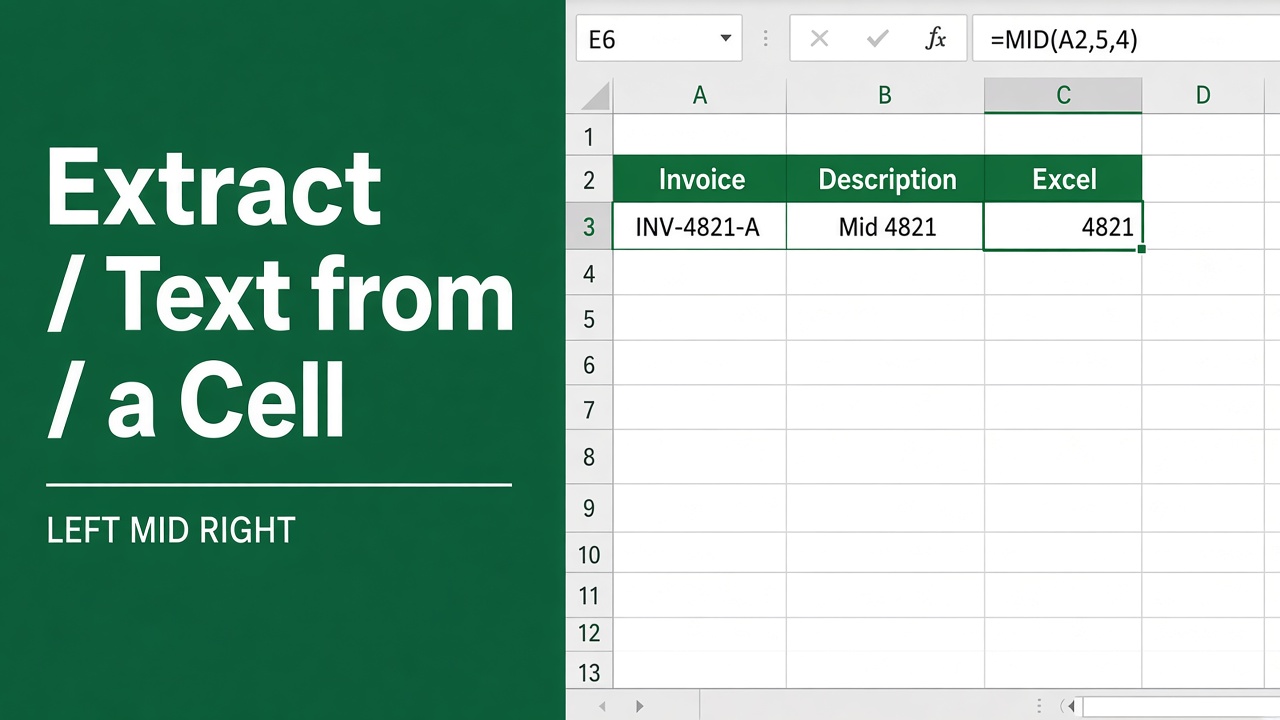
Extracting Text from a Cell with an Excel Formula: A Guide
Master the use of an excel formula to extract text from cell for efficient data management and analysis. Simplify your spreadsheets with our easy guide.
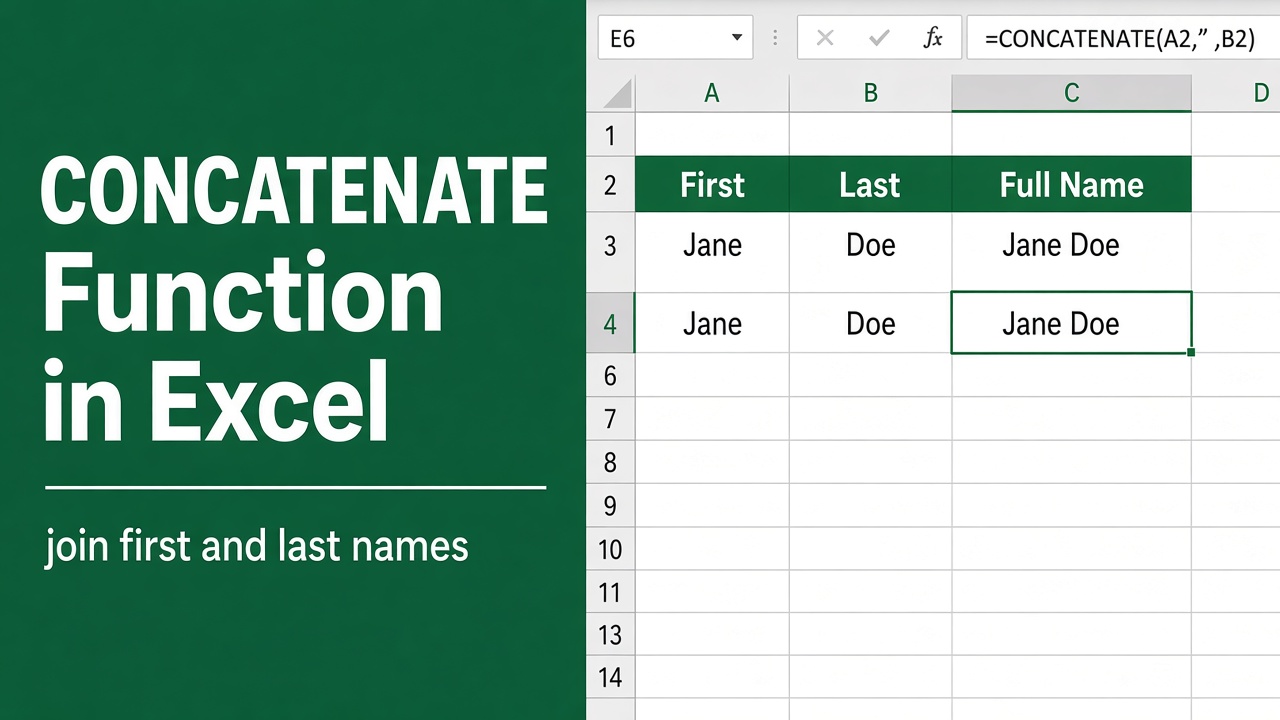
How to Use CONCATENATE Function in Excel? (Examples & Tips)
Learn how to efficiently use the Excel CONCATENATE function to combine text and data. Master the basics, explore advanced techniques, and compare alternatives.
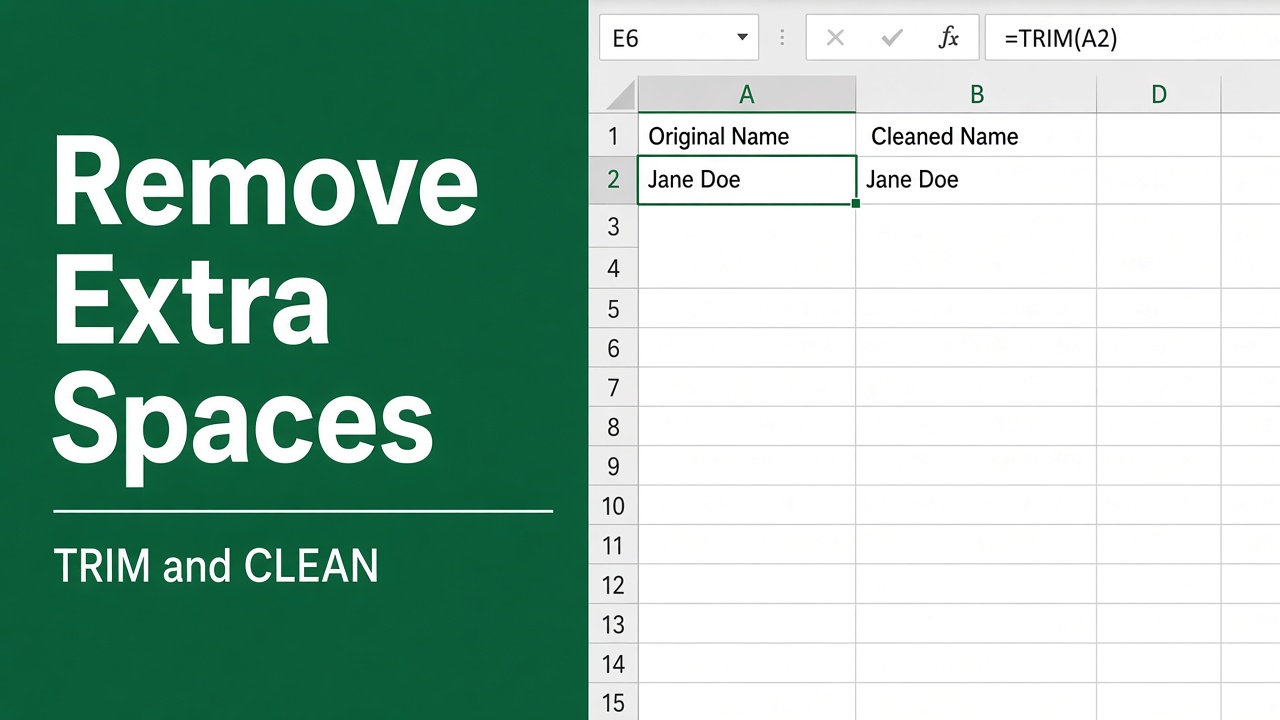
How to Use Excel Formula to Remove Spaces?
Learn how to remove spaces in Excel using TRIM, SUBSTITUTE, and nested functions. Clean up your data quickly and easily with these simple formulas.
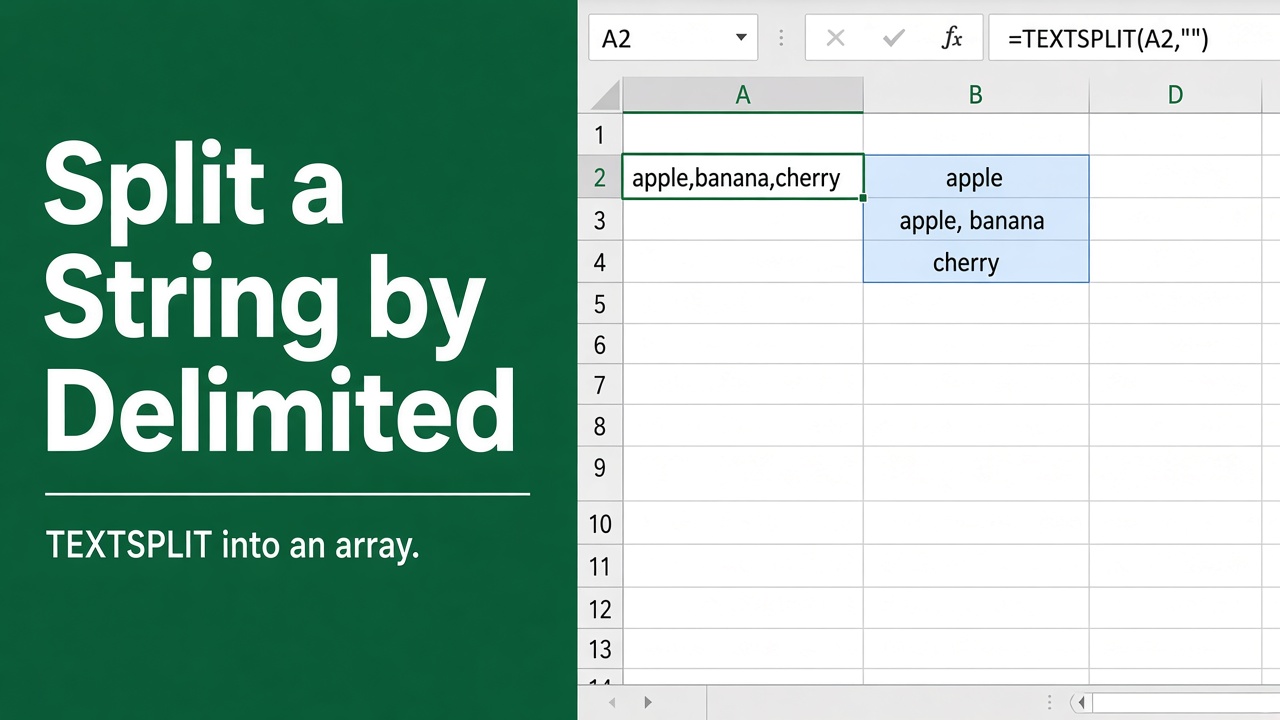
Easy Excel Formula: Split String by Delimiter into Array
Learn how to split strings by delimiter in Excel using TEXTSPLIT, FILTERXML, and other formulas. Master data manipulation with step-by-step examples and tips.
More in Text
- Easy Excel Formula to Extract Number from Text
- How to Trim Spaces in Excel? (5 Easy Methods)
- 6 Easy Ways to Replace Words in Excel Using Formula
- Quick & Simple Excel Formula to Add Comma After First Word
- Easy Excel Formula to Count Number of Digits in a Cell
- Easy Excel Formula to Replace Characters in a Cell
- Easy Excel Formula to Search for Text in a Cell
- Quick and Easy Excel Formula to Count Characters in a Cell
- How to Separate Data in Excel Using Formula: Easy Guide
- How to Convert Text to Numbers in Excel Using Formulas?
- How to Convert Numbers to Words in Excel Using a Formula?
- Easy Excel Formula to Separate First and Last Name with Comma
- How to Replace #VALUE! with Blank Using an Excel Formula?
- How to Copy a Column in Excel Without Blank Cells Using Formulas
- How to Add Single Quotes and Comma in an Excel Formula?
- How to Extract URL from Hyperlink in Excel Formula?
- How to Get a File Name from Path with an Excel Formula?
- Excel Formula to Remove Numbers from an Alphanumeric String
- How to Split Cells by Line Break in Excel Using Formulas?
- How to Fill Blank Cells in Excel with Formula?
- Excel Formula to Combine Text from Multiple Cells
- How to Make First Letter Capital in Excel Without Formula?
- Easy Excel Formula to Extract Text After a Character
- Excel Formula to Remove Characters from Left and Right
- How to Remove Specific Text from a Cell in Excel Using a Formula?
- Replacing Values with an Excel Formula: A Guide
- How to Remove Characters After a Dash Using Excel Formula?
- How to Convert Vertical Data to Horizontal in Excel Using Formulas?
- How to Turn a Name into an Email Address with an Excel Formula?
- How to Remove Double Quotes from Excel Formula Easily?
- How to Use Text from a Cell in an Excel Formula?
- Easy Excel Formula to Increment a Cell Value by 1 with Text
- How to Add Spaces After Text Using Excel Formulas?
- How to Remove Characters After a Hyphen in Excel with Formulas?
- How to Use Excel Formula to Separate Text After Space?
- How to Add Prefix in Excel without Formula: Expert Guide
- How to Extract Only Numbers from an Excel Cell Using Formulas?
- How to Change Lowercase to Uppercase in Excel Without Formula?
- Extract Usernames in Excel Without VBA Using This Formula Method
- How to Remove Blank Cells in Excel with Formula?
- How to Replace 0 with Blank in Excel Using Formulas?
- Replace N/A with Blank Cells in Excel Using This Formula Trick
- The Ultimate Guide to Creating Excel Formula Arrays Without Blanks
- How to Set a Cell to Blank in Excel Using Formulas?
- Excel Formula to Remove Text and Keep Numbers in Cells
- How to Add a Space After Every 4 Characters in Excel Using a Formula?
- Excel Formula to Add Apostrophe Before and After Number
- How to Extract Characters After a Dash in Excel Using Formulas?
- Extract File Names Without Extensions in Excel with This Simple Formula
- How to Put a Dash in Excel Without Using a Formula?
- How to Stack Multiple Columns into One Column in Excel Using Formulas?
- How to Underline Text Using Formulas in Excel?
- How to Keep a Cell Blank with Formula in Excel?
- How to Use Excel Formula to Automatically Add Space After Comma?
- How to Convert a String to a Formula in Excel: Easy Guide
- How to Copy Formulas in Excel Without Double Quotes?
- Can You Bold Cells in Excel Using Formula?
- How to Bold Text in Concatenate Formula in Excel Without VBA?
- How to Add an Asterisk After a Formula in Excel: Easy Guide