
Excel library
Excel Math and Percentage Formulas
Math formulas cover the calculations behind budgets, reports and grade sheets: percentages, growth, averages, rounding and financial figures such as interest and present value.
Most percentage mistakes come from the order of operations or from formatting. A percent change is (new − old) / old, and a cell formatted as a percentage multiplies what it shows by 100. Rounding is similar: formatting hides decimals, but only ROUND, ROUNDUP and ROUNDDOWN change the stored value used in later calculations.
These tutorials cover percentages, rounding and decimals, averages, medians, percentiles and ranks, growth rates, and financial formulas such as compound interest, NPV and depreciation.
Start here
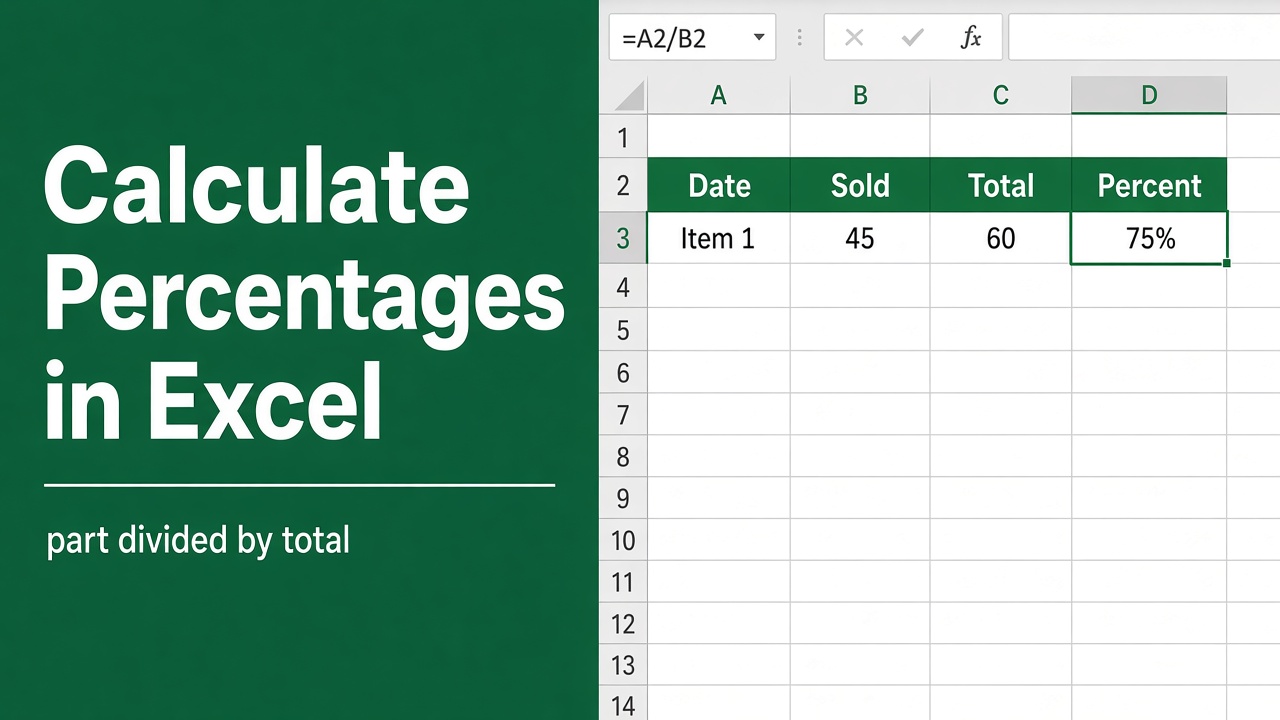
How to Calculate Percentages in Excel: Formulas & Examples
Learn how to calculate percentages in Excel using simple formulas. Discover tips for calculating percentage change, weighted averages, and more.
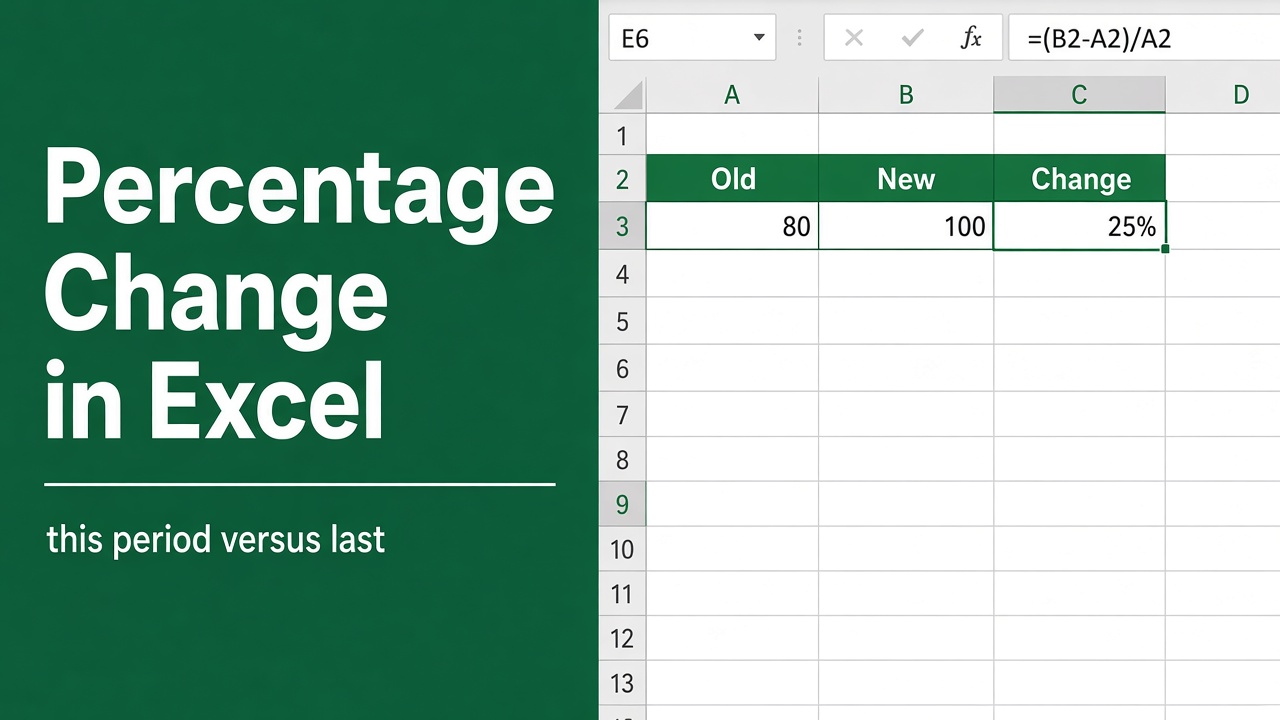
How to Calculate Percentage Change in Excel: Easy Guide
Learn how to calculate percentage change in Excel with simple methods, clear formulas, and real-world examples. Master data analysis with ease!
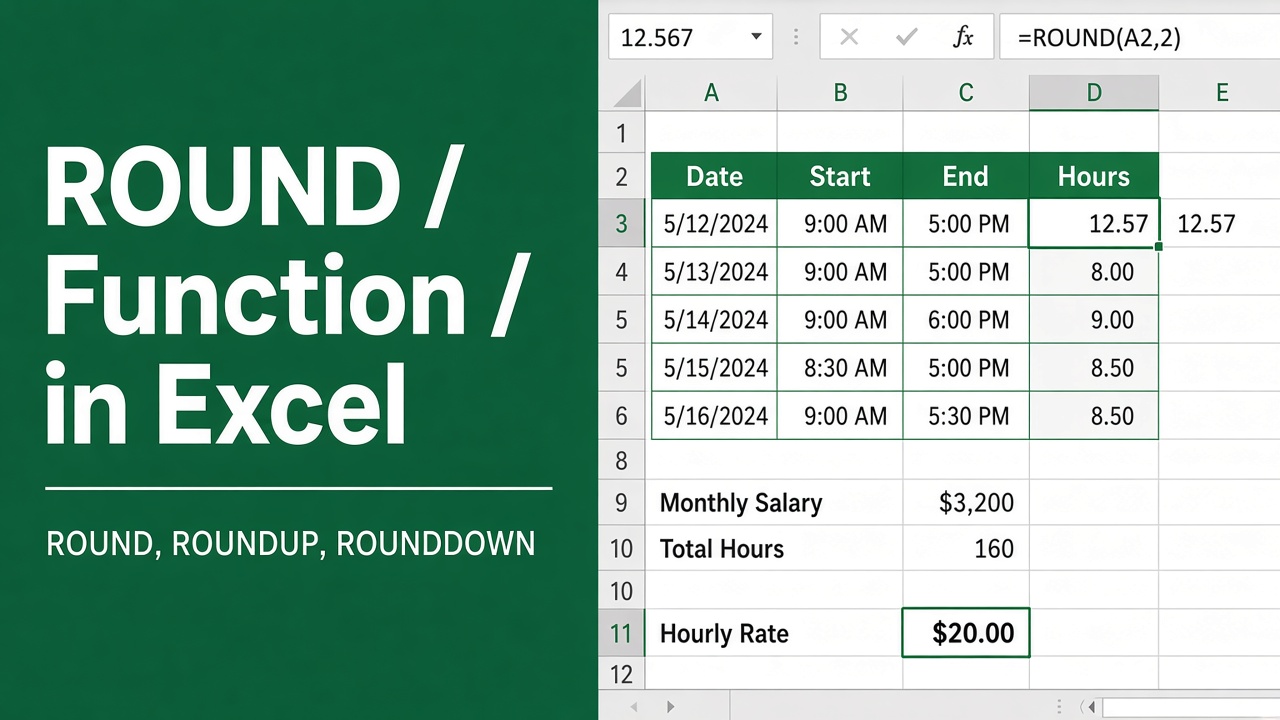
Excel ROUND Function: How to Round Numbers in Excel
Master the Excel ROUND function to round numbers easily. Includes formula examples, use cases for financial analysis, data formatting, and helpful tips.
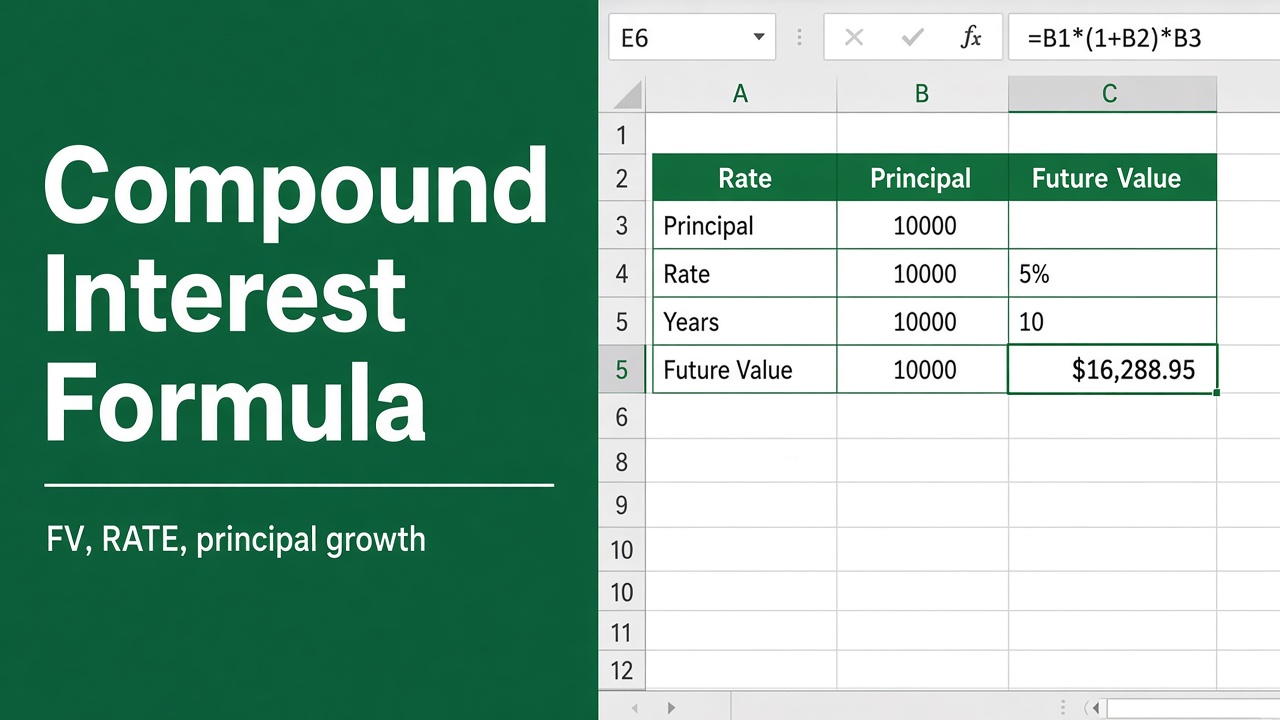
Excel Formula for Compound Interest: A Comprehensive Guide
Learn how to use Excel formulas for compound interest calculations. Master the FV function, avoid common mistakes, and create powerful financial models.
More in Math & percentages
- How to Limit Number of Decimal Places in Formula in Excel?
- Easy Formula to Reduce a Number by a Percentage in Excel
- How to Calculate Hourly Rate in Excel: Easy Guide
- Easy Formula to Calculate Percentage of Total in Excel
- Easy Excel Formula for Slope and Intercept (With Example!)
- Easy Excel Formula to Calculate Effective Interest Rate
- 5 Easy Ways to Calculate Percentage Based on Criteria in Excel
- How to Use the Divide Formula in Excel: Expert Tips!
- How to Multiply in Excel? (Easy Formula for Multiplication)
- How to Calculate Average Percentage in Excel Using Formula?
- How to Calculate Percentiles in Excel Using Formula?
- Excel Formula for Present Value: A Comprehensive Guide
- How to Use the Sequence Formula in Excel: Expert Guide
- How to Calculate the Median in Excel Using Formulas?
- Excel Formula for Minus: How to Subtract in Excel
- Formula for NPV in Excel: A Comprehensive Guide
- Easy Formula to Calculate Month-Over-Month Growth in Excel
- Formula for Ranking in Excel: A Comprehensive Guide
- Simple Formula to Calculate Growth Rate in Excel
- Excel Formula to Calculate Average Without Outliers
- How to Enter a Minus Sign in Excel Without Using a Formula?
- How to Generate Random Numbers Without Duplicates in Excel Using Formulas?
- How to Exclude a Number in an Excel Formula?
- Excel Formula to Find the Minimum Value Excluding Zero
- How to Use Excel Formula to Display Numbers Without Decimal Places?
- How to Make a Random Selection from a List Using Excel Formula?
- How to Set Decimal Places in Excel Using Formula?
- How to Use the Quadratic Formula in Excel: A Step-by-Step Guide
- How to Calculate Difference in Excel Using a Formula?
- How to put an equation in Excel: Easy Guide
- Easy Excel Formula to Convert Positive Numbers to Negative
- How to Calculate BMI in Excel Using a Formula?
- Converting Lakhs to Crores in Excel: A Formula Guide
- How to Use the Round Function in Excel with Formula Multiplication?
- How to Control the Number of Decimal Places in Excel Formulas?
- How to Round Numbers in Excel without Formula?
- GST Calculation Made Simple with This Excel Formula Approach
- Calculating Depreciation Under WDV Method in Excel: Formula Explained
- Convert Bytes to Gigabytes in Excel with This Simple Formula
- How to Calculate Net Pay from Gross Pay in Excel Using a Formula?
- How to Gross Up a Number by a Percentage in Excel: Formula and Step-by-Step Guide
- Use the Percent Change Formula in Excel Without Getting Divide by Zero Errors