
Excel library
Excel Formula Basics
Every Excel formula starts with an equals sign and is built from values, cell references, operators and functions. Getting comfortable with how references behave when a formula is copied—relative, absolute ($A$1) and mixed—prevents most of the surprises people run into later.
The tutorials below cover the everyday mechanics: filling a formula down a whole column, copying formulas without changing references, linking to other sheets, turning formulas into fixed values, and reading a long formula one part at a time.
Start here
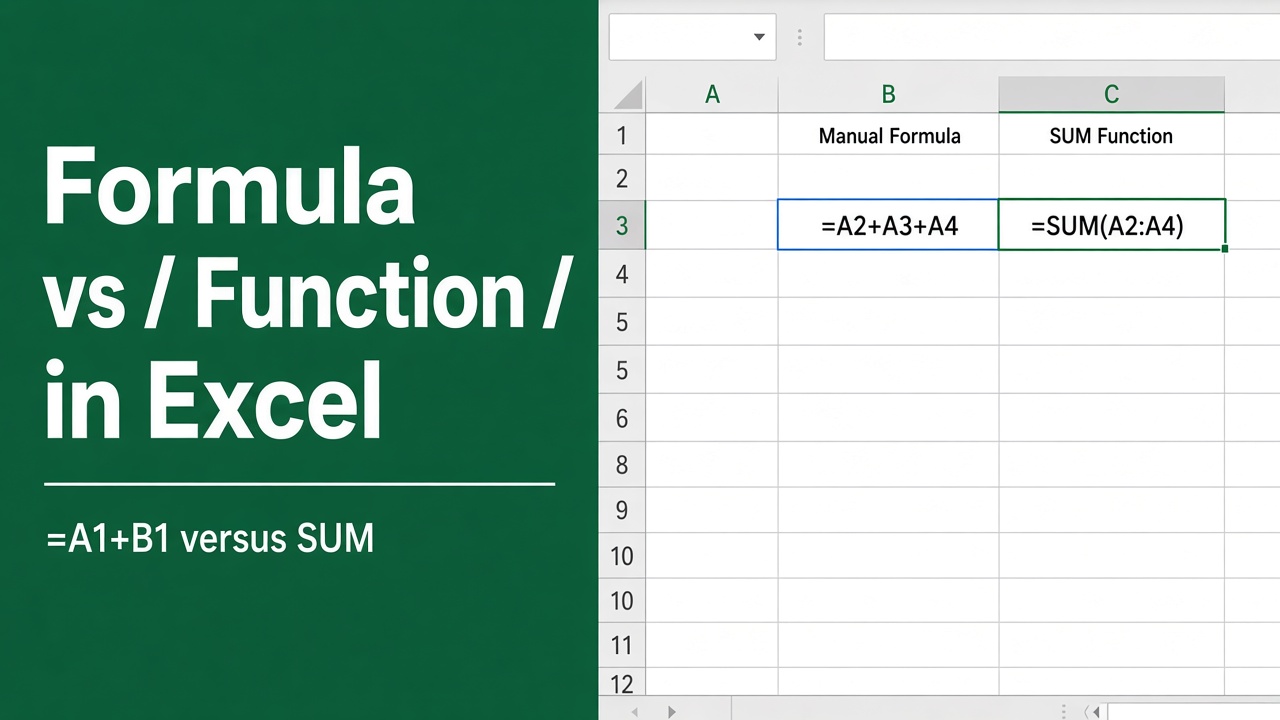
Excel Formula vs Function: What’s the Difference and When to Use Each
Discover the key differences between Excel formulas and functions, and learn when to use each for effective data analysis and calculations.
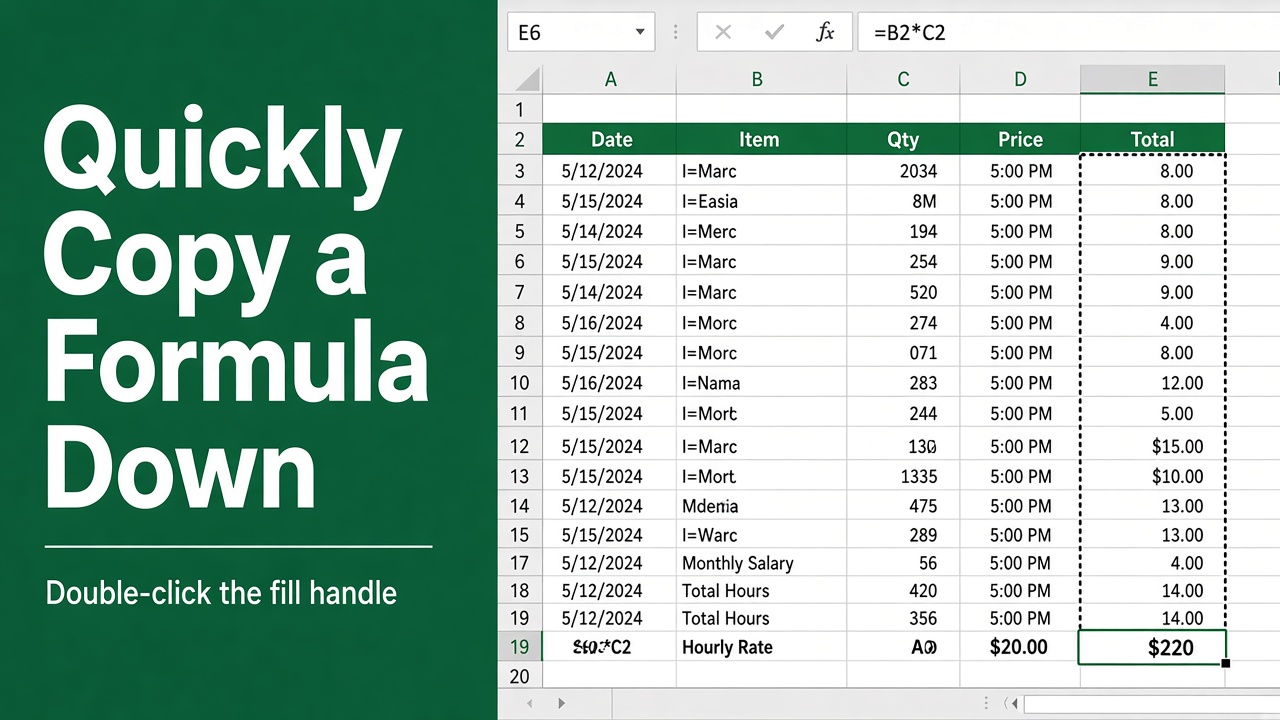
How to Quickly Copy a Formula Down in Excel?
Learn how to quickly copy formulas down in Excel using the Fill Handle, keyboard shortcuts, and absolute cell references to save time and effort.
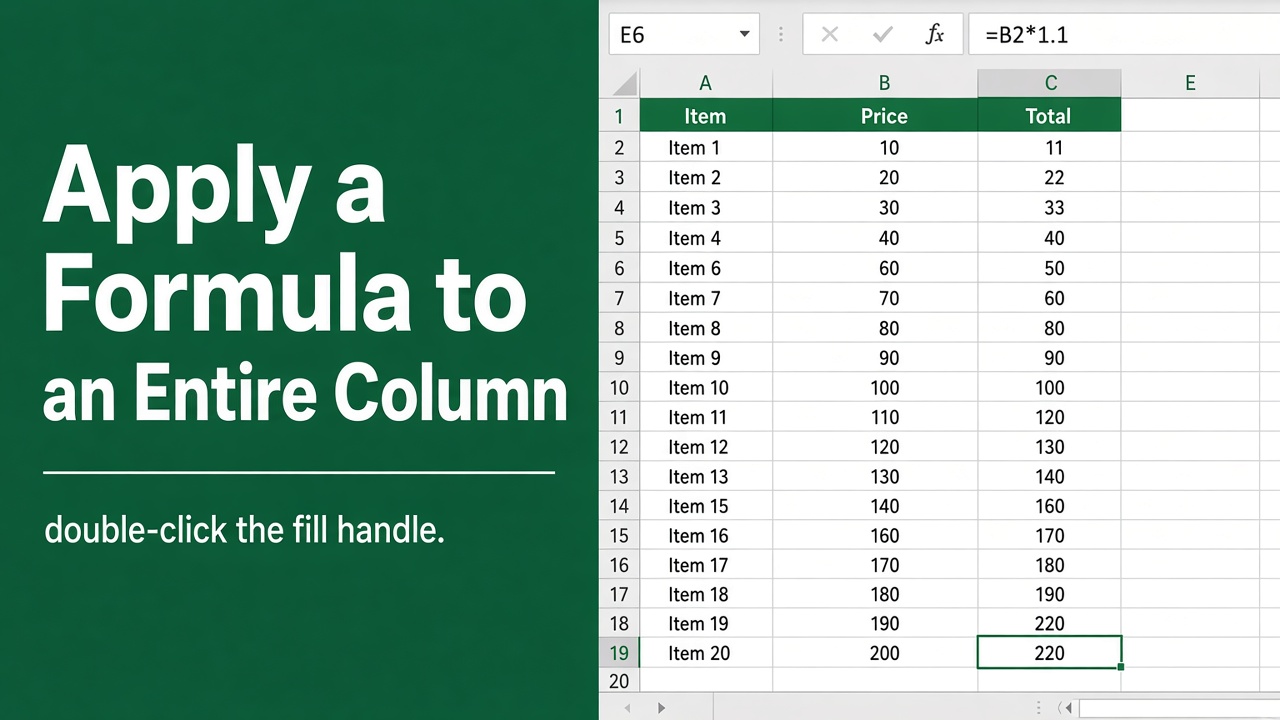
How to Apply a Formula to an Entire Column in Excel?
Learn how to apply formulas to entire columns in Excel using various methods. Save time and ensure consistency in your calculations with these tips.
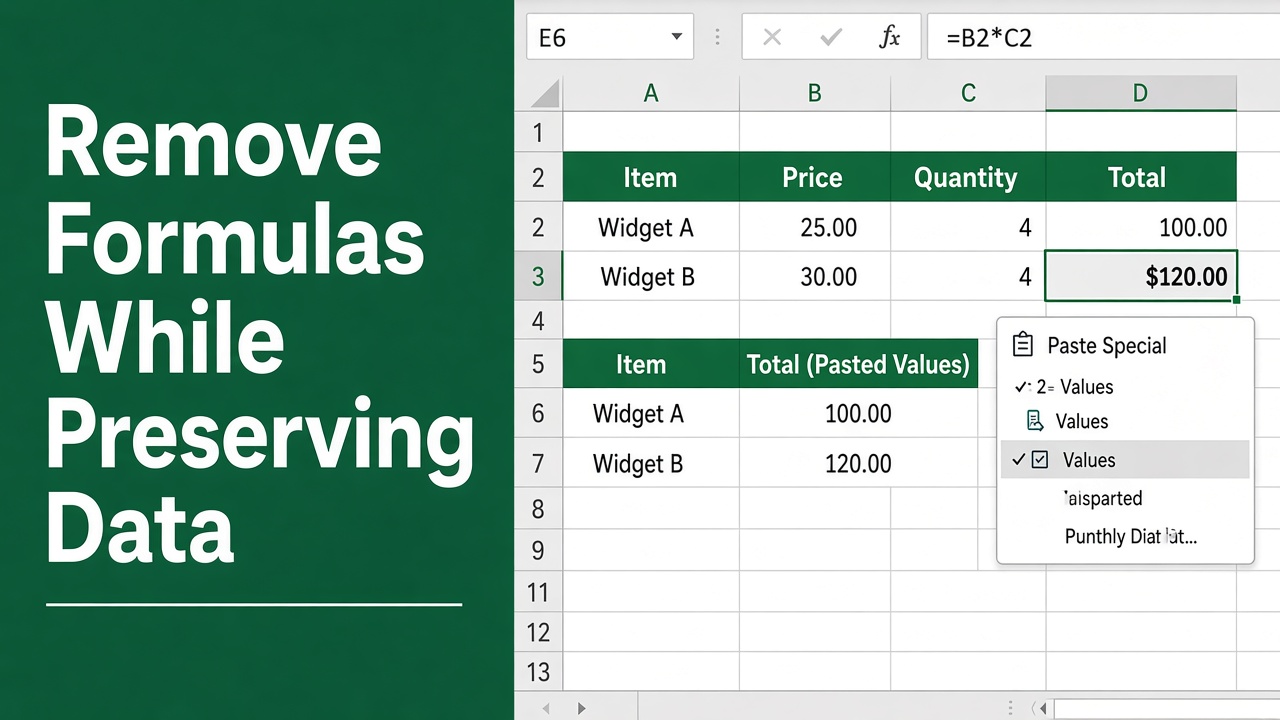
5 Methods to Remove Formulas in Excel While Preserving Data
Learn how to remove formulas in Excel while keeping the resulting values intact. Discover methods for single cells, ranges, and entire worksheets.
More in Basics
- How to Create Formula in Text Box in Microsoft Excel?
- How to Highlight All Cells Referenced by a Formula in Excel?
- How to Write Excel Formulas Without Using GETPIVOTDATA?
- How to Extract Formula from a Cell in Excel: A Comprehensive Guide
- Excel Data Validation with Formula: A Comprehensive Guide
- Translating Text in Microsoft Excel: Workarounds and Solutions
- How to Apply a Formula to an Entire Column in Excel on Mac Without Dragging?
- How to Link to Another Sheet in Excel Using Formulas?
- How to Put Equal Sign in Excel Without Formula?
- Excel Formula Variable: What It Is and How to Use It
- How to Autofill Formula in Excel Without Dragging?
- Copying and Pasting Formulas in Excel: A Guide
- How to Nest Formulas in Excel?
- How to Understand a Complex Formula in Excel?
- How to Import Excel Formulas into SharePoint Lists?
- How to Insert a Picture into an Excel Cell Using a Formula?
- Understanding Excel Formulas: Beginner’s Guide
- How to Insert Excel Formulas into Microsoft Word?
- How to Insert a Formula into a Cell Using Excel VBA?
- How to Replace Formulas with Values in Microsoft Excel?
- How to Create a Drop Down List in Excel Using Formulas?
- How to Insert a Row in Excel Without Breaking Formulas?
- How to Keep a Formula on the Same Cell in Excel?
- How to Select a Column in Excel Without a Header Using Formulas?
- How to Remove Formulas from Excel Pivot Tables: A Comprehensive Guide
- How to Move Cells in Excel Without Changing Formula?
- Top 10 Excel Formulas for Job Interviews with Real World Examples
- Formula to Copy and Paste Values in Excel Automatically
- How to Use an Excel Formula with an Unknown Variable?
- Understanding the Plus Sign After Equal Sign in Excel Formulas
- 5 Easy Methods to Sort in Excel Without Breaking Formulas
- How to Use the Excel Formula for Referencing the Cell Above?
- How to Convert Excel Formulas to SQL Queries: A Step-by-Step Guide
- How to Copy Formulas in Excel Without External Links (Easy Guide)
- How to Delete Data in Excel Without Deleting Formulas?
- How to Create an Excel Formula Loop Without VBA: Easy Guide
- How to Evaluate Formula in Excel on Mac? (5 Easy Methods)
- Prevent Excel Formulas from Changing to Values After Saving
- How to Paste Formulas into a Range using Excel VBA?
- How to Keep Formatting When Using Formulas in Excel?
- Convert Excel Formula to Power Query: A Comprehensive Guide