
Excel library
Excel Formulas
Page 28 of 29
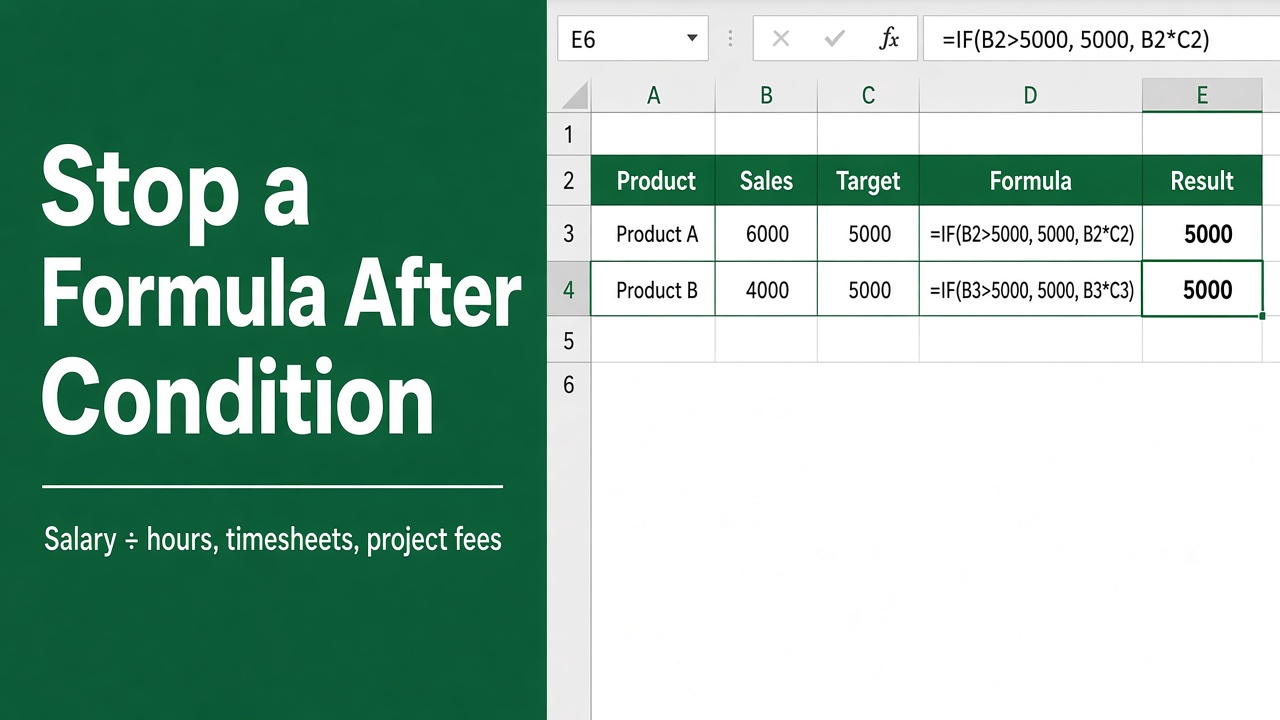
How to Stop an Excel Formula Calculation After a Condition Is Met?
Learn how to stop Excel formula calculation after a condition is met using IF, IFERROR, IFS, and logic functions to simplify and speed up your sheets.
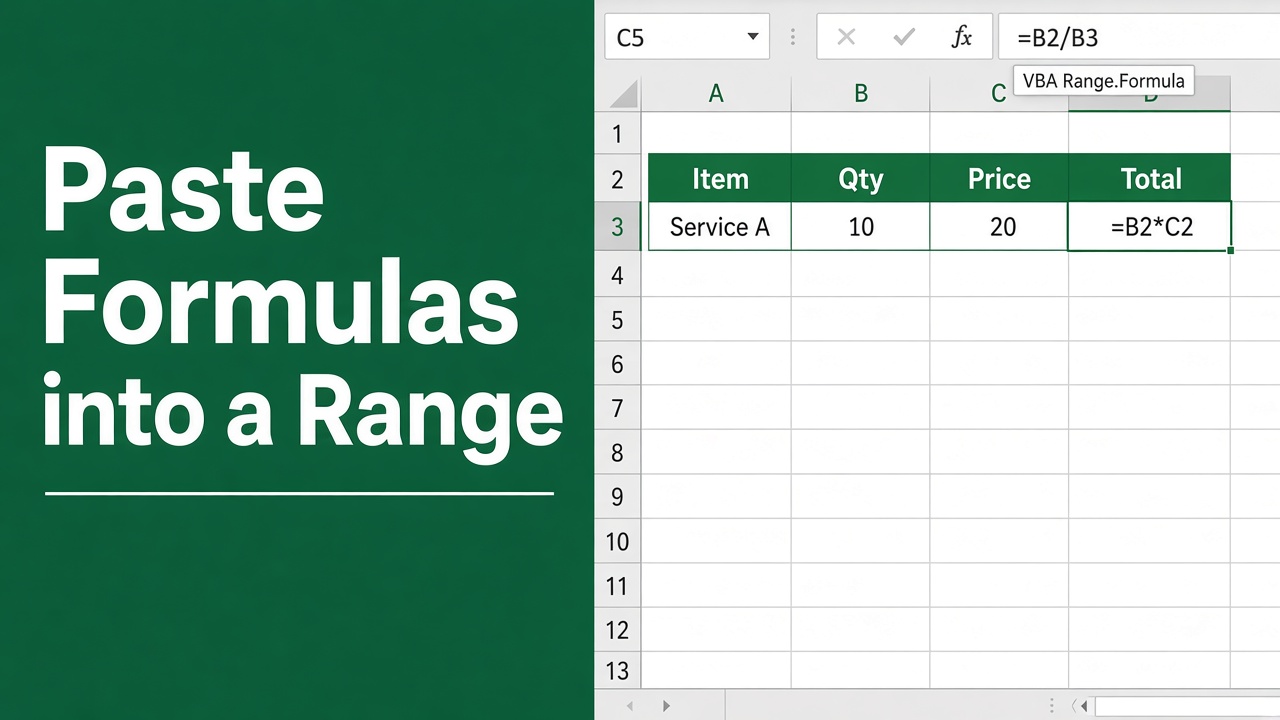
How to Paste Formulas into a Range using Excel VBA?
Put a formula into a whole range with Excel VBA: Range.Formula, FormulaR1C1, PasteSpecial xlPasteFormulas and FillDown, with working code for each.
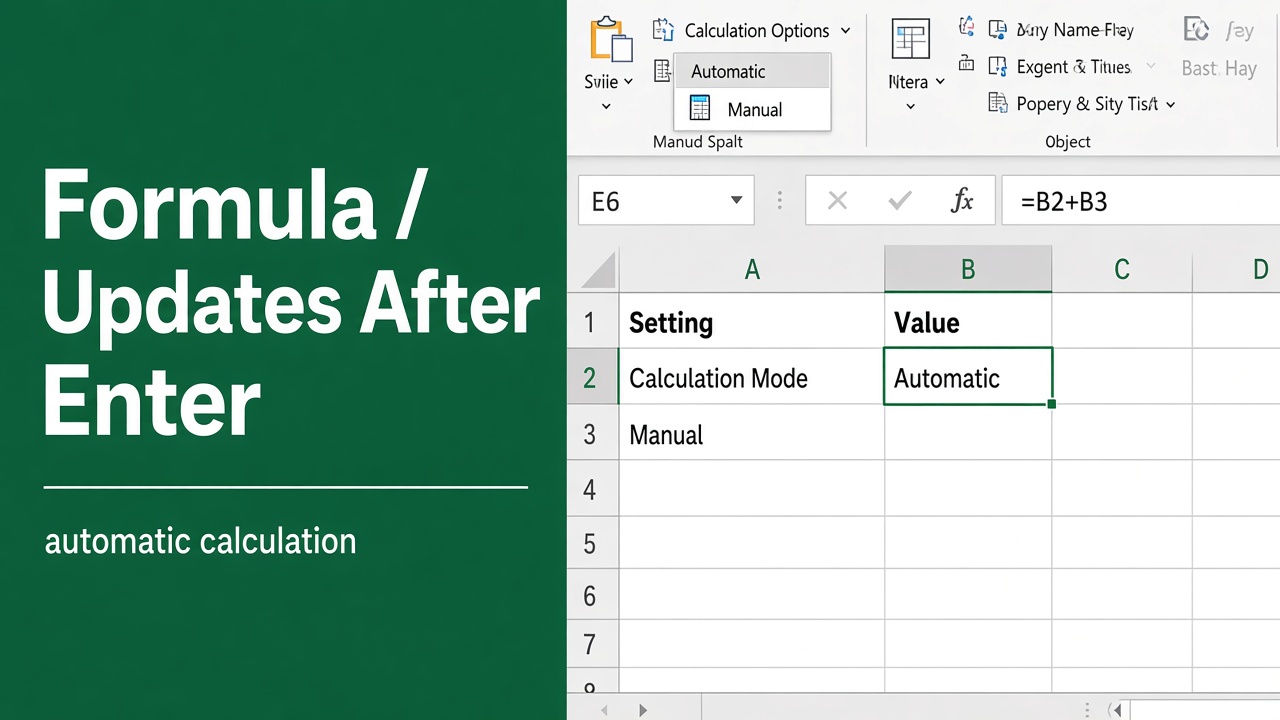
Solving Excel Formula Doesn’t Update Unless You Hit Enter
Unlock the power of spreadsheets with our guide on ensuring your Excel formula works after pressing Enter. Master seamless data calculations now.
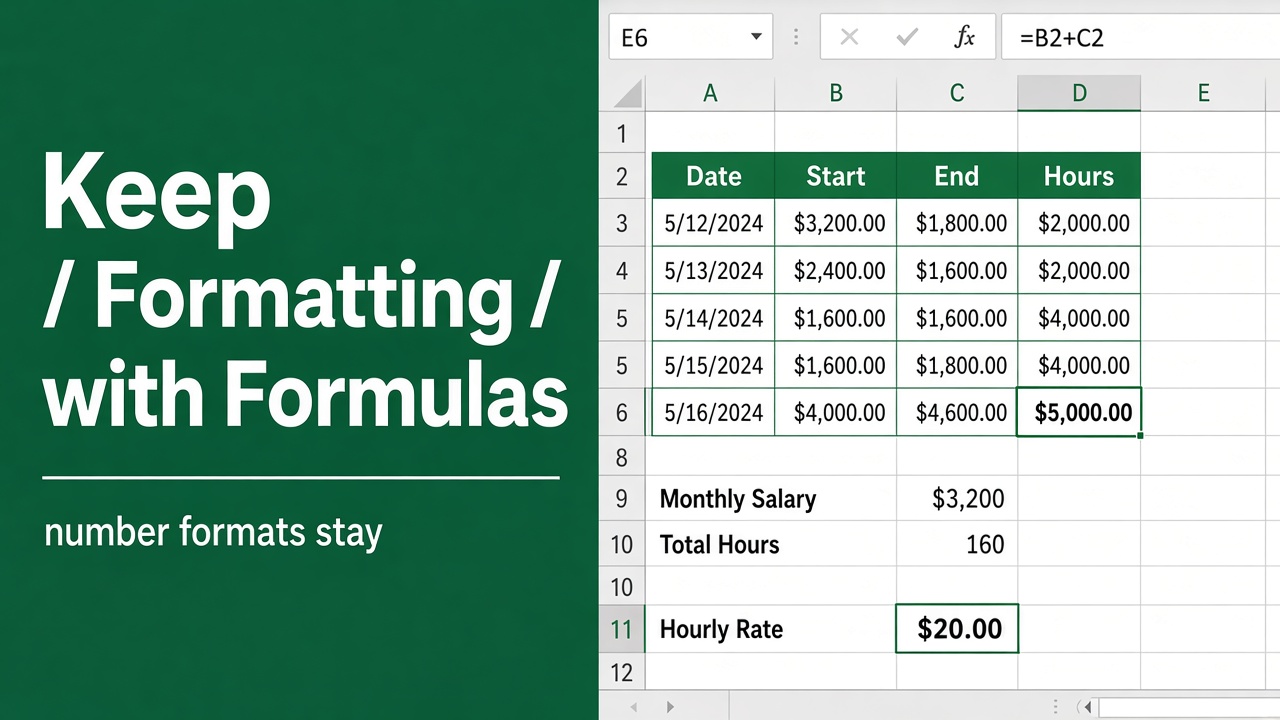
How to Keep Formatting When Using Formulas in Excel?
Learn the secrets to maintaining your data’s look with our guide on keeping formatting intact while using an Excel formula. Simple steps for clean spreadsheets.
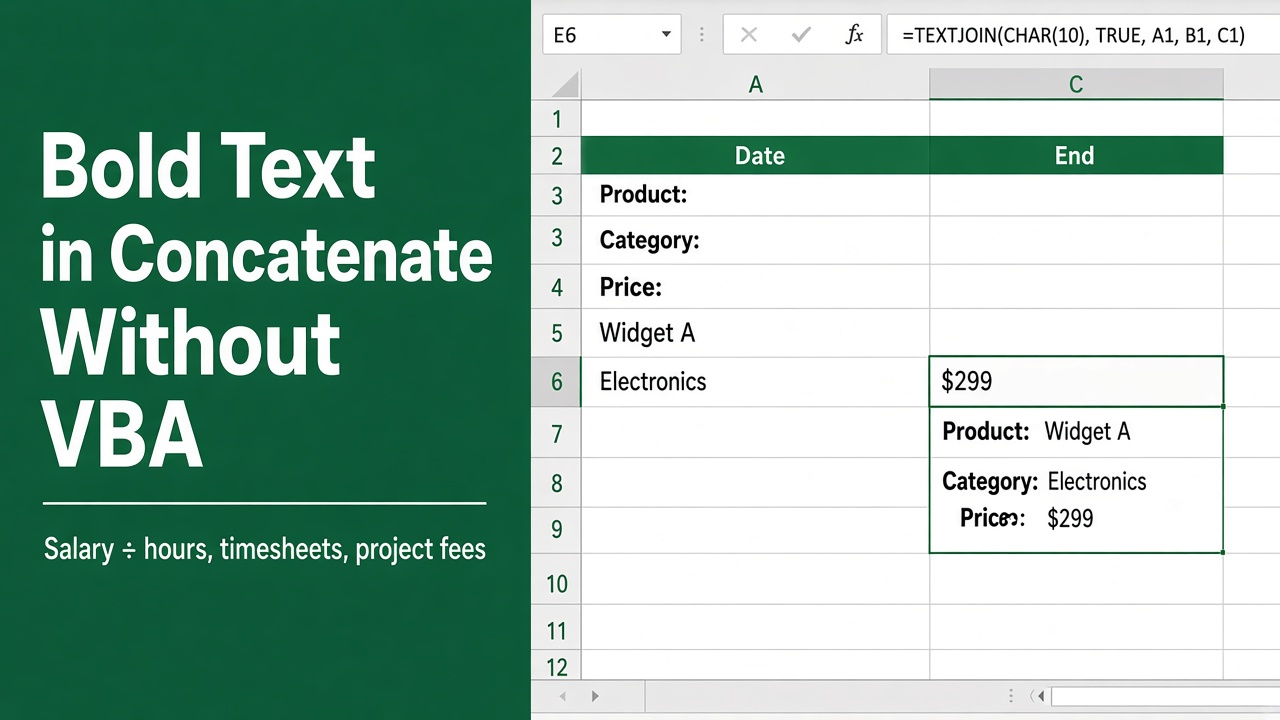
How to Bold Text in Concatenate Formula in Excel Without VBA?
Learn the steps for how to bold text in concatenate formula in Excel without VBA to enhance your spreadsheets with ease. Get clear guidance now!
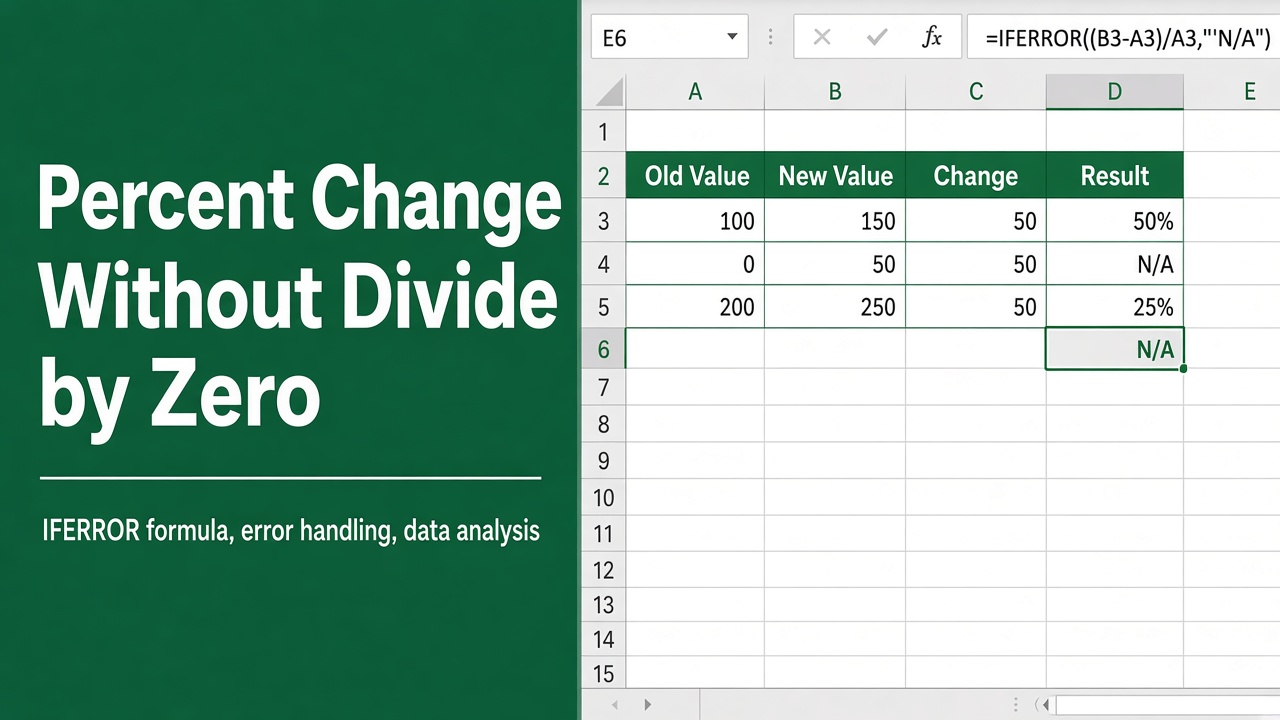
Use the Percent Change Formula in Excel Without Getting Divide by Zero Errors
Master Excel’s percent change formula and bypass divide by zero errors with ease. Expert tips for error-free spreadsheet calculations.
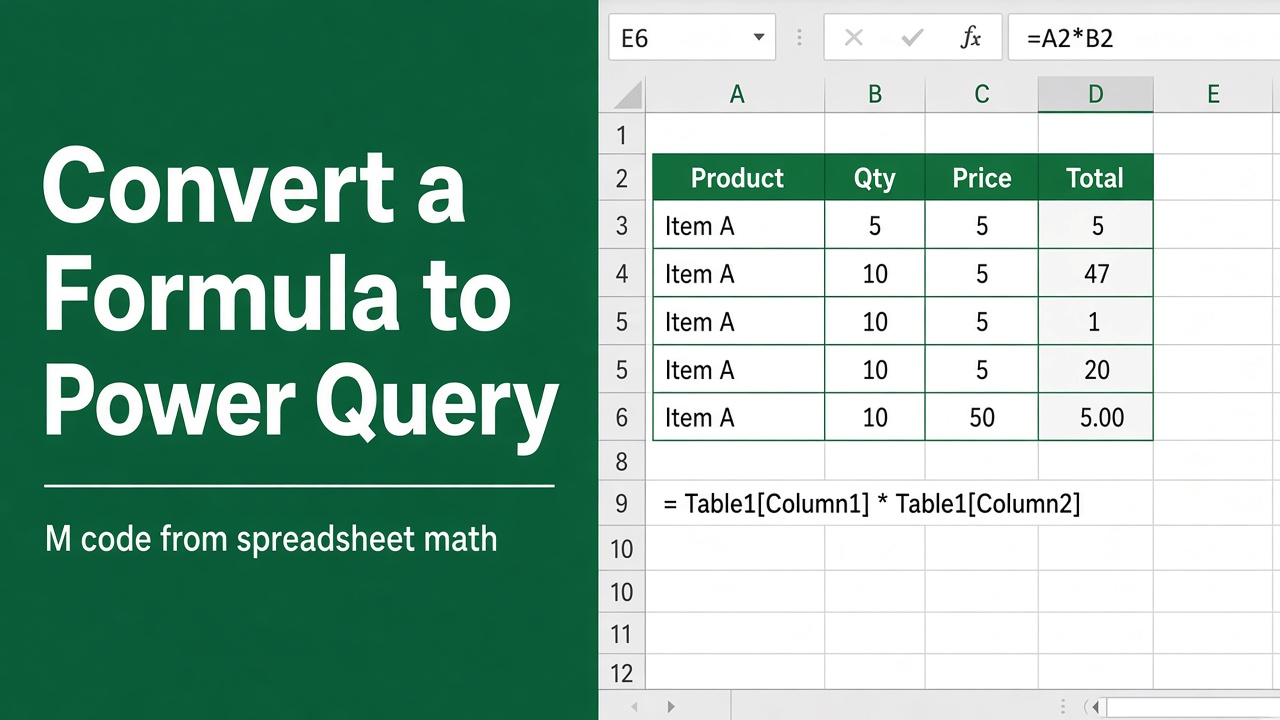
Convert Excel Formula to Power Query: A Comprehensive Guide
Elevate your data analysis by learning to convert Excel formulas to Power Query for enhanced efficiency and insight. Start optimizing now!
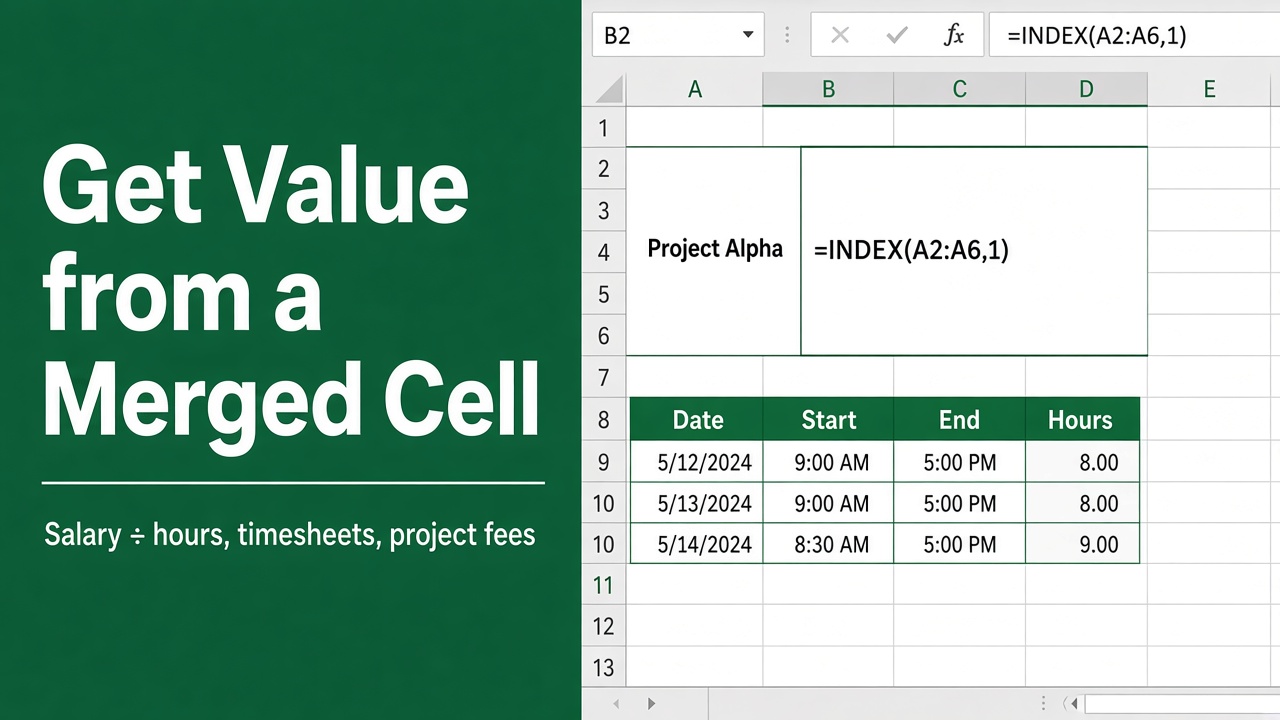
Easy Formula to Get Value from a Merged Cell in Excel
Learn to effortlessly get value from merged cell Excel formula with our easy-to-follow guide. Master your spreadsheets like a pro today!
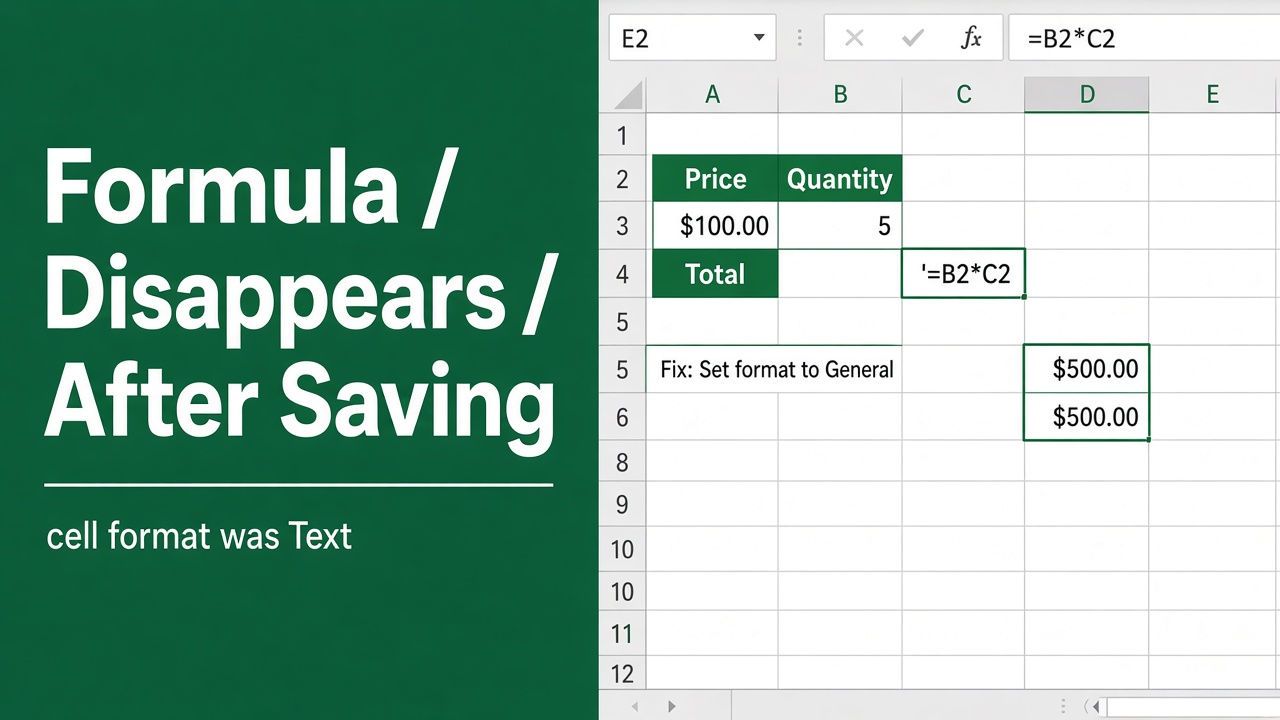
Excel Formula Disappears After Saving? Here’s the Fix!
Struggling with an excel formula disappearing after saving? Get troubleshooting tips and solutions to restore your data seamlessly.
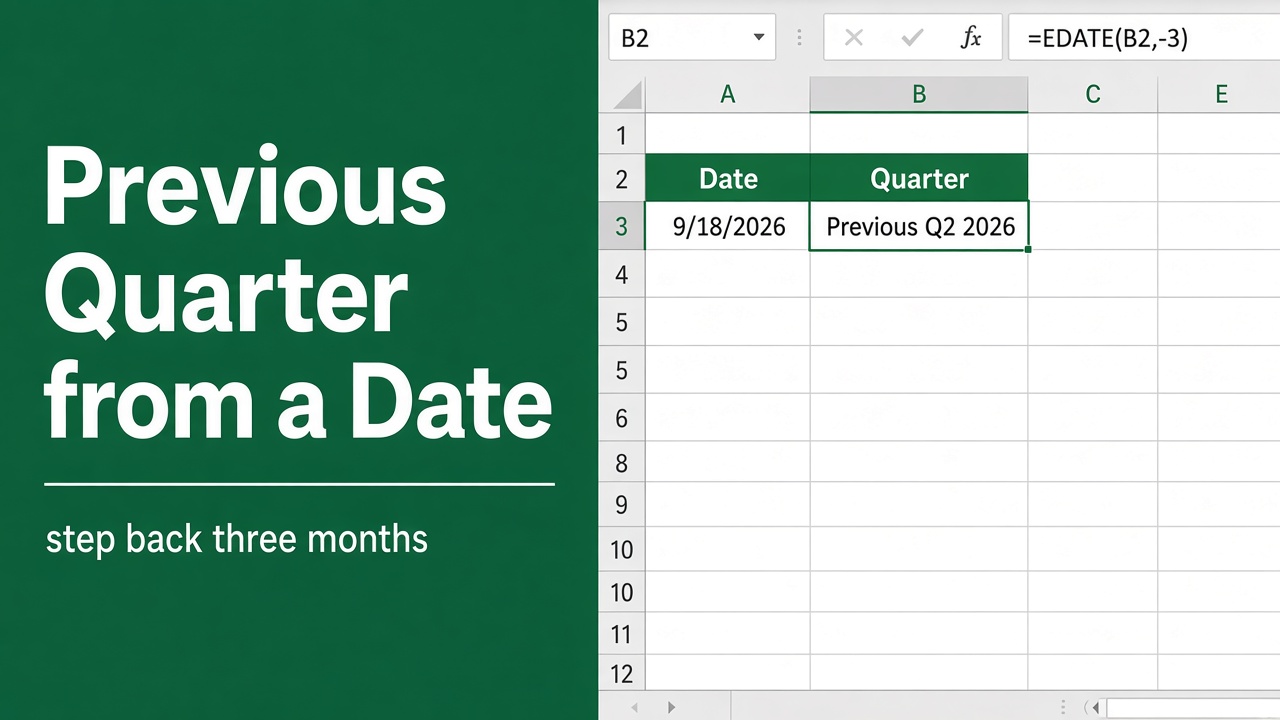
Simple Excel Formula to Get Previous Quarter from Date
Discover how to effortlessly determine the prior quarter from any date using our easy-to-follow Excel formula. Master your spreadsheets now!