
Excel library
Excel Formulas
Page 10 of 29
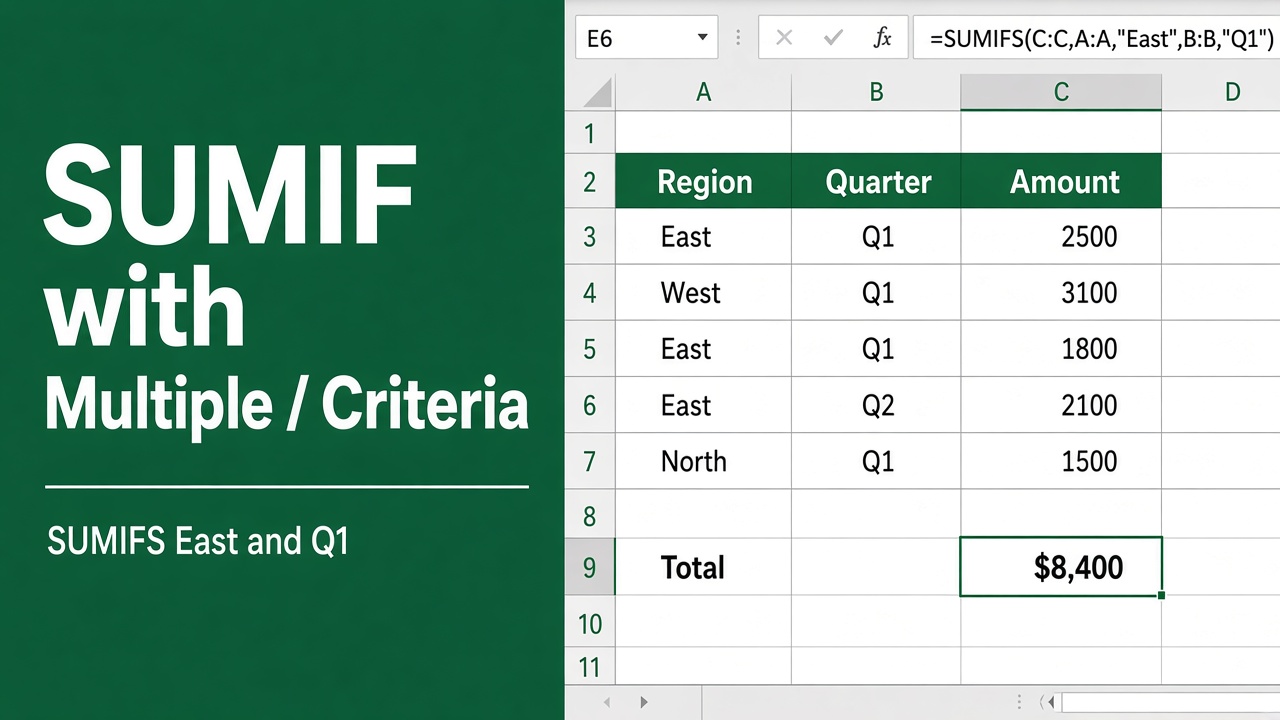
How to Use SUMIF with Multiple Criteria in an Excel Formula?
Learn how to use SUMIF with multiple criteria in Excel. Sum values based on two or more conditions using SUMIF or SUMIFS functions. Tips & examples included.
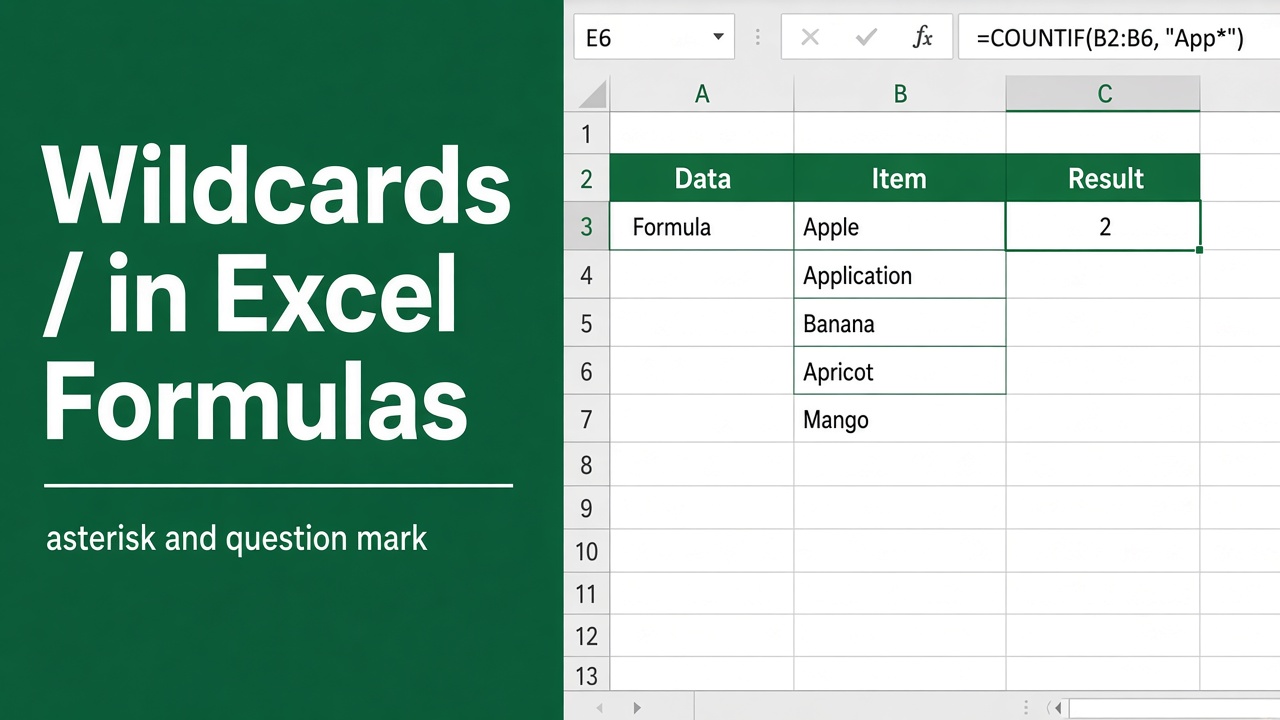
Excel Formula with Wildcard: How to Use Wildcards in Excel Formulas
Unlock the power of Excel formulas with wildcards for dynamic, flexible data searches. Master this technique today to enhance your spreadsheets!
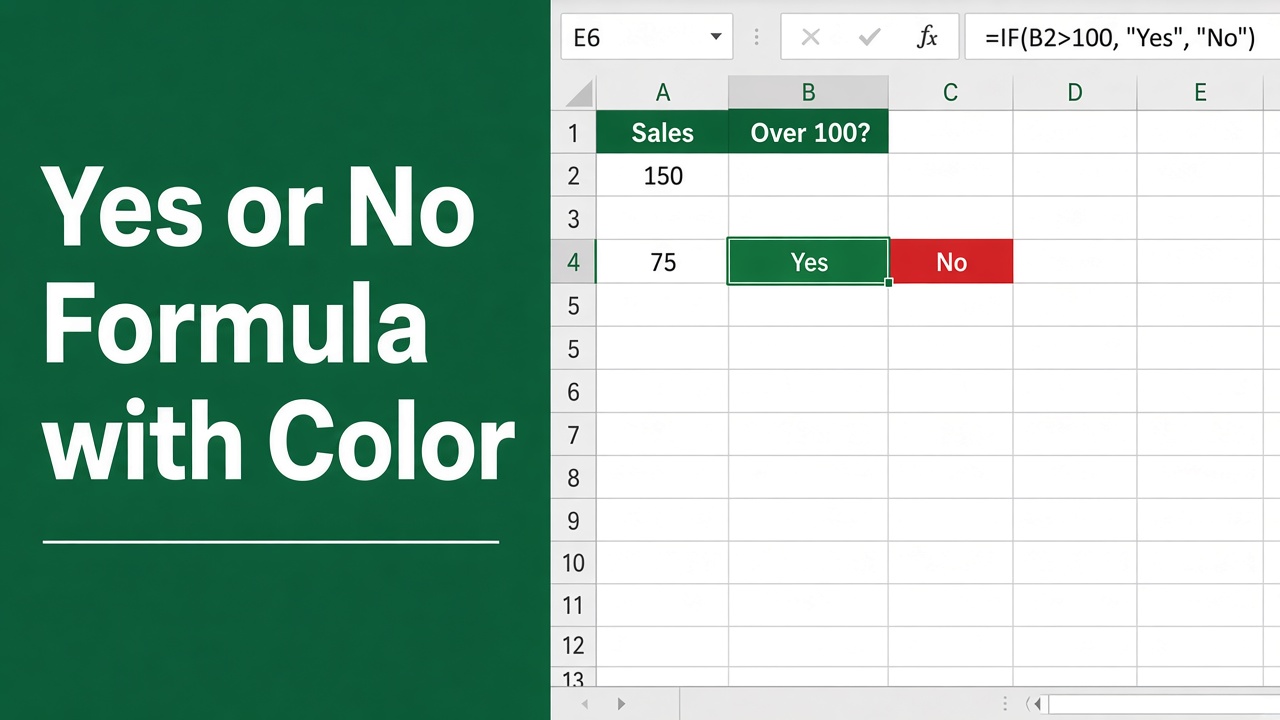
How to Use the Excel Yes or No Formula with Color?
Learn to apply an excel yes or no formula with color to enhance data clarity and visualization in your spreadsheets. Easy step-by-step guide!
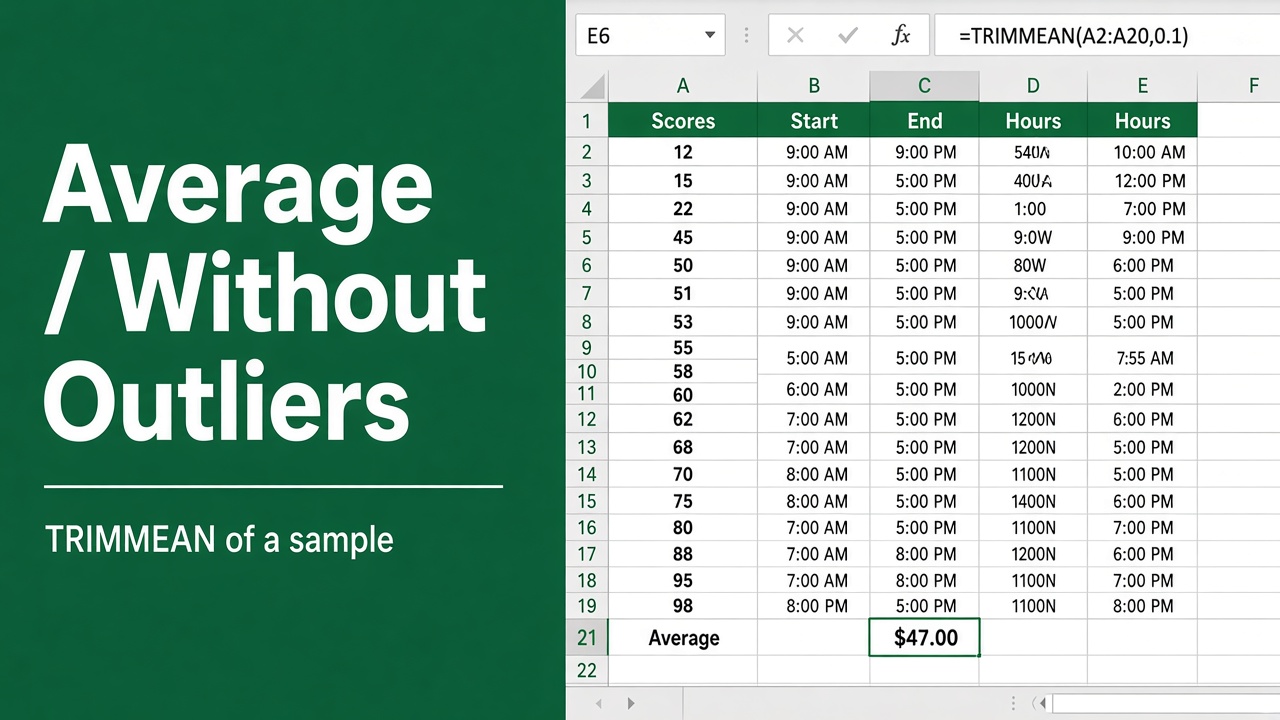
Excel Formula to Calculate Average Without Outliers
Learn how to effectively calculate averages in Excel while excluding outliers using TRIMMEAN, AVERAGEIF, and array formulas.
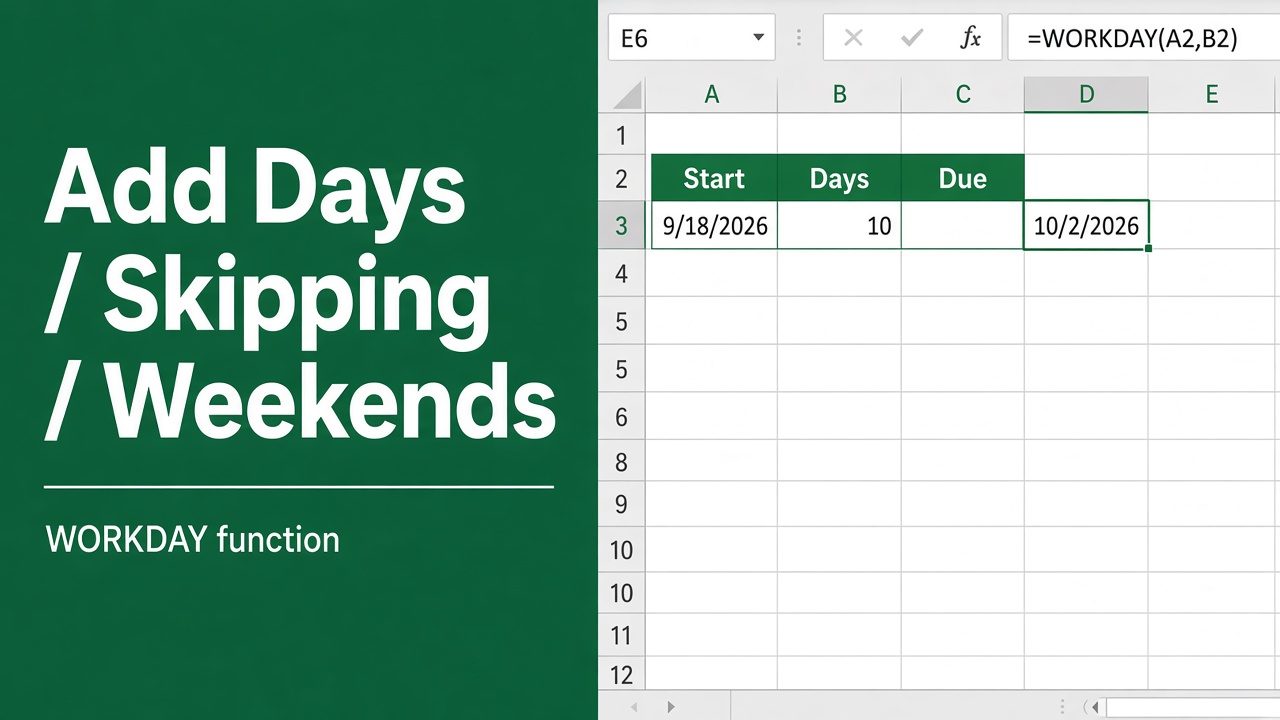
How to Add Days Excluding Weekends with an Excel Formula?
Learn how to add days excluding weekends in Excel using the WORKDAY function. Step-by-step guide with examples & tips for handling holidays & custom work weeks.
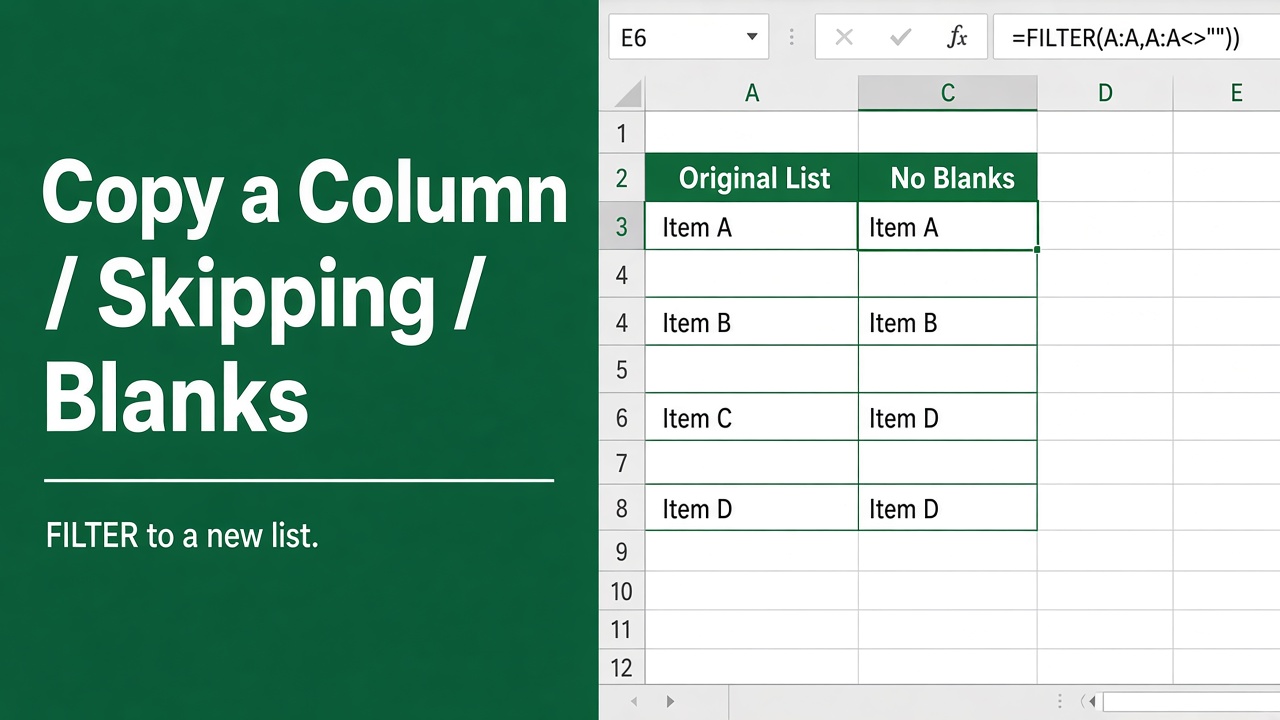
How to Copy a Column in Excel Without Blank Cells Using Formulas
Master the technique of using an excel formula to copy a column without blanks and streamline your data management efficiently.
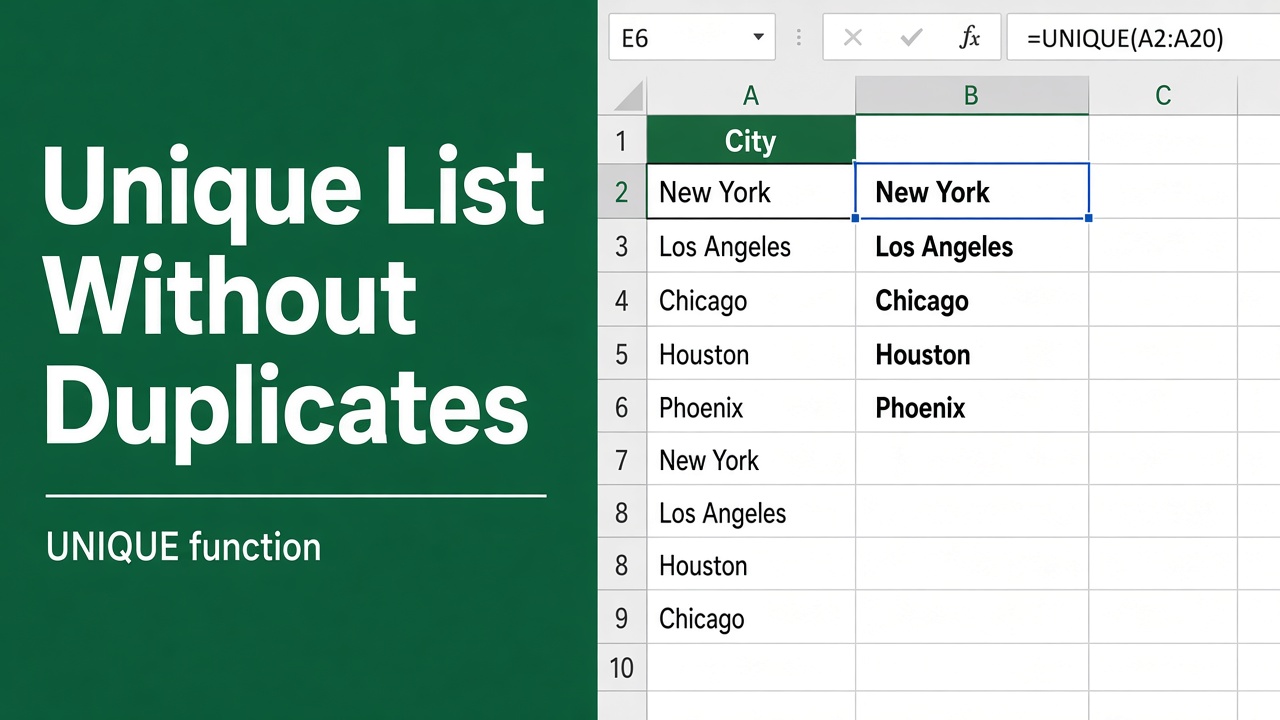
How to Create a List Without Duplicates Using an Excel Formula?
Learn how to create a list without duplicates in Excel using formulas like UNIQUE, INDEX, MATCH, and more. Step-by-step guide with examples.
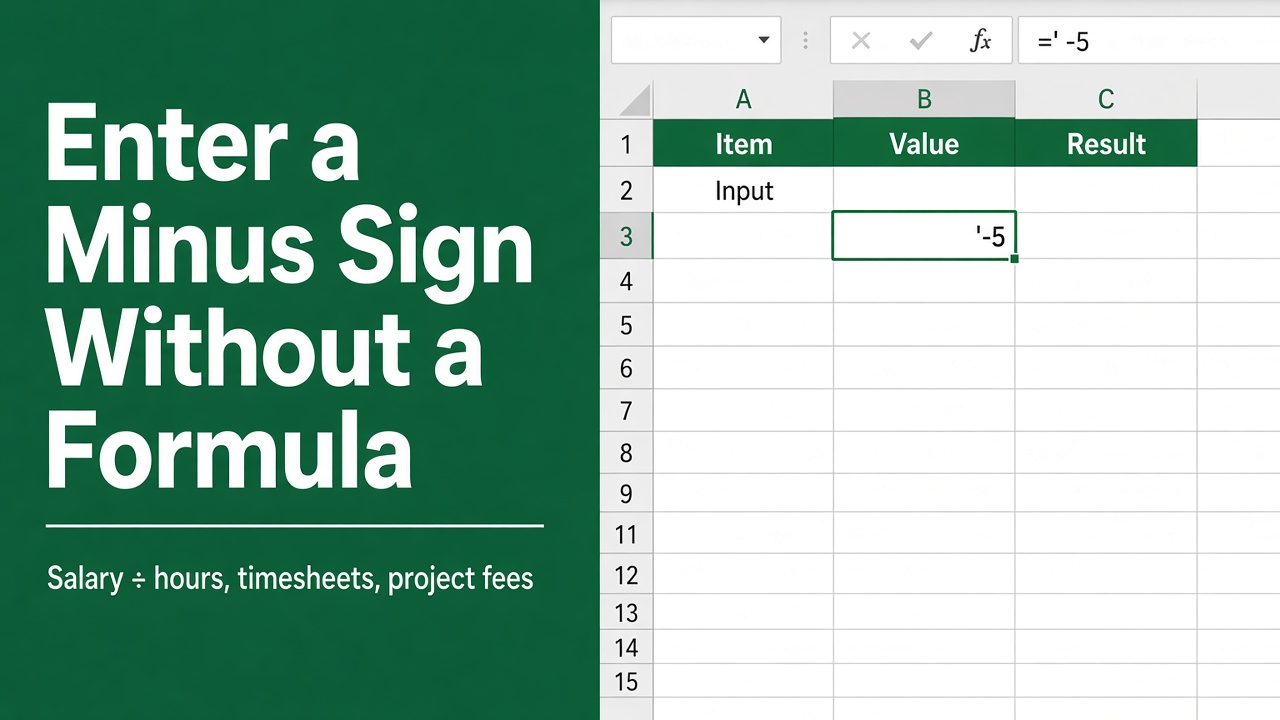
How to Enter a Minus Sign in Excel Without Using a Formula?
Learn how to enter a minus sign in Excel without using a formula. Discover easy methods like Symbol menu, keyboard shortcuts, and number formatting.
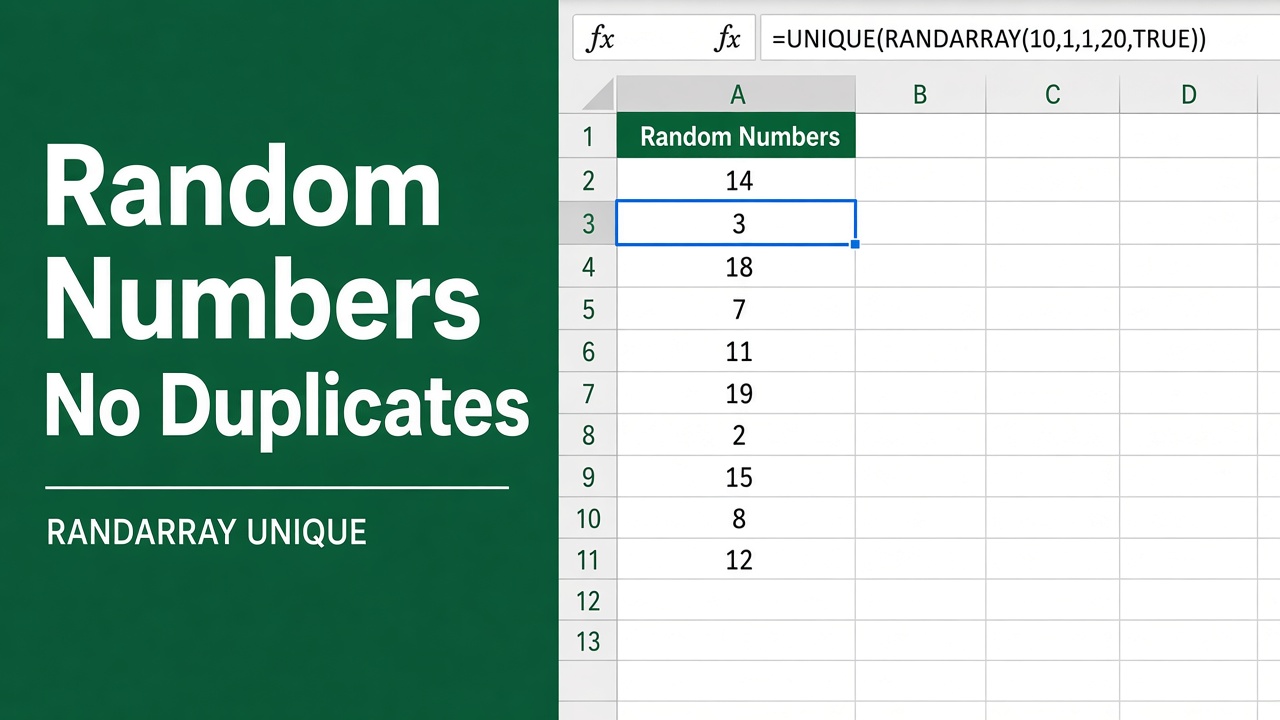
How to Generate Random Numbers Without Duplicates in Excel Using Formulas?
Discover how to use an excel formula to generate random number without duplicates efficiently in Excel—perfect for unique data sets and sampling.
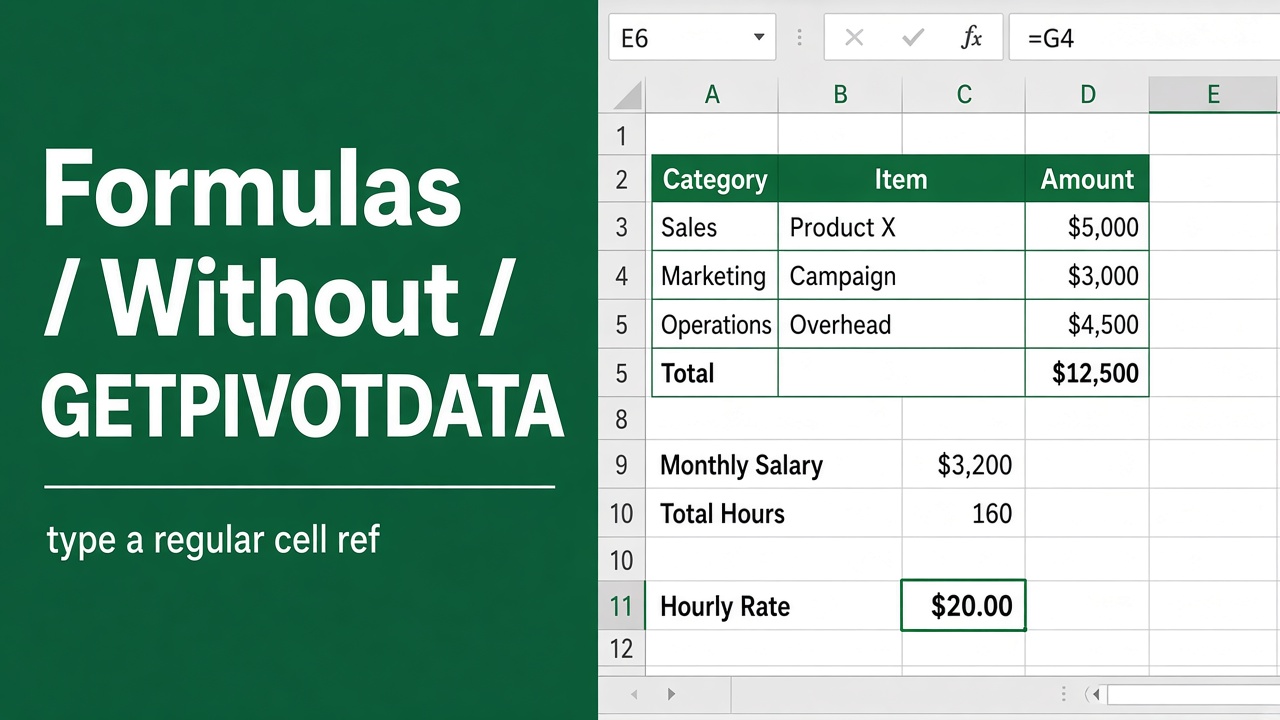
How to Write Excel Formulas Without Using GETPIVOTDATA?
Learn how to write Excel formulas for PivotTables without using GETPIVOTDATA. Discover alternatives like cell references, named ranges, and dynamic lookups.