
Excel library
Excel Formulas
Page 9 of 29
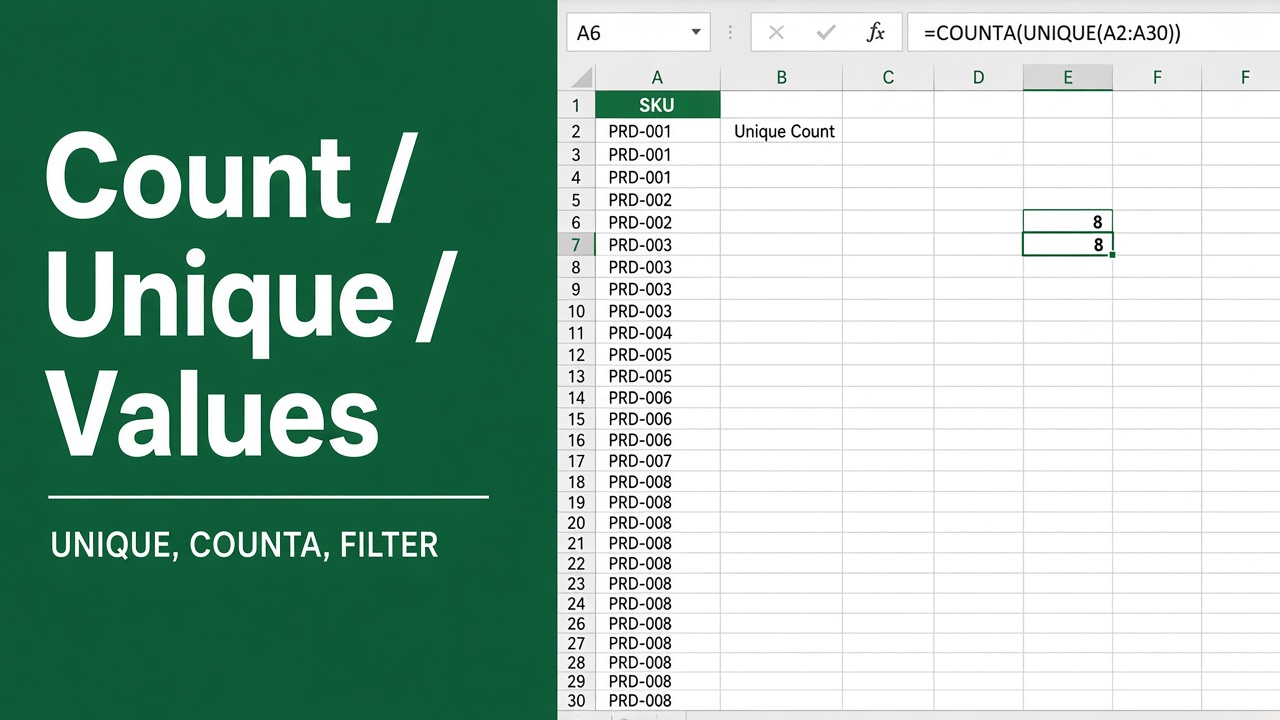
Excel Formula to Count Unique Values
Count distinct values in Excel with COUNTA(UNIQUE()) or SUMPRODUCT(1/COUNTIF()), ignore blanks, add conditions, or use a pivot table's Distinct Count.
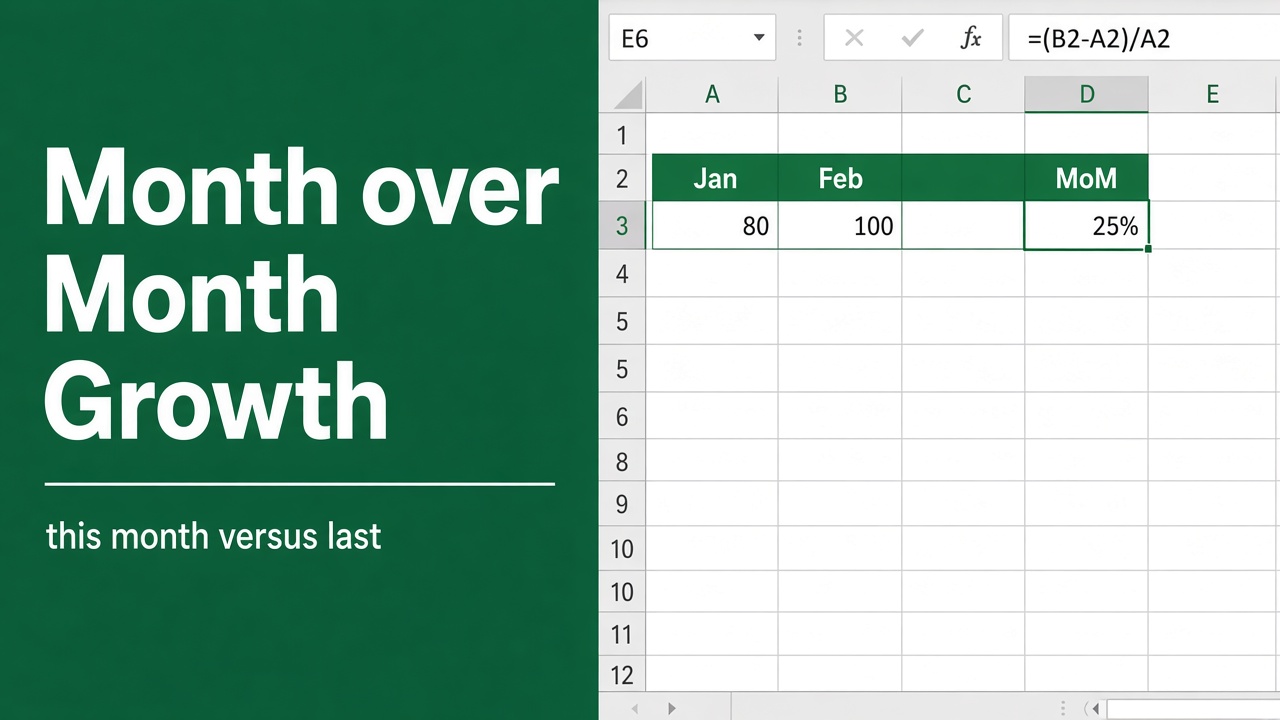
Easy Formula to Calculate Month-Over-Month Growth in Excel
Learn how to calculate and analyze month-over-month growth in Excel with formulas and charts. Discover tips for effective MoM analysis.
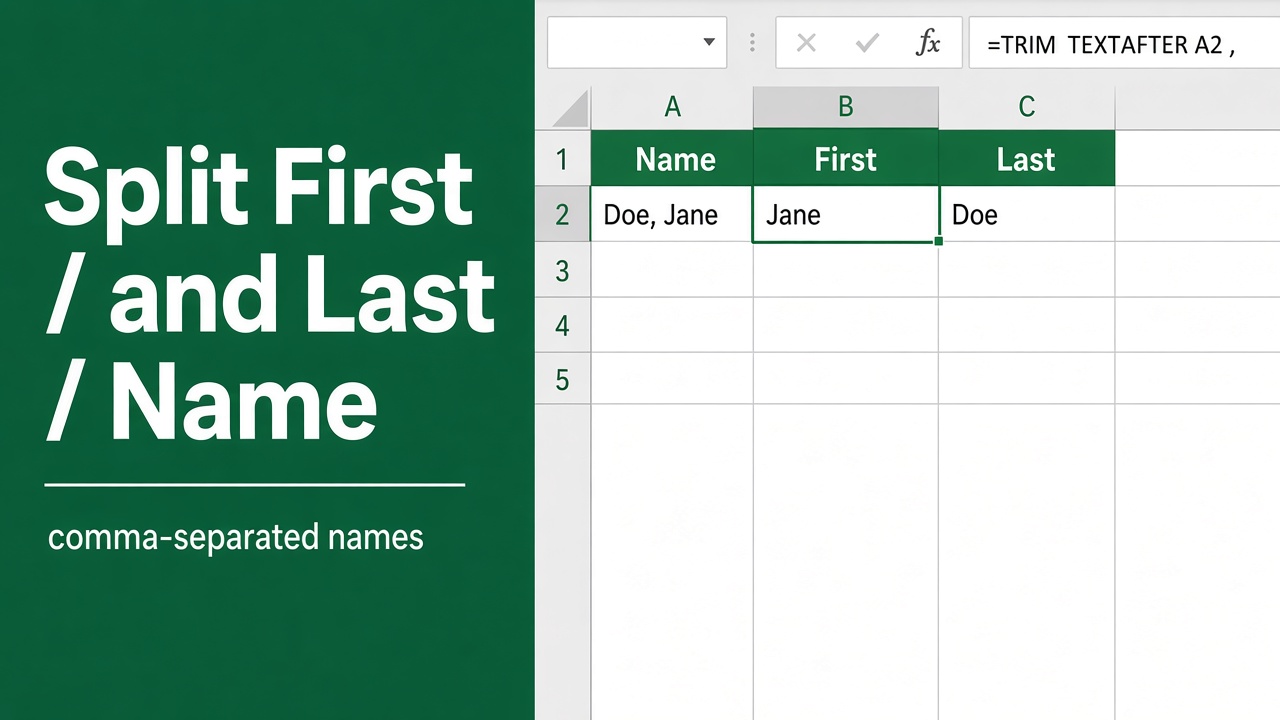
Easy Excel Formula to Separate First and Last Name with Comma
Learn how to use Excel formulas to quickly separate first and last names with a comma. Handle middle names, initials, and more. Easy step-by-step guide.
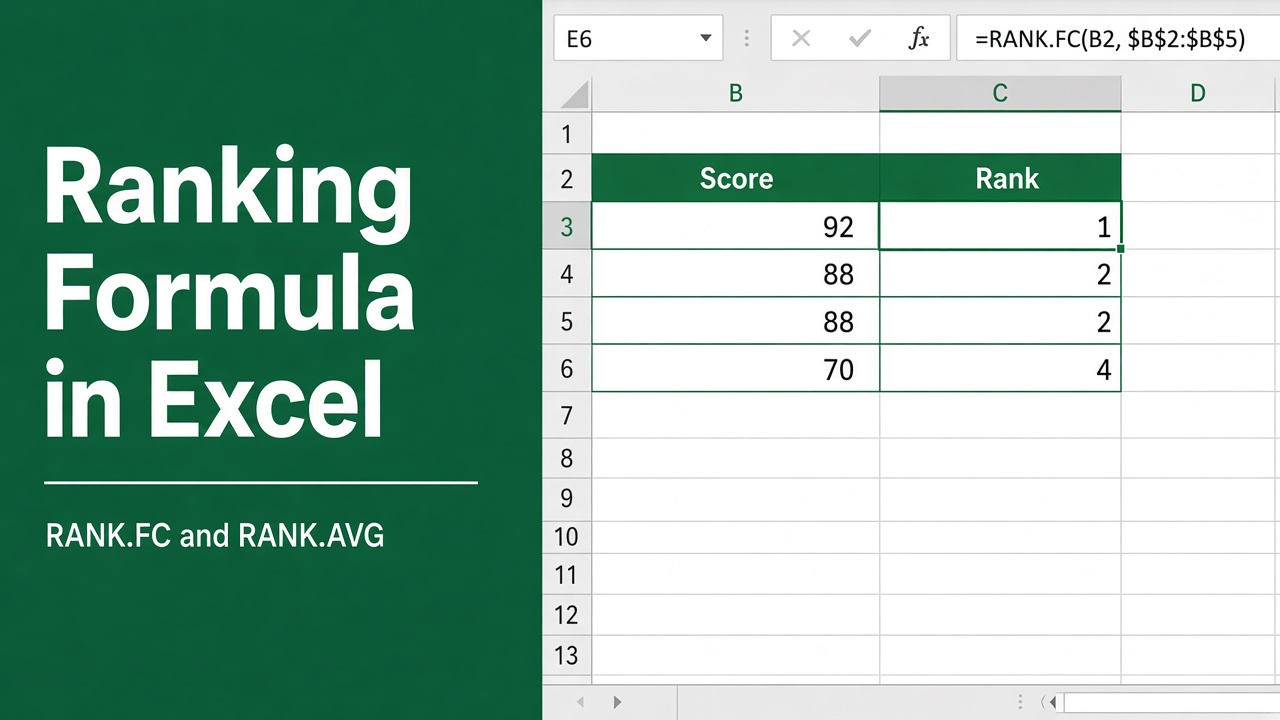
Formula for Ranking in Excel: A Comprehensive Guide
Learn how to use the RANK function in Excel to organize & analyze data effectively. Discover the syntax, handling ties & advanced techniques for ranking values.
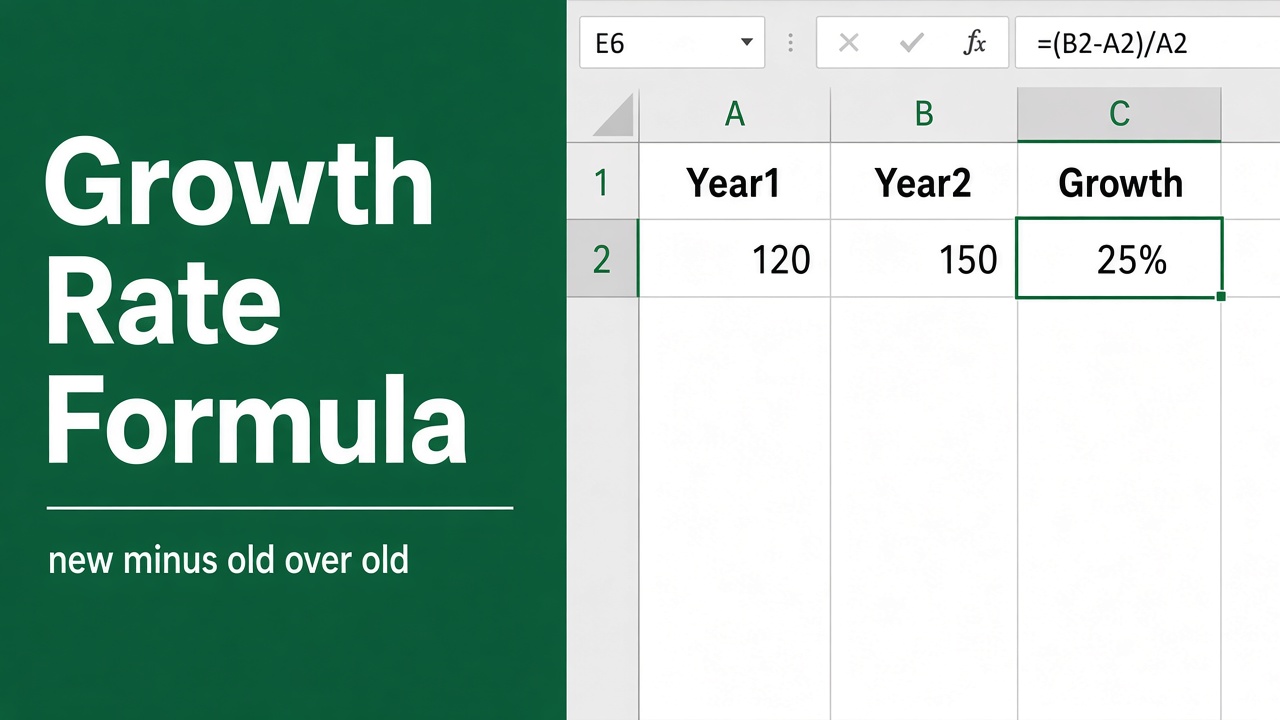
Simple Formula to Calculate Growth Rate in Excel
Learn how to calculate growth rate in Excel with formulas and functions. Includes examples for revenue, stock price, and population growth rates.
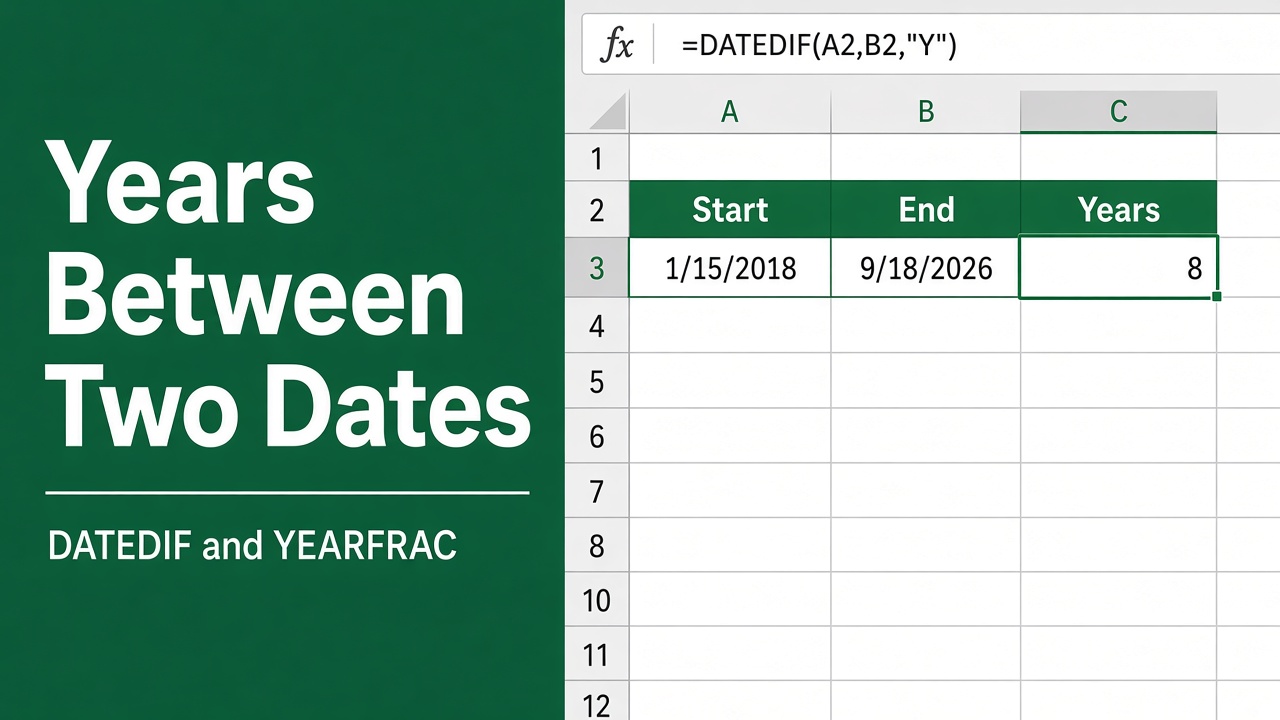
Easy Excel Formula for Years Between Dates
Learn how to calculate years between dates in Excel using DATEDIF, YEARFRAC, and simple YEAR function formulas, with step-by-step guides.
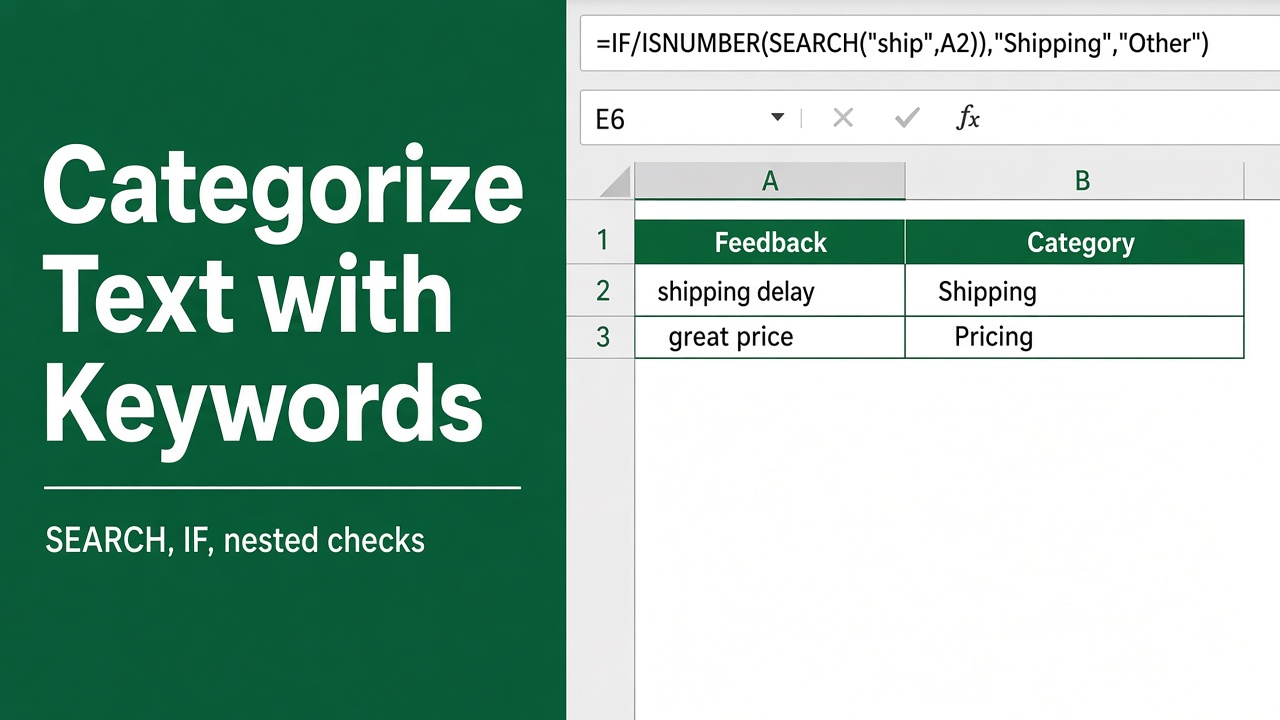
Easy Excel Formula to Categorize Text with Keywords
Learn how to use Excel formulas to categorize text data based on keywords. Save time and effort by automating the categorization process.
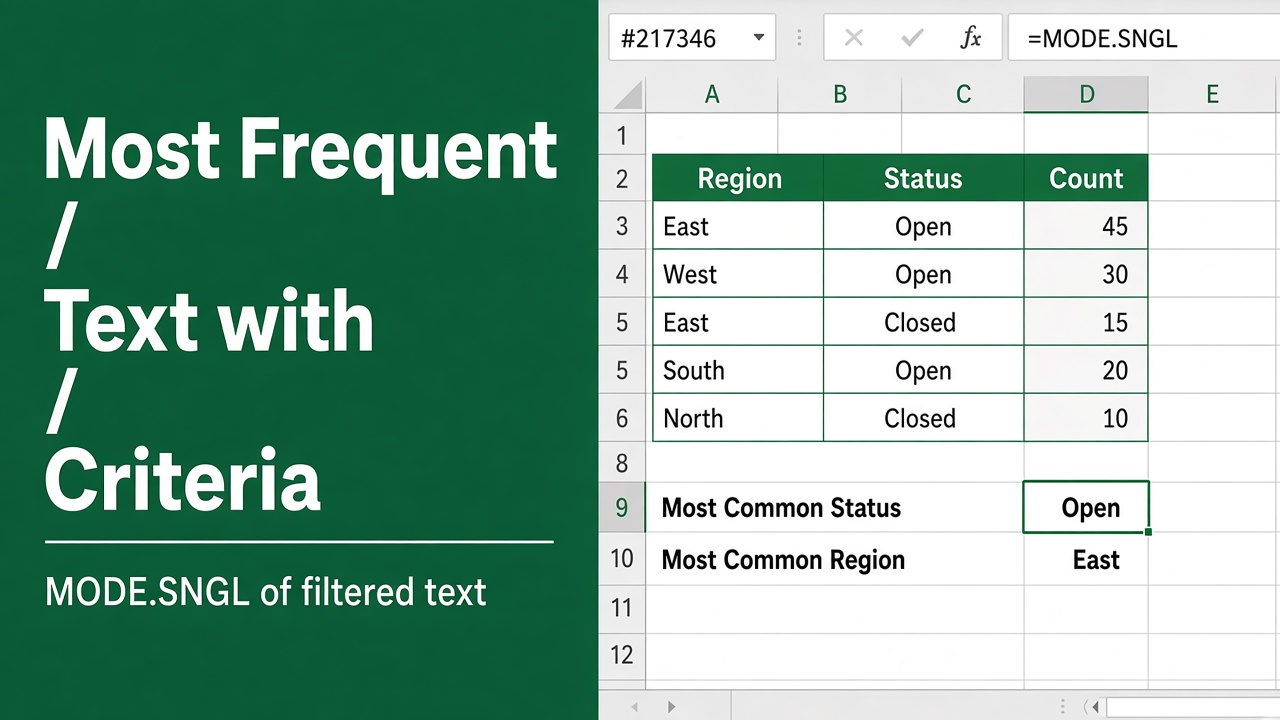
How to Find the Most Frequent Text with Criteria Using Excel Formula?
Discover how to find the most frequent text in Excel that meets specific criteria using COUNTIFS, INDEX, MATCH & other functions. Boost your productivity now!
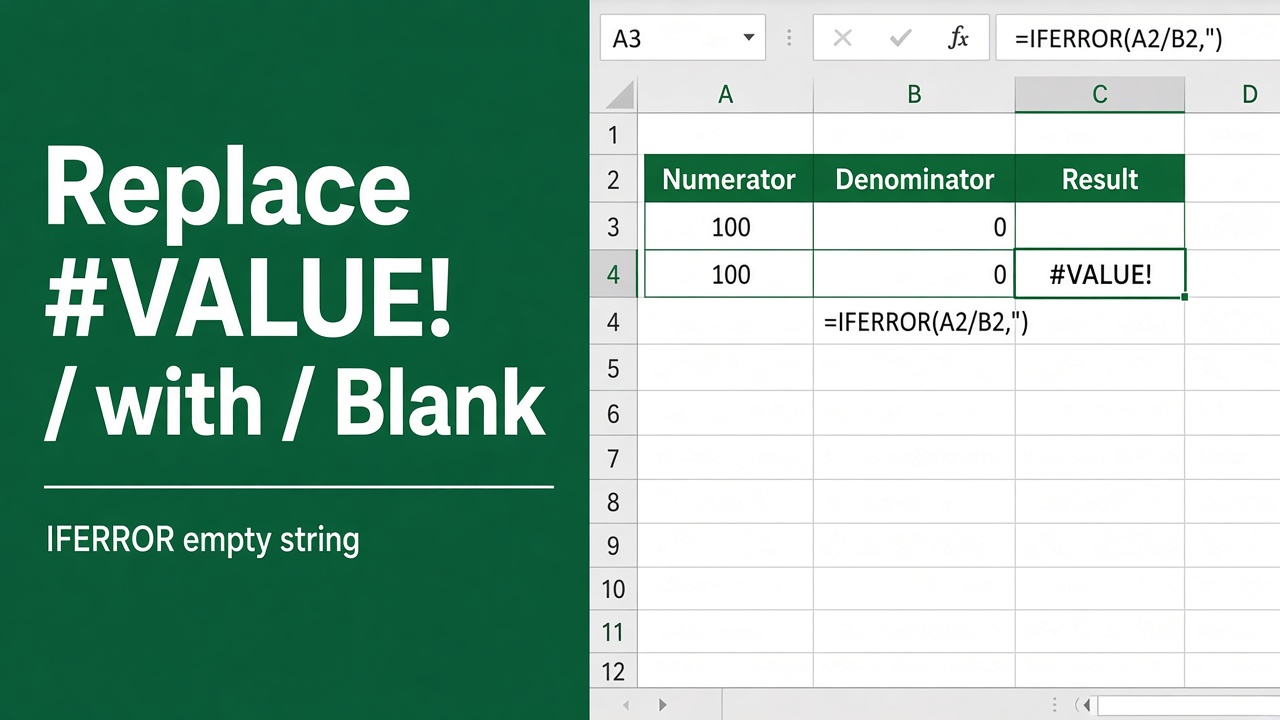
How to Replace #VALUE! with Blank Using an Excel Formula?
Learn how to replace #VALUE! error with blank cells in Excel using the IFERROR function. Improve readability of your spreadsheet with this simple formula.
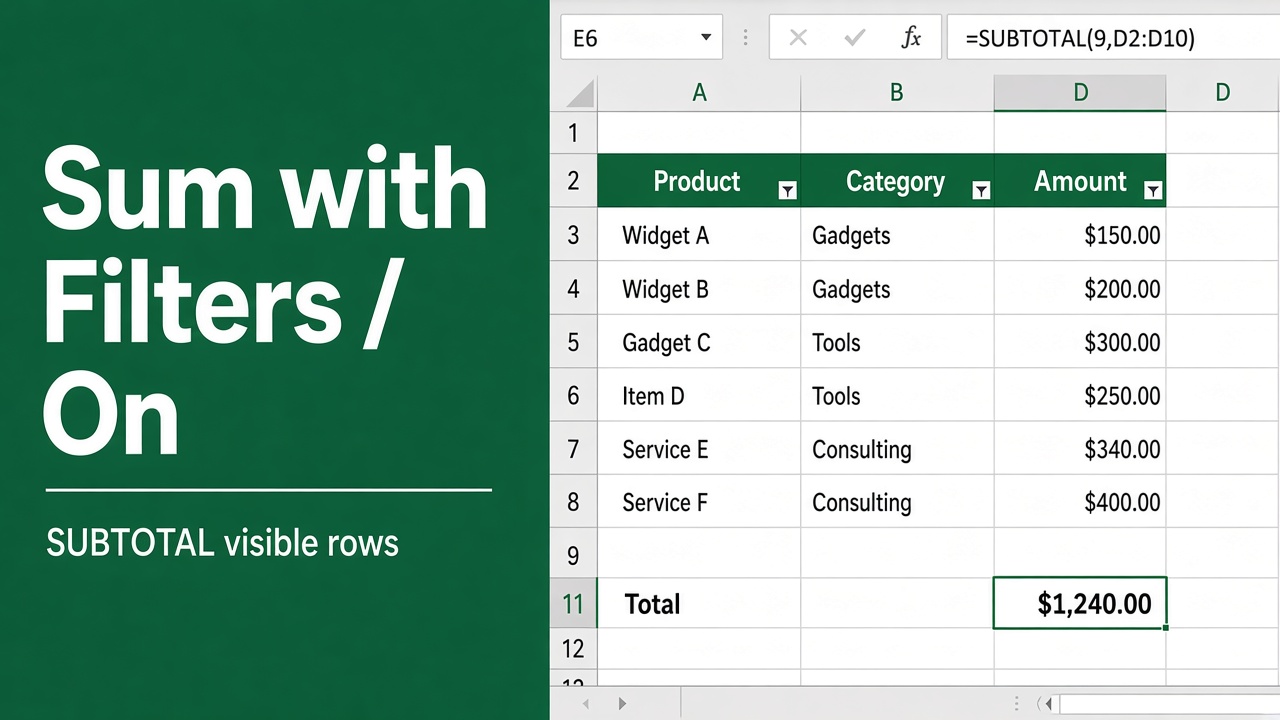
Simple & Easy Excel Formula to Sum with Filters
Learn how to sum values in Excel using SUM with FILTER. Master SUMIF, SUMIFS, and FILTER functions for dynamic and conditional summing in your spreadsheets.