
Excel library
Excel Formulas
Page 12 of 29
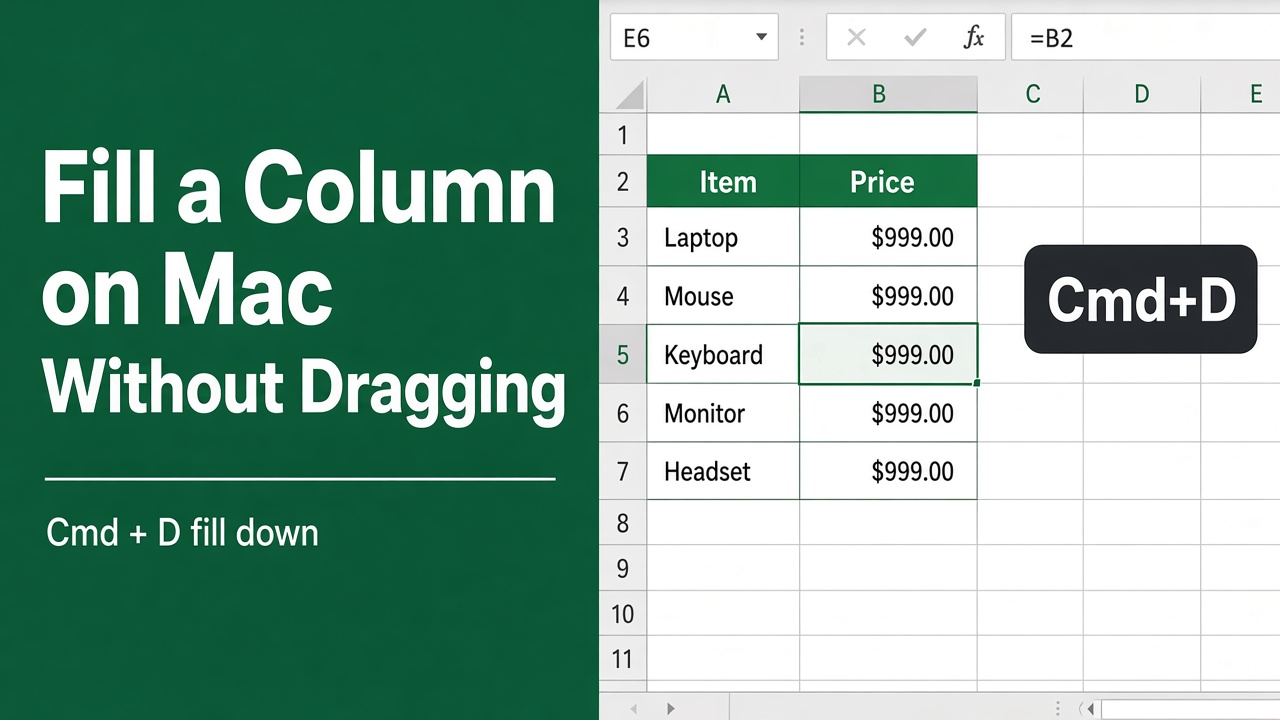
How to Apply a Formula to an Entire Column in Excel on Mac Without Dragging?
Learn how to quickly apply formulas to entire columns in Excel on Mac without dragging. Discover shortcuts, Paste Special, and Auto Fill options to save time.
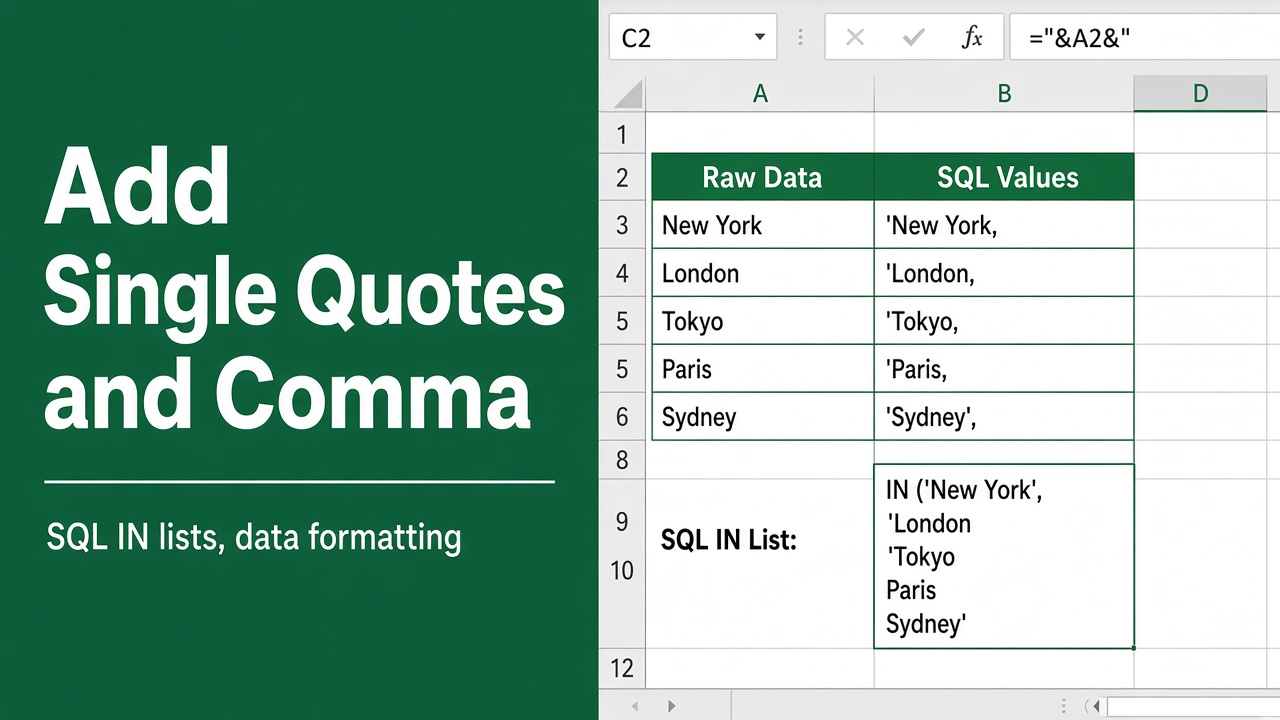
How to Add Single Quotes and Comma in an Excel Formula?
Learn how to add single quotes and commas in Excel formulas to reference cells with punctuation, concatenate strings, and create array constants
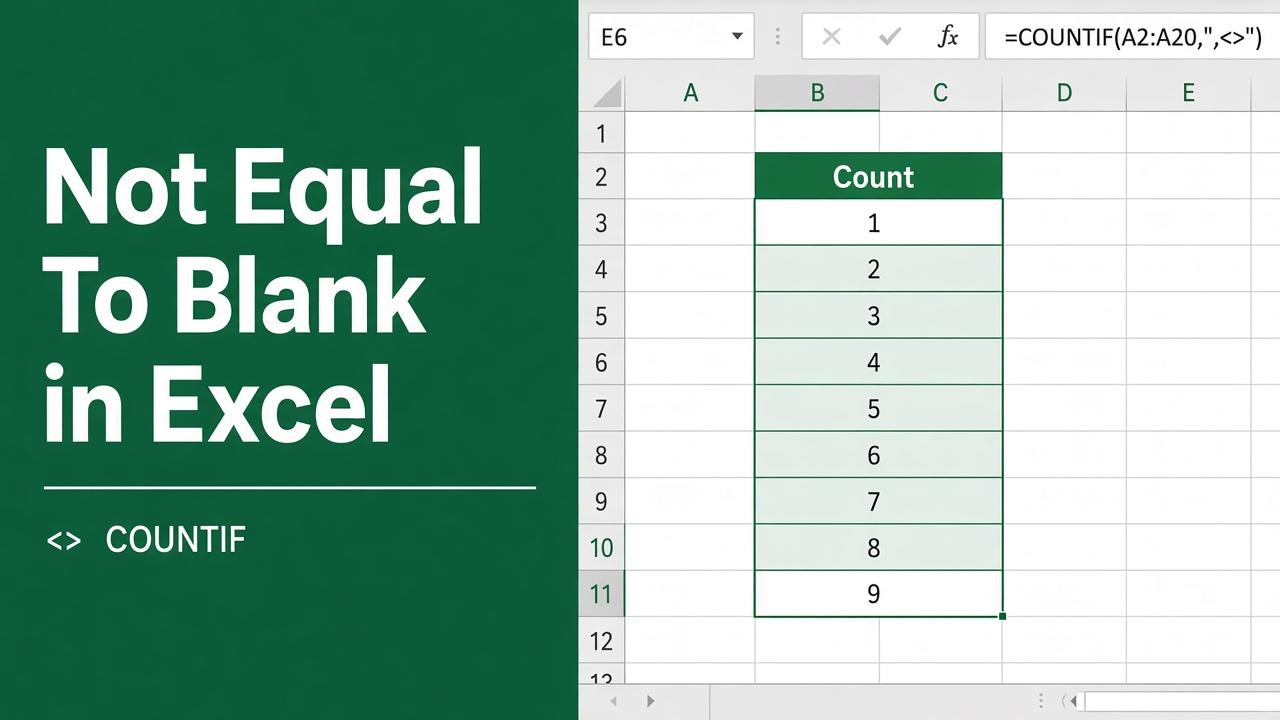
How to Use the Excel Formula for Not Equal to Blank?
Learn how to use the Excel formula for “not equal to blank” (<>“”) to filter data, count non-blank cells, and highlight values. Boost your Excel skills now!
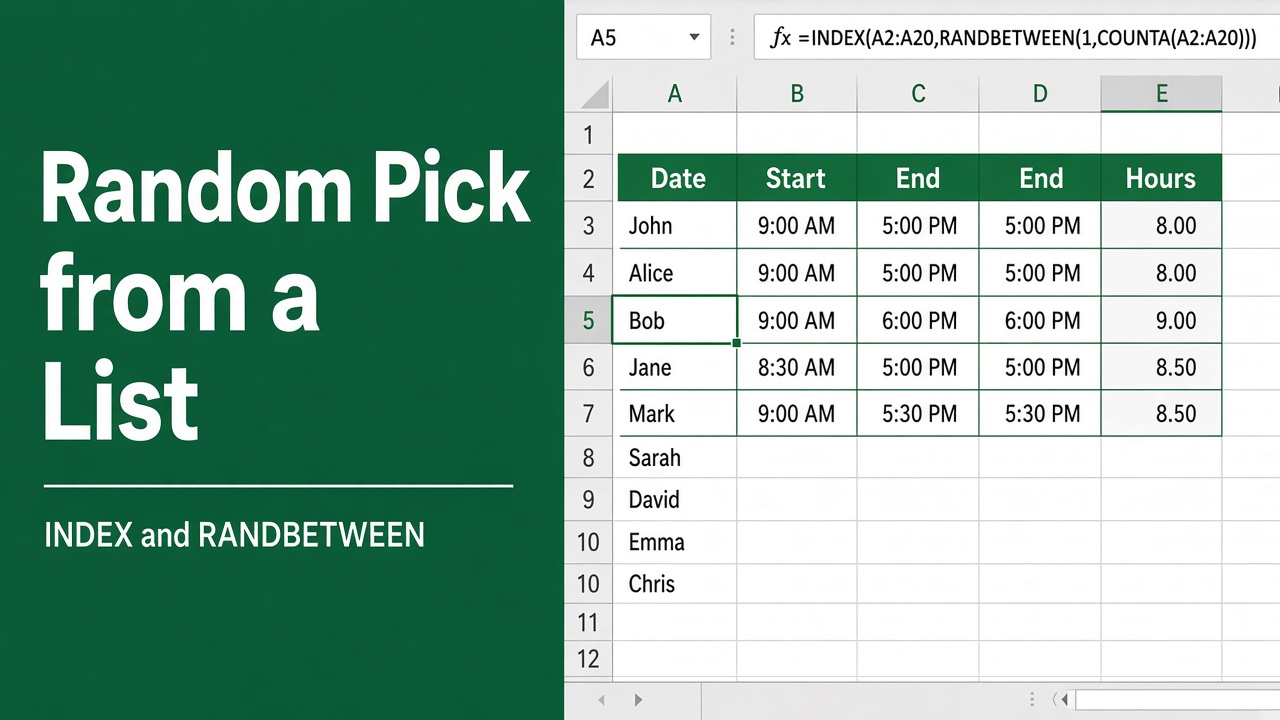
How to Make a Random Selection from a List Using Excel Formula?
Learn how to use Excel formulas like RANDBETWEEN, INDEX, RAND, VLOOKUP, and CHOOSE to randomly select items from a list. Step-by-step guide with examples.
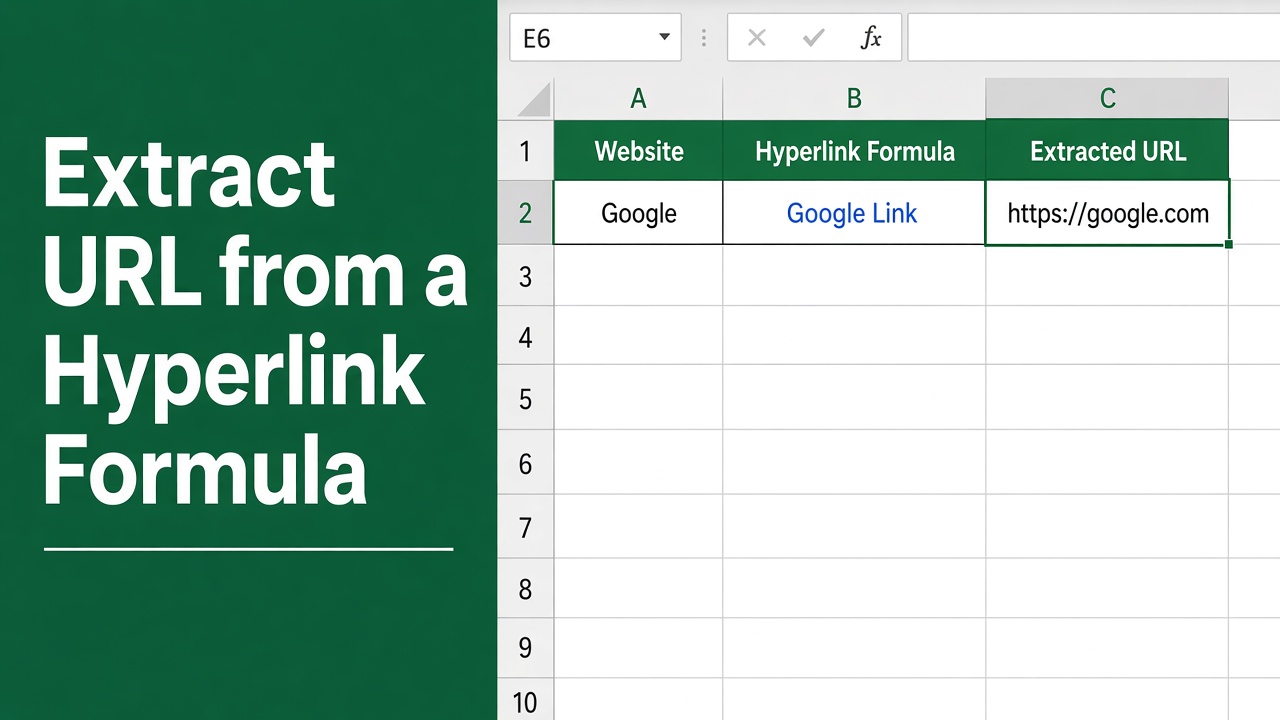
How to Extract URL from Hyperlink in Excel Formula?
Learn how to easily extract URLs from hyperlinks in Excel using formulas like HYPERLINK, RIGHT, LEFT, and SEARCH. Step-by-step guide with examples.
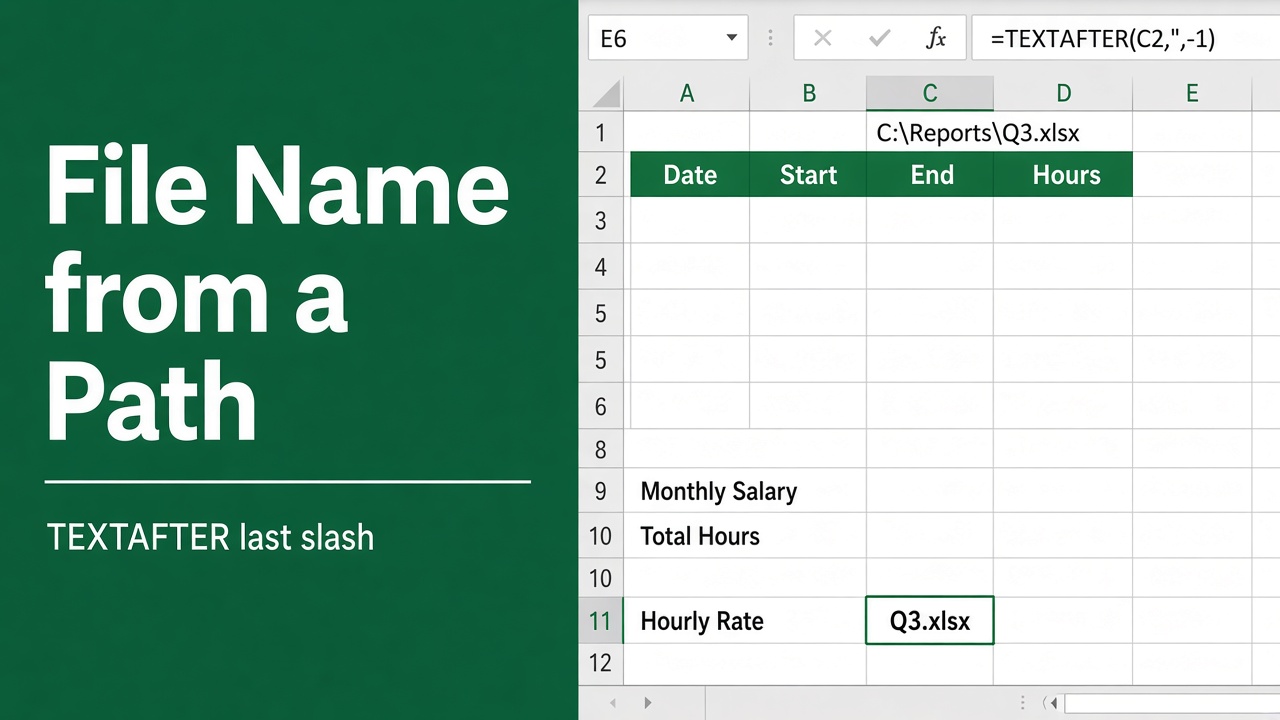
How to Get a File Name from Path with an Excel Formula?
Learn to isolate the exact file name from a full file path in Excel with a simple and effective formula. Quick guide for seamless data management.
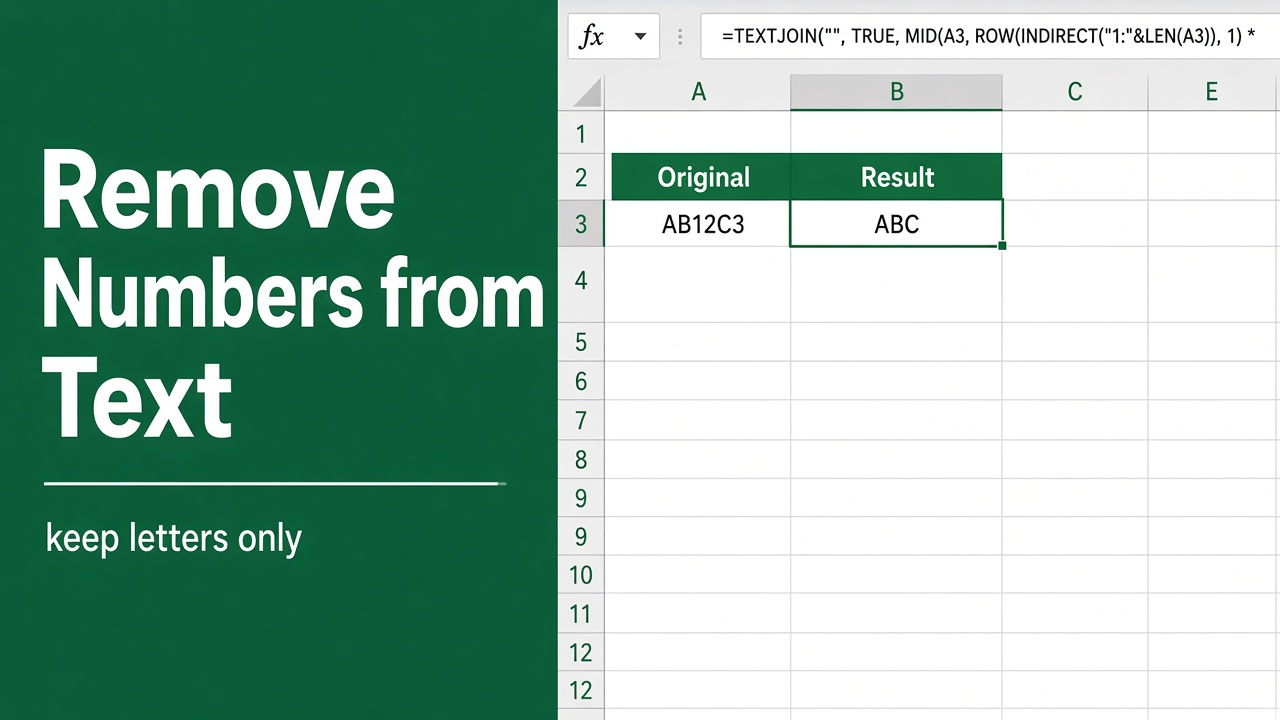
Excel Formula to Remove Numbers from an Alphanumeric String
Learn how to remove numbers from alphanumeric strings in Excel using formulas & VBA. Follow our step-by-step guide for efficient data cleaning.
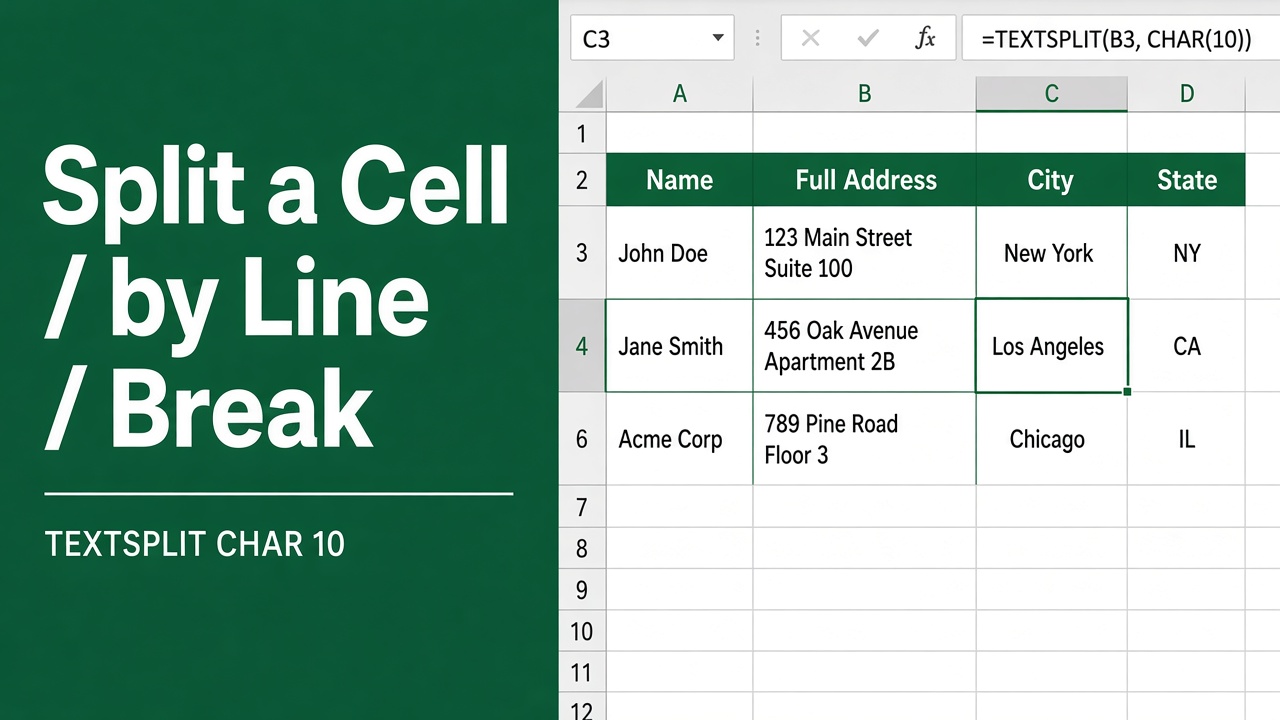
How to Split Cells by Line Break in Excel Using Formulas?
Learn how to split cells by line break in Excel using formulas like TRIM, SUBSTITUTE & FILTERXML. Easily separate data into individual cells!
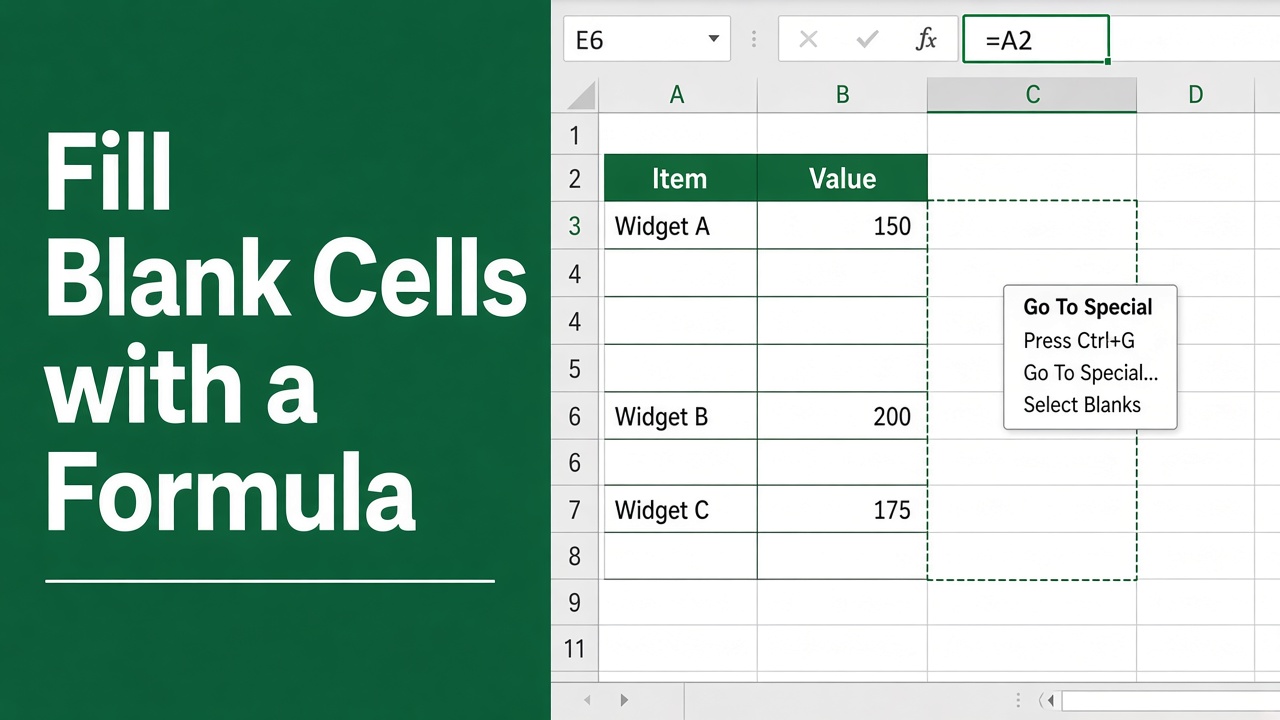
How to Fill Blank Cells in Excel with Formula?
Learn how to fill blank cells in Excel using formulas like IF, ISBLANK, COUNTA, VLOOKUP & IFERROR. Streamline your data analysis with these efficient techniques.
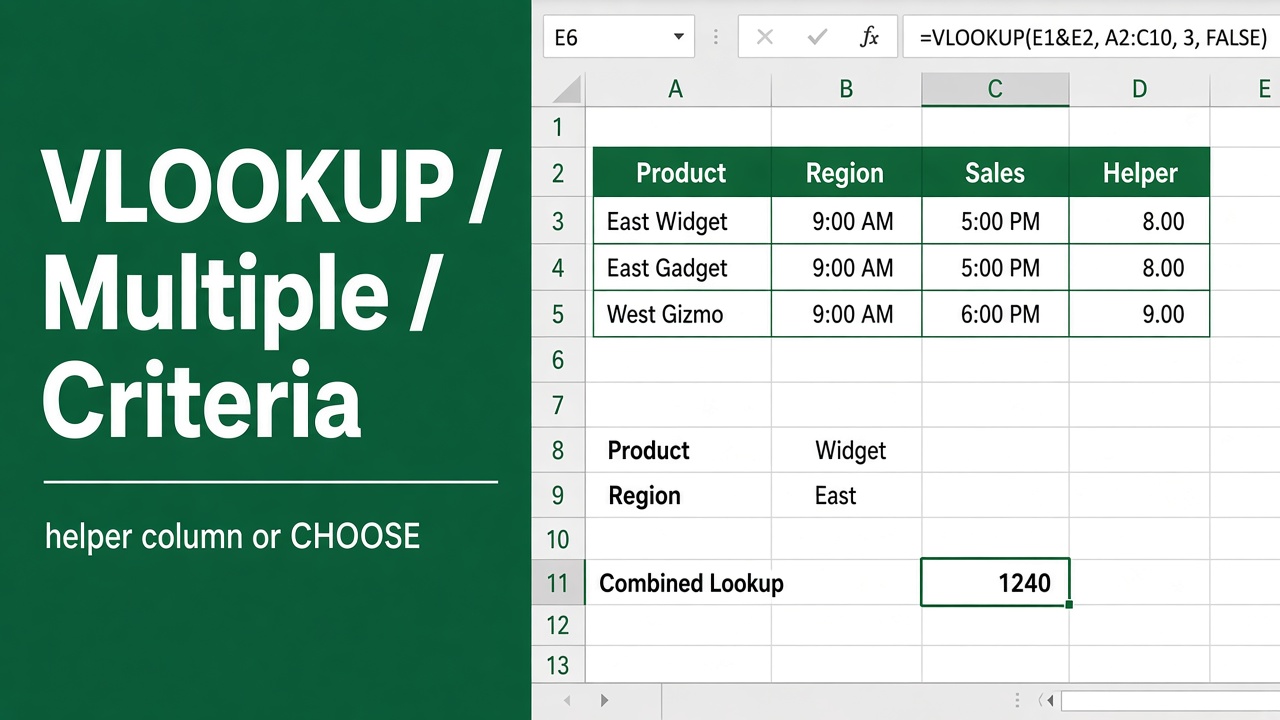
Excel Formula: How to Use VLOOKUP With Multiple Criteria
Learn how to use VLOOKUP with multiple criteria in Excel. Discover methods like concatenation, INDEX/MATCH, and more. Boost your Excel skills now!