
Excel library
Excel Formulas
Page 6 of 29
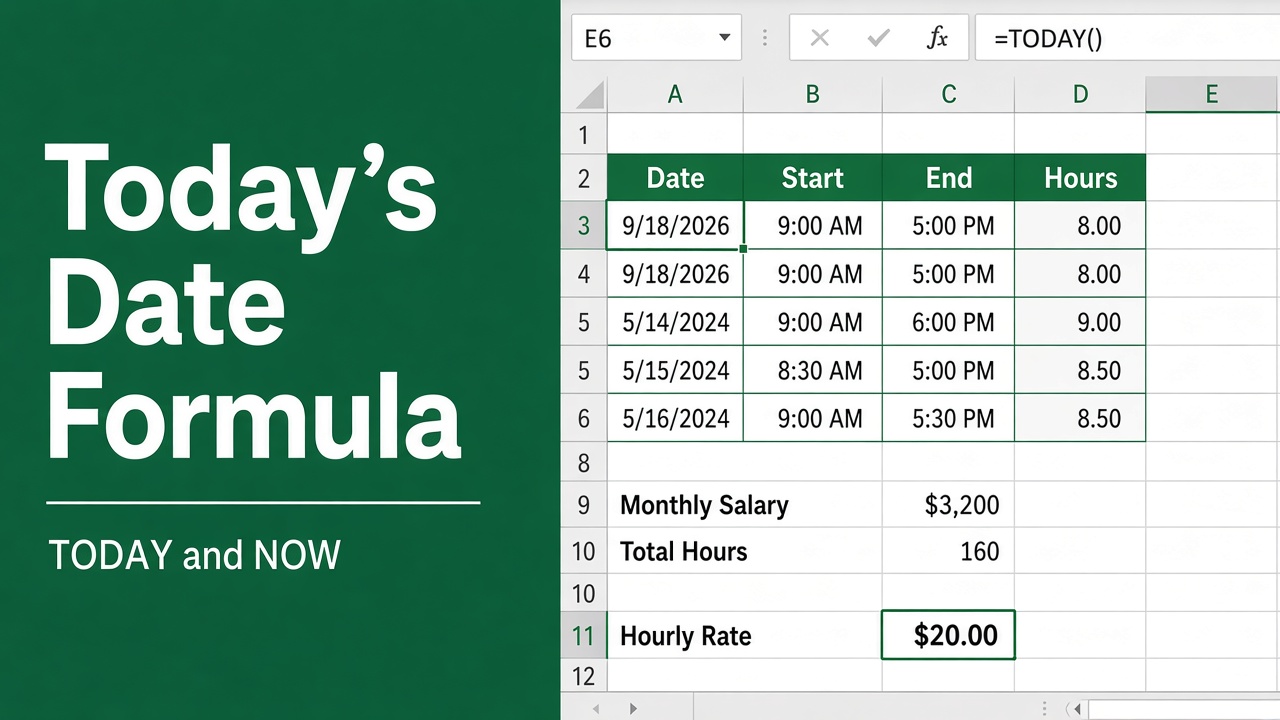
Excel Formula for Today’s Date: How to Use the TODAY() Function?
Learn how to use the =TODAY() formula in Excel to insert today’s date, perform date calculations, and automate tasks with ease.
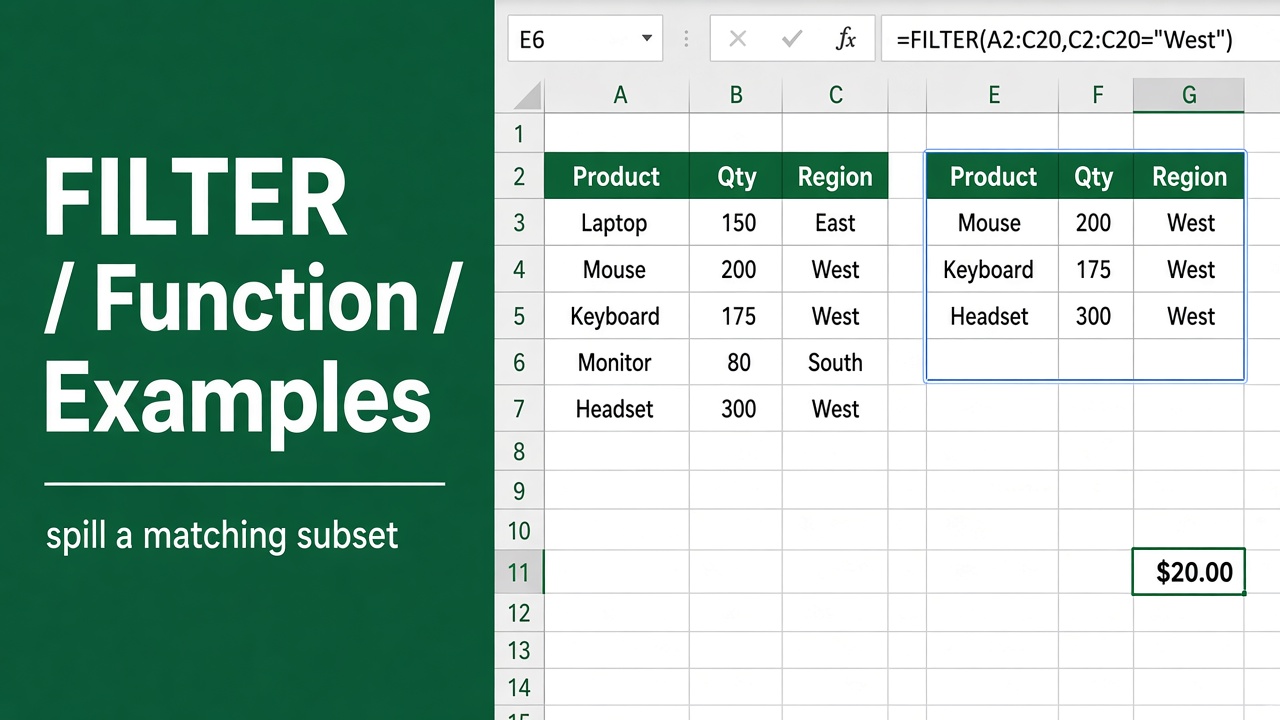
Excel FILTER Function with Formula Examples: Detailed Guide
Master the Excel FILTER function with step-by-step formula examples. Learn to filter data dynamically for efficient analysis and create dynamic dashboards.
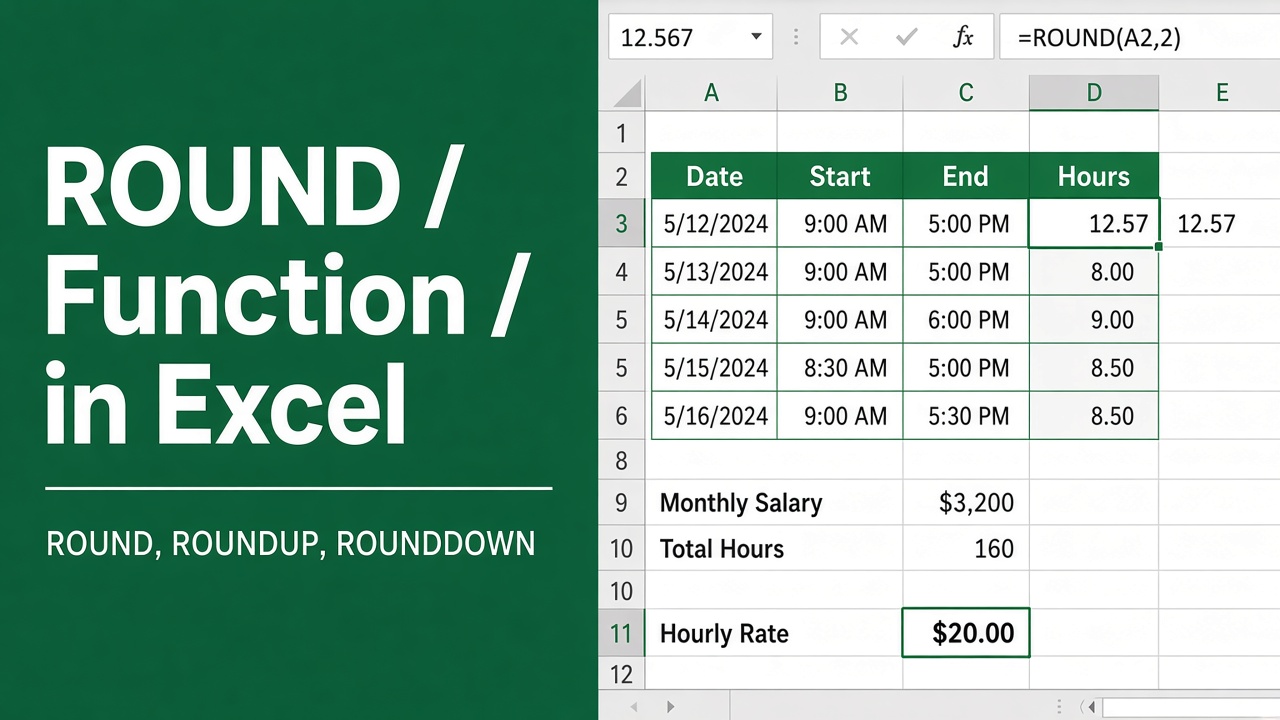
Excel ROUND Function: How to Round Numbers in Excel
Master the Excel ROUND function to round numbers easily. Includes formula examples, use cases for financial analysis, data formatting, and helpful tips.
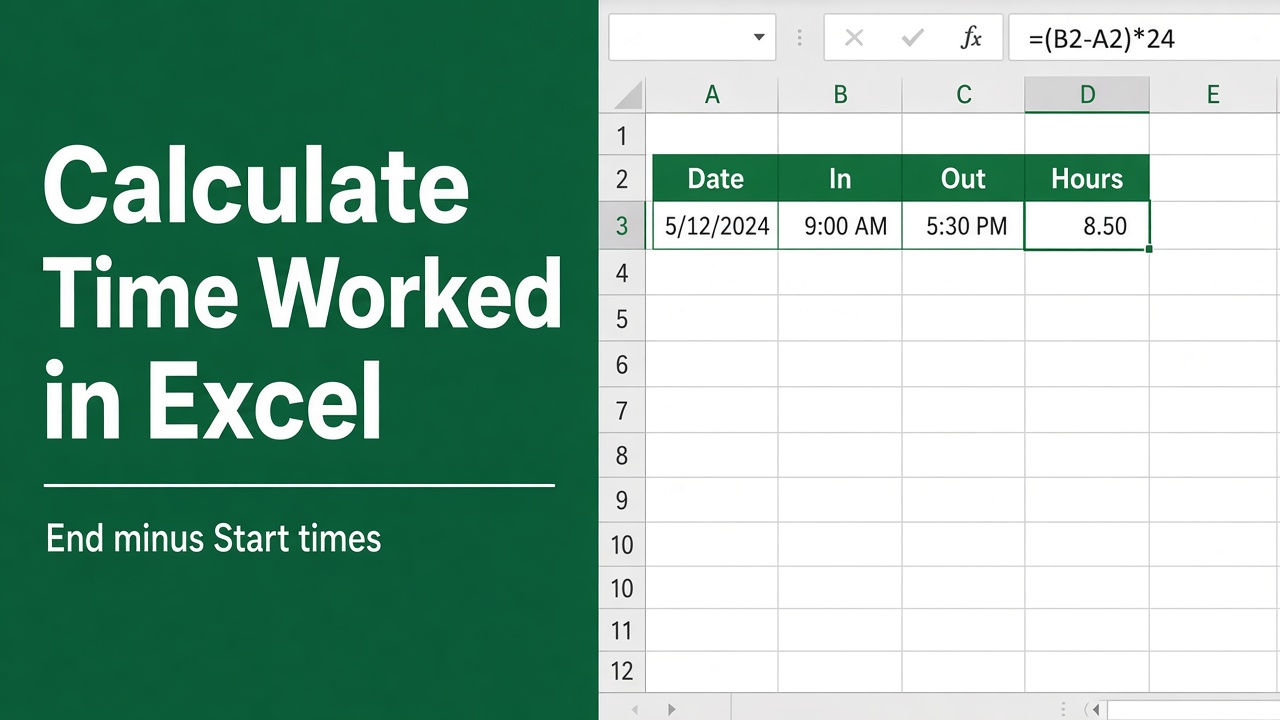
How to Use Excel Formula to Calculate Time Worked?
Need to calculate time worked in Excel? Discover formulas to track total hours, minus lunch breaks, and overtime. Easily manage employee hours with our guide.
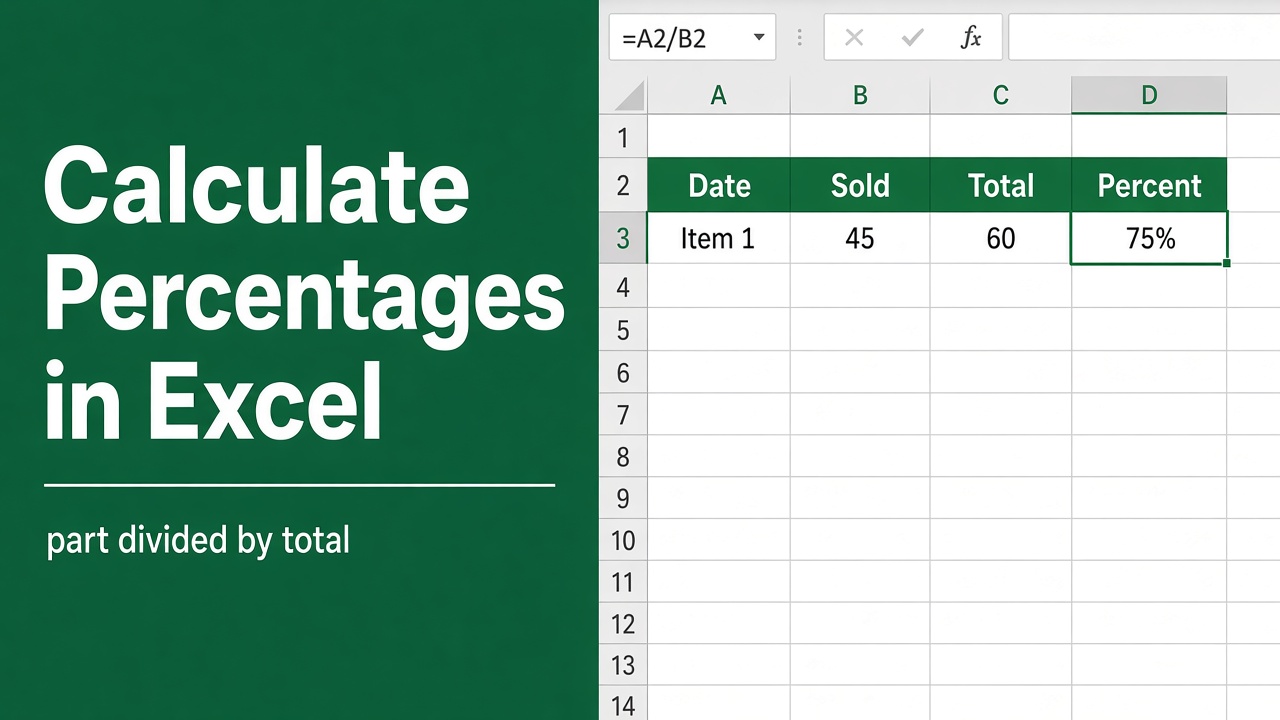
How to Calculate Percentages in Excel: Formulas & Examples
Learn how to calculate percentages in Excel using simple formulas. Discover tips for calculating percentage change, weighted averages, and more.
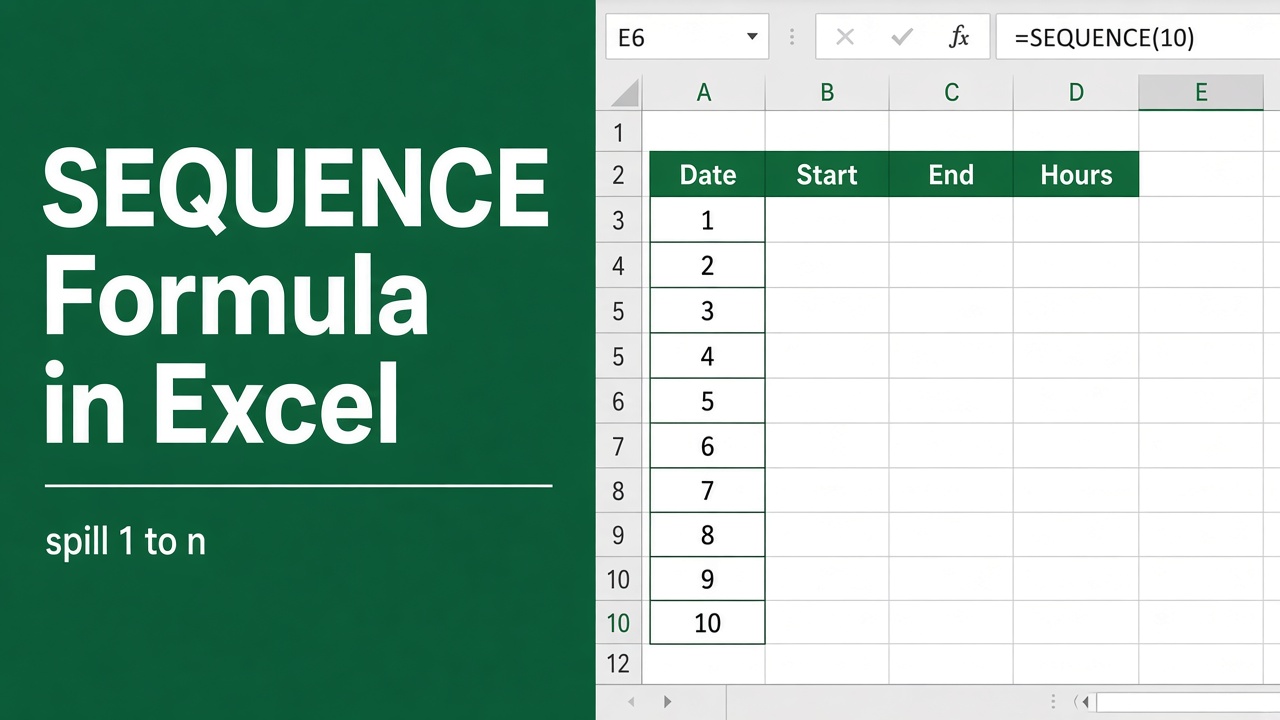
How to Use the Sequence Formula in Excel: Expert Guide
Learn how to use the SEQUENCE function in Excel to easily generate lists of sequential numbers, dates, and complex patterns for efficient data analysis.
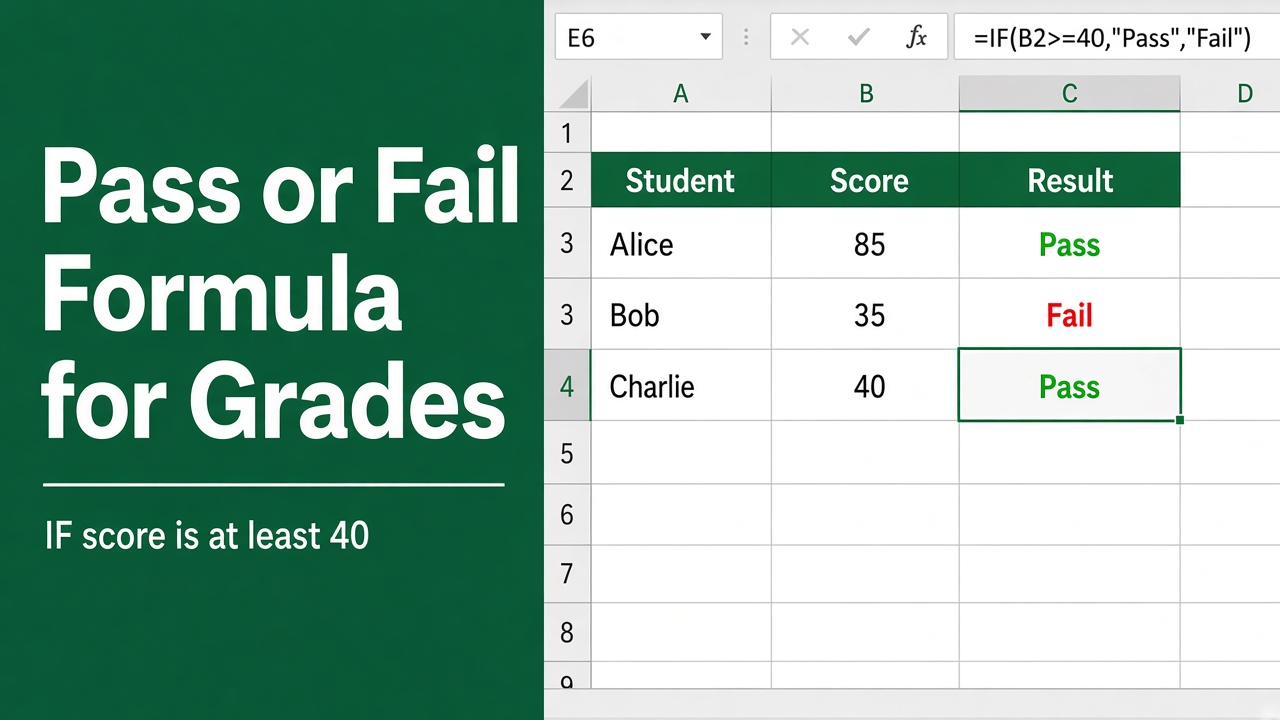
Excel Formula for Pass or Fail: Simplify Your Grading Process
Learn how to create & use Excel formulas for pass or fail grading. Simplify your evaluation process, save time & improve consistency with step-by-step guidance.
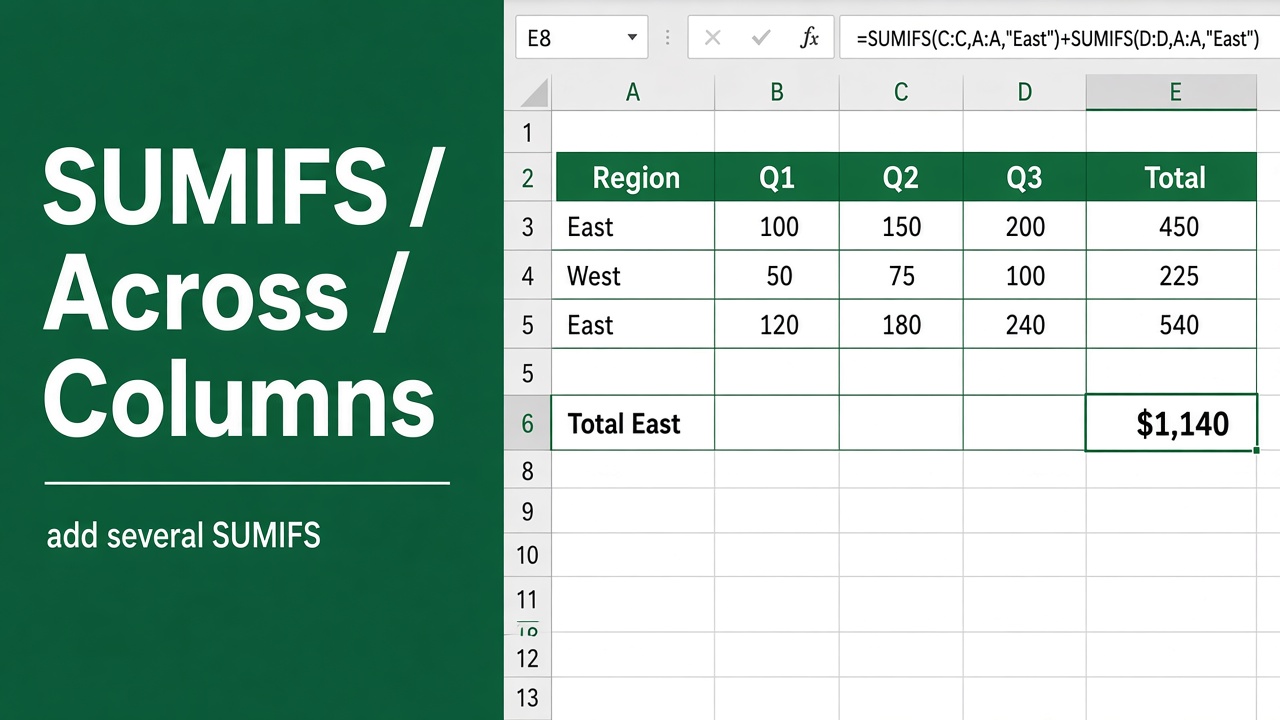
How to Use SUMIFS Across Multiple Columns in Excel?
Learn how to use the SUMIFS function in Excel to sum data across multiple columns based on multiple criteria. Examples, tips, and best practices included.
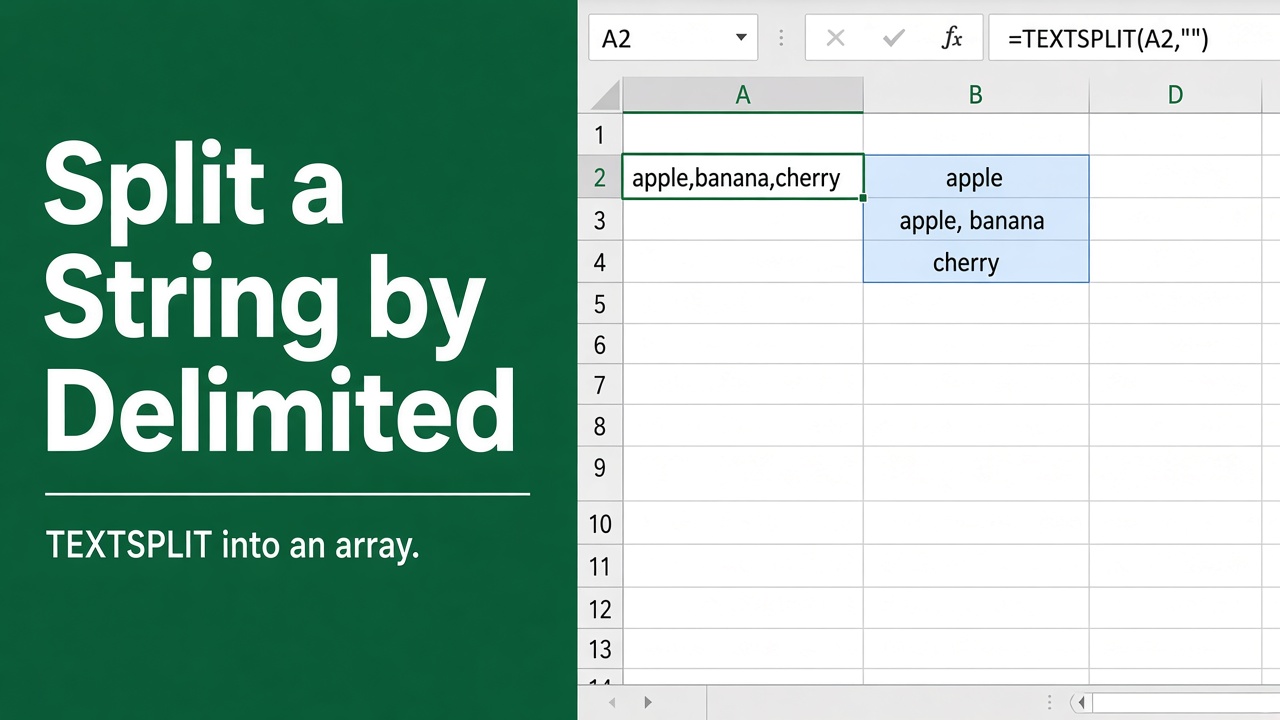
Easy Excel Formula: Split String by Delimiter into Array
Learn how to split strings by delimiter in Excel using TEXTSPLIT, FILTERXML, and other formulas. Master data manipulation with step-by-step examples and tips.
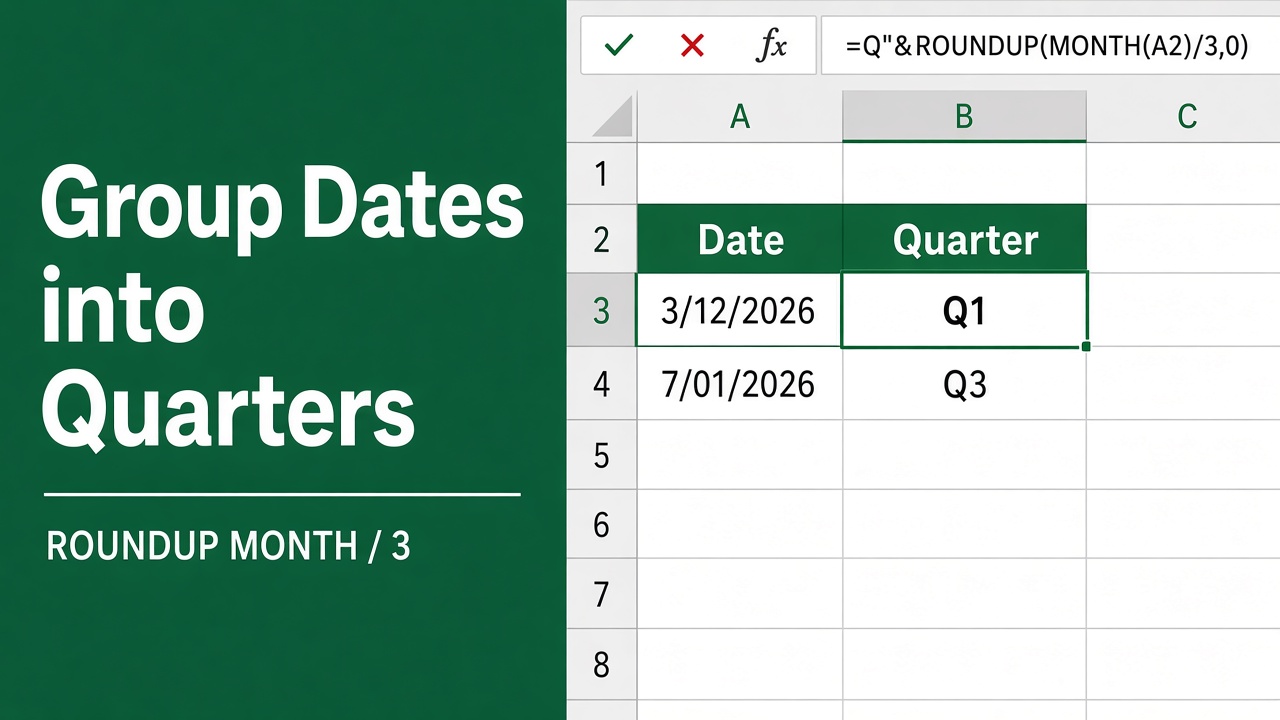
Excel Formula to Group Dates into Quarters: Expert Guide
Learn how to group dates into quarters in Excel using a simple formula. Analyze data by quarters, display labels, filter, and sort for better insights.