
Excel library
Excel Formulas
Page 16 of 29
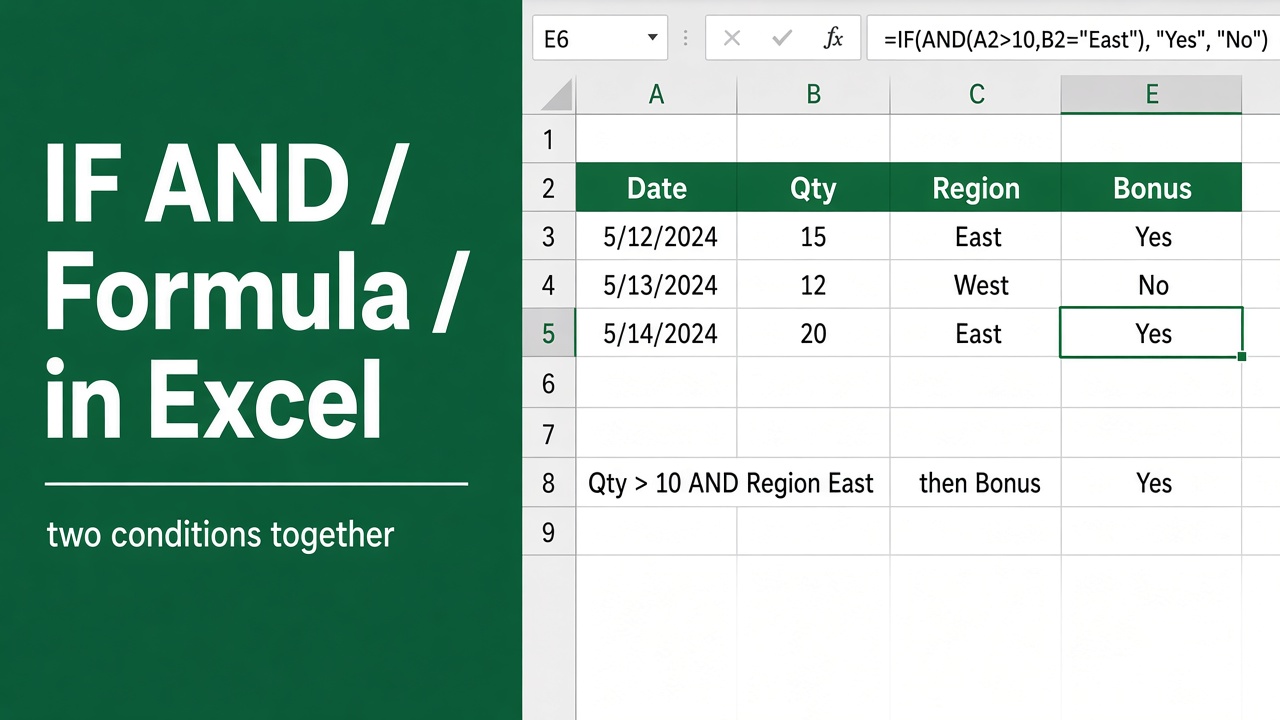
Excel Formula for IF AND: A Comprehensive Guide
Learn how to use the powerful IF AND formula in Excel to create conditional statements that check multiple conditions. Examples, tips & best practices included.
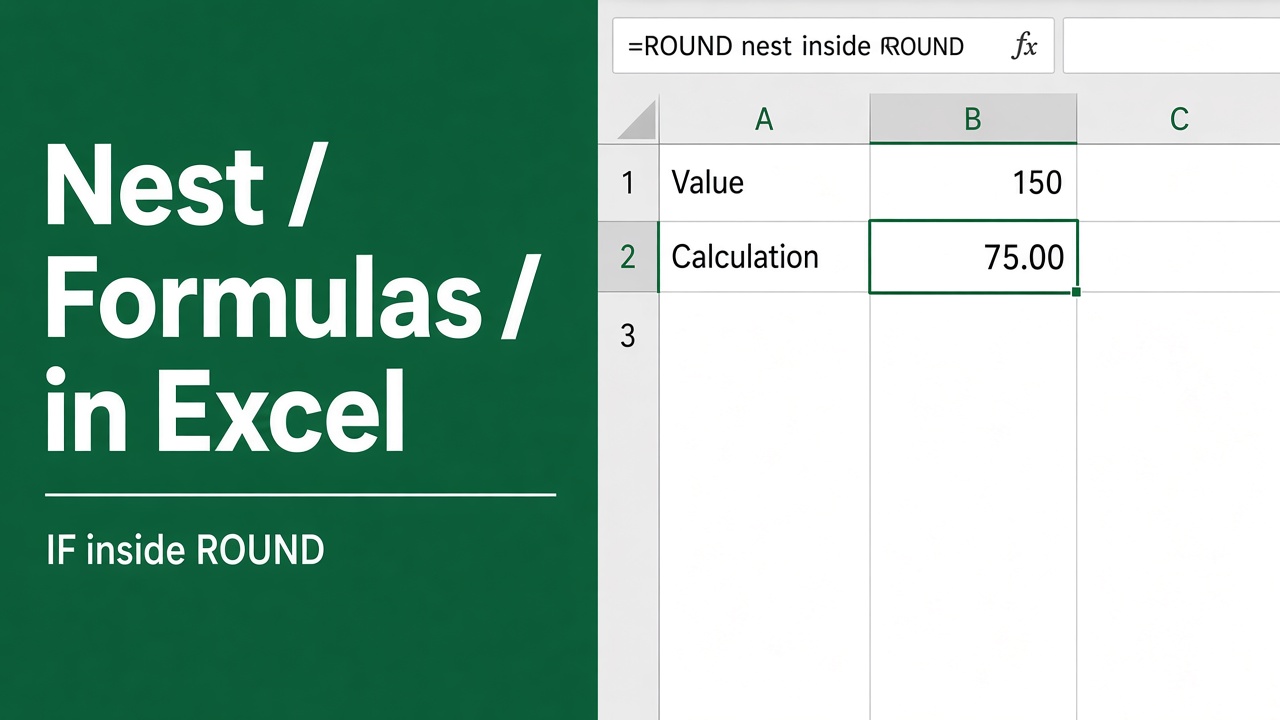
How to Nest Formulas in Excel?
Discover how to expertly nest an excel formula in formula to streamline your data analysis and enhance spreadsheet efficiency in Excel.
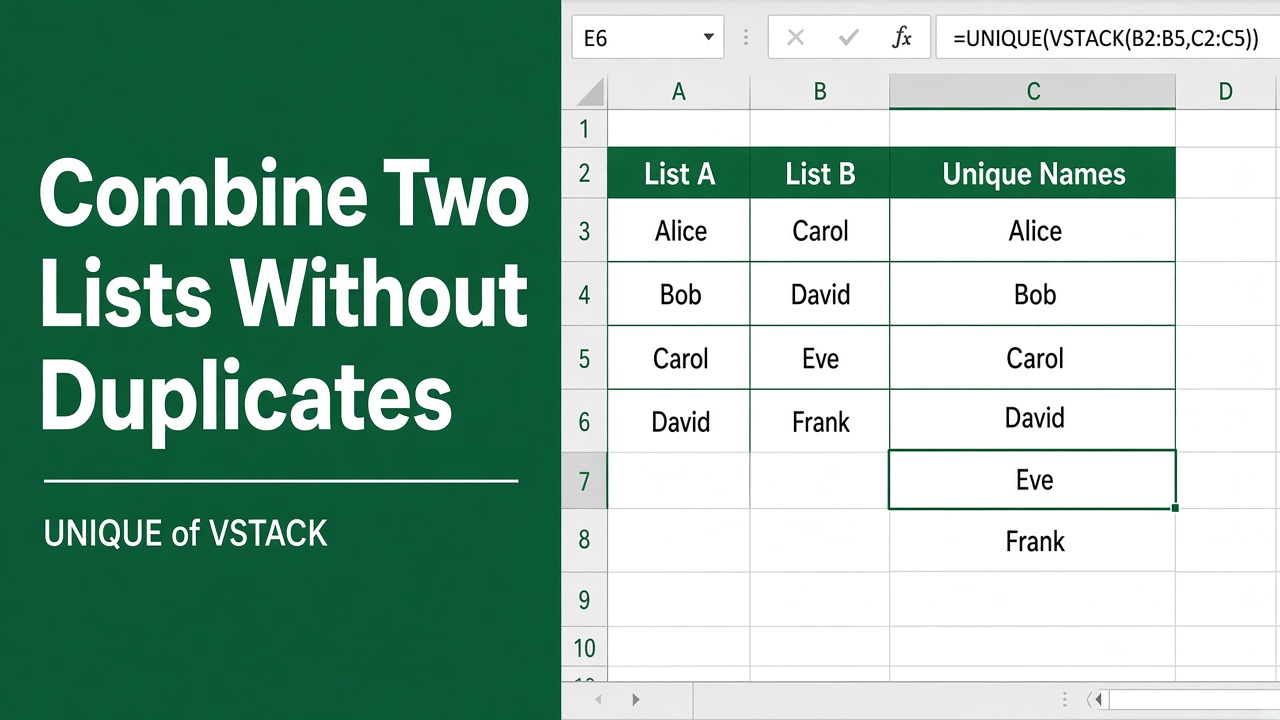
Combining Two Lists Without Duplicates in Excel: A Formula Guide
Learn to merge lists seamlessly using an excel formula to combine two lists without duplicates for efficient data management.
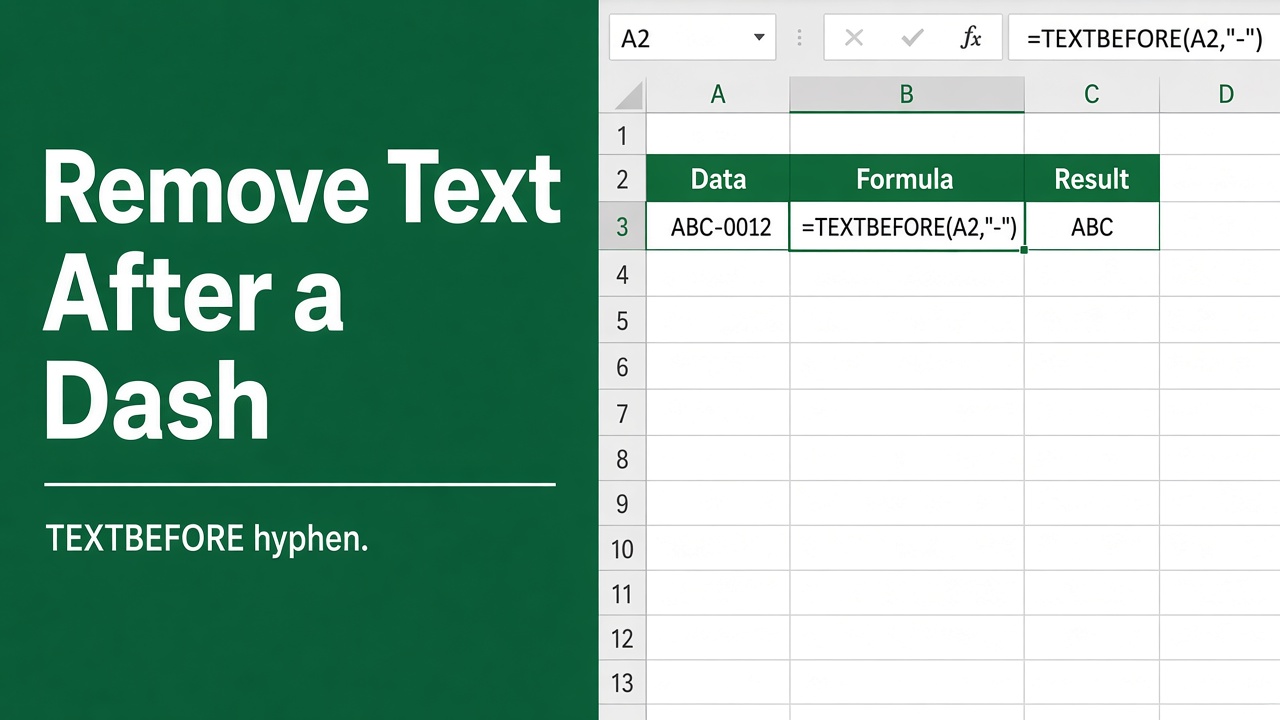
How to Remove Characters After a Dash Using Excel Formula?
Master the excel formula to remove characters after a dash and streamline your data with ease in Microsoft Excel. Simplify your workflow today!
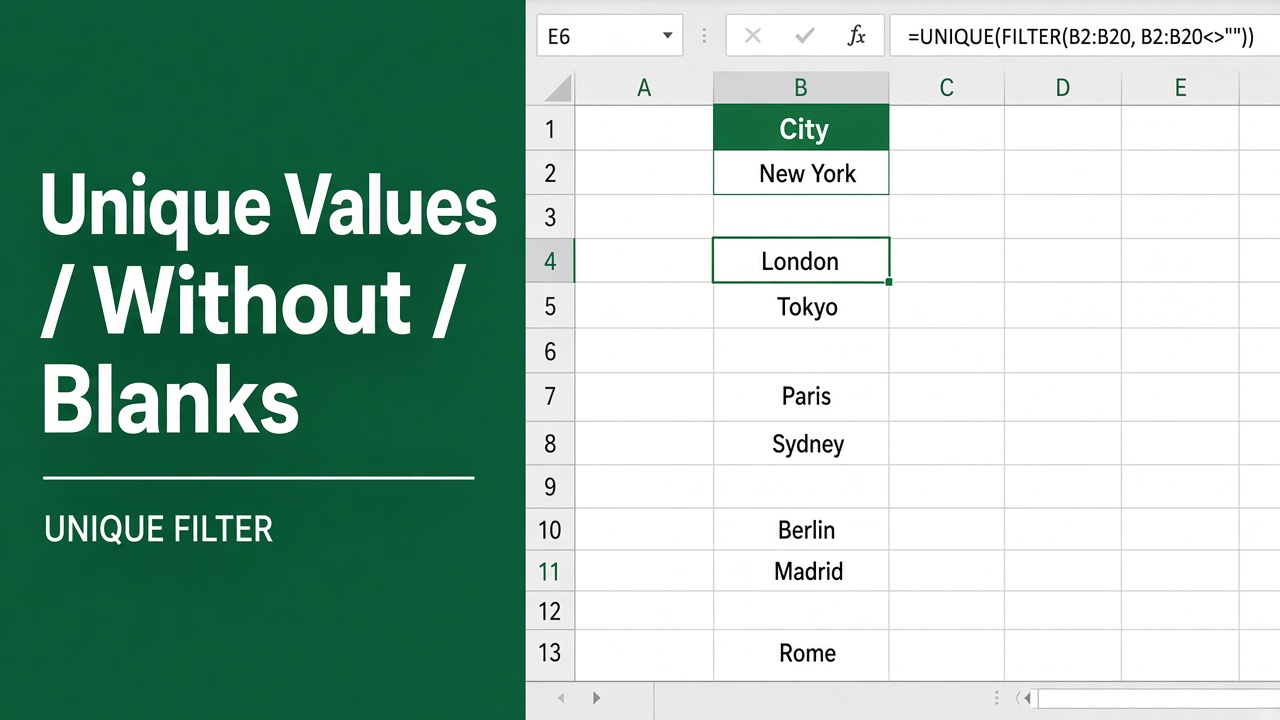
Excel Guide: Listing Unique Values Excluding Blanks with Formula
Discover how to streamline your data with an Excel formula for unique values without blanks, ensuring clean and efficient analysis.
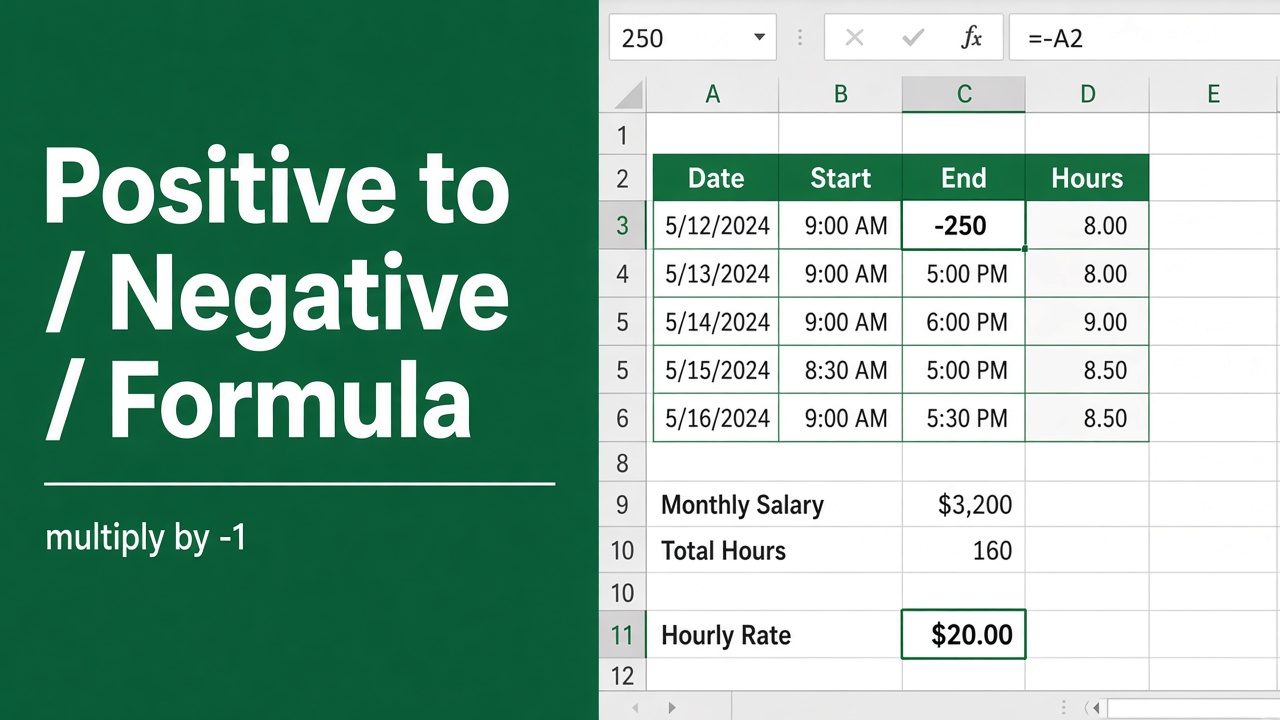
Easy Excel Formula to Convert Positive Numbers to Negative
Learn how to convert positive numbers to negative (and vice versa) in Excel using formulas, functions, and shortcuts. Master Excel’s number formatting today!
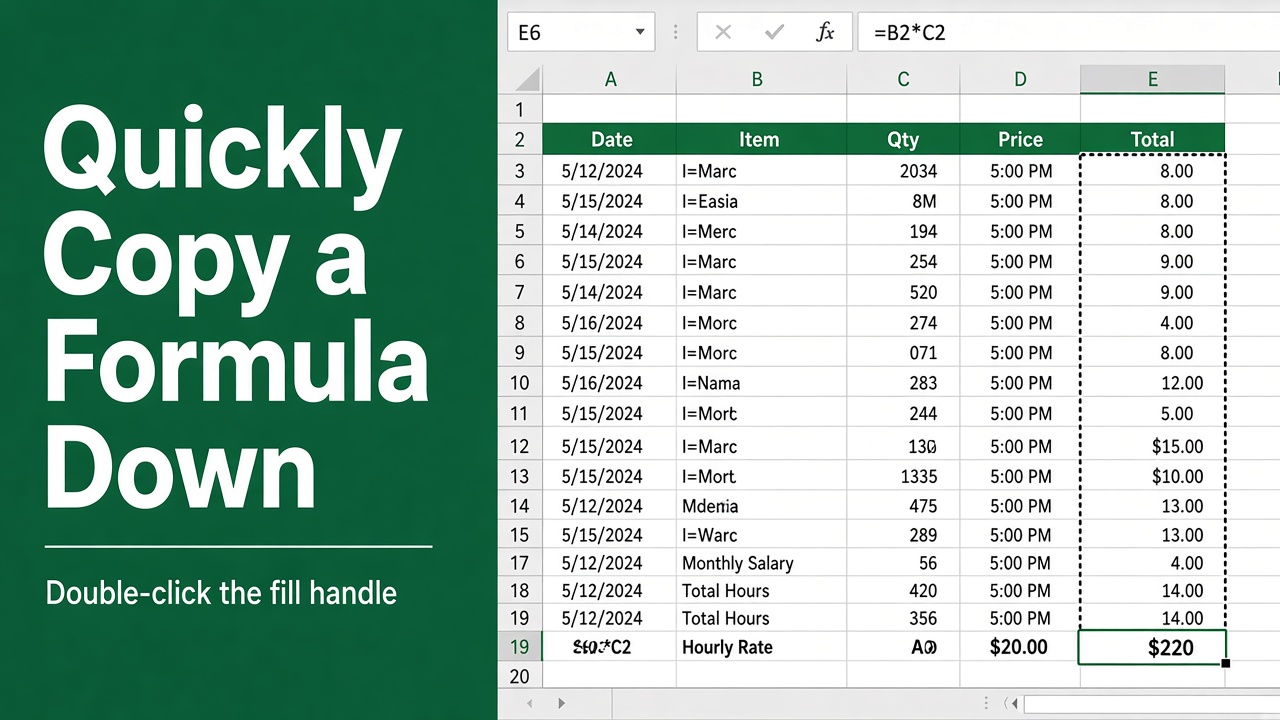
How to Quickly Copy a Formula Down in Excel?
Learn how to quickly copy formulas down in Excel using the Fill Handle, keyboard shortcuts, and absolute cell references to save time and effort.
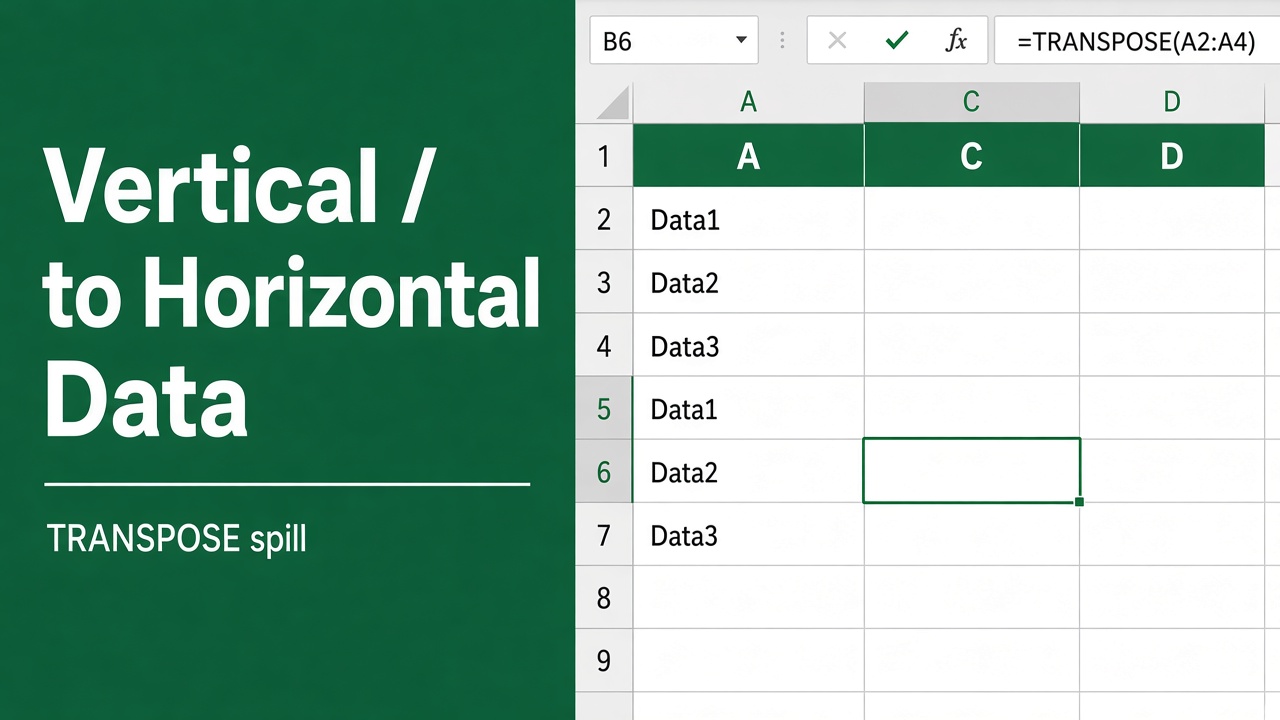
How to Convert Vertical Data to Horizontal in Excel Using Formulas?
Learn how to convert vertical data to horizontal in Excel using formulas like TRANSPOSE, INDEX, and OFFSET. Step-by-step guide with examples.
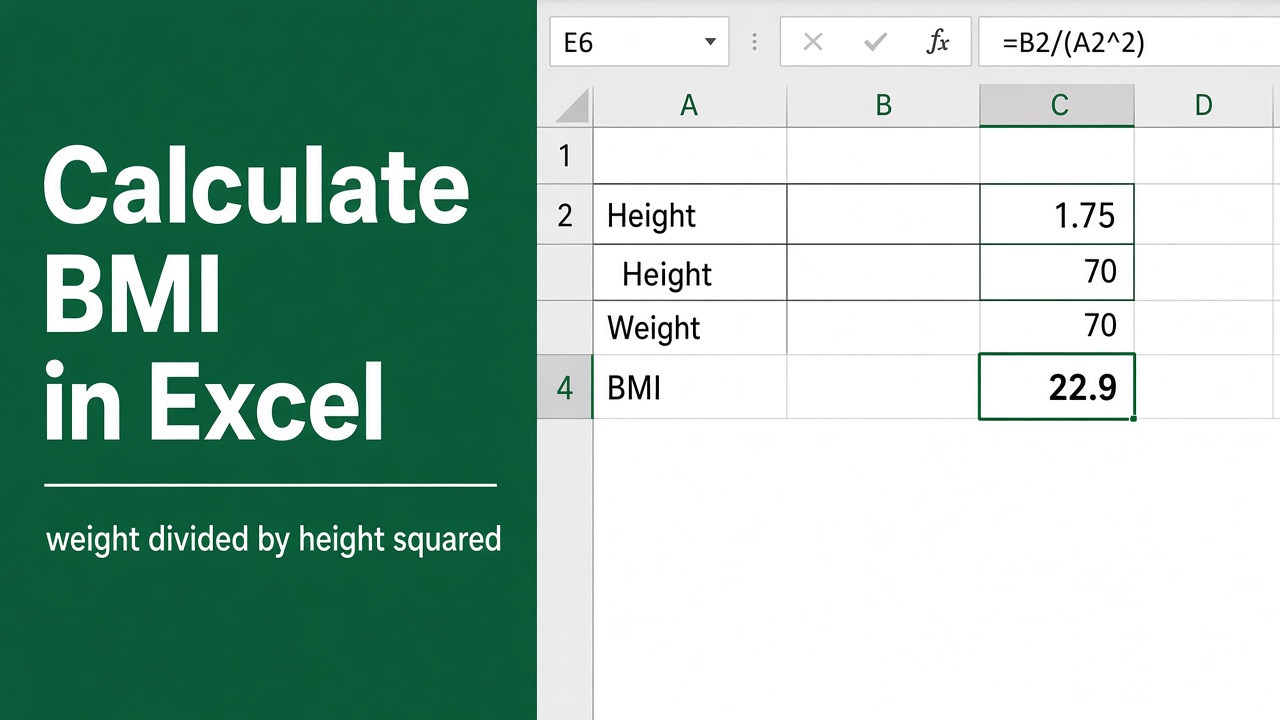
How to Calculate BMI in Excel Using a Formula?
Learn how to easily calculate BMI in Excel using a simple formula. Step-by-step guide with examples and FAQs to help you track your health.
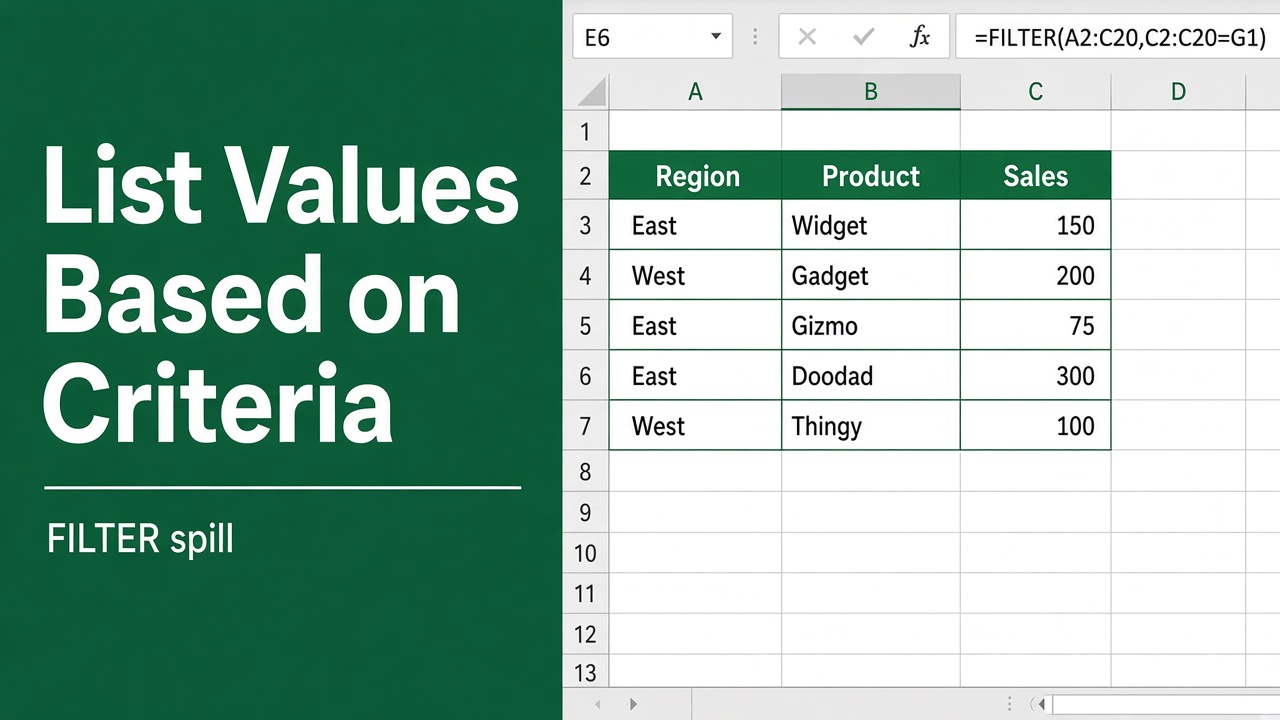
How to Use Excel Formulas to List Values Based on Criteria?
Learn how to use Excel formulas like FILTER, INDEX/MATCH, XLOOKUP, and VLOOKUP to easily list and extract values based on one or more specific criteria.