
Excel library
Excel Keyboard Shortcuts
Page 5 of 10
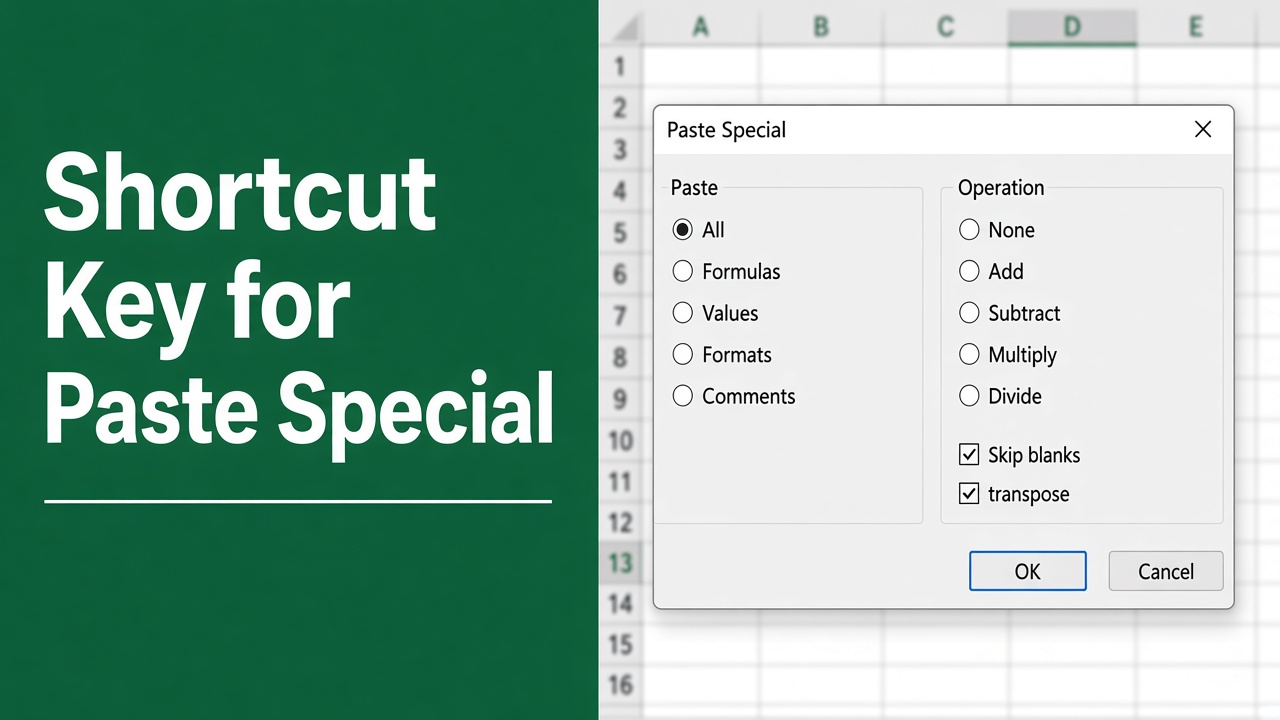
The Easy Shortcut Key for Paste Special in Excel
Learn to use the shortcut key for paste special in Excel efficiently to enhance your data management and productivity.
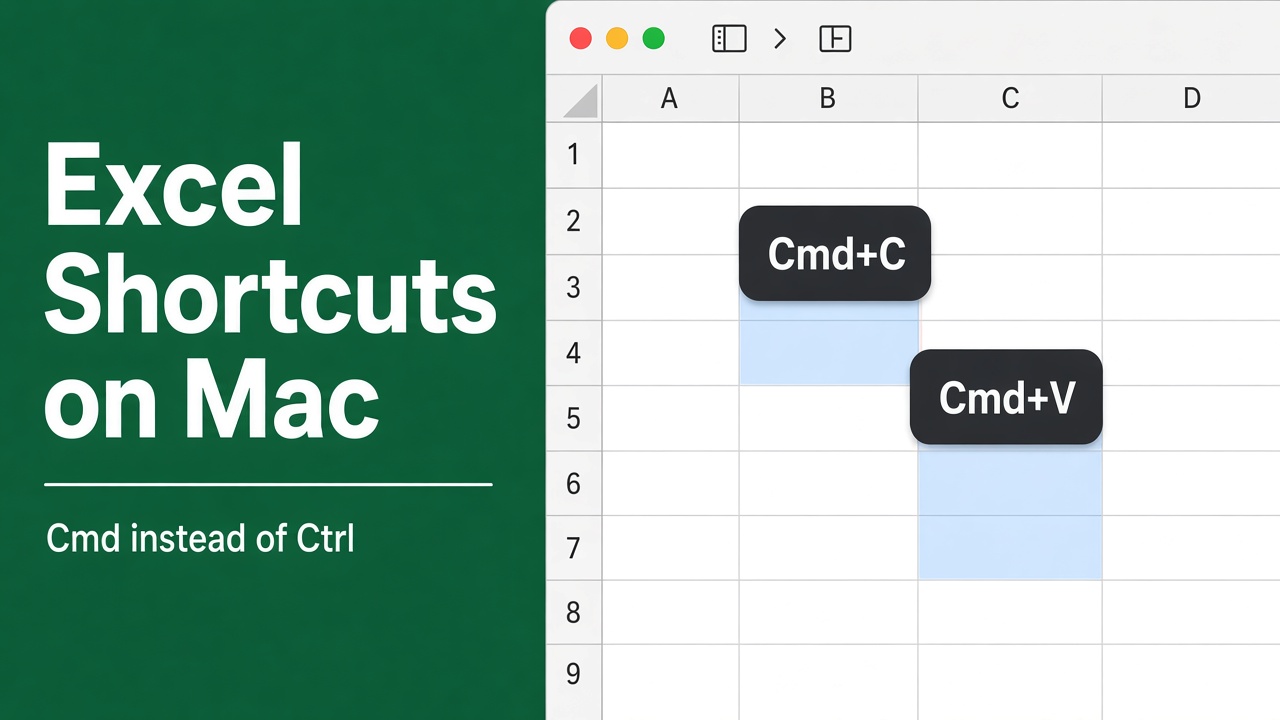
Essential Excel Shortcut Keys for Mac: A Comprehensive List
Streamline your workflow with these essential Excel for Mac shortcut keys. Maximize efficiency and productivity on your Mac today!
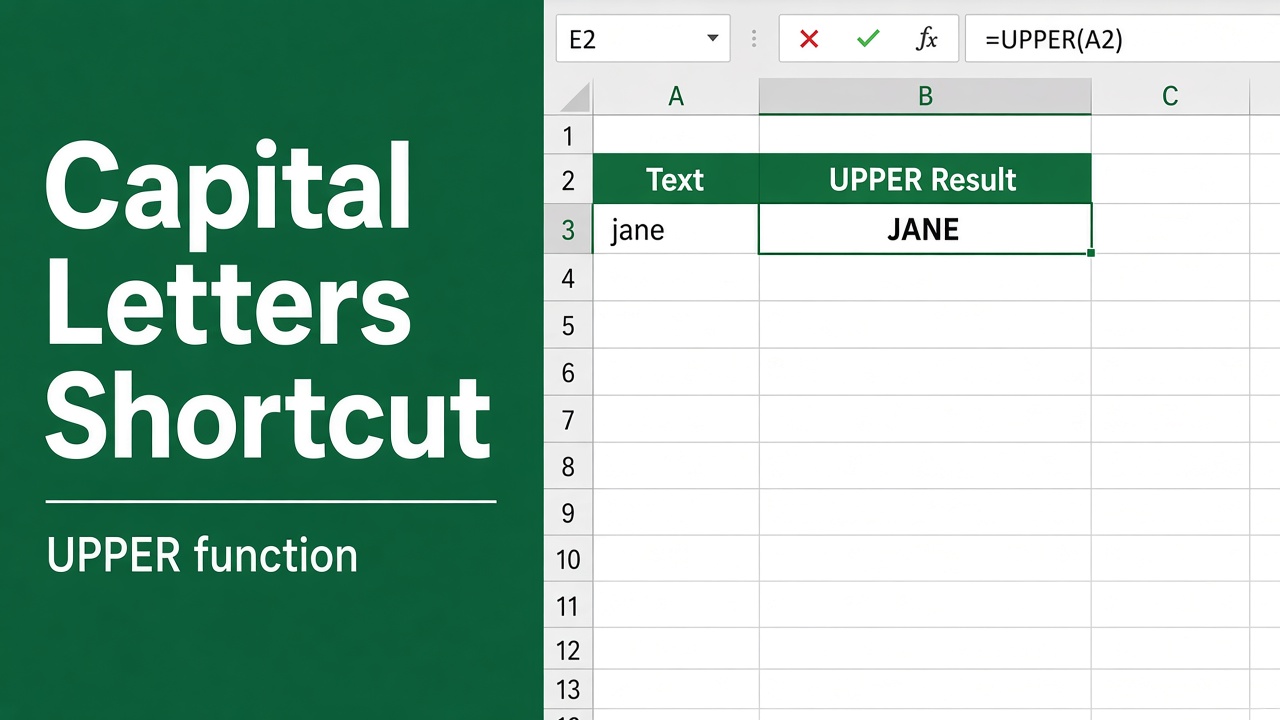
The Shortcut Method to Capitalize Letters in Excel
Transform text to uppercase effortlessly in Excel with the essential excel shortcut key for capital letters. Speed up your data editing now.
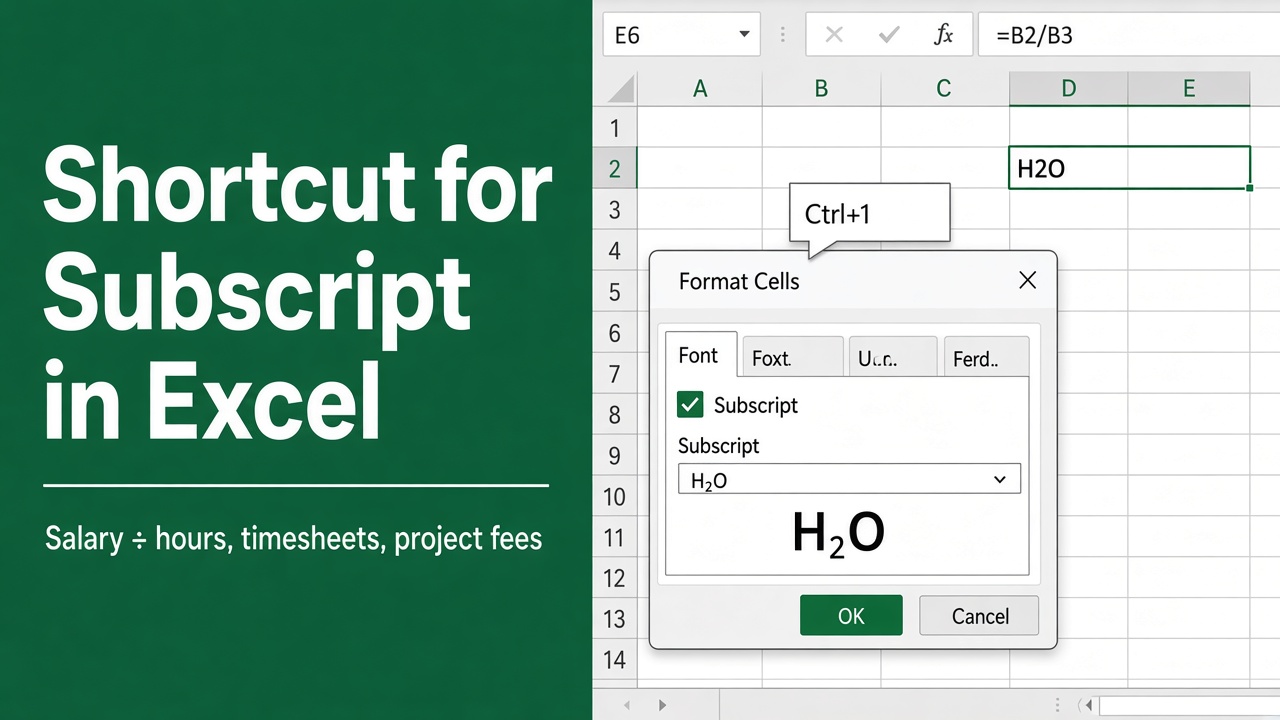
Quick & Easy Shortcut for Subscript in Excel
Discover the fast and easy shortcut for subscript in Excel to streamline your data formatting and enhance your spreadsheets. Get efficient now!
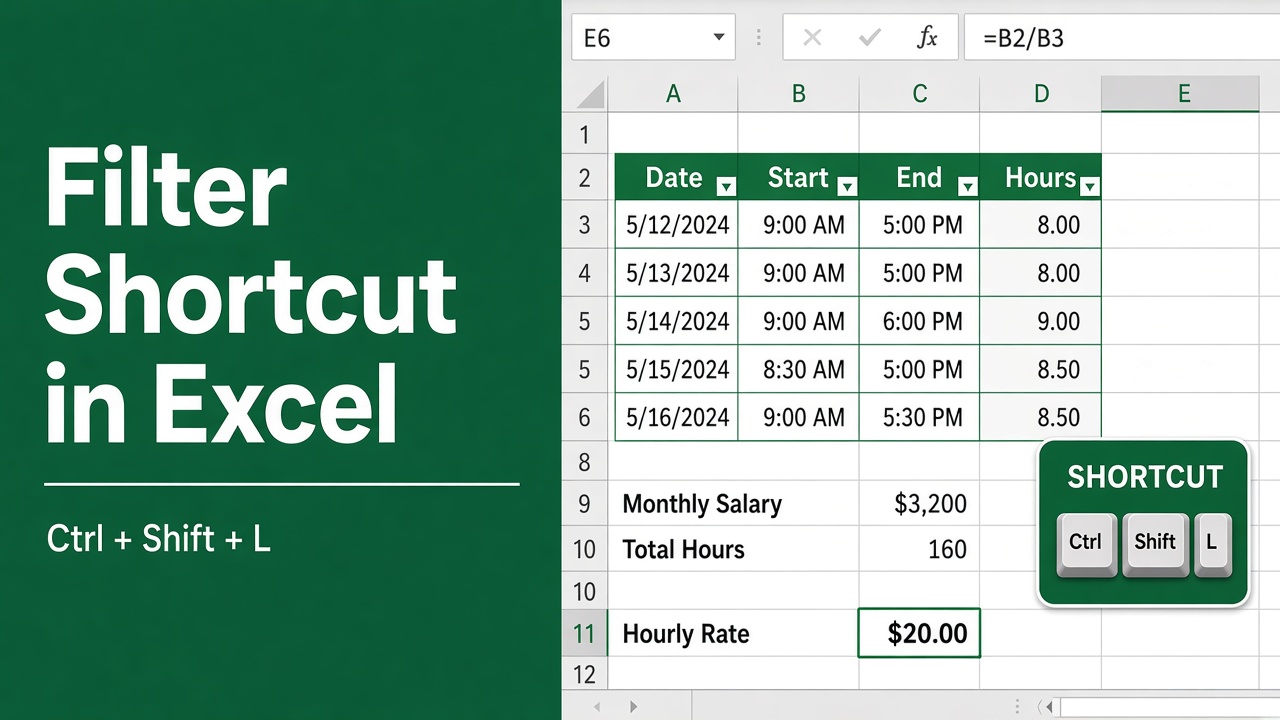
The Easy Shortcut to Apply Filter in Excel
Transform your data management with the excel shortcut for filter. Learn to streamline your workflow and organize spreadsheets faster!
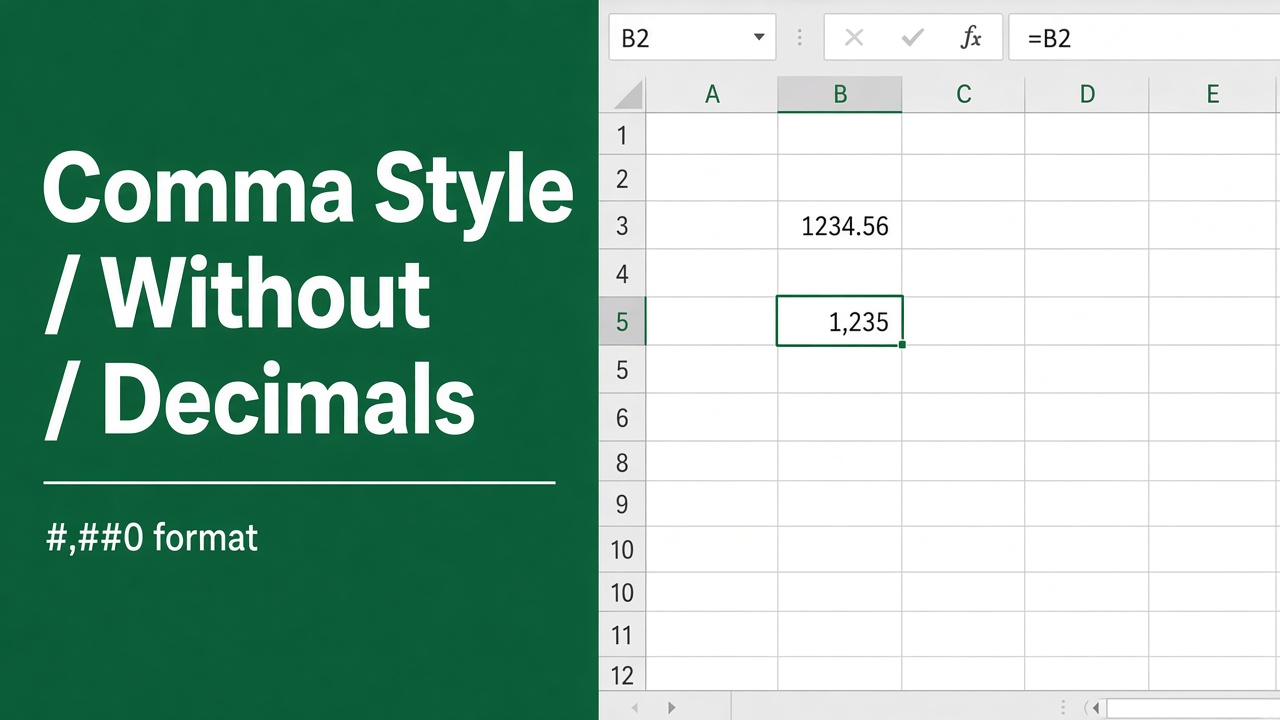
Easy Excel Shortcut to Apply Comma Style to Numbers without Decimal
Master the excel shortcut for comma style without decimal to format numbers quickly and efficiently. Get the quick key combo today!
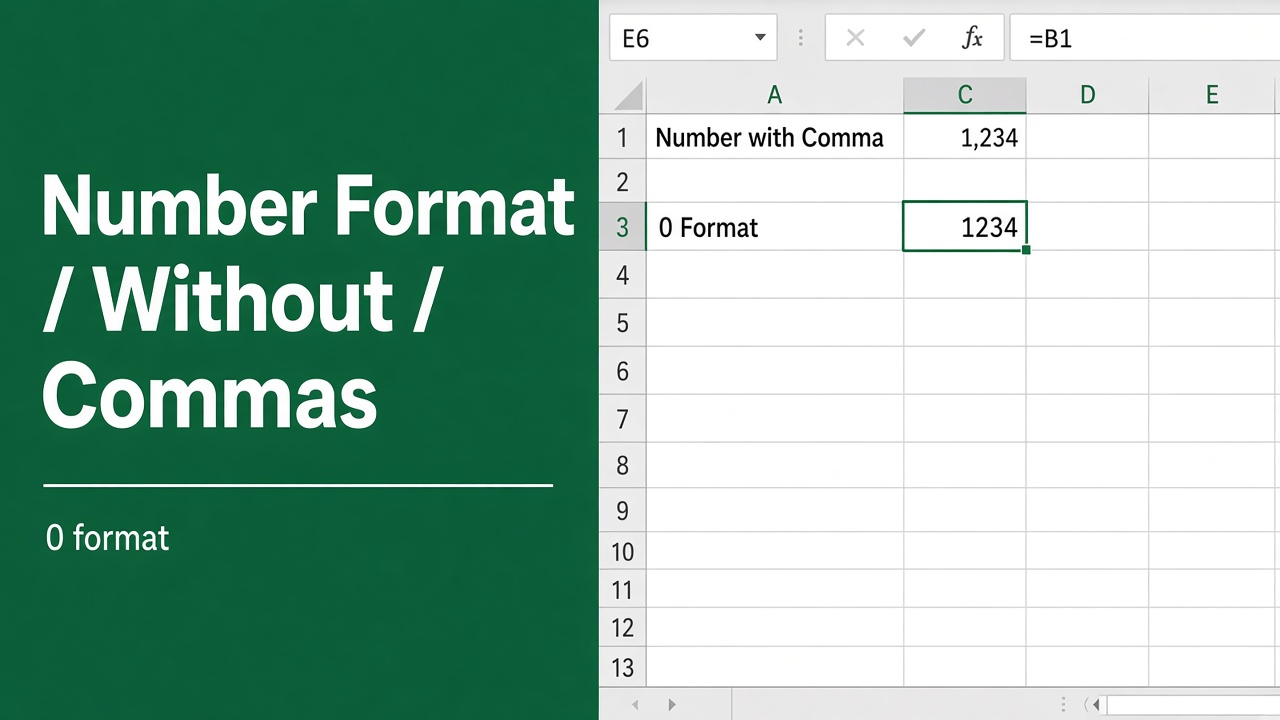
Easy Shortcut to Format Numbers Without Commas in Excel
Learn the excel shortcut number format without comma to streamline your data presentation in spreadsheets efficiently. Perfect for quick formatting!
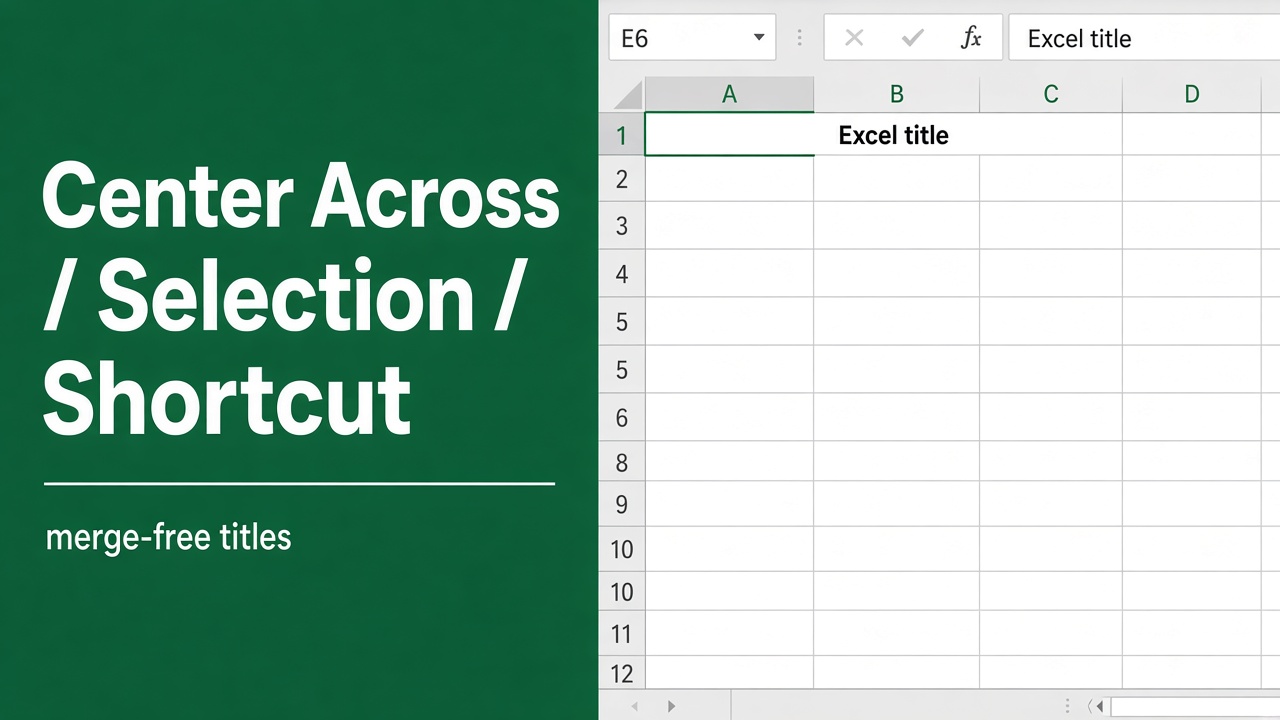
Easy Excel Shortcut for Centering text Across a Selection
Master your spreadsheets with the excel shortcut center across selection. Learn the quick key sequence to align text perfectly in your projects.
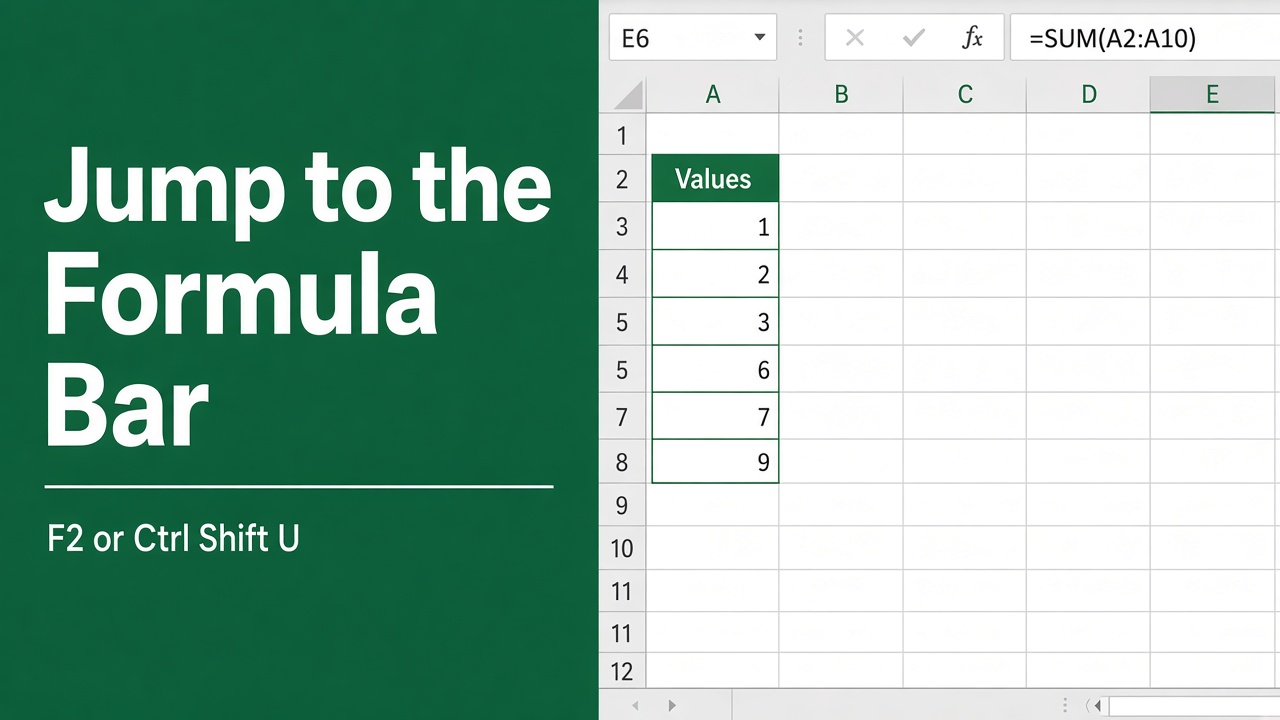
Excel Shortcut to Jump to the Formula Bar
Press F2 to edit a cell in Excel, and change one setting to make it jump to the formula bar. Plus the shortcuts for moving around a long formula.
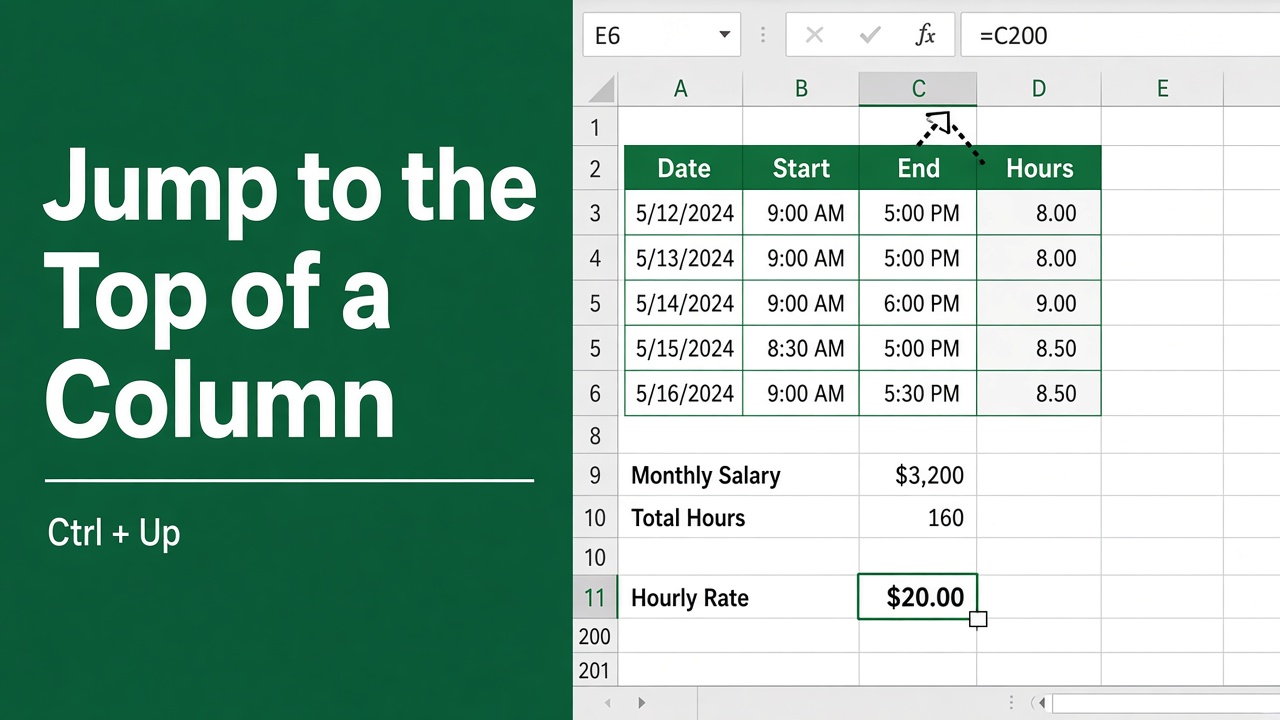
Excel Tips: Jump to the Top of Any Column with This Shortcut
Master your spreadsheet skills with our guide to using the excel shortcut jump to the top of column – navigate large data sets with ease!