
Excel library
Excel How-To Guides
Page 3 of 10
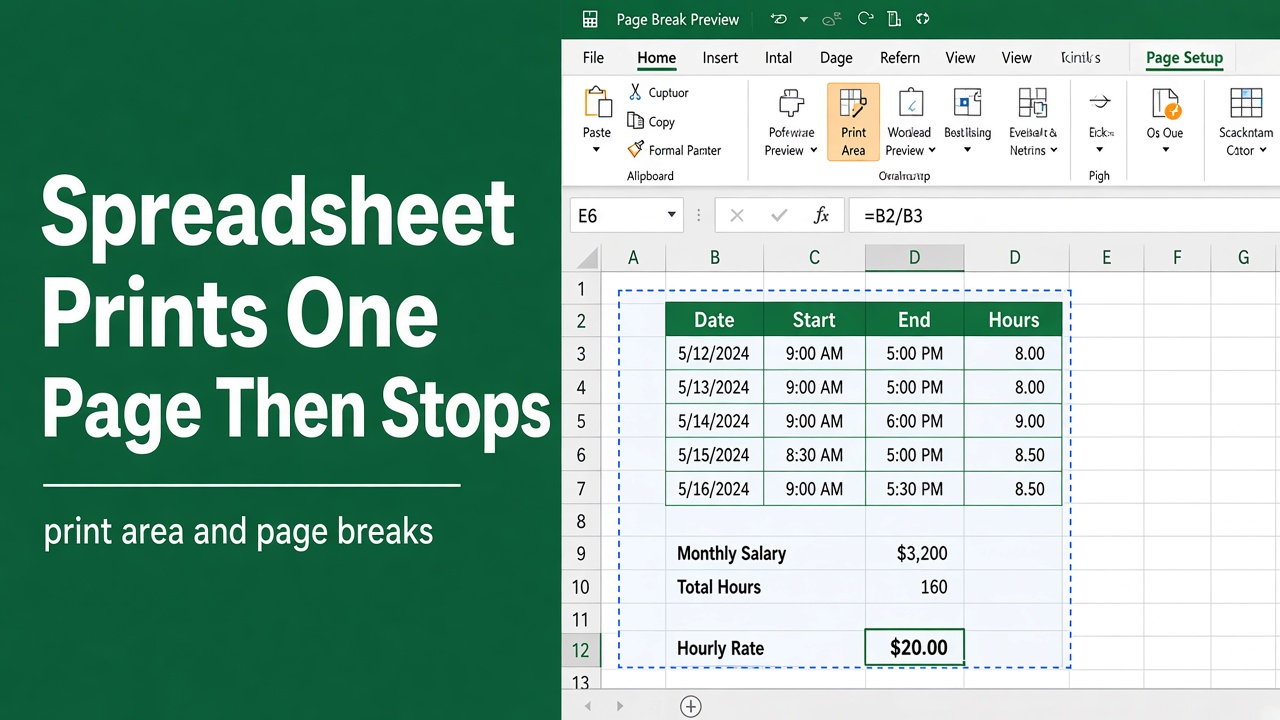
How to Fix Excel Spreadsheet That Prints One Page and Stops?
Fix Excel printing issues fast. Learn why your spreadsheet prints one page only and how to adjust print area, page breaks, scaling, and settings.
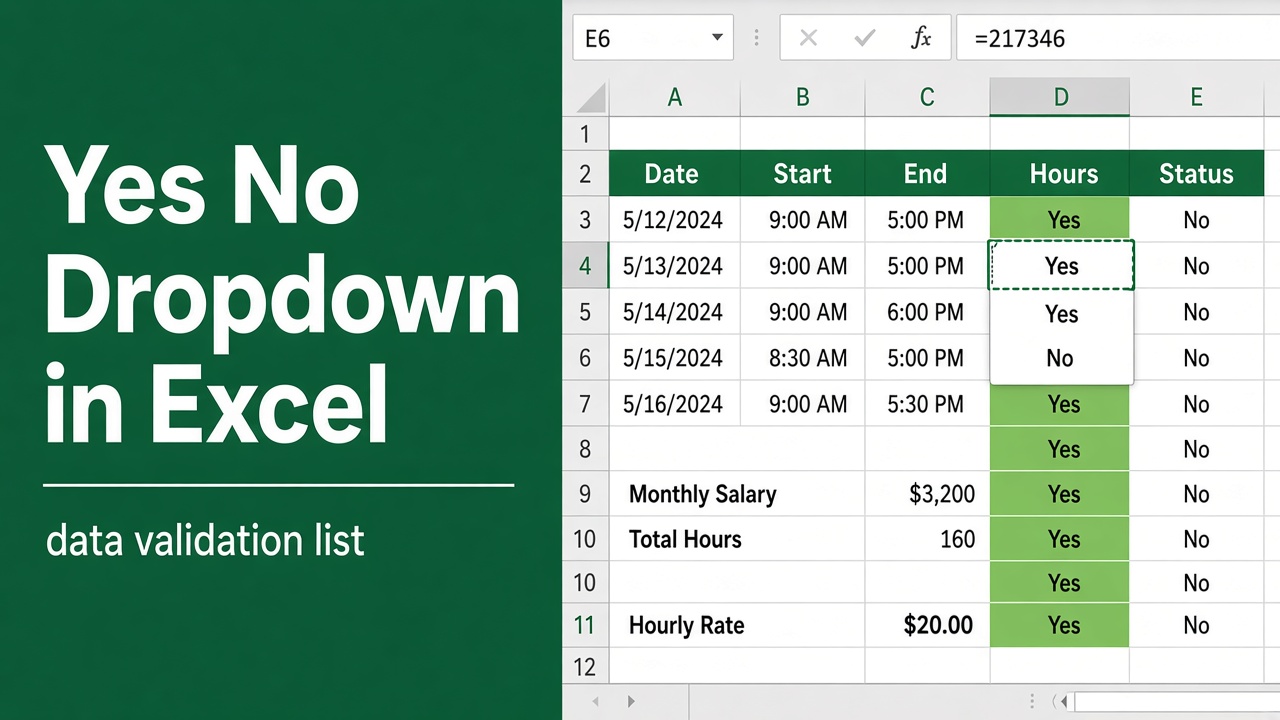
How to Create Yes No Dropdown in Excel? (6 Easy Methods)
Learn how to create a Yes/No dropdown in Excel using data validation, named ranges, and formatting for accurate, error-free data entry.
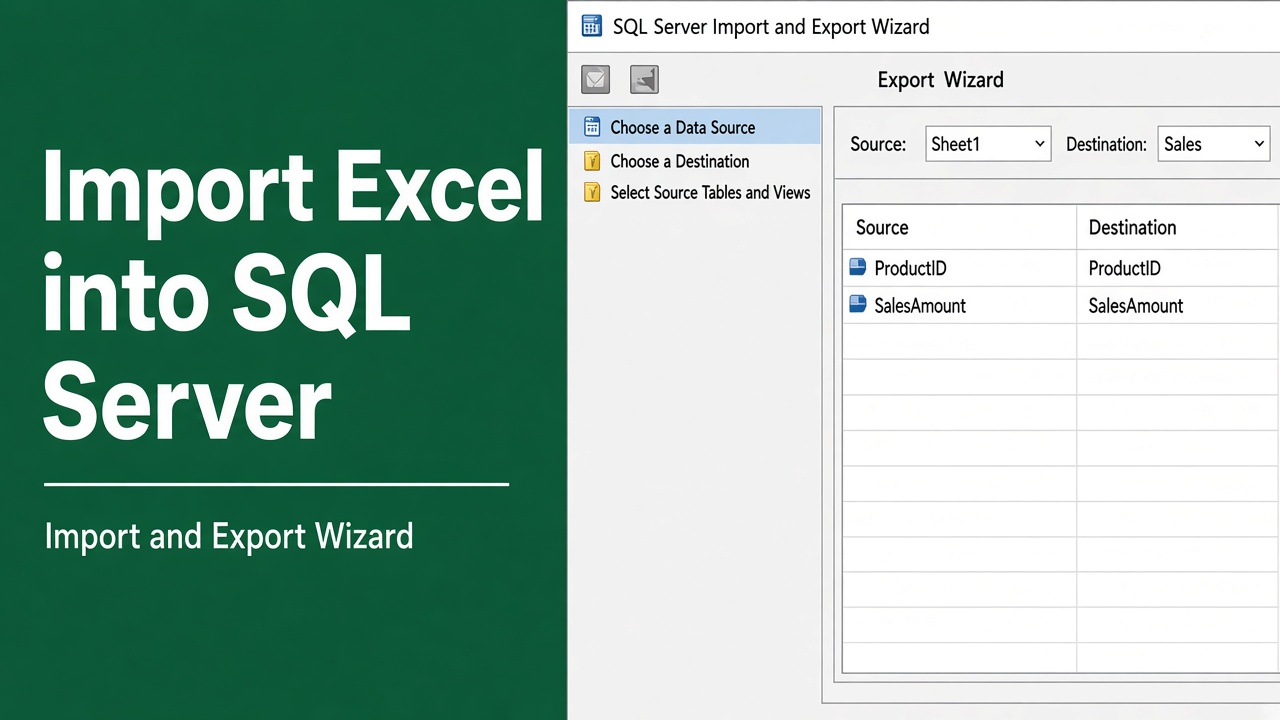
How to Import Excel Data into SQL Server? (5 Easy Methods)
Import Excel data into SQL Server easily with step-by-step methods, T-SQL, SSIS, and BULK INSERT. Learn best practices and avoid common errors.
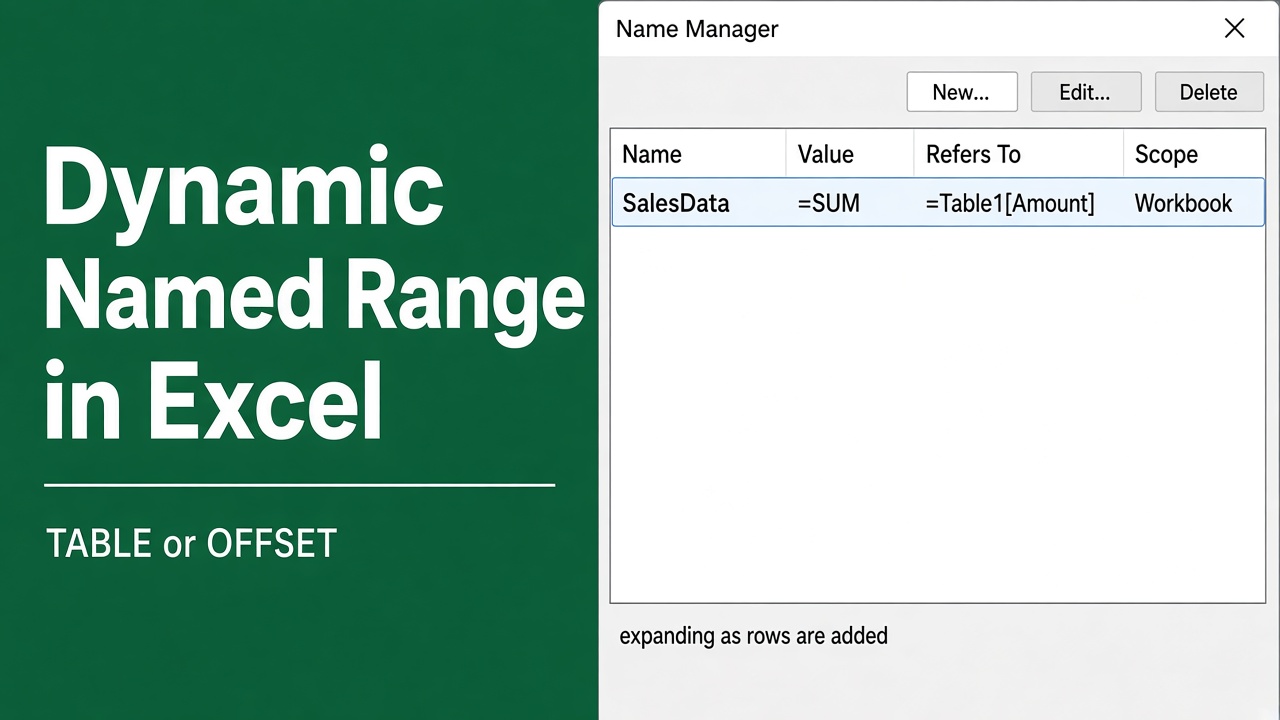
How to Create a Dynamic Named Range in Excel: Easy Guide
Create a dynamic named range in Excel with tables, OFFSET, and INDEX. Automate formulas, charts, and pivot tables for accuracy and efficiency.
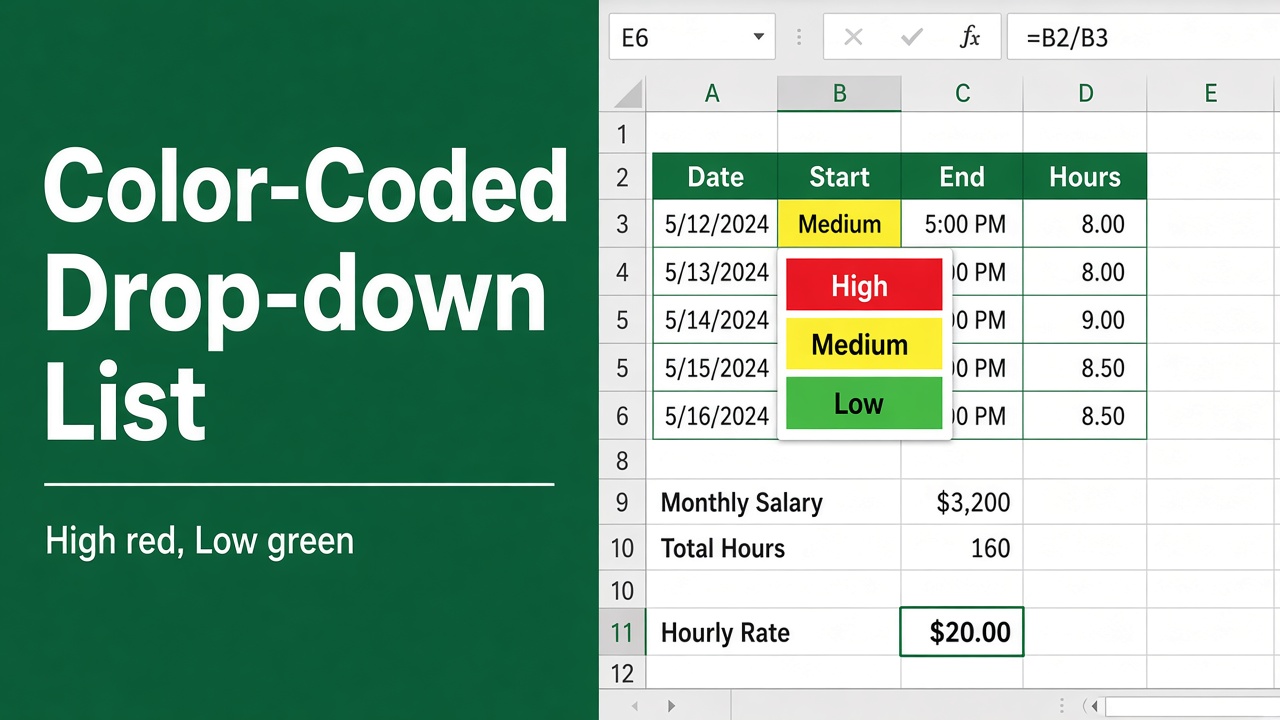
How to Create a Color-Coded Drop-Down List in Excel?
Learn how to create a color-coded drop-down list in Excel. Step-by-step guide to organize, highlight and manage data efficiently.
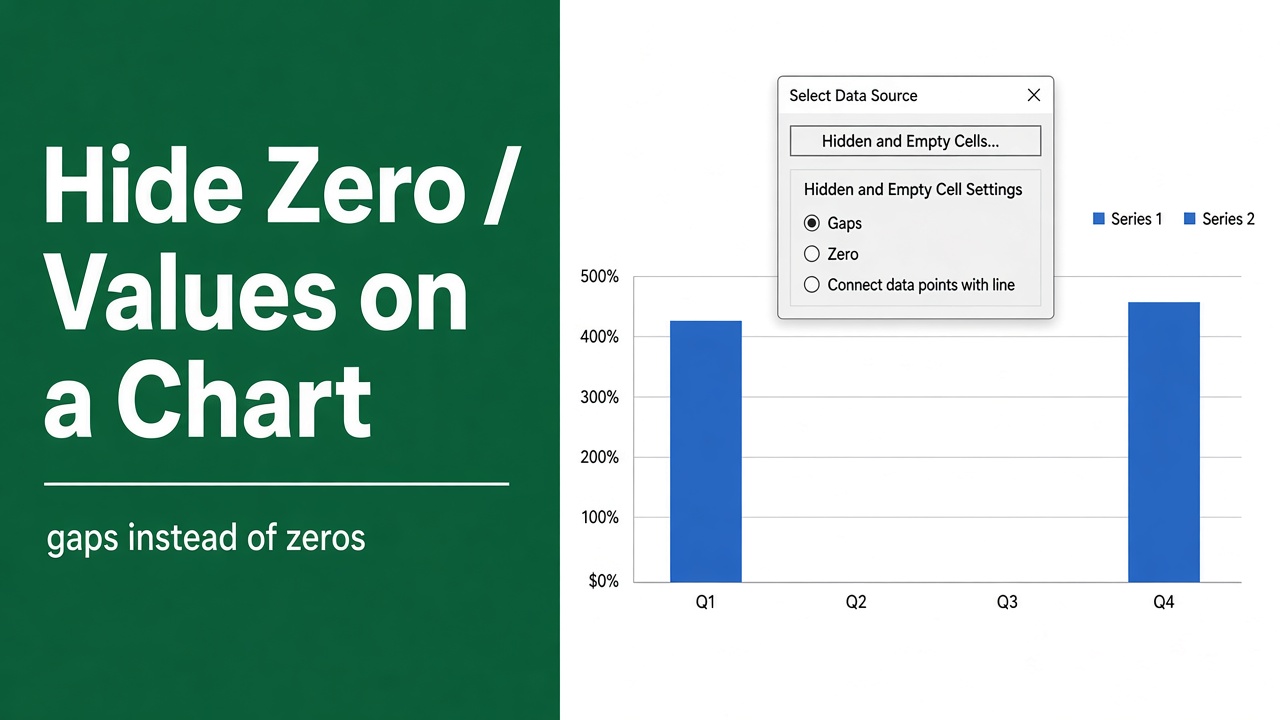
How to Hide Zero Values in Excel Chart? (9 Easy Methods)
Hide zero values in Excel charts easily. Learn simple methods using formulas, formatting, and chart settings for cleaner, accurate visuals.
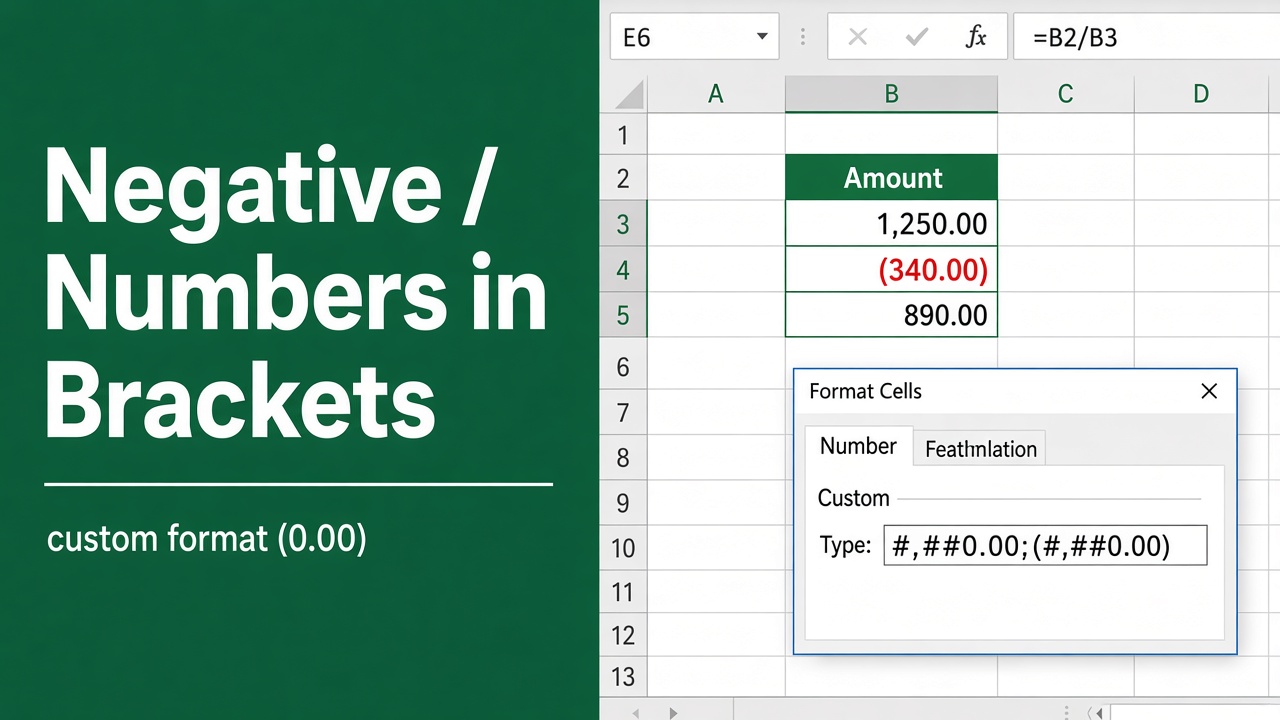
How to Display Negative Numbers in Brackets in Excel?
Learn how to display negative numbers in brackets in Excel using number formats, accounting style, and custom formatting for clear financial reports.
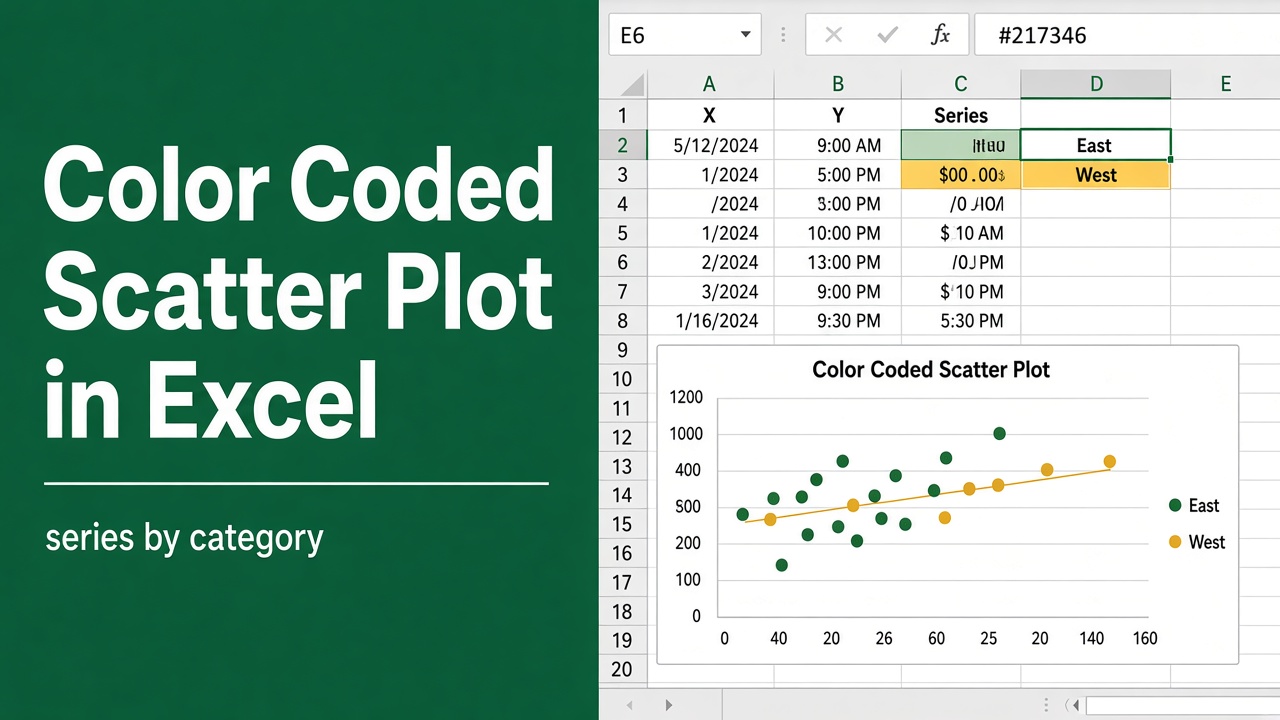
How to Create a Color Coded Scatter Plot in Excel?
Create a color coded scatter plot in Excel easily. Learn step-by-step methods, formatting tips, and visualization tricks for clear data analysis.
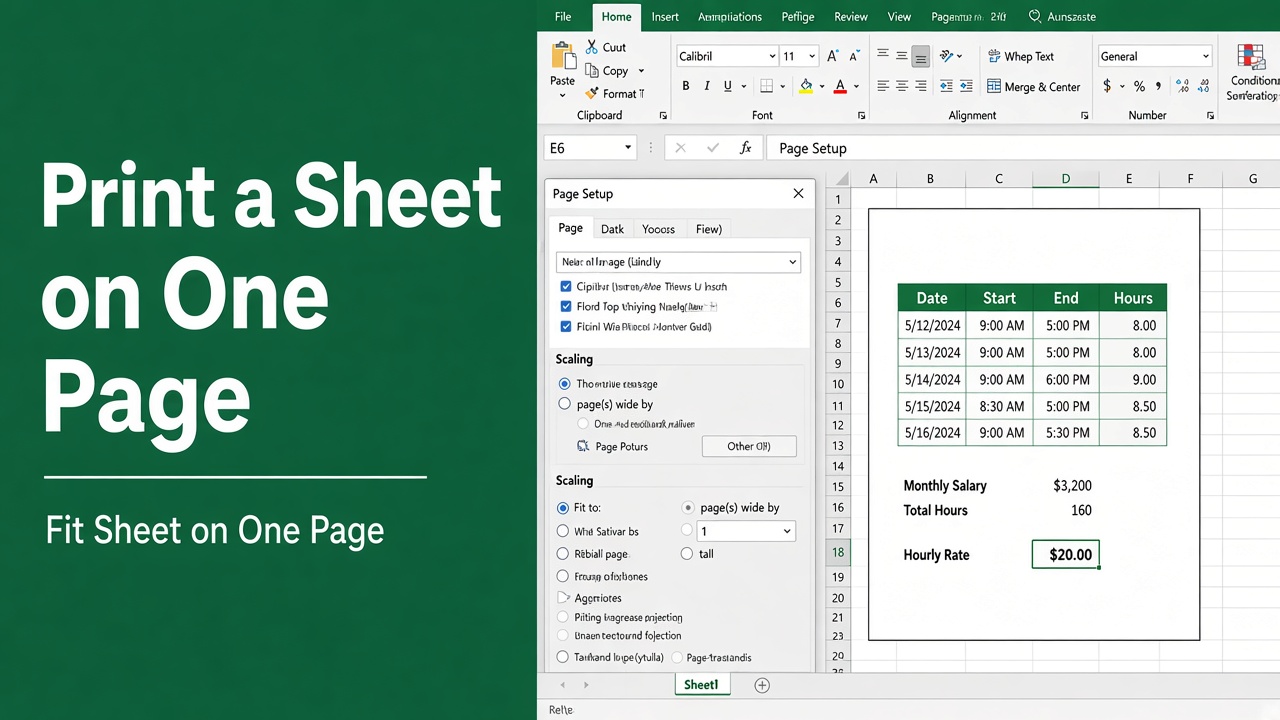
How to Print an Excel Spreadsheet on One Page: Easy Guide
Learn how to print an Excel spreadsheet on one page using scaling and Page Setup for clear, professional, and easy-to-read printouts.
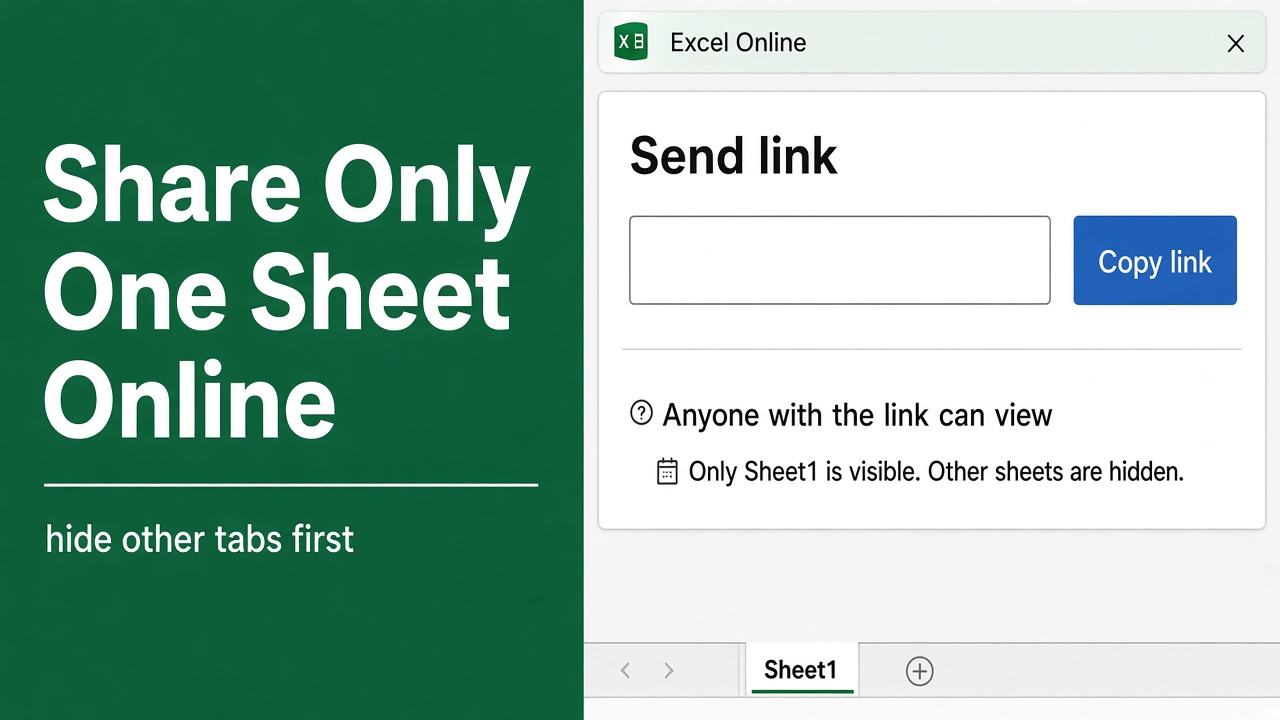
How to Share Only One Sheet in Excel Online: A Complete Guide
Learn how to share only one sheet in Excel Online with easy methods to protect data, control access, and collaborate securely.