
Excel library
Excel How-To Guides
Page 10 of 10
How to Recover Previous Versions of an Excel File?
Learn how to recover previous versions of Excel files using Version History, Windows tools, temporary files, and OneDrive. Step-by-step guide included.
How to Embed a Document in Excel: A Step-by-Step Guide
Learn how to embed a document in Excel, including Word, PDFs, and PowerPoint presentations, to enhance your spreadsheets. Follow this easy step-by-step guide.
4 Easy Ways to Count Colored Cells in Excel
Learn how to count colored cells in Excel using methods like SUBTOTAL, VBA macros, GET.CELL function, and Conditional Formatting. Improve your workflow today!
How to fix a #SPILL! error in Excel: A Complete Guide
Learn how to fix the Excel spill error with practical steps for clearing blocked ranges, resolving merged cells, and optimizing dynamic array formulas.
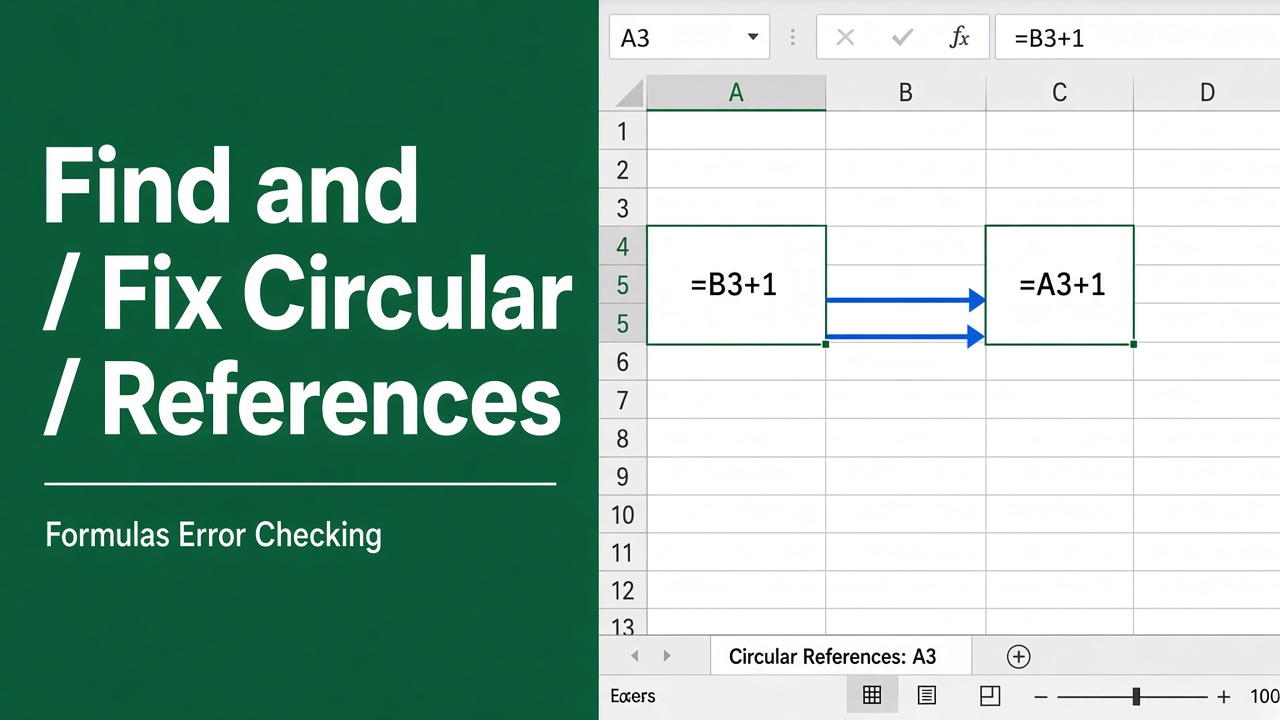
How to Find and Fix Circular References in Excel: Easy Guide
Learn how to find and fix circular references in Excel with easy steps. Avoid errors and ensure accurate data with our guide.
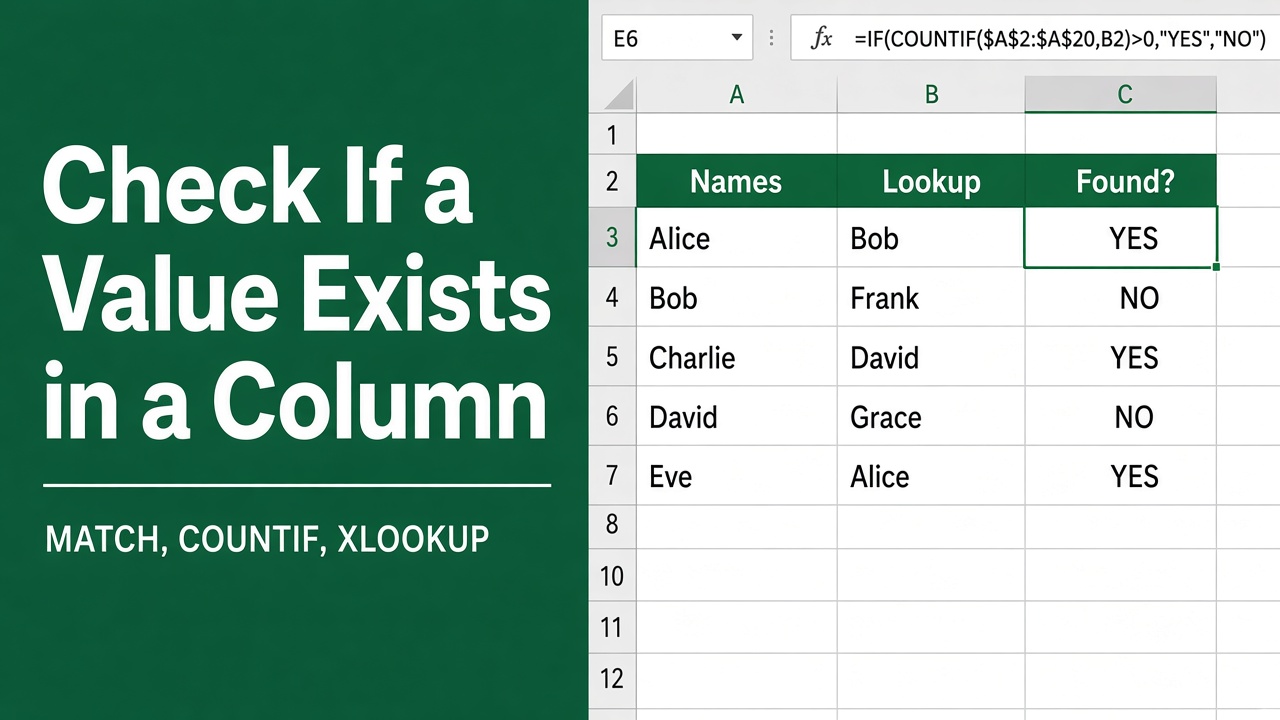
How to Check if One Value Exists in Another Column in Excel?
Learn how to check if one value exists in another column in Excel using functions like COUNTIF, MATCH, VLOOKUP, and XLOOKUP with step-by-step examples.
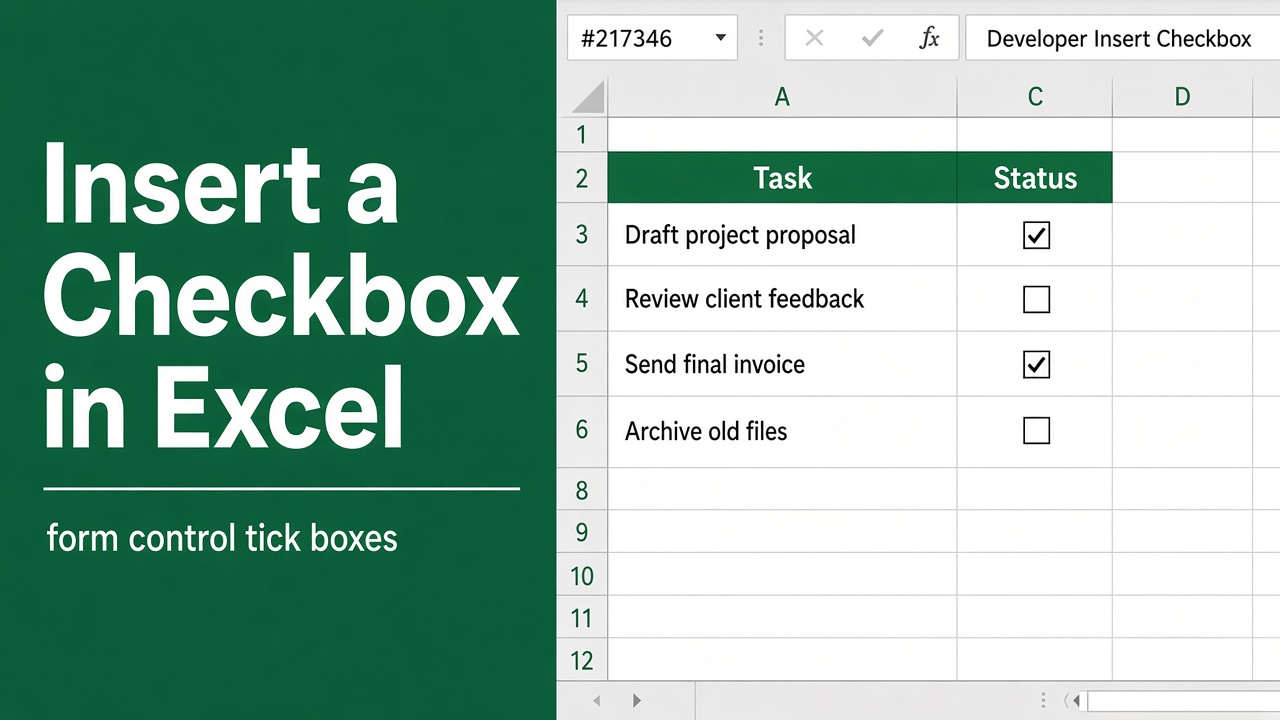
How to Insert Checkbox in Excel? (The Easy Way)
Learn how to easily insert checkboxes in Excel to create interactive forms, lists, and progress trackers with this step-by-step guide.
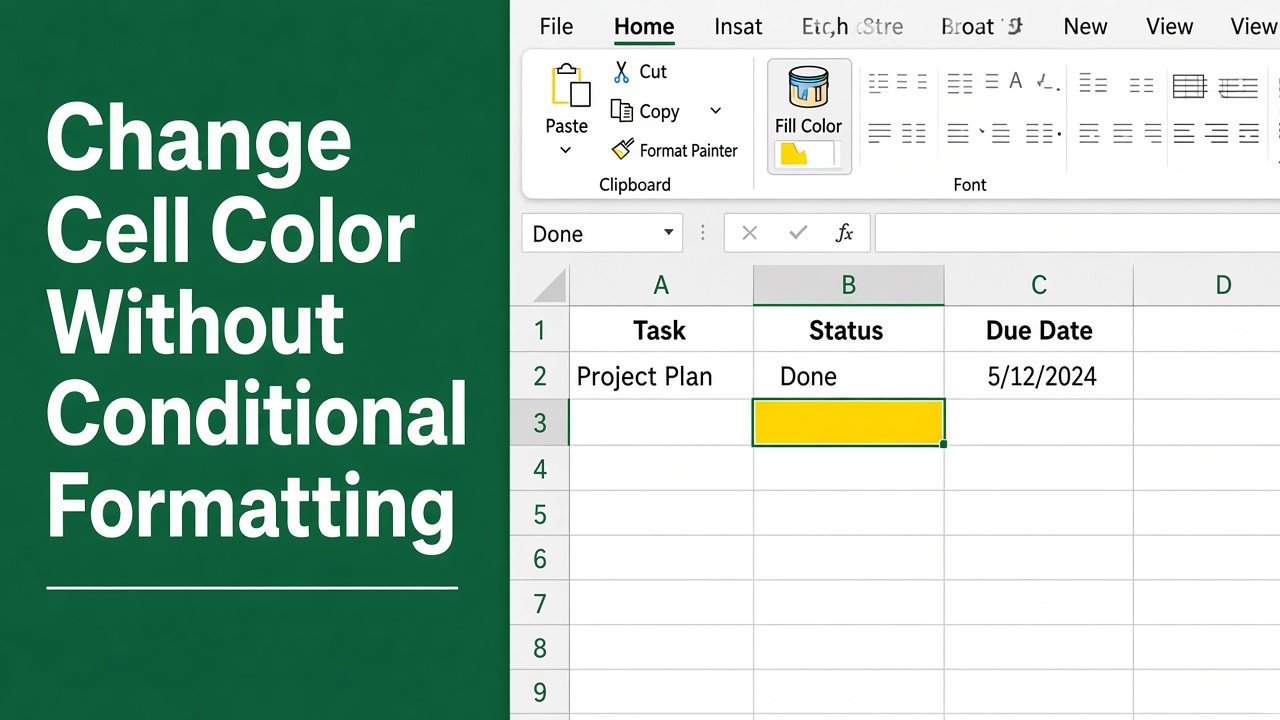
How to Change Cell Color in Excel Without Conditional Formatting?
Change cell color in Excel without conditional formatting using VBA, formulas, and custom formats. Simple methods with clear steps and real examples.
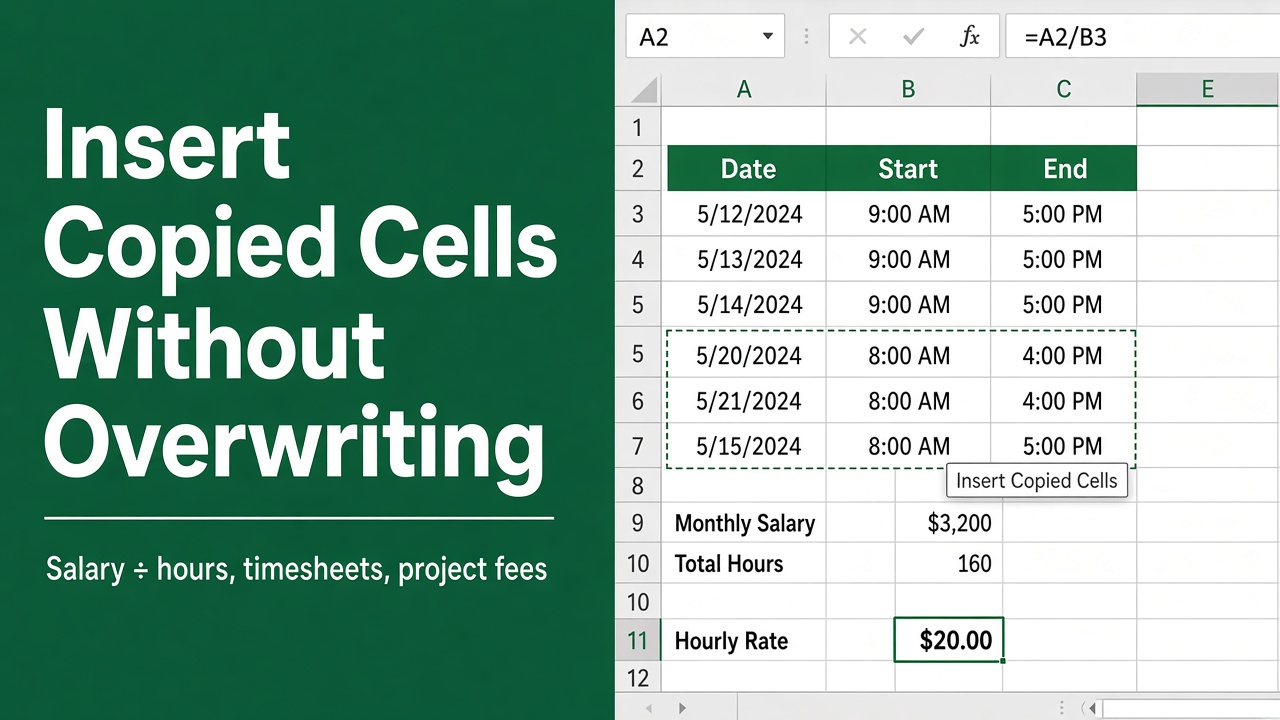
How to Insert Copied Cells in Excel Without Overwriting?
Learn how to insert copied cells in Excel without overwriting data. Follow this guide for step-by-step techniques to manage data effectively without errors.