
Excel library
Excel How-To Guides
Page 9 of 10
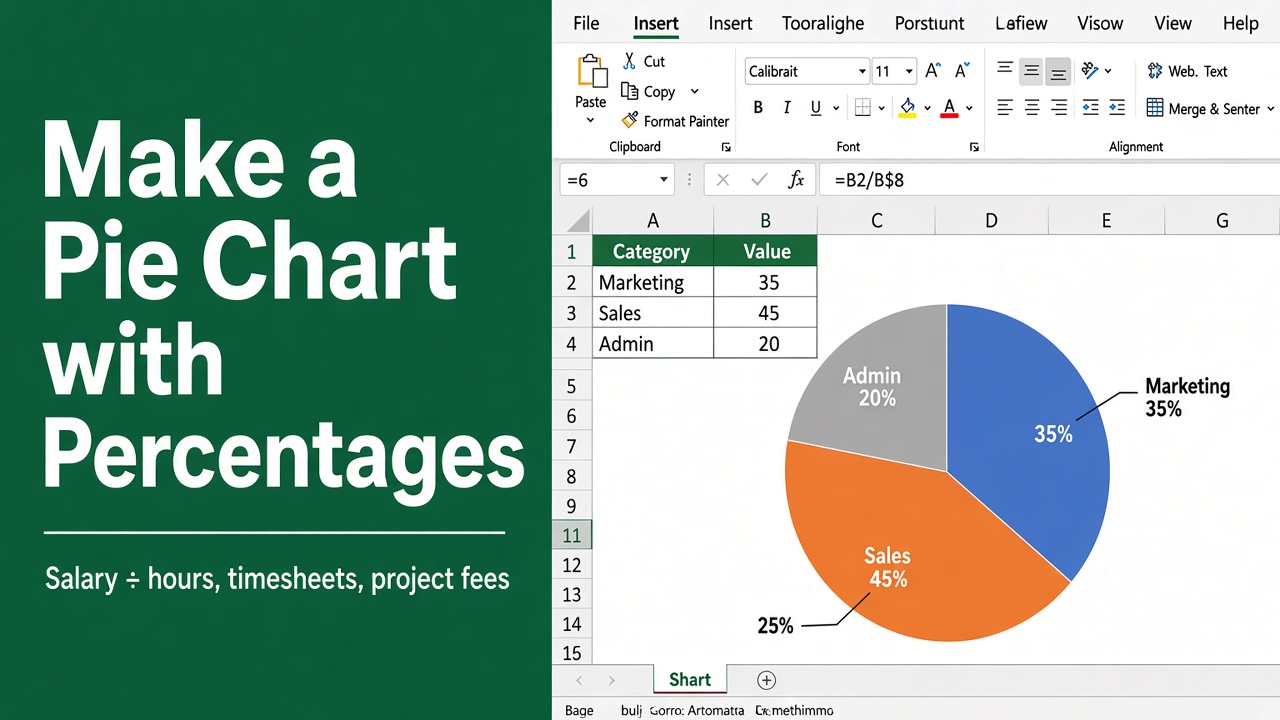
How to Make a Pie Chart in Excel with Percentages?
Learn how to create a pie chart in Excel with percentages. Follow this simple, step-by-step guide to visually represent your data effectively.
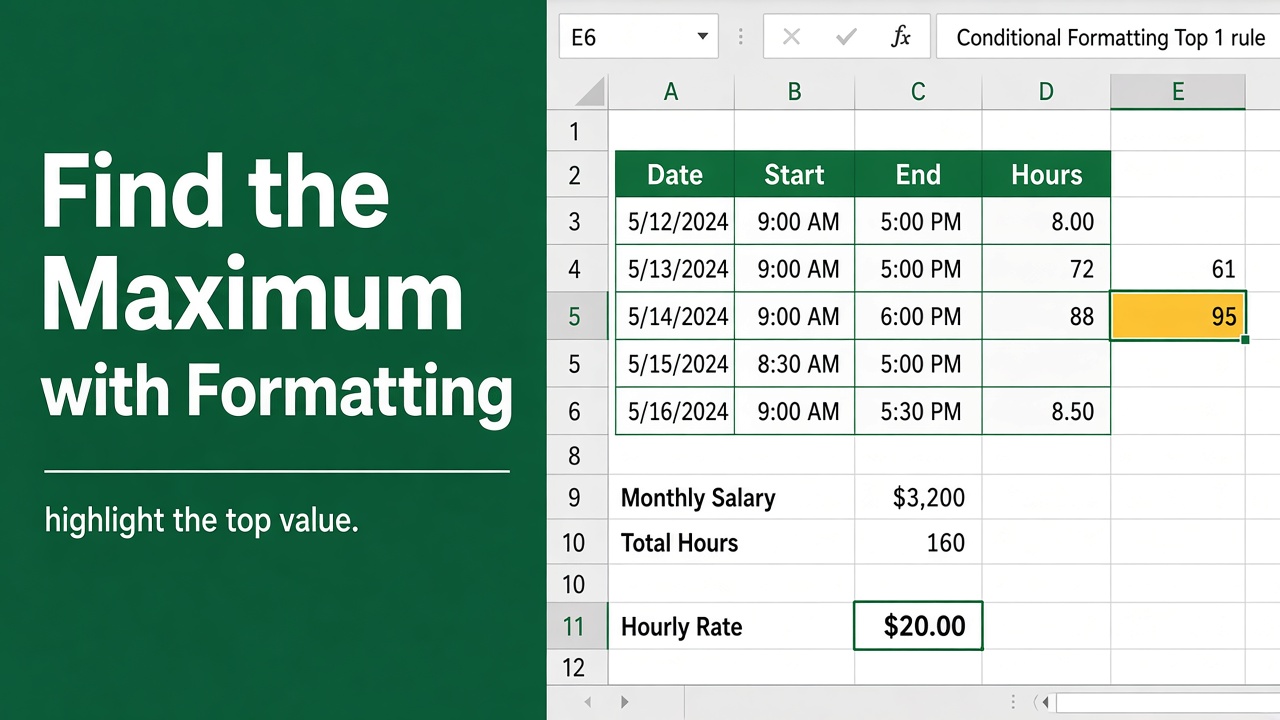
How to Find Maximum Value in Excel with Conditional Formatting?
Learn how to find the maximum value in Excel using conditional formatting. Step-by-step guide to highlight data and improve your analysis efficiently.
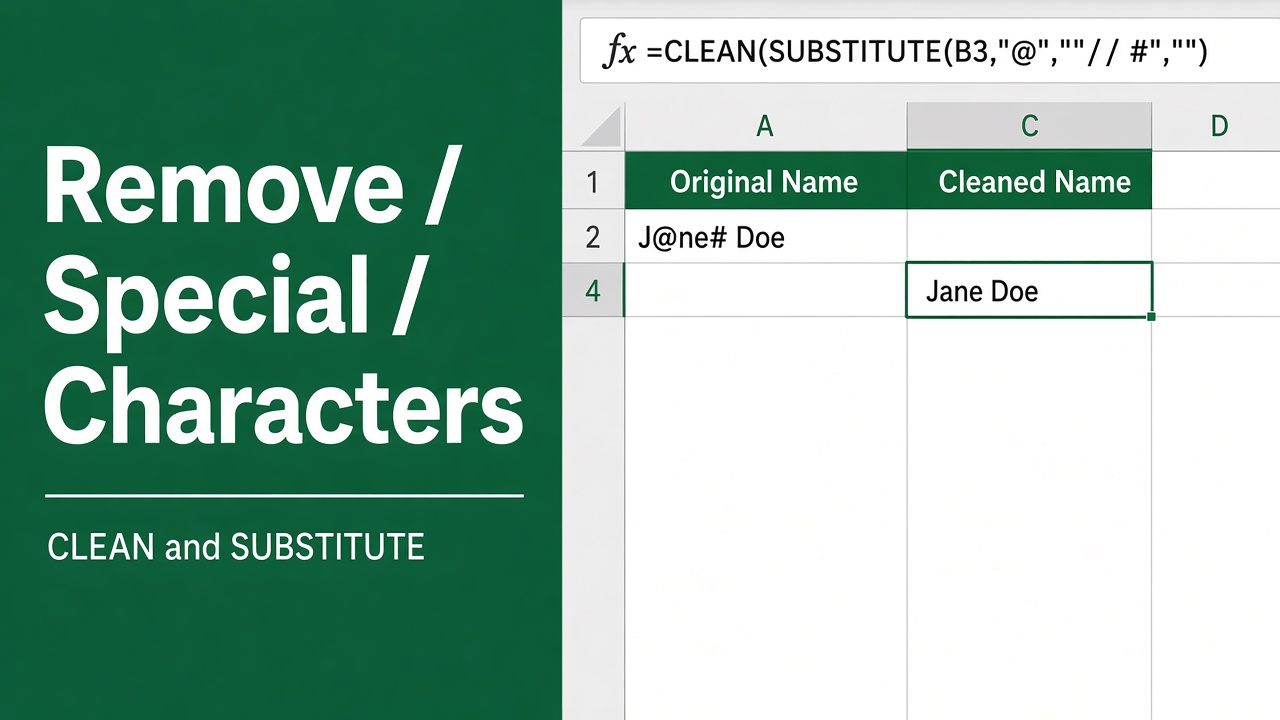
5 Easy Ways to Remove Special Characters from a Cell in Excel
Learn step-by-step methods to remove special characters in Excel using formulas, REDUCE, VBA, and Power Query. Simplify data cleanup efficiently.
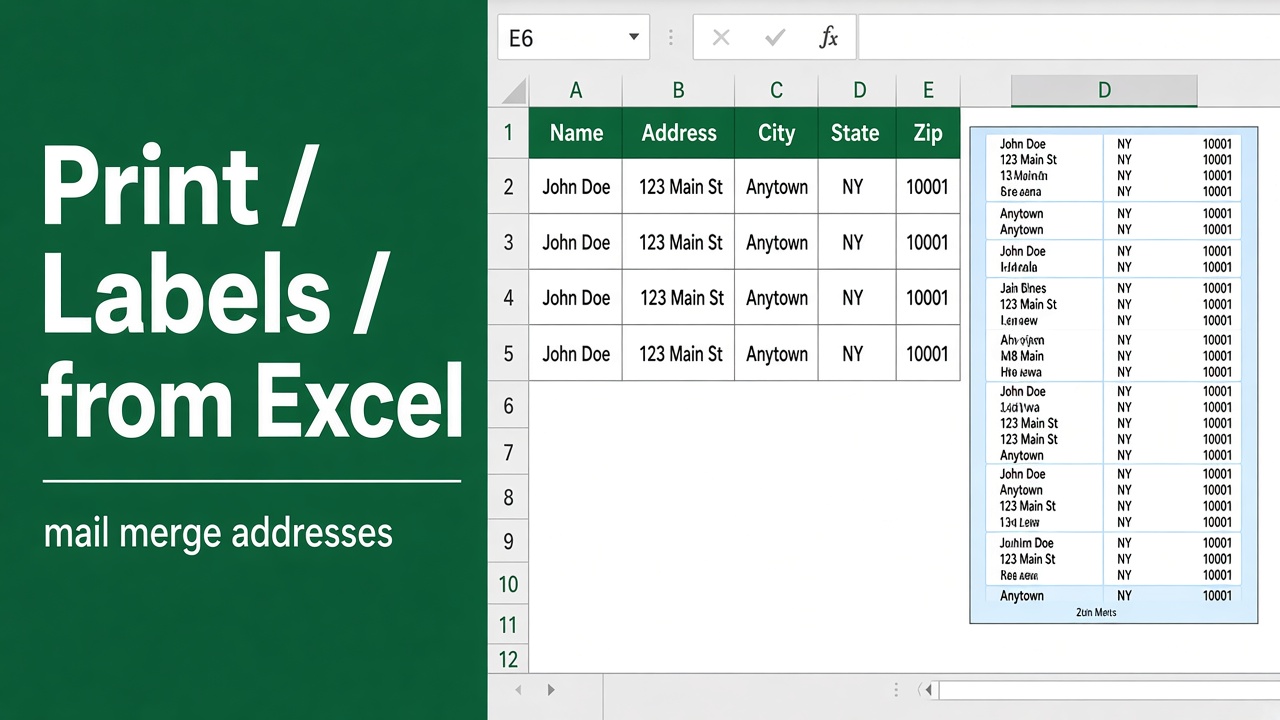
How to Print Labels from Excel: A Comprehensive Guide
Learn how to easily create and print custom labels from Excel with our step-by-step guide. Customize, format, and print labels for any need.
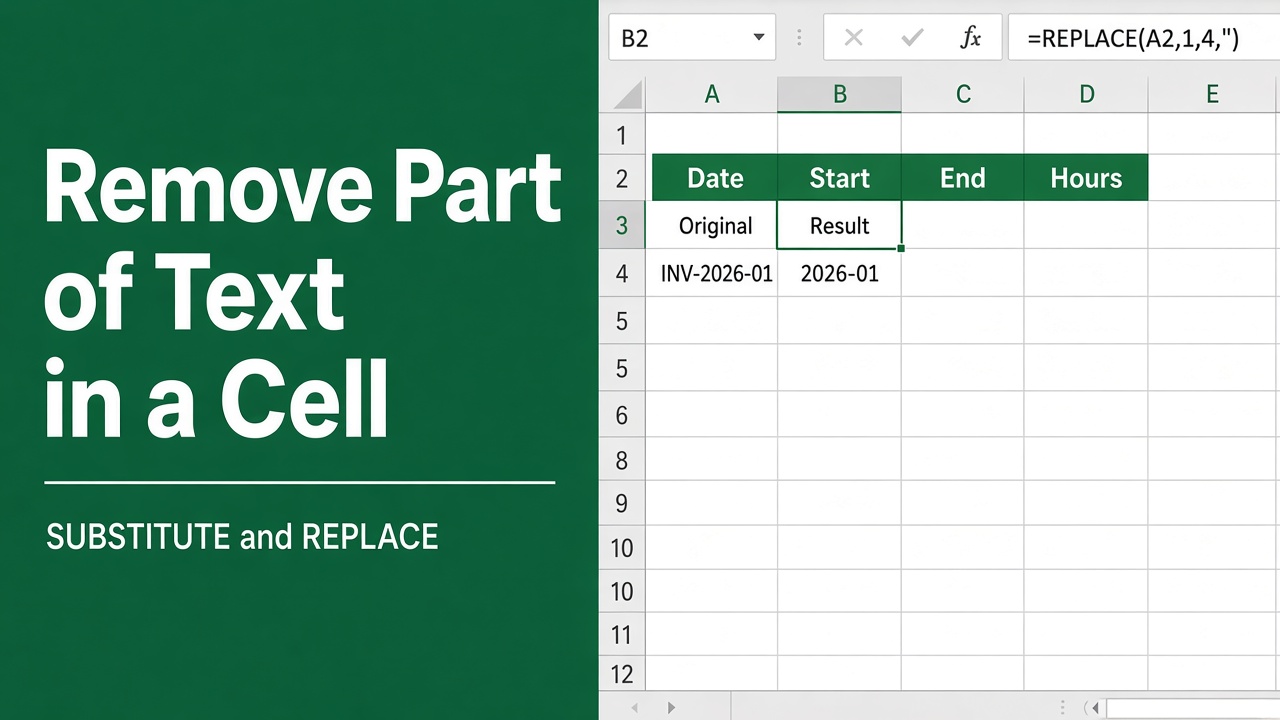
How to Remove Part of Text in a Cell in Excel: Easy Guide
Learn how to remove part of text in an Excel cell using functions like LEFT, RIGHT, MID, or FIND for efficient data editing and cleanup.
How to Group Worksheets in Excel: A Complete Guide
Learn how to group worksheets in Excel to apply formulas, formatting, or data entries across multiple sheets. Boost productivity with our step-by-step guide.
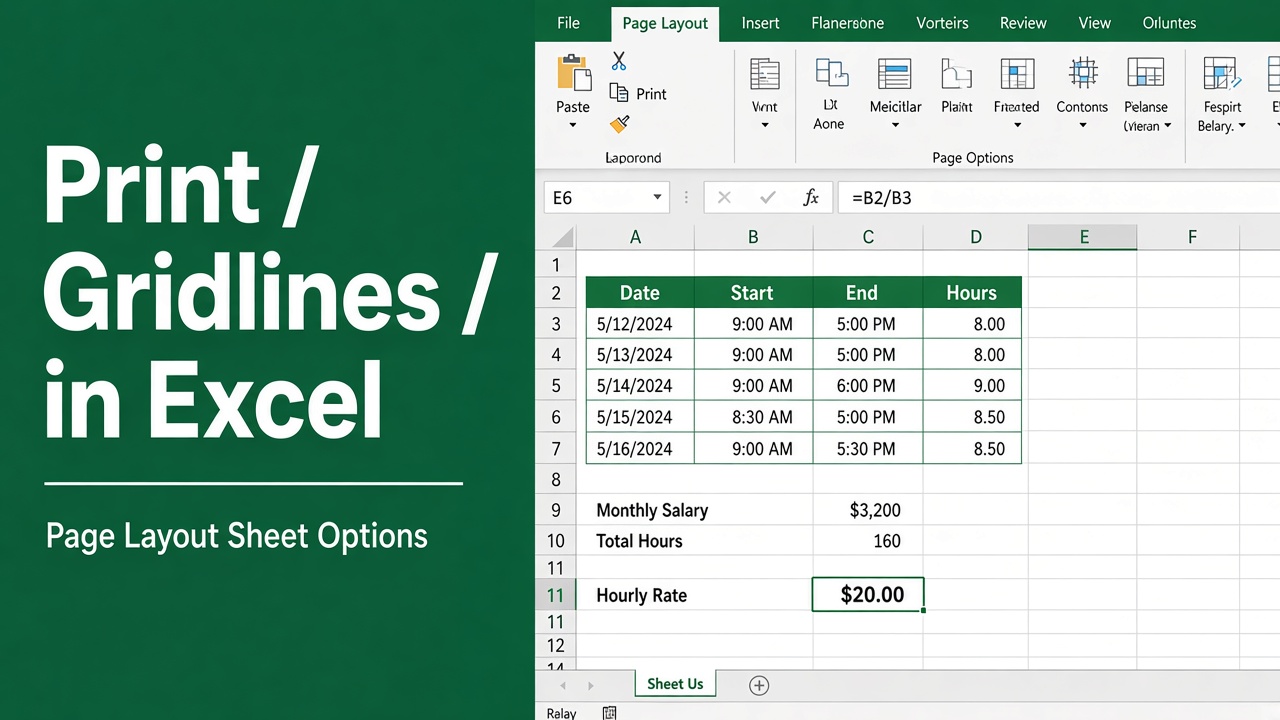
How to Print Gridlines in an Excel Sheet: Easy Guide
Learn how to print gridlines in Excel to enhance readability and organization. Follow these simple steps to include gridlines in your printed sheets.
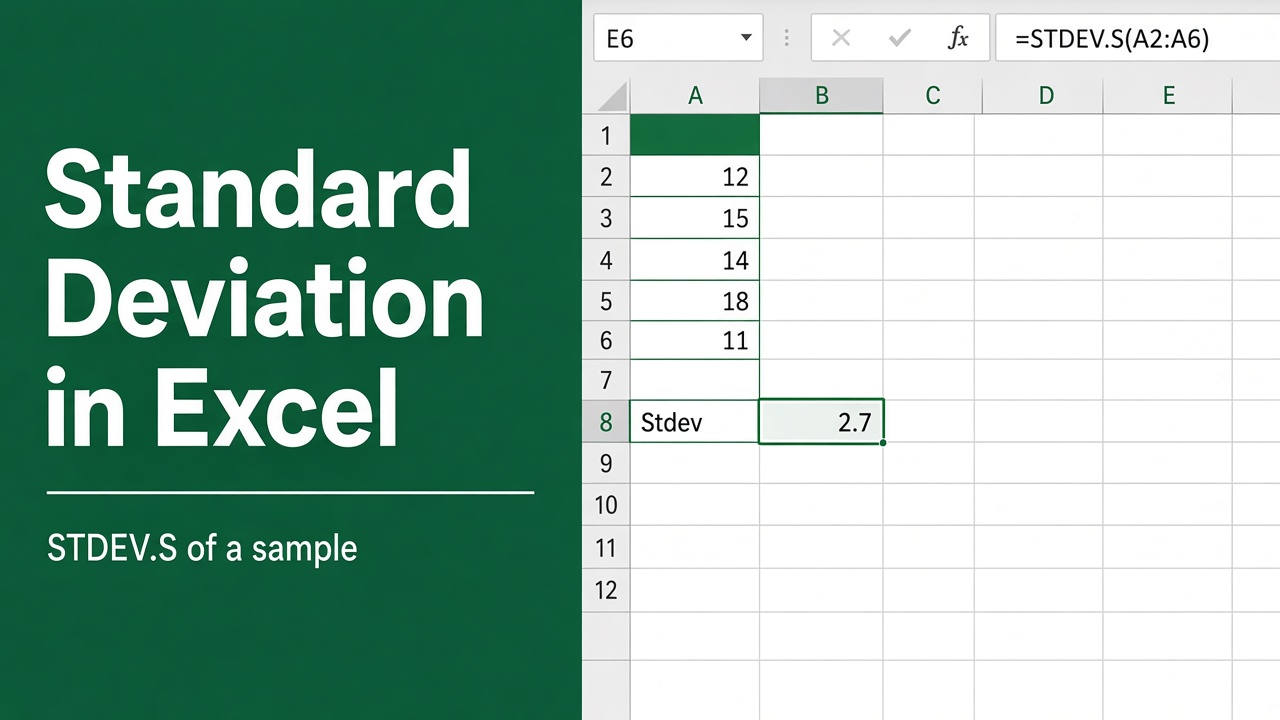
How to Calculate Standard Deviation in Excel: Expert Guide
Learn how to calculate standard deviation in Excel with easy steps, functions, and tips. Enhance data analysis with Excel’s built-in standard deviation tools.
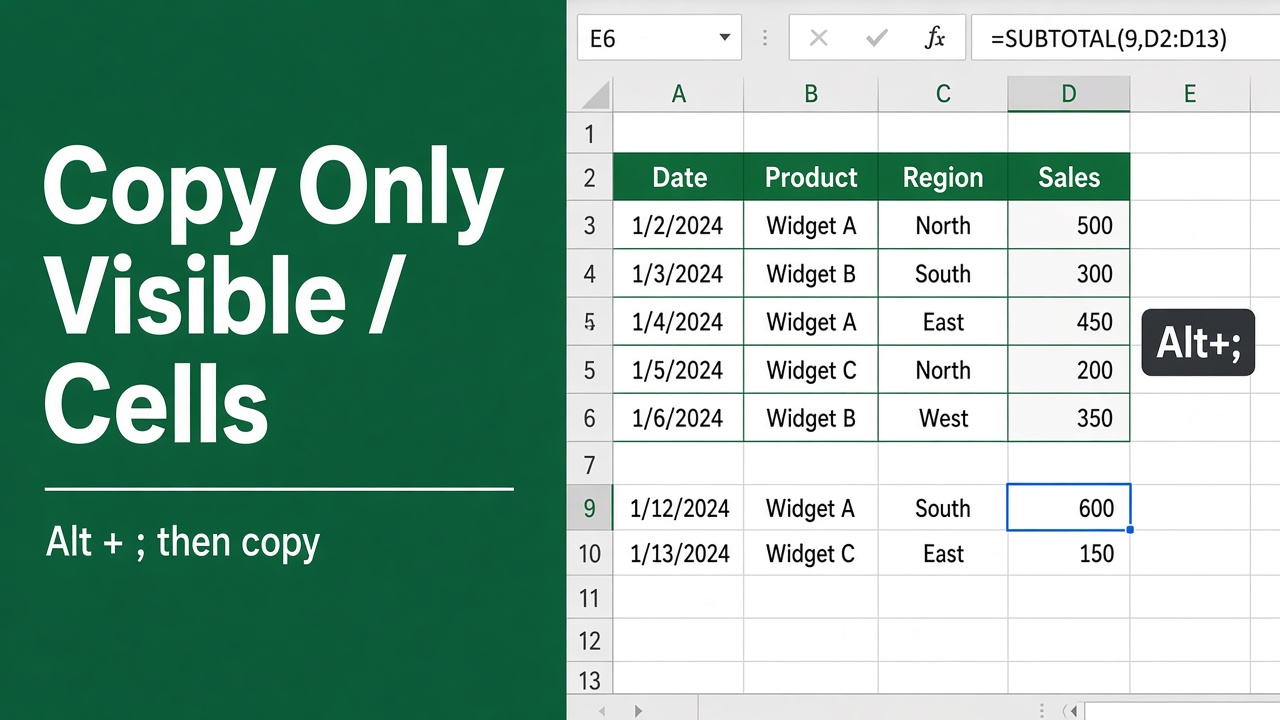
How to Copy Only Visible Cells in Excel? (The Easy Way)
Learn how to copy only visible cells in Excel to avoid hidden data errors. Follow these simple steps and tips to ensure clean and accurate data copying.
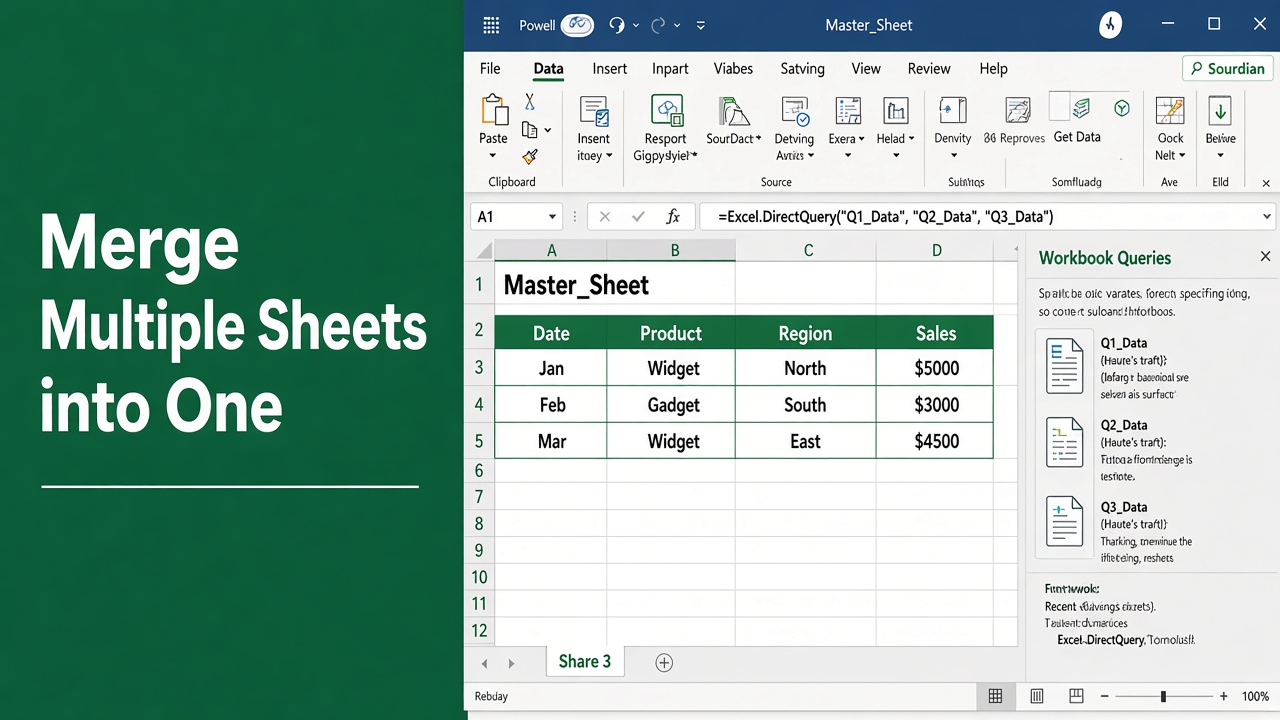
How to Merge Multiple Sheets in Excel to One Sheet: Easy Guide
Learn how to merge multiple sheets in Excel into one sheet easily. Master Power Query, VSTACK, and simple tips for fast data consolidation.