
All articles
Blog
Page 4 of 71
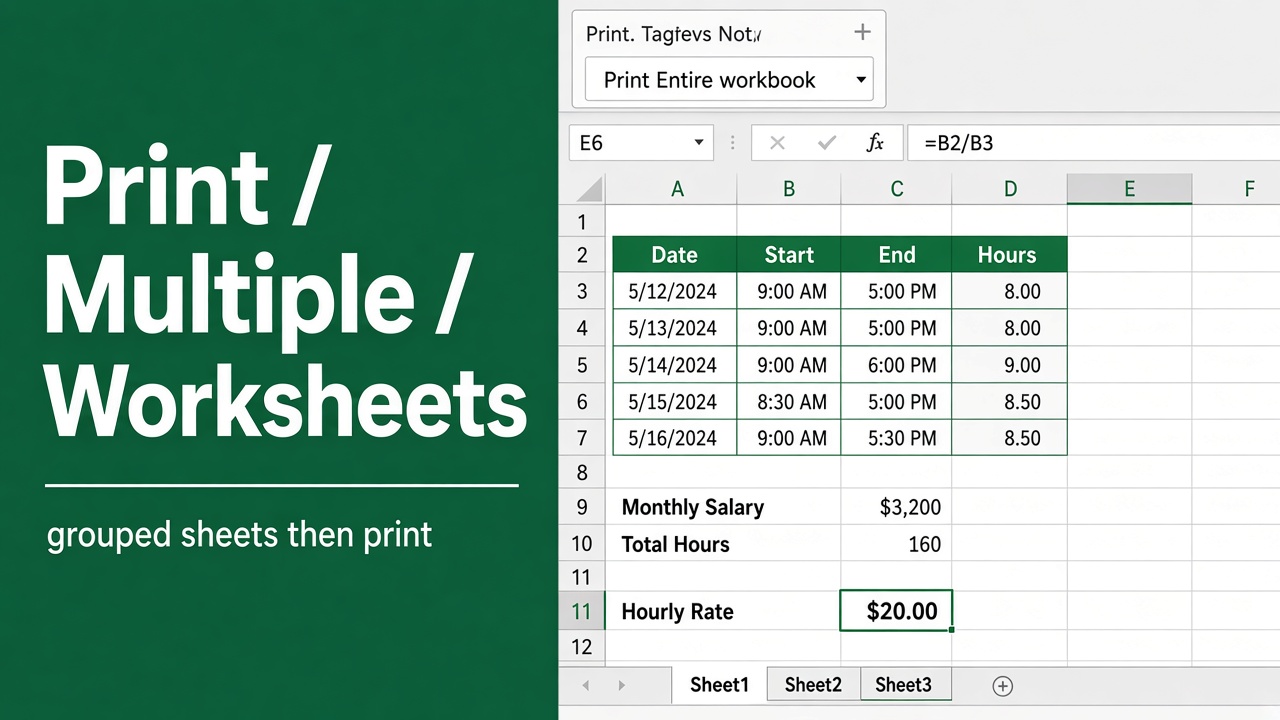
How to Print Multiple Worksheets at Once in Excel?
Learn how to print multiple worksheets at once in Excel using easy methods, shortcuts, and settings for faster, consistent, and professional printing.
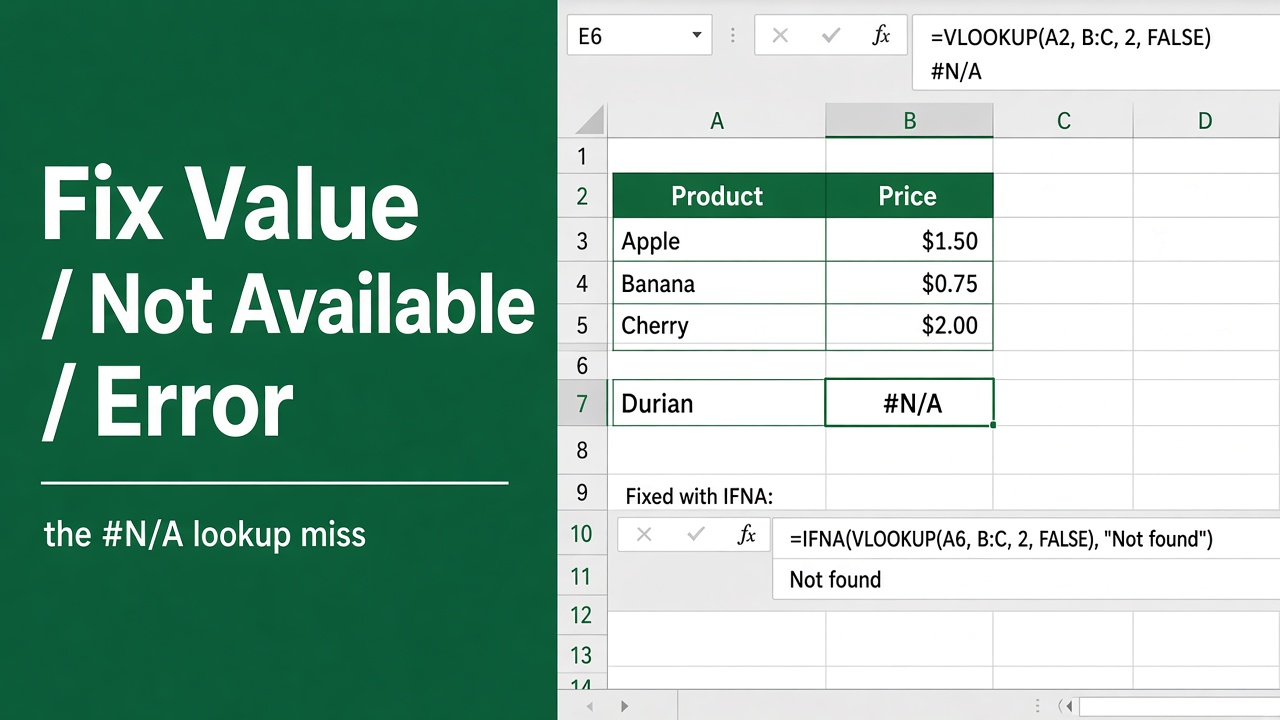
How to Solve Value Not Available Error in Excel?
Fix the #N/A (Value Not Available) error in Excel easily with step-by-step solutions, examples, and tips to prevent lookup and formula errors.
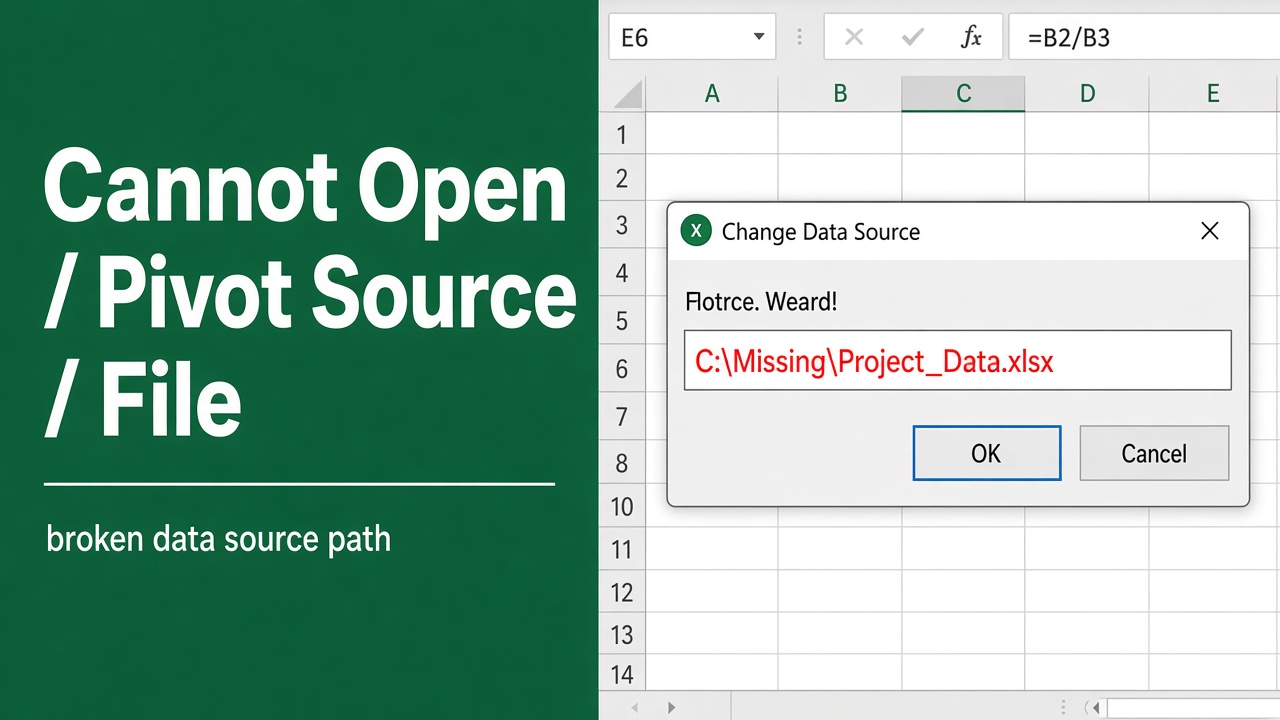
How to Fix “Cannot Open Pivot Table Source File” Error in Excel?
Fix the “Cannot open PivotTable source file” error in Excel with simple, step-by-step solutions. Learn causes, fixes, and prevention tips easily.
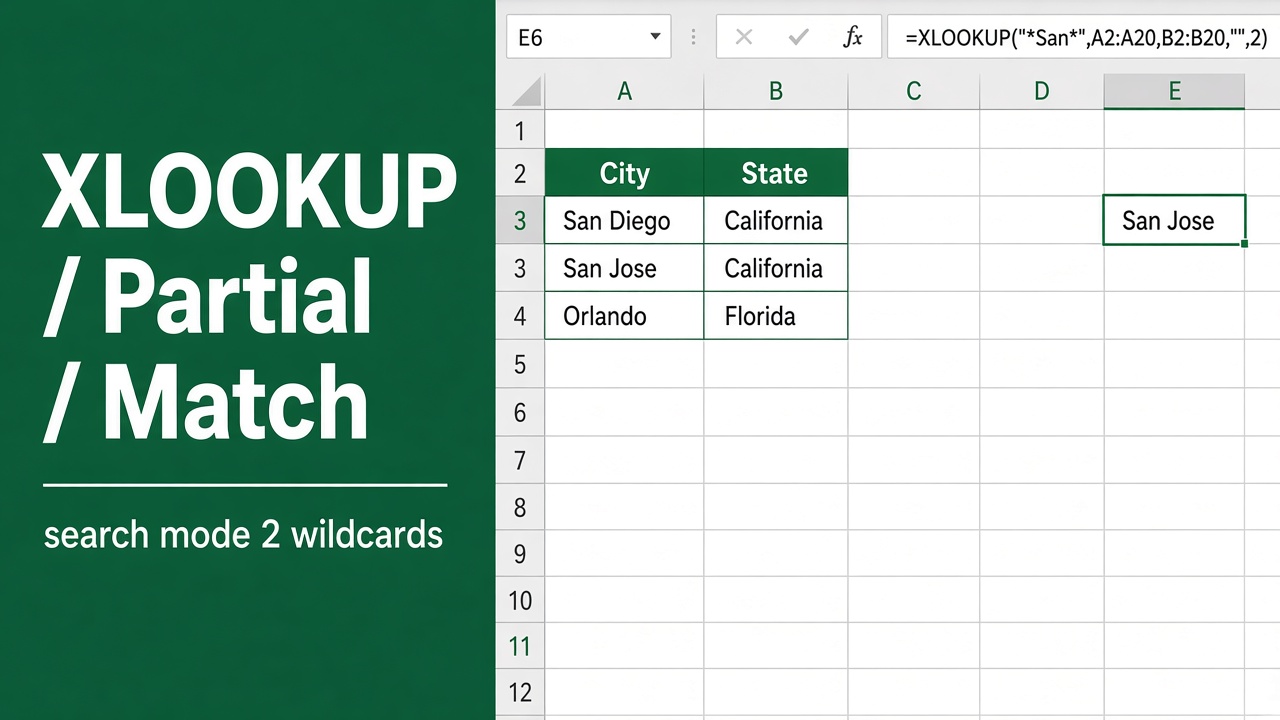
How to XLOOKUP Partial Match in Excel: Easy Guide
Learn how to use XLOOKUP for partial matches in Excel with wildcards, examples, and step-by-step formulas to find flexible text or code matches easily.
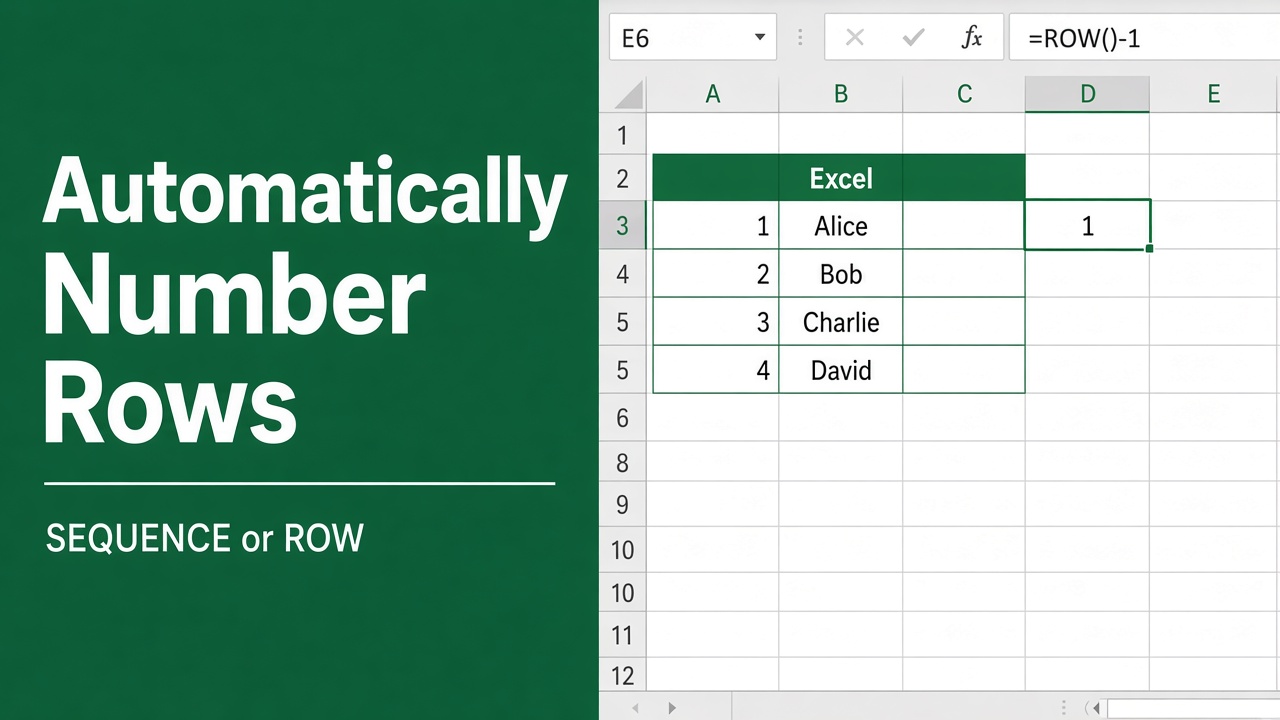
How to Automatically Number Rows in Excel? (7 Easy Methods)
Learn how to automatically number rows in Excel using formulas, Fill Handle, SEQUENCE, and Power Query for dynamic, organized spreadsheets.
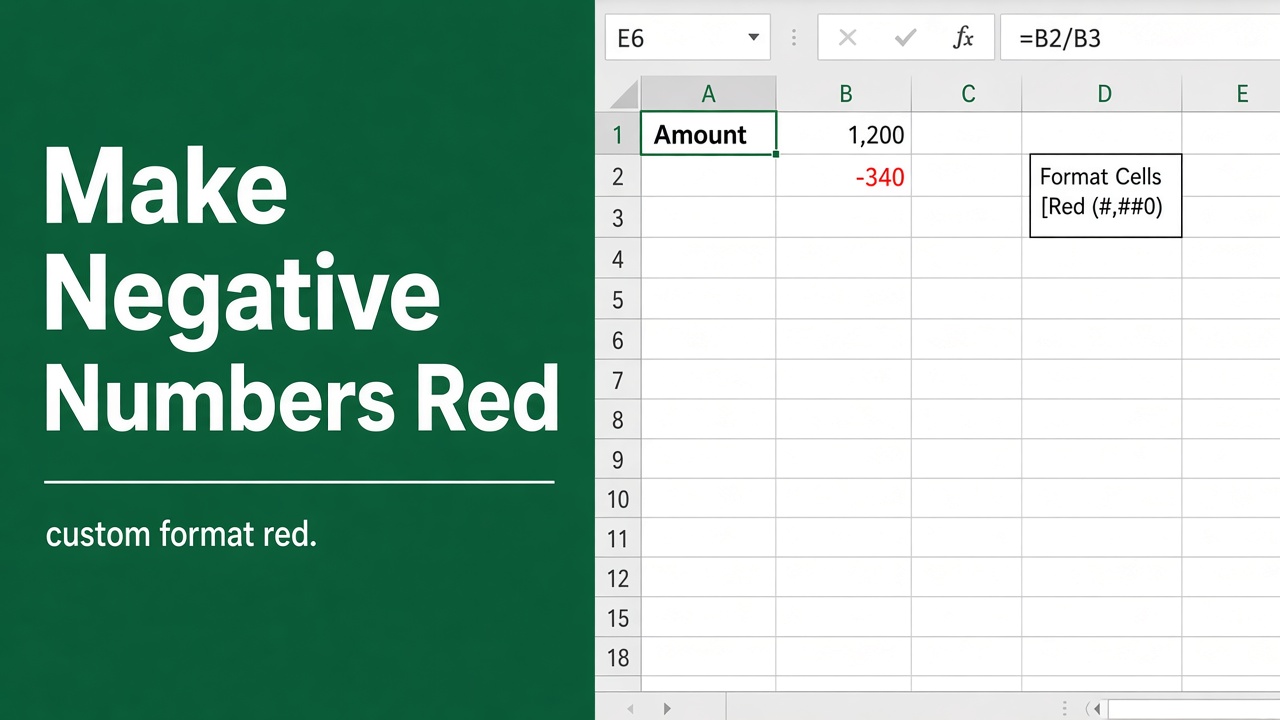
How to Make Negative Numbers Red in Excel? (6 Easy Methods)
Make negative numbers stand out in Excel! Learn how to make negative numbers red with simple formatting tips for clearer data analysis.
How to Make a Custom Sidebar in Excel? (3 Easy Methods)
Learn how to create a custom sidebar in Excel with navigation pane, table of contents, or interactive menu. Boost workflow and make navigation easier.
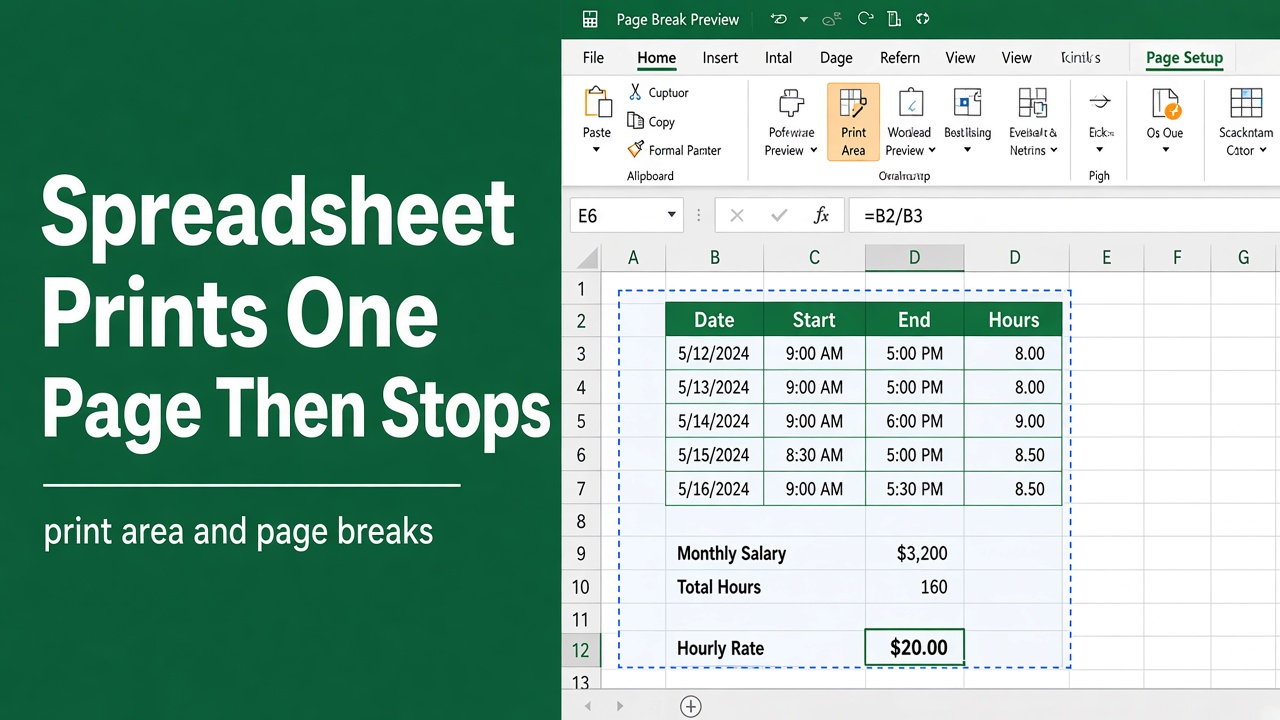
How to Fix Excel Spreadsheet That Prints One Page and Stops?
Fix Excel printing issues fast. Learn why your spreadsheet prints one page only and how to adjust print area, page breaks, scaling, and settings.
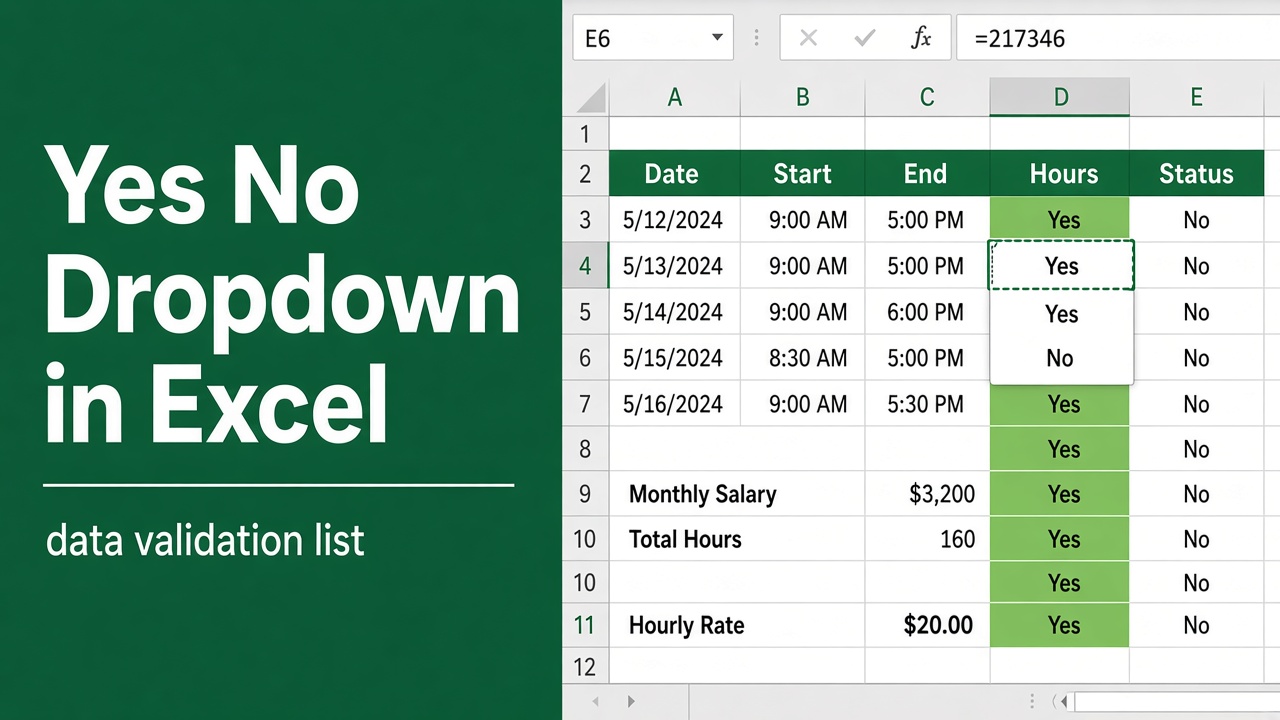
How to Create Yes No Dropdown in Excel? (6 Easy Methods)
Learn how to create a Yes/No dropdown in Excel using data validation, named ranges, and formatting for accurate, error-free data entry.
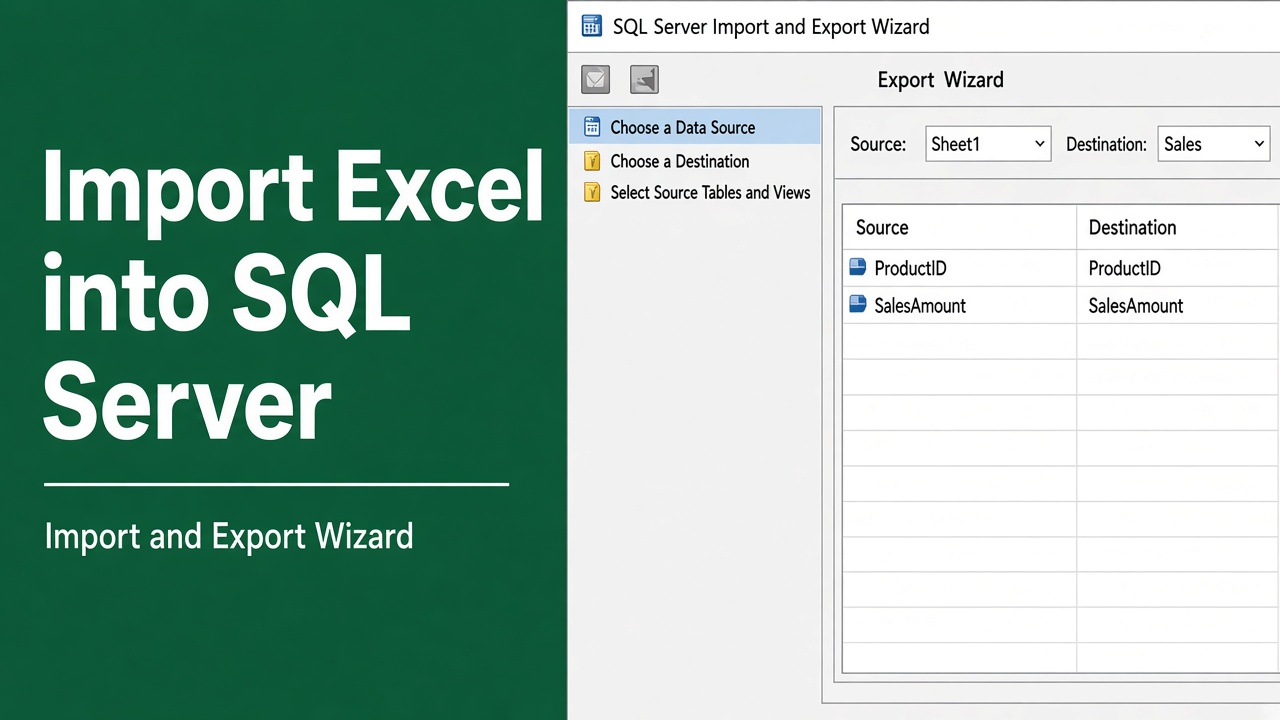
How to Import Excel Data into SQL Server? (5 Easy Methods)
Import Excel data into SQL Server easily with step-by-step methods, T-SQL, SSIS, and BULK INSERT. Learn best practices and avoid common errors.