
All articles
Blog
Page 3 of 71
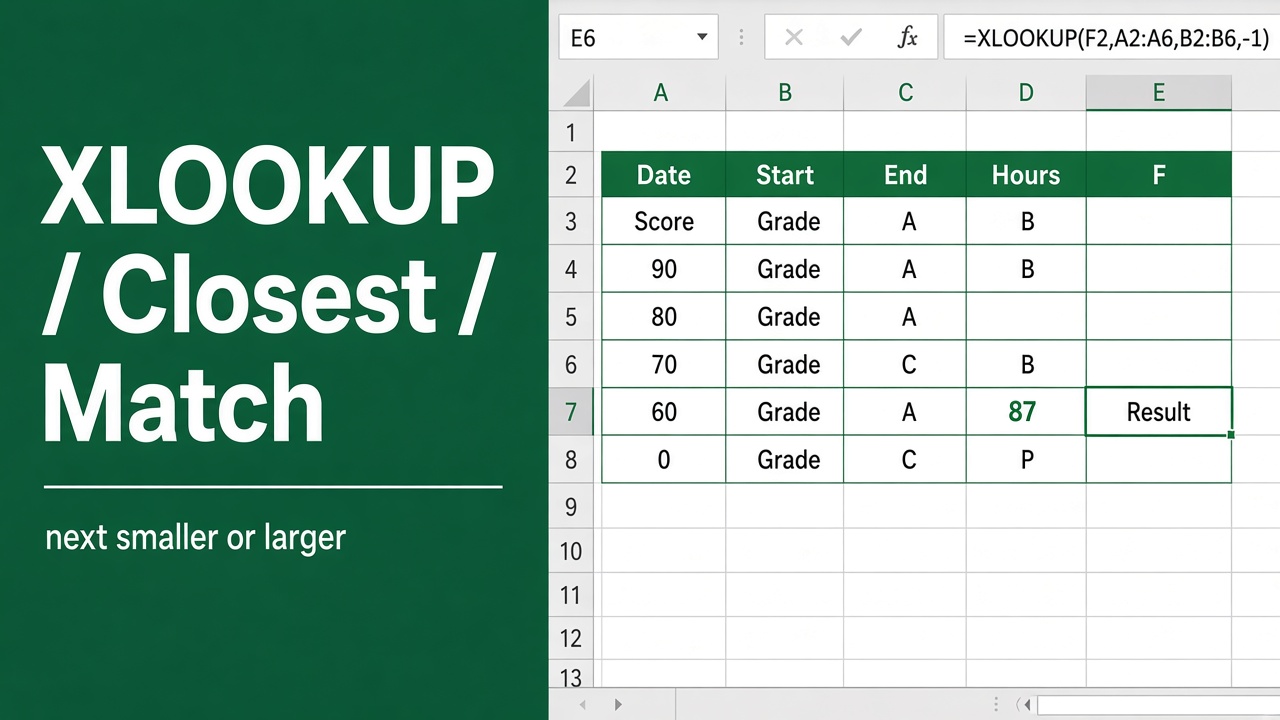
How to Use XLOOKUP to Find the Closest Match in Excel?
Learn how to use XLOOKUP to find the closest match in Excel. Step-by-step examples for next smaller and next larger values.
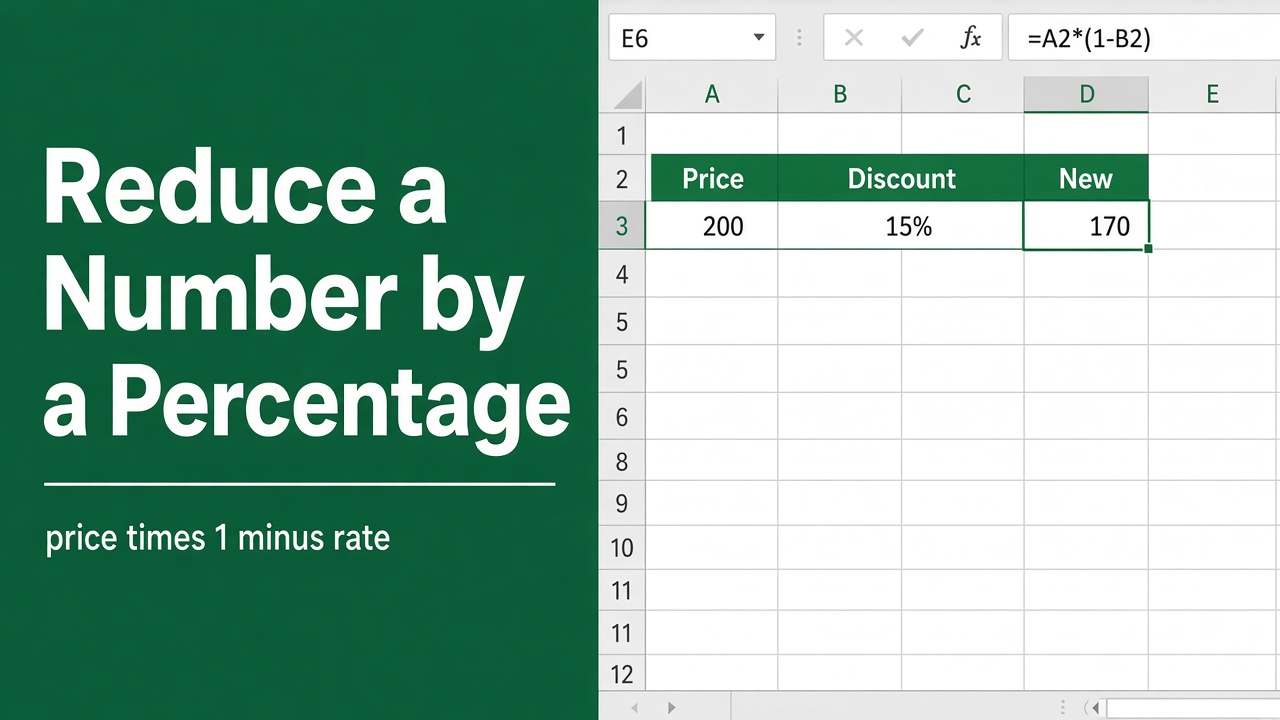
Easy Formula to Reduce a Number by a Percentage in Excel
Learn the simple Excel formula to reduce a number by a percentage. Step-by-step guide with examples for discounts, sale prices, and bulk calculations.
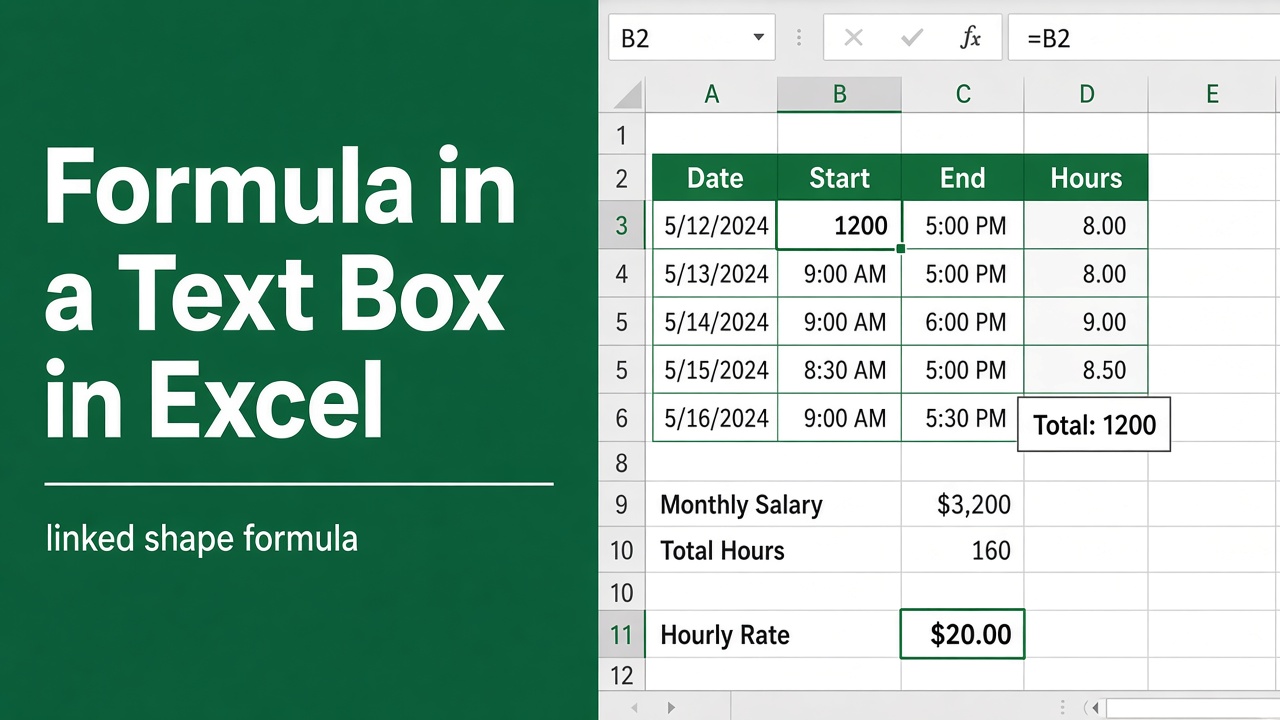
How to Create Formula in Text Box in Microsoft Excel?
Learn how to add live formulas in text boxes in Excel using cell linking, VBA, and Camera tool. Create dynamic dashboards that update automatically!
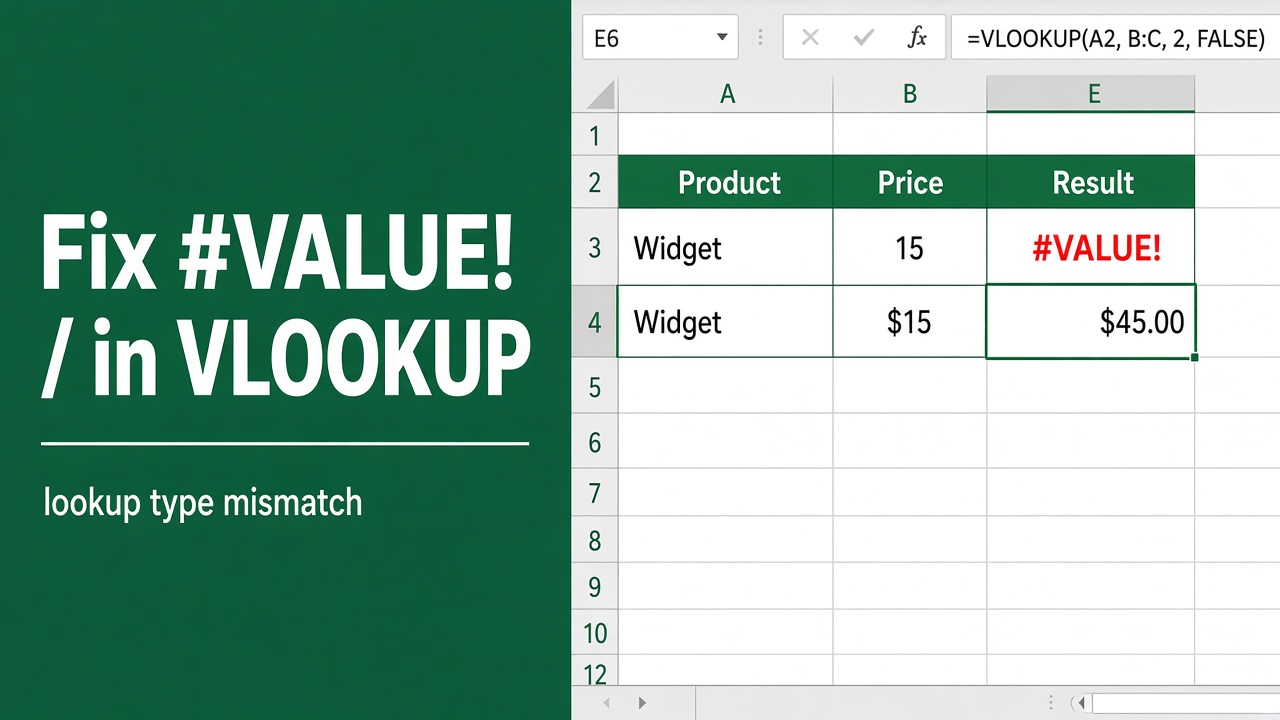
How to Fix a #VALUE! Error in the VLOOKUP Function?
Fix the #VALUE! error in Excel VLOOKUP with simple steps. Learn causes, data type fixes, cleanup tips, and formula corrections for smooth, accurate lookups.
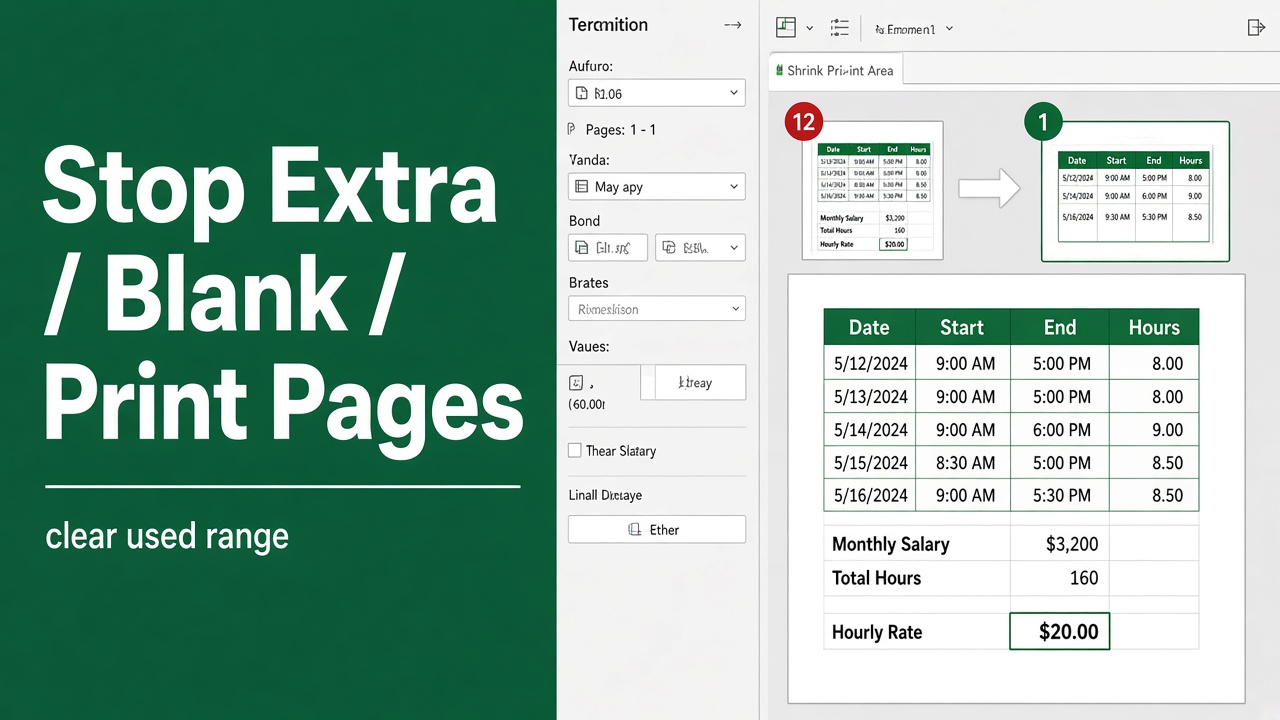
8 Easy Methods to Stop Excel From Printing Extra Blank Pages
Stop Excel from printing extra blank pages with simple fixes for print area, page breaks, formatting, and scaling. Save paper and print only what you need.
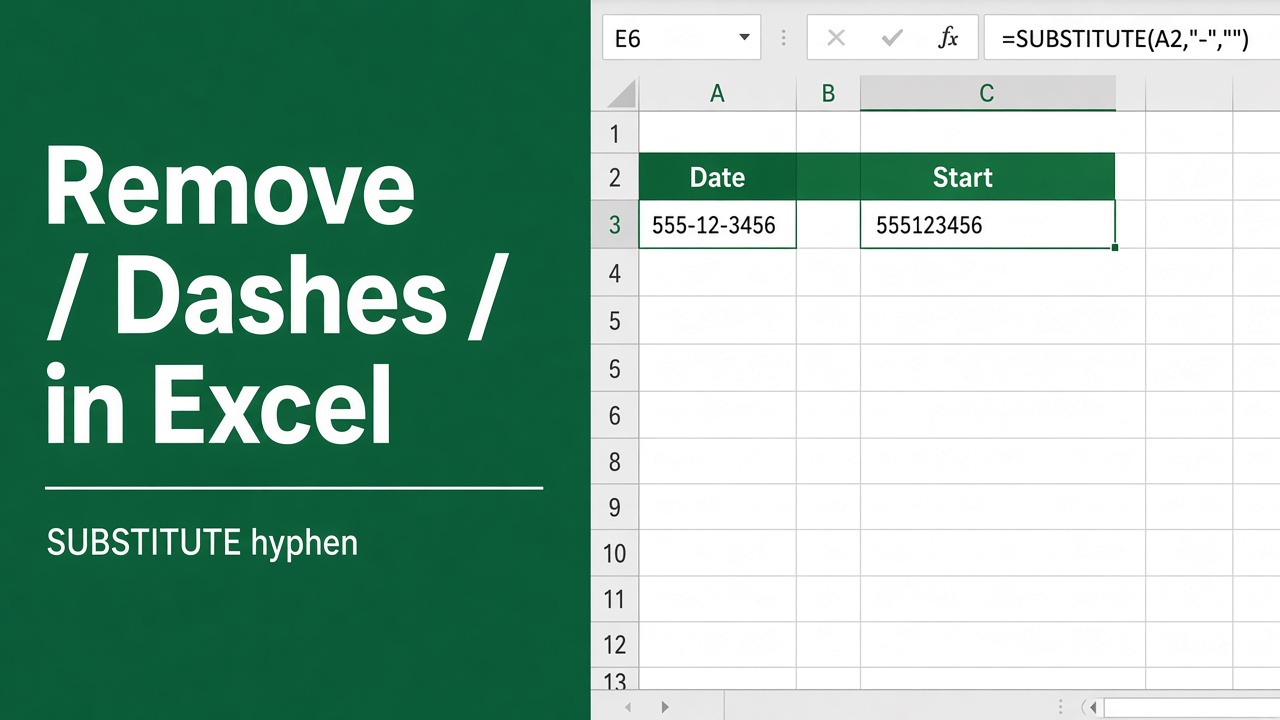
How to Remove Dashes in Excel? (6 Easy Methods)
Remove dashes in Excel quickly using Find & Replace, formulas, Flash Fill, and more. Learn simple methods to clean and format numbers without errors.
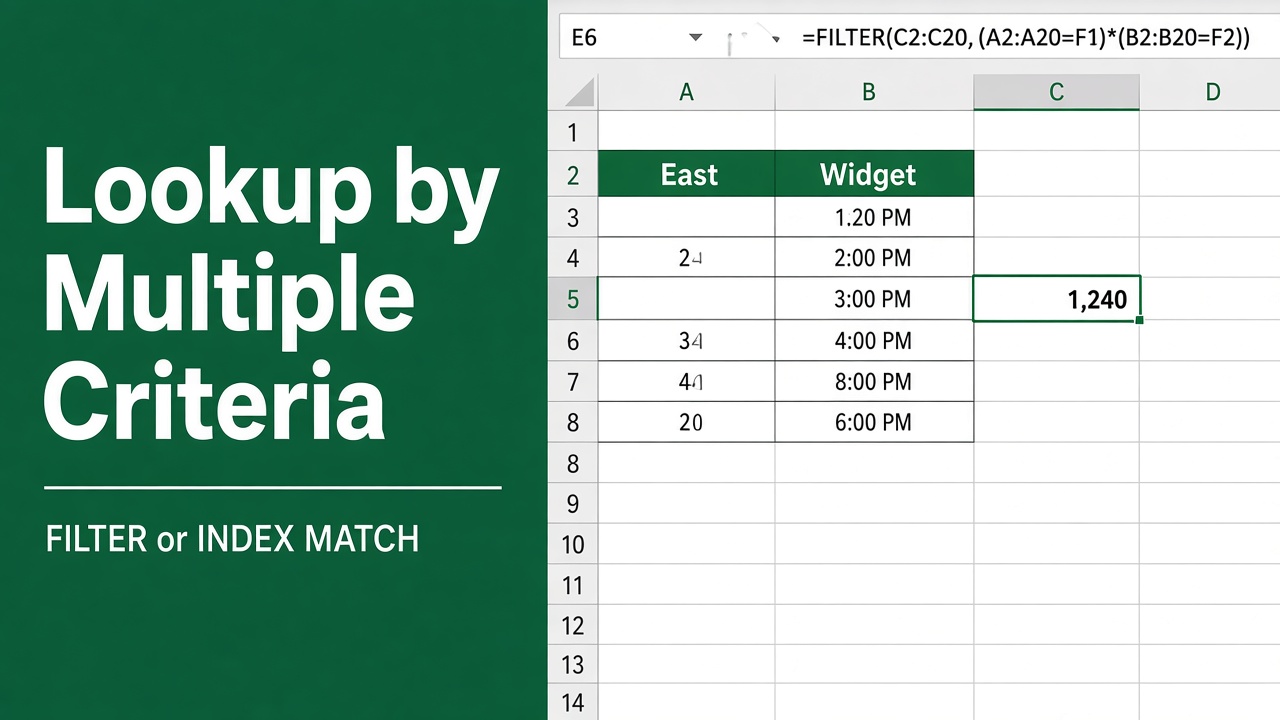
How to Return a Value in Excel Based on Multiple Criteria?
Return a value in Excel based on multiple criteria using INDEX MATCH, XLOOKUP, FILTER, and SUMIFS. Easy examples and formulas for accurate data lookup.
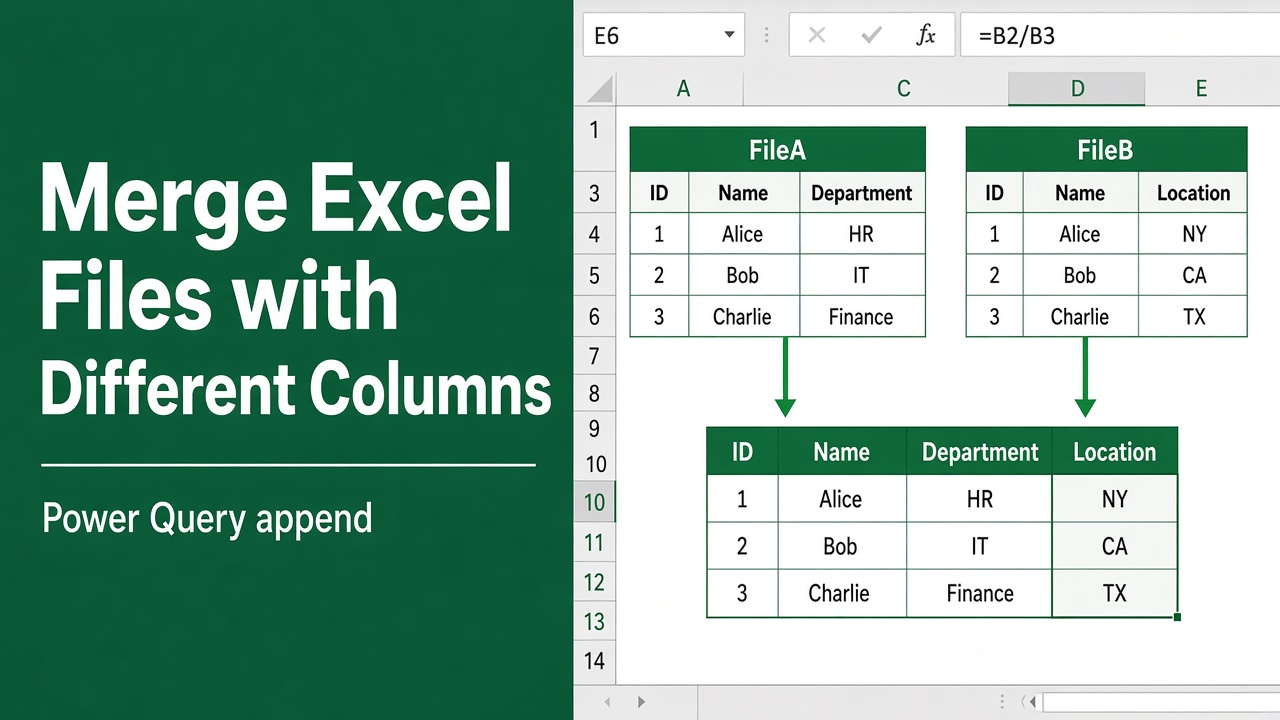
How to Merge Excel Files With Different Columns?
Merge Excel files with different columns safely using Power Query. Learn the simple step to include all fields and prevent missing data during consolidation.
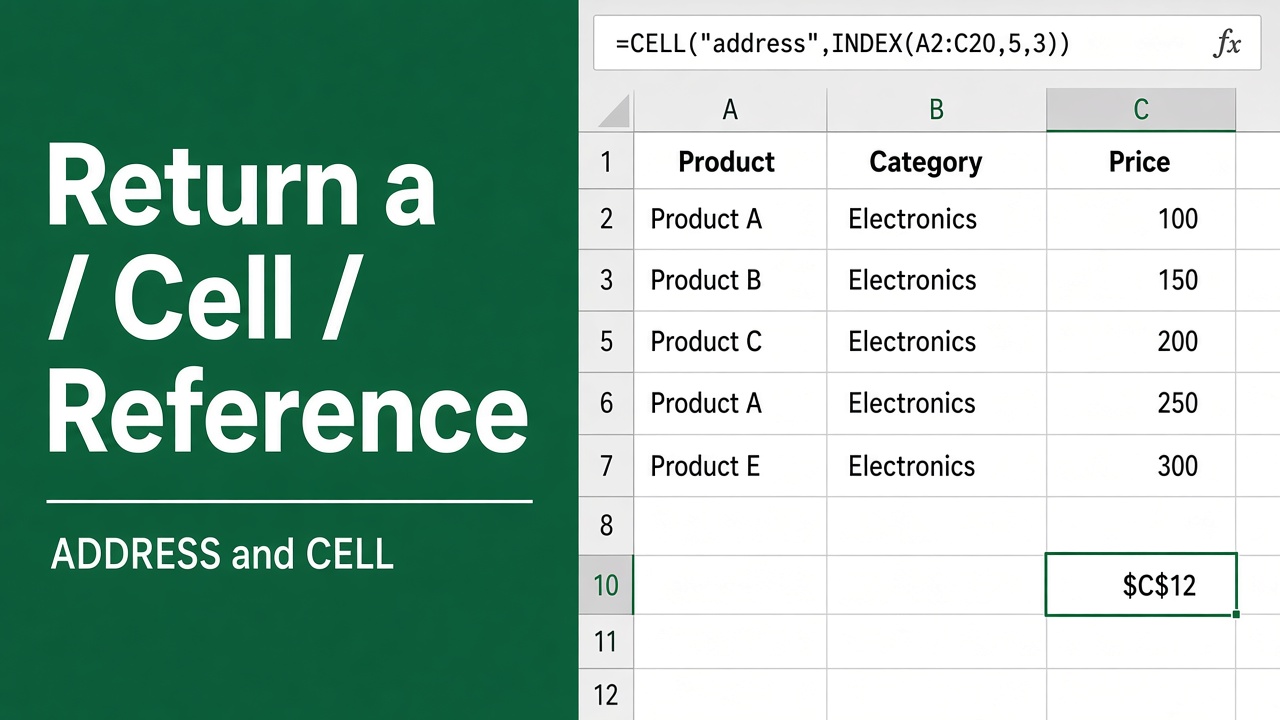
How to Return a Cell Reference in Excel: Easy Guide
Learn how to return a cell reference in Excel using ADDRESS, INDIRECT, INDEX, MATCH, and OFFSET. Simple explanations with examples for dynamic references.
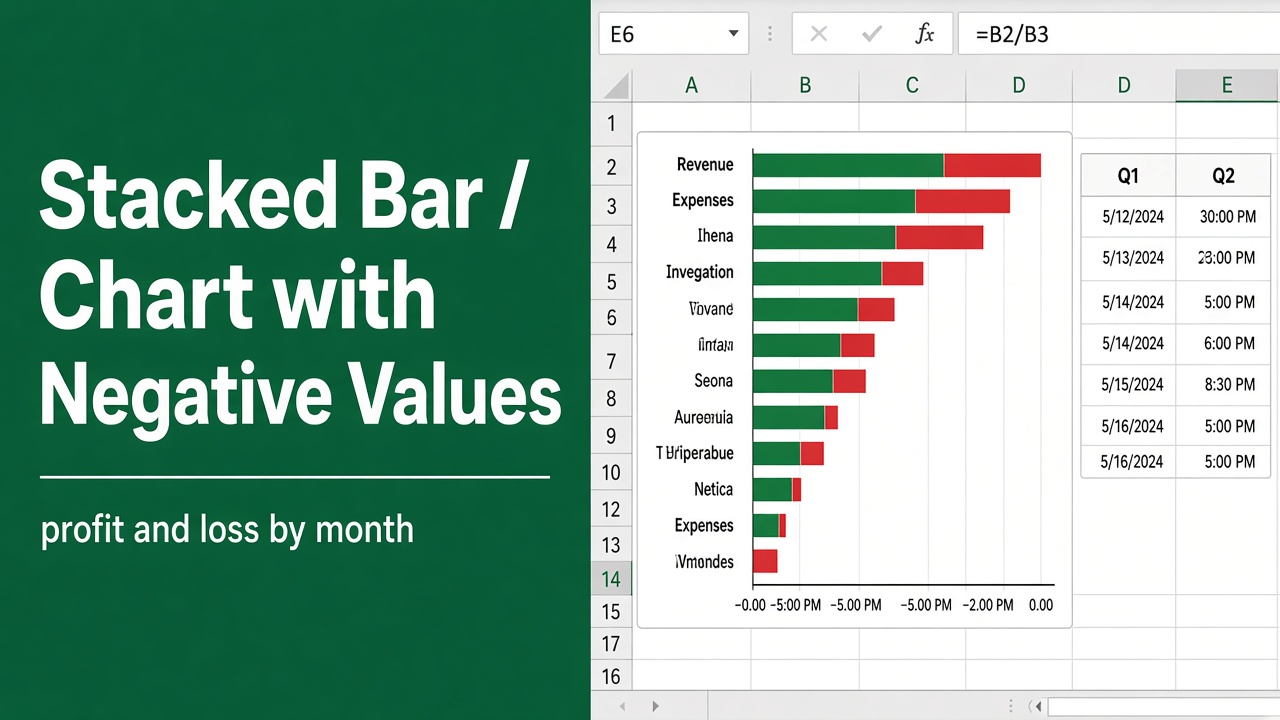
How to Create Stacked Bar Chart with Negative Values in Excel?
Learn how to create a stacked bar chart with negative values in Excel. Visualize positive and negative data clearly with easy step-by-step instructions.