
Excel library
Excel VBA & Macros
Page 8 of 11
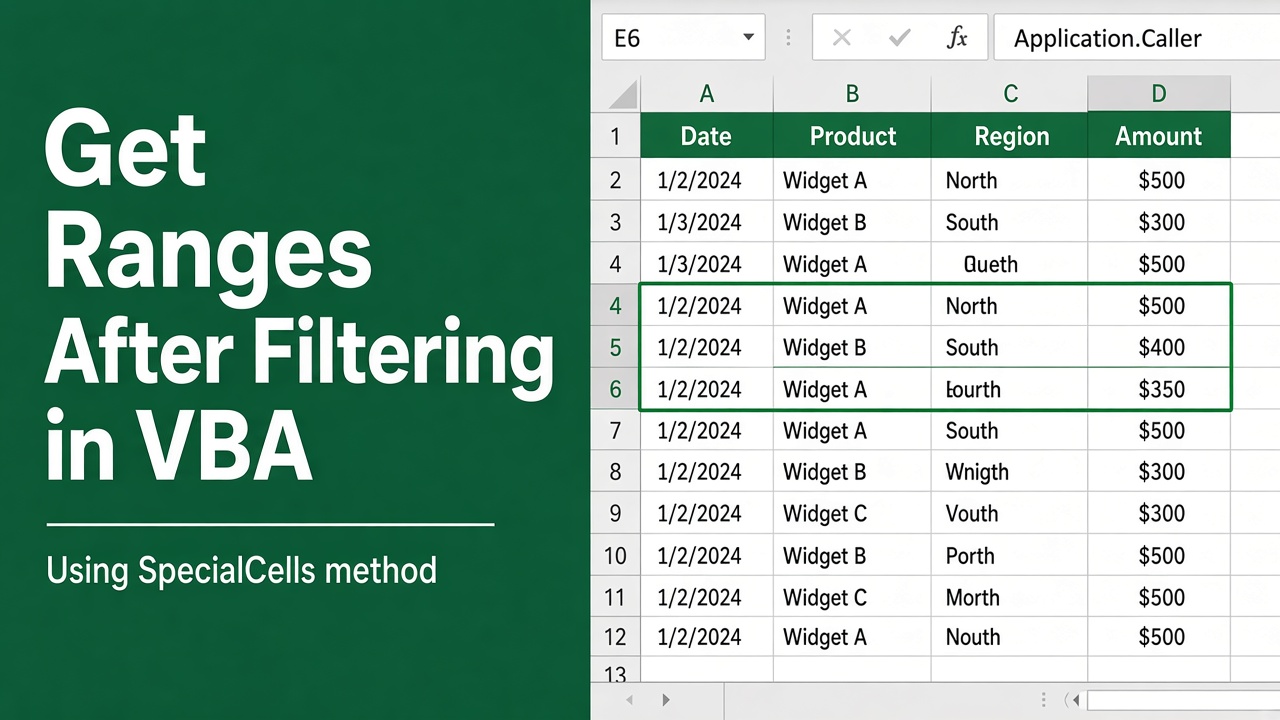
Get Ranges After Filtering in Excel VBA – An Essential Skill
Master the art of manipulating data with our guide on how to excel vba get range after filter in your automation tasks for enhanced productivity.
Delete Buttons After Click in Excel VBA UserForms
Effortlessly learn how to remove Excel VBA UserForm buttons with our guide on implementing ‘excel vba delete button after click’ functionality.
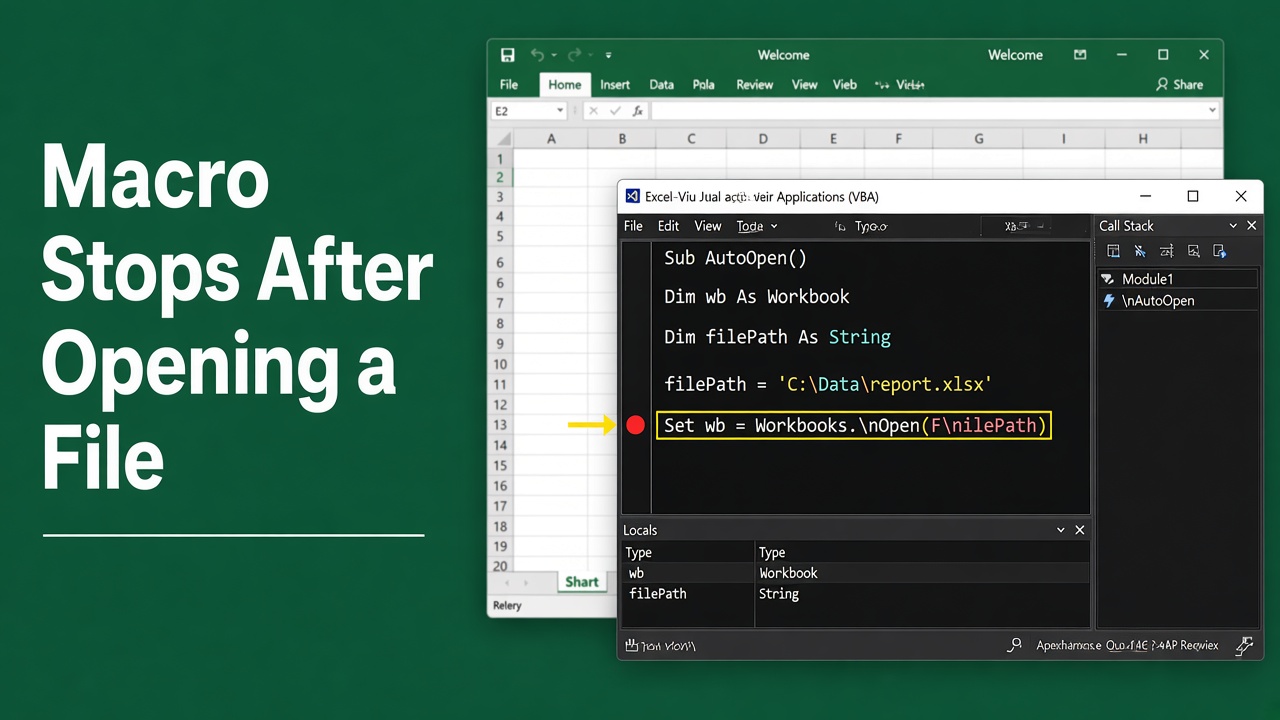
Why Does My Excel VBA Macro Stop After Opening a File?
Encounter a halt in your workflow? Discover why your Excel VBA macro stops after opening a file and learn how to fix it for seamless automation.
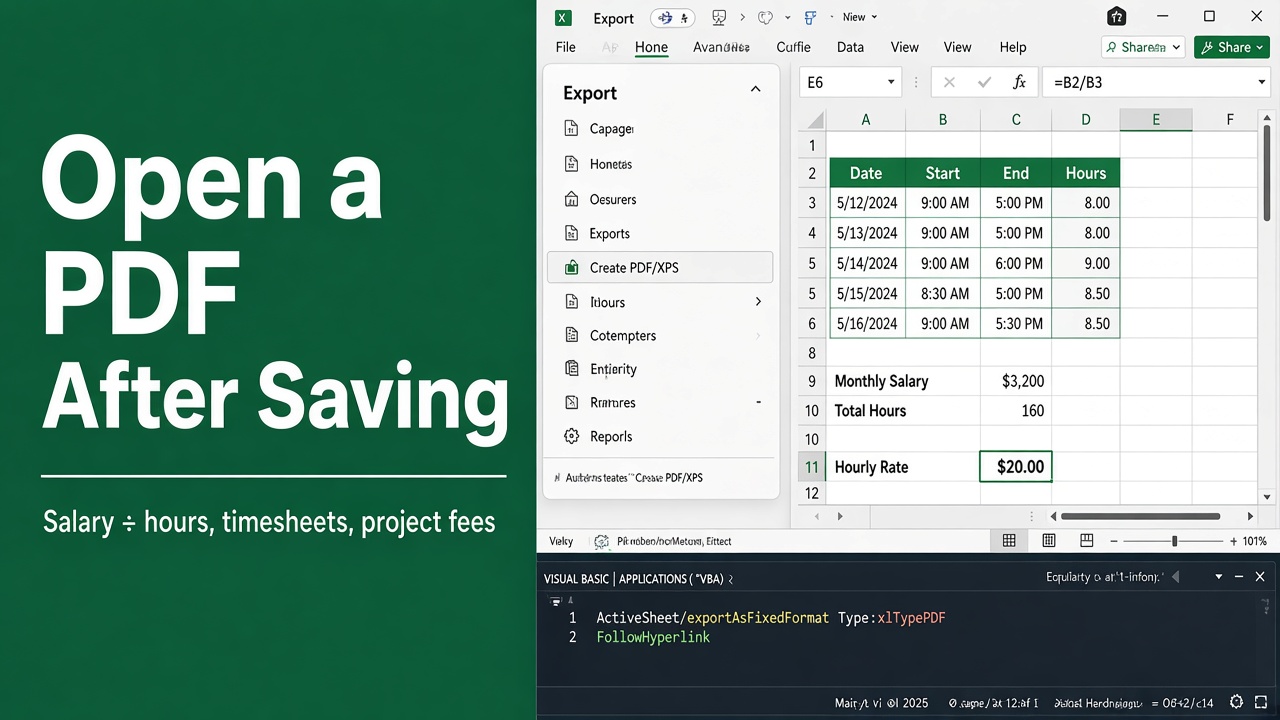
How to Automatically Open a PDF File After Saving in Excel Using VBA
Streamline your tasks with Excel VBA by learning how to open PDF documents automatically after saving. Enhance productivity effortlessly.
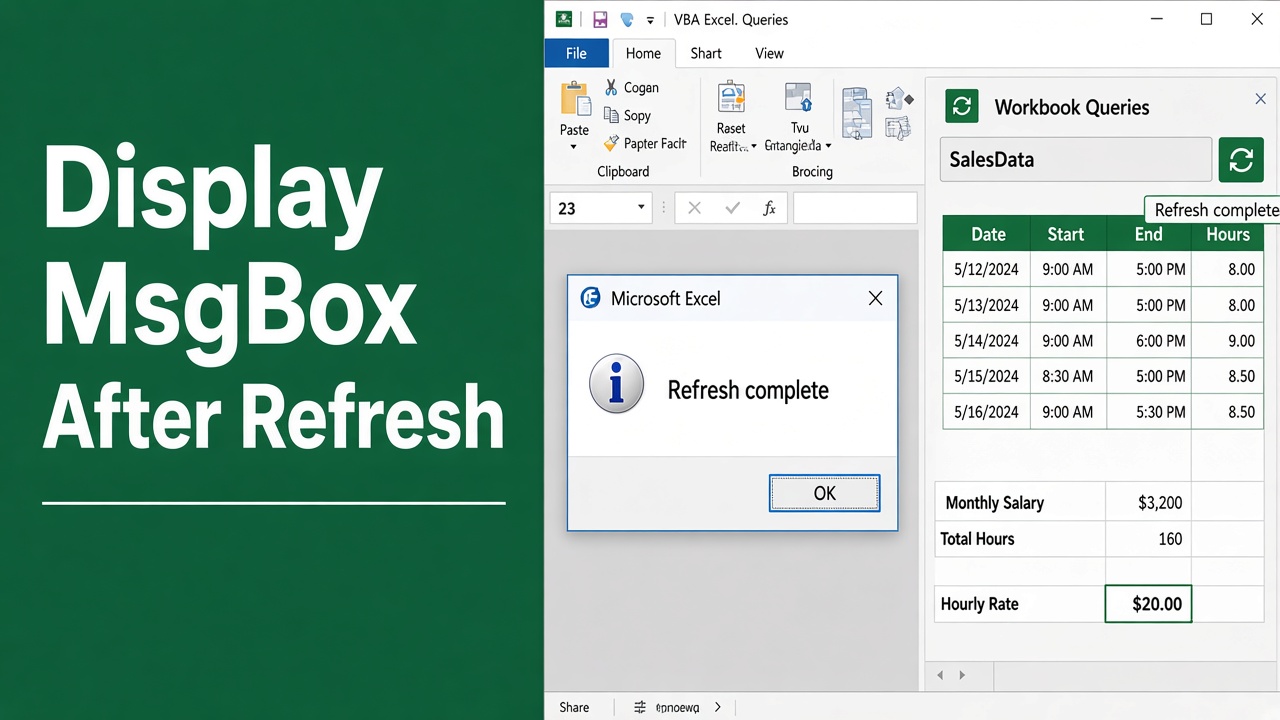
Display MsgBox After Refresh in Excel VBA Macros
Learn how to automate a popup alert with Excel VBA MsgBox after refresh. Enhance your spreadsheets with interactive notifications.
Hide the Ribbon for a Single Workbook in Excel VBA
Learn to effectively excel VBA hide ribbon for one workbook with our step-by-step guide. Enhance your Excel interface skills now!
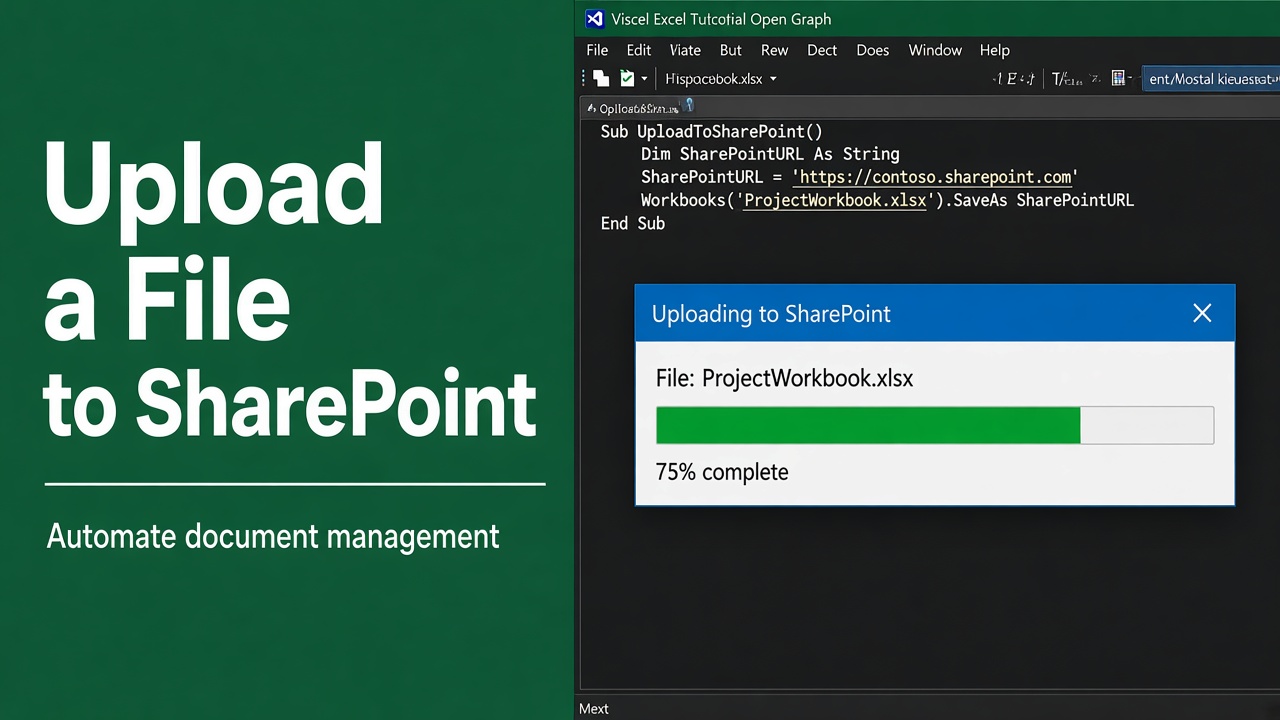
How to Upload a File to SharePoint Using Excel VBA?
Learn how to upload files to SharePoint using Excel VBA with step-by-step code, tips, and best practices for easy automation and file management.
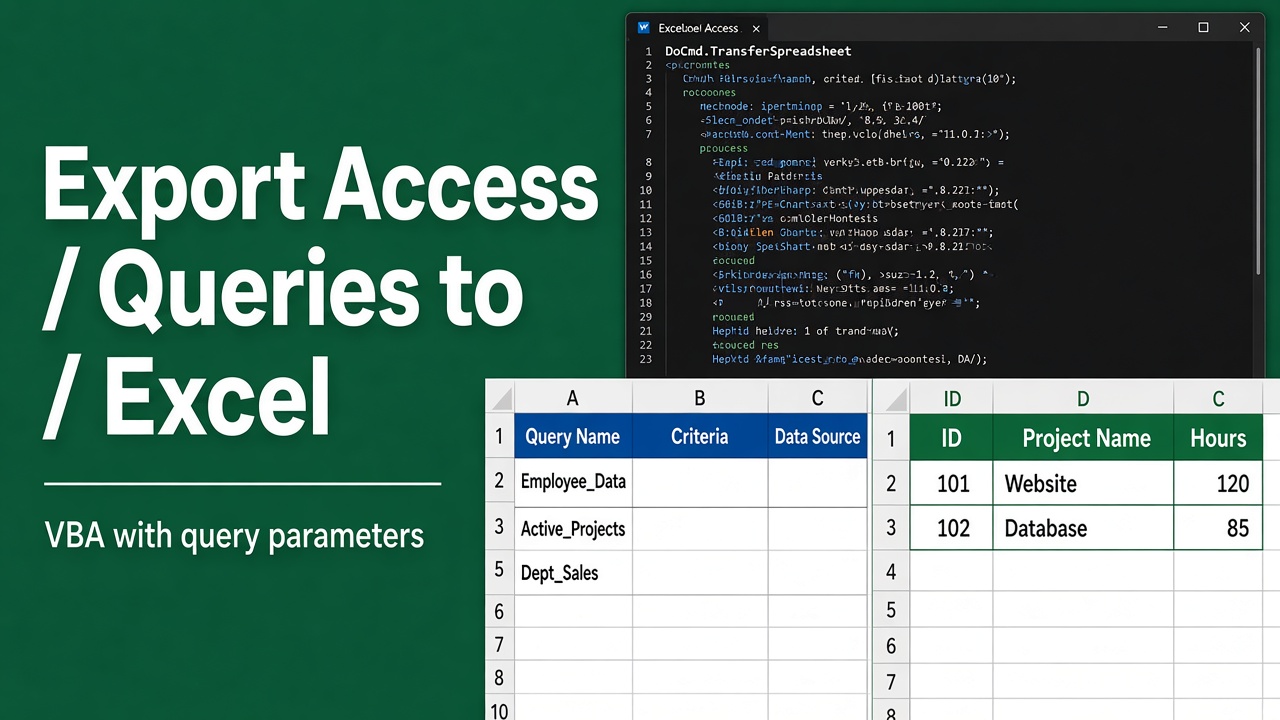
Export Queries to Excel with Parameters from Access VBA
Learn how to master Access VBA to export query results to Excel with parameters for enhanced data analysis and reporting efficiency.
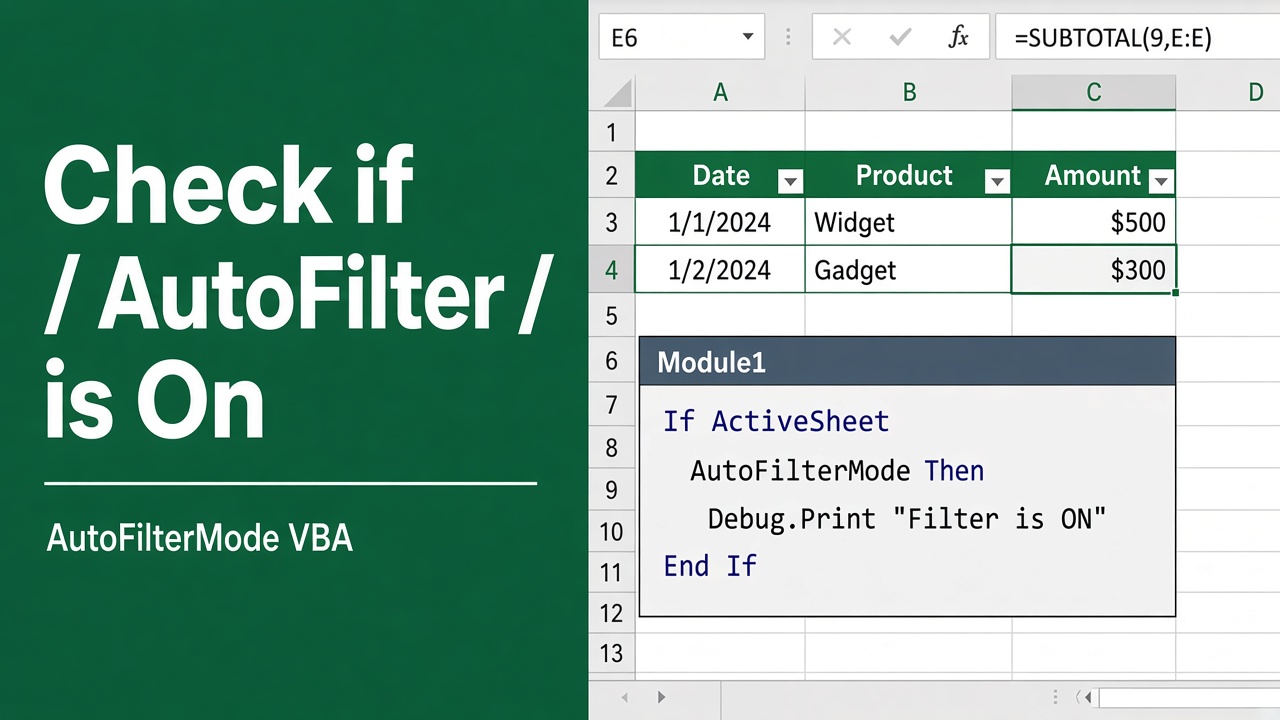
Check if AutoFilter is On in Excel with This VBA Trick
Discover how to quickly ascertain the status of AutoFilter in Excel using this practical VBA technique. Simplify your spreadsheet tasks today.
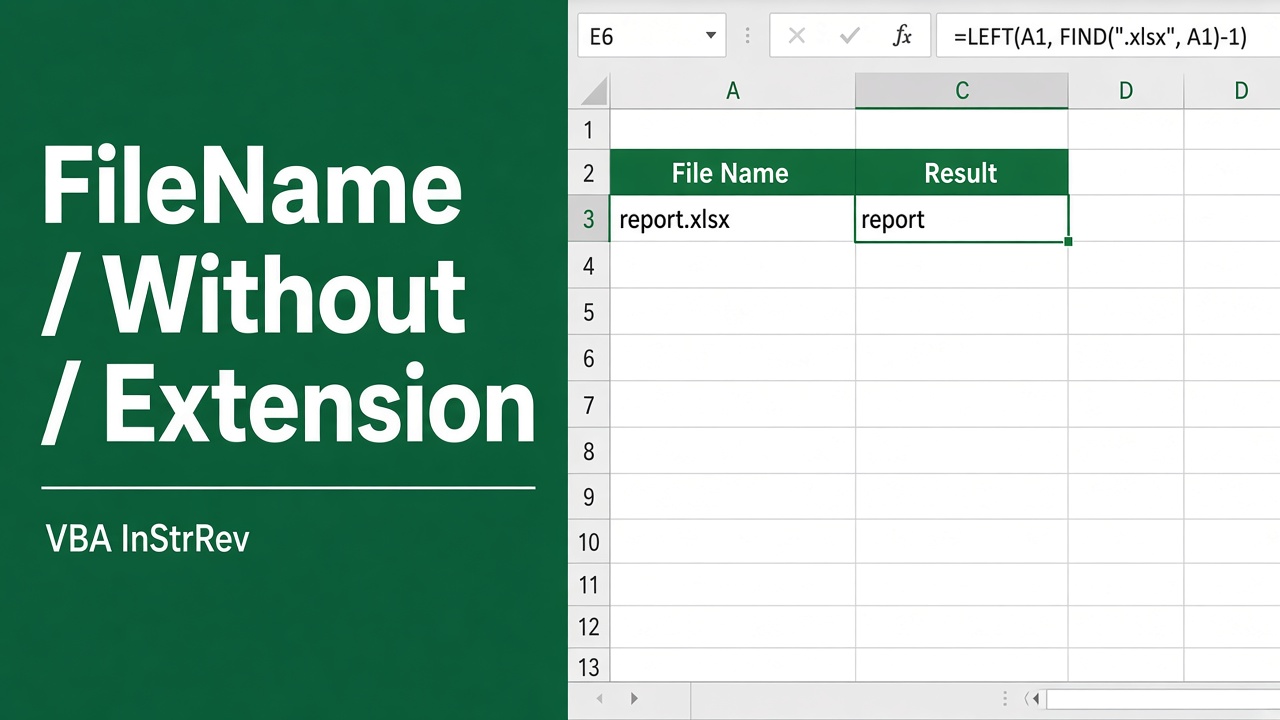
Get Filenames Without Extensions in Excel VBA – A Timesaver!
Learn how to efficiently use Excel VBA to obtain filenames without extensions, streamlining your data management and workflow.