
Excel library
Excel VBA & Macros
Page 6 of 11
How to Keep a Modeless UserForm Always on Top in Excel VBA?
Keep your Excel VBA UserForm always on top with Windows API. Learn the fix for modeless forms, code examples, and tips for smooth usability.
How to Use Excel VBA to Copy Sheets and Rename Them Based on a List?
Learn how to use Excel VBA to automate copying and renaming sheets based on a list. Save time, reduce errors & ensure consistency with our step-by-step guide.
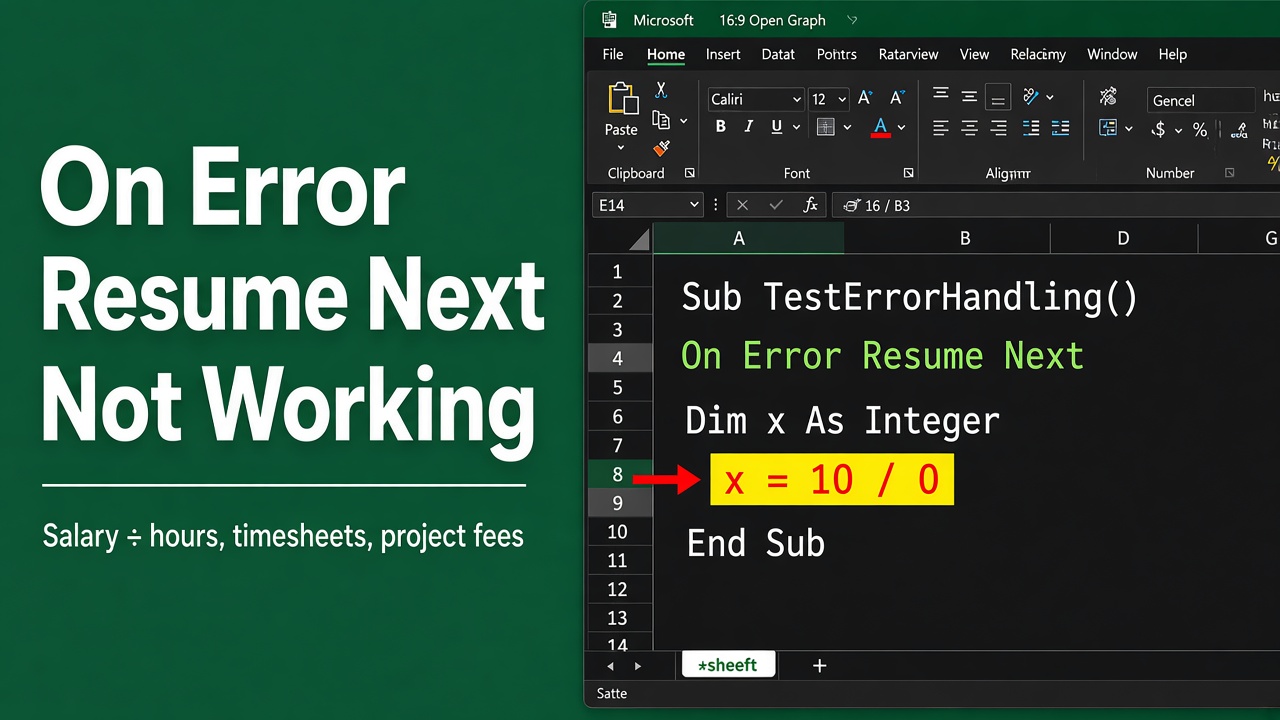
Troubleshooting Excel VBA On Error Resume Next
Struggling with ‘excel vba on error resume next not working’? Explore our tips for effective error handling and how to fix common VBA issues.
Excel VBA: Ensure Queries Finish Before Proceeding
Master Excel VBA by learning to halt your workflow until all background queries complete, ensuring data accuracy and efficiency.
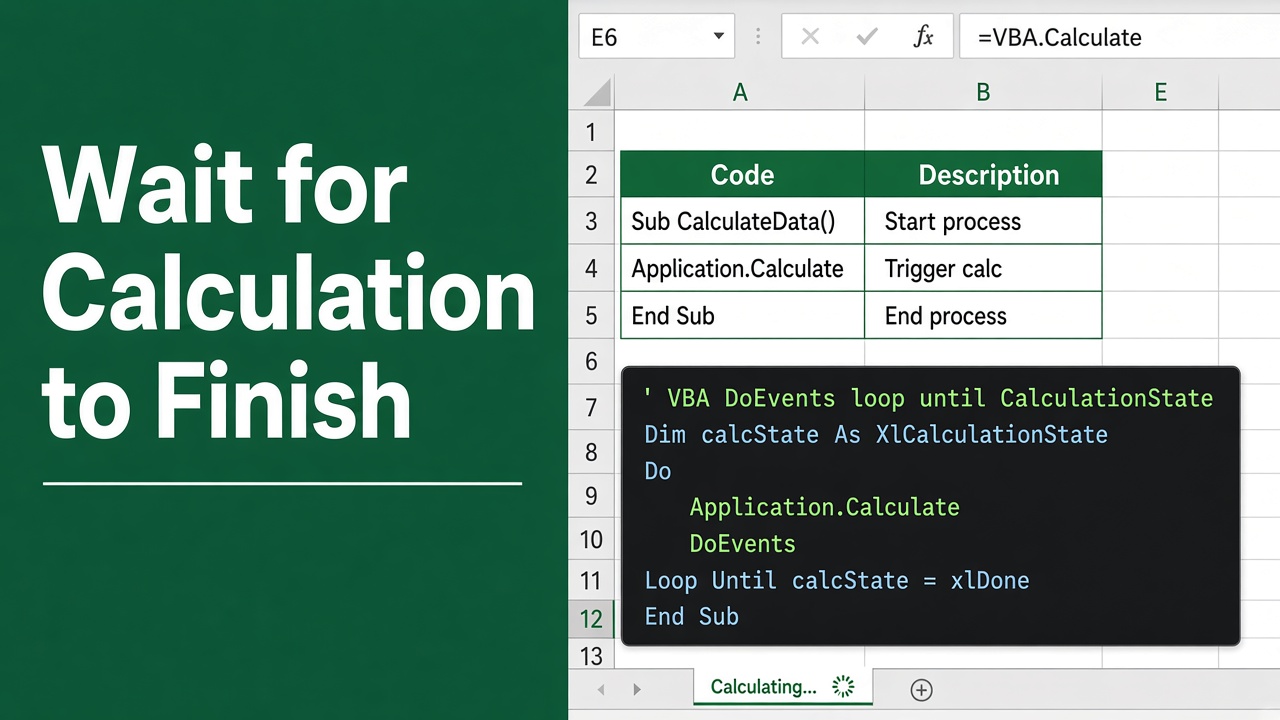
Excel VBA: Ensuring Calculations Finish
Learn how to effectively use Excel VBA to wait for calculations to finish for smoother data processing and automation.
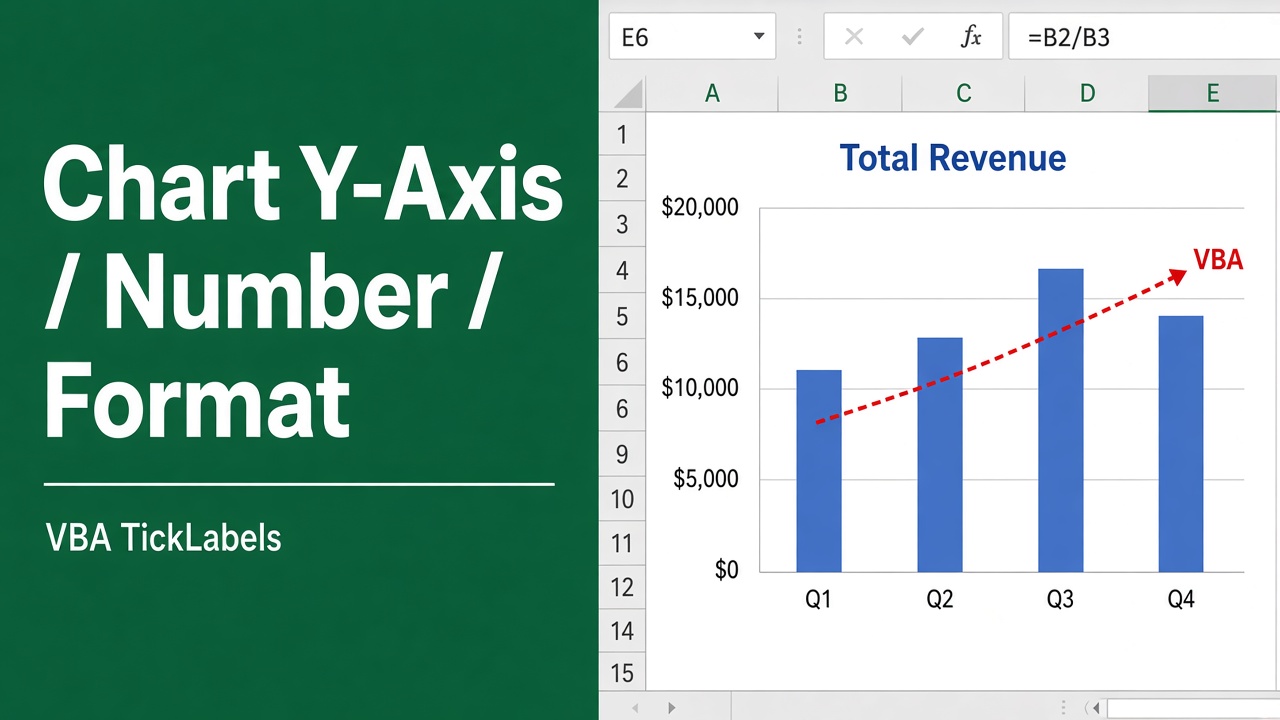
How to Format Y-Axis Numbers in Excel VBA Charts?
Learn how to format y-axis numbers in Excel charts using VBA. Code examples to customize number format, axis title, scale & more. Improve your charts with VBA.
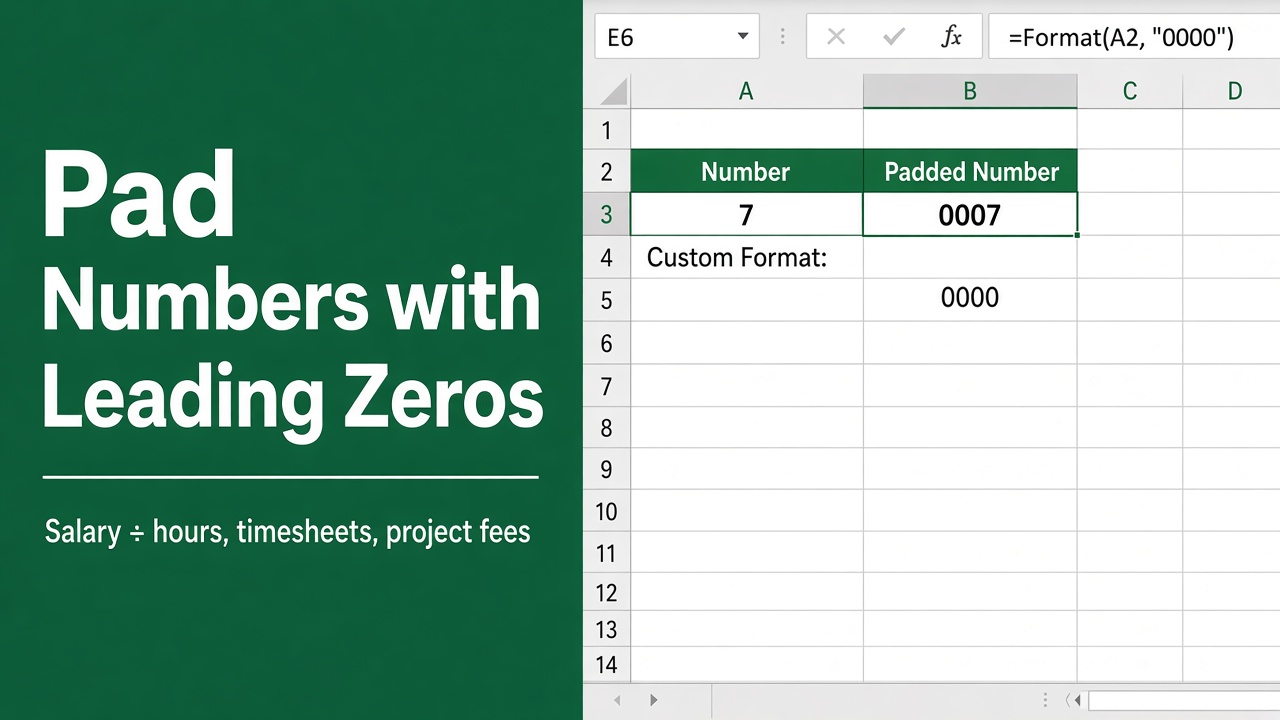
How to Pad Numbers with Leading Zeros in Excel Using VBA?
Learn to master Excel VBA formatting with our guide on how to effortlessly pad numbers with leading zeros, enhancing your spreadsheets’ clarity.
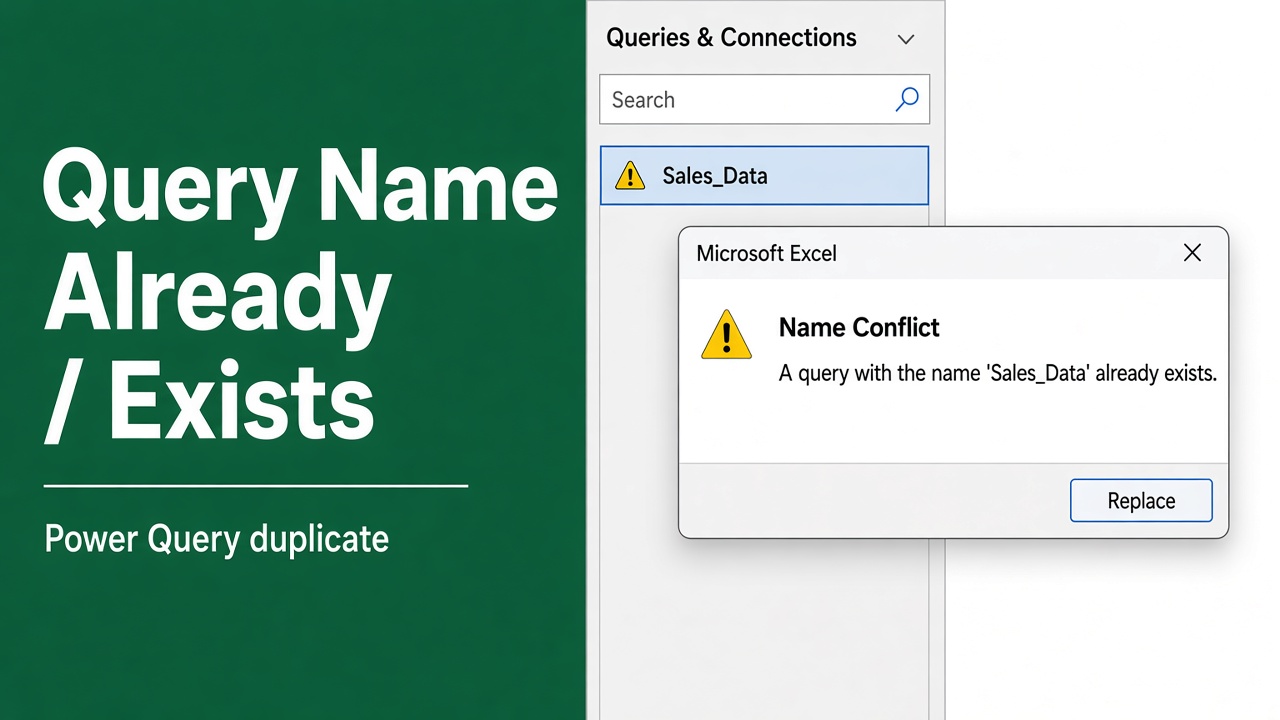
“A Query with the Name Already Exists” in Excel VBA? Here’s the Fix!
Encounter “excel vba a query with the name already exists” error? Get proven solutions to fix this common issue in your VBA projects.
Open Workbooks Without Activating Them in Excel VBA
Learn how to efficiently use Excel VBA to open workbooks in the background without activating or disrupting your workflow.
Get Sheet Names Without Opening Workbooks in Excel Using VBA
Learn how to use Excel VBA to get sheet names from a workbook quickly and easily without the need to open it – ideal for efficient data management.