
Excel library
Excel Keyboard Shortcuts
Page 2 of 10
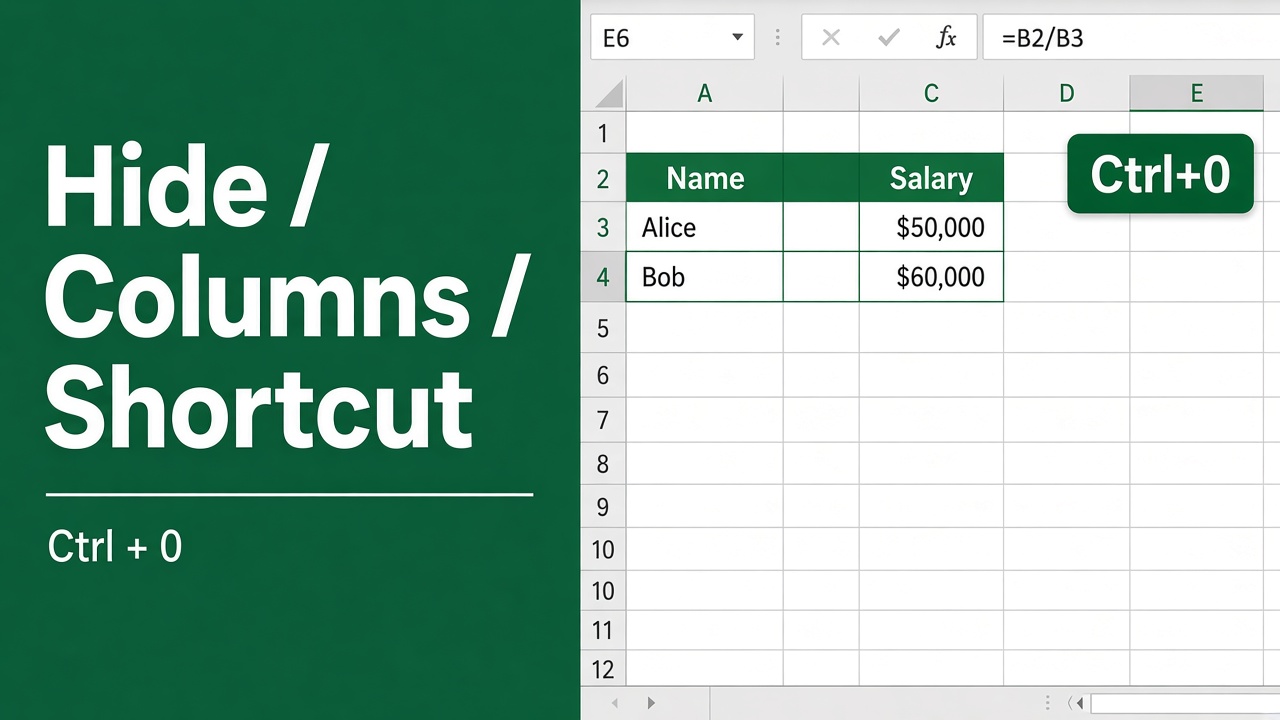
How to Quickly Hide Columns in Excel Using Shortcuts?
Learn the quick and easy shortcuts to hide and unhide columns in Excel. Declutter your spreadsheets, hide sensitive data, and focus on what matters most.
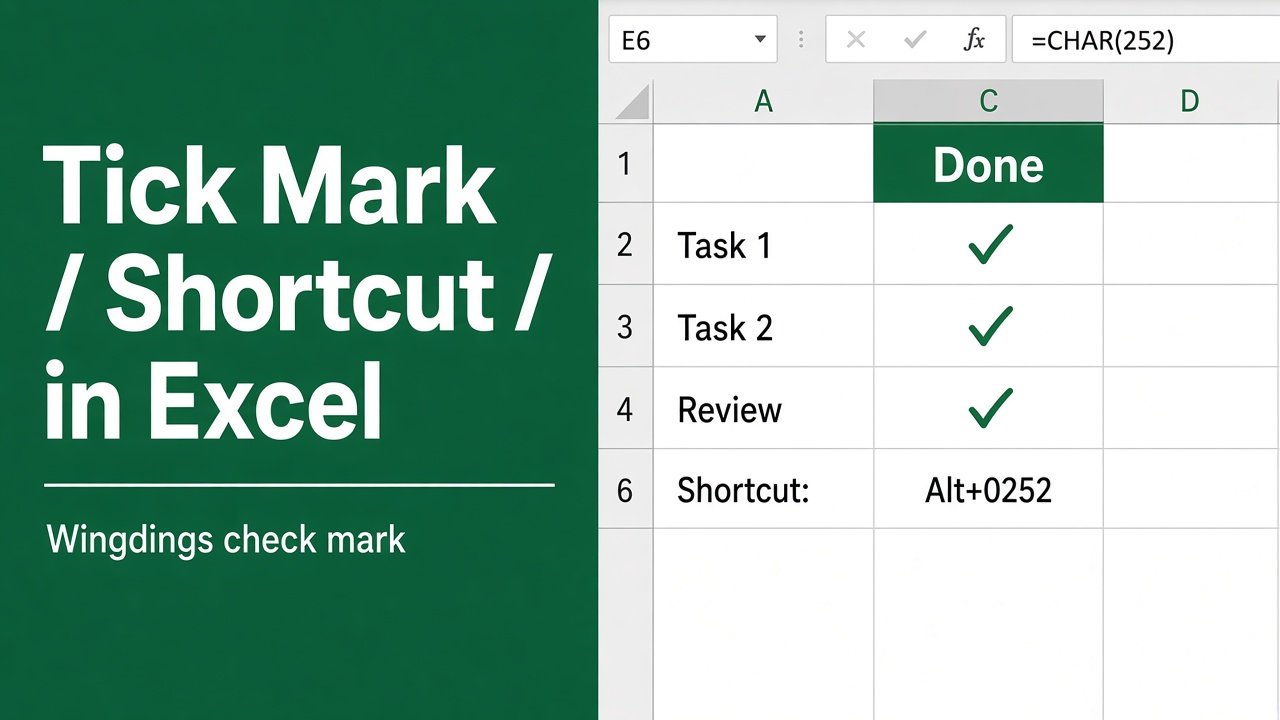
How to Insert Tick Mark in Excel Using Shortcut Key?
Learn how to insert tick marks (checkmarks) in Excel using shortcuts, symbols, and custom styles. Boost your productivity with these quick methods.
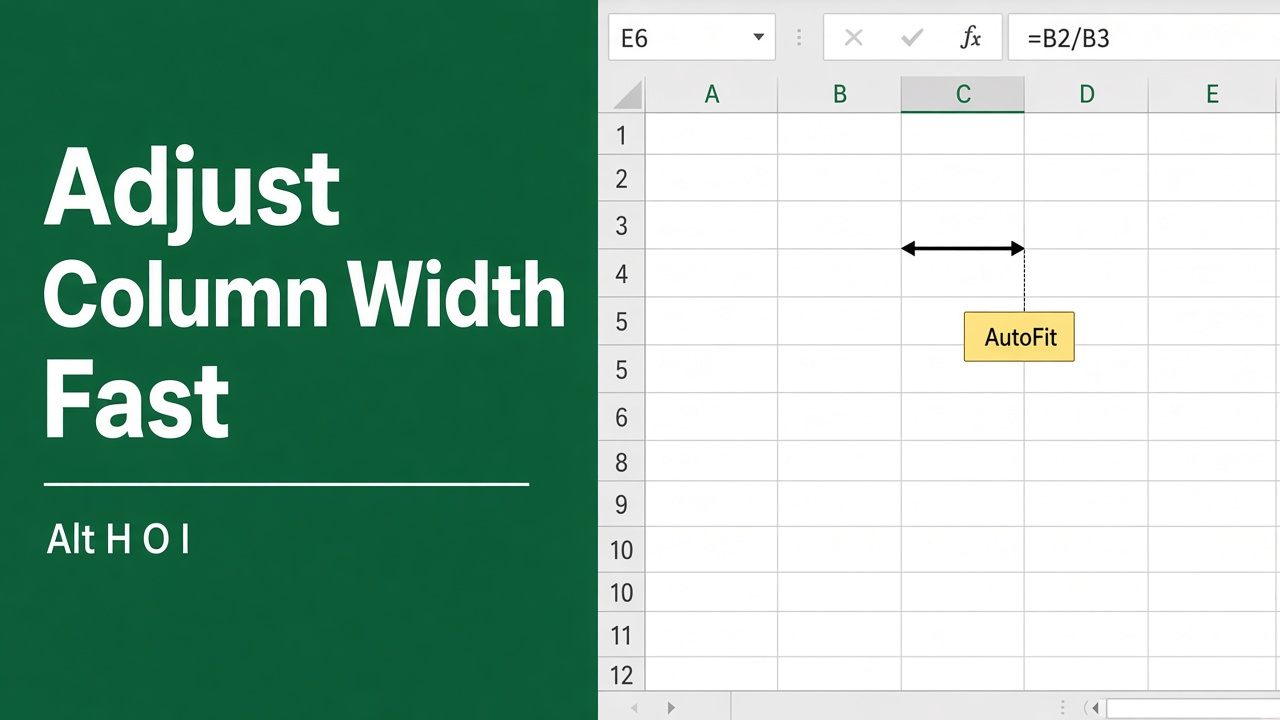
Easy Excel Shortcut to Quickly Adjust Column Width
Discover the easy keyboard shortcut to quickly adjust column width in Excel. Learn how to auto-fit single or multiple columns in our comprehensive guide.
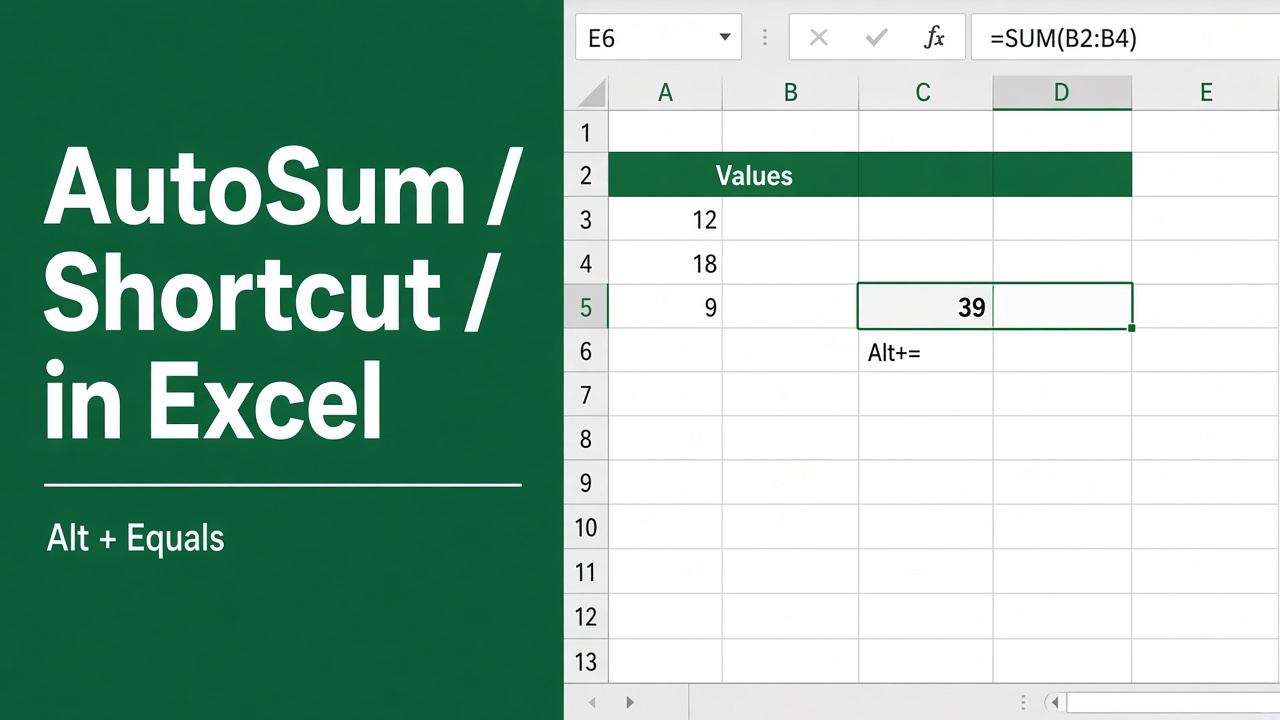
Excel Shortcut for Sum: Save Time with AutoSum
Learn how to use the AutoSum shortcut in Excel to quickly calculate sums and save time. Discover tips and examples to master this essential feature.
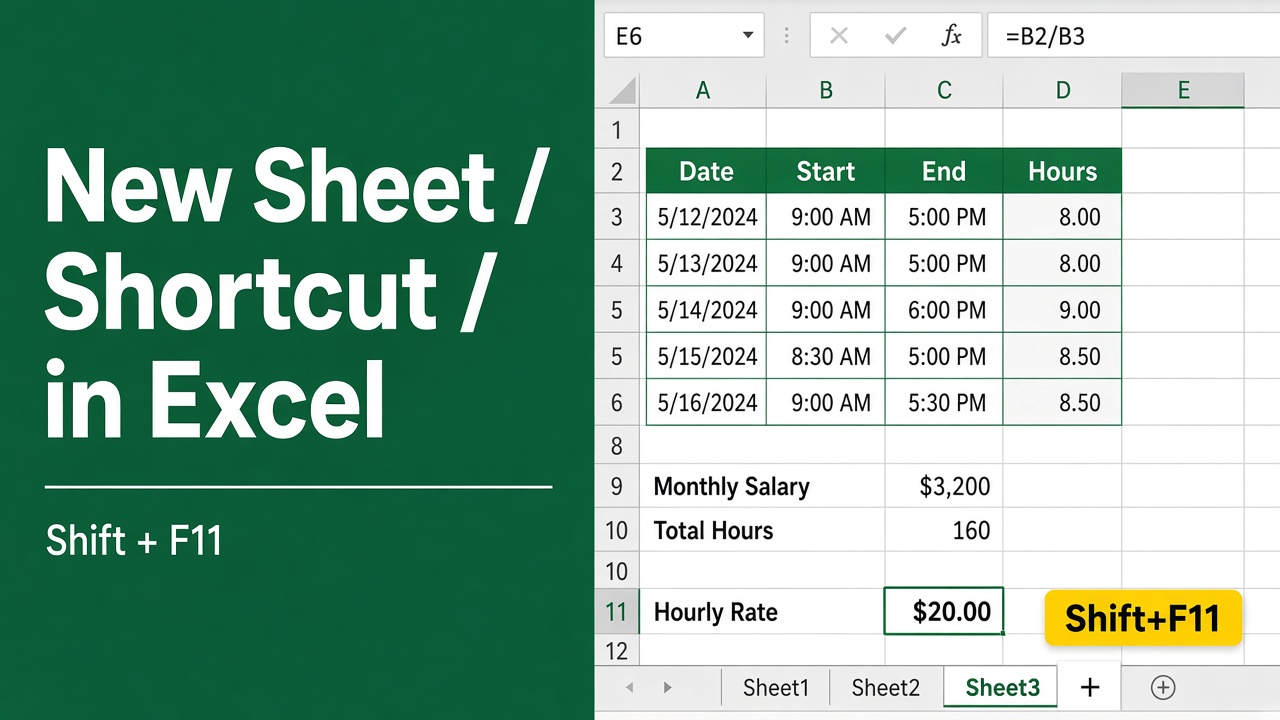
Easy Excel Shortcut to Create New Sheet: Boost Your Productivity!
Master the Excel shortcut to create new sheets & boost productivity. Learn quick tab creation, alternative methods & advanced sheet management techniques.
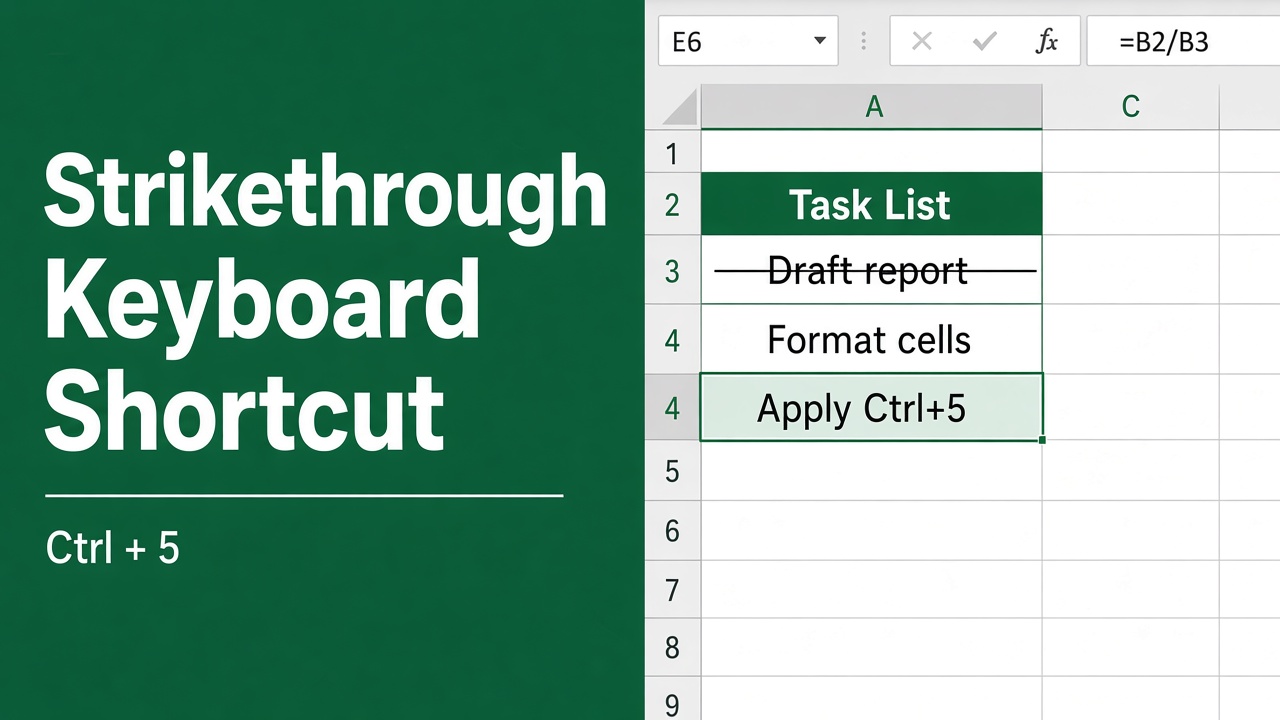
Easy Keyboard Shortcut for Strikethrough in Excel
Learn how to quickly apply or remove strikethrough formatting in Excel using the Ctrl + 5 keyboard shortcut on Windows or Command + Shift + X on Mac.
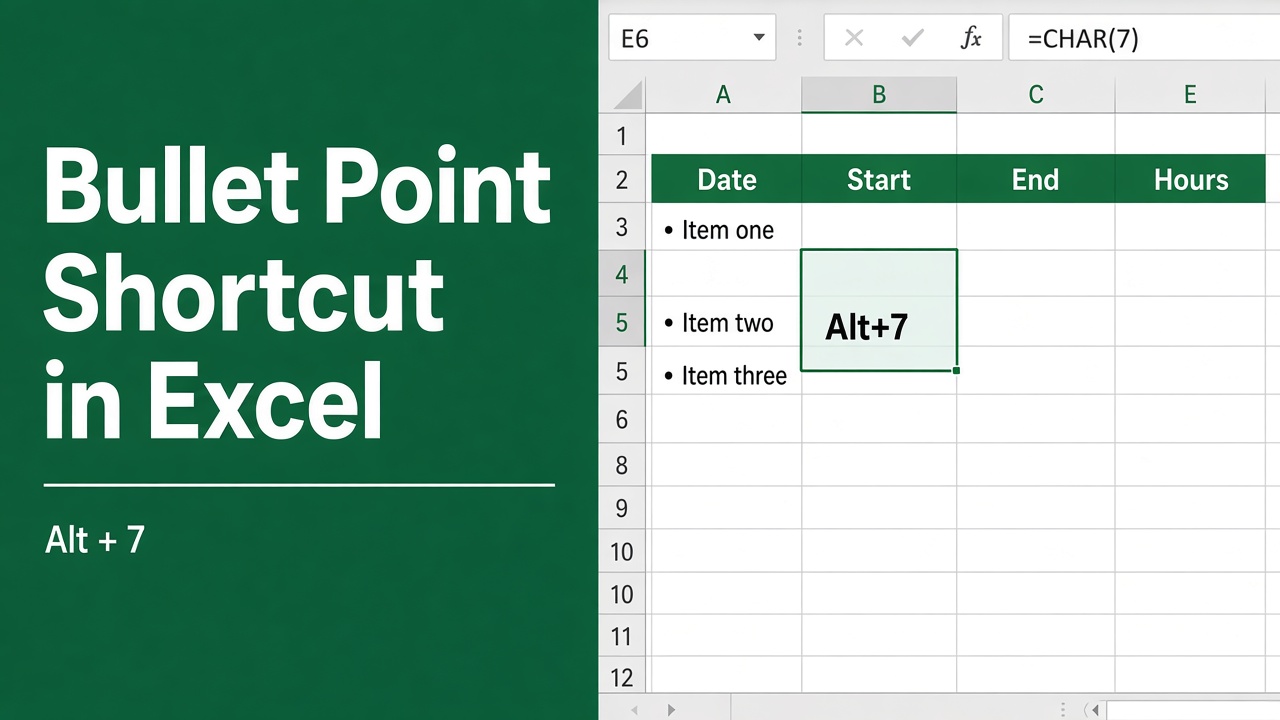
How to Insert Bullet Points in Excel Using Shortcuts?
Learn how to insert bullet points in Excel using keyboard shortcuts on Windows and Mac, plus tips for aligning, indenting, and customizing bullets.
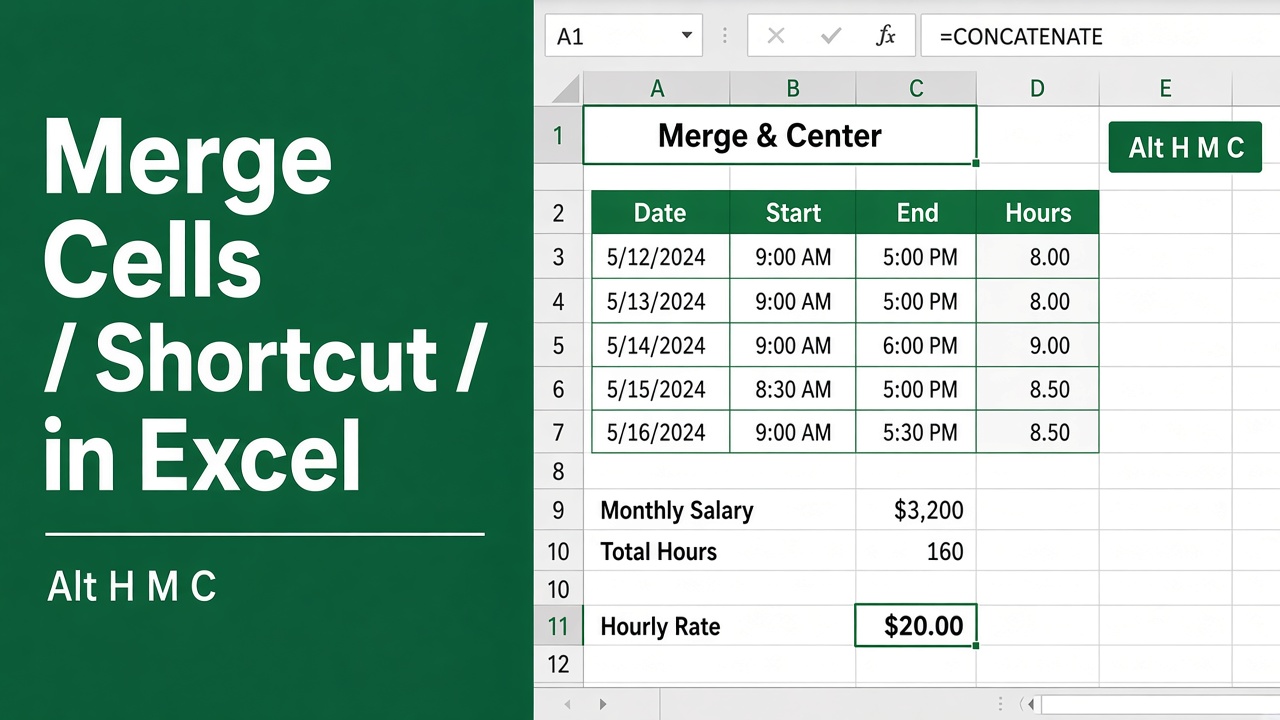
Use this Simple Shortcut to Merge Cells in Excel
Master the Excel shortcut for merging cells and boost your productivity. Learn how to combine cells, unmerge them & avoid common pitfalls in this easy guide.
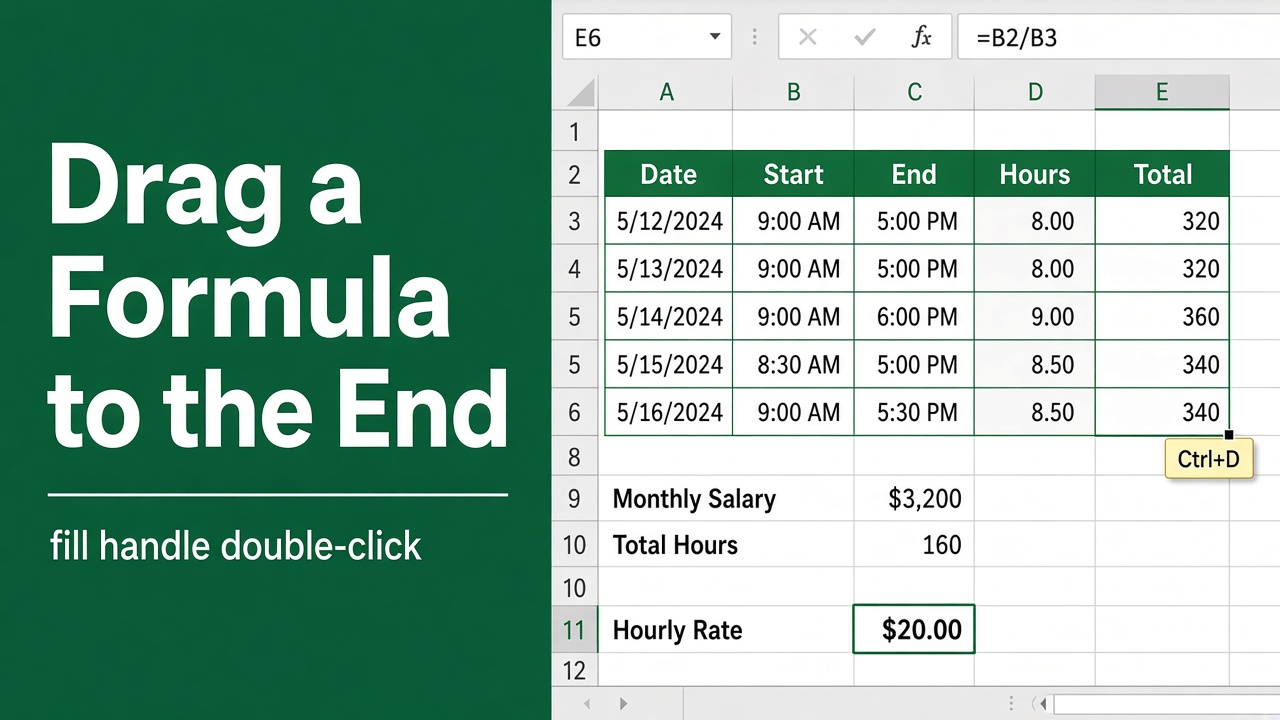
Easy Excel Shortcut to Drag Formula to End
Learn the Excel keyboard shortcut to quickly drag a formula to the end of your data range. Save time and boost productivity with this simple trick.
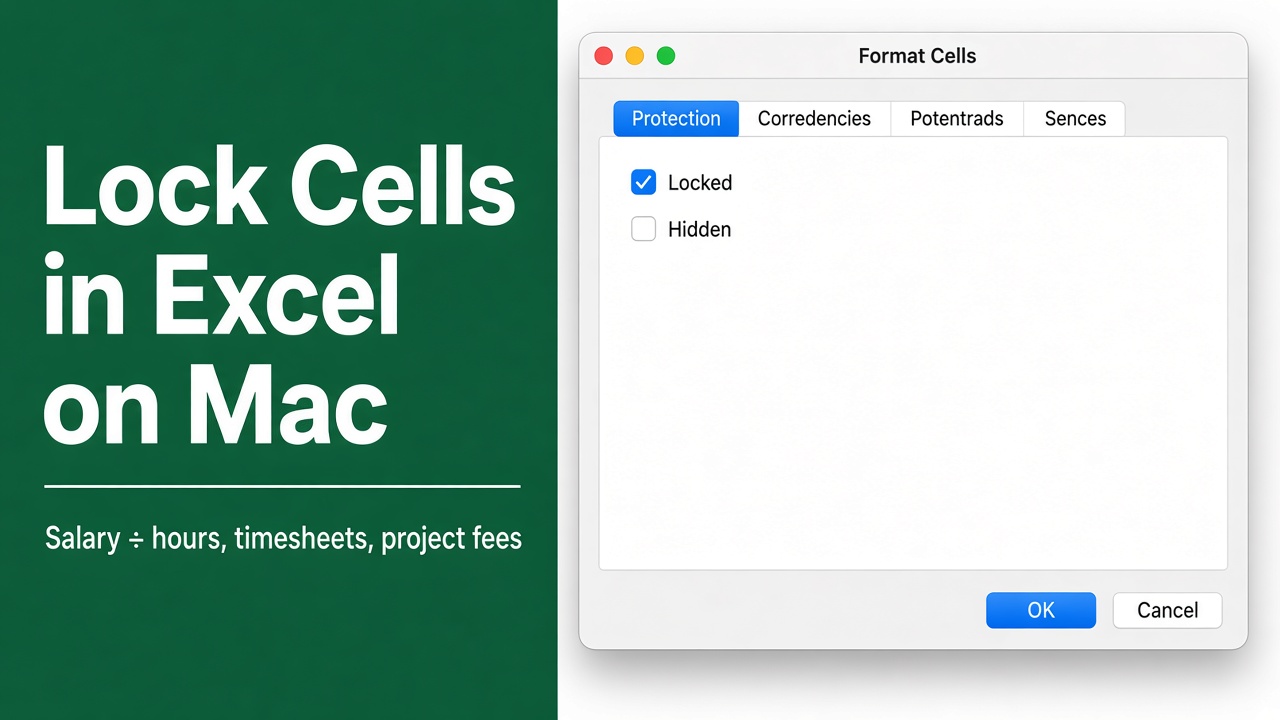
How to Lock Cells in Excel on Mac (Shortcut & Easy Steps)
Learn the quick and easy shortcut to lock cells in Excel on Mac to enhance your spreadsheet security and streamline your workflow.