
Excel library
Excel Pivot Tables
Page 5 of 12
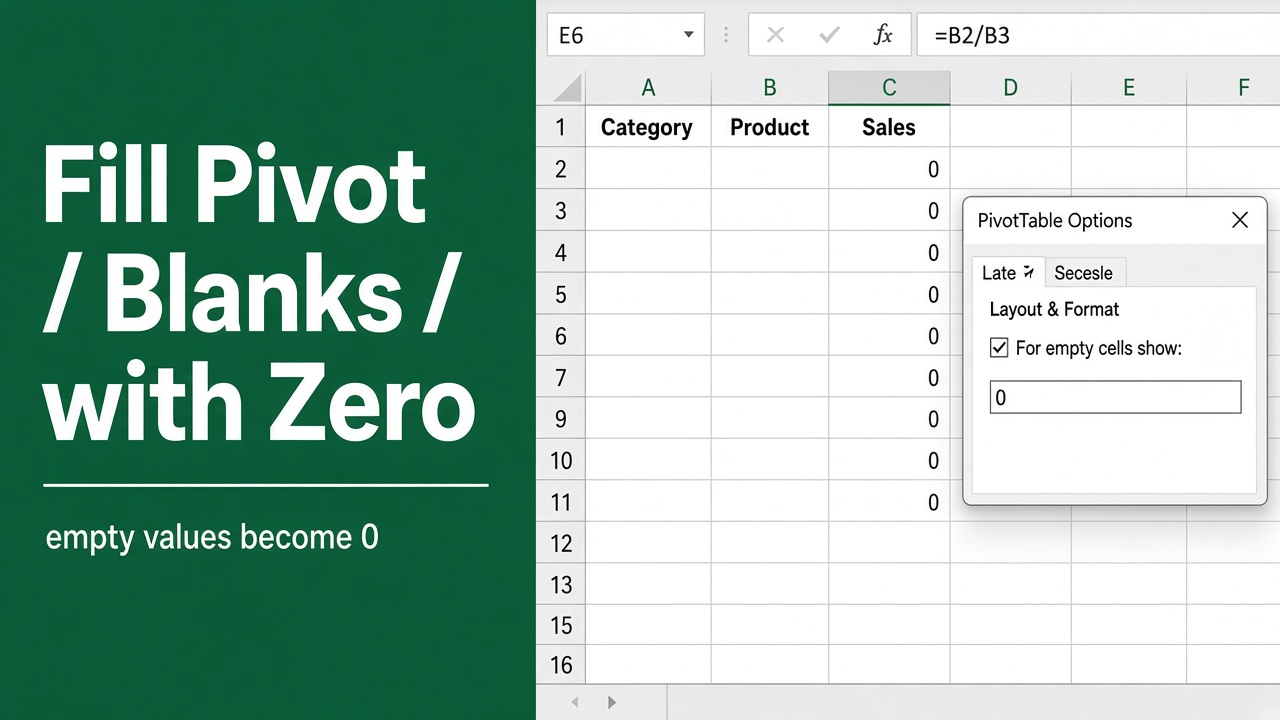
How to Fill Blank Cells with 0 in an Excel Pivot Table?
Learn how to easily fill blank cells with 0 in an Excel pivot table. Follow our step-by-step guide to improve data analysis and visualization.
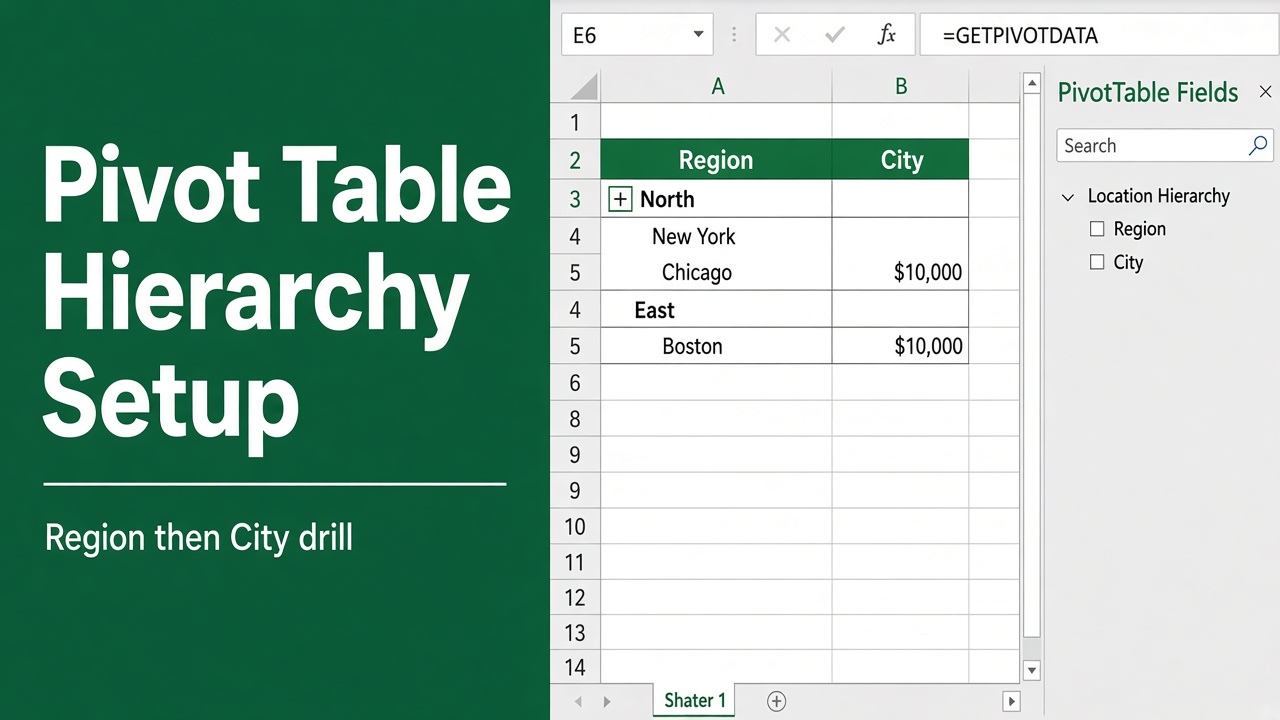
How to Create Hierarchy in Excel Pivot Table: Expert Guide
Learn how to create hierarchies in Excel pivot tables to organize and analyze your data effectively. Discover tips and best practices for structuring your data.
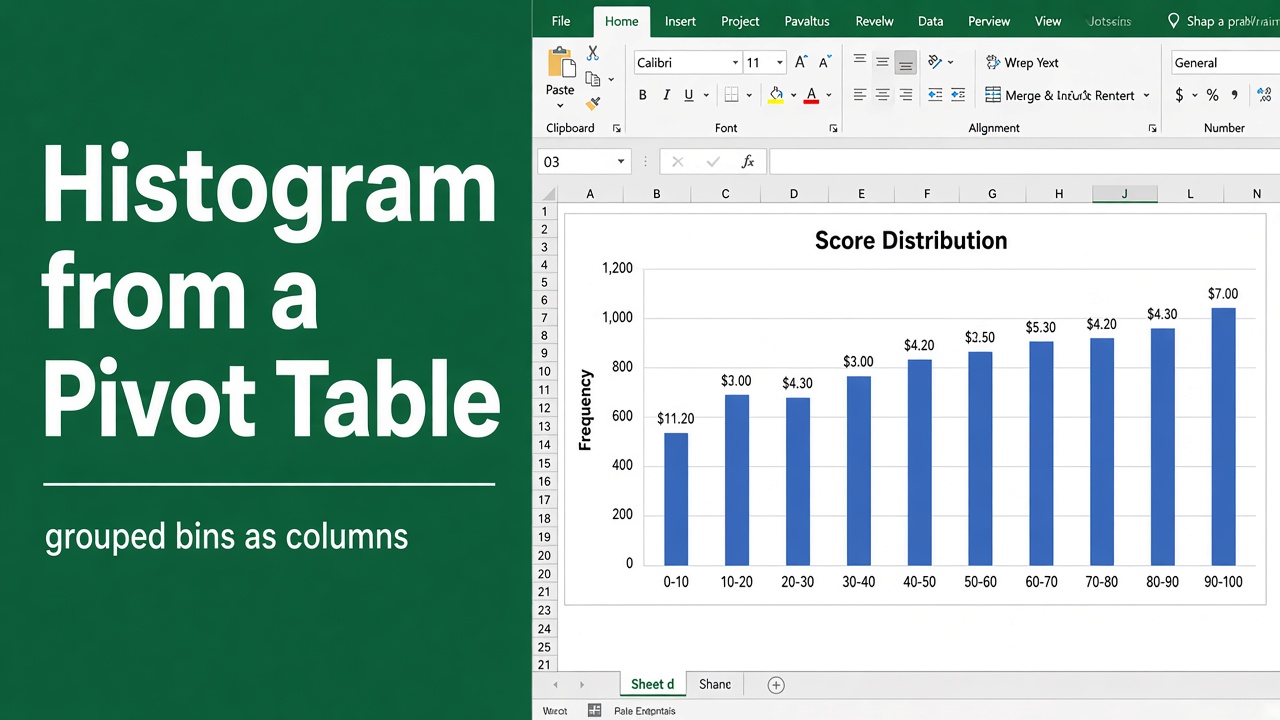
How to Make a Histogram in Excel Pivot Table: A Complete Guide
Learn how to create a histogram in Excel using pivot tables. Step-by-step guide with tips on data preparation, bin selection, and interpretation
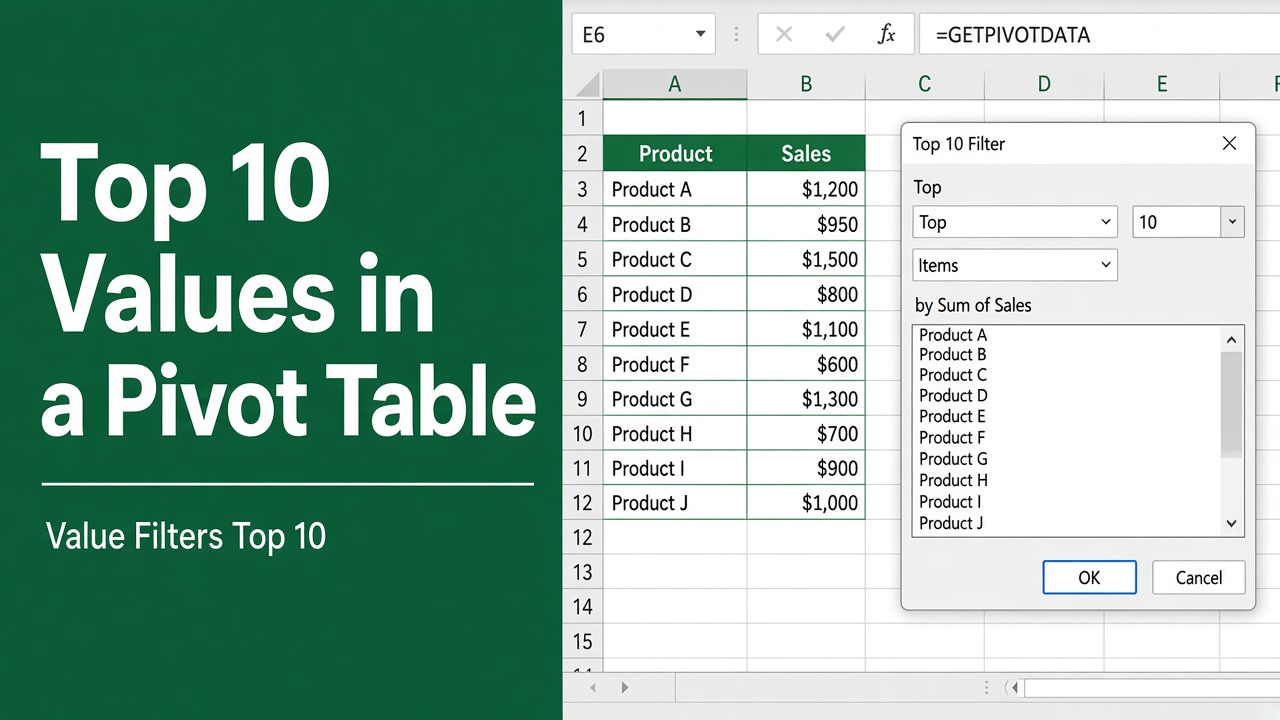
How to Find Top 10 Values in Excel Pivot Table: Easy Guide
Learn to find top 10 values in Excel pivot tables. Master filtering, calculations, and visualization for efficient data analysis and reporting.
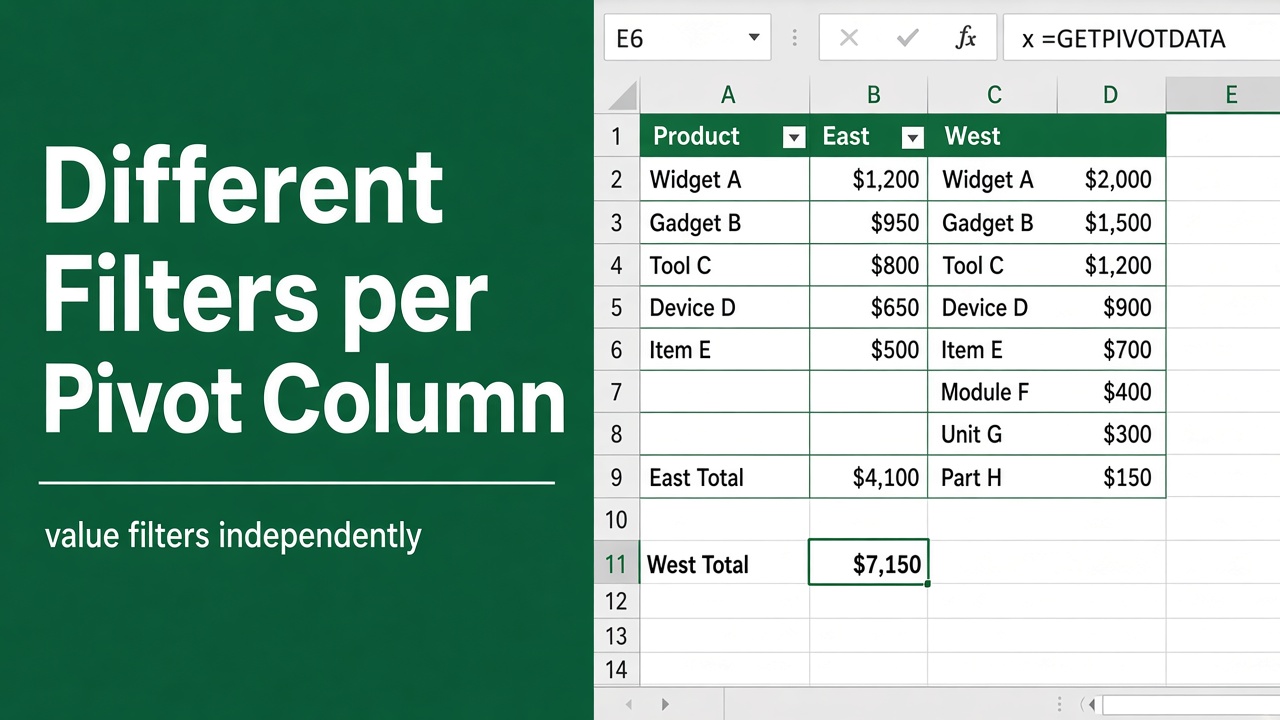
How to Apply Different Filters to Each Column in a Pivot Table?
Learn how to apply different filters to each column in an Excel Pivot Table to customize data analysis and create focused, insightful reports easily.
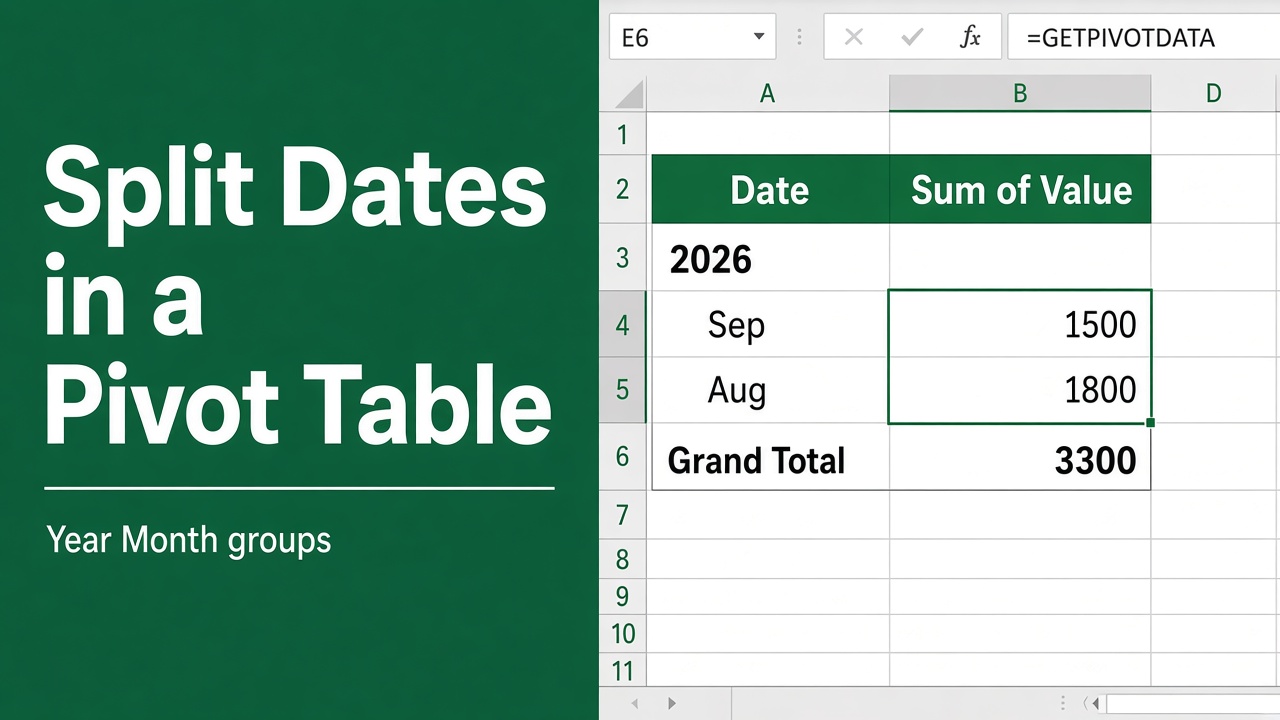
How to Split Date in Excel Pivot: A Complete Guide
Learn how to split date in Excel pivot tables. Explore methods, best practices, and tips to enhance your time-based data analysis and reporting.
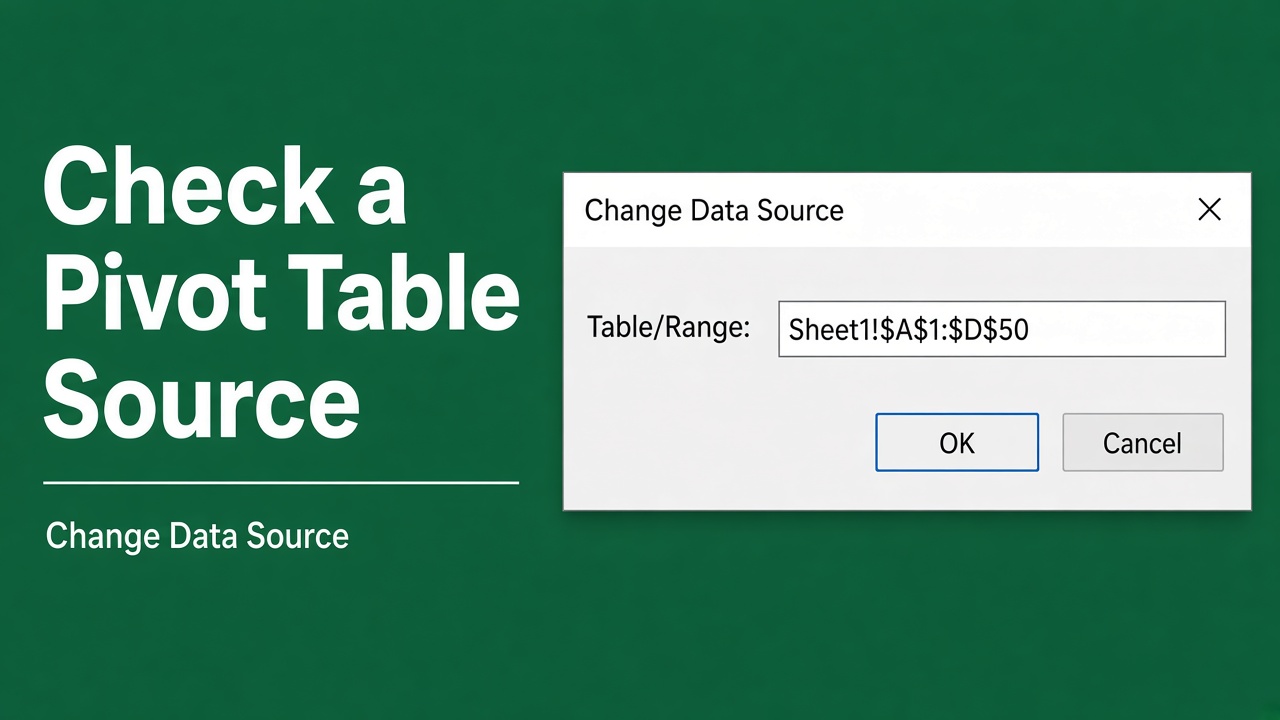
How to Check Excel Pivot Table Source: A Complete Guide
Learn how to check the source data of an Excel pivot table to verify accuracy, troubleshoot issues, and update information. Follow our step-by-step guide.
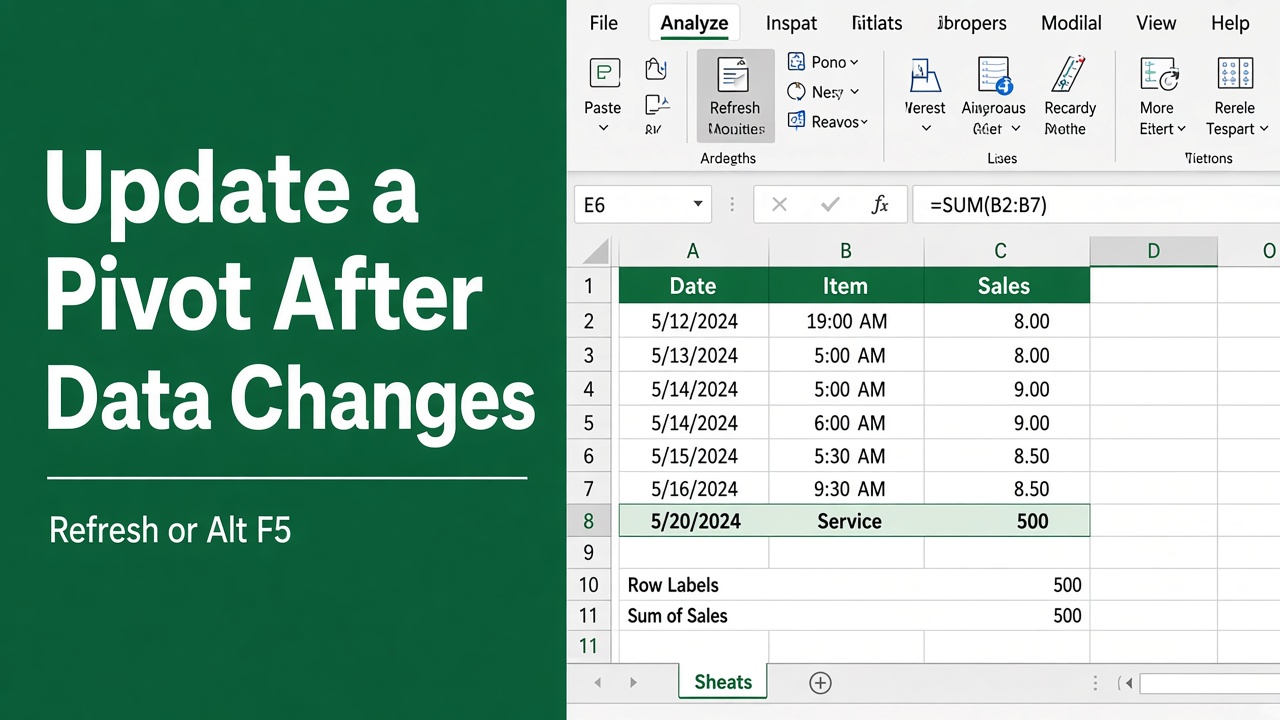
How to Update a Pivot Table After Changing Data?
Learn how to update a pivot table in Excel after changing your data. Refresh, adjust settings, or change data sources to keep your analysis accurate.
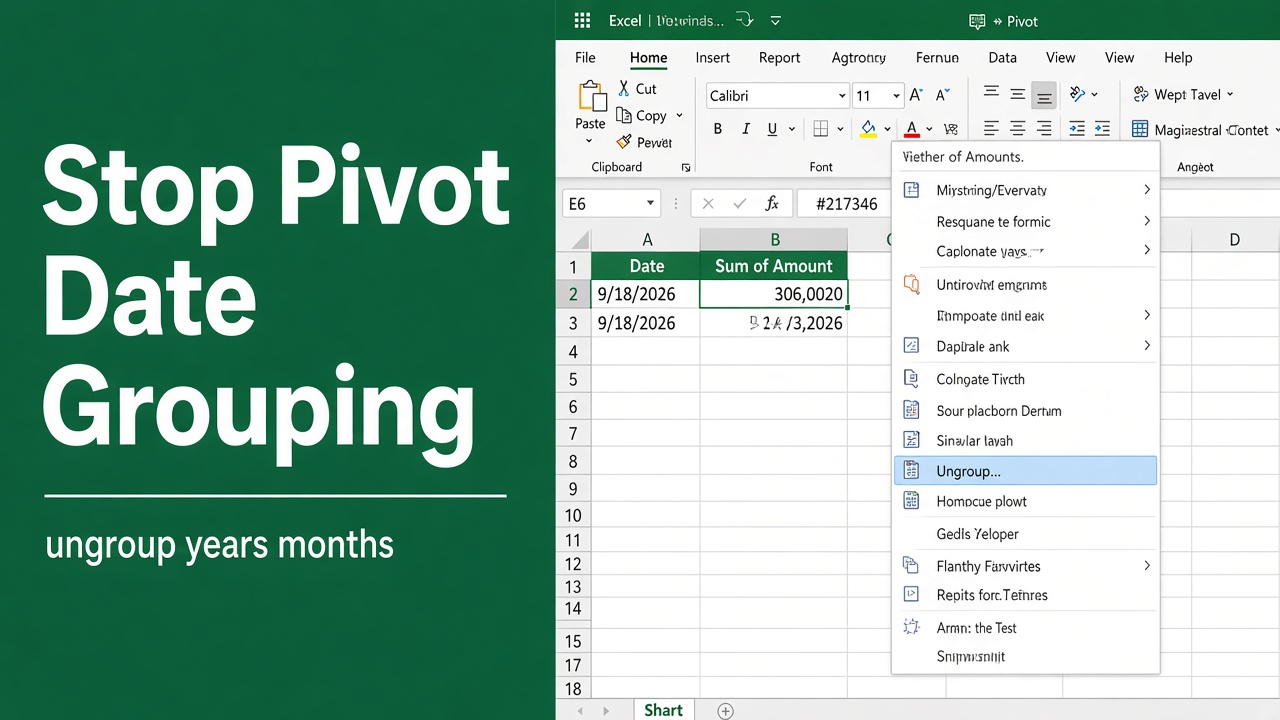
How to Stop Excel Pivot from Grouping Dates: A Complete Guide
Learn how to stop Excel pivot tables from automatically grouping dates. Discover methods to display individual dates for better data analysis.
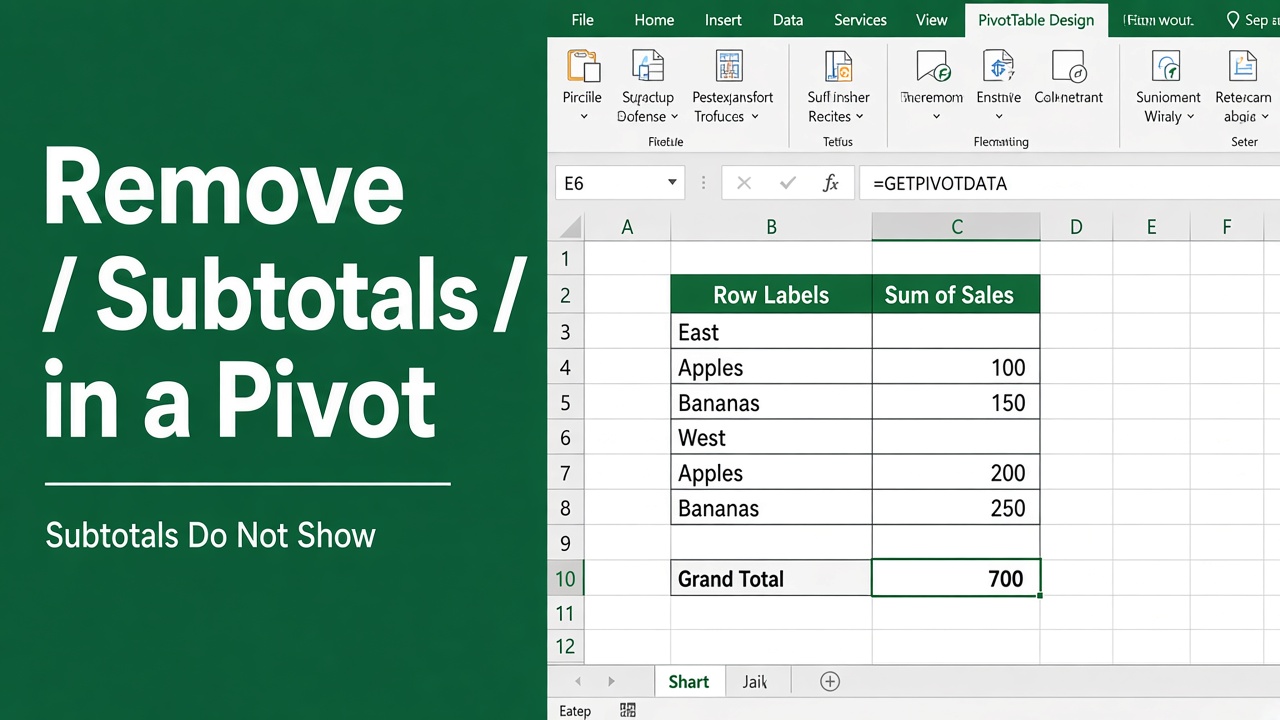
How to Remove Subtotals in Excel Pivot Table: Expert Guide
Learn how to remove subtotals from your Excel pivot tables with our step-by-step guide. Simplify your data and create cleaner, more readable tables.