
All articles
Blog
Page 44 of 71
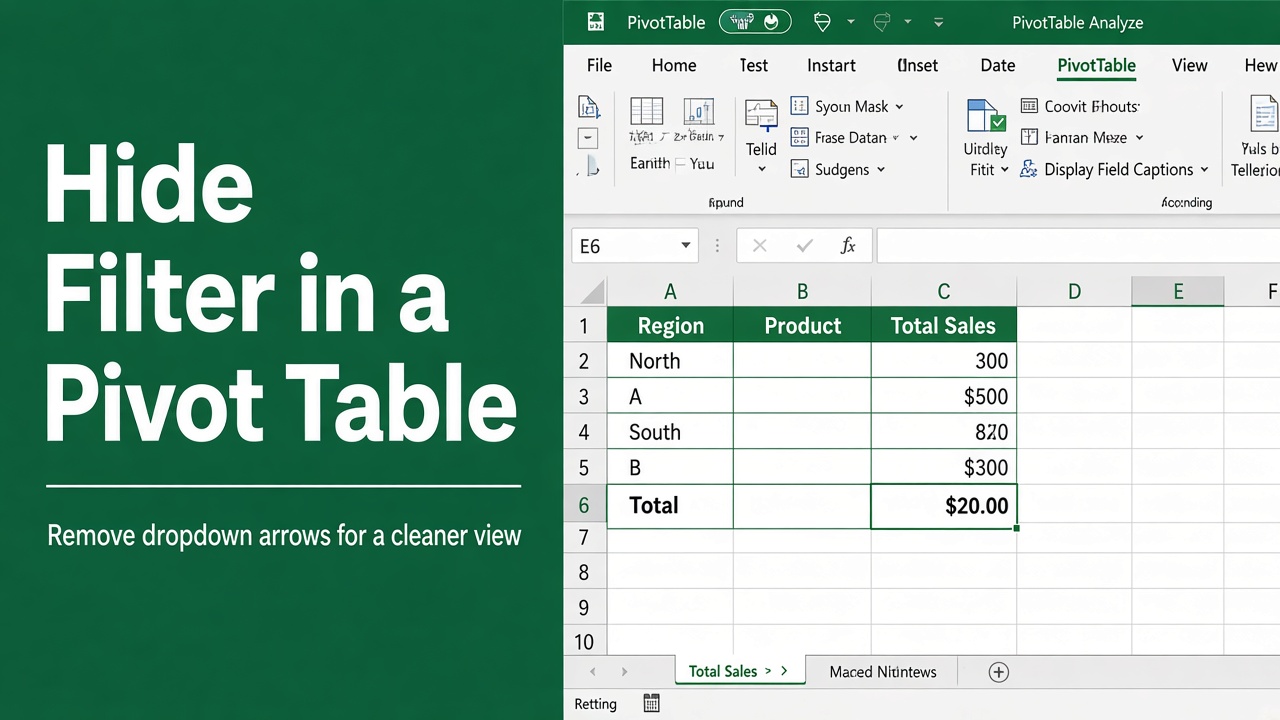
How to Hide Filter in Excel Pivot Table: Easy Guide
Streamline your spreadsheets by learning how to hide filter in Excel pivot table. Follow our step-by-step guide for a clutter-free workspace.
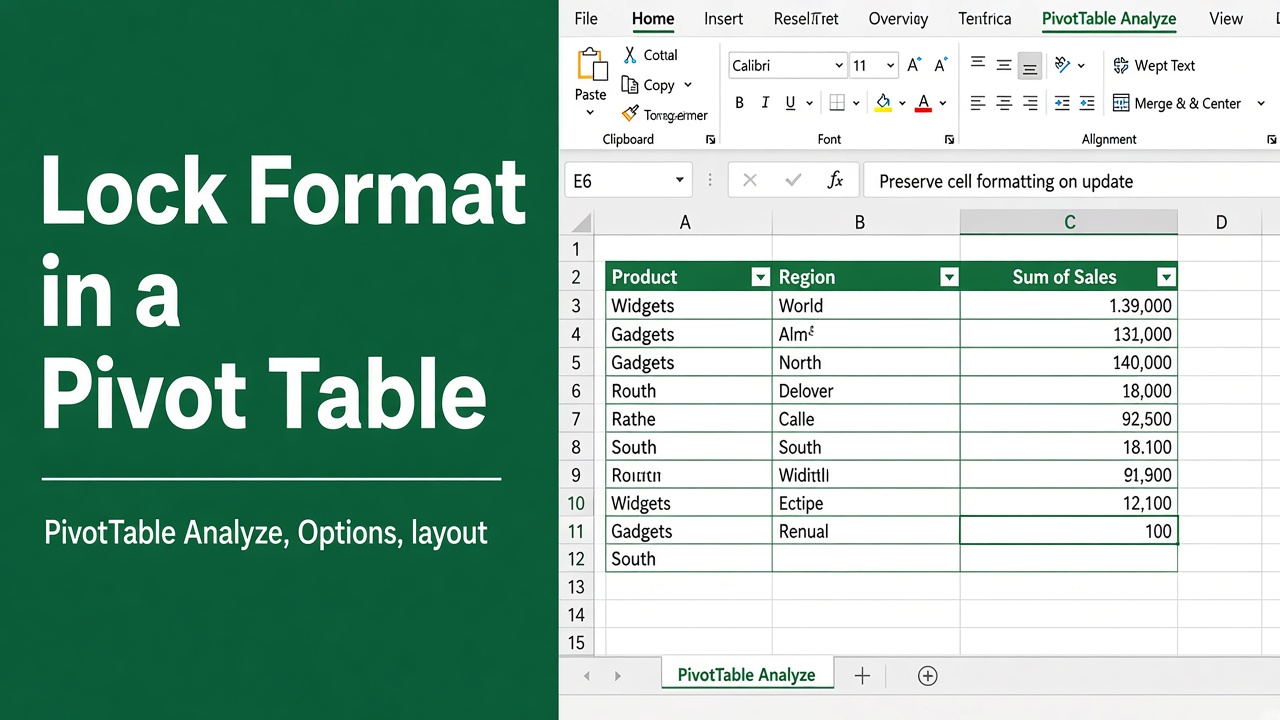
How to Lock Format in Excel Pivot Table: Expert Guide
Learn how to lock formats in Excel Pivot Tables. Preserve formatting with practical tips, including custom styles, VBA, and number formats.
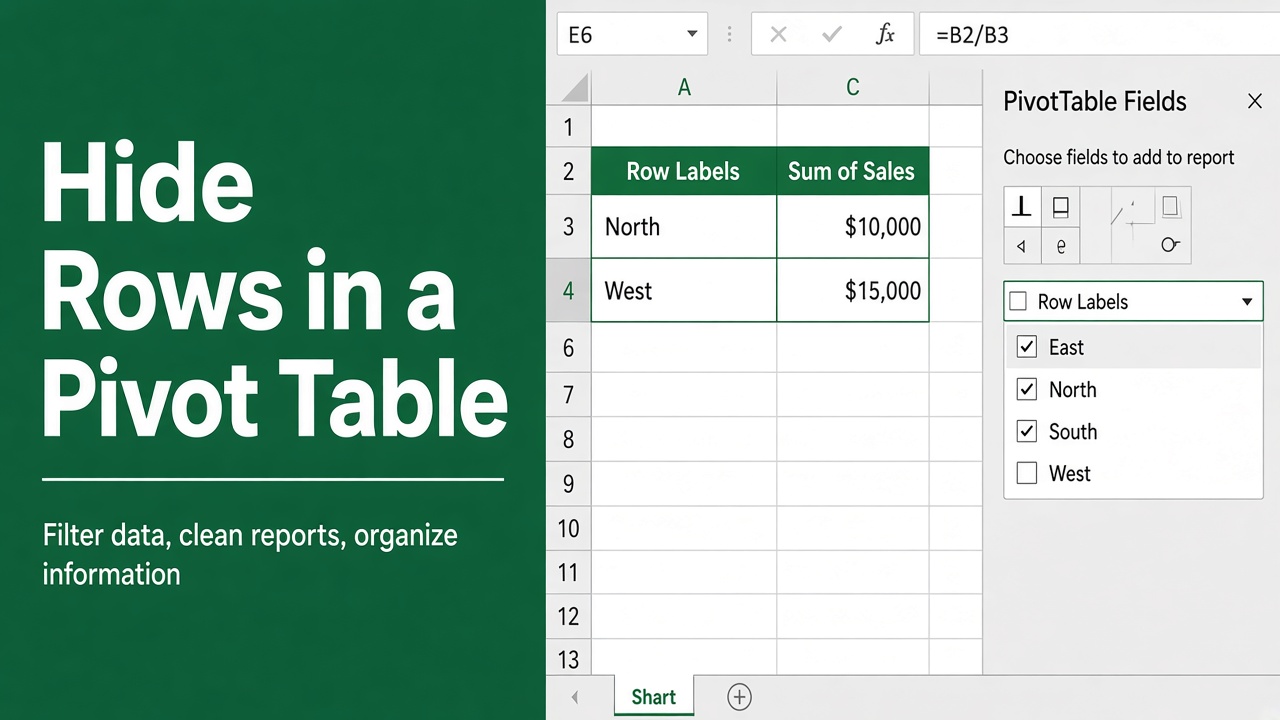
How to Hide Rows in Excel Pivot Table? (6 Easy Methods)
Learn simple steps to hide rows in an Excel Pivot Table to organize data efficiently, streamline reports, and focus on key insights.
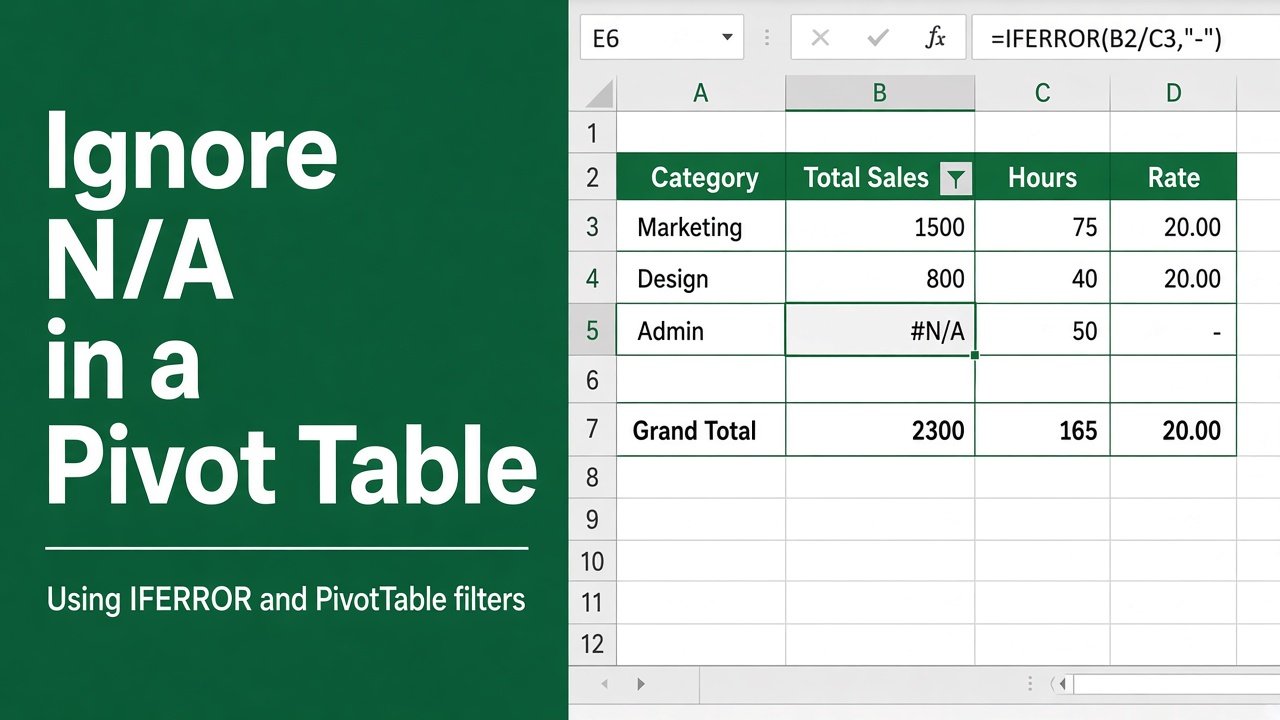
How to Ignore N/A in Excel Pivot Table: 5 Easy Methods
Learn how to effectively ignore or remove N/A values in your Excel pivot tables for accurate data analysis. Explore various methods and best practices.
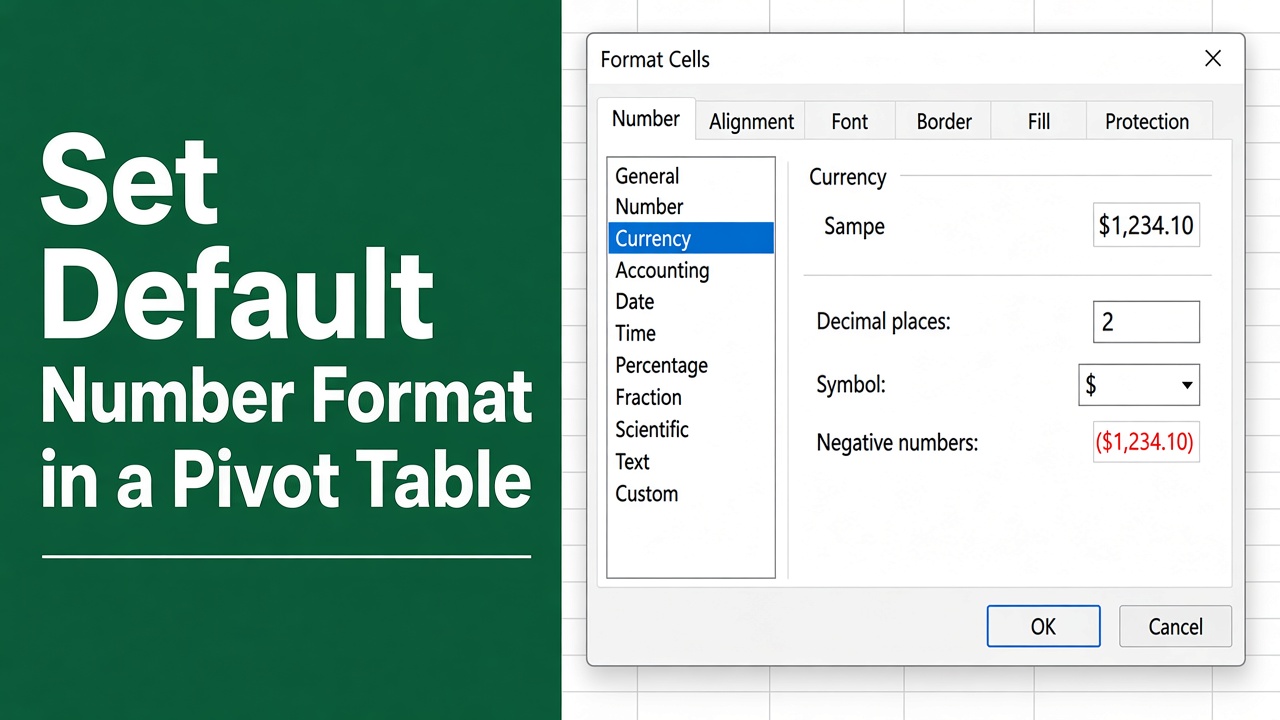
How to Set Default Number Format in Excel Pivot Table?
Learn how to set default number format in Excel Pivot Tables for consistent, professional data presentation. Step-by-step guide included.
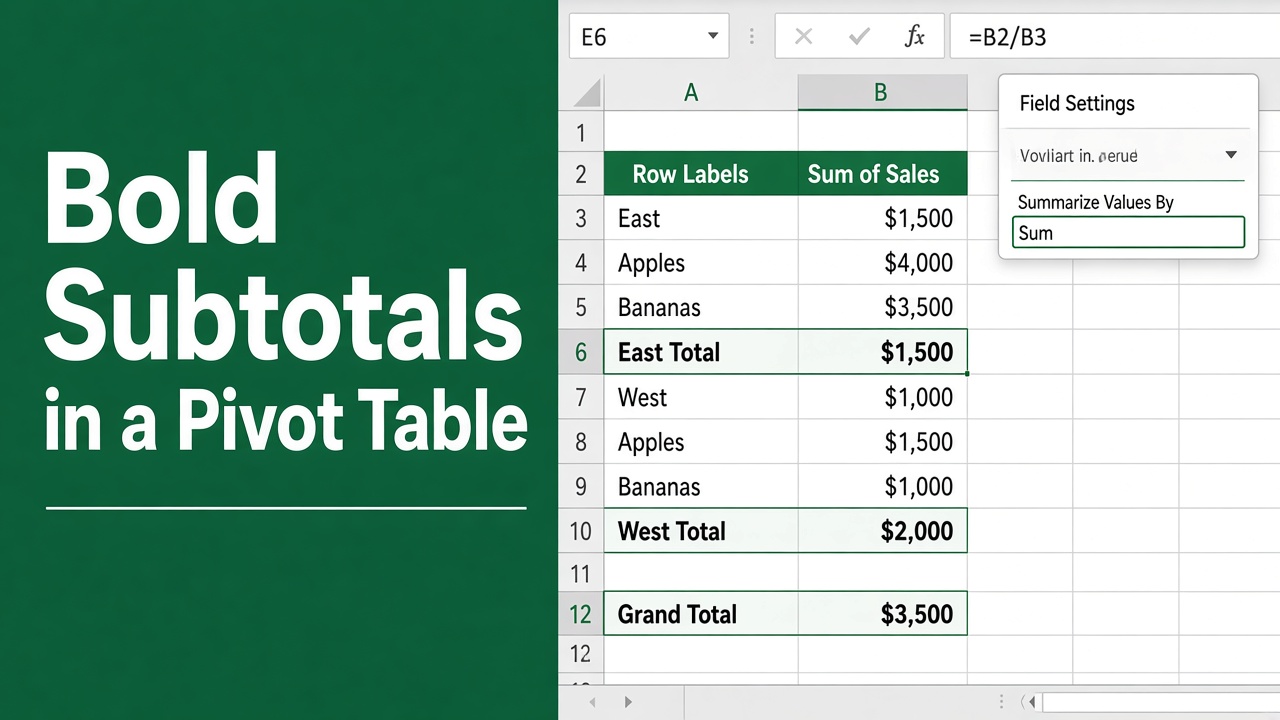
How To Bold Subtotals in Excel Pivot Table? (4 Easy Methods)
Learn how to easily bold subtotals in Excel Pivot Tables with this step-by-step guide, improving clarity and readability in your reports.
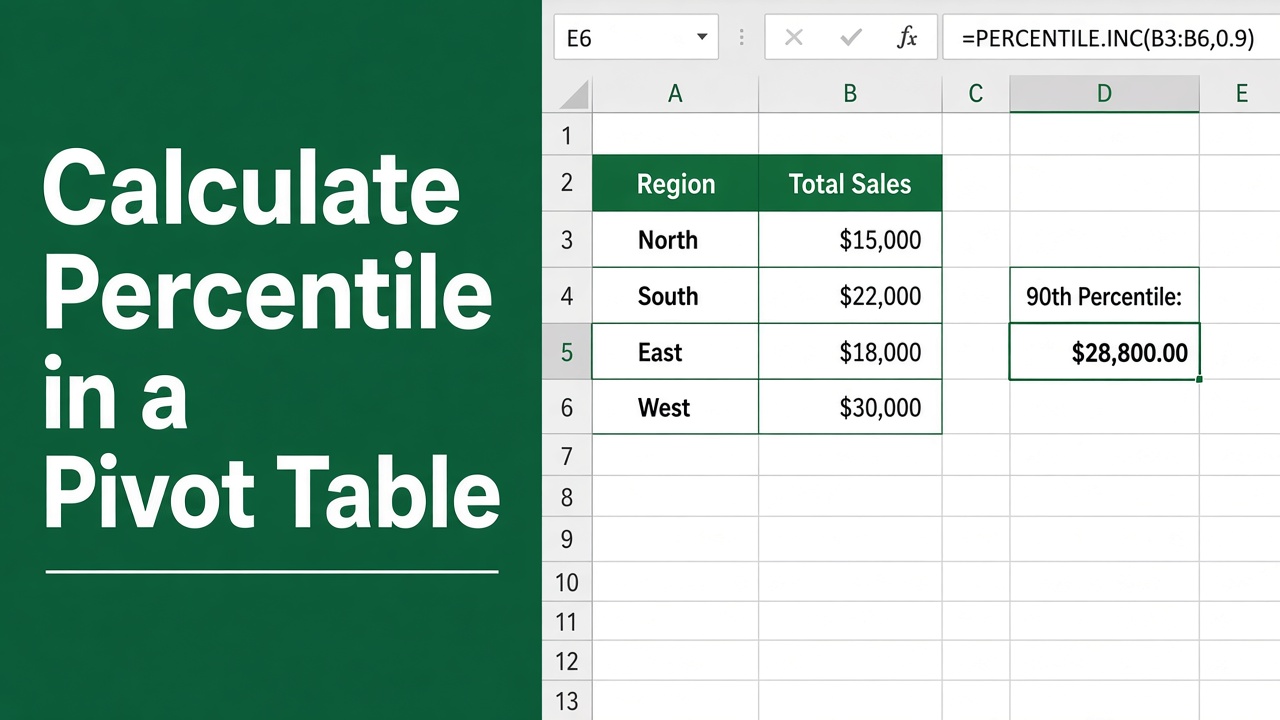
How to Calculate Percentile in Excel Pivot Table?
Learn how to calculate percentiles in Excel Pivot Tables with easy-to-follow methods. Step-by-step guide, examples, and tips for accurate data analysis.
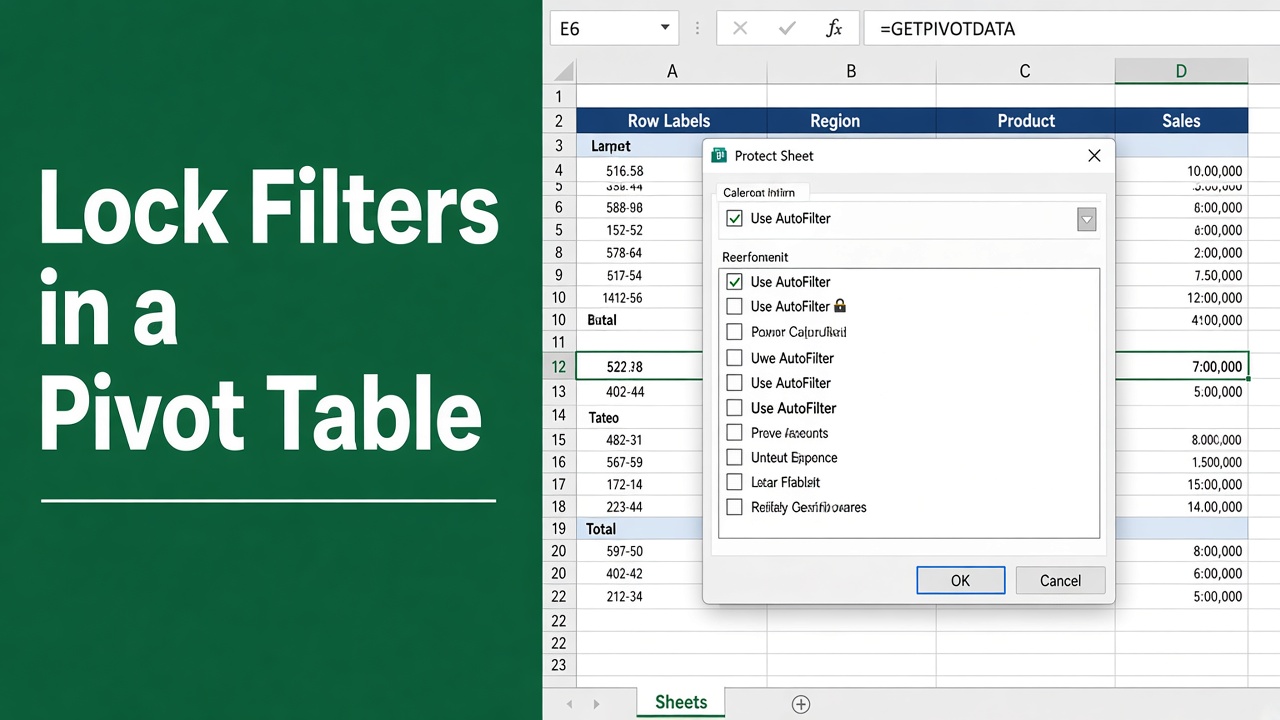
How to Lock Filters in Excel Pivot Table: A Complete Guide
Secure your Excel pivot table data with ease! Our guide shows you how to lock filters in Excel pivot tables quickly and effectively.
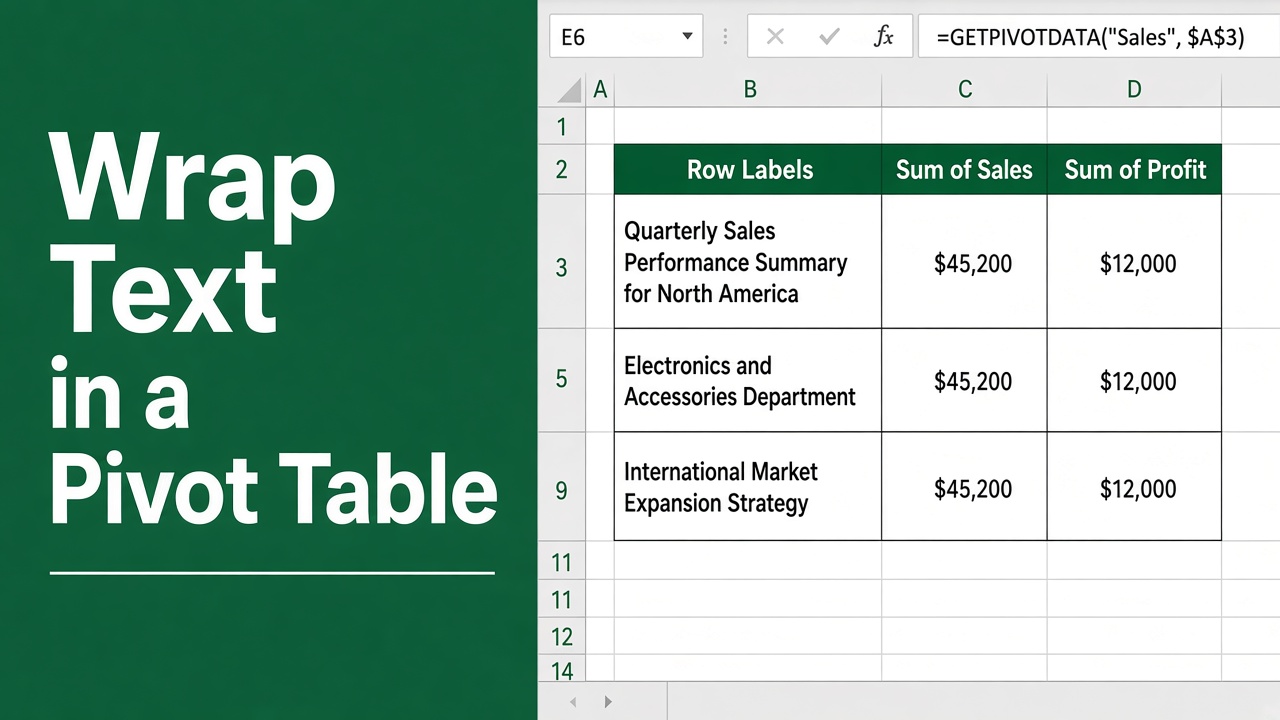
How to Wrap Text in Excel Pivot Table: A Complete Guide
Learn how to wrap text in Excel pivot tables with our step-by-step guide. Improve readability, save space, and create professional-looking reports effortlessly.
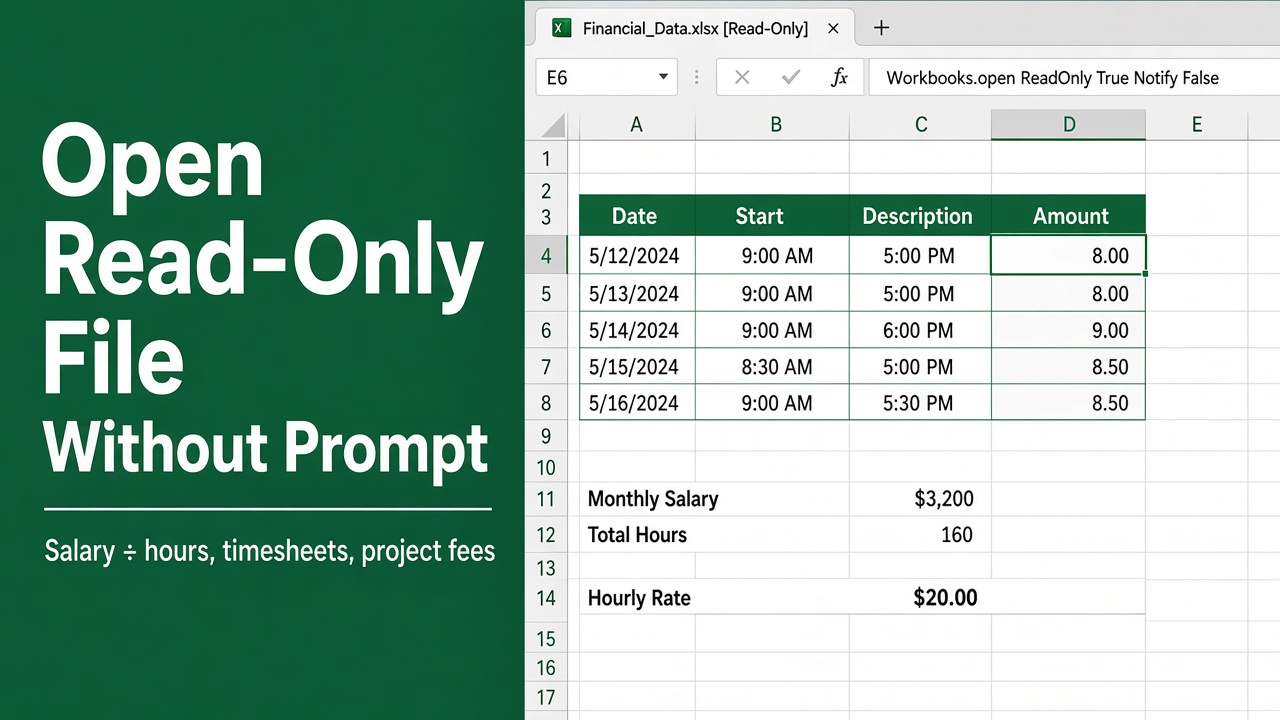
How to Open a Read-Only Excel File Without a Prompt Using VBA
Learn to effortlessly open read-only files using Excel VBA without any annoying prompts. Streamline your workflow with this simple guide.