
All articles
Blog
Page 42 of 71
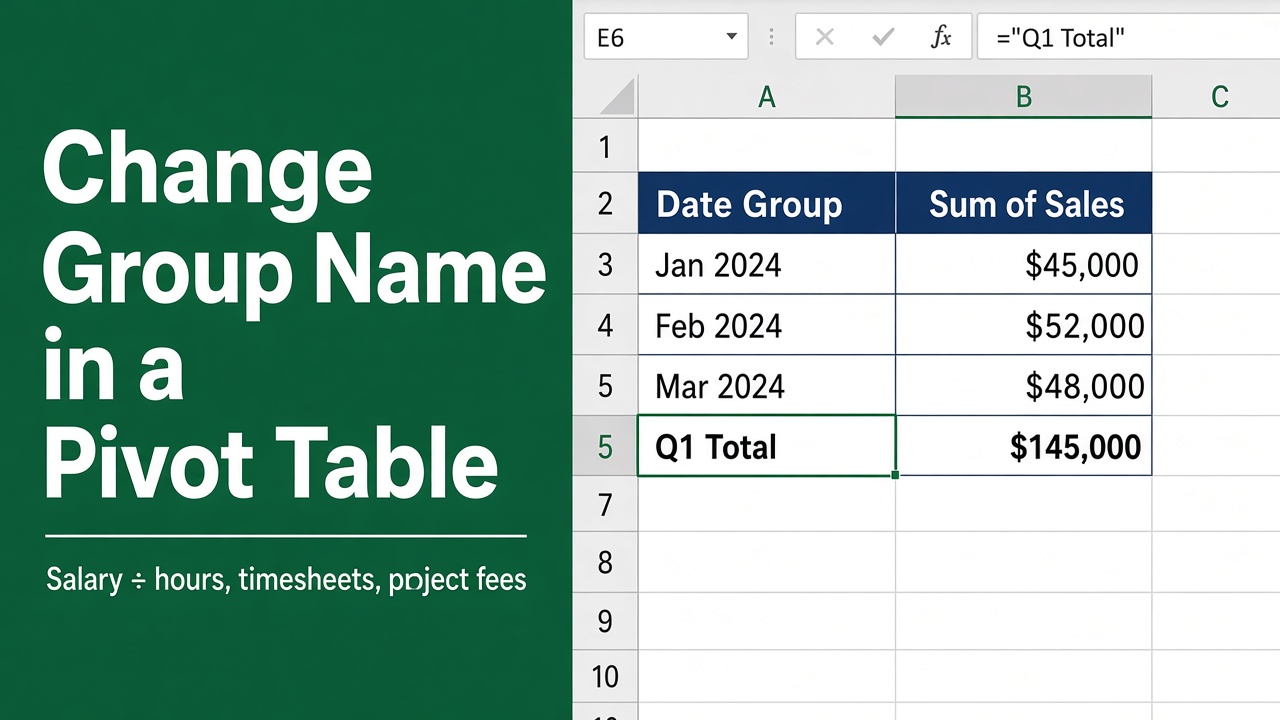
How to Change Group Name in Excel Pivot Table: Easy Guide
Learn how to change group names in Excel Pivot Tables with this detailed guide. Customize reports quickly and avoid common errors step-by-step!
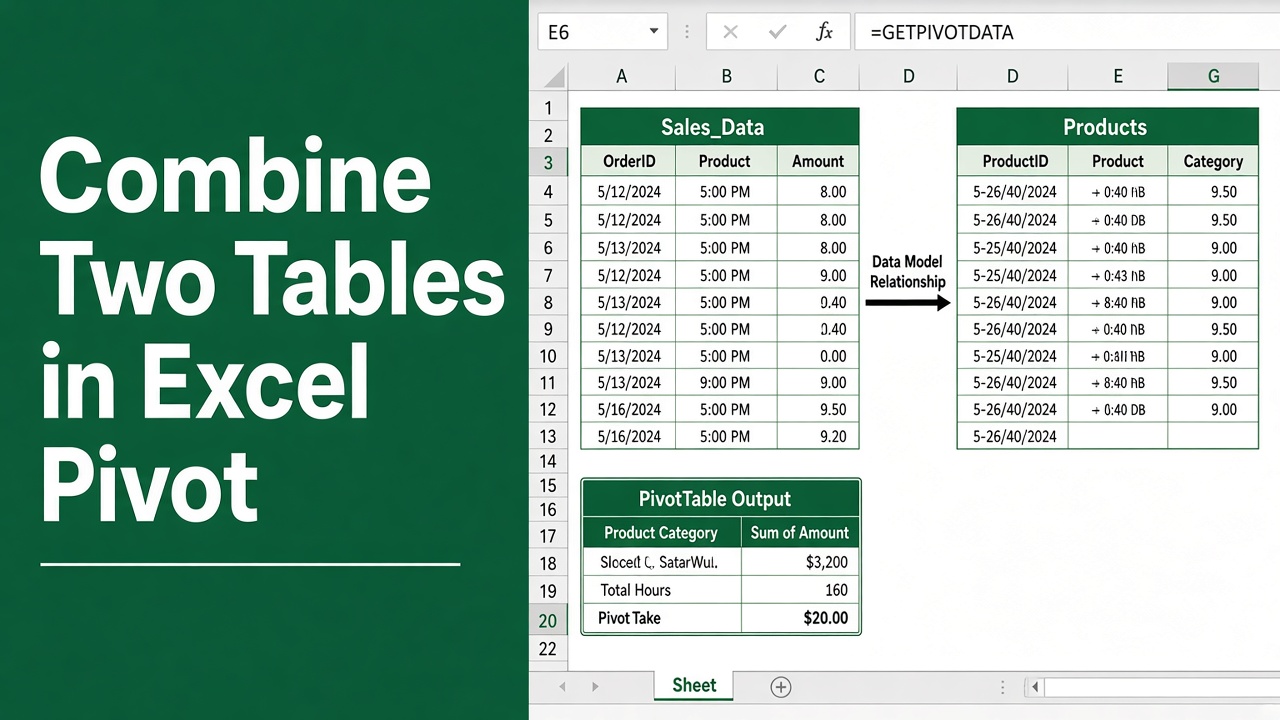
How to Combine Two Tables in Excel Pivot? (3 Easy Methods)
Learn how to combine two tables in Excel Pivot using Power Pivot, Power Query, or manual methods for better data analysis and reporting.
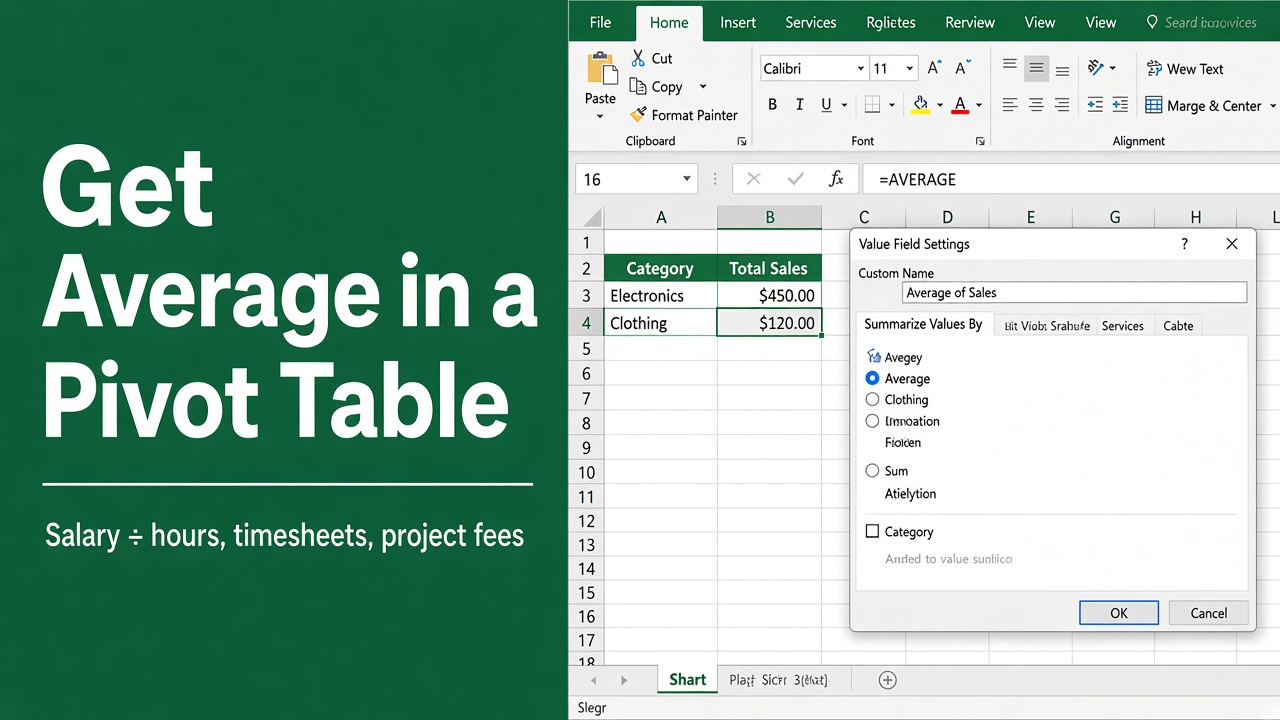
How To Get Average In Excel Pivot Table: Easy Guide
Master calculating averages in Excel pivot tables with our step-by-step guide. Simplify your data analysis effortlessly!
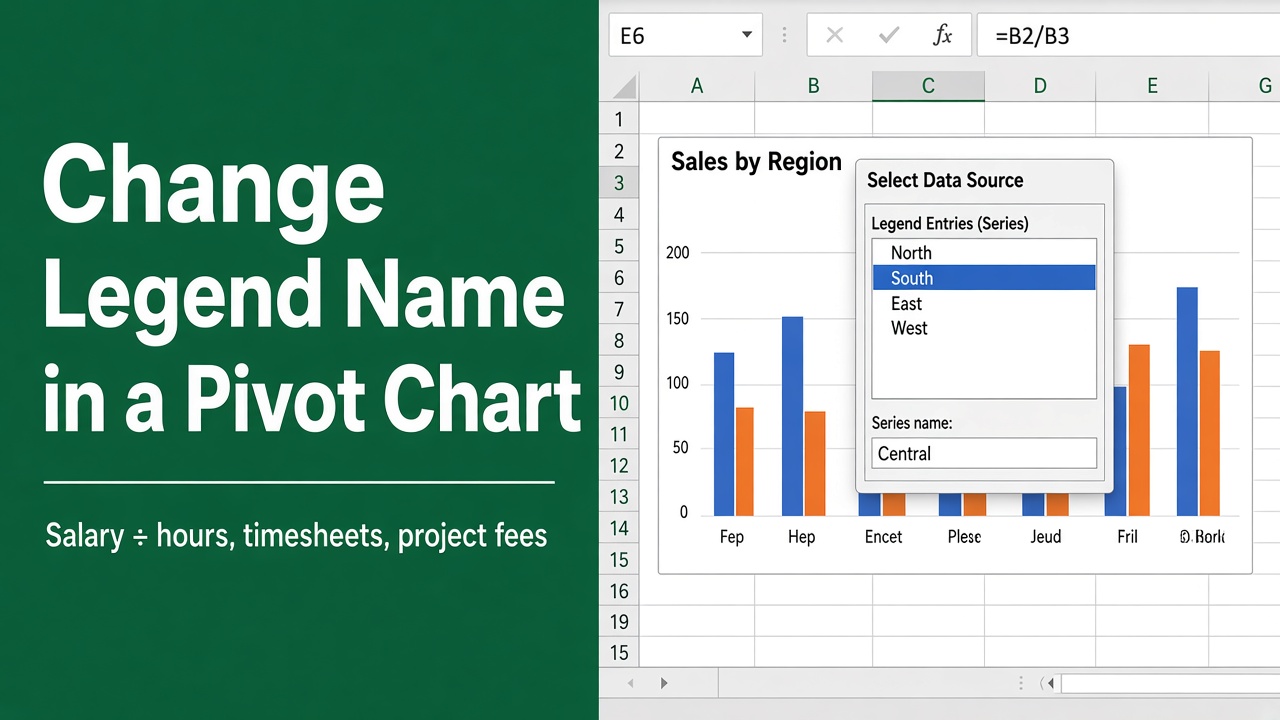
How to Change Legend Name in Excel Pivot Chart?
Learn how to change legend names in Excel pivot charts with step-by-step methods, troubleshooting tips, and advanced techniques for clearer data visualization.
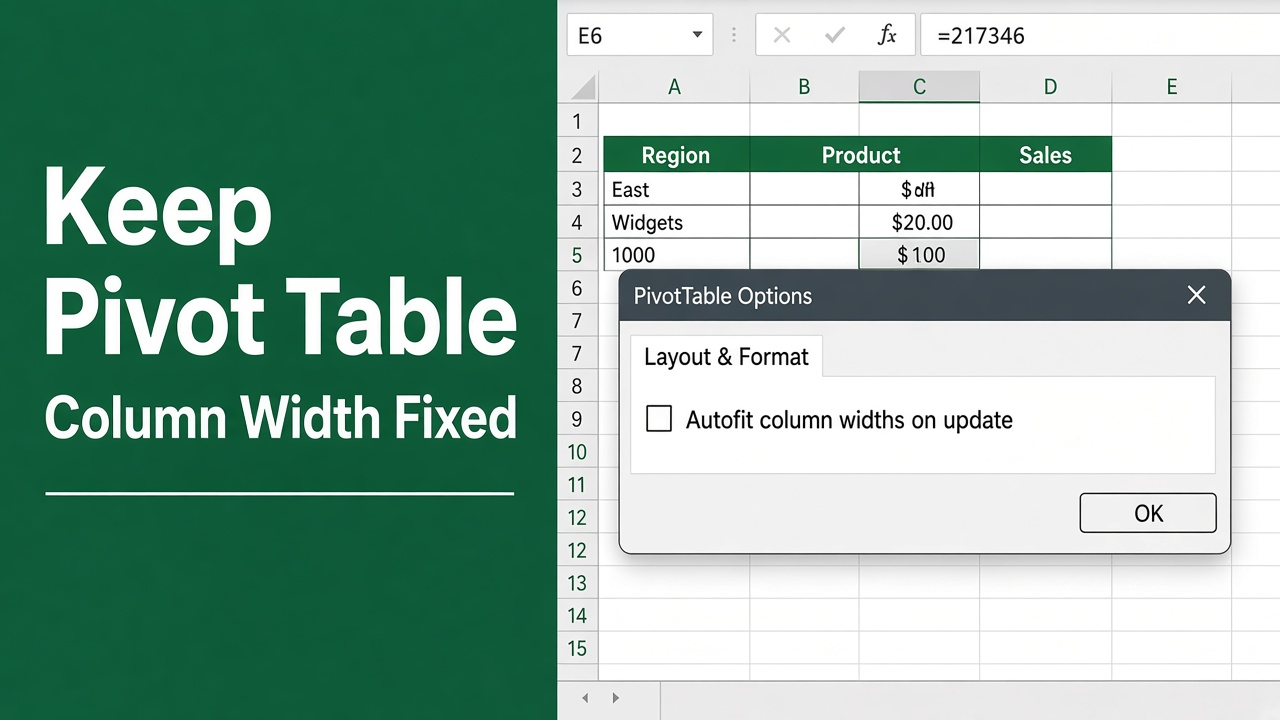
How to Keep Column Width Fixed in Excel Pivot Table?
Learn how to keep column width fixed in Excel Pivot Table with easy methods. Prevent resizing on refresh using settings, manual adjustments, or VBA macros.
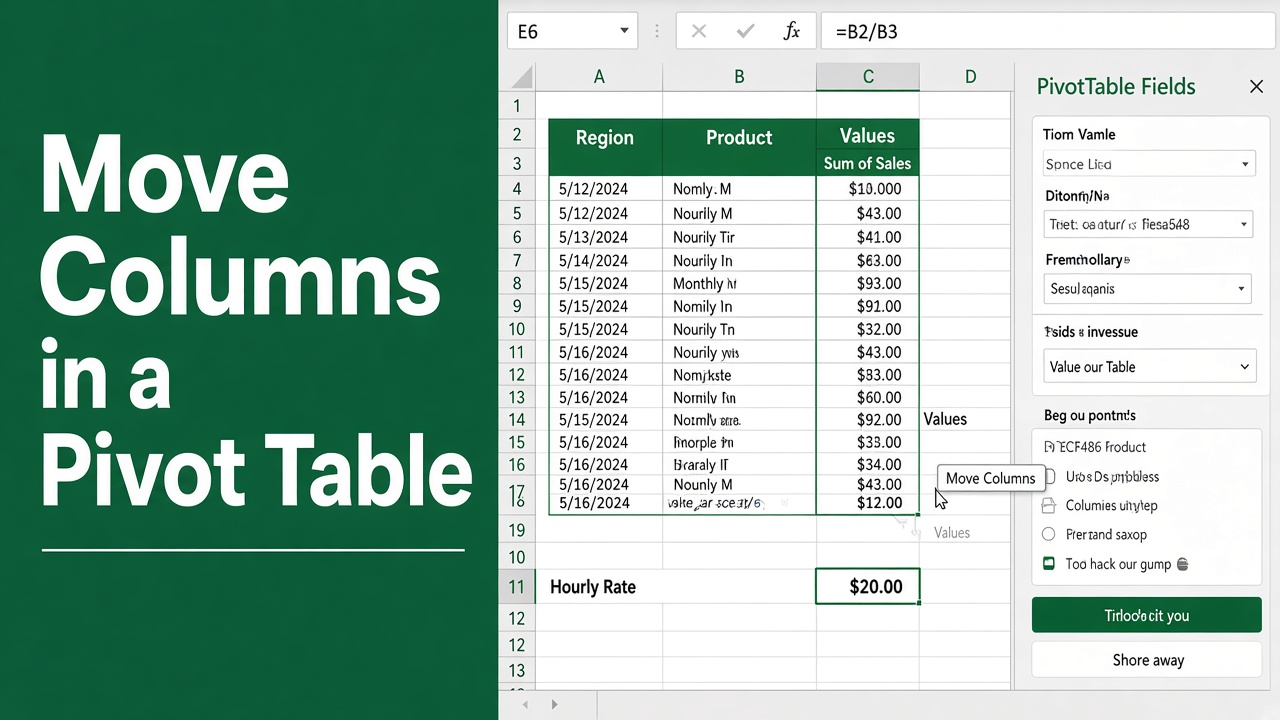
How To Move Columns In Excel Pivot Table: Easy Guide
Discover the simplicity of reorganizing your data with our guide on how to move columns in excel pivot table for streamlined analysis and reporting.
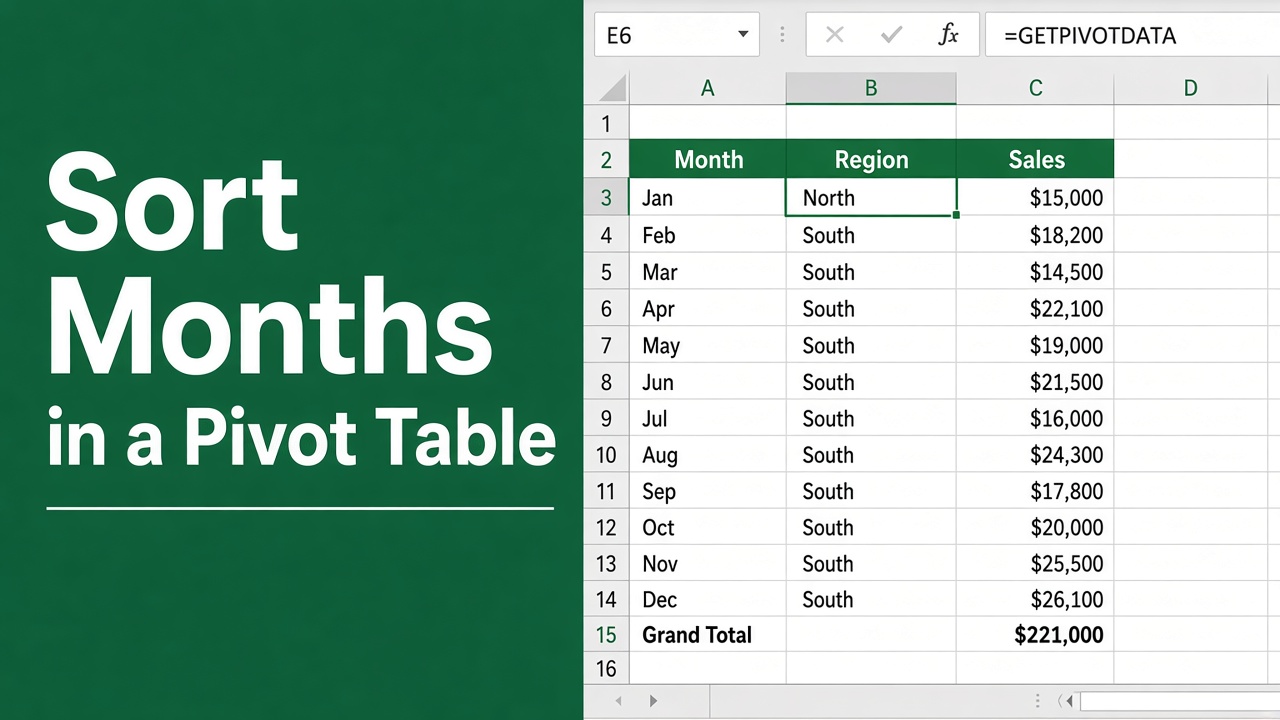
How to Sort Months in Excel Pivot Table: Easy Guide
Learn the simplest way to sort months in Excel Pivot Table with our step-by-step guide. Streamline your data analysis effortlessly.
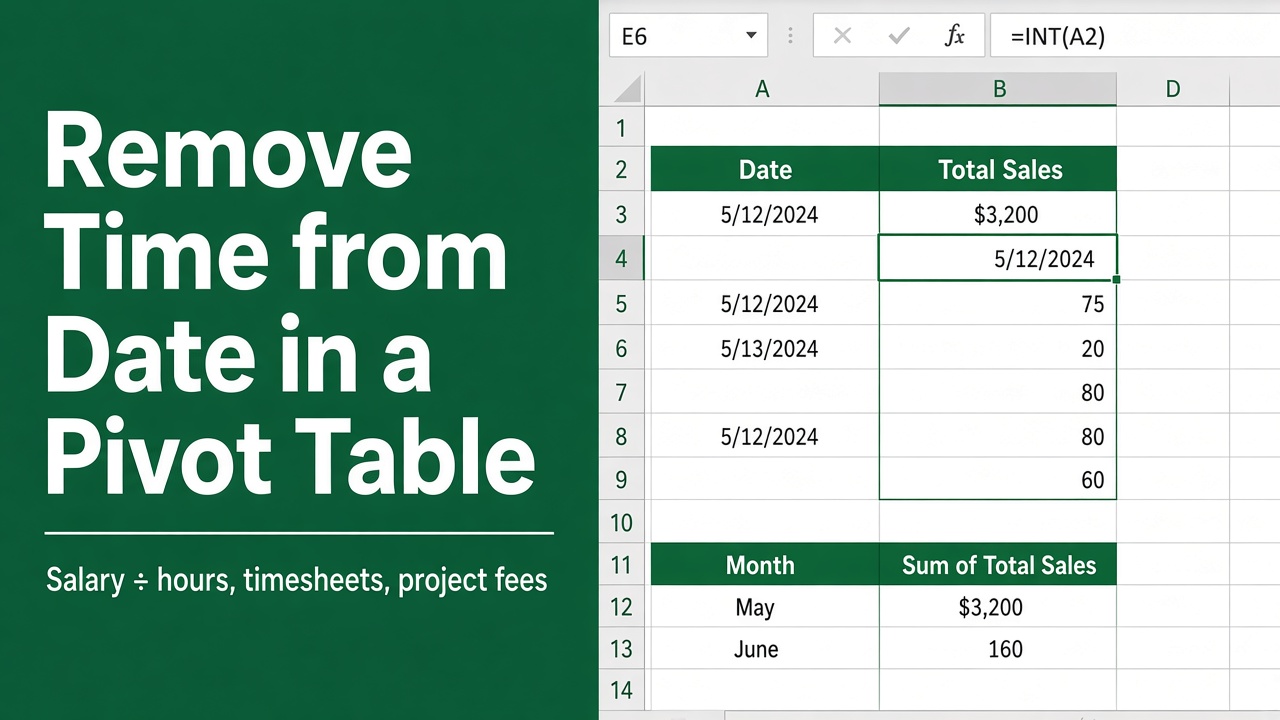
How To Remove Time From Date In Excel Pivot Table: Easy Guide
Streamline your Excel pivot table by learning how to remove time from date. Follow our easy guide for a cleaner data presentation.
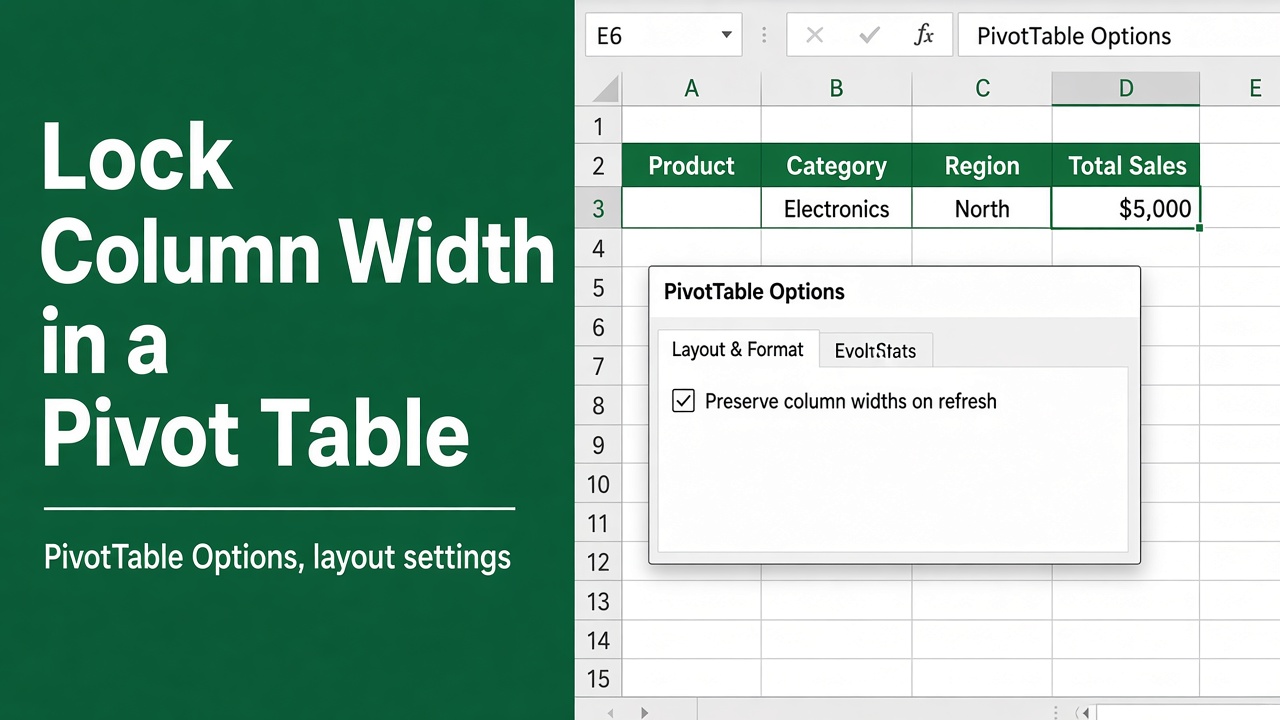
How To Lock Column Width In Excel Pivot Table?
Lock Excel Pivot Table column widths easily. Learn step-by-step methods to stop auto-resizing and keep your Pivot Table layout clean and consistent.
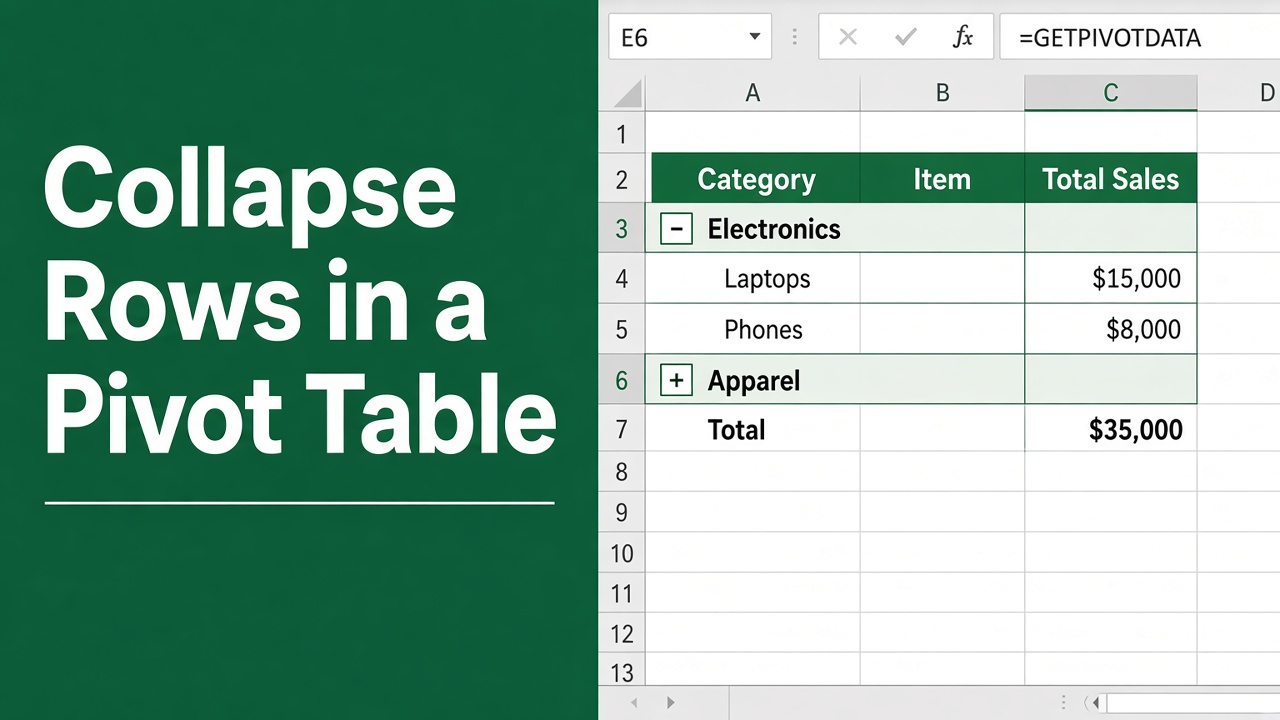
How To Collapse Rows In Excel Pivot Table: Easy Guide
Learn how to collapse rows in Excel pivot table with our easy guide. Streamline your data analysis and reporting effortlessly!