
All articles
Blog
Page 24 of 71
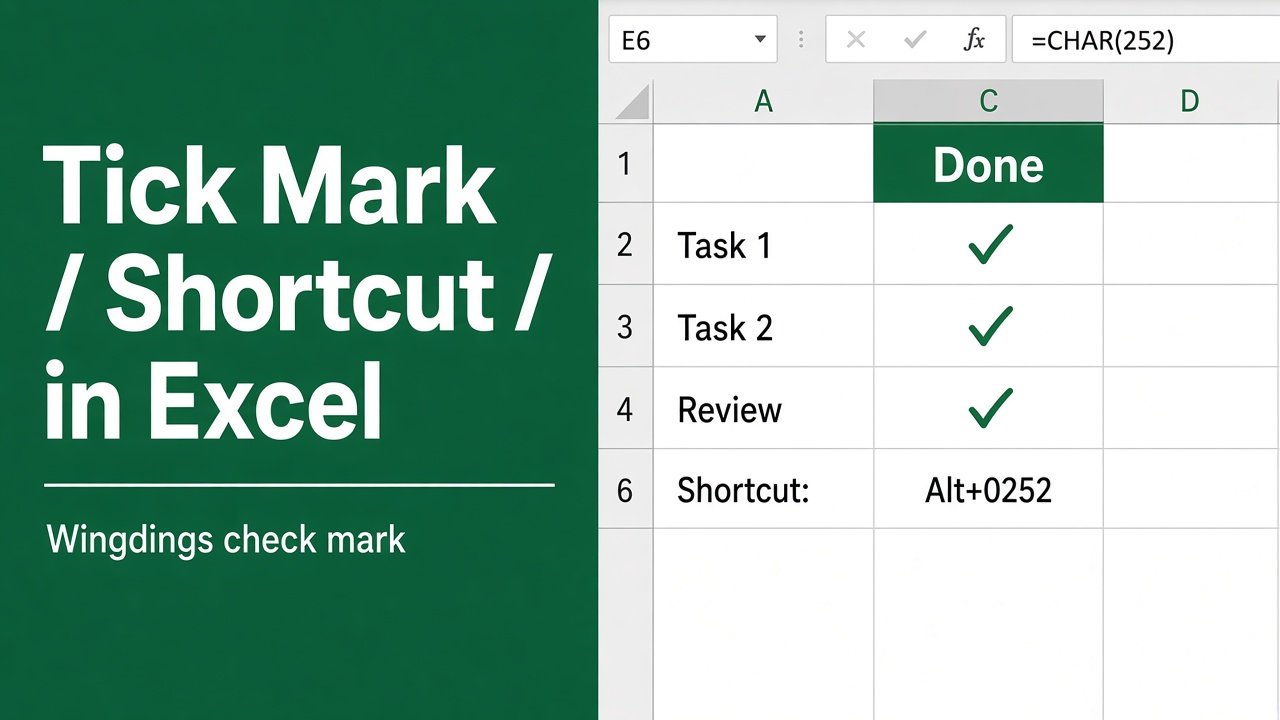
How to Insert Tick Mark in Excel Using Shortcut Key?
Learn how to insert tick marks (checkmarks) in Excel using shortcuts, symbols, and custom styles. Boost your productivity with these quick methods.
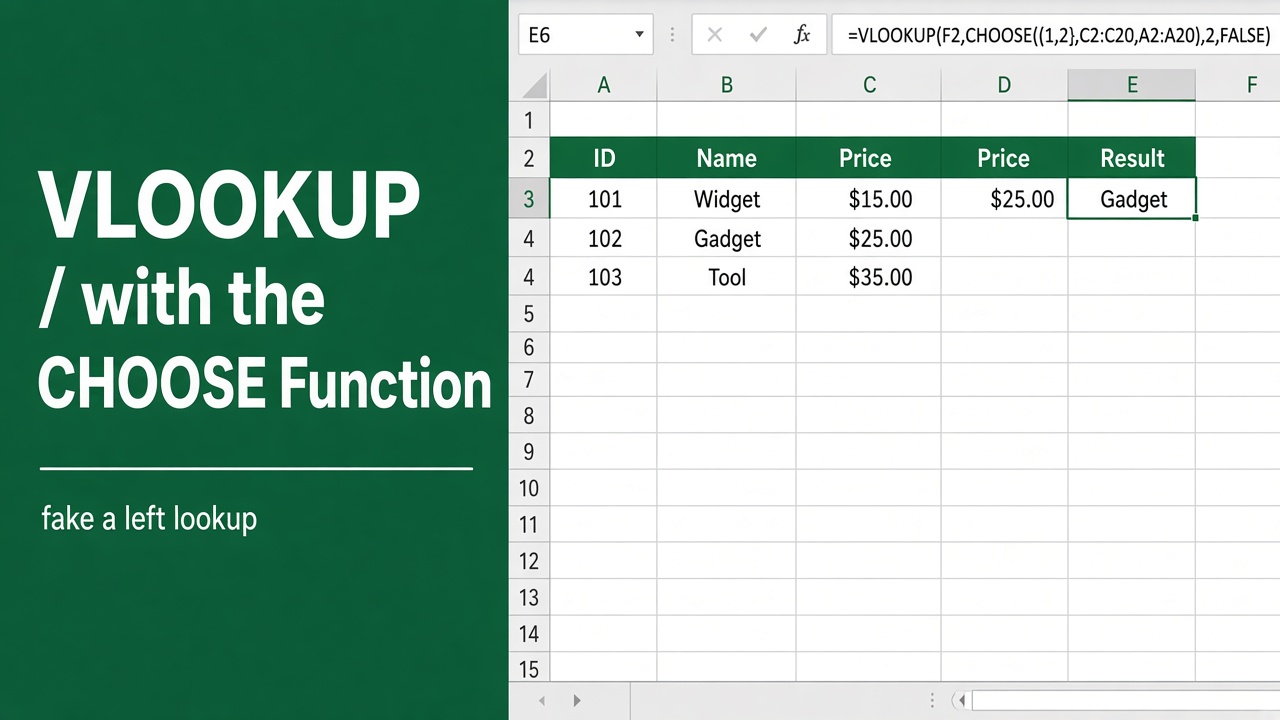
How to Use Excel VLOOKUP with CHOOSE Function: Expert Guide
Learn how to combine Excel VLOOKUP with CHOOSE function for powerful, flexible data lookups. Master dynamic table selection and boost your spreadsheet skills.
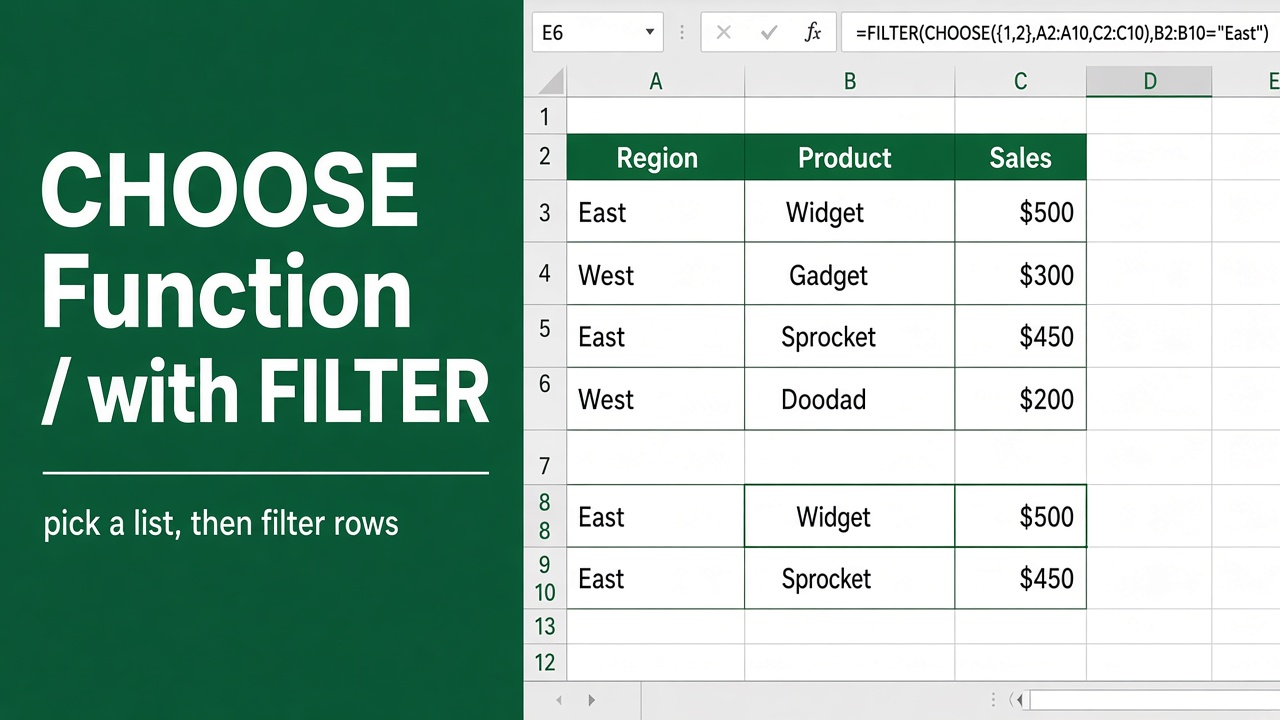
How to Use Excel’s CHOOSE Function with Filter?
Learn how to use Excel’s CHOOSE function with FILTER for powerful data analysis. Filter data dynamically based on multiple criteria using dropdown lists.
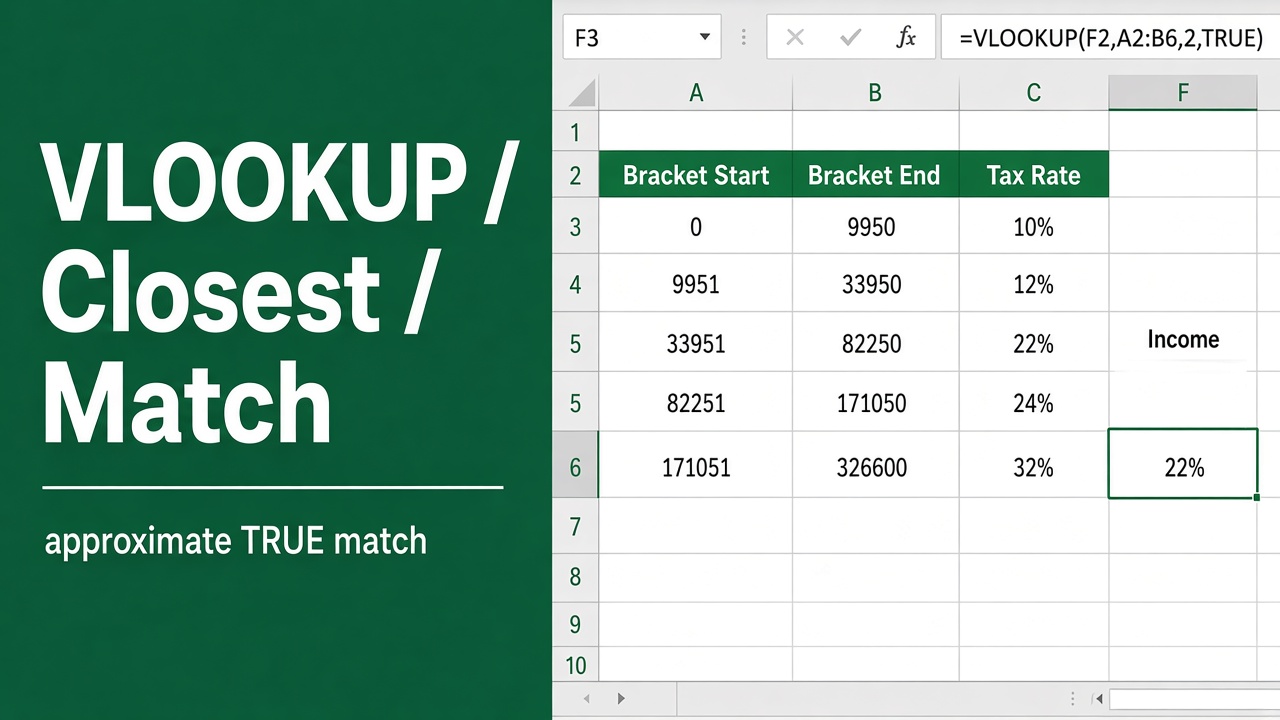
How to Use VLOOKUP to Find the Closest Match: Expert Guide
Learn how to use Excel’s VLOOKUP function to find the closest match for a value, even if an exact match doesn’t exist. Step-by-step examples included.
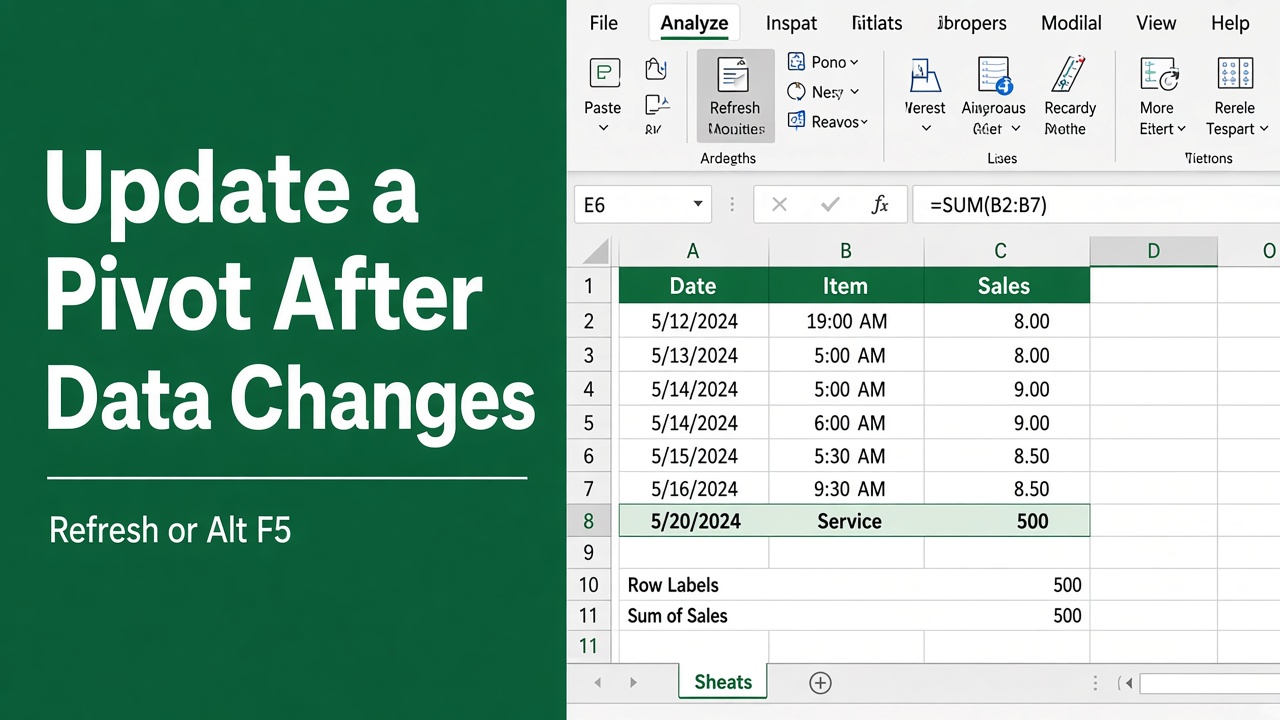
How to Update a Pivot Table After Changing Data?
Learn how to update a pivot table in Excel after changing your data. Refresh, adjust settings, or change data sources to keep your analysis accurate.
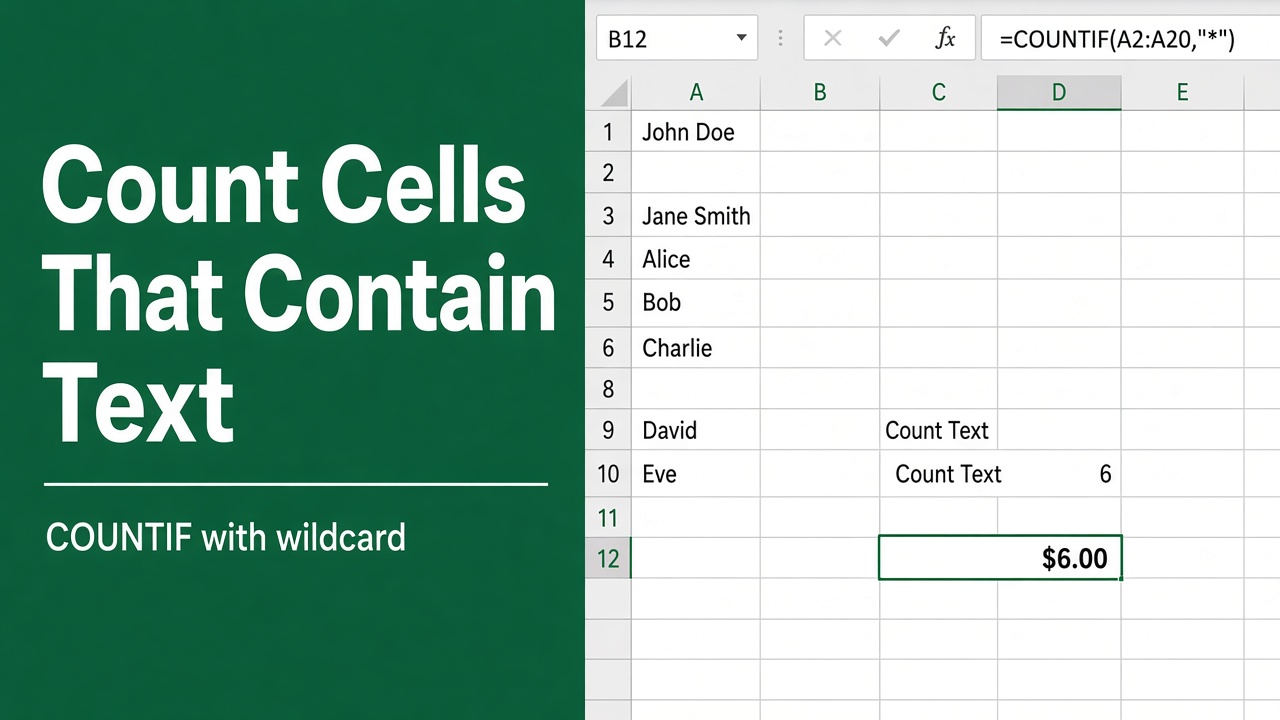
How to Count Cells with Text in Excel Using Formulas?
Learn how to count cells with text in Excel using simple formulas like COUNTIF, SUMPRODUCT + ISTEXT, and SUM + LEN. Tips & examples included.
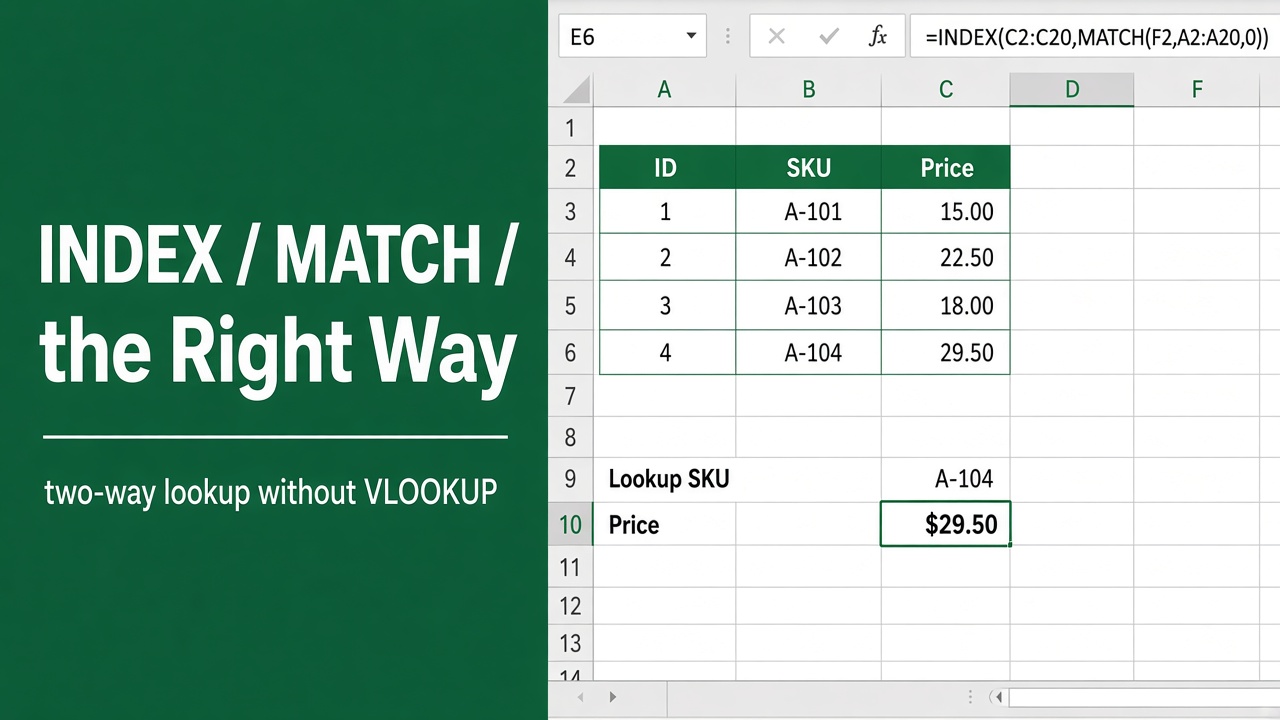
How to Use the Index Match Excel Formula (The Right Way)
Master Excel’s INDEX MATCH formula for efficient data lookup and retrieval. Learn syntax, examples, and pro tips in this comprehensive guide.
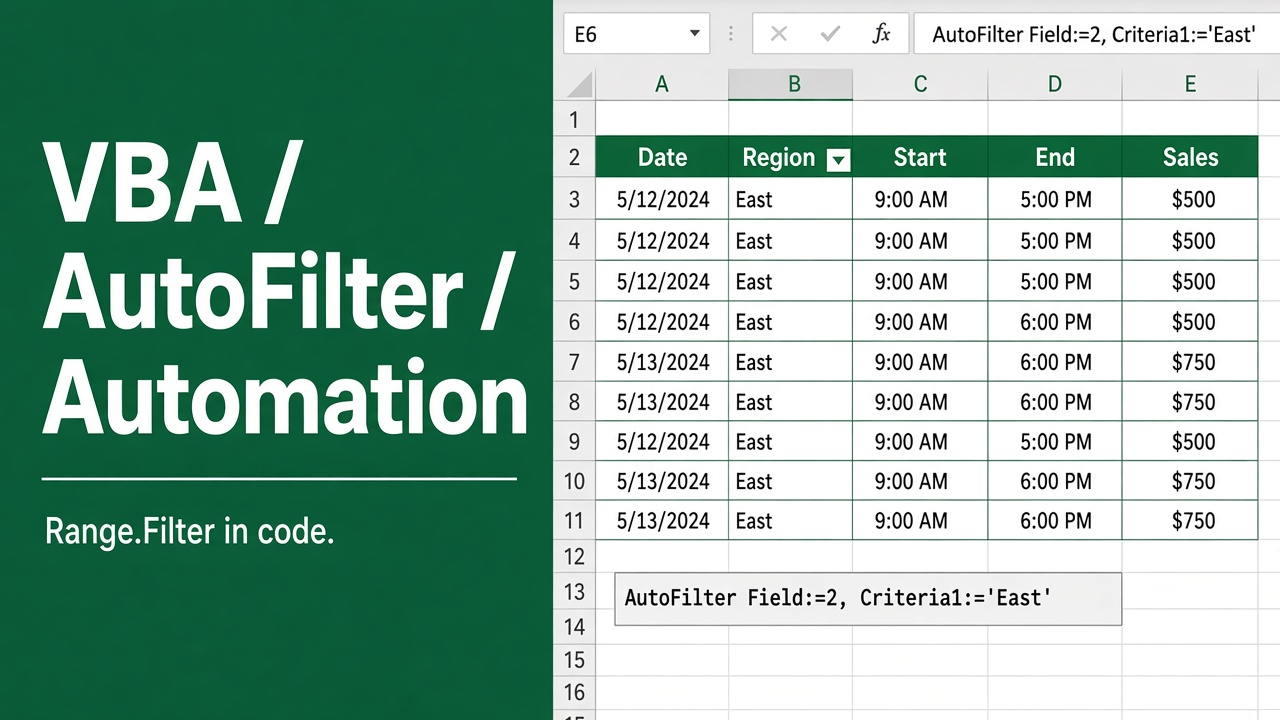
Excel VBA AutoFilter: Automated Data Filtering in Excel
Master Excel VBA AutoFilter: Learn to automate data filtering, boost productivity & create dynamic reports. Unlock advanced Excel techniques for data analysis.
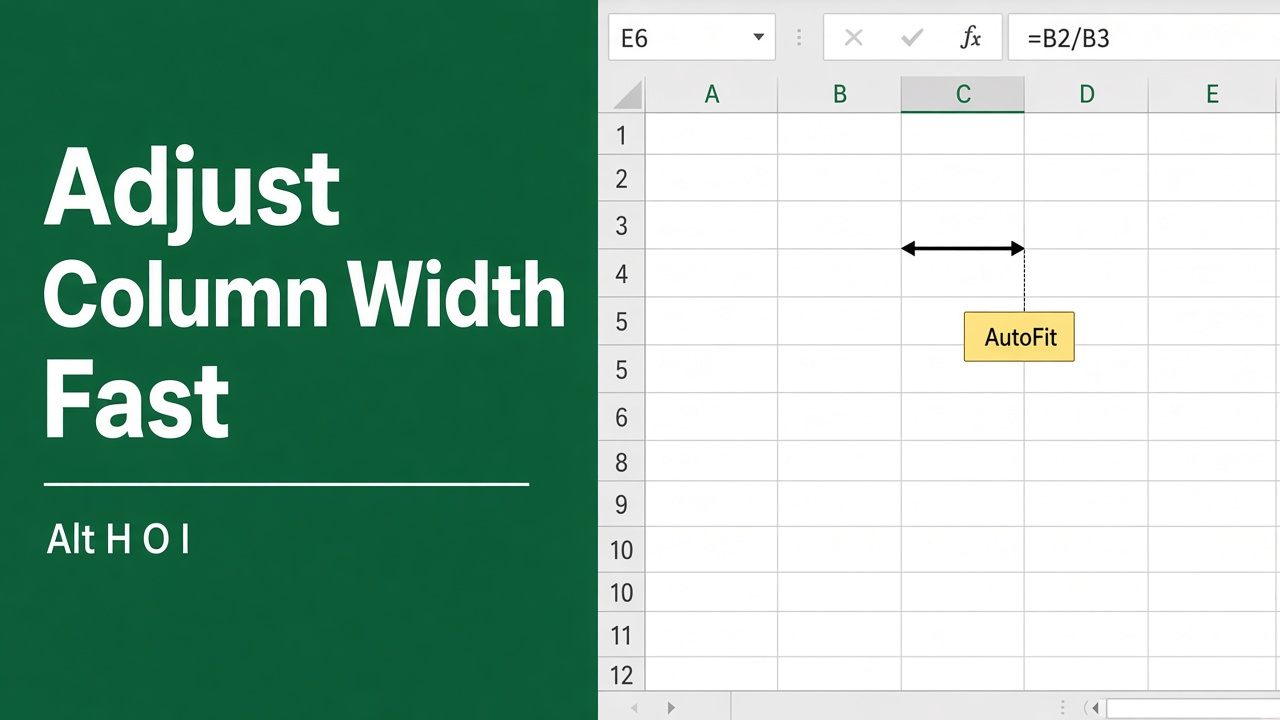
Easy Excel Shortcut to Quickly Adjust Column Width
Discover the easy keyboard shortcut to quickly adjust column width in Excel. Learn how to auto-fit single or multiple columns in our comprehensive guide.
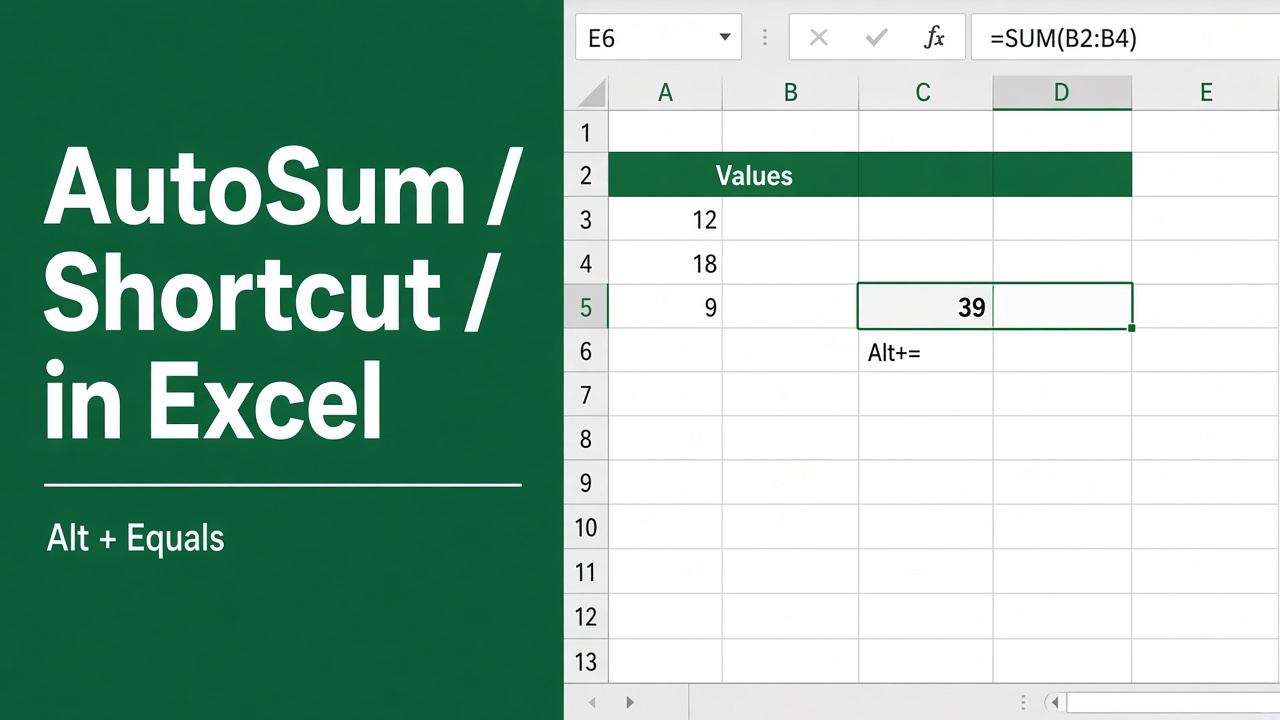
Excel Shortcut for Sum: Save Time with AutoSum
Learn how to use the AutoSum shortcut in Excel to quickly calculate sums and save time. Discover tips and examples to master this essential feature.