
Vaishvi Desai
Page 43
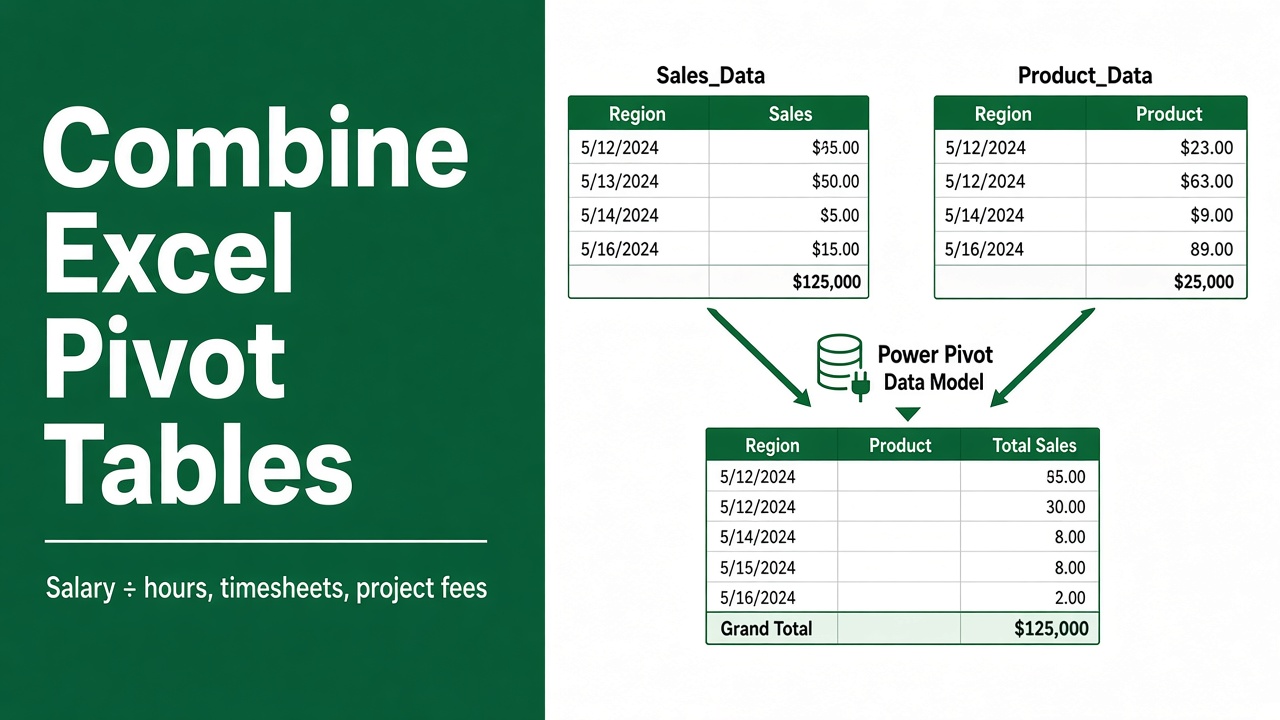
How To Combine Excel Pivot Tables: Easy Guide
Master the art of data analysis by learning how to combine Excel pivot tables with our straightforward guide. Enhance your reporting skills today.
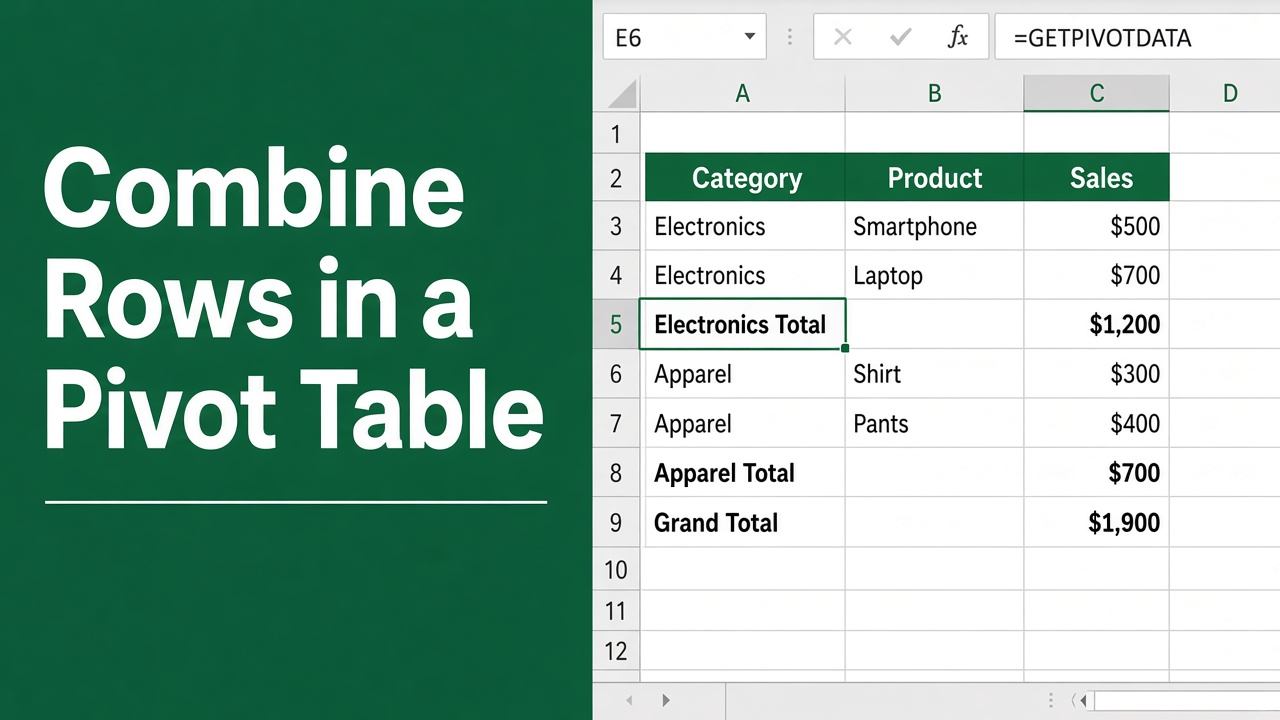
How To Combine Rows In Excel Pivot Table: Easy Guide
Discover the steps for how to combine rows in Excel pivot table with our easy-to-follow guide, streamlining your data analysis and reporting.
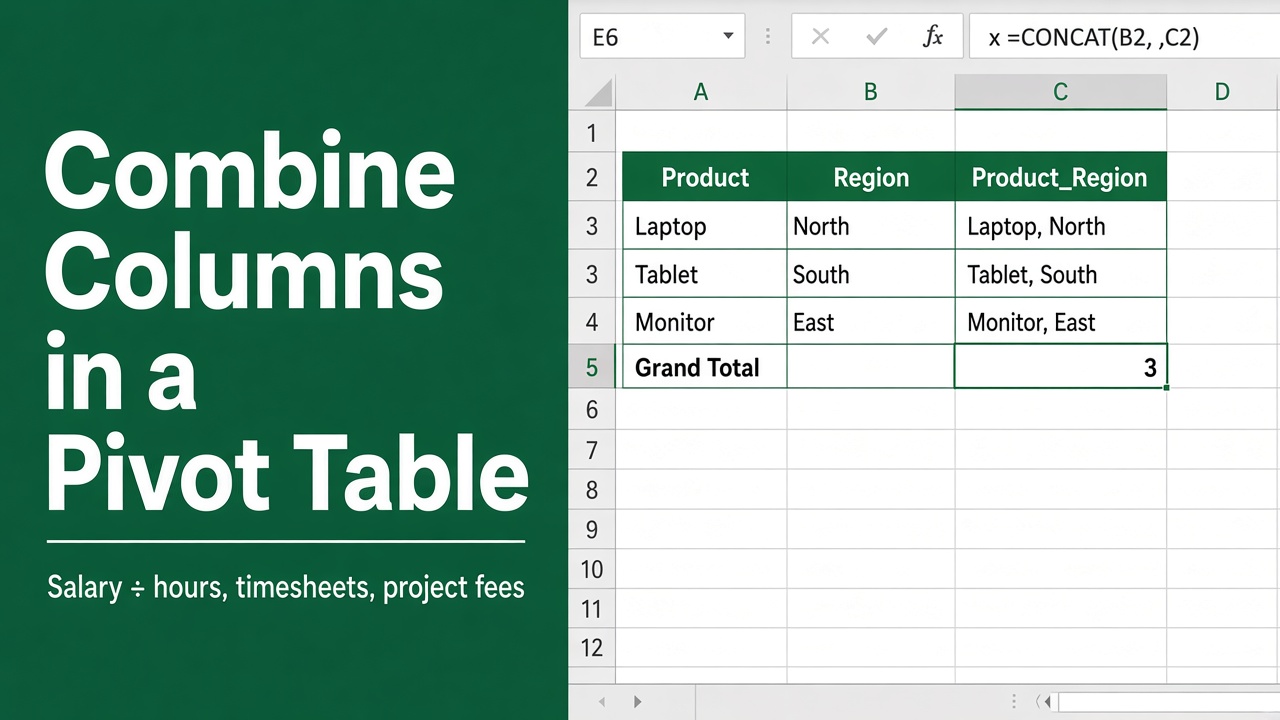
How To Combine Columns In Excel Pivot Table: Easy Guide
Discover the simplicity of merging data in Excel with our guide on how to combine columns in Excel pivot table for streamlined analysis.
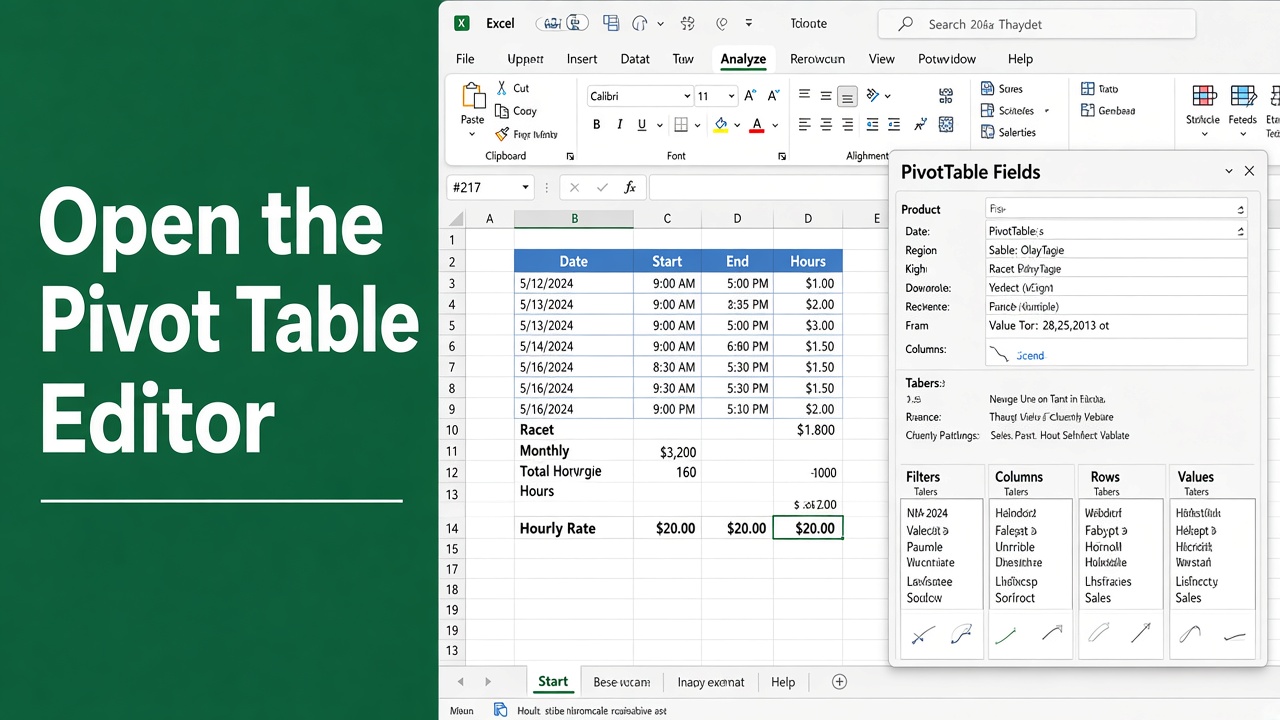
How to Open Excel Pivot Table Editor: A Step-by-Step Guide
Learn how to open the Pivot Table Editor in Excel to customize, analyze & visualize your data. Step-by-step guide for all Excel versions.
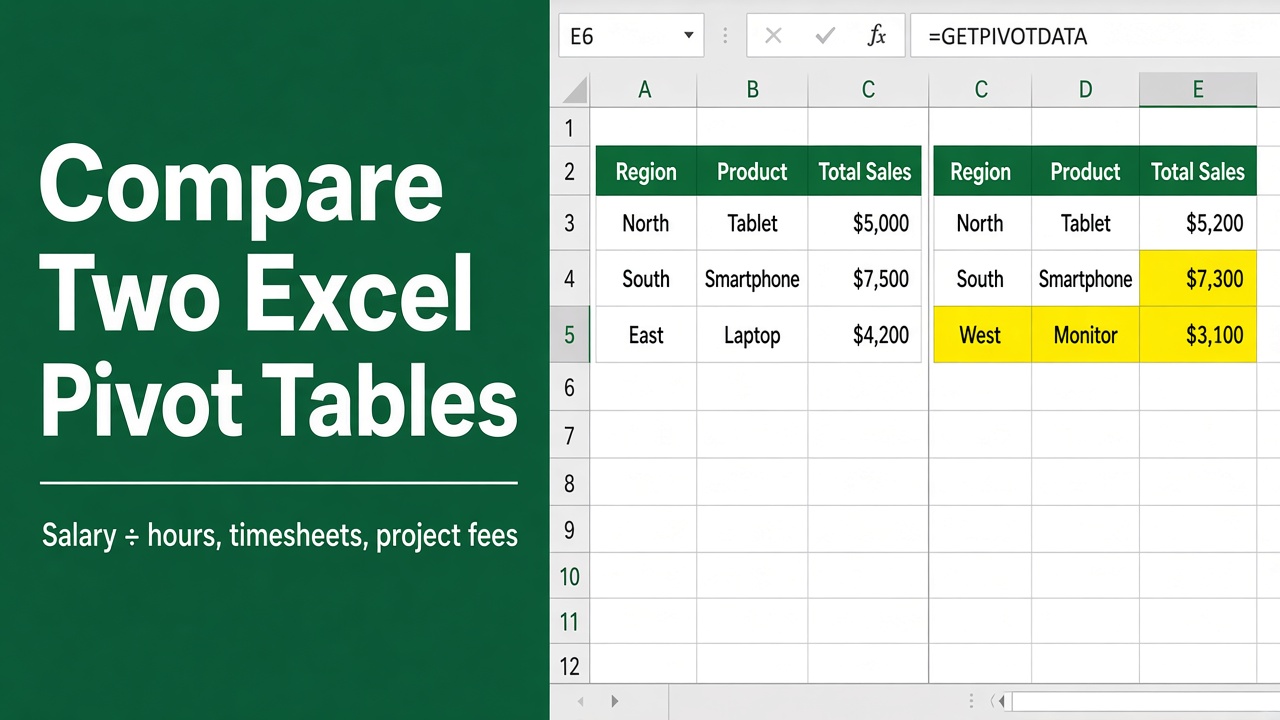
How To Compare Two Excel Pivot Tables: Easy Guide
Discover the step-by-step process for how to compare two Excel pivot tables effectively. Enhance your data analysis skills with our easy guide.
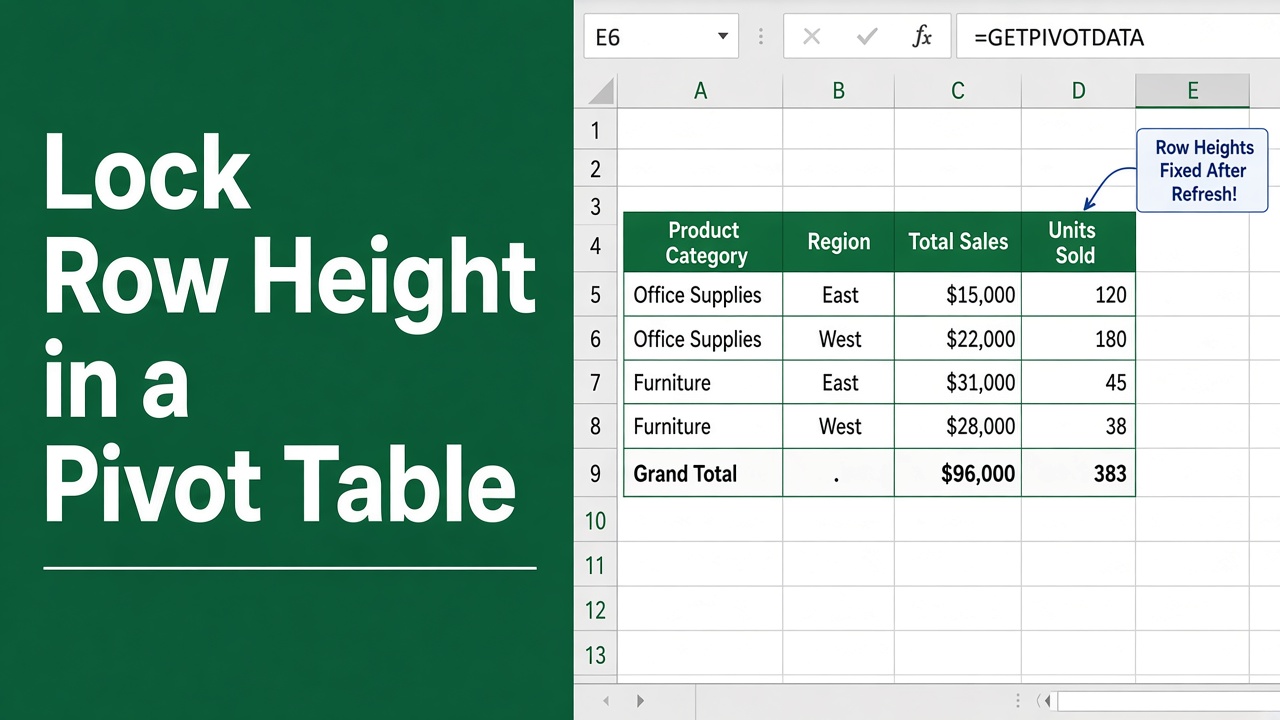
How to Lock Row Height in Excel Pivot Table: Step-by-Step Guide
Learn how to lock row heights in your Excel pivot table to maintain a consistent and professional look for your reports. Follow our step-by-step guide.
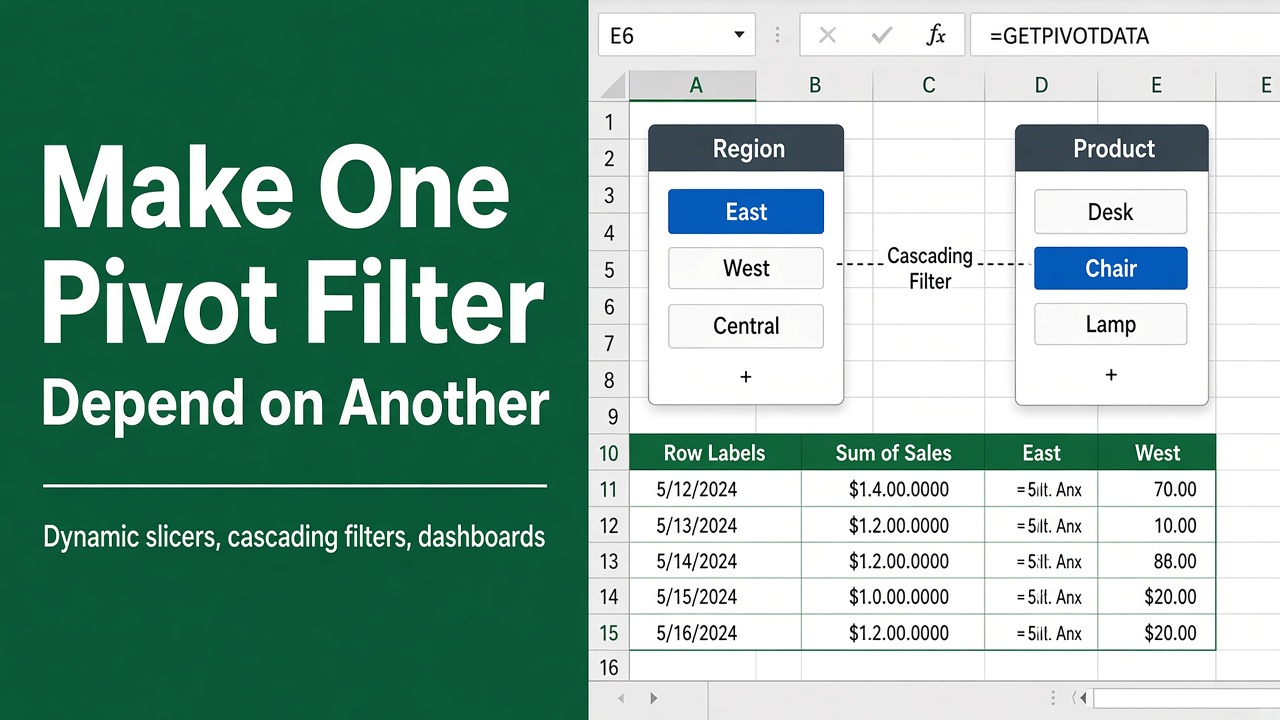
How To Make One Filter Dependent On Another In Excel Pivot Table: Easy Guide
Streamline your data analysis with cascading filters! Learn how to make one filter dependent on another in an Excel pivot table efficiently.
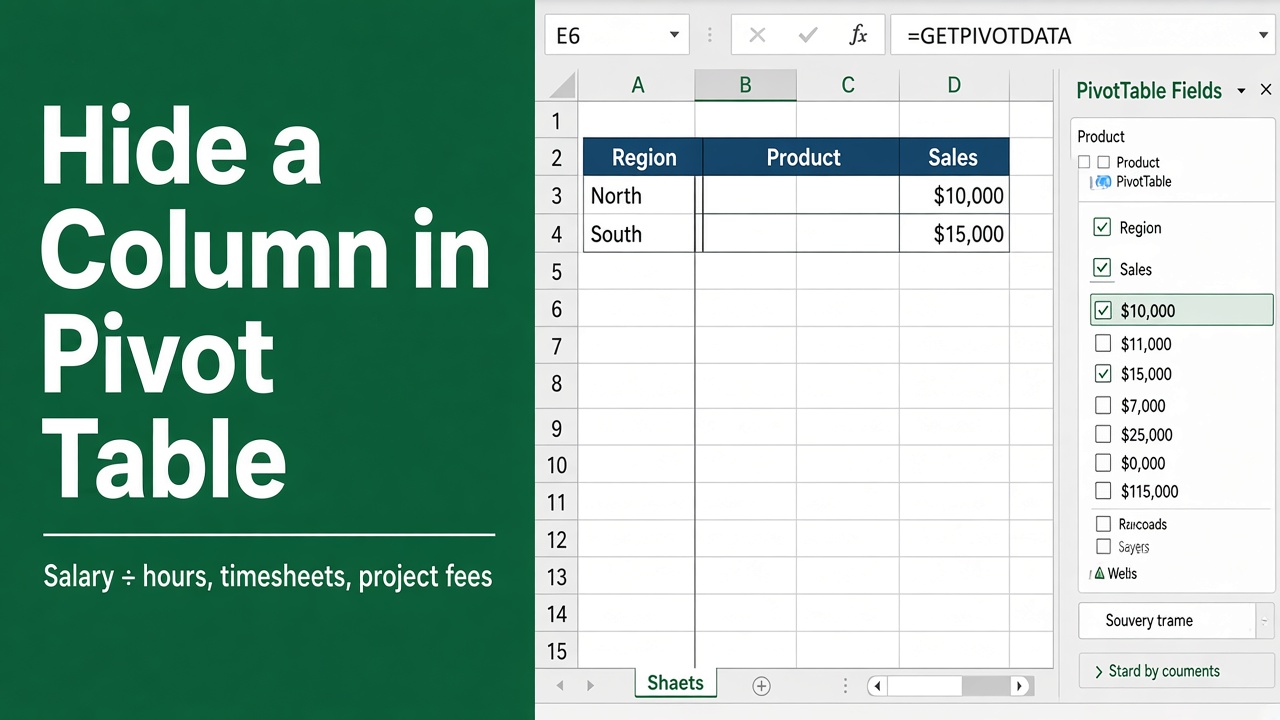
How to Hide a Column in Excel Pivot Table: A Complete Guide
Learn how to hide columns in Excel pivot tables quickly and efficiently. Master multiple methods, troubleshoot common issues & optimize your data presentation.
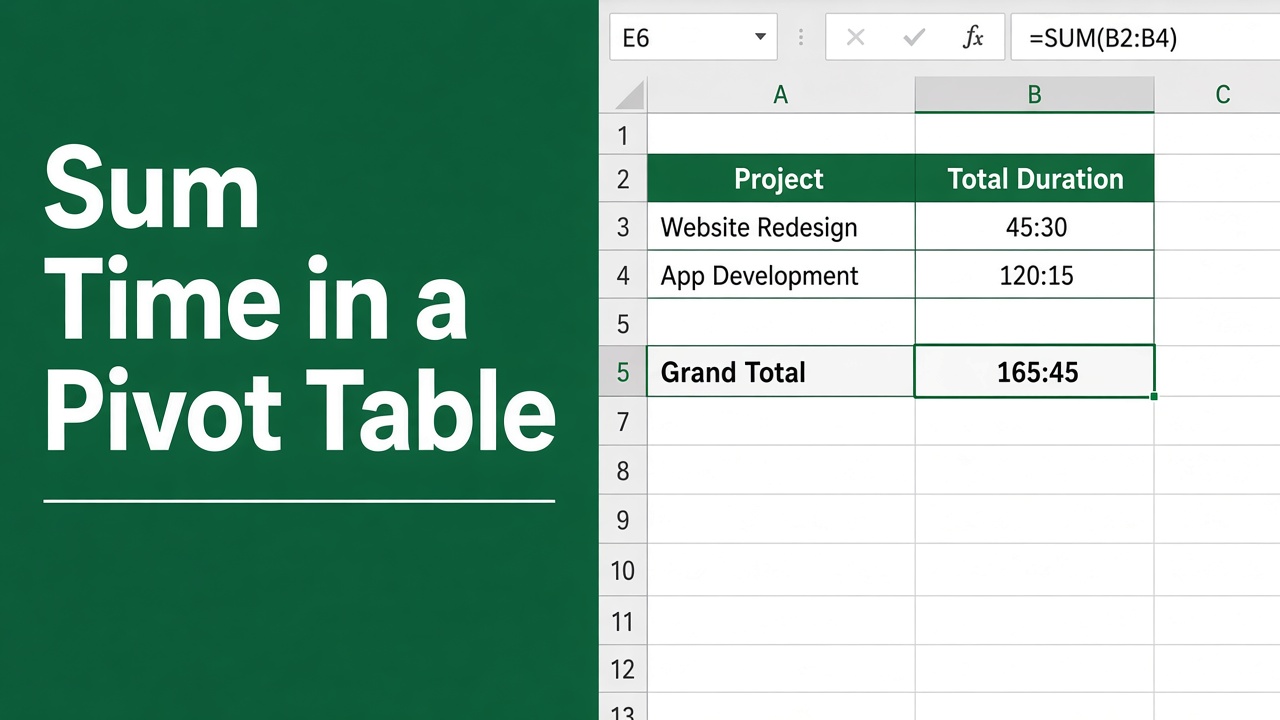
How to Sum Time in Excel Pivot Table: A Comprehensive Guide
Learn how to sum time in Excel Pivot Table with this easy guide. Master time data management and enhance your productivity today!
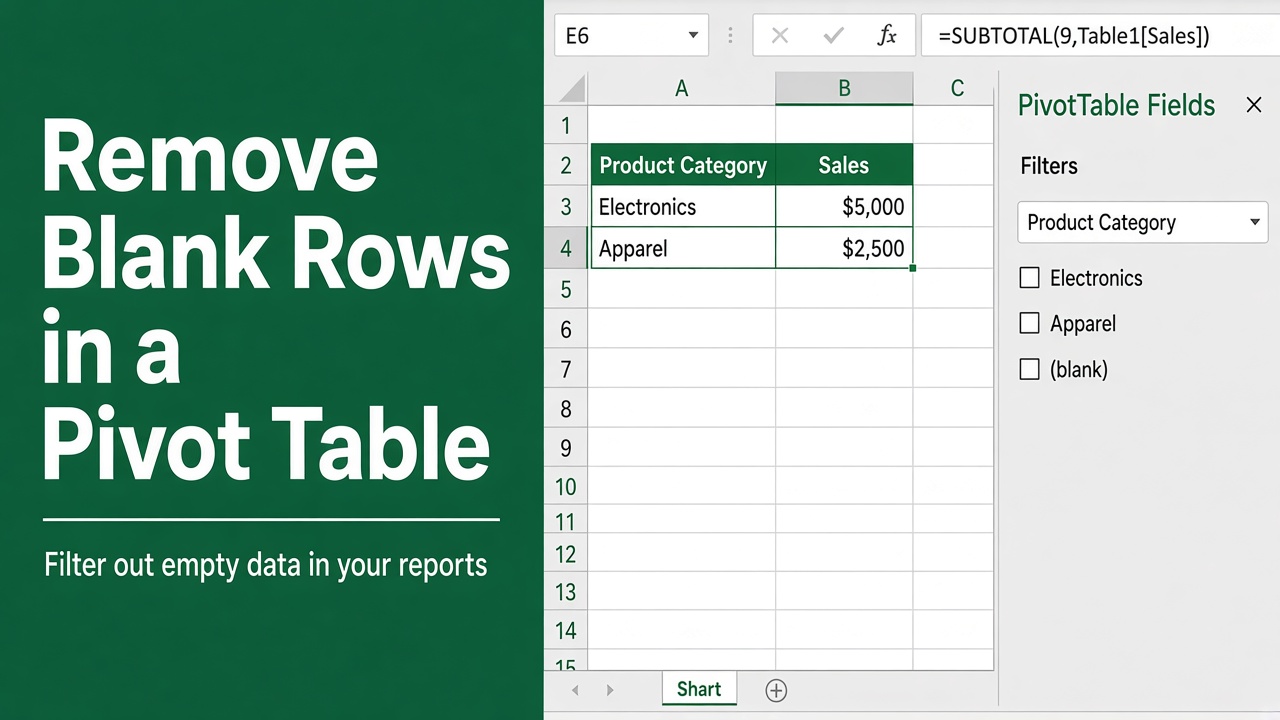
How to Remove Blank Rows in Excel Pivot Table: Easy Guide
Easily remove blank rows from Excel Pivot Tables with this step-by-step guide. Learn simple methods and advanced techniques to clean your data efficiently.