
Vaishvi Desai
Page 40
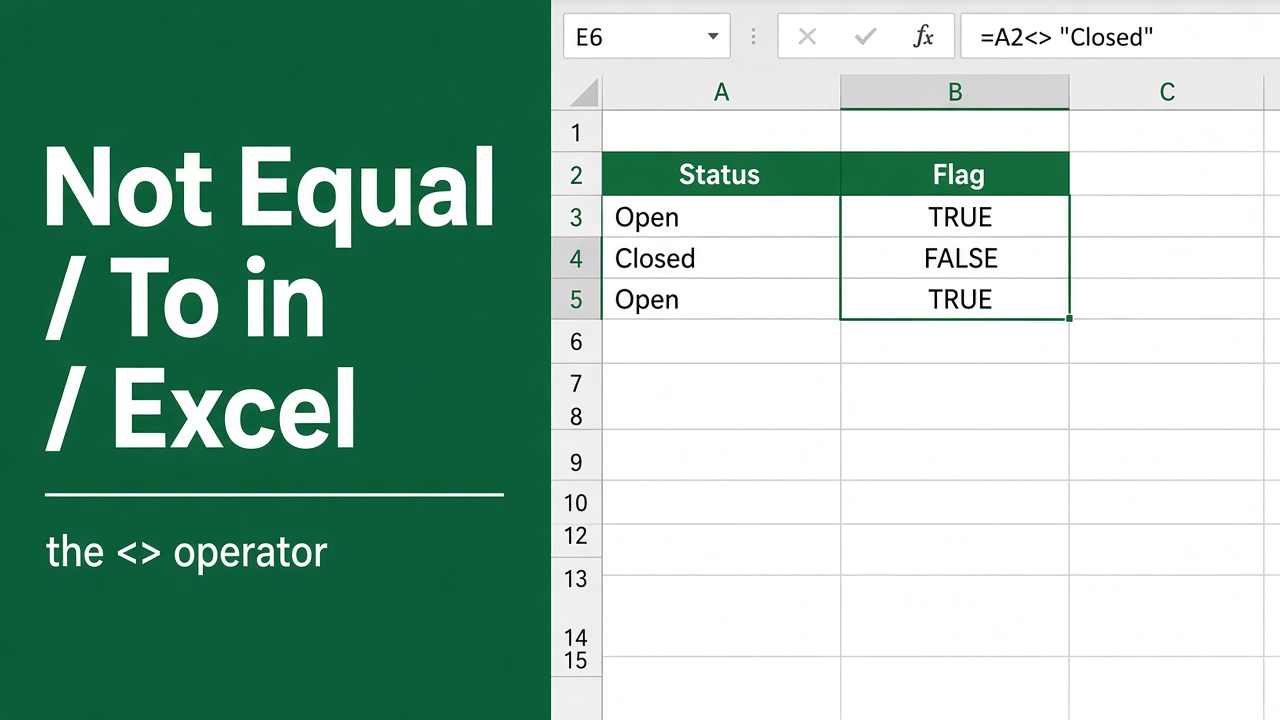
Excel Formula: How to Use “Not Equal To” in Your Spreadsheets
Learn how to use the Excel “not equal to” formula to filter and analyze data effectively. Discover tips, examples & powerful combinations with other functions.
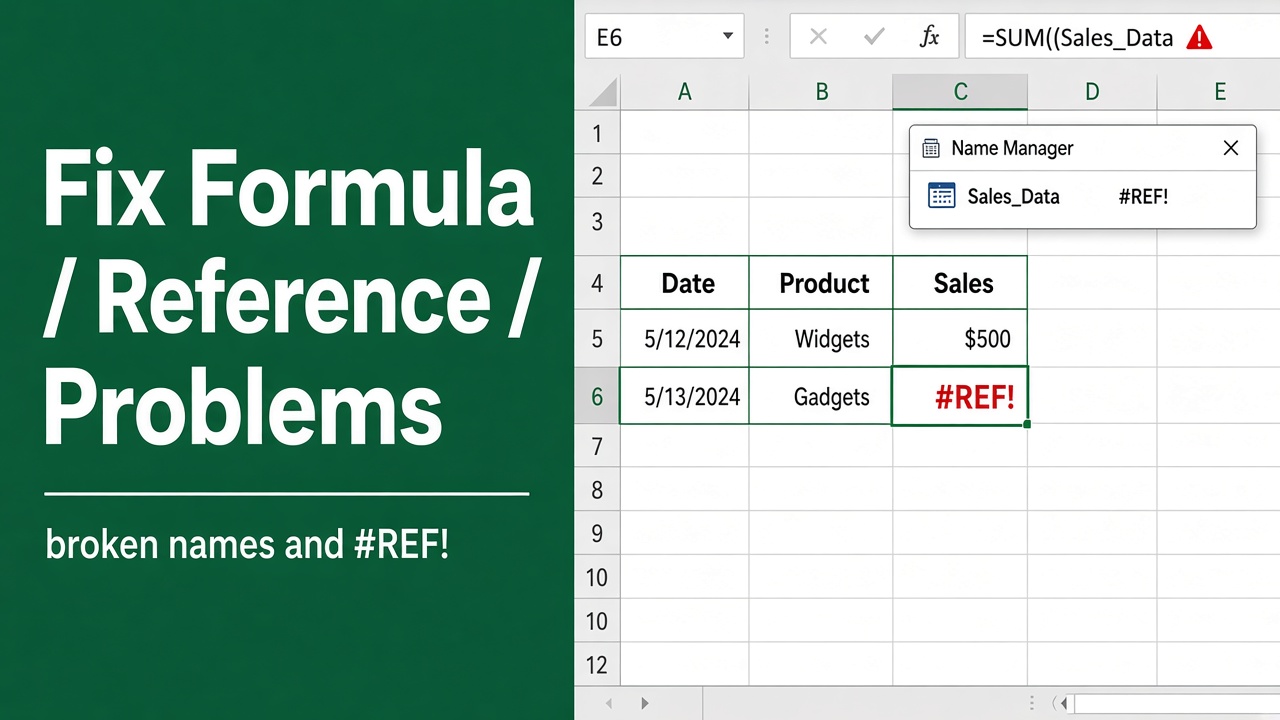
Excel Found a Problem with Formula References: How to Fix It?
Fix the frustrating “Excel found a problem with formula references” error. Learn how to identify and resolve circular references, broken links, and more.
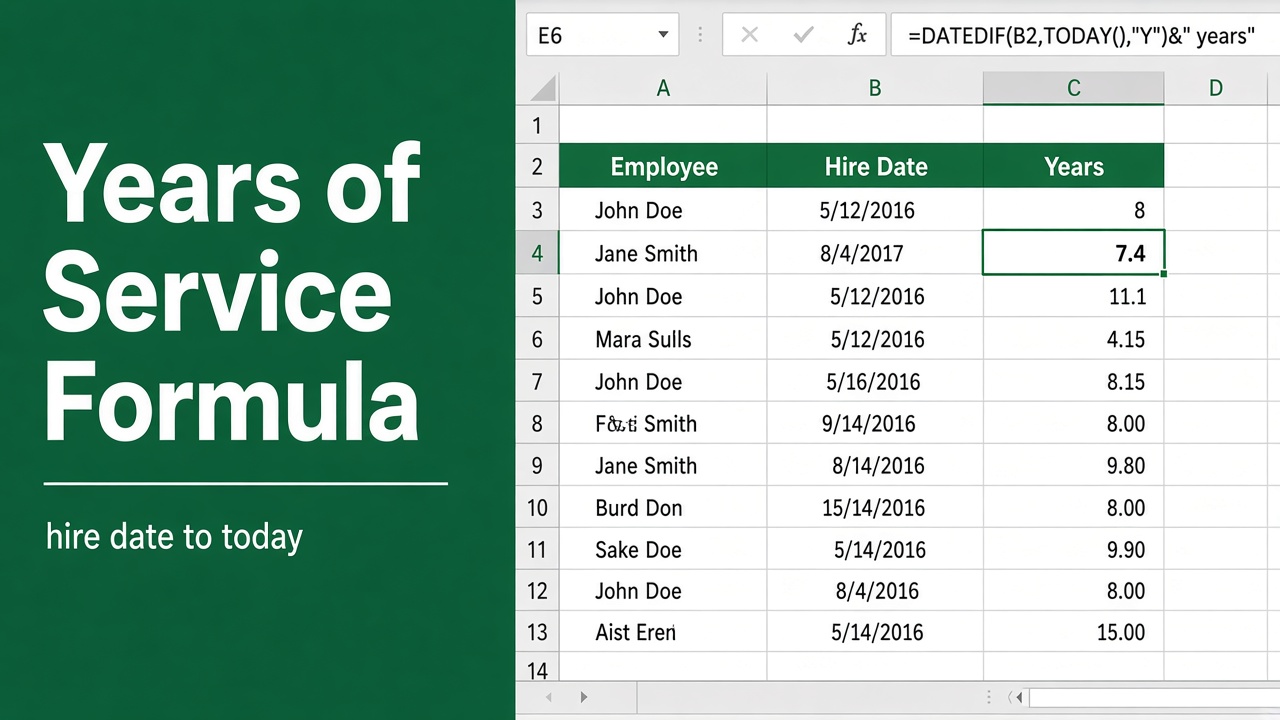
Calculate Years of Service with Excel Formula | Quick Guide
Discover how to effortlessly determine employee tenure with our step-by-step guide on using the excel formula for years of service.
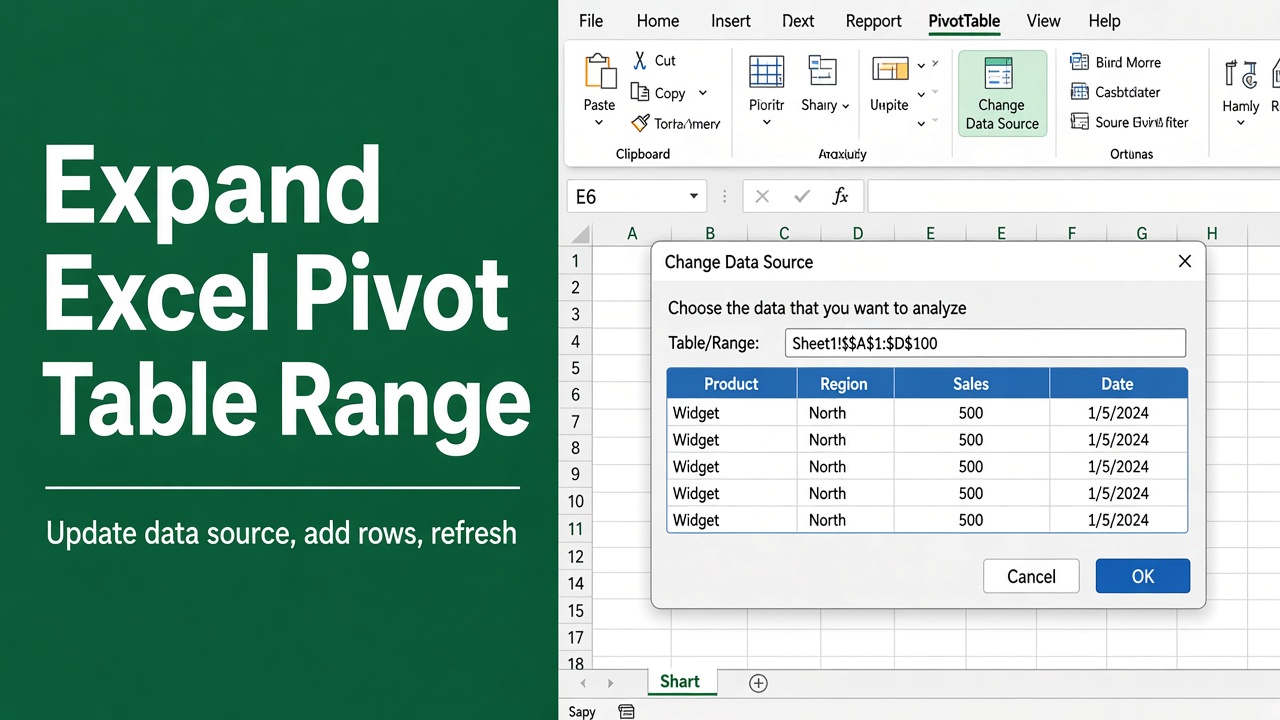
How to Expand Excel Pivot Table Range: Easy Guide
Learn how to expand your Excel pivot table range to include new data for accurate analysis. Follow our step-by-step guide with tips and troubleshooting.
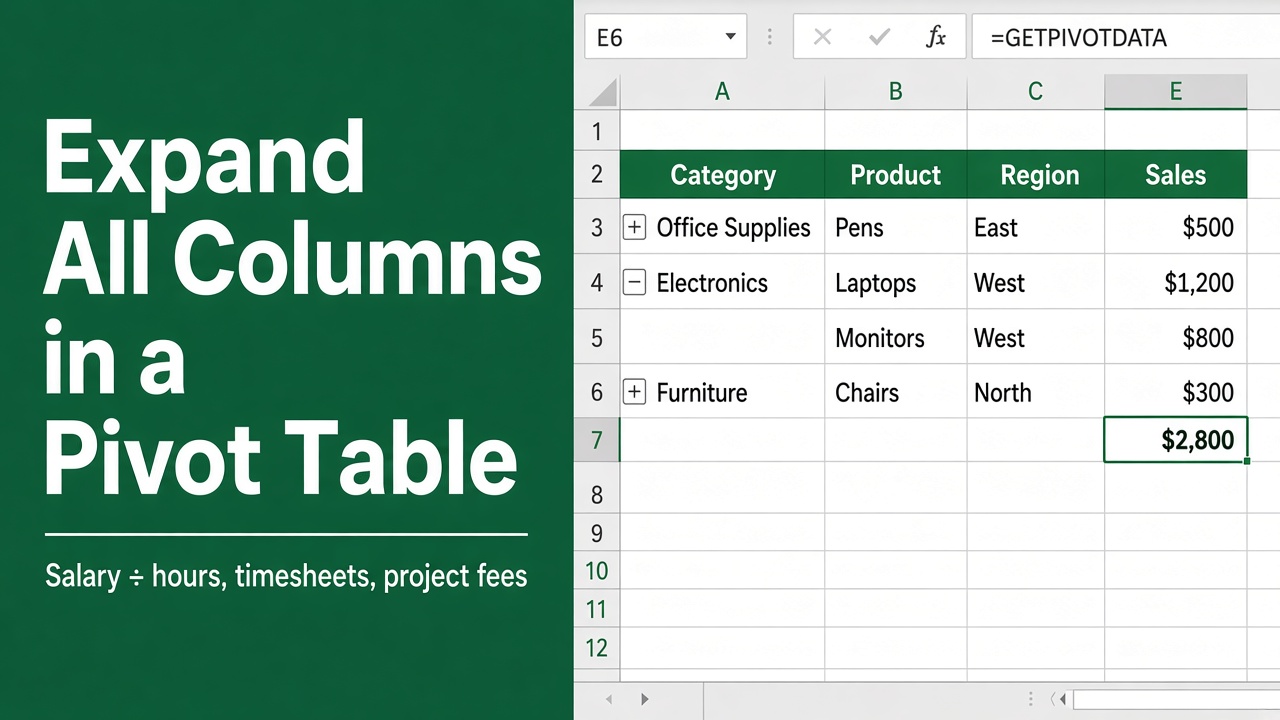
How To Expand All Columns In Excel Pivot Table: Easy Guide
Master your Excel pivot tables with ease! Learn how to expand all columns in an Excel pivot table with our step-by-step guide.
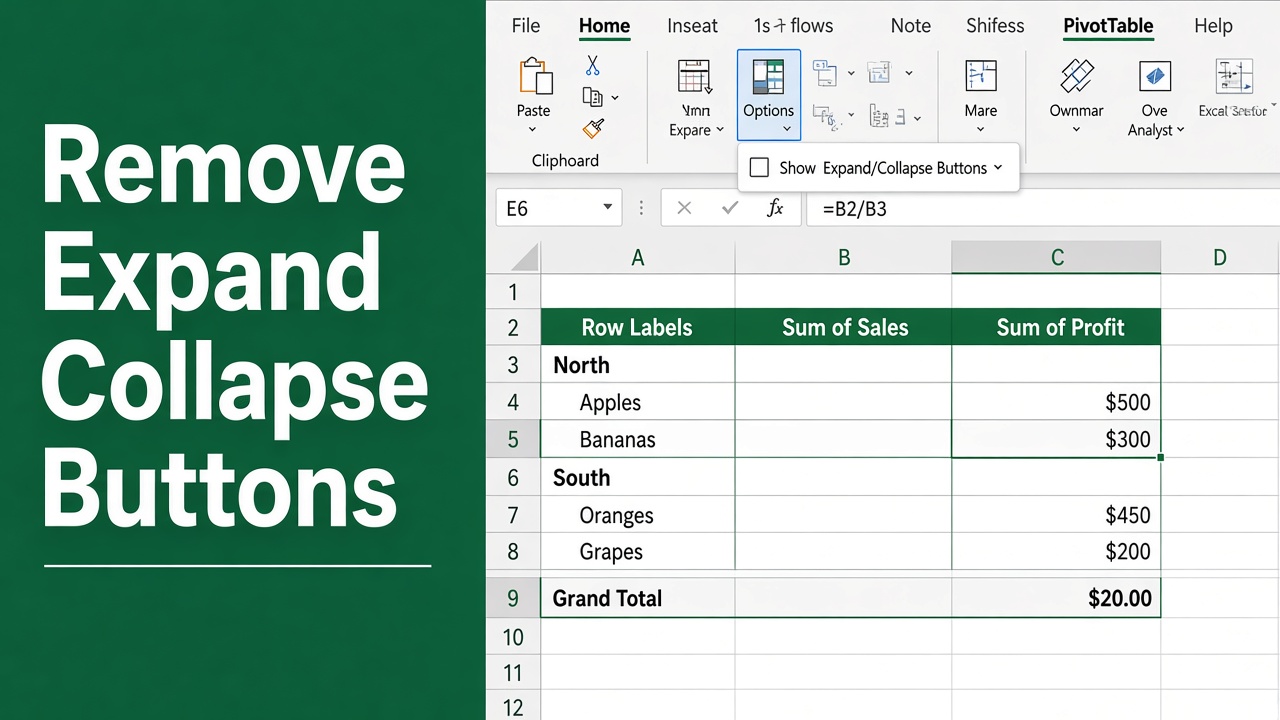
Remove Expand/Collapse Buttons in Excel Pivot Table: Expert Guide
Learn how to remove expand/collapse in Excel pivot tables for cleaner reports. Follow our step-by-step guide to customize your data presentation effectively.
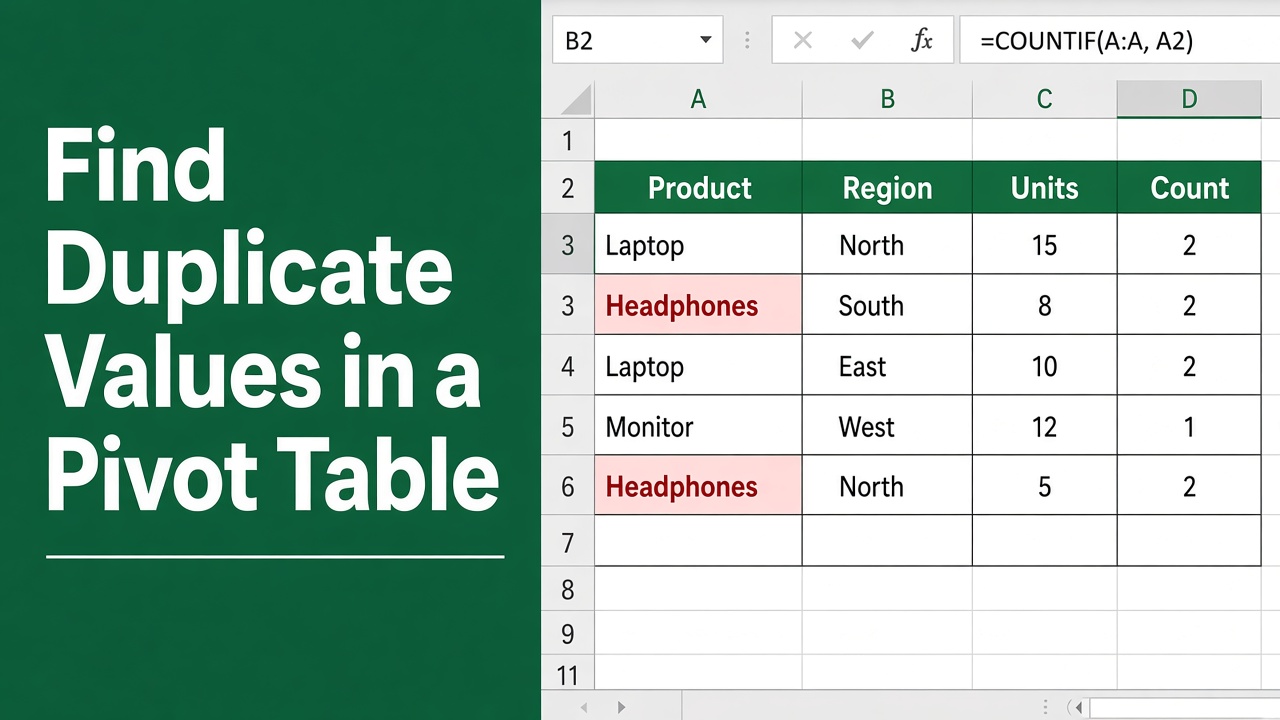
How to Find Duplicate Values in Excel Pivot Table: Easy Guide
Discover a straightforward approach to detect and manage duplicate data in your Excel pivot tables with our helpful tips. Optimize your analysis now!
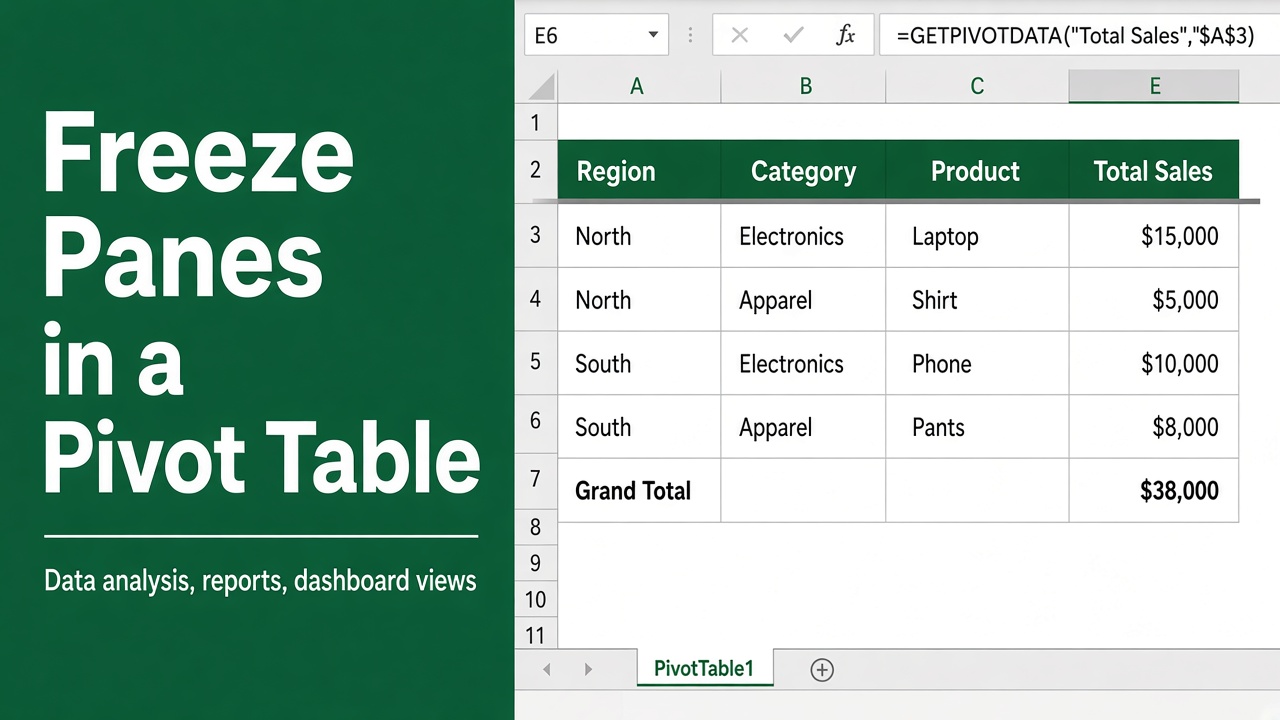
How to Freeze Panes in Excel Pivot Table: Easy Guide
Learn how to freeze panes in an Excel Pivot Table to keep headers visible while scrolling. Follow simple steps to improve data readability and navigation.
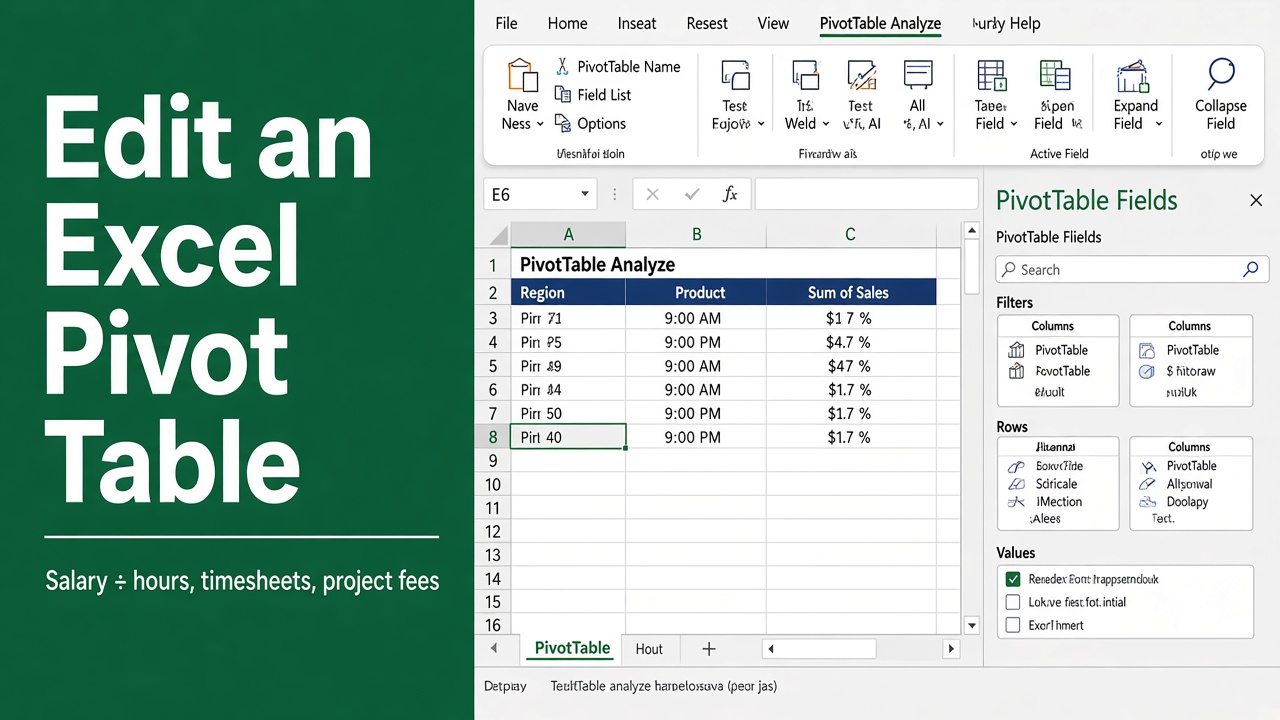
How To Edit An Excel Pivot Table: Easy Guide
Discover the steps to effectively manage and customize your data with our easy guide on how to edit an Excel pivot table. Master your spreadsheets now!
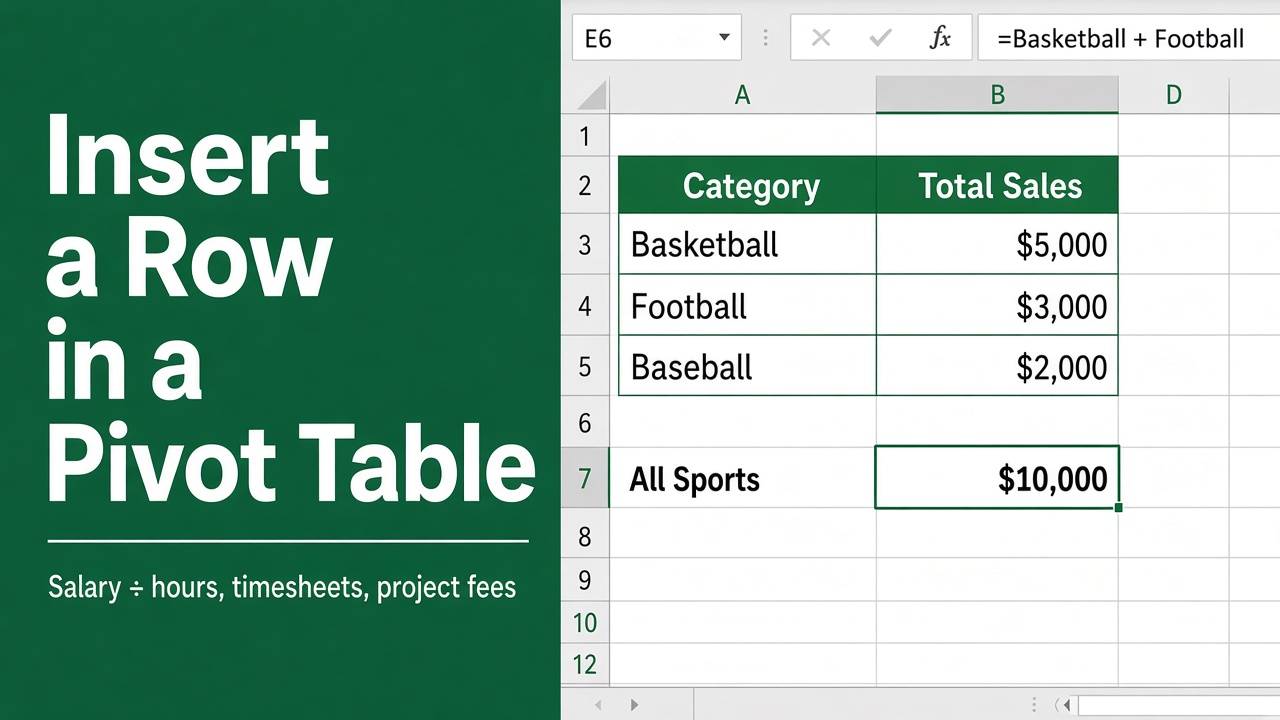
How to Insert Row in Excel Pivot Table? (3 Easy Methods)
Learn how to insert a row in an Excel Pivot Table using built-in features or manual methods to improve layout, clarity, and presentation.