
Vaishvi Desai
Page 17
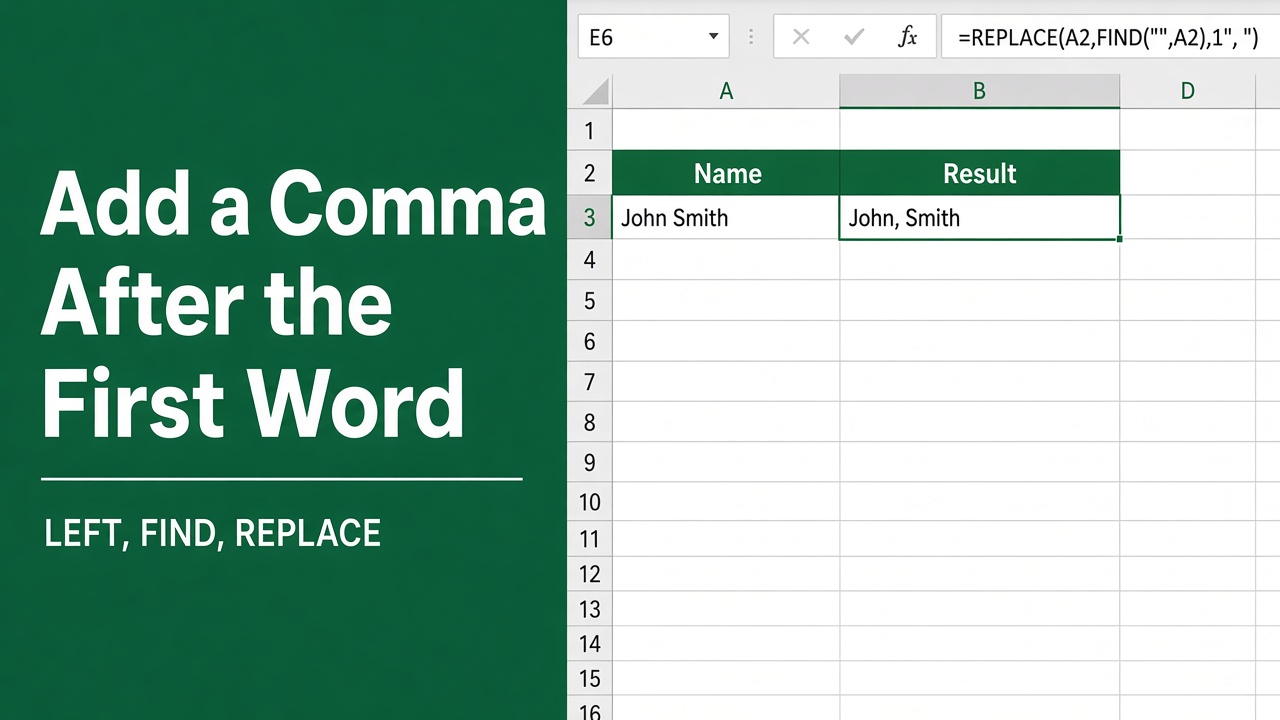
Quick & Simple Excel Formula to Add Comma After First Word
Learn how to add a comma after the first word in Excel using simple formulas. Improve text formatting for names, addresses, and more.
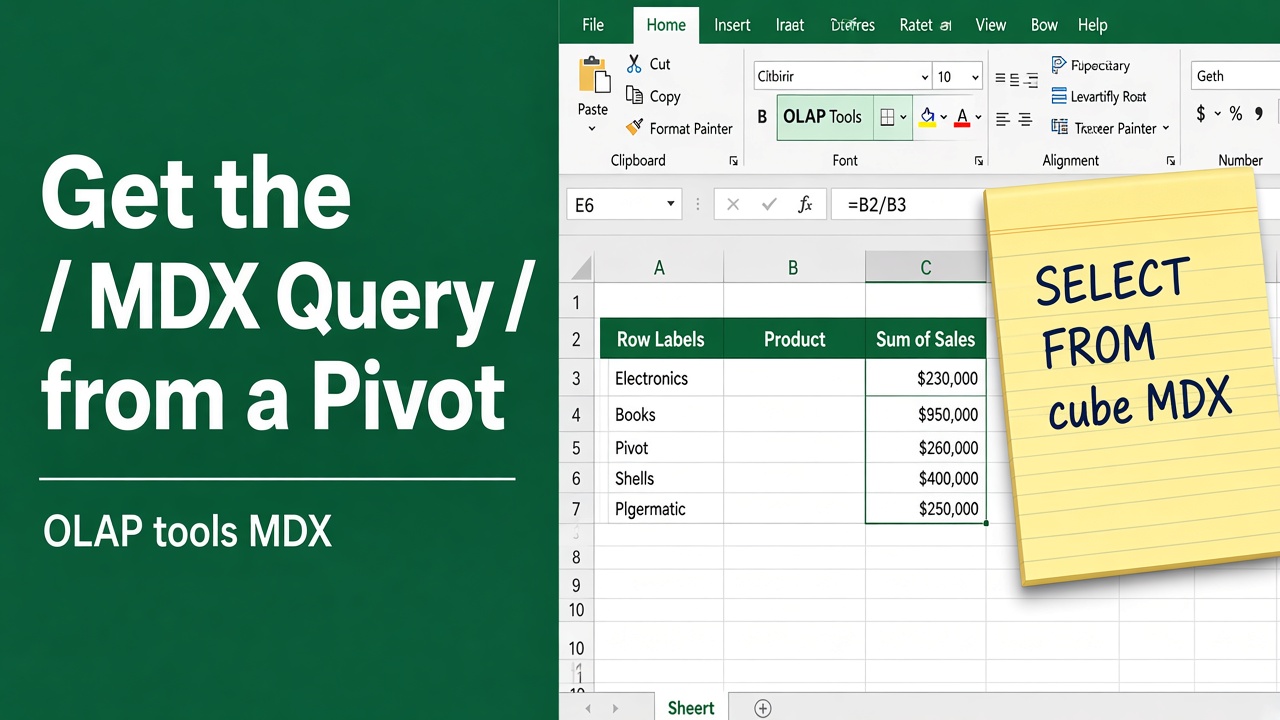
How to Get MDX Query from Excel Pivot Table: Easy Guide
Learn how to extract the MDX query from an Excel Pivot Table connected to OLAP data sources. Step-by-step instructions for capturing and using MDX queries.
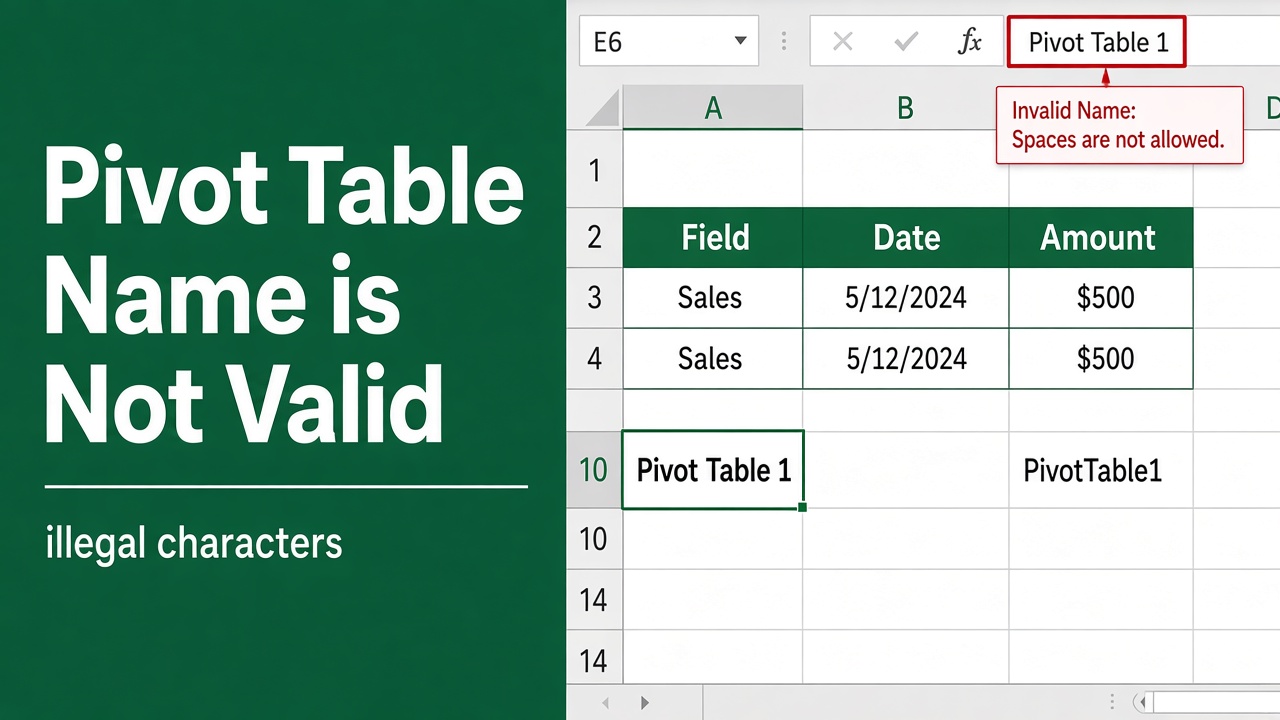
How to Fix the “Pivot Table Name is Not Valid” Error in Excel?
Learn how to fix the “Pivot Table Name is Not Valid” error in Excel with easy-to-follow steps, troubleshooting tips, and best practices to avoid common issues.
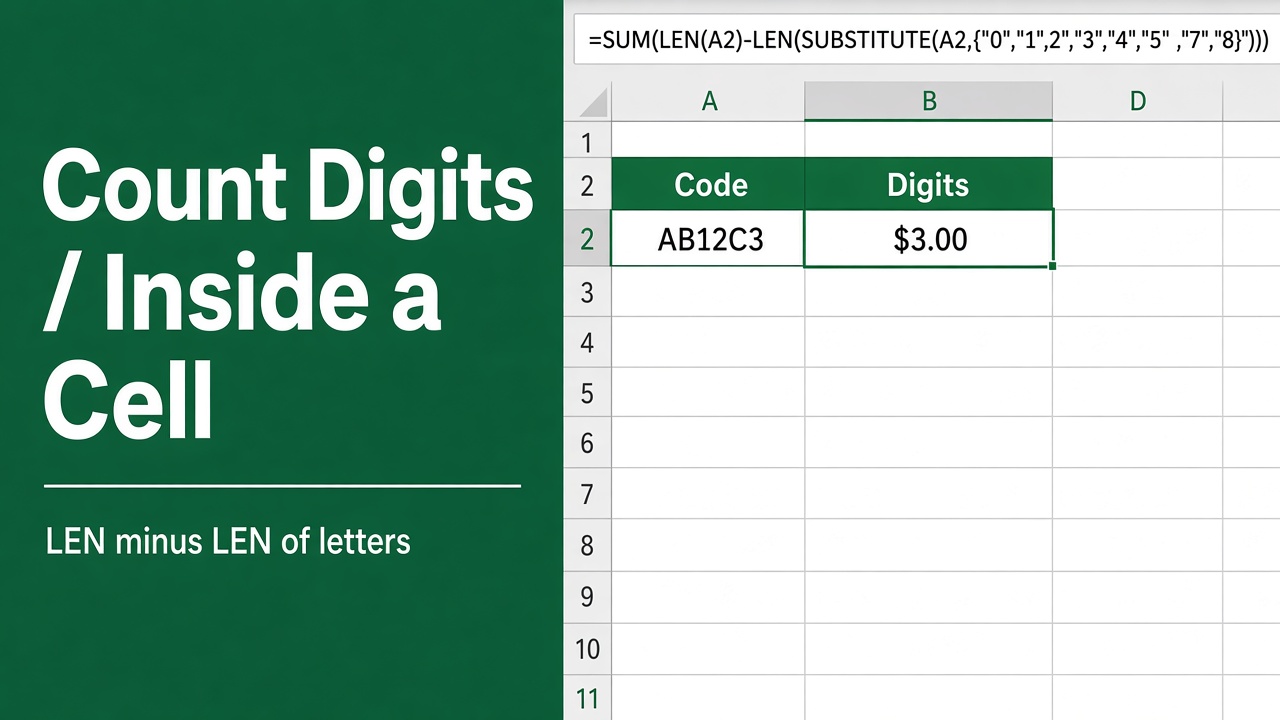
Easy Excel Formula to Count Number of Digits in a Cell
Learn how to use an Excel formula to count the number of digits in a cell, helping you efficiently analyze numeric data in your spreadsheets.
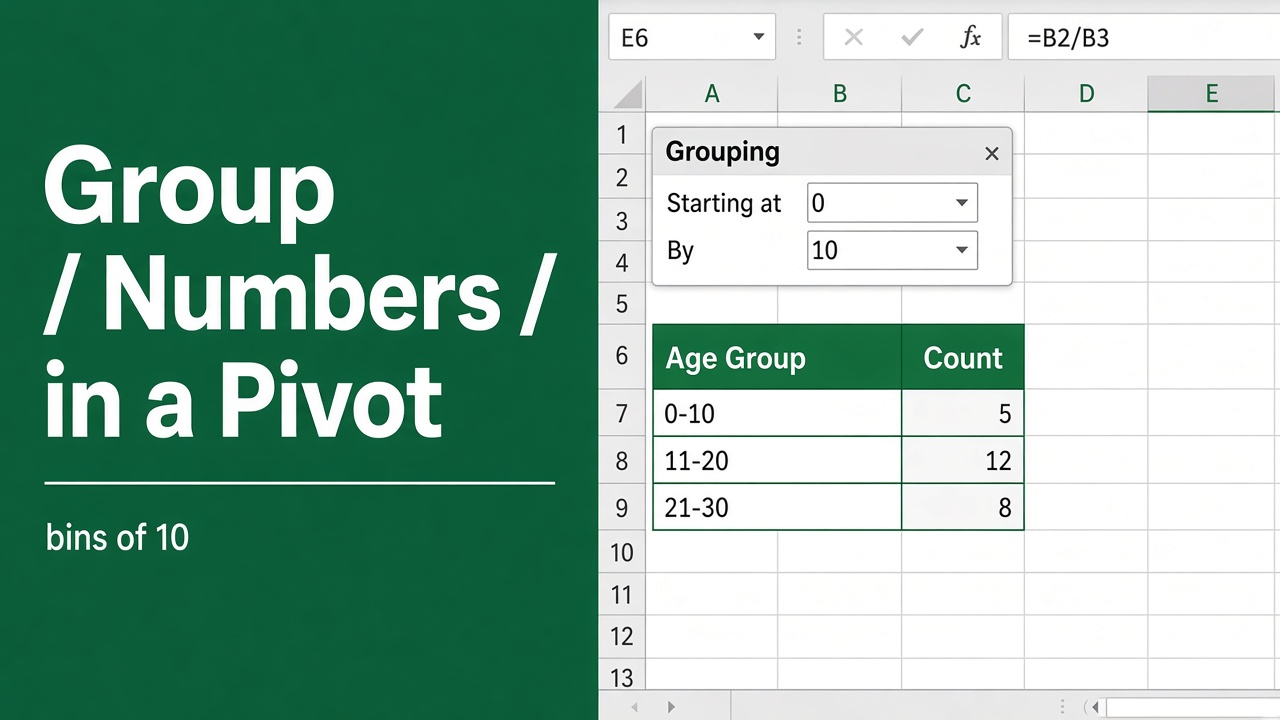
How to Group Numbers in Pivot Table in Excel: Expert Tips
Learn how to group numbers in a pivot table in Excel with easy-to-follow steps and examples. Optimize your data analysis and create meaningful reports.
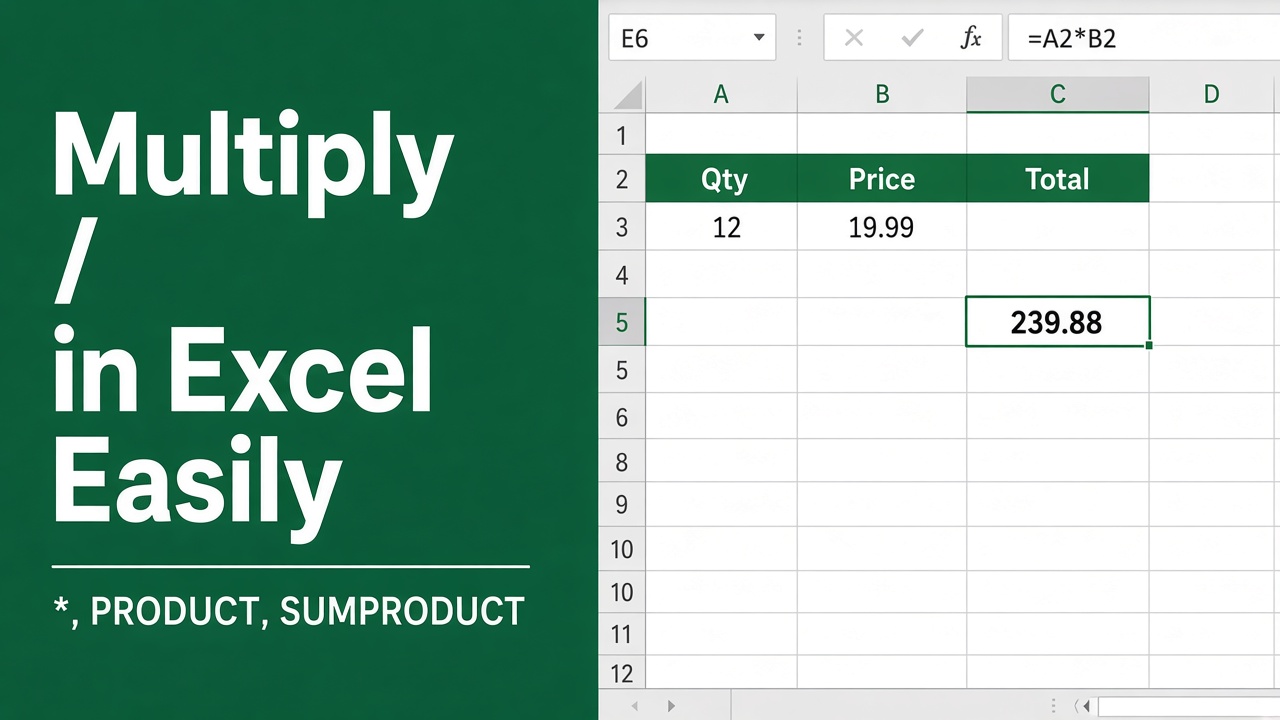
How to Multiply in Excel? (Easy Formula for Multiplication)
Learn the best methods for using Excel formulas for multiplication, including basic arithmetic, the PRODUCT function, and multiplying by percentages.
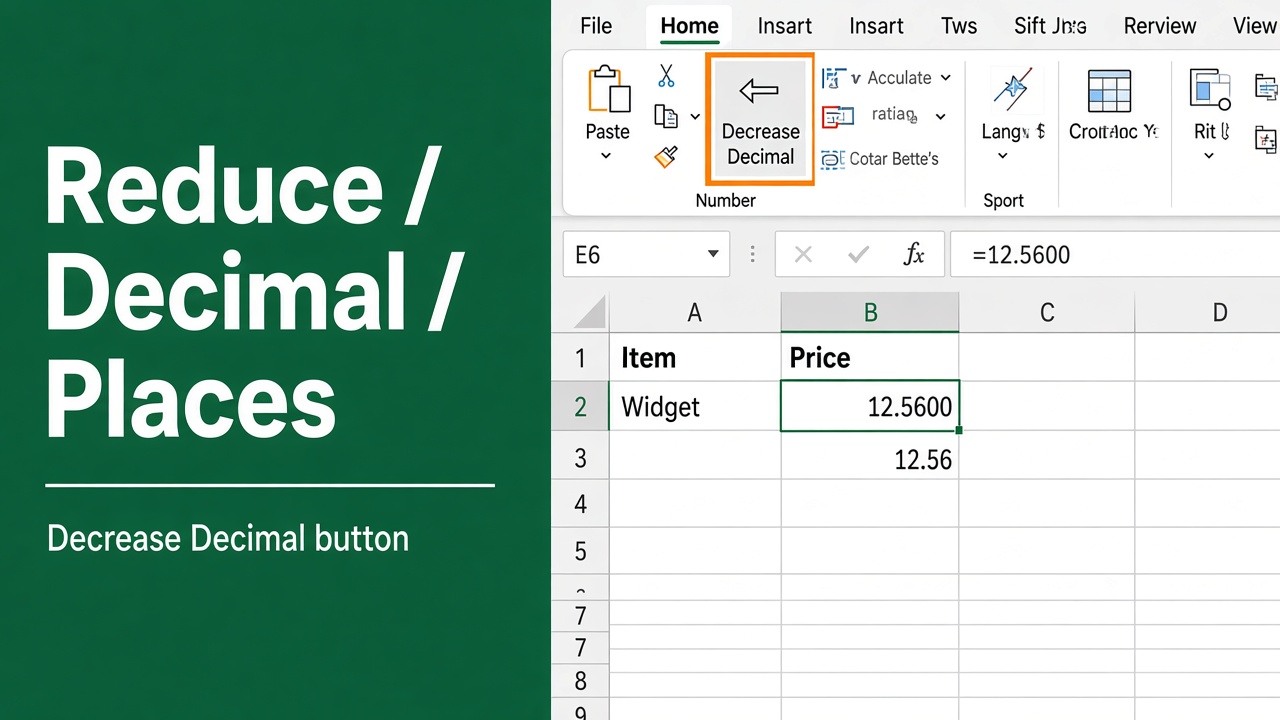
Quick and Easy Excel Shortcut to Reduce Decimal Places
Learn how to quickly reduce decimal places in Excel using a shortcut. This guide covers everything you need for efficient decimal place management.
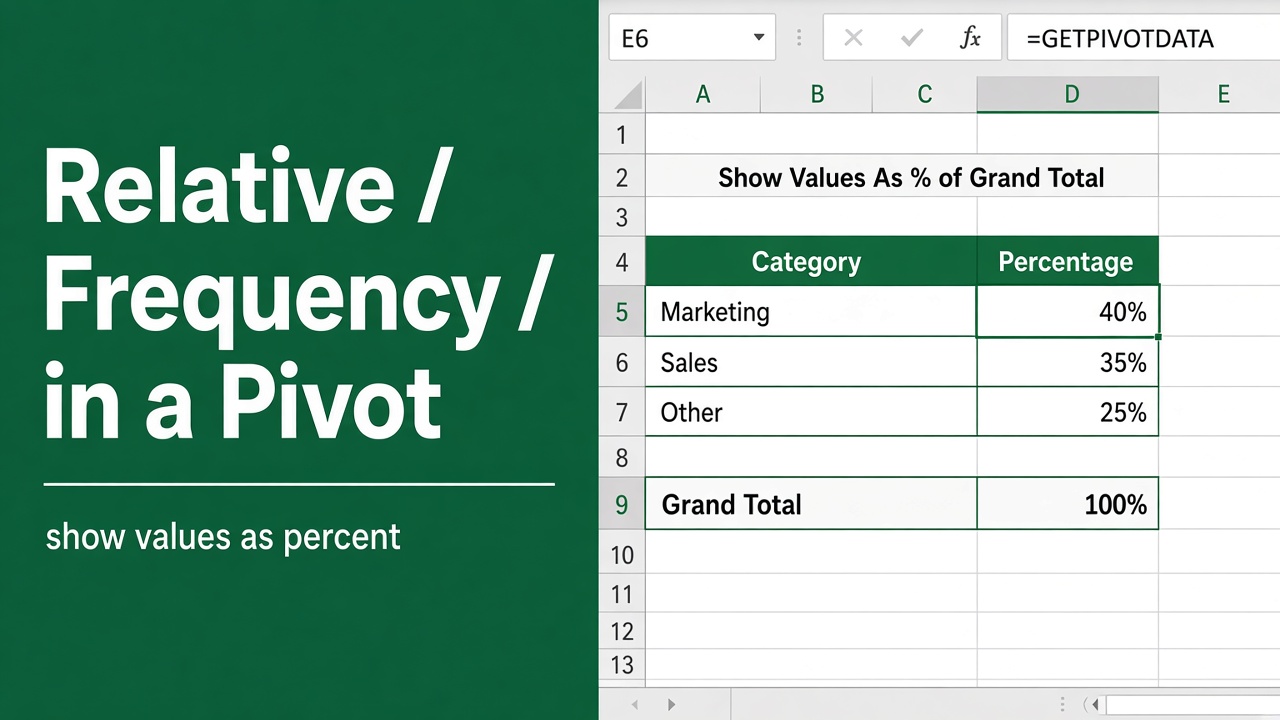
How to Find Relative Frequency in Excel Pivot Table?
Learn how to calculate relative frequency in an Excel pivot table to analyze data, compare proportions, and uncover insights. Step-by-step guide with examples.
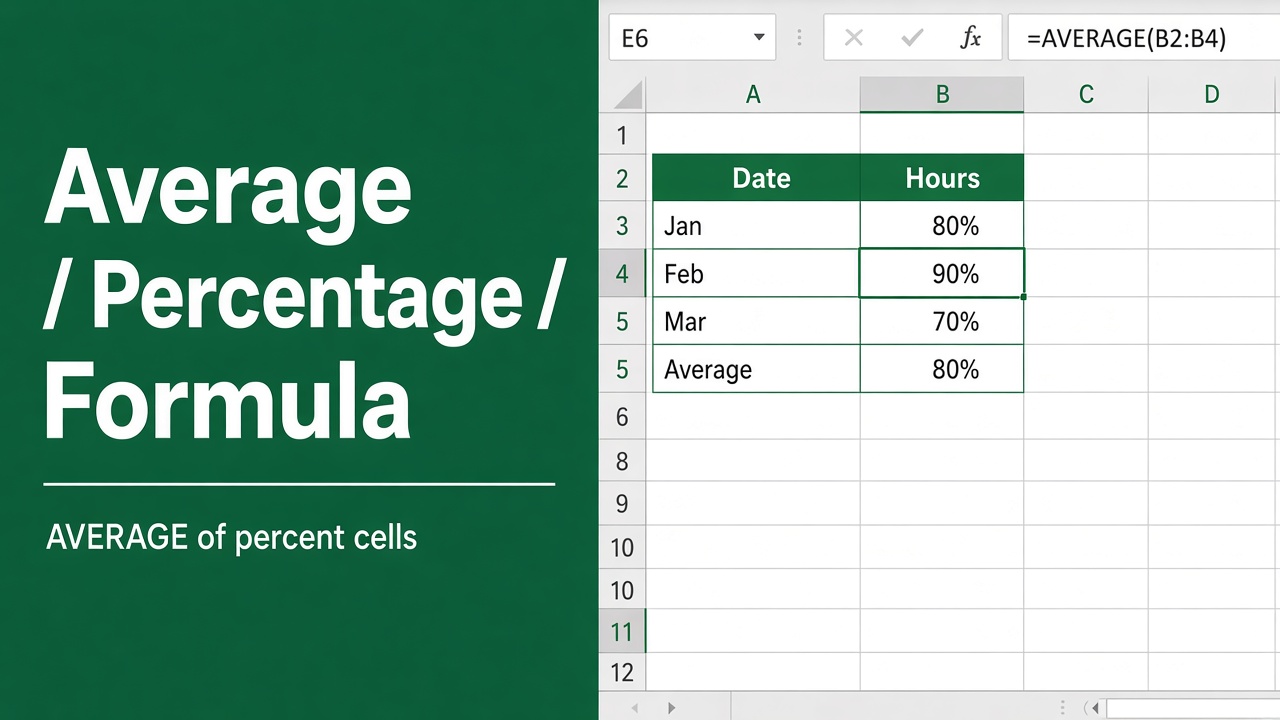
How to Calculate Average Percentage in Excel Using Formula?
Learn how to calculate average percentage in Excel using formulas, troubleshoot common issues, and analyze data for insights.
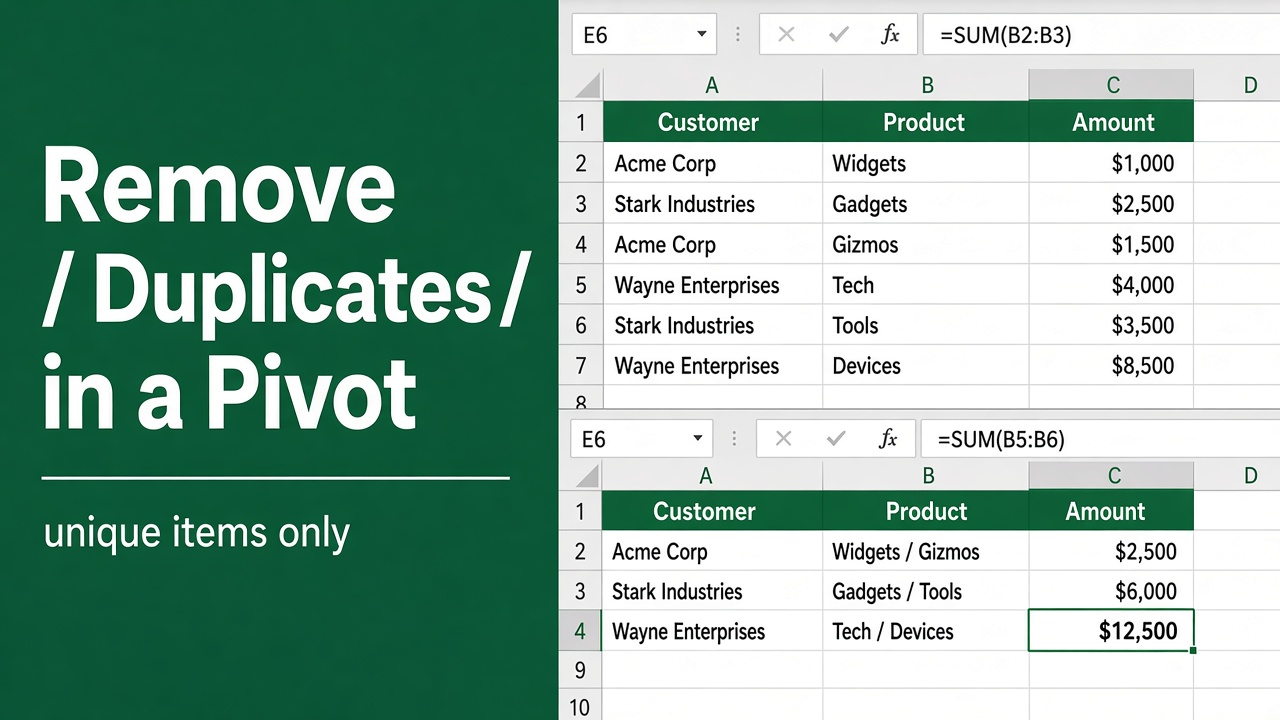
4 Easy Methods to Remove Duplicates in Excel Pivot Table
Learn how to easily remove duplicates in Excel Pivot Tables to streamline your data analysis and ensure accurate reporting in just a few steps.