
Excel library
20 Keyboard Shortcuts for Deleting in Excel: A Comprehensive List
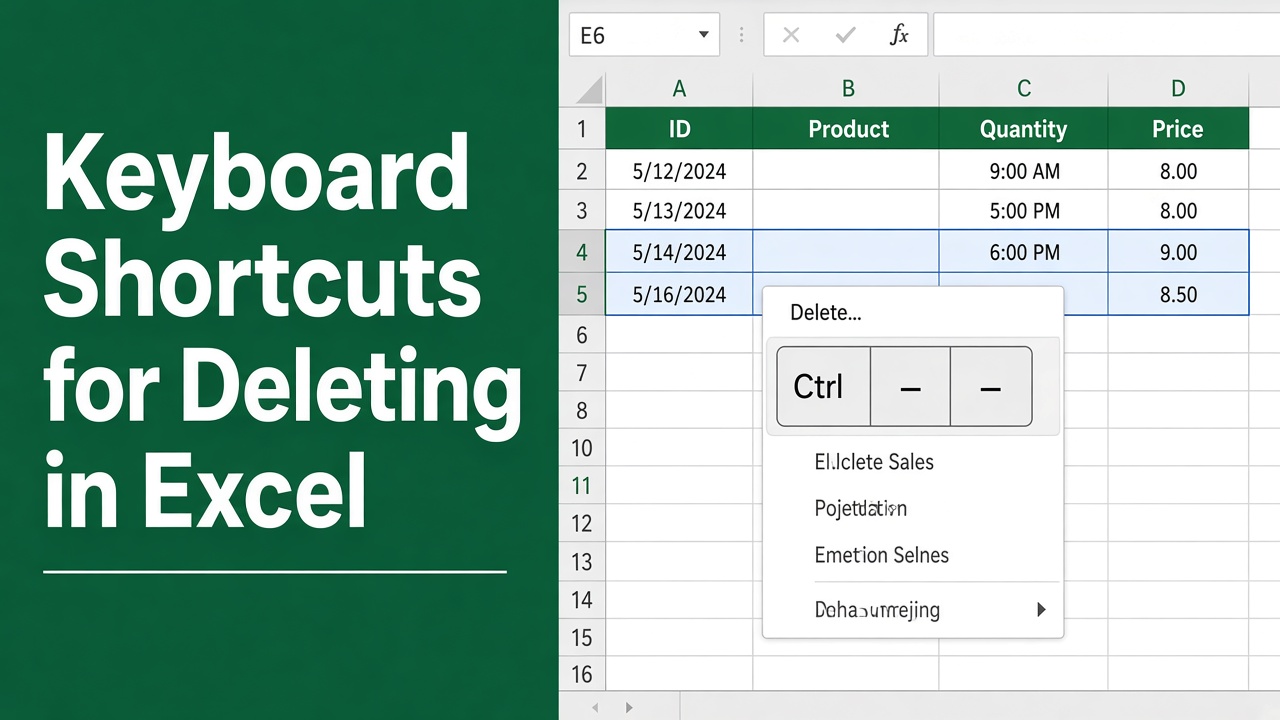
Excel is a powerful tool for data analysis and management, but navigating through its various features can be time-consuming. One of the most common tasks in Excel is deleting data, and knowing the right shortcuts can significantly boost your productivity. Below are the delete and clear shortcuts that work in current versions of Excel, for Windows and Mac. For a wider list of Mac shortcuts, see essential Excel shortcut keys for Mac.
- Delete a row: Shift + Space, then Ctrl + -
- Delete a column: Ctrl + Space, then Ctrl + -
- Clear contents but keep formatting: Delete
- Delete the sheet: Alt, H, D, S
On a Mac, select the row or column and press ⌘ + -.
Deleting data in Excel is a frequent task, whether you’re removing unnecessary information, clearing formatting, or starting fresh with a new dataset. While using the mouse and navigating through menus is an option, it can be slow and cumbersome. By mastering a few simple keyboard shortcuts, you can streamline your workflow and delete data quickly and easily.
Delete Shortcuts for Windows
Shortcuts written with commas, like Alt, H, D, S, are pressed one after another, not together.
Rows, Columns and Cells
| Task | Shortcut |
|---|---|
| Delete the selected row(s) | Shift + Space, then Ctrl + - |
| Delete the selected column(s) | Ctrl + Space, then Ctrl + - |
| Delete cells and choose Shift up / Shift left | Ctrl + - with part of a row selected |
| Delete sheet rows of the selected cells | Alt, H, D, R |
| Delete sheet columns of the selected cells | Alt, H, D, C |
| Delete the current worksheet | Alt, H, D, S |
Clearing Without Deleting Cells
| Task | Shortcut |
|---|---|
| Clear contents, keep formatting | Delete |
| Clear the active cell and start typing in it | Backspace |
| Clear everything (contents, formats, notes) | Alt, H, E, A |
| Clear formats only | Alt, H, E, F |
| Clear comments and notes | Alt, H, E, M |
| Remove hyperlinks, keep the text | Alt, H, E, R |
| Clear conditional formatting from selected cells | Alt, H, L, C, S |
| Clear conditional formatting from the whole sheet | Alt, H, L, C, E |
Other Delete Tasks
| Task | How |
|---|---|
| Remove duplicate rows | Alt, A, M (Data > Remove Duplicates) |
| Delete a named range | Ctrl + F3, select the name, click Delete |
| Delete a pivot table | Click in it, PivotTable Analyze > Select > Entire PivotTable, then Delete |
| Delete several worksheets | Ctrl-click the sheet tabs, then Alt, H, D, S |
Delete All Blank Rows
Excel has no single shortcut for this, but four keystrokes do it:
- Select the data range.
- Press F5, click Special, choose Blanks and click OK.
- Press Ctrl + -, choose Entire row and click OK.
Only use this when blank rows are completely empty. If a row has just one blank cell, it gets deleted too, so check first or filter the rows instead.
Delete Shortcuts for Mac
| Task | Shortcut |
|---|---|
| Clear contents, keep formatting | Delete (or Fn + Delete) |
| Delete selected cells, rows or columns | ⌘ + - (Command + hyphen), or right-click > Delete |
| Clear formats or everything | Home > Clear > Clear Formats / Clear All |
| Remove duplicates | Data > Remove Duplicates |
Excel for Mac doesn’t show Alt key tips, so ribbon sequences such as Alt, H, D, S don’t work there. Select a whole row by clicking its number, then press ⌘ + - to delete it.
Final Thoughts
The two shortcuts worth memorizing are Delete to clear cells and Ctrl + - to remove them. Combine Ctrl + - with Shift + Space or Ctrl + Space to delete whole rows or columns, and use the Alt, H, E sequences when you only want to strip formatting, notes or links. Remember that deleting rows, columns or sheets can break formulas that refer to them, so check for #REF! errors afterwards.
FAQs
What is the shortcut to delete a row in Excel?
Press Shift + Space to select the row, then Ctrl + - (minus) to delete it. If whole rows are already selected, Ctrl + - deletes them straight away without asking.
How do I clear cell contents but keep the formatting?
Select the cells and press Delete. The values and formulas are removed, but the number format, fill color and borders stay.
Is there a shortcut to clear all formatting?
Yes. Press Alt, H, E, F (Home > Clear > Clear Formats). Ctrl + \ does not clear formatting; it selects cells that differ from the active cell in each row.
How do I delete all blank rows at once?
Select the data, press F5, click Special, choose Blanks and click OK. Then press Ctrl + -, choose Entire row and click OK. Check first that no row has only some blank cells, or data will shift.
What is the shortcut to delete a worksheet?
Press Alt, H, D, S. Excel asks for confirmation if the sheet contains data, and a deleted sheet can’t be brought back with Ctrl + Z.