
All articles
Blog
Page 57 of 71
Bring Your Excel VBA UserForm to the Front Every Time
Master how to consistently bring your Excel VBA UserForm to the front, ensuring it remains the focal point of your spreadsheet tasks.
Excel VBA Crashes Without Error? (Here’s the Fix)
Fix Excel VBA crashes without error messages: Troubleshoot corrupted code, add-in conflicts, and memory issues with step-by-step solutions for stable macros.
How to List Files in a Folder Without Extensions Using Excel VBA?
Learn how to list files in a folder without extensions using Excel VBA. Step-by-step guide with code examples. Easily generate clean file name lists.
How to Fix Excel VBA Step Into Not Working? (5 Easy Solutions!)
Troubleshoot with ease when your Excel VBA Step Into isn’t working. Discover expert tips to get your macro debugging back on track!
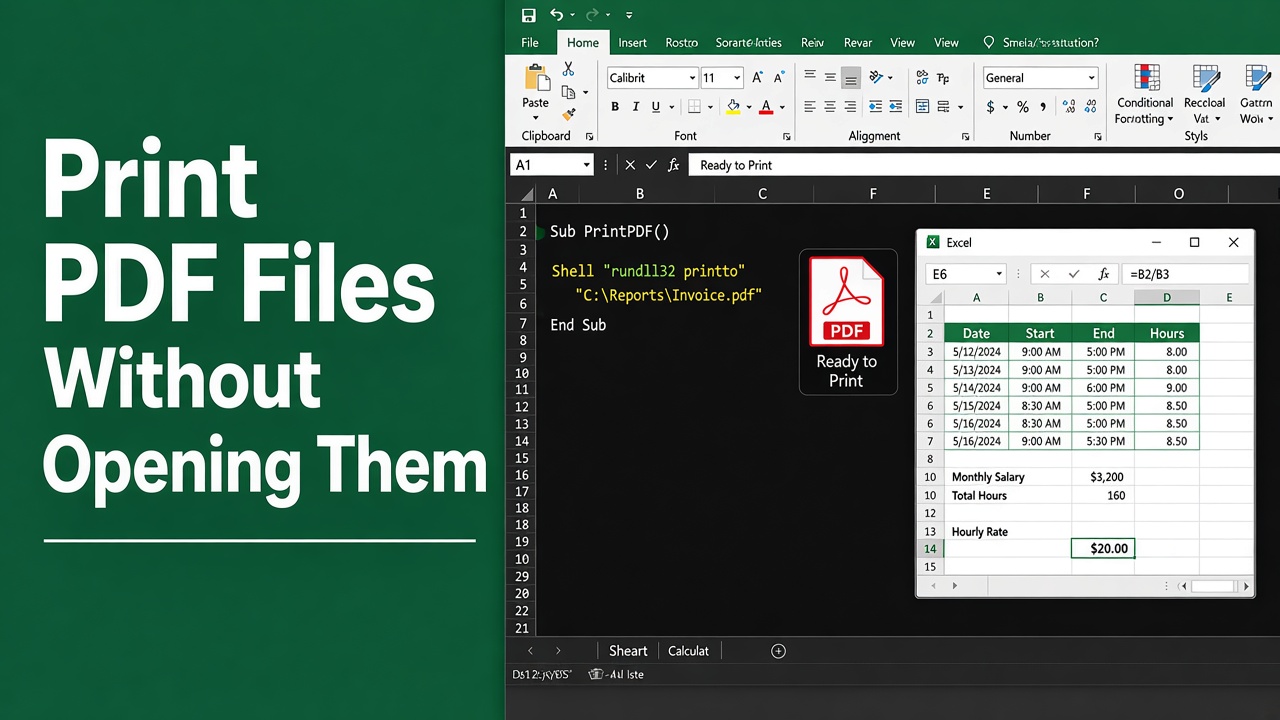
Print PDF Files Without Opening Them in Excel VBA
Learn how to effortlessly excel vba print pdf file without opening using VBA scripts. Streamline your workflow with efficient automation.
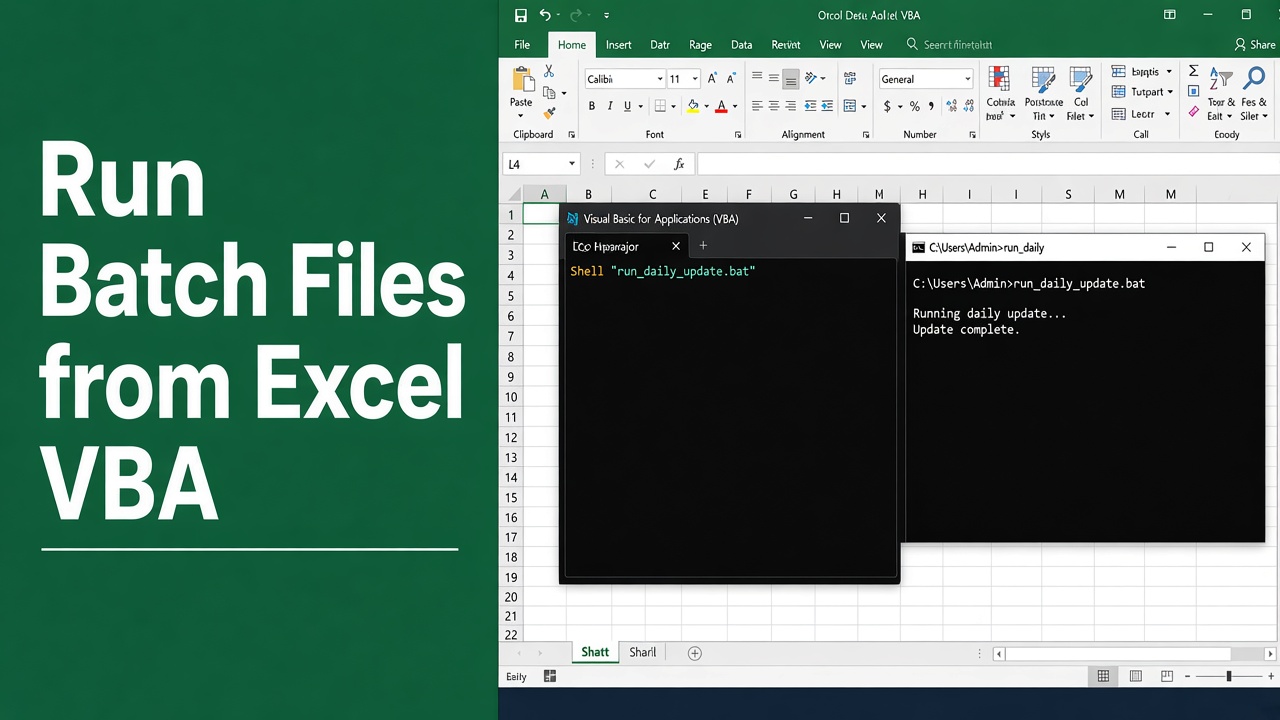
Run Batch Files from Excel VBA Like a Pro
Discover how to efficiently run batch file from Excel VBA and streamline your data processing tasks with our expert tips and tricks.
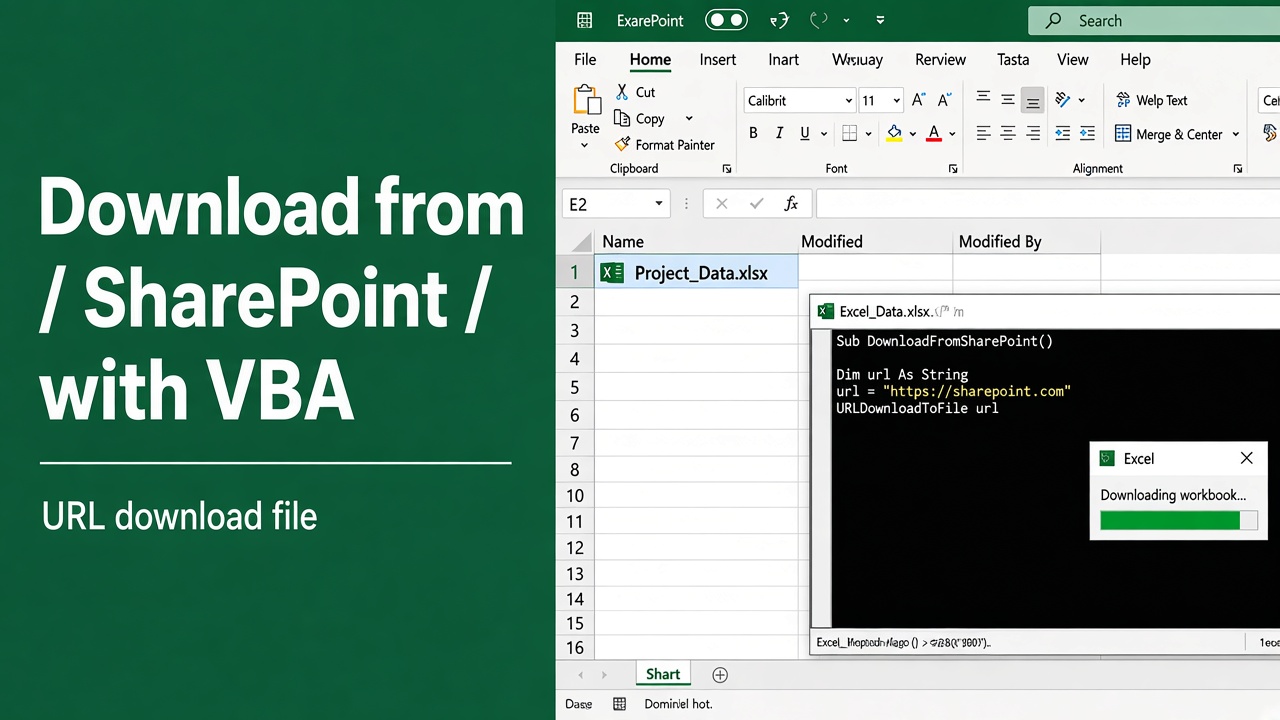
How to Download Files from SharePoint Using Excel VBA?
Learn how to download files from SharePoint directly into Excel using VBA. Automate your workflow and boost productivity with our step-by-step guide.
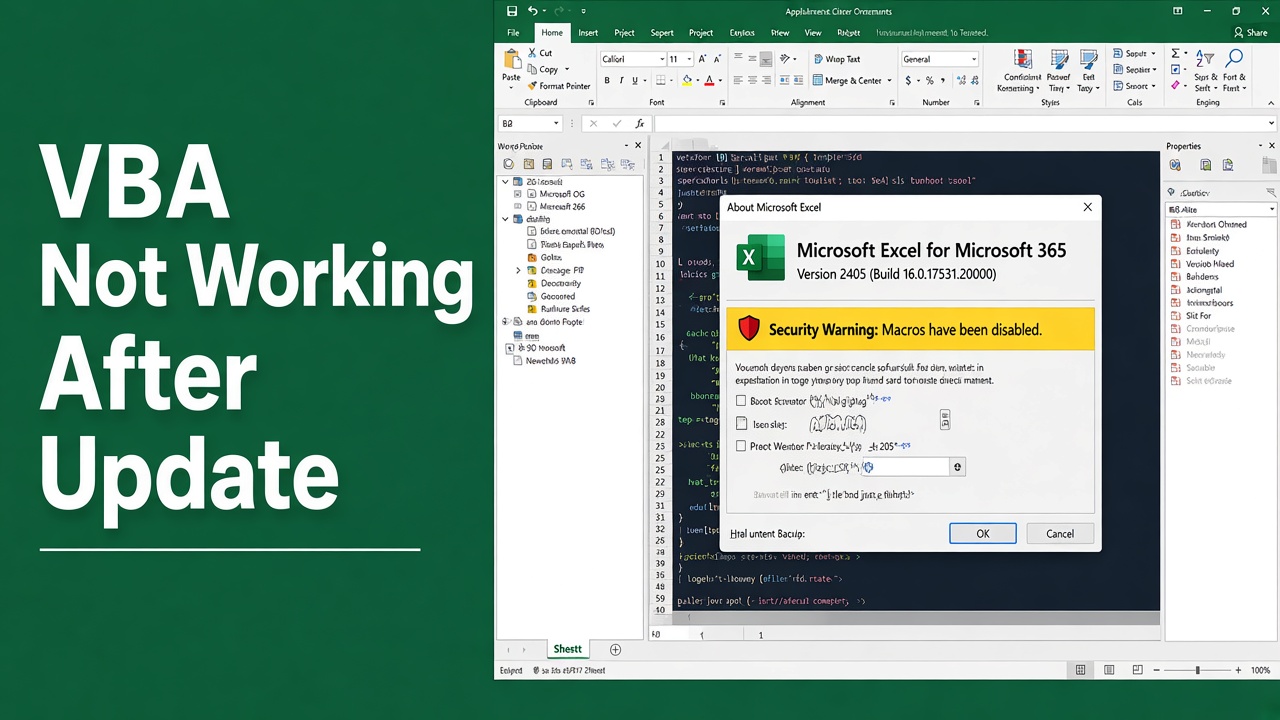
Excel VBA Not Working After Update? Get It Back on Track!
Struggling with Excel VBA not working after an update? Find tips and solutions to restore functionality and keep your macros running smoothly.
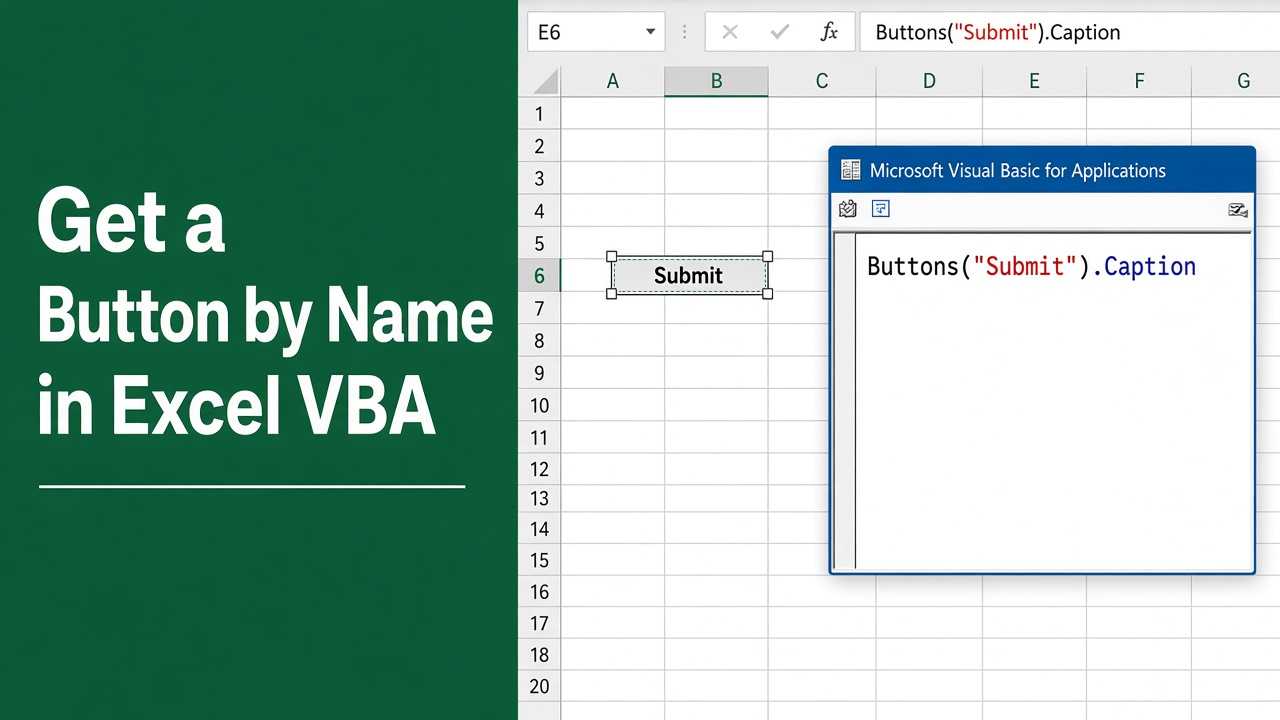
How to Get a Button by Name in Excel VBA: Easy Guide
Learn how to use Excel VBA to get a button by name and automate tasks. This guide covers methods for both ActiveX and Form Control buttons in simple steps.
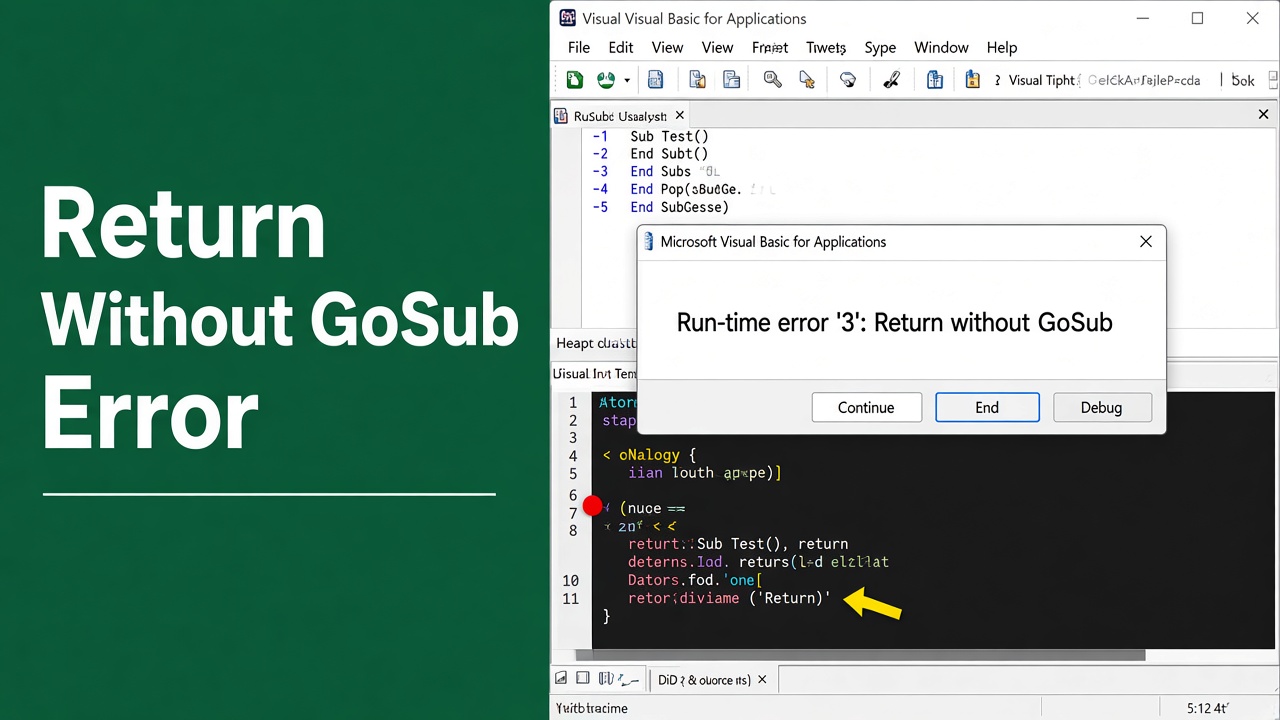
Return Without GoSub in Excel VBA – A Game Changer!
Unlock the potential of macros with our guide on using “excel vba return without gosub”. Streamline your coding process in Excel VBA today!