
All articles
Blog
Page 52 of 71
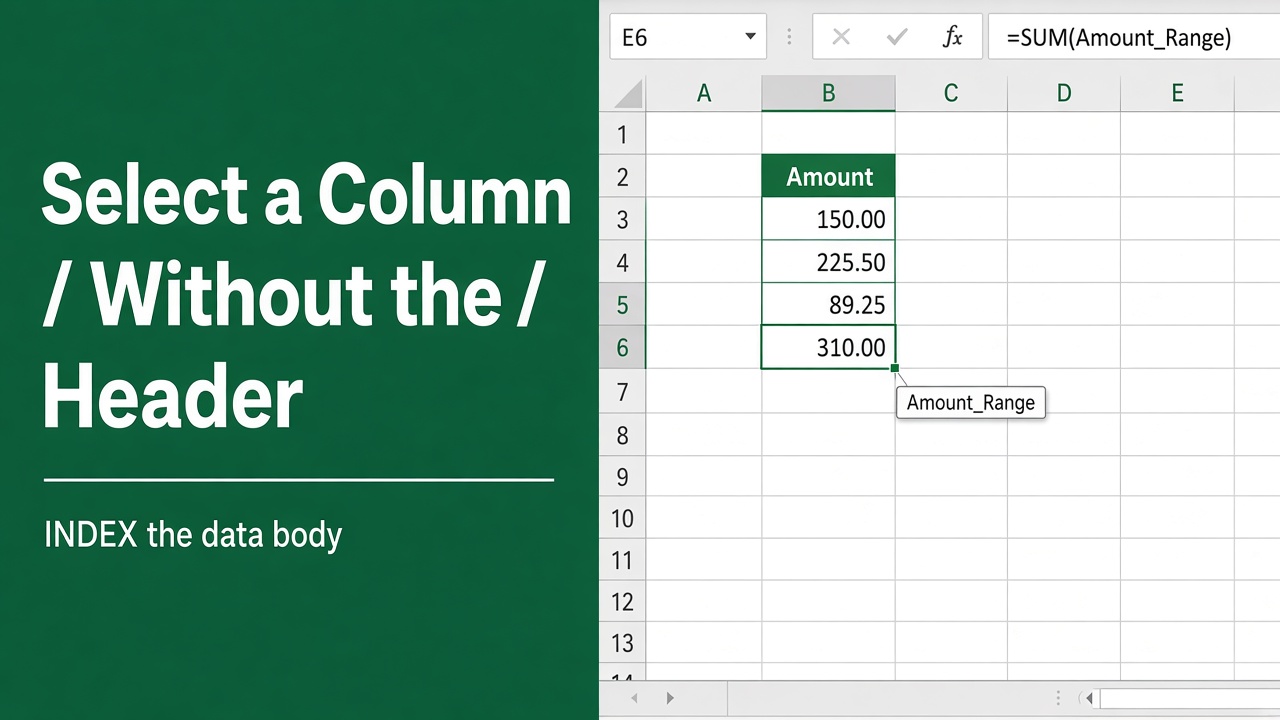
How to Select a Column in Excel Without a Header Using Formulas?
Learn to easily select columns in Excel while excluding headers with our step-by-step Excel formula technique, perfect for data management.
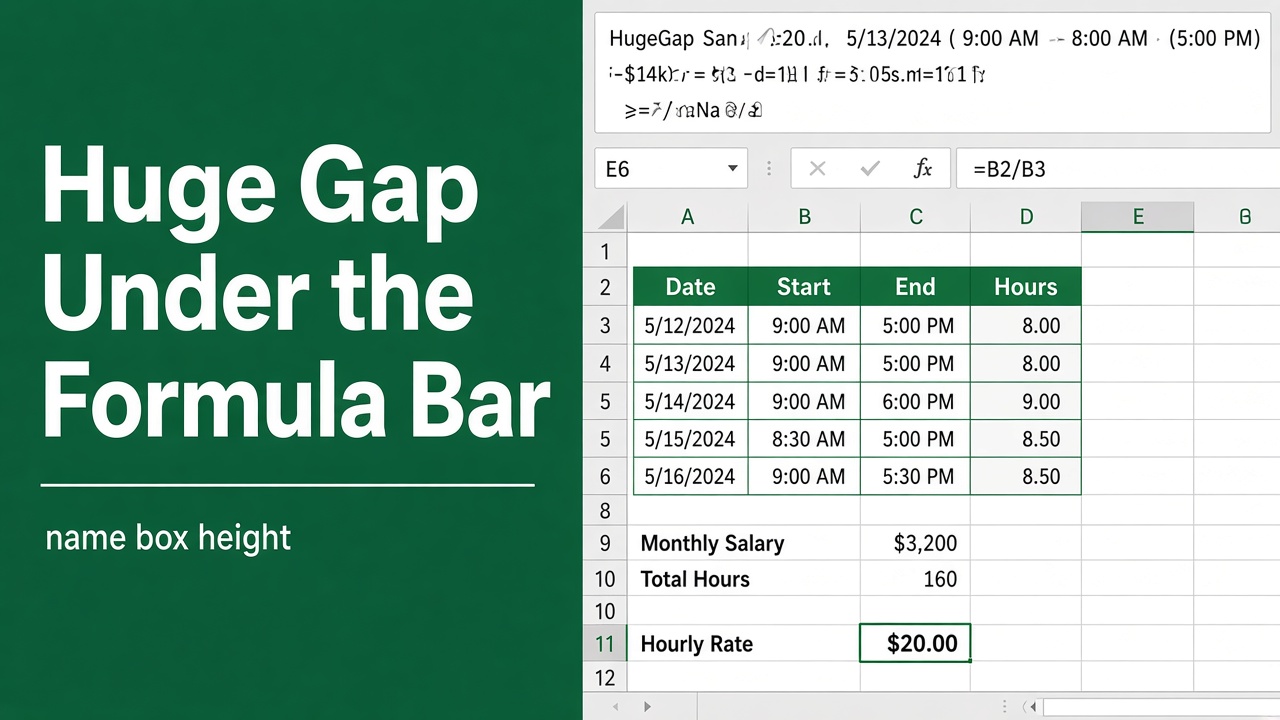
How to Fix the Large Space Under the Formula Bar in Excel?
Learn how to quickly remove the large space under the formula bar in Excel by collapsing the formula bar or unhiding hidden rows.
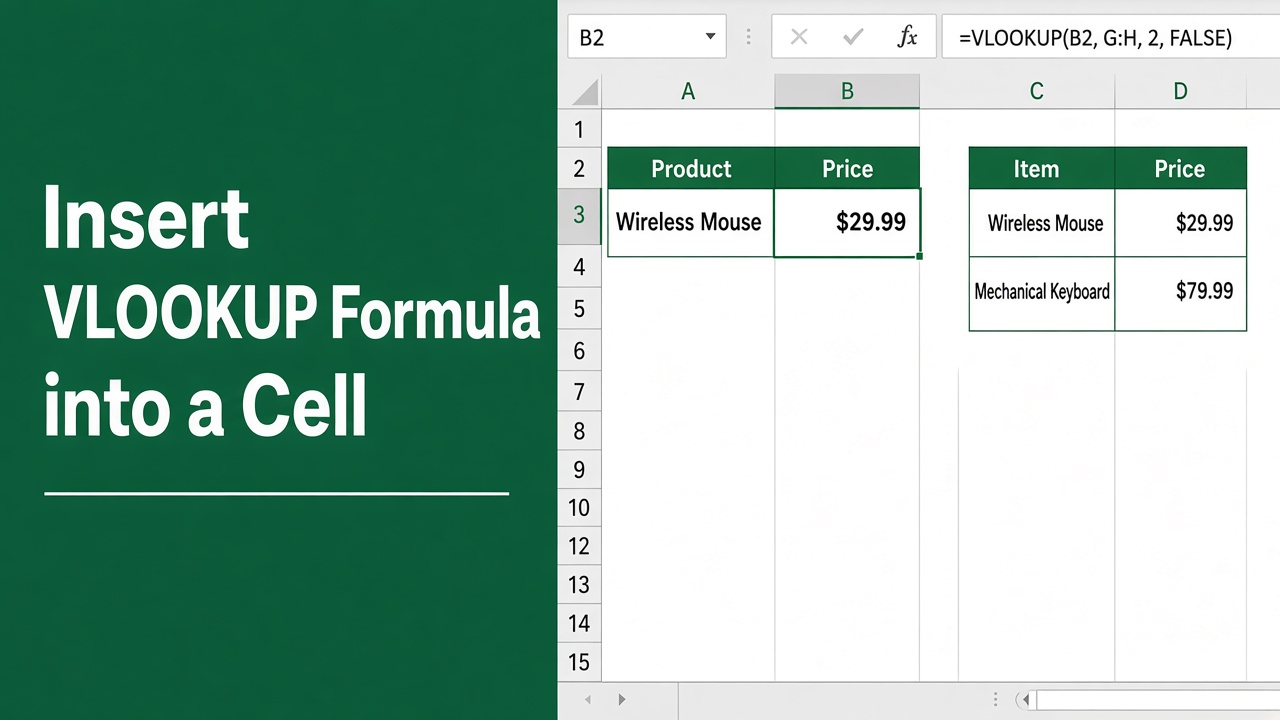
How to Insert VLOOKUP Formula into a Cell Using Excel VBA?
Learn how to automate VLOOKUP formulas in Excel using VBA. Save time and effort with our step-by-step guide, code examples, and tips for error handling.
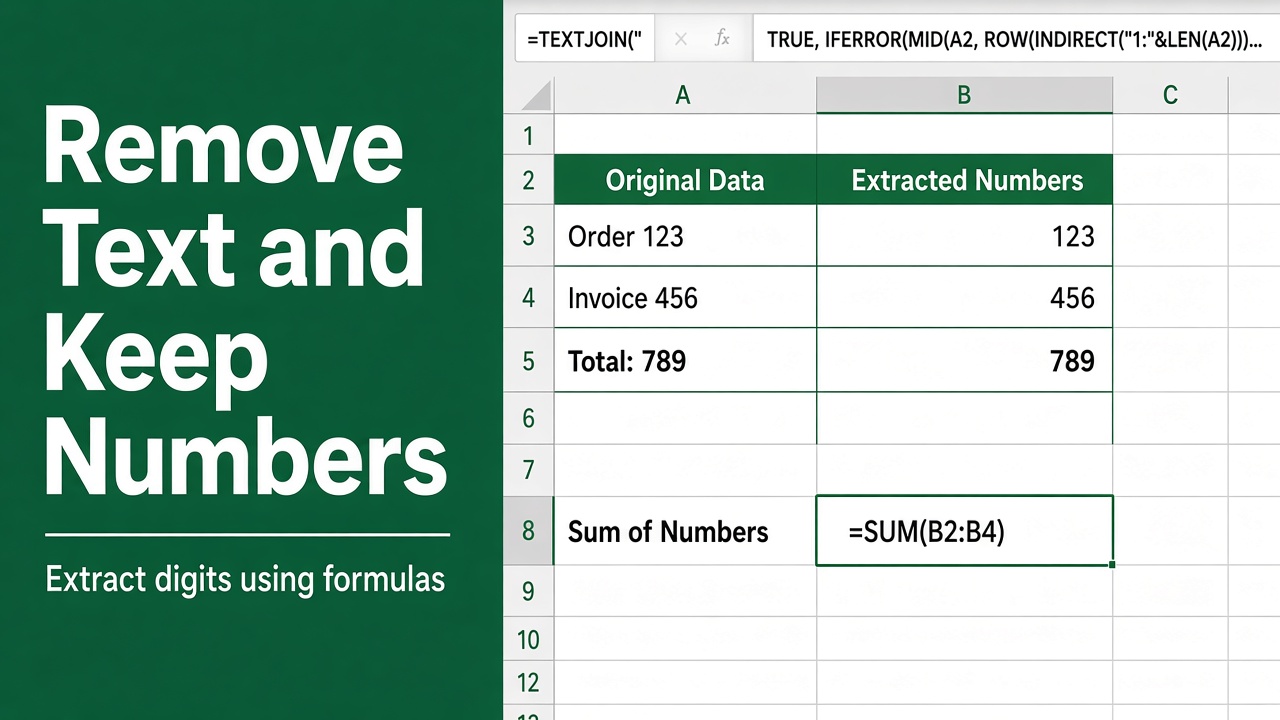
Excel Formula to Remove Text and Keep Numbers in Cells
Learn how to remove text from Excel cells and keep numbers using formulas like VALUE, LEFT, RIGHT, MID, and SUBSTITUTE. Step-by-step guide with examples.
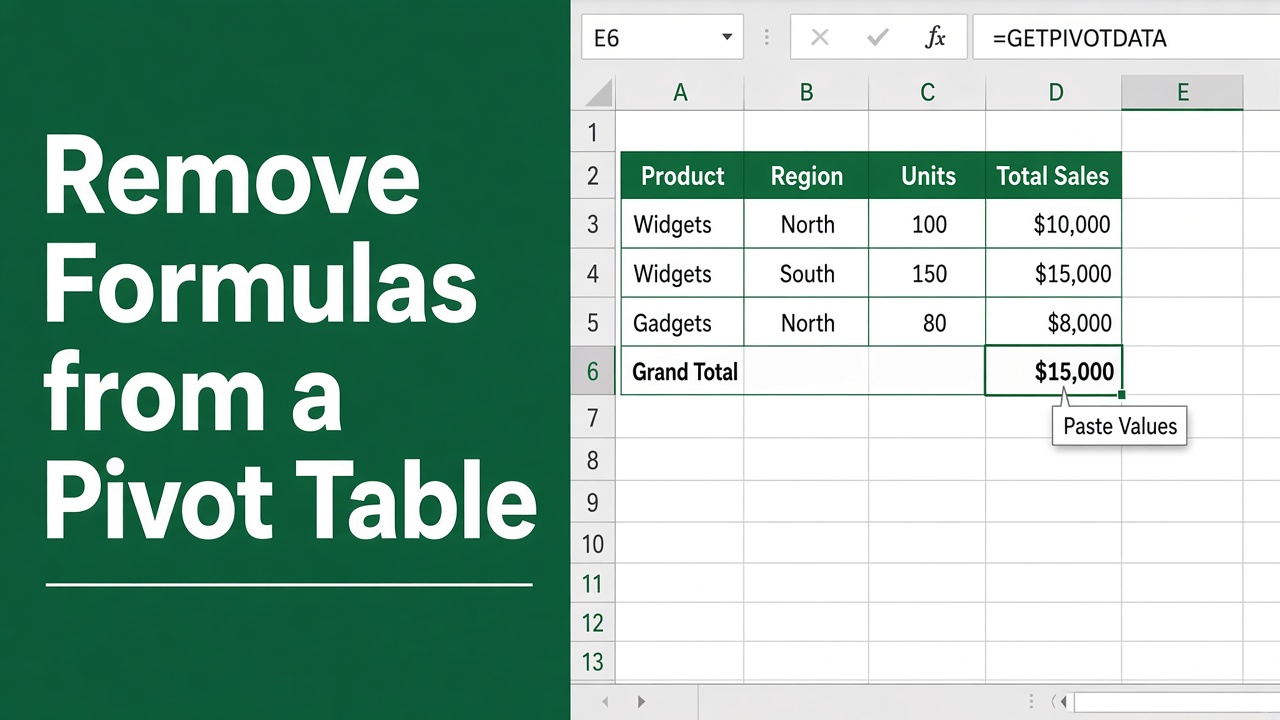
How to Remove Formulas from Excel Pivot Tables: A Comprehensive Guide
Streamline your Excel pivot tables by learning how to remove formulas quickly and effectively with our step-by-step guide.
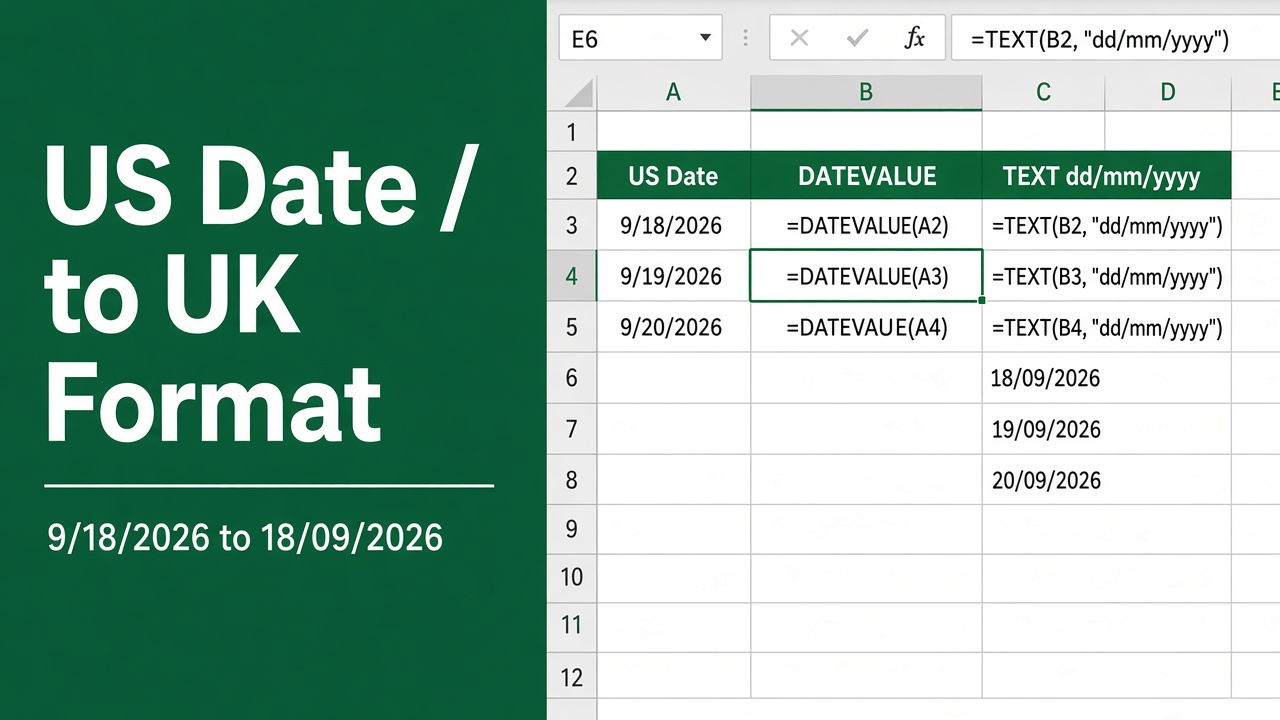
Convert Dates from US to UK Format in Excel: Formula Revealed
Master the excel formula to convert date from US to UK format effortlessly in Excel with our step-by-step guide. Transform your data today!
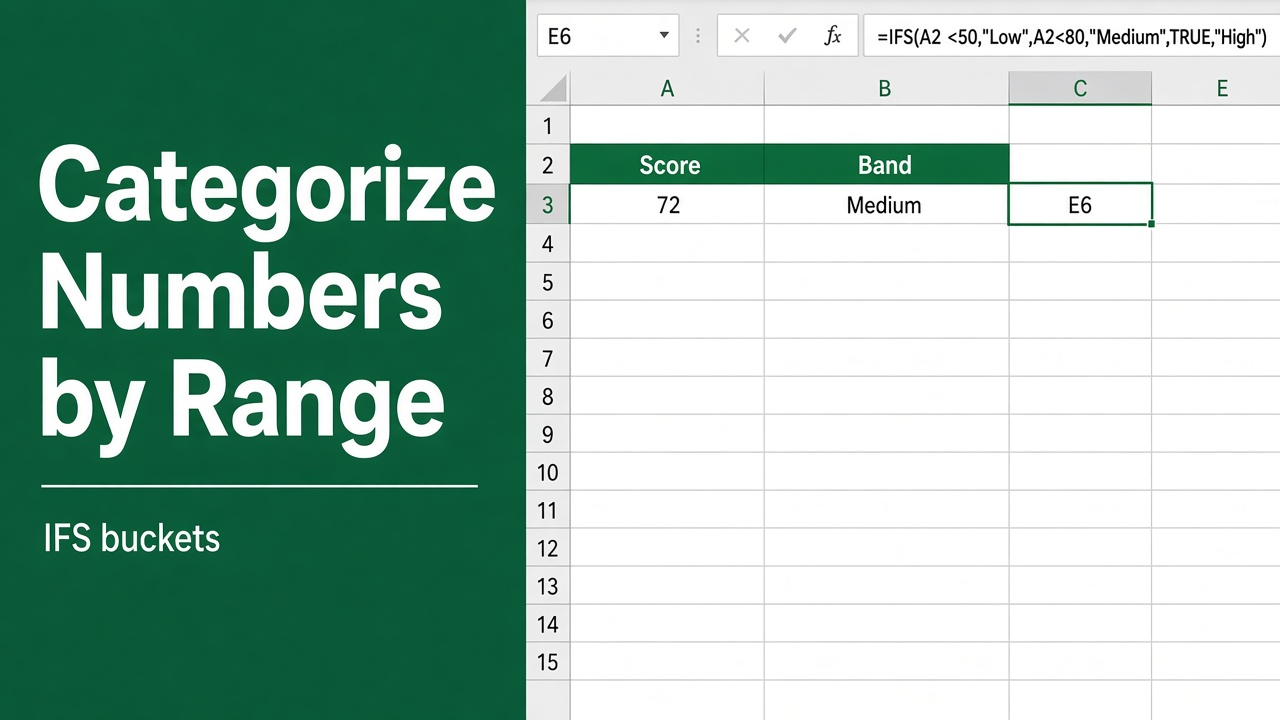
Easy Excel Formula to Categorize Numbers by Range
Learn how to use Excel formulas like IF and VLOOKUP to categorize numbers into ranges. Simplify your data analysis and reporting with easy-to-follow examples.
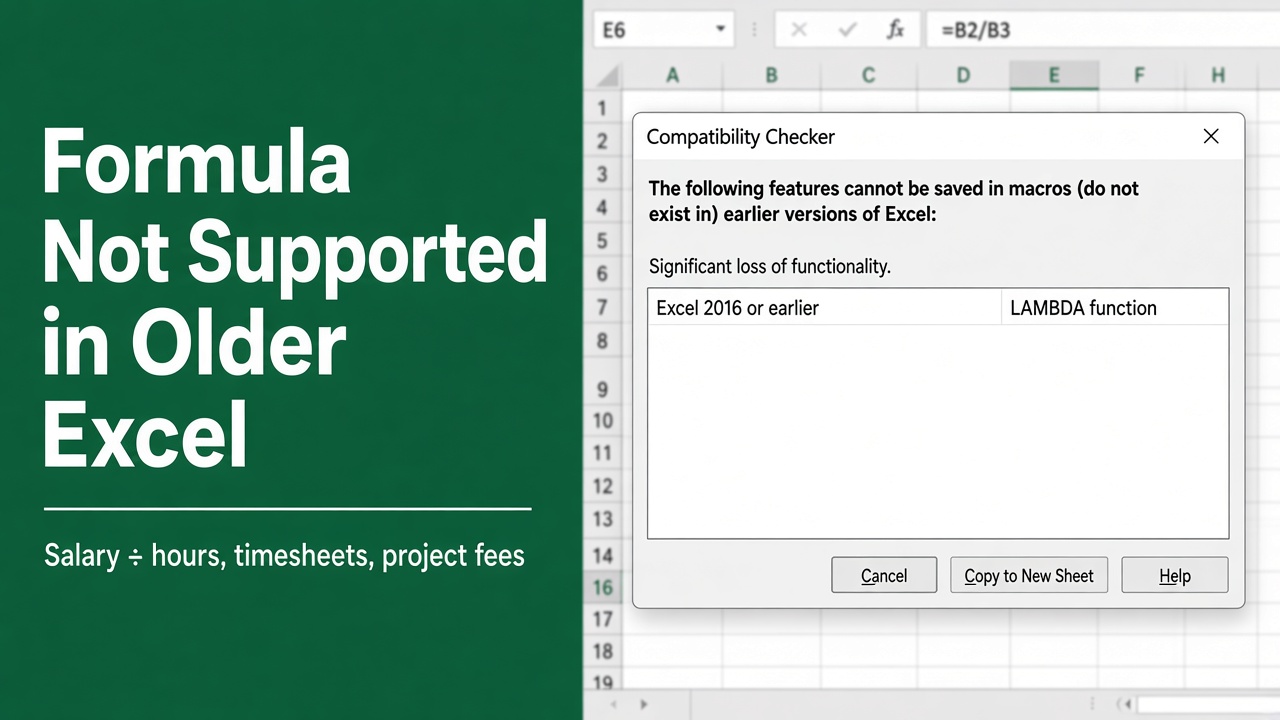
Compatibility Alert: This Excel Formula Won’t Work in Older Versions
Discover which Excel functions won’t work in older editions and ensure your spreadsheets are compatible. Learn key updates for smooth operation.
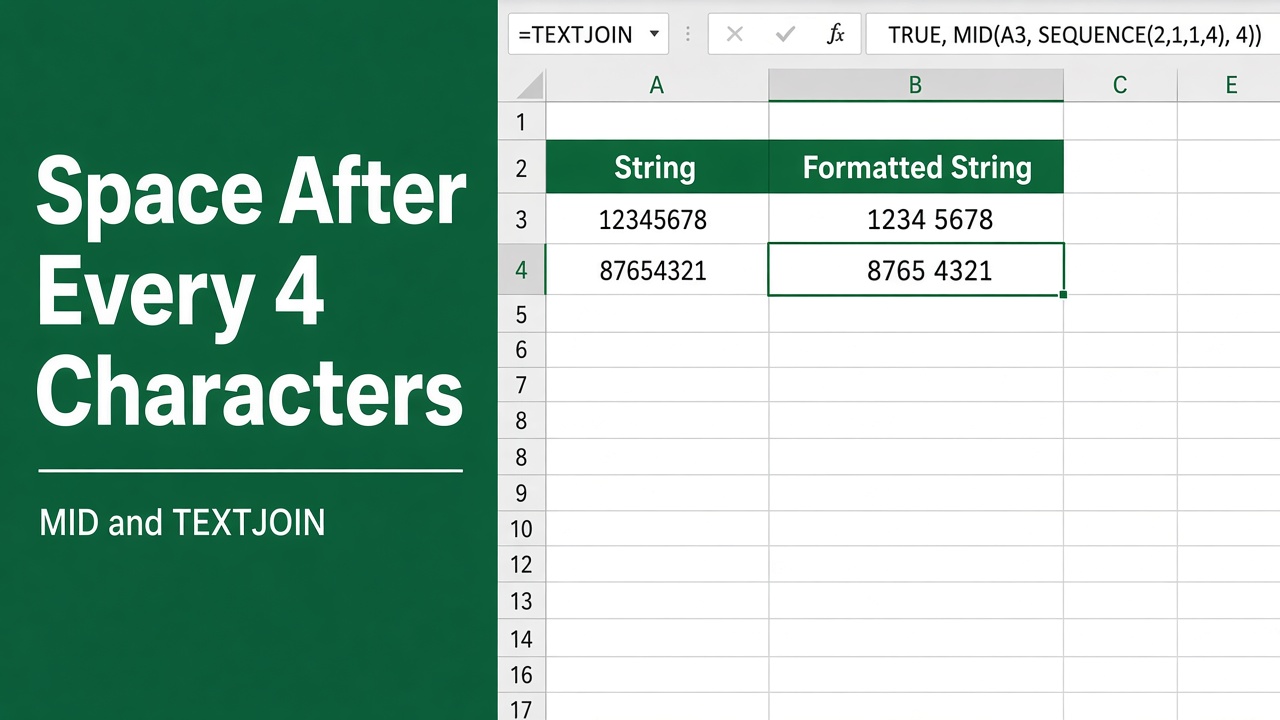
How to Add a Space After Every 4 Characters in Excel Using a Formula?
Learn how to add a space after every 4 characters in Excel using formulas. Easy step-by-step guide with examples for different scenarios.
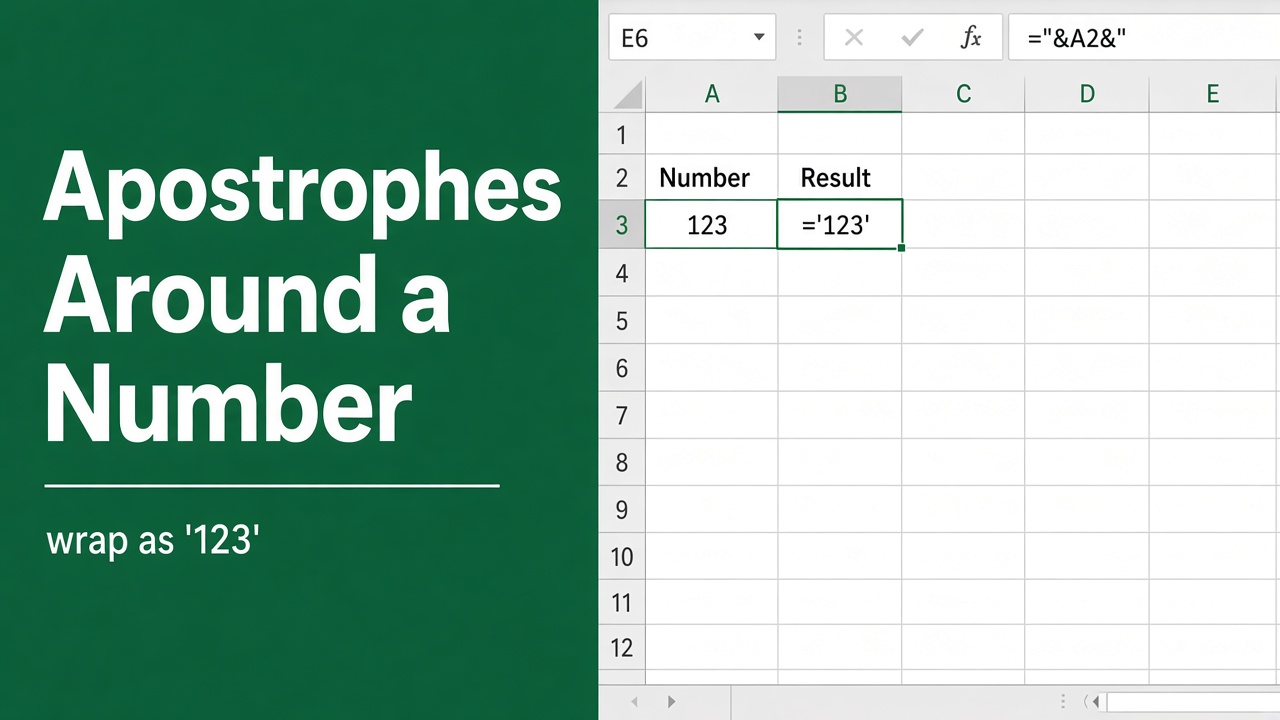
Excel Formula to Add Apostrophe Before and After Number
Discover how an excel formula to add apostrophe before and after number can streamline your data formatting in spreadsheets effectively.