
All articles
Blog
Page 49 of 71
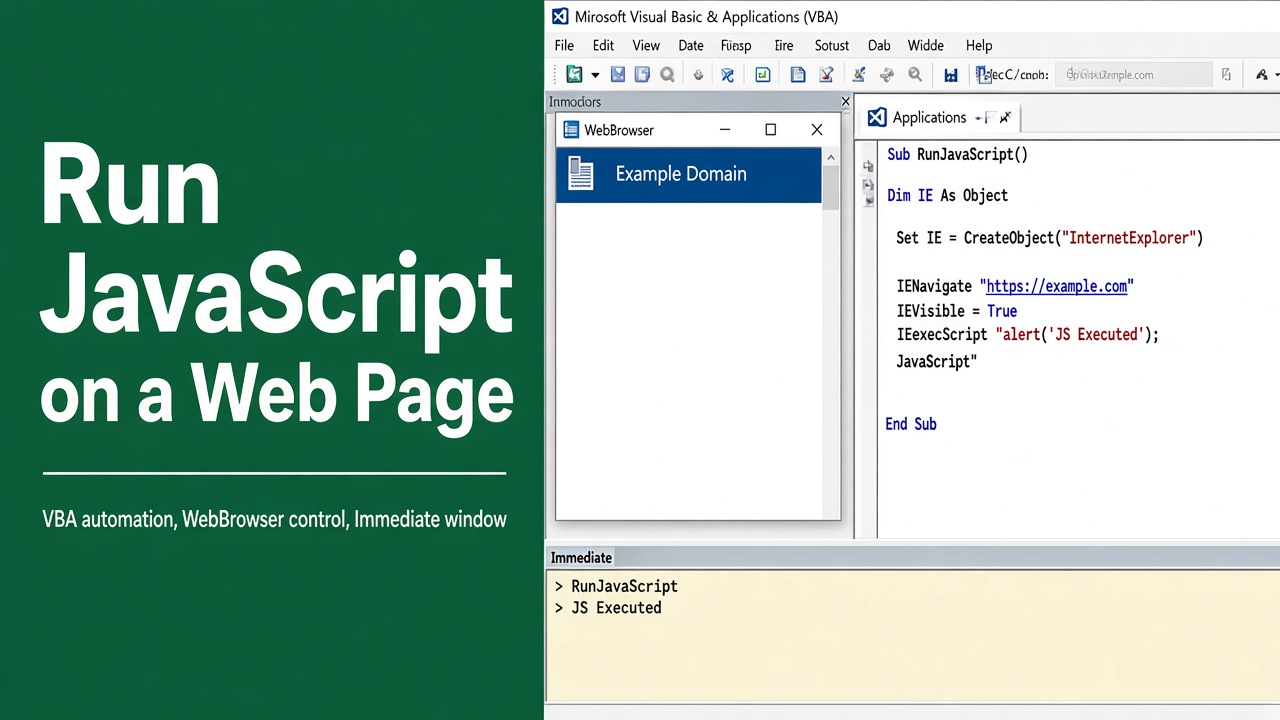
How to Run JavaScript on a Web Page Using Excel VBA?
Learn how to run JavaScript on a web page using Excel VBA with step-by-step code examples, handling frames, and troubleshooting tips.
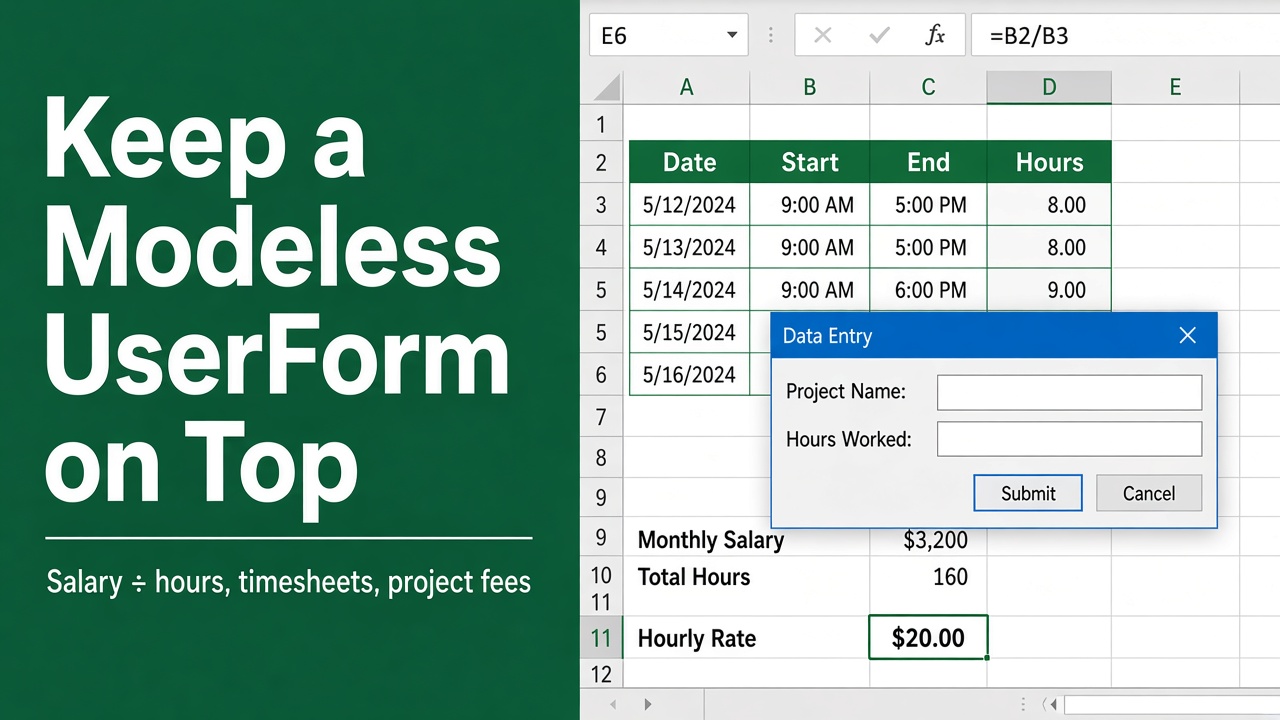
How to Keep a Modeless UserForm Always on Top in Excel VBA?
Keep your Excel VBA UserForm always on top with Windows API. Learn the fix for modeless forms, code examples, and tips for smooth usability.
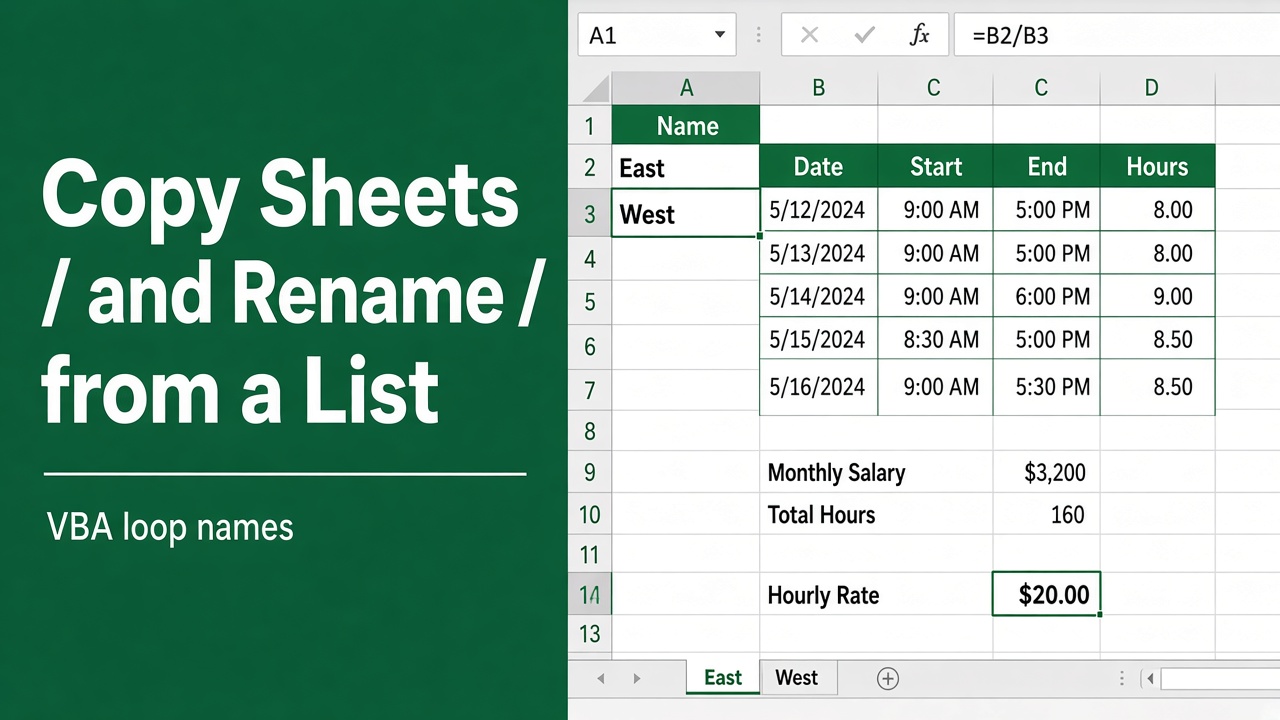
How to Use Excel VBA to Copy Sheets and Rename Them Based on a List?
Learn how to use Excel VBA to automate copying and renaming sheets based on a list. Save time, reduce errors & ensure consistency with our step-by-step guide.
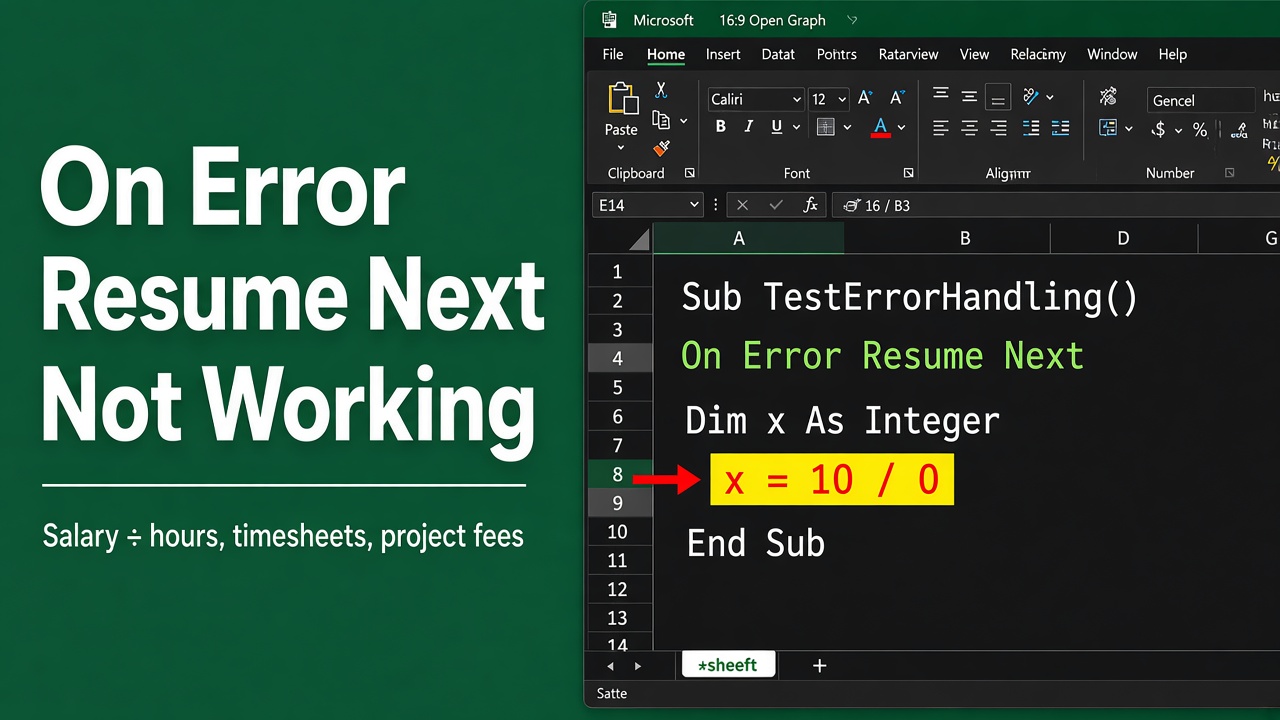
Troubleshooting Excel VBA On Error Resume Next
Struggling with ‘excel vba on error resume next not working’? Explore our tips for effective error handling and how to fix common VBA issues.
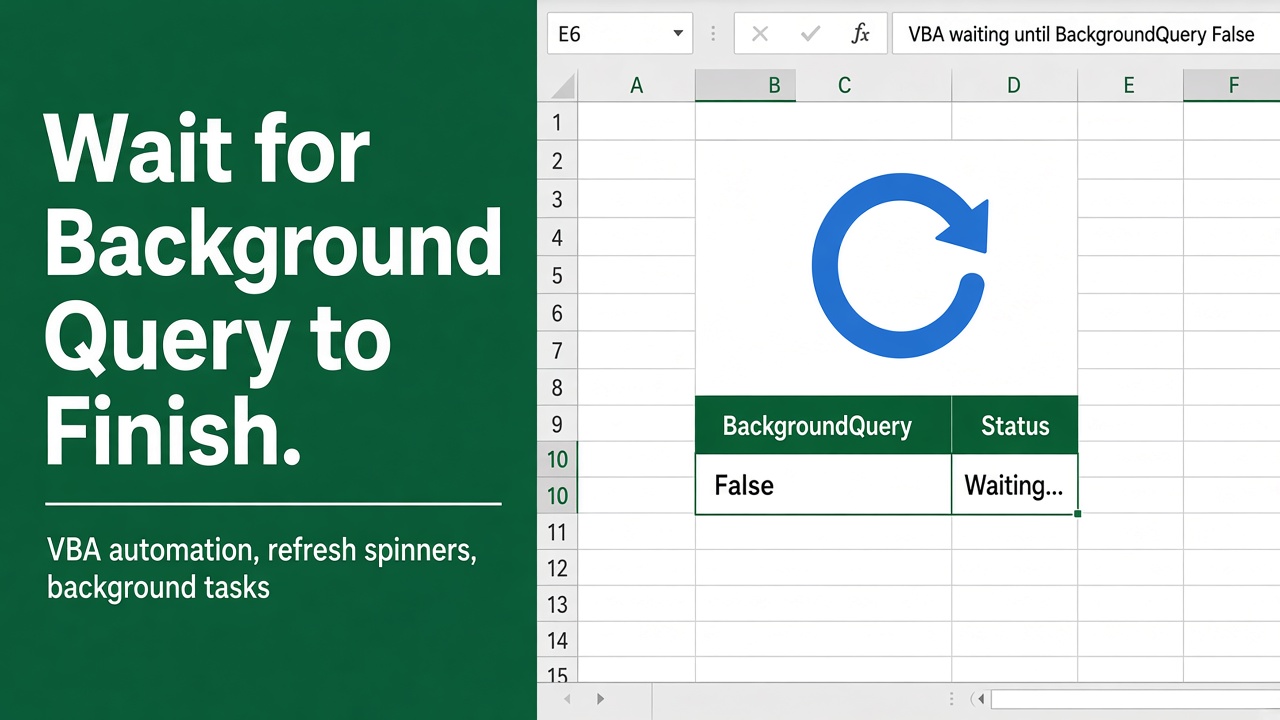
Excel VBA: Ensure Queries Finish Before Proceeding
Master Excel VBA by learning to halt your workflow until all background queries complete, ensuring data accuracy and efficiency.
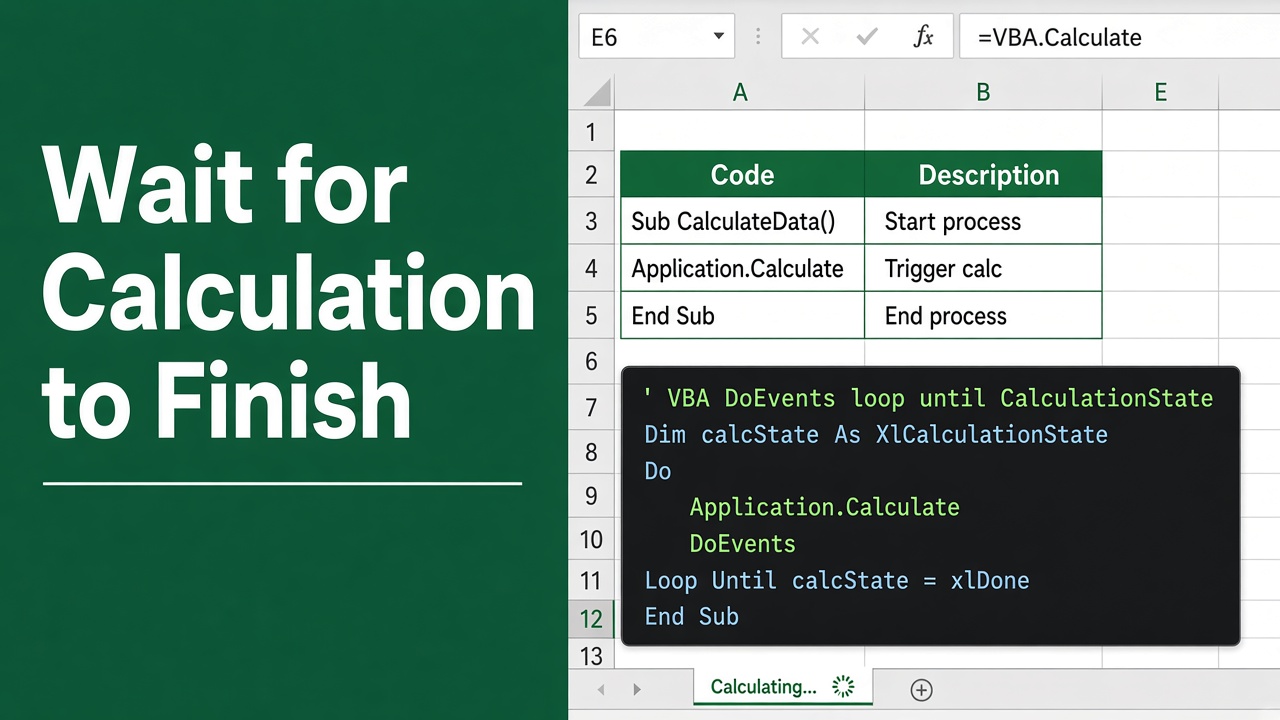
Excel VBA: Ensuring Calculations Finish
Learn how to effectively use Excel VBA to wait for calculations to finish for smoother data processing and automation.
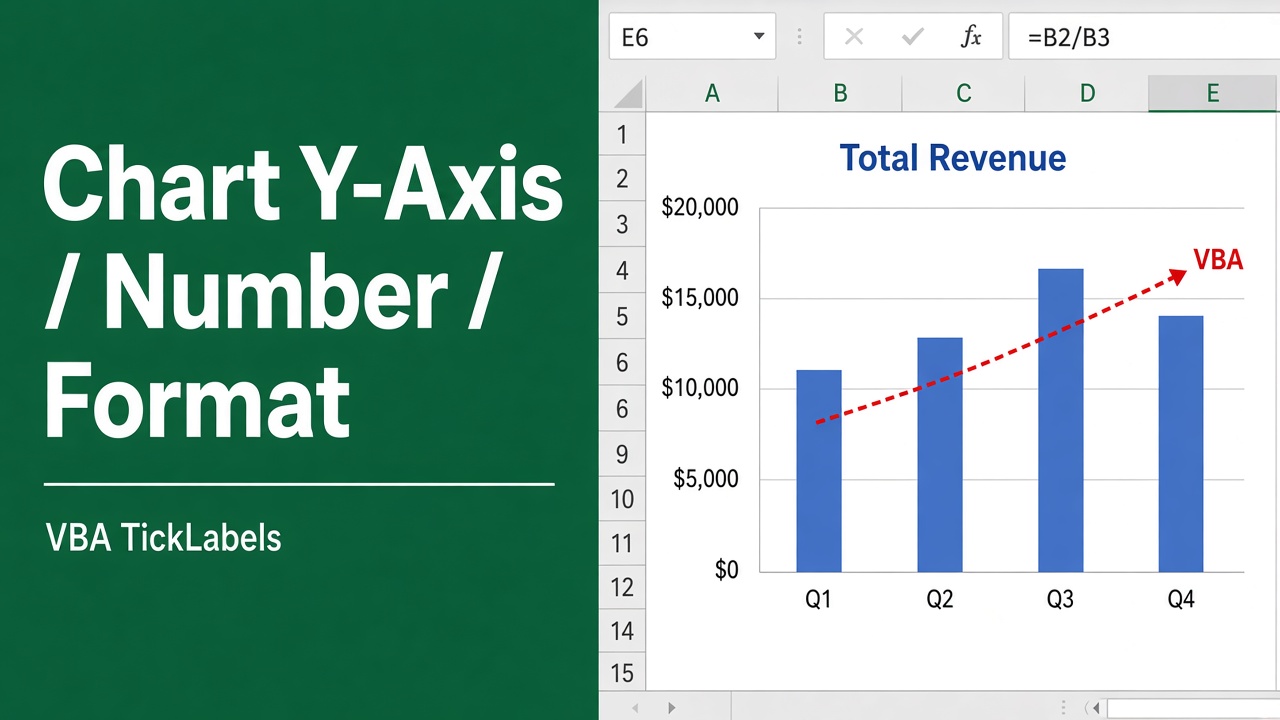
How to Format Y-Axis Numbers in Excel VBA Charts?
Learn how to format y-axis numbers in Excel charts using VBA. Code examples to customize number format, axis title, scale & more. Improve your charts with VBA.
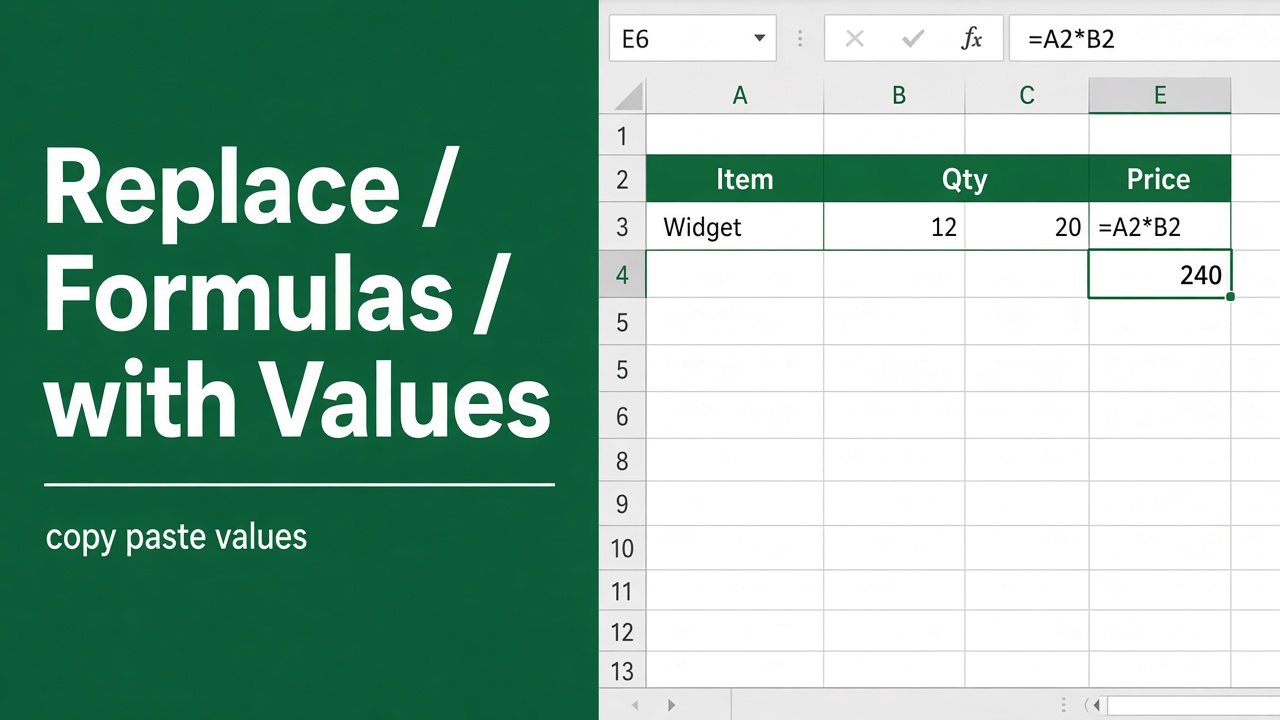
How to Replace Formulas with Values in Microsoft Excel?
Learn how to replace formulas with values in Excel using Paste Special, keyboard shortcuts, Evaluate Formula, and Power Query.
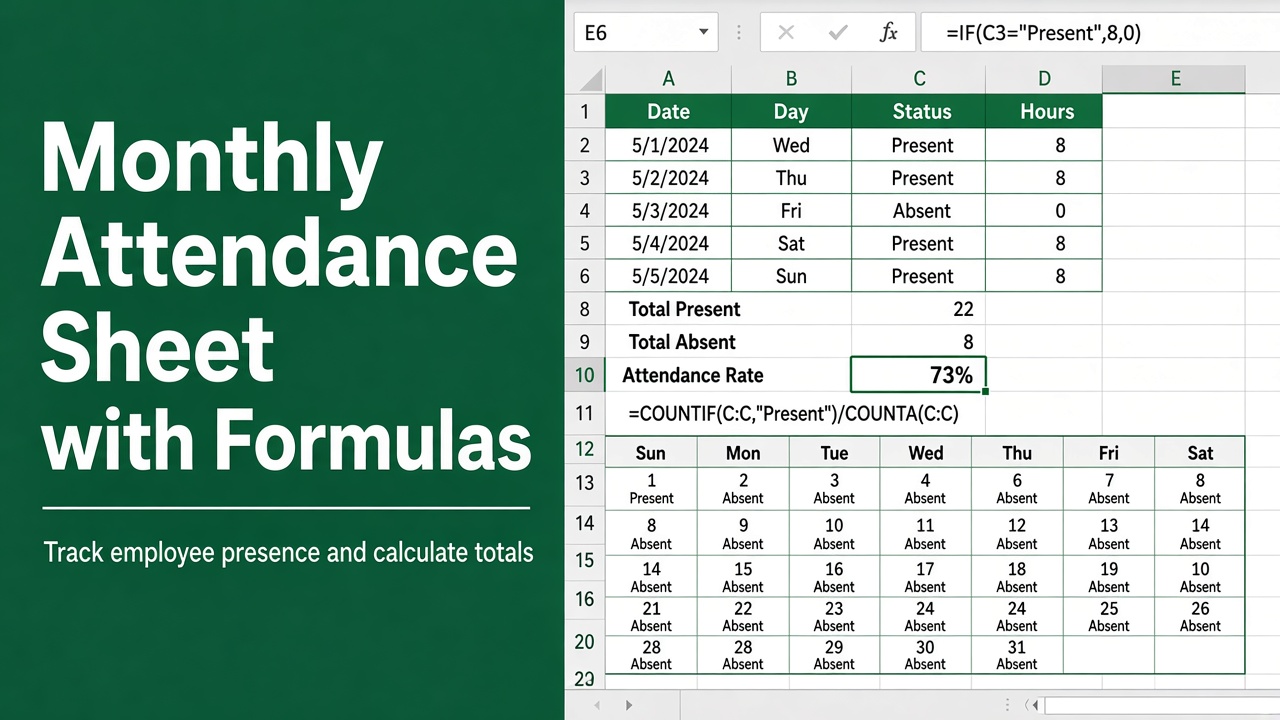
Create Monthly Attendance Sheet in Excel with Formula (File Included!)
Streamline your attendance tracking with a monthly attendance sheet in Excel with formula. Easy set-up and automatic updates for efficiency.
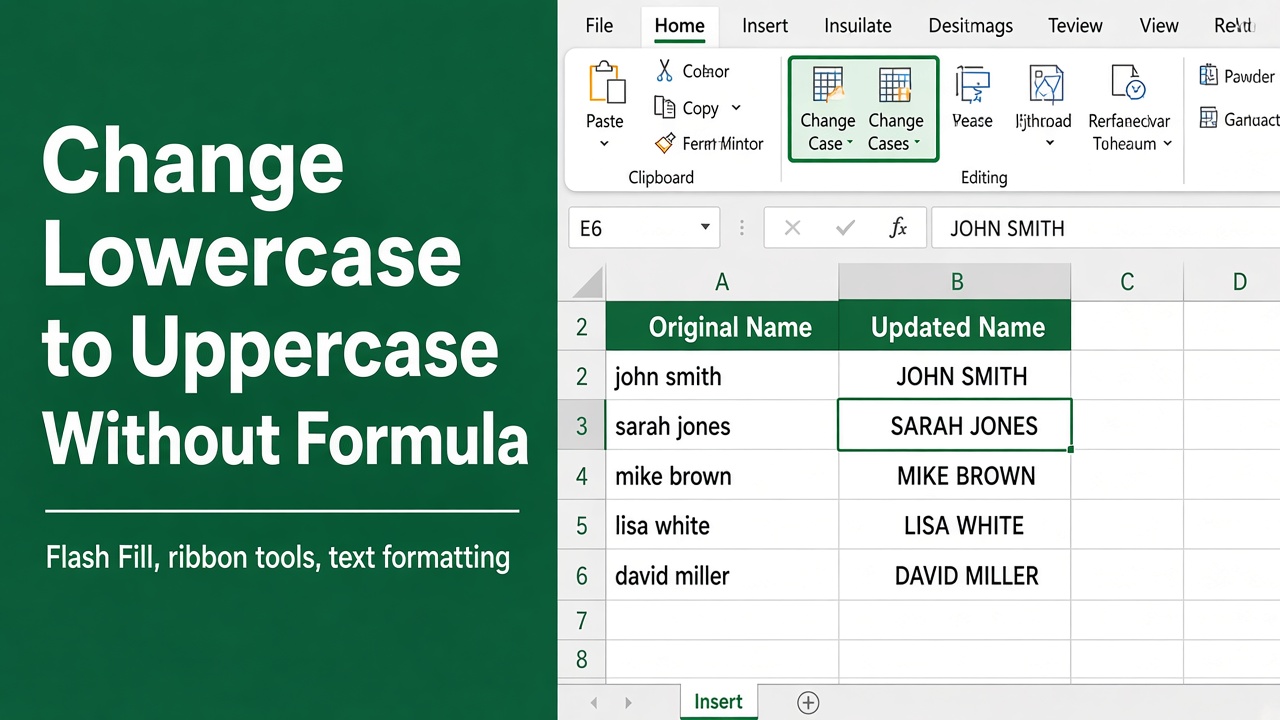
How to Change Lowercase to Uppercase in Excel Without Formula?
Learn how to easily change lowercase to uppercase in Excel without formulas using Format Cells, Change Case, Flash Fill, shortcuts, or VBA.