
All articles
Blog
Page 28 of 71
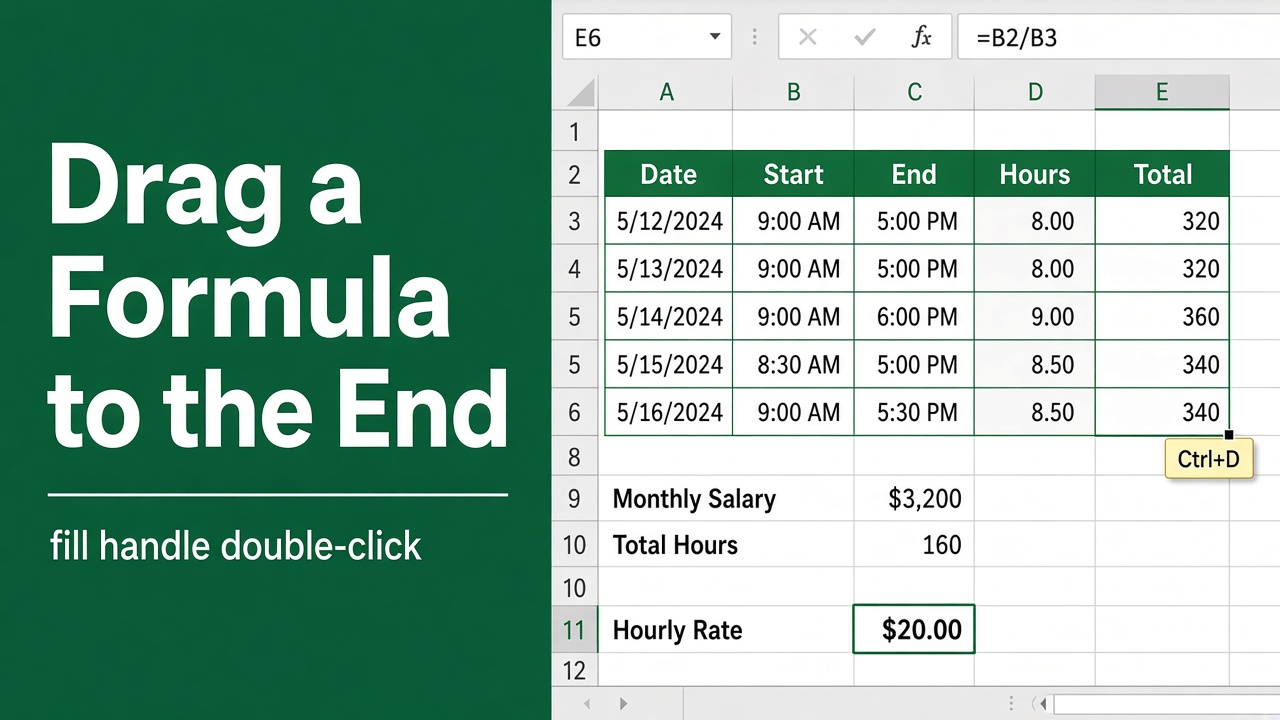
Easy Excel Shortcut to Drag Formula to End
Learn the Excel keyboard shortcut to quickly drag a formula to the end of your data range. Save time and boost productivity with this simple trick.
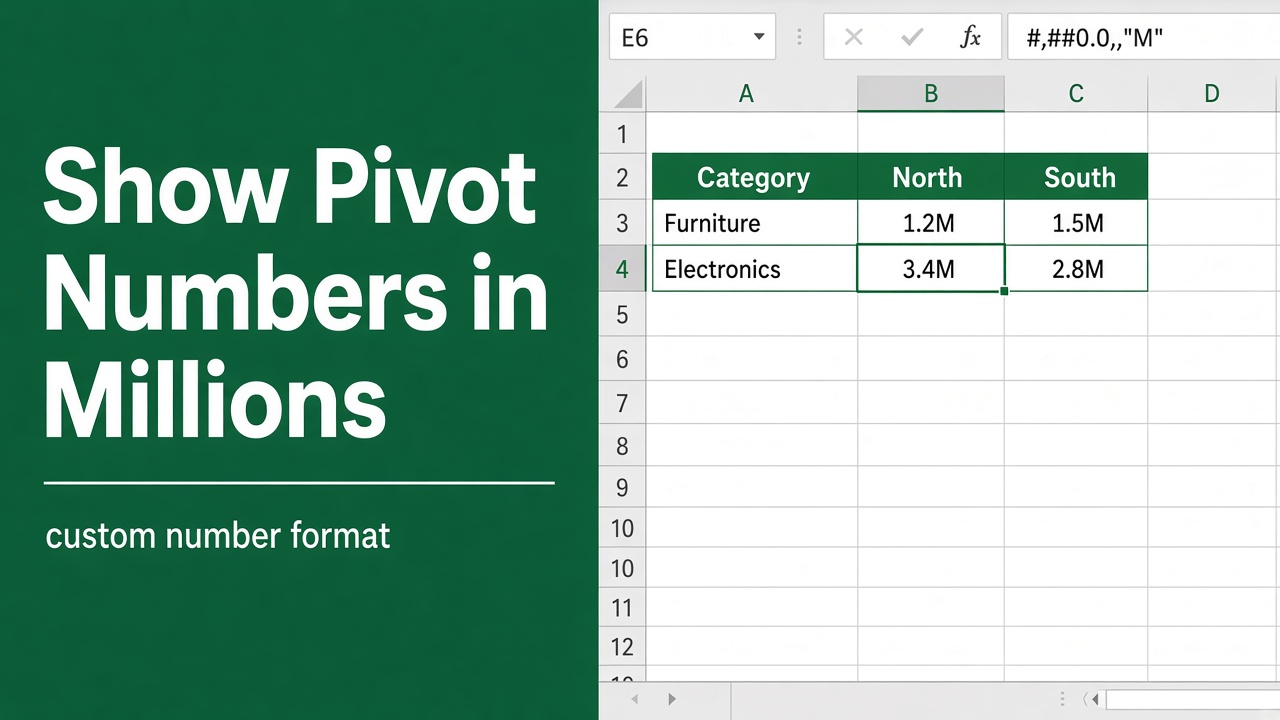
How to Convert Numbers in Millions in Excel Pivot Tables?
Learn how to convert numbers to millions in Excel pivot tables for better data readability and analysis. Follow our step-by-step guide with examples.
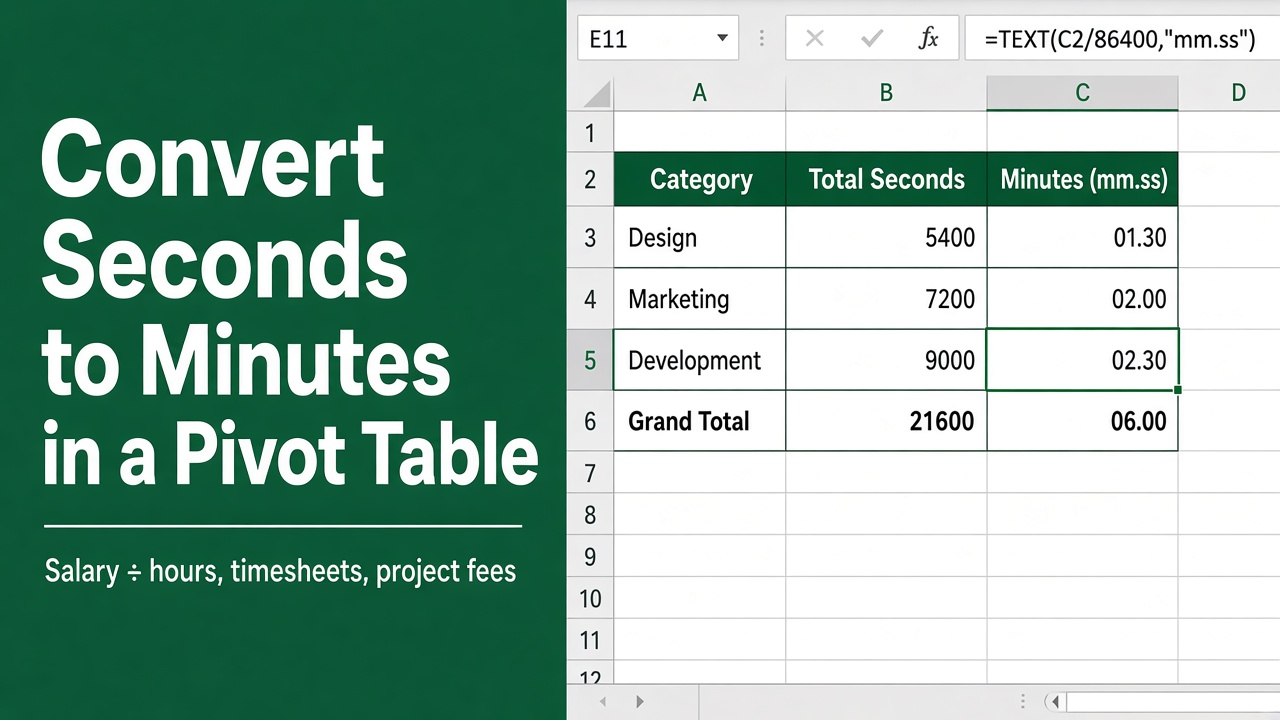
How To Convert Seconds to Minutes in Excel Pivot Table: Easy Guide
Learn how to easily convert seconds to minutes in an Excel pivot table using a simple formula. Follow our step-by-step guide with examples.
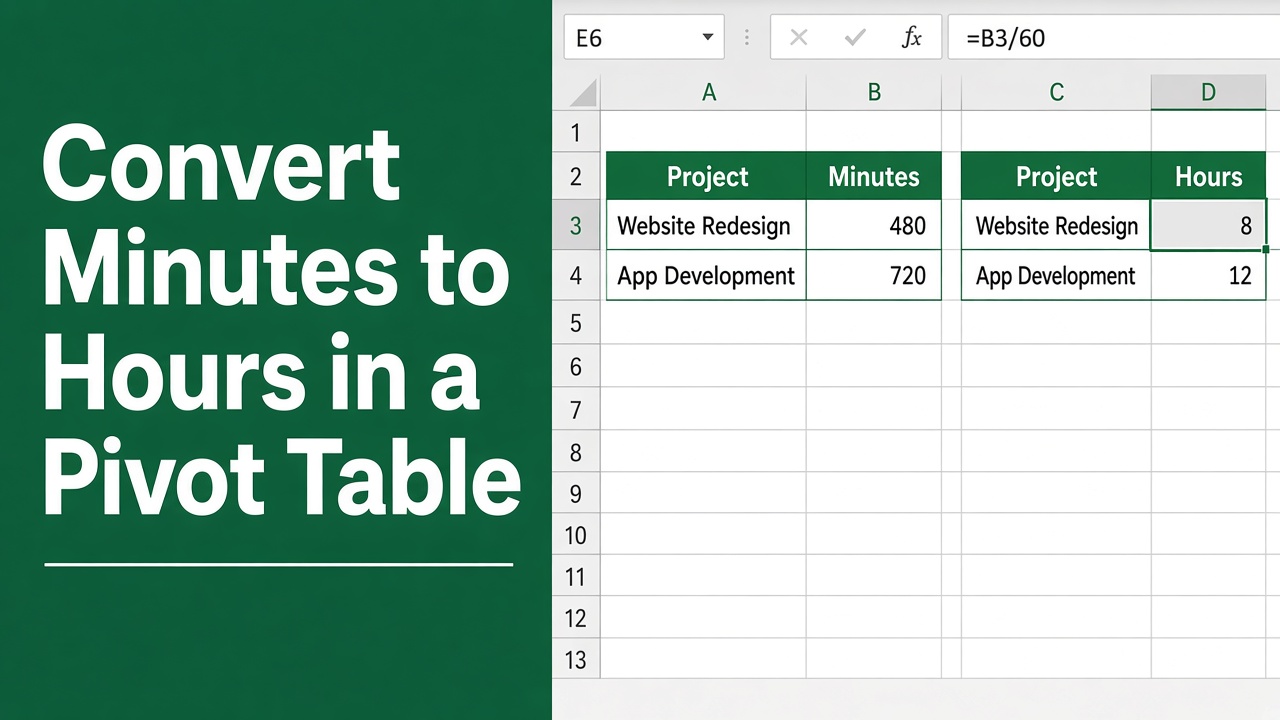
How to Convert Minutes to Hours in Excel Pivot Table: Easy Guide
Streamline your data analysis by mastering how to convert minutes to hours in an Excel pivot table with our step-by-step tutorial.
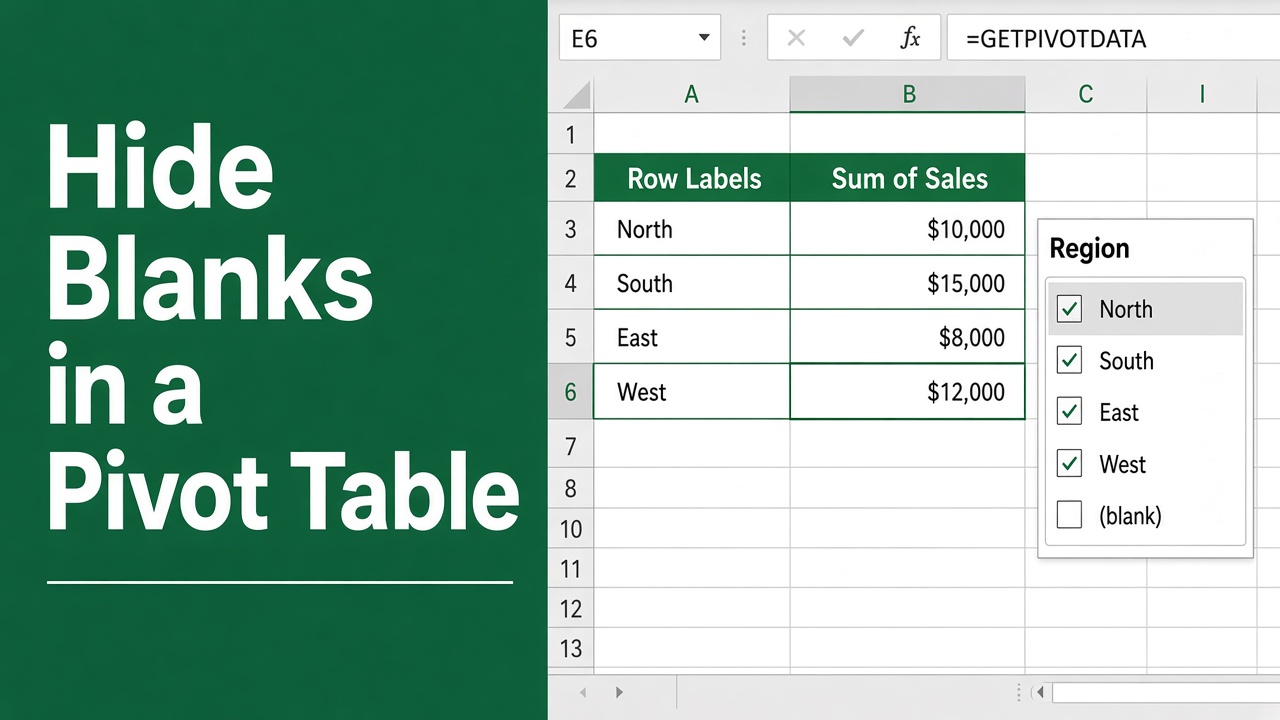
How to Hide Blanks in Excel Pivot Table: Easy Guide
Efficiently clean up your data presentation by learning how to hide blanks in Excel pivot tables with our straightforward guide.
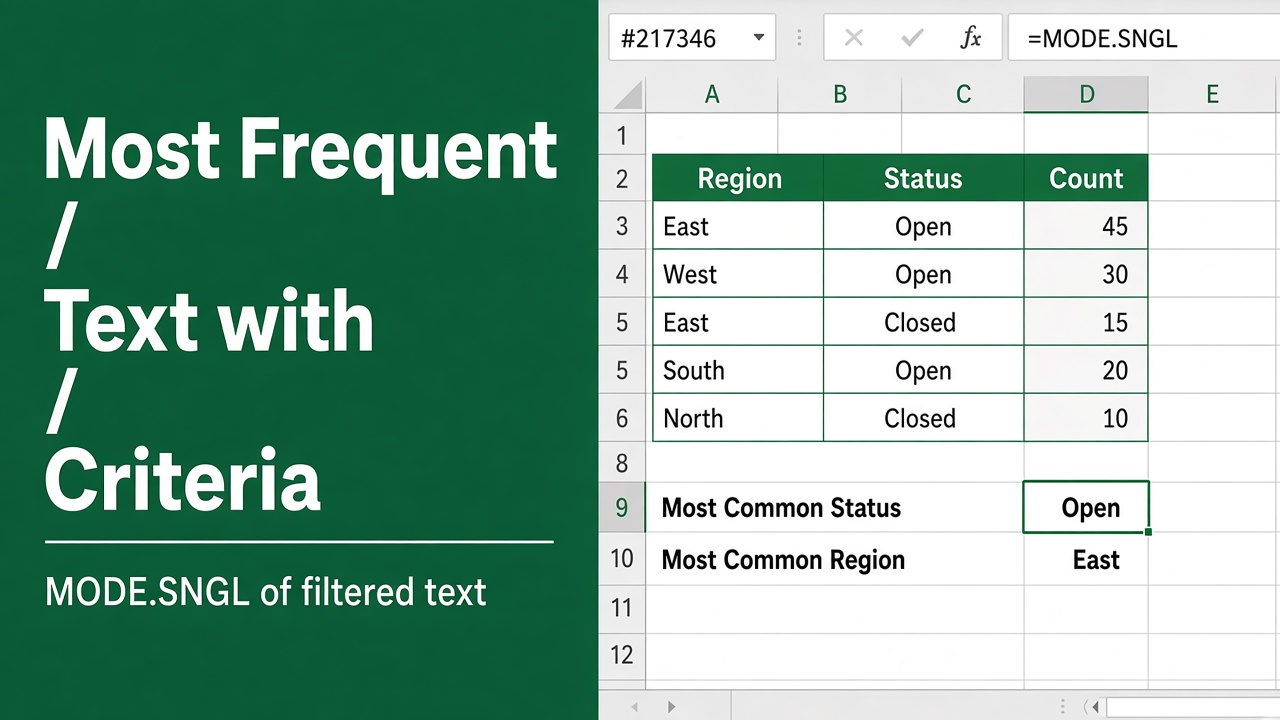
How to Find the Most Frequent Text with Criteria Using Excel Formula?
Discover how to find the most frequent text in Excel that meets specific criteria using COUNTIFS, INDEX, MATCH & other functions. Boost your productivity now!
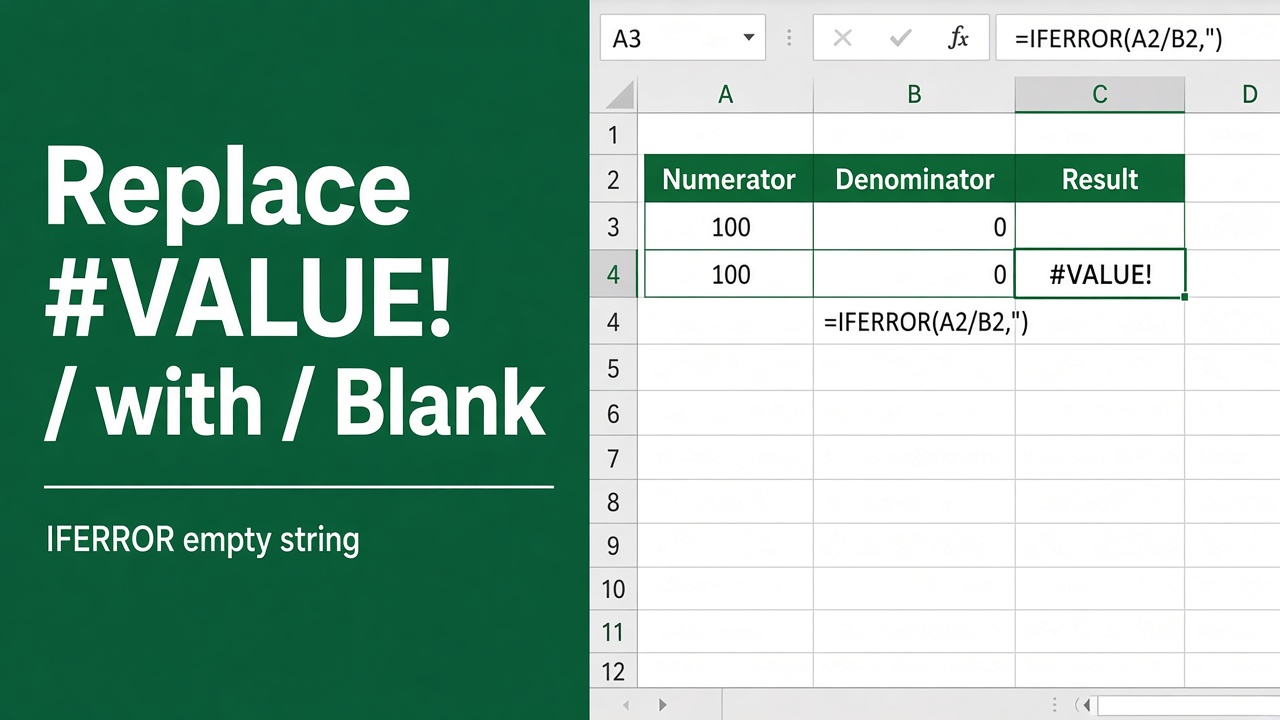
How to Replace #VALUE! with Blank Using an Excel Formula?
Learn how to replace #VALUE! error with blank cells in Excel using the IFERROR function. Improve readability of your spreadsheet with this simple formula.
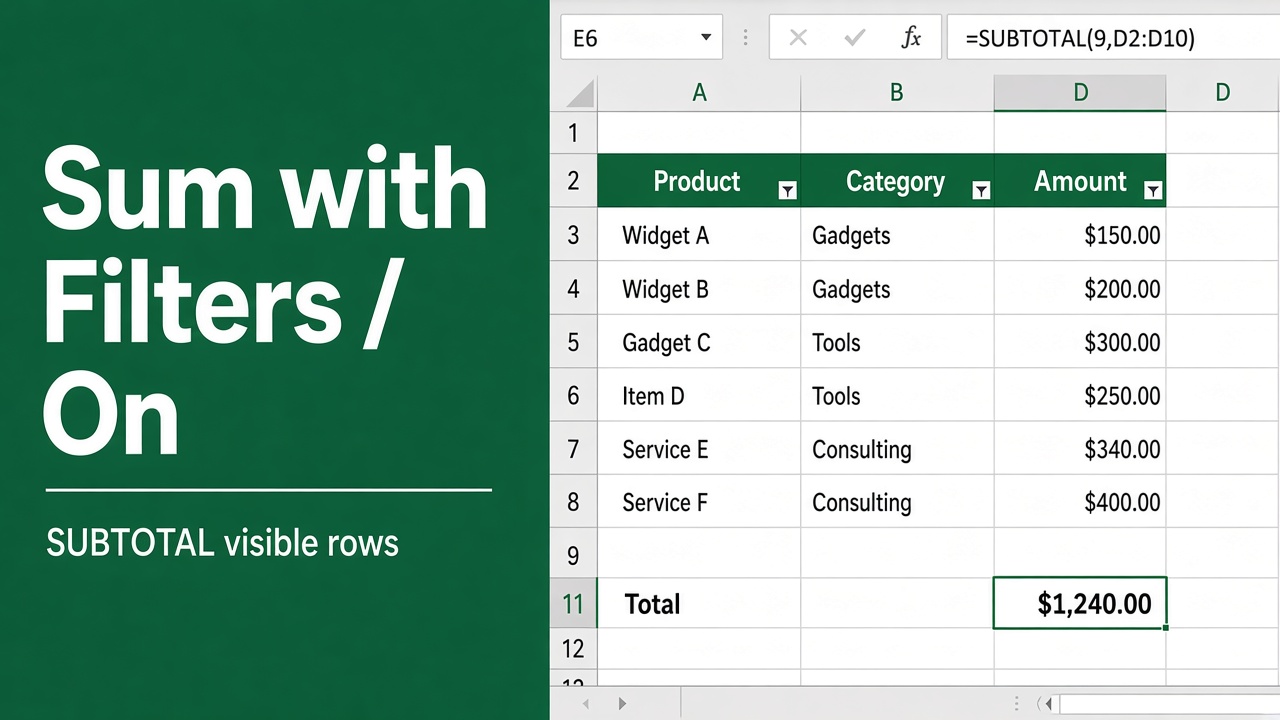
Simple & Easy Excel Formula to Sum with Filters
Learn how to sum values in Excel using SUM with FILTER. Master SUMIF, SUMIFS, and FILTER functions for dynamic and conditional summing in your spreadsheets.
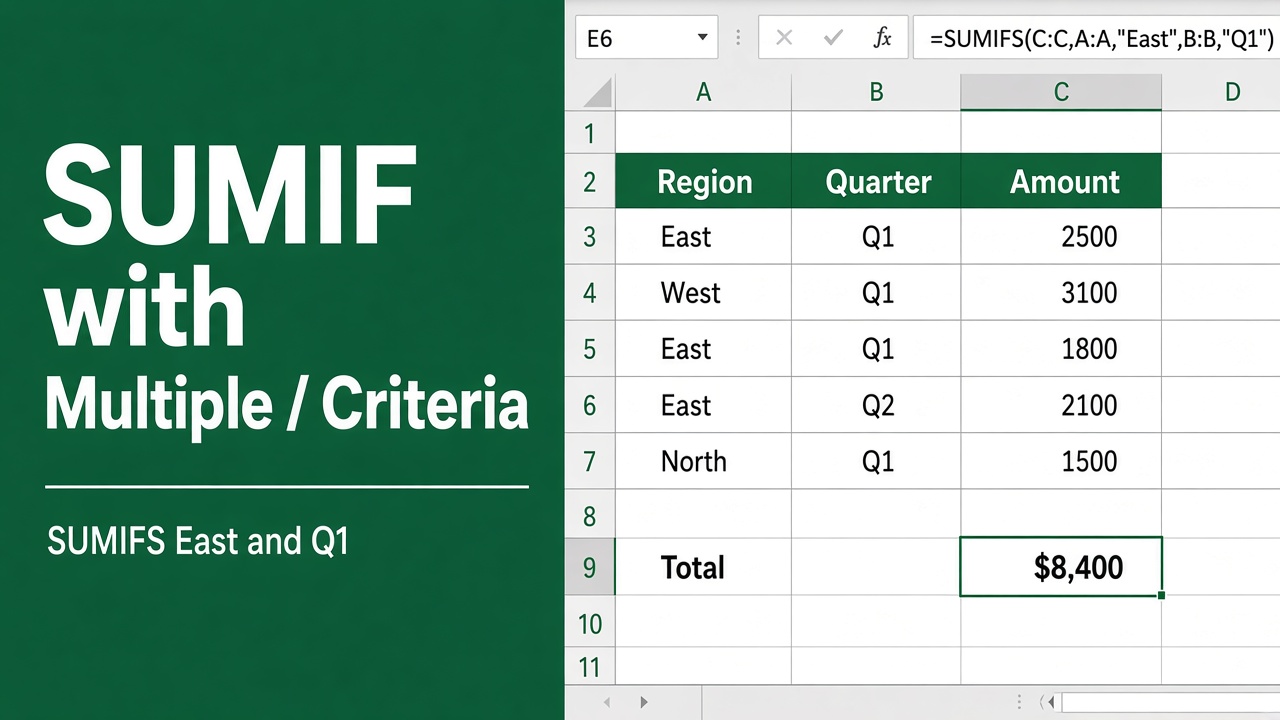
How to Use SUMIF with Multiple Criteria in an Excel Formula?
Learn how to use SUMIF with multiple criteria in Excel. Sum values based on two or more conditions using SUMIF or SUMIFS functions. Tips & examples included.
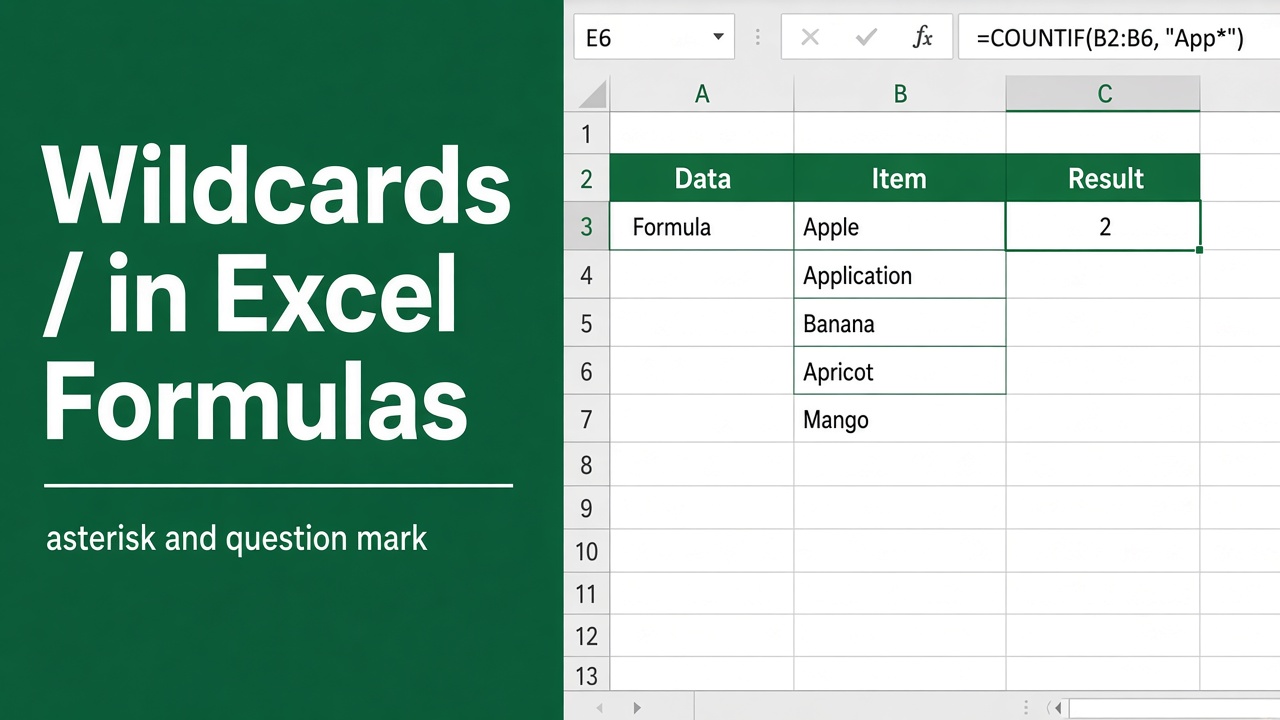
Excel Formula with Wildcard: How to Use Wildcards in Excel Formulas
Unlock the power of Excel formulas with wildcards for dynamic, flexible data searches. Master this technique today to enhance your spreadsheets!