
All articles
Blog
Page 14 of 71
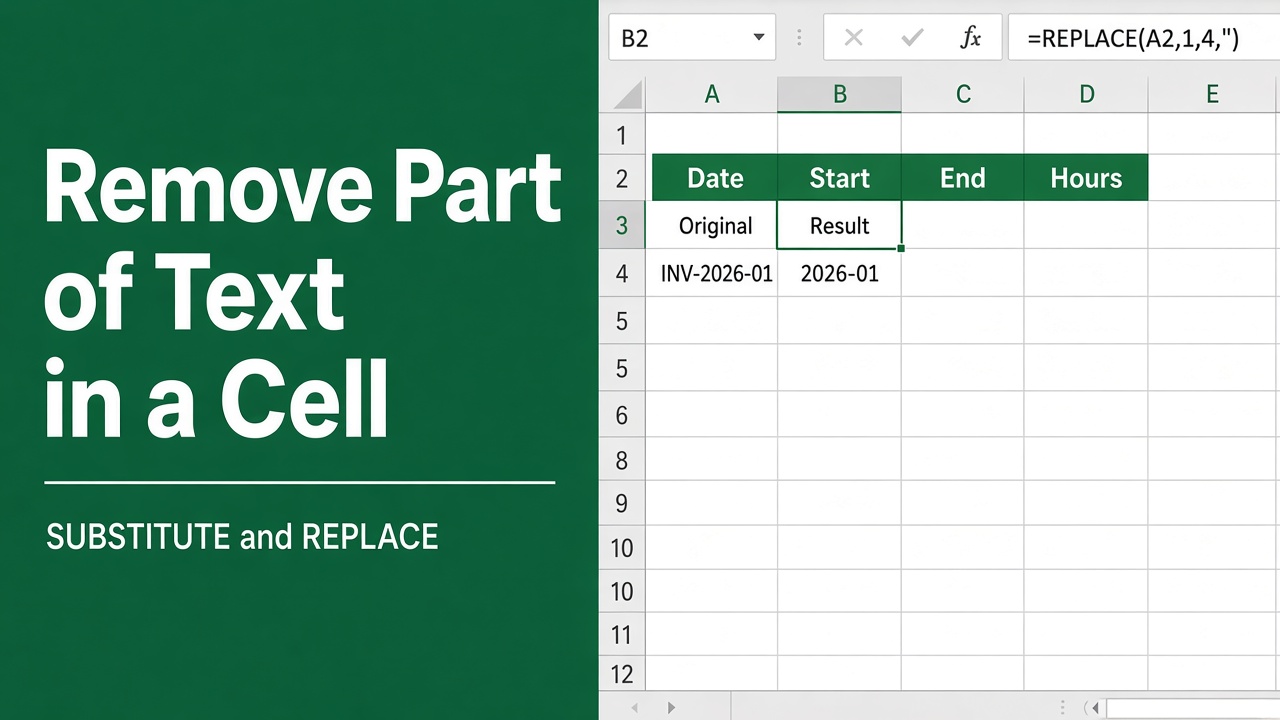
How to Remove Part of Text in a Cell in Excel: Easy Guide
Learn how to remove part of text in an Excel cell using functions like LEFT, RIGHT, MID, or FIND for efficient data editing and cleanup.
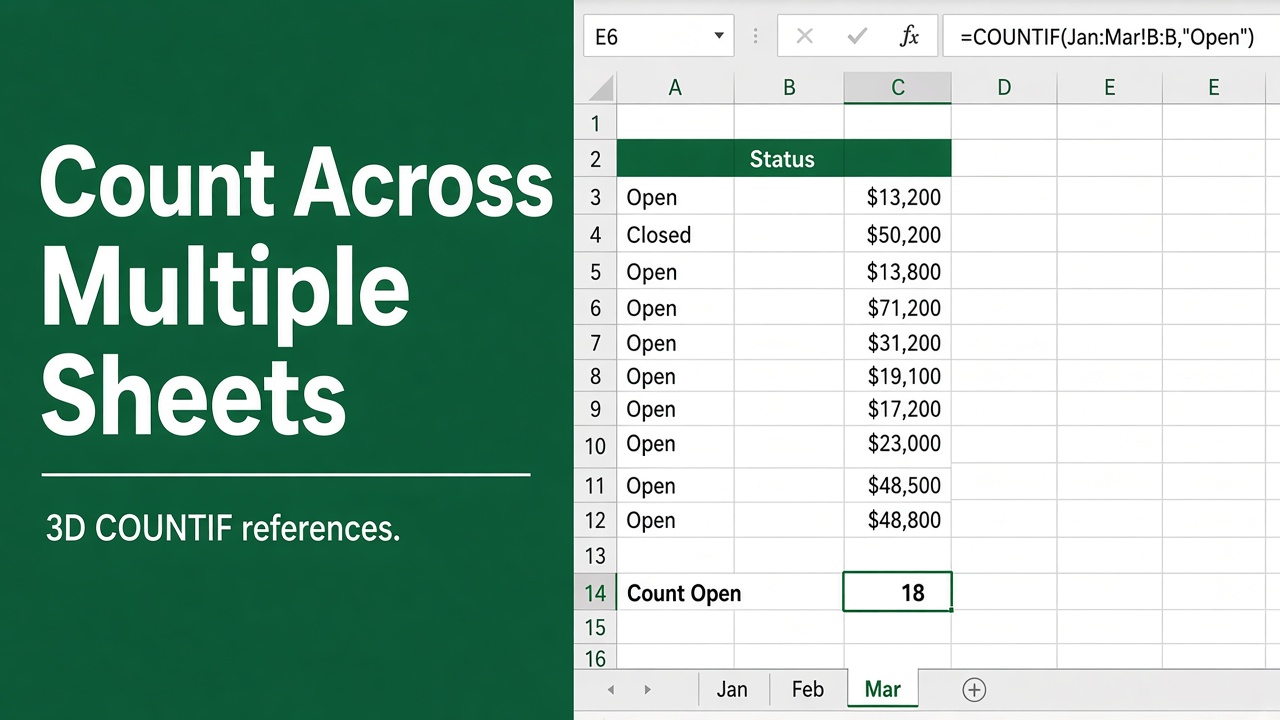
Easy Excel Formula to Count Across Multiple Sheets
Learn how to use an Excel formula to count values across multiple sheets, streamlining data analysis and improving productivity in your spreadsheets.
How to Group Worksheets in Excel: A Complete Guide
Learn how to group worksheets in Excel to apply formulas, formatting, or data entries across multiple sheets. Boost productivity with our step-by-step guide.
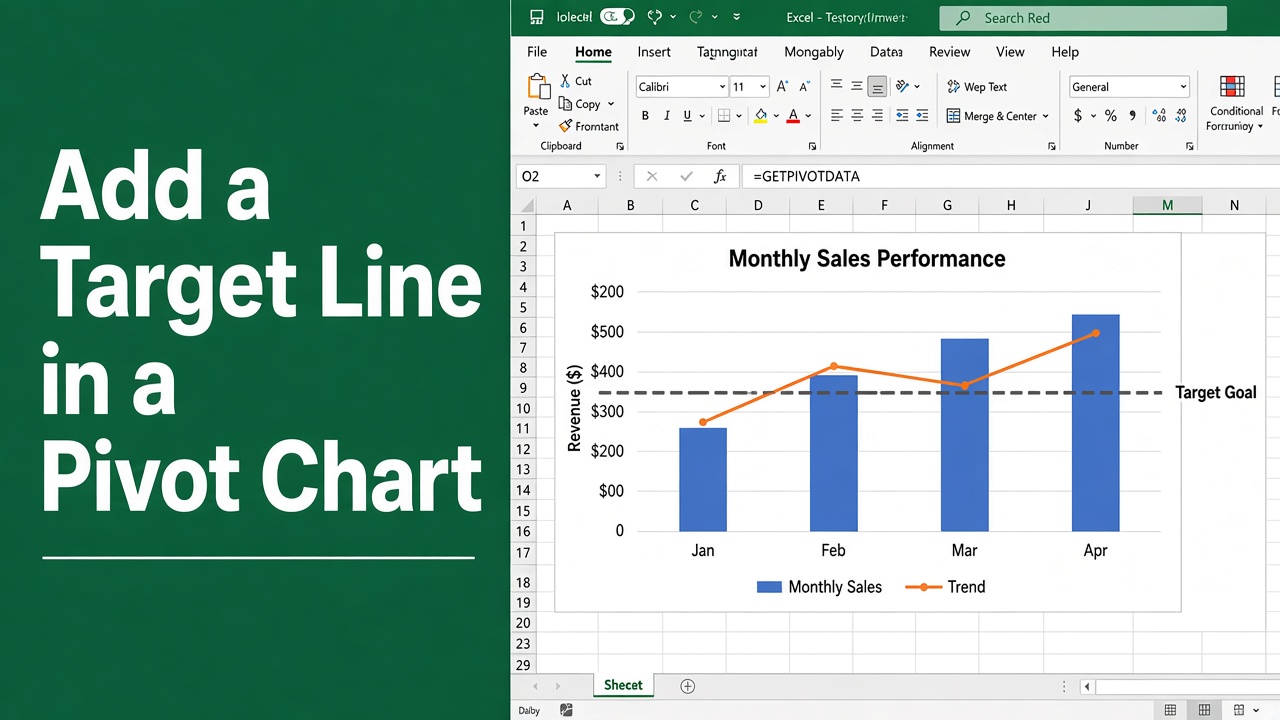
How to Add a Target Line in Excel Pivot Chart: Expert Guide
Learn how to add a target line in an Excel pivot chart to track goals or benchmarks, enhancing your data analysis and visualization effortlessly.
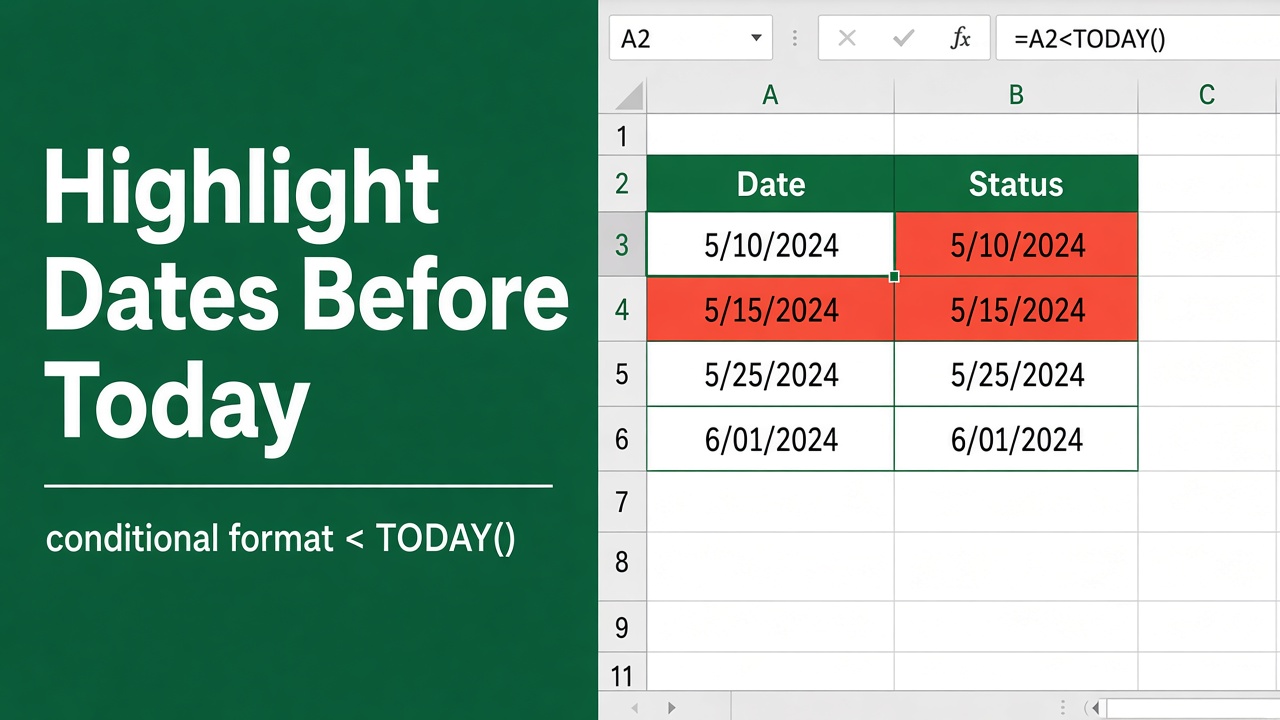
Easy Excel Formula to Highlight Dates Before Today
Highlight overdue tasks easily by learning how to use Excel formulas for conditional formatting to highlight dates before today. Track deadlines with ease.
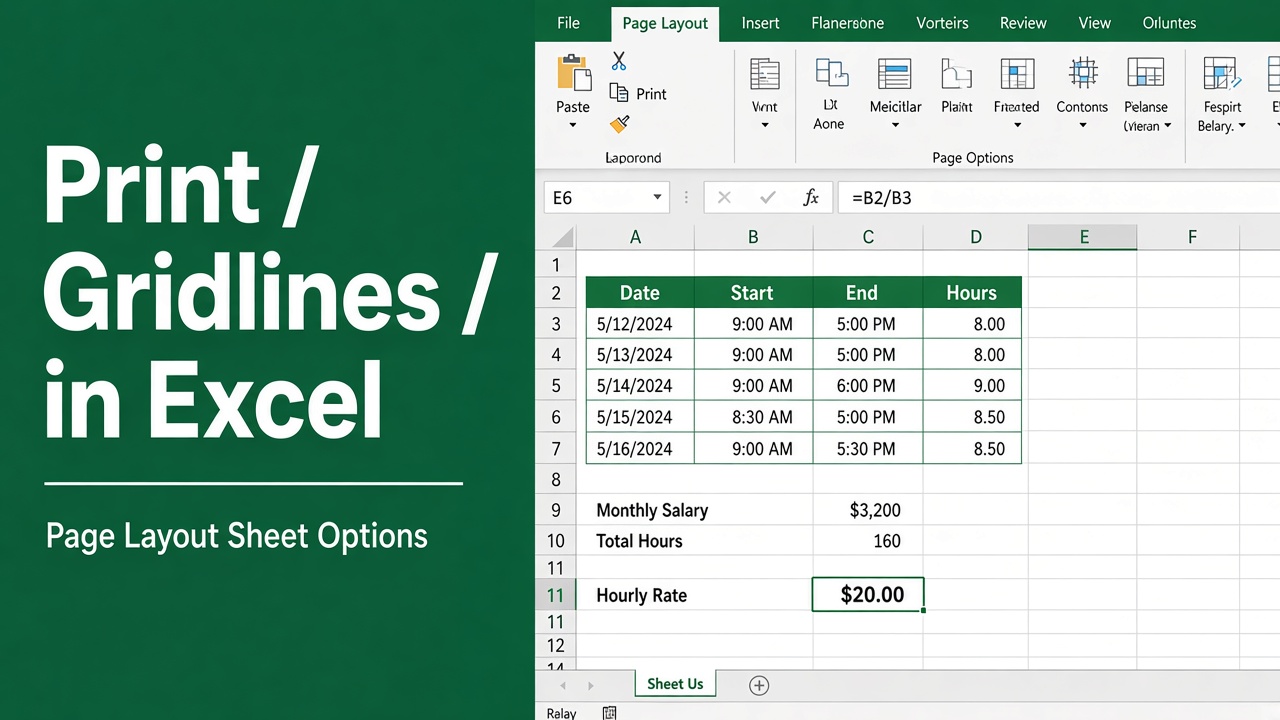
How to Print Gridlines in an Excel Sheet: Easy Guide
Learn how to print gridlines in Excel to enhance readability and organization. Follow these simple steps to include gridlines in your printed sheets.
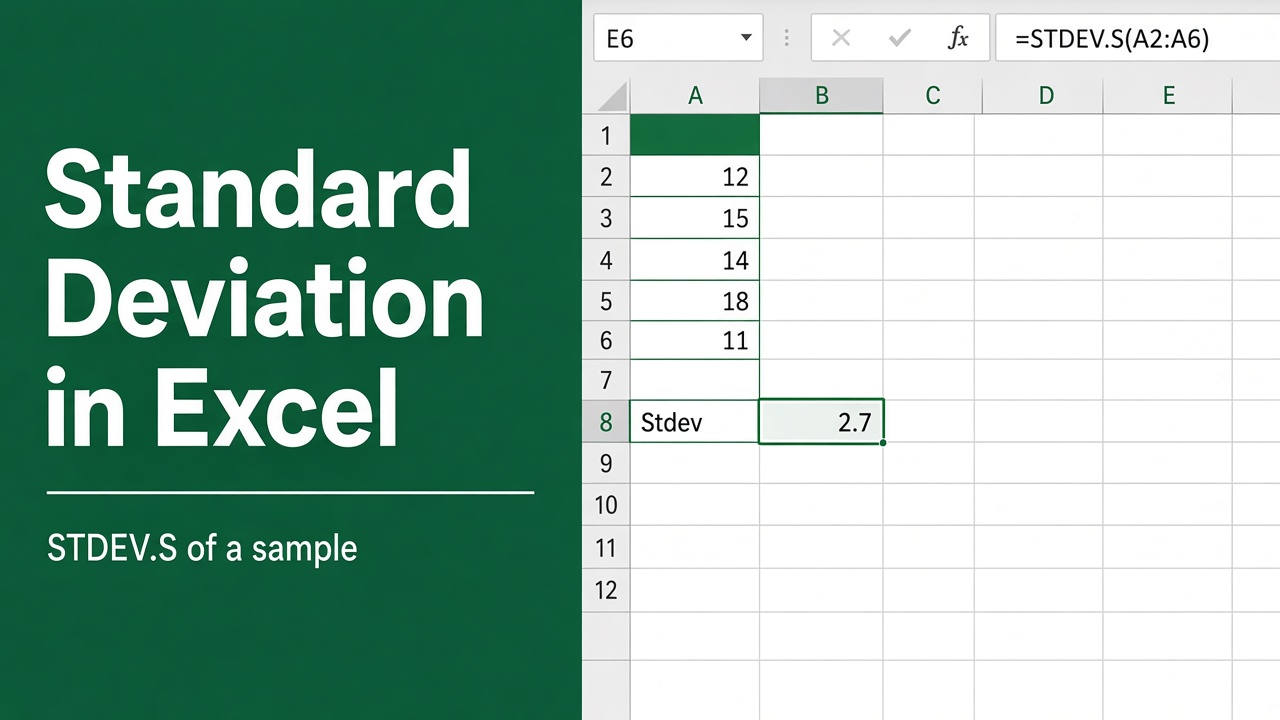
How to Calculate Standard Deviation in Excel: Expert Guide
Learn how to calculate standard deviation in Excel with easy steps, functions, and tips. Enhance data analysis with Excel’s built-in standard deviation tools.
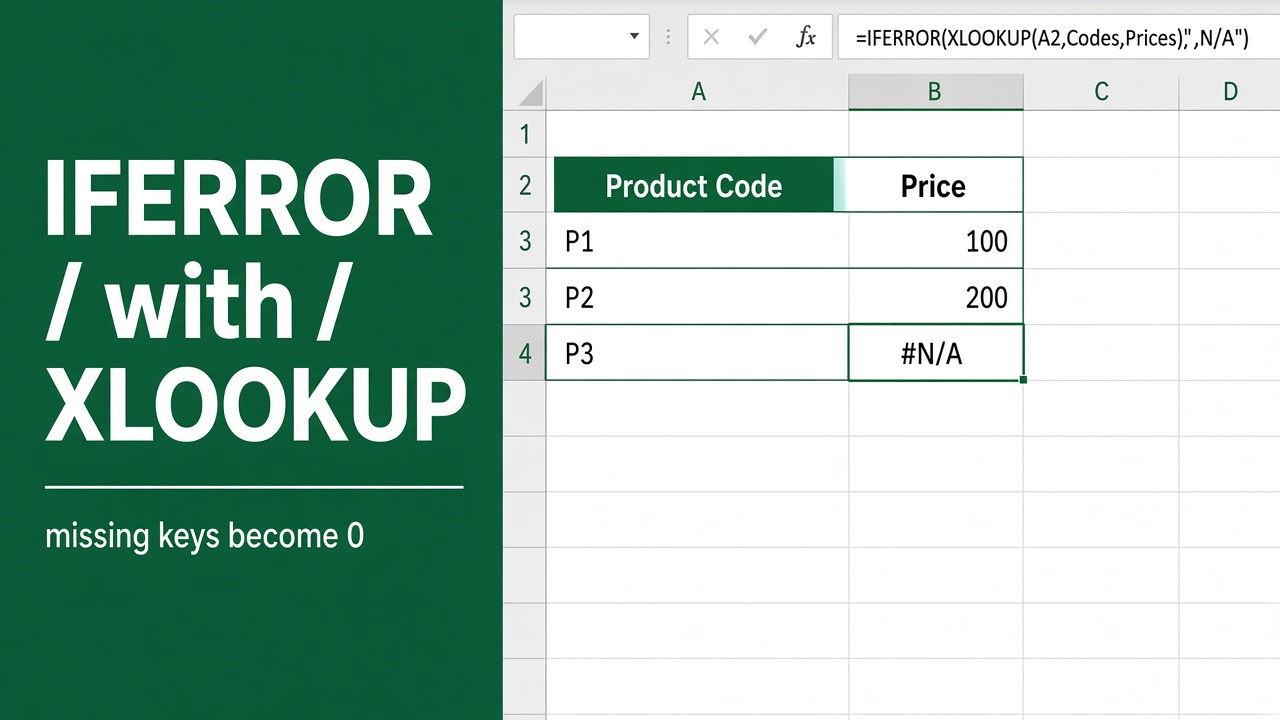
How to Use IFERROR with XLOOKUP: A Complete Guide
Learn how to use IFERROR with XLOOKUP to handle errors in Excel. Replace error codes with meaningful messages and streamline your data lookup processes.
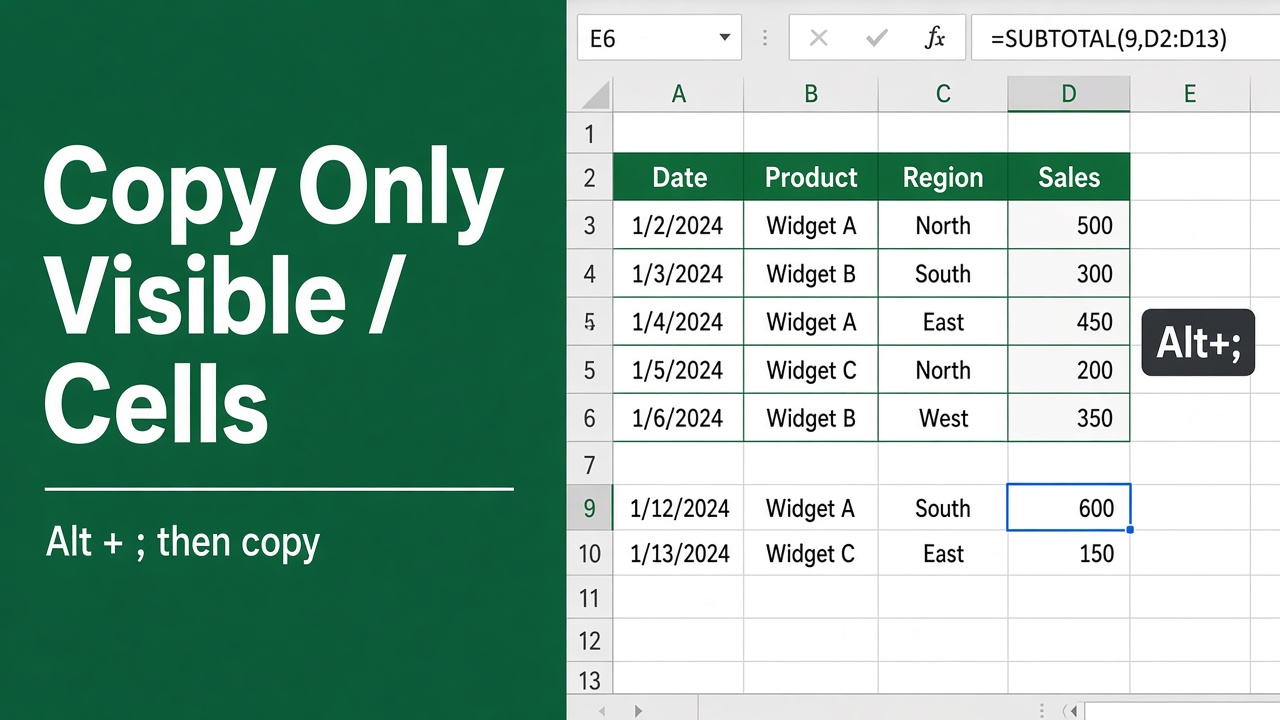
How to Copy Only Visible Cells in Excel? (The Easy Way)
Learn how to copy only visible cells in Excel to avoid hidden data errors. Follow these simple steps and tips to ensure clean and accurate data copying.
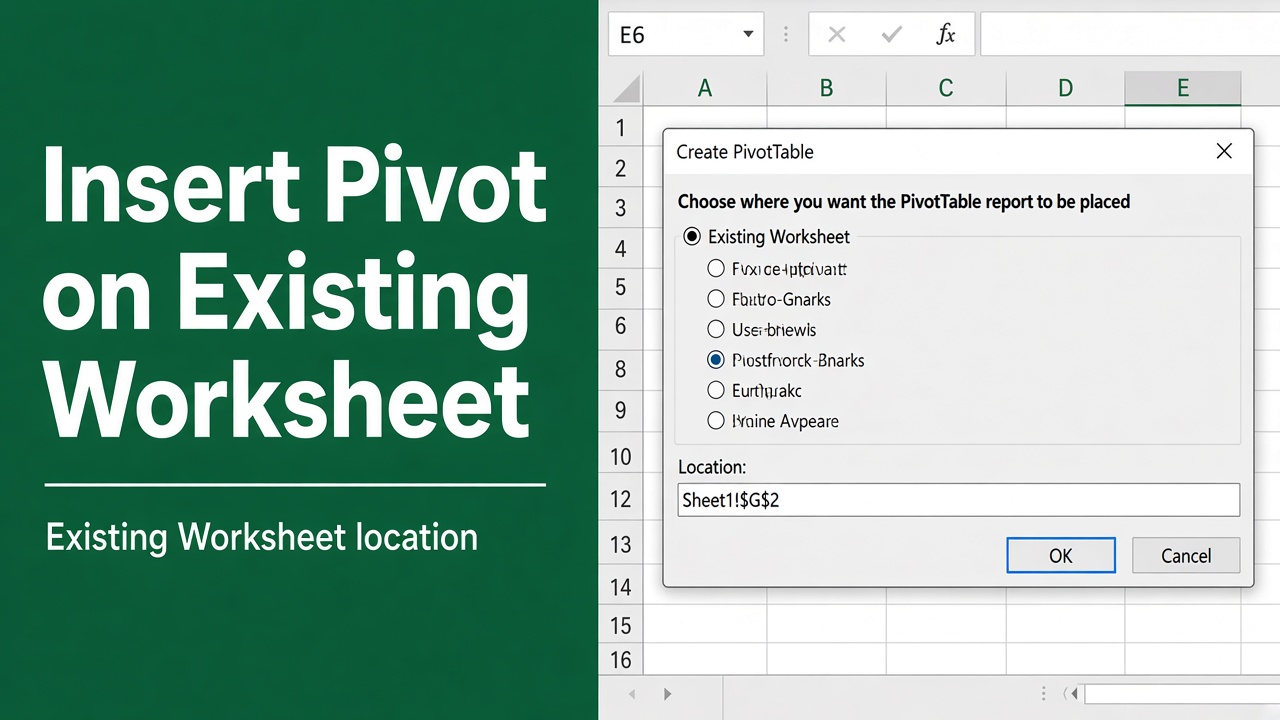
How to Insert Pivot Table in an Existing Worksheet?
Learn how to insert a pivot table into an existing worksheet in Excel with this easy-to-follow guide. Organize and summarize your data efficiently.